Pixel2Lines

Service
Photo to SVG Drawing
Photo to SVG Laser Engraving
Photo to SVG Shapes
Photo to SVG Shapes
Photo to Illustration
Floor Plan Conversion
Embroidery Digitization
Photo to Remove Background
Image Upscaler
Image Upscaler
Design Grid
Design Grid
Contact & Support→Technology→WorkspaceSVG EditorConverters
GalleryPricingSVG EditorWorkspace
  1. Home/
  2. Professional SVG Drawings/
  3. SVG Drawing from Photo

SVG Drawing from Photo

Premium SVG drawing workflow from raster images. Clean line-based vector output for professional use.
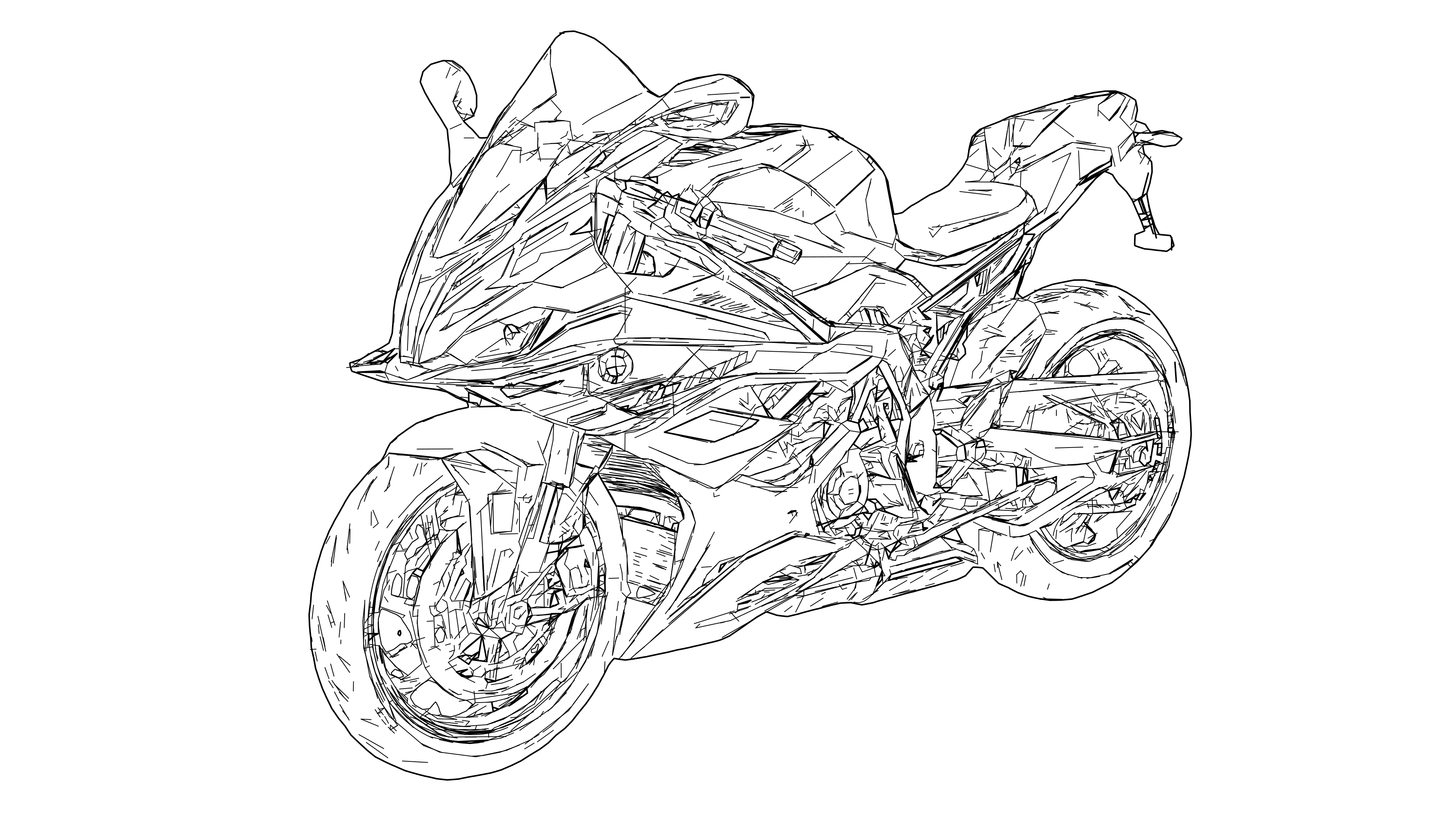
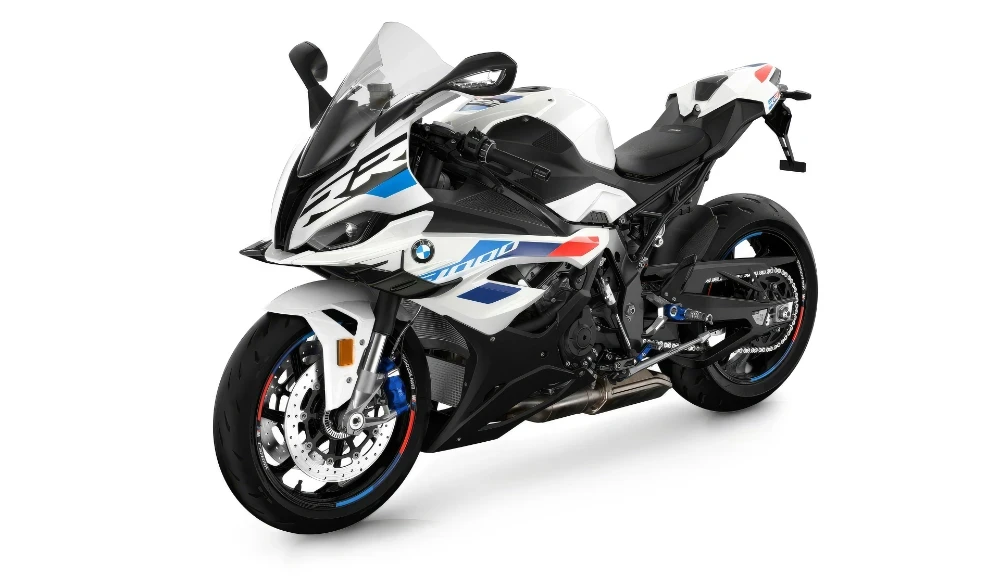
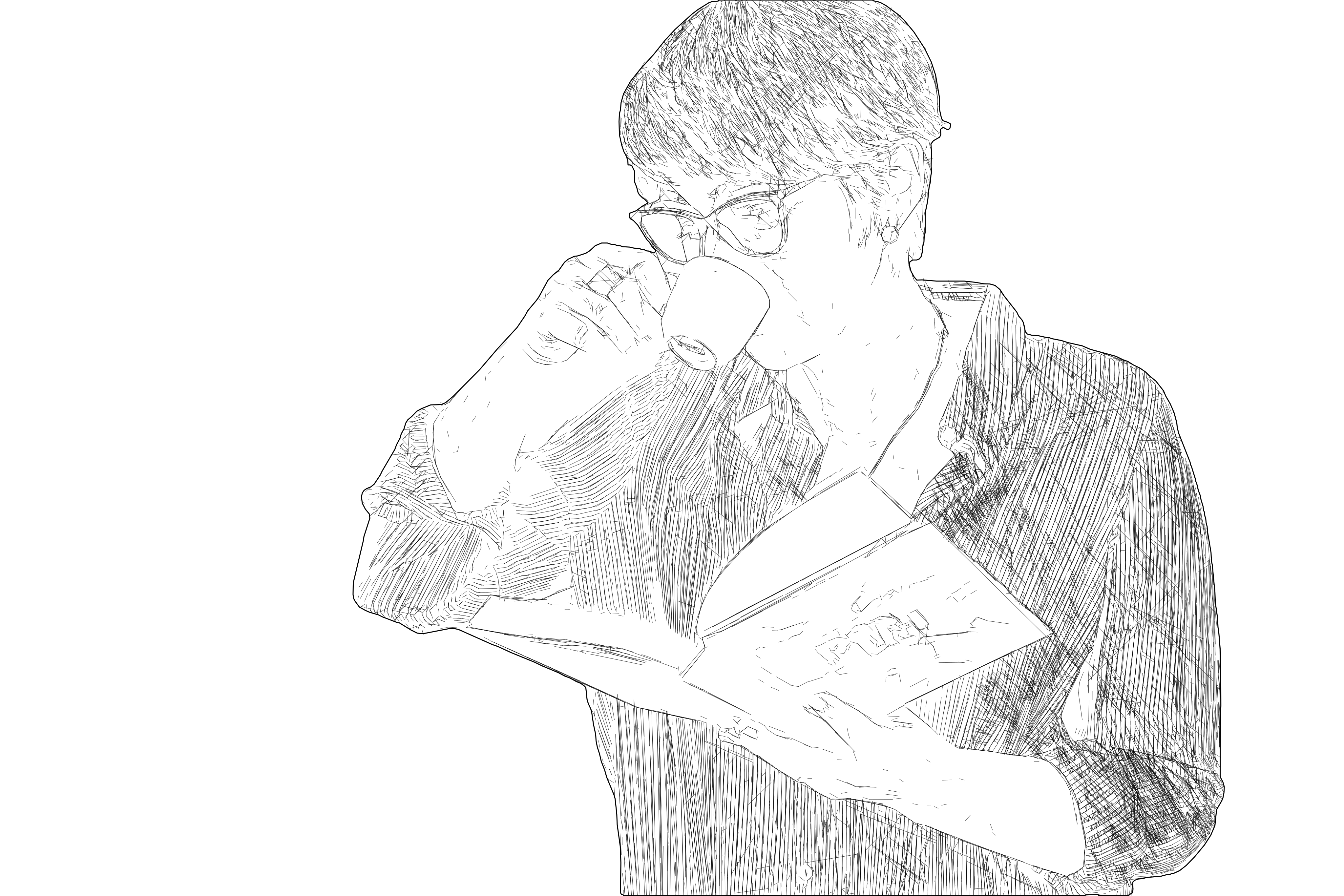
SVG Drawing from Photo — professional SVG line drawing from photo
After
Original photo before SVG Drawing from Photo conversionBefore

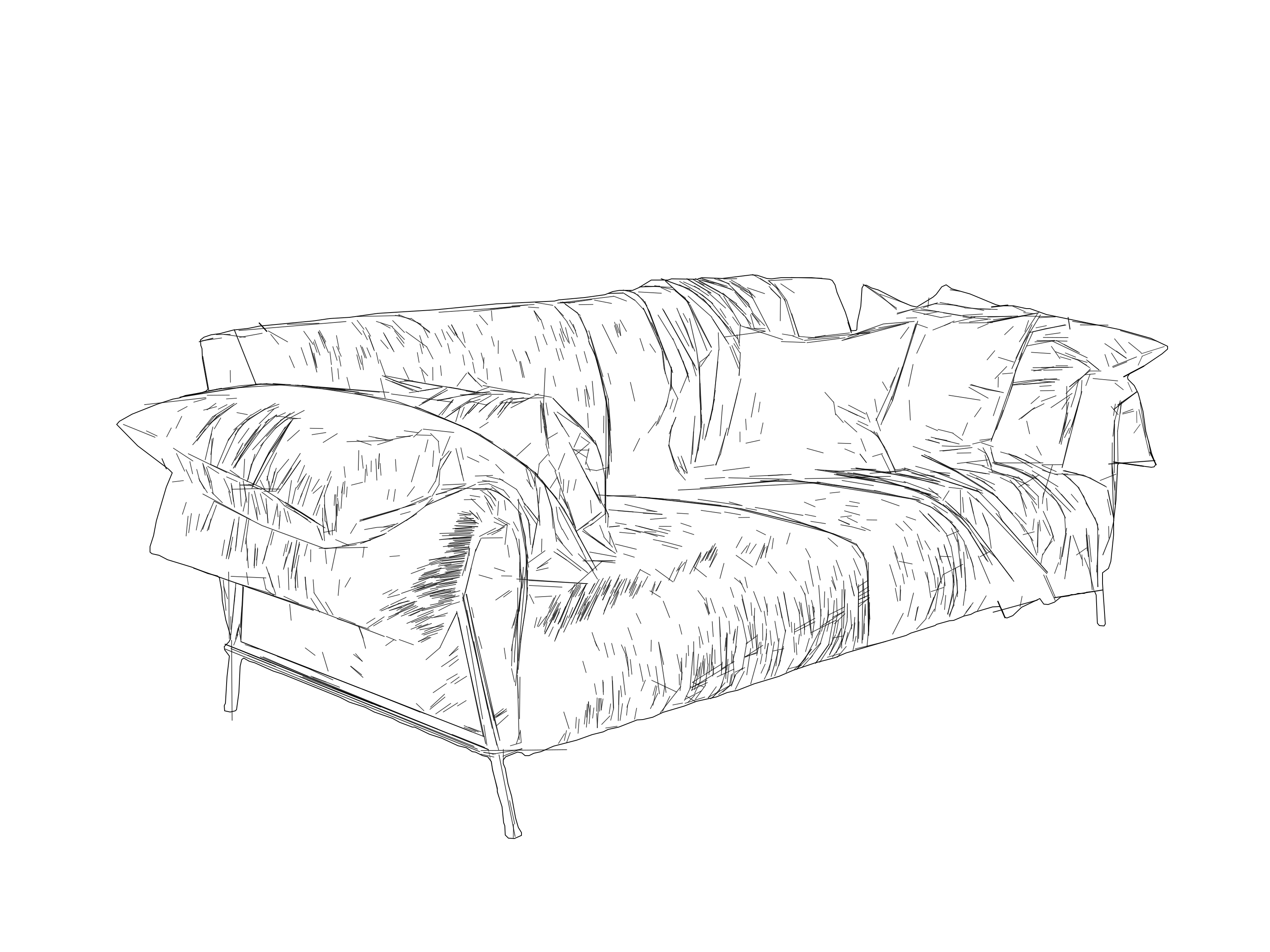
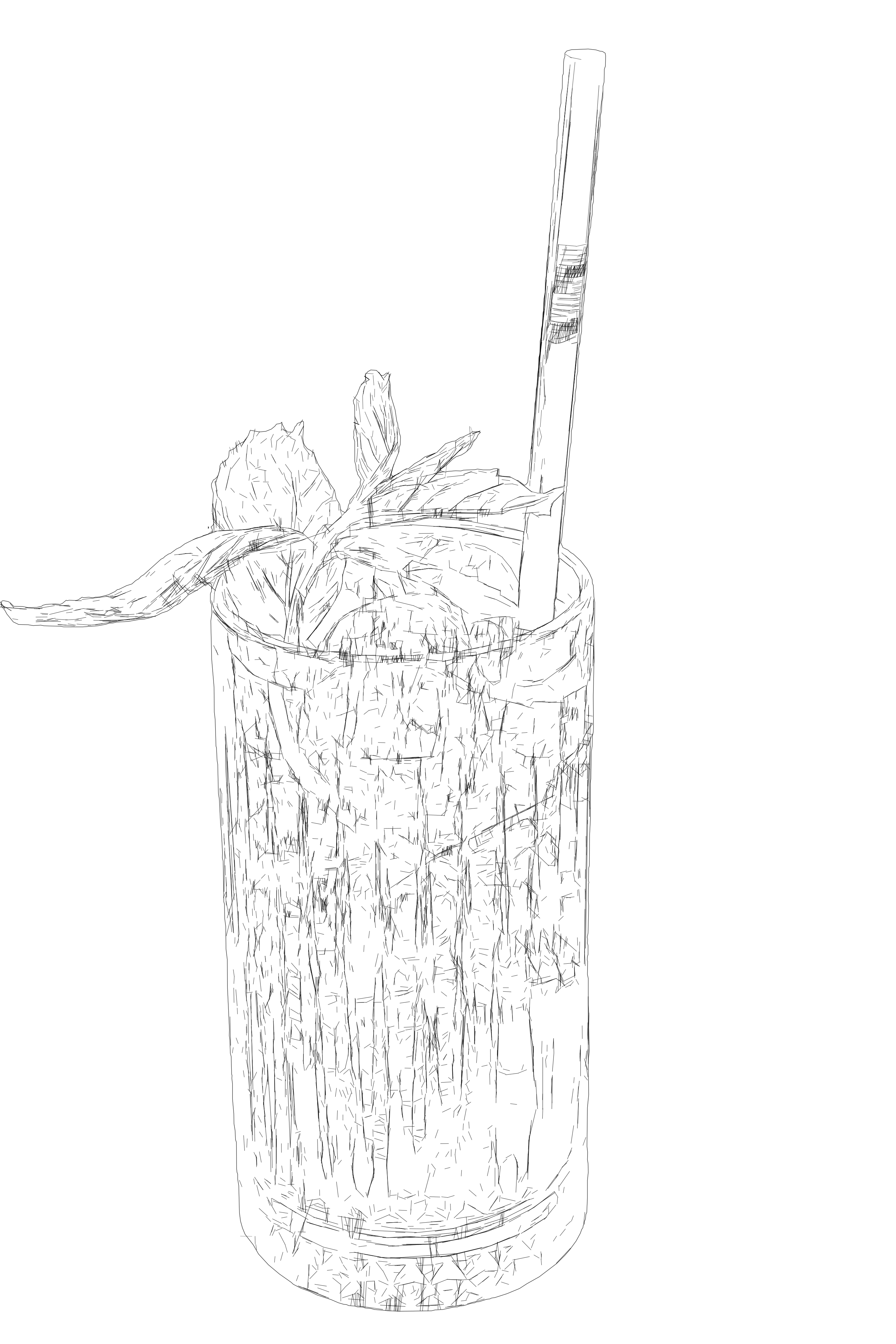
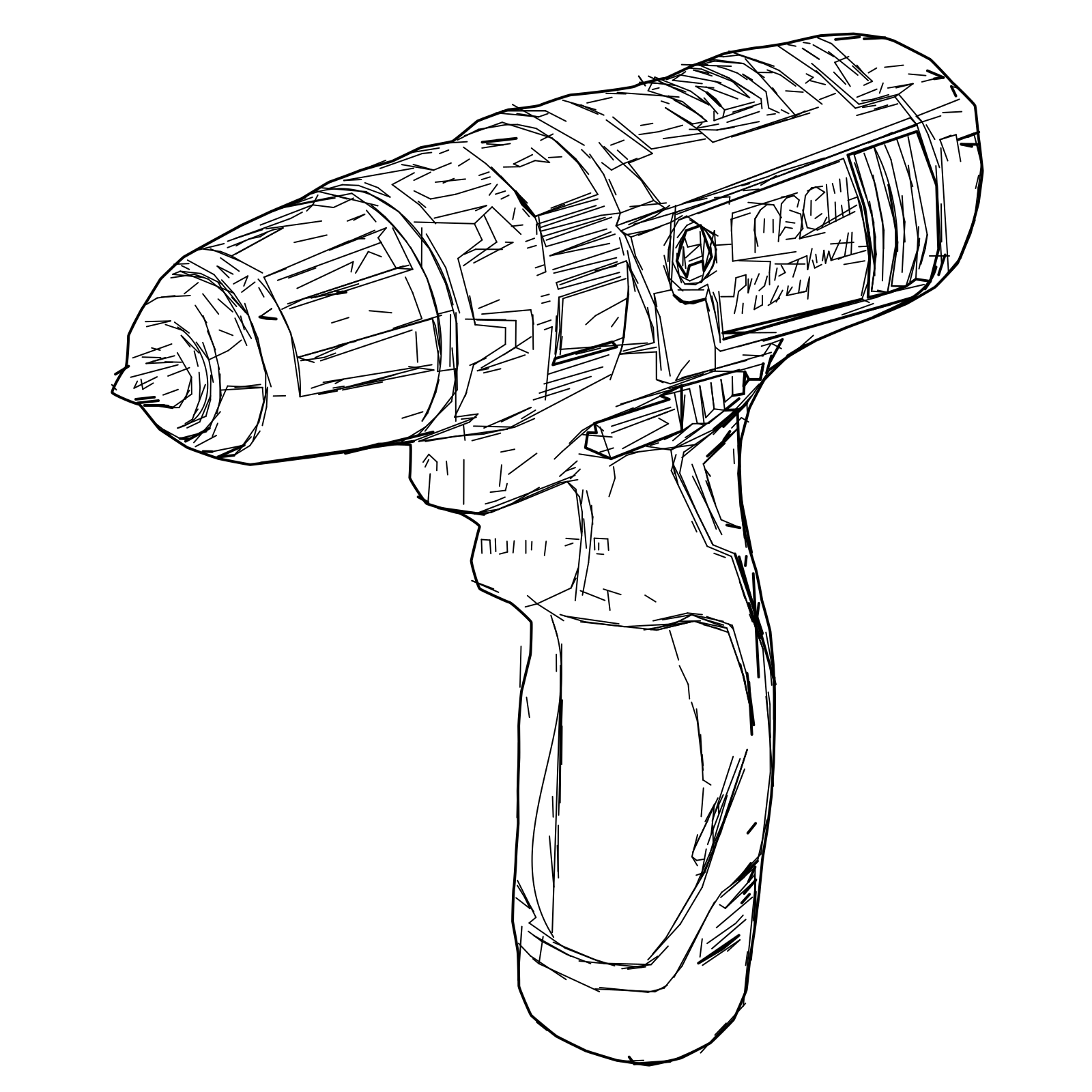
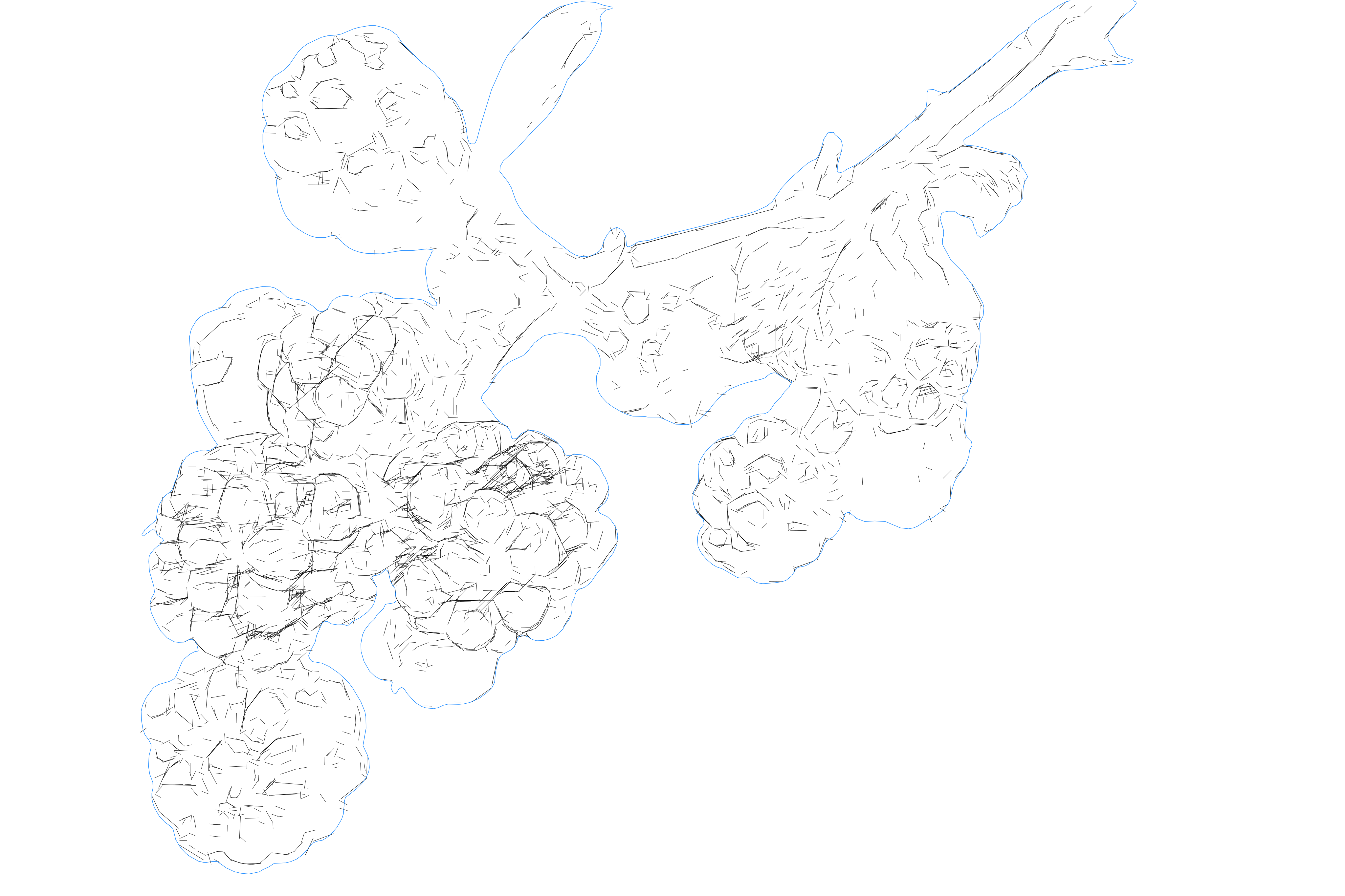
Pixel2Lines turns a raster image into a clean SVG drawing built for manuals, product graphics, plotting, architecture visuals, and fabrication prep. Unlike generic auto-tracers that convert the whole image into filled vector shapes, SVG Drawing focuses on readable line-based output. It is also not a hobby sketch effect: the goal is controlled geometry for business workflows.

Premium SVG Drawing workflow for teams that need controlled line geometry instead of generic auto-traced shapes.

Open Workspace

View pricing · See full workflow details

Examples

SVG Drawing from Photo — professional SVG line drawing from photo
After
Original photo before SVG Drawing from Photo conversionBefore
SVG Drawing from Photo — professional SVG line drawing from photo
After
Original photo before SVG Drawing from Photo conversionBefore
SVG Drawing from Photo — professional line drawing example showing clean vector output

FAQ

How is this different from a normal SVG converter?

SVG Drawing is built for line-based professional output. Instead of turning the whole image into filled vector shapes, it focuses on controlled line geometry that is easier to reuse in manuals, plotting, design, and fabrication-adjacent workflows.

What do I receive?

A premium SVG Drawing workflow inside the workspace, with output tuned for line-based vector use. DXF handoff can be part of the workflow when geometry compatibility matters.

Who is this for?

Teams and professionals who need readable SVG drawings for documentation, product graphics, architecture visuals, plotting, laser-prep, and other downstream business workflows.