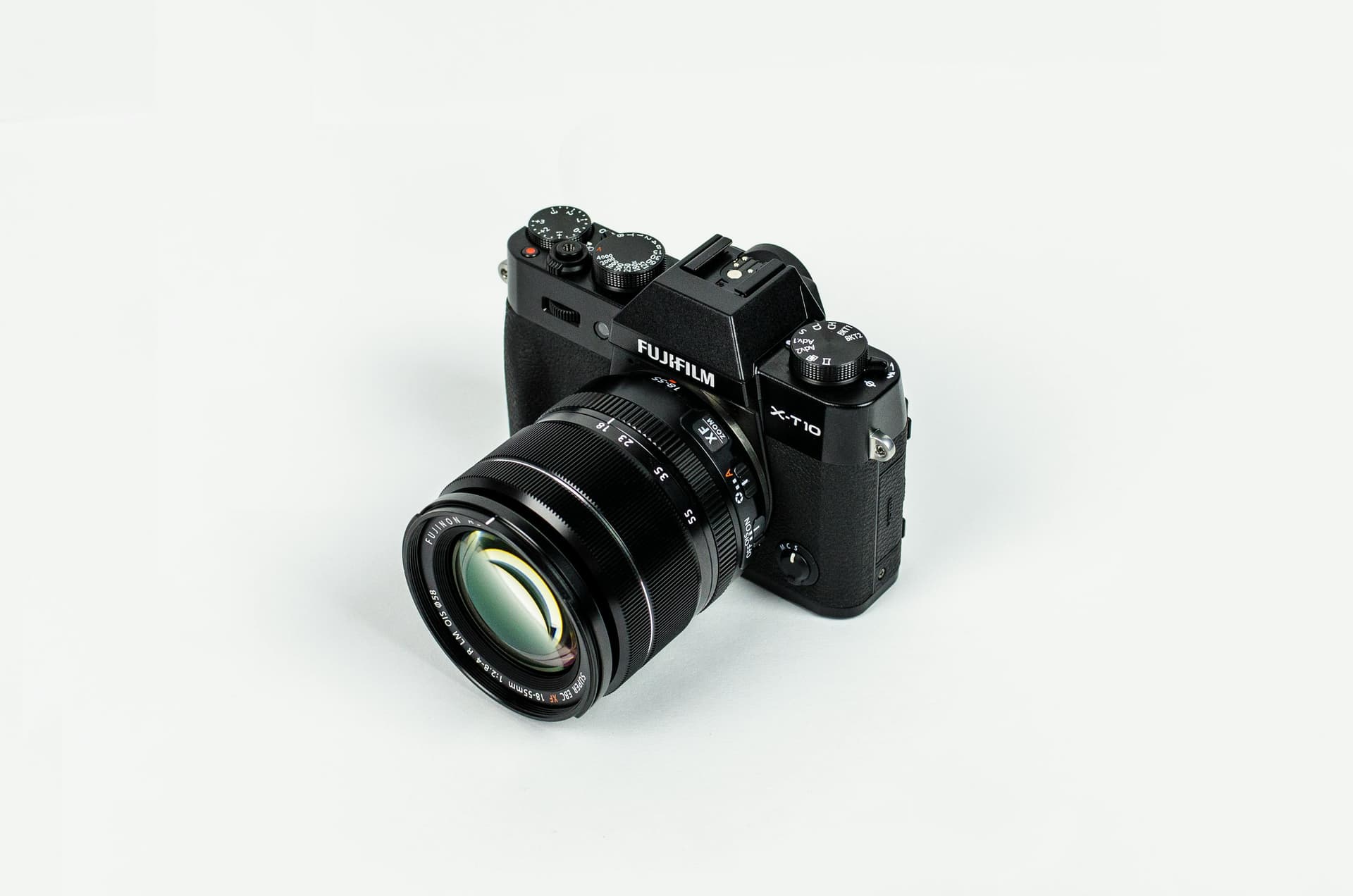
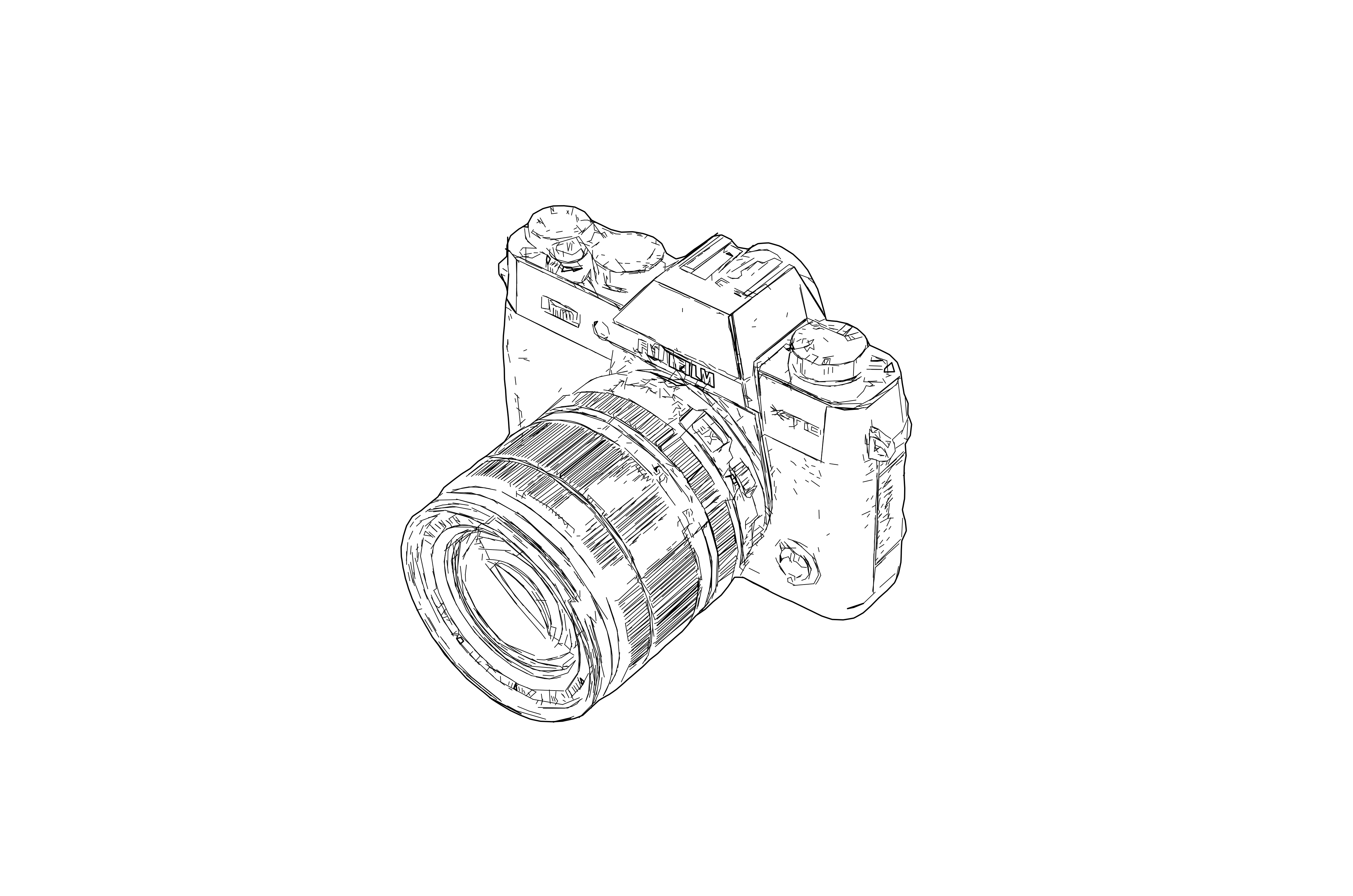
Raster to SVG Drawing
Clean line-based vector output for professional design and fabrication workflows
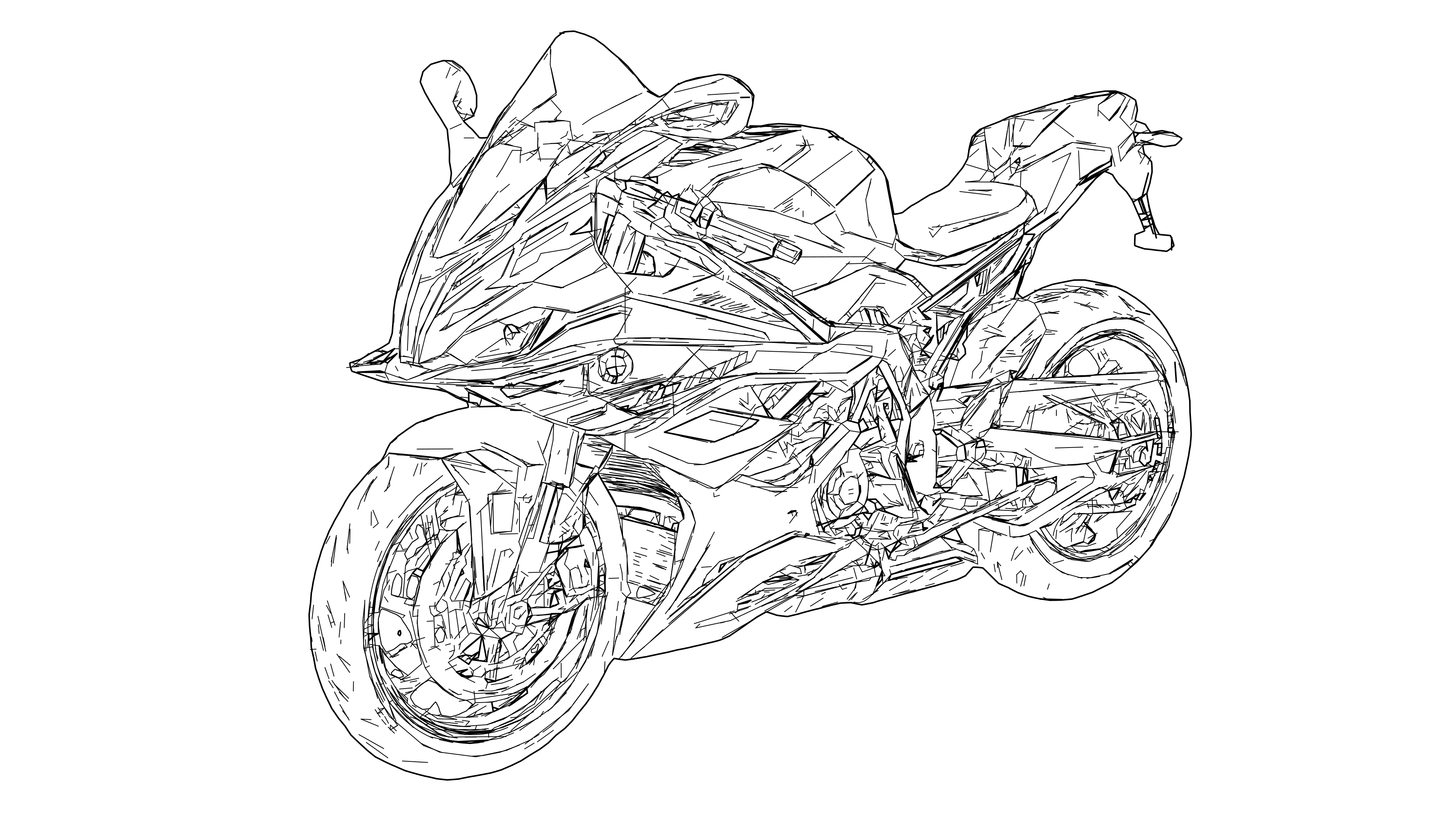
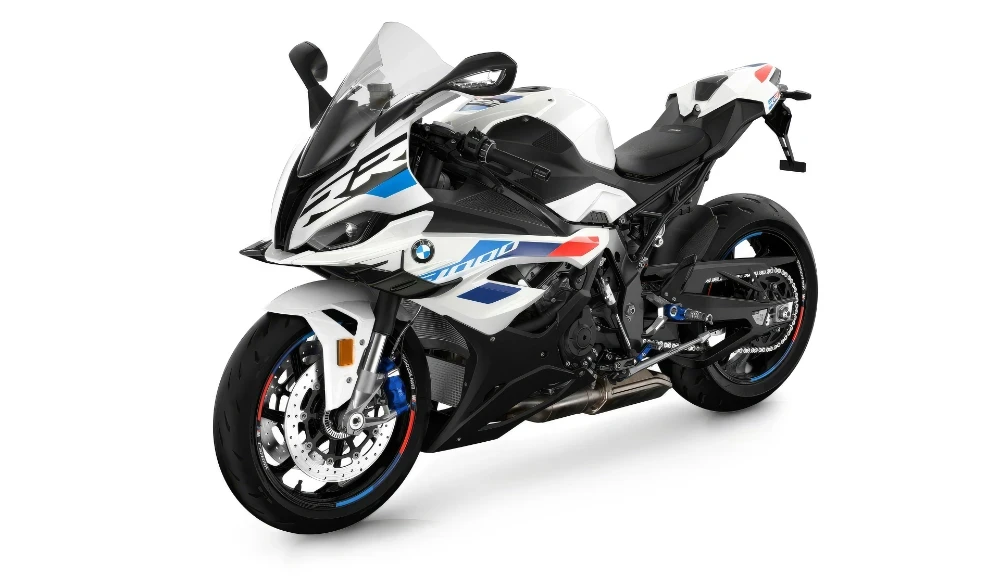
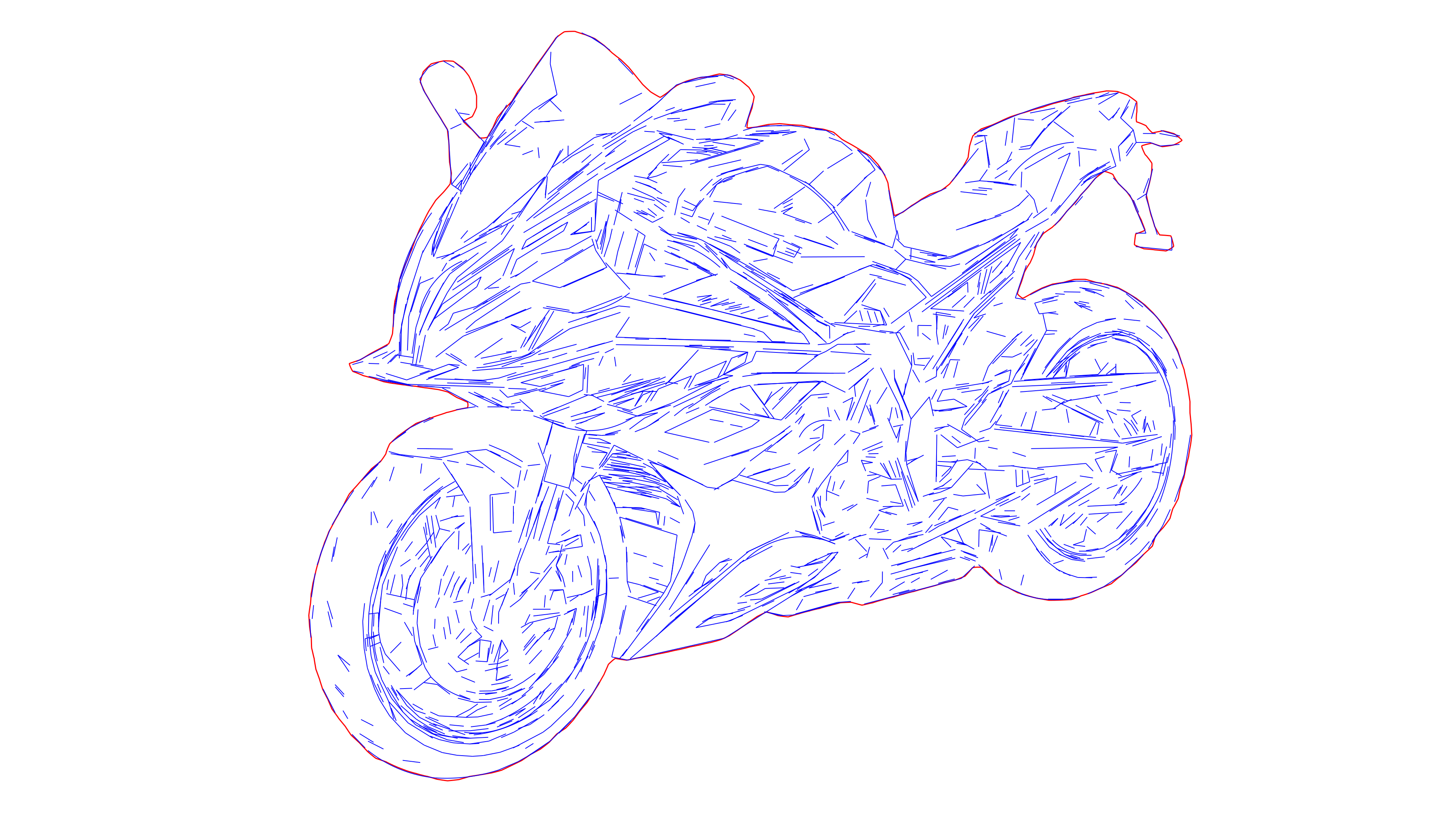
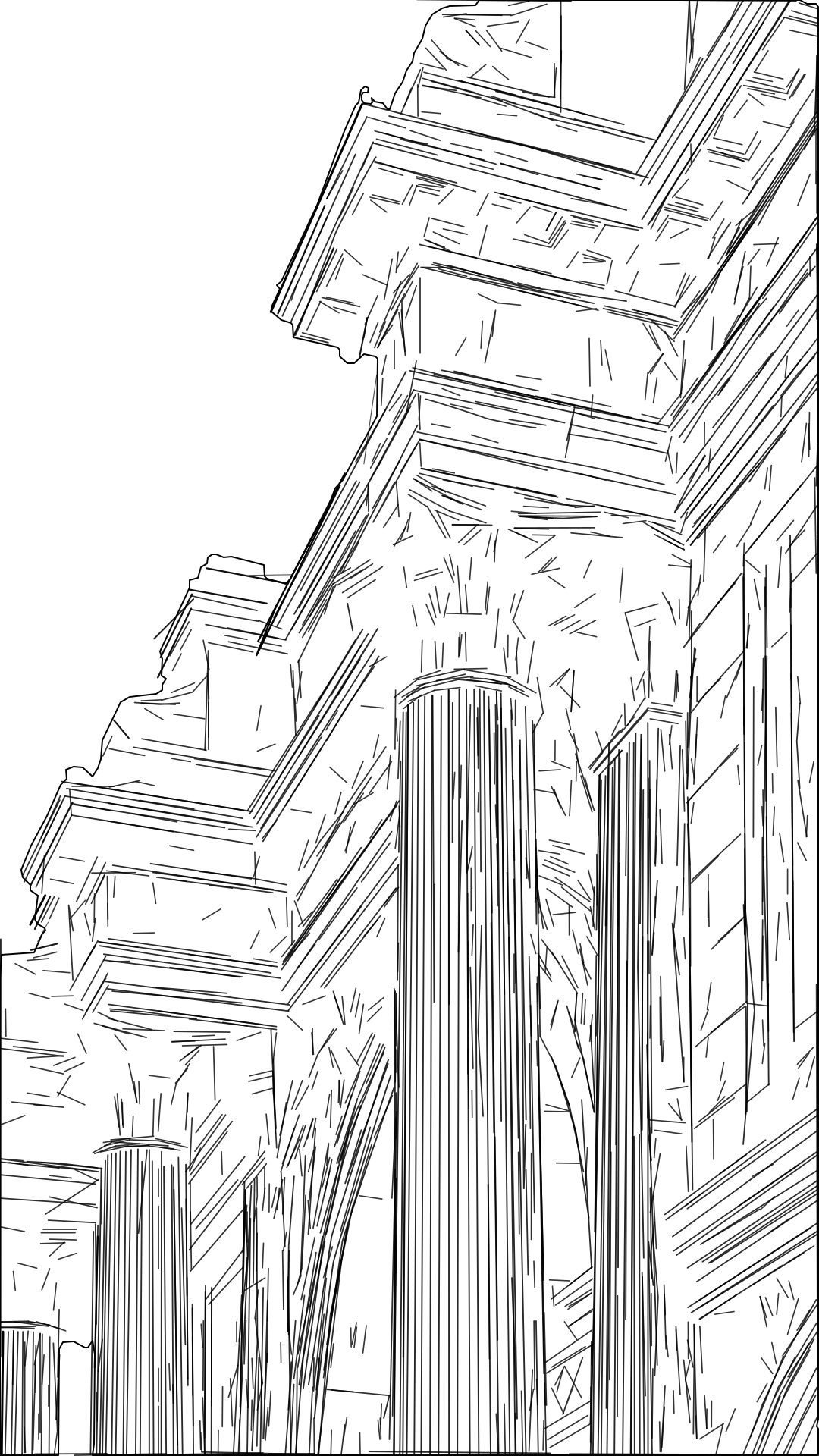
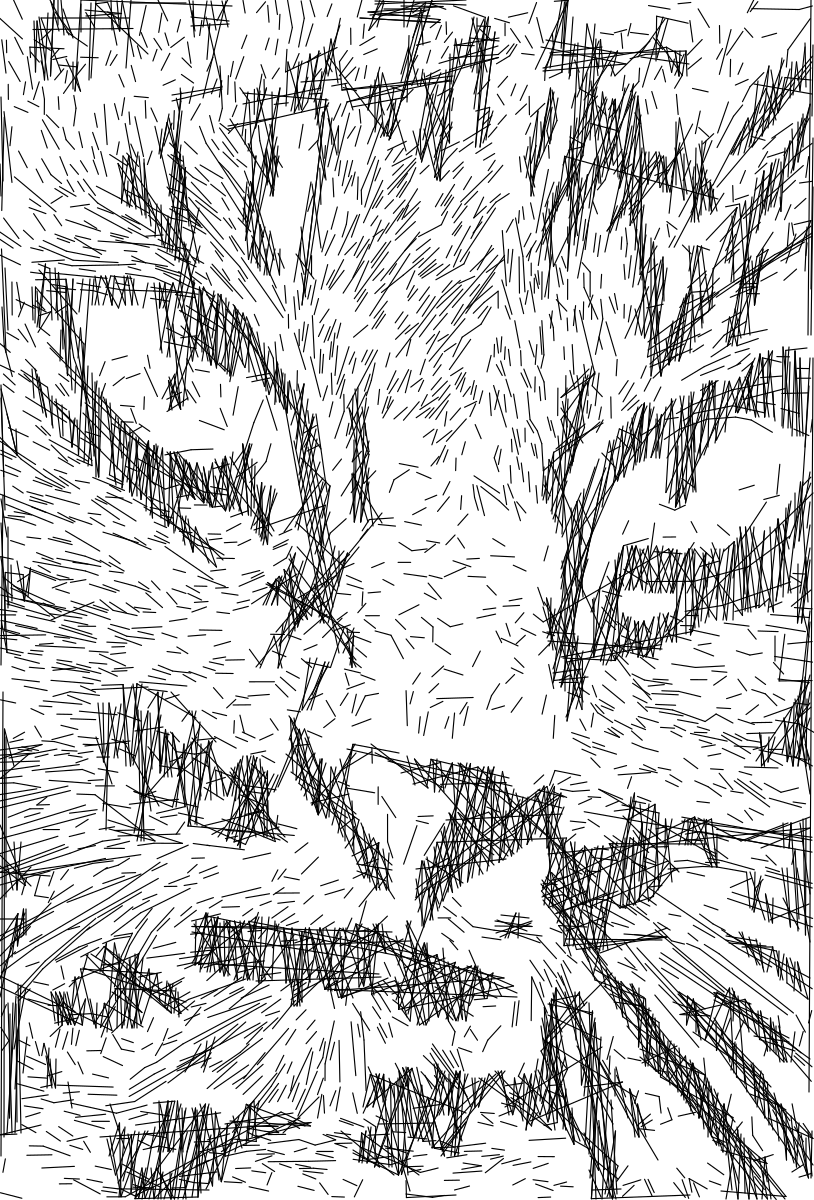
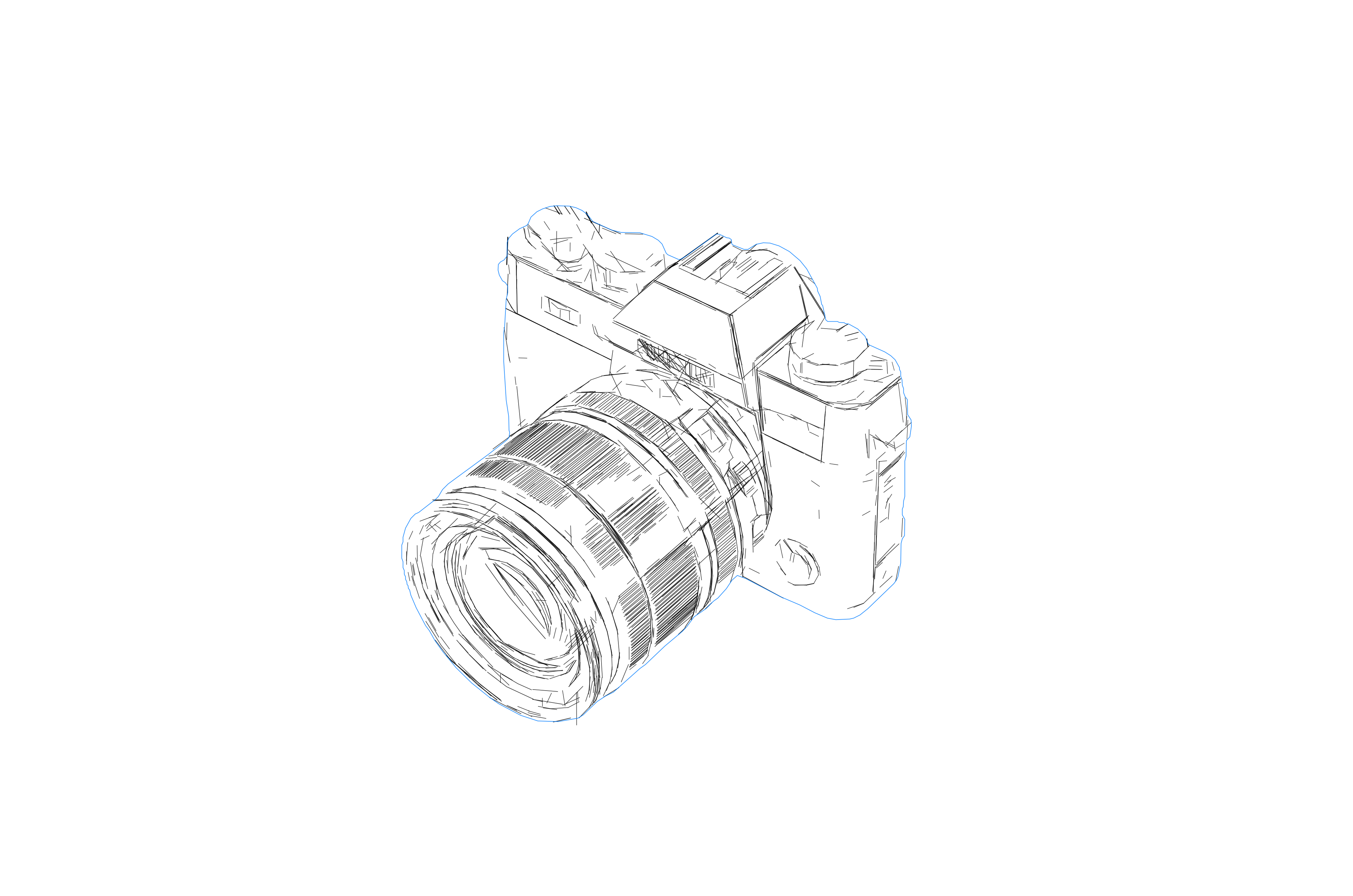
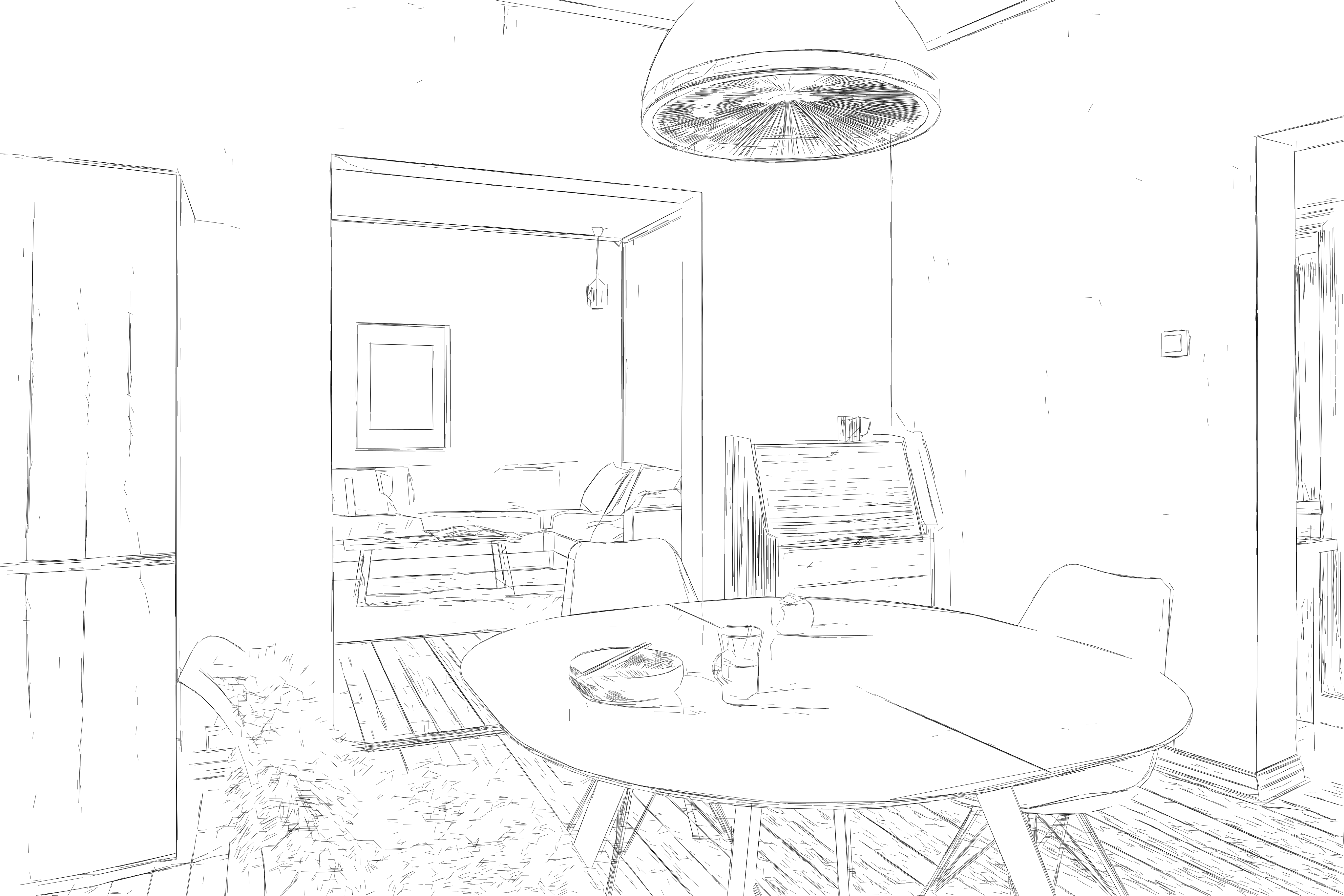
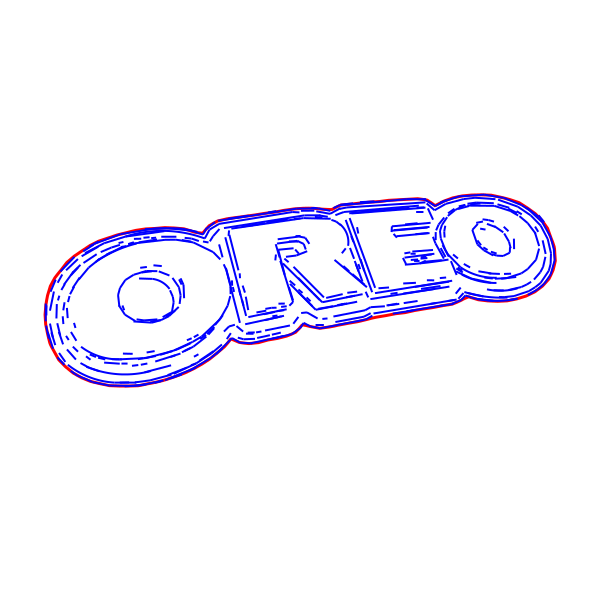
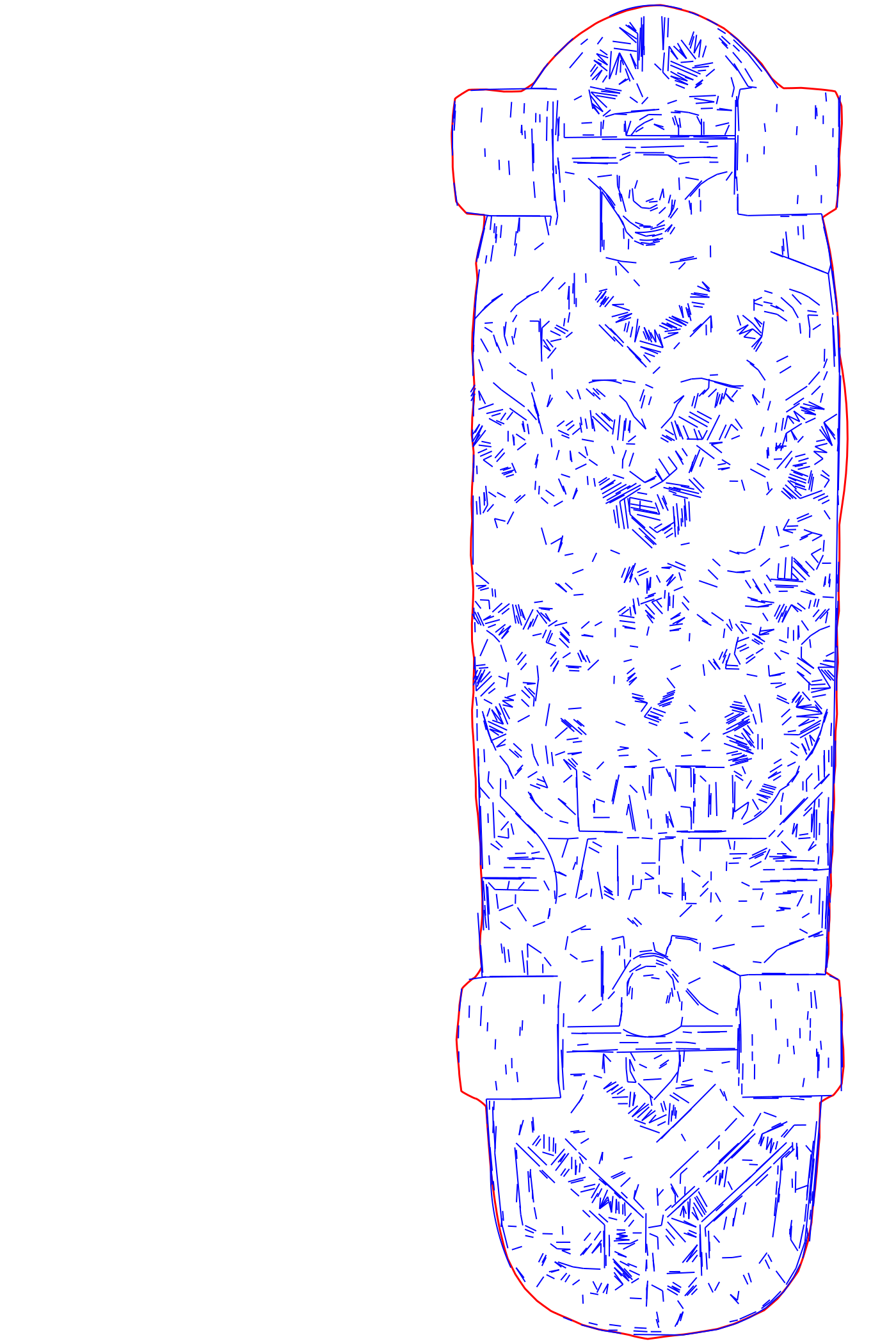
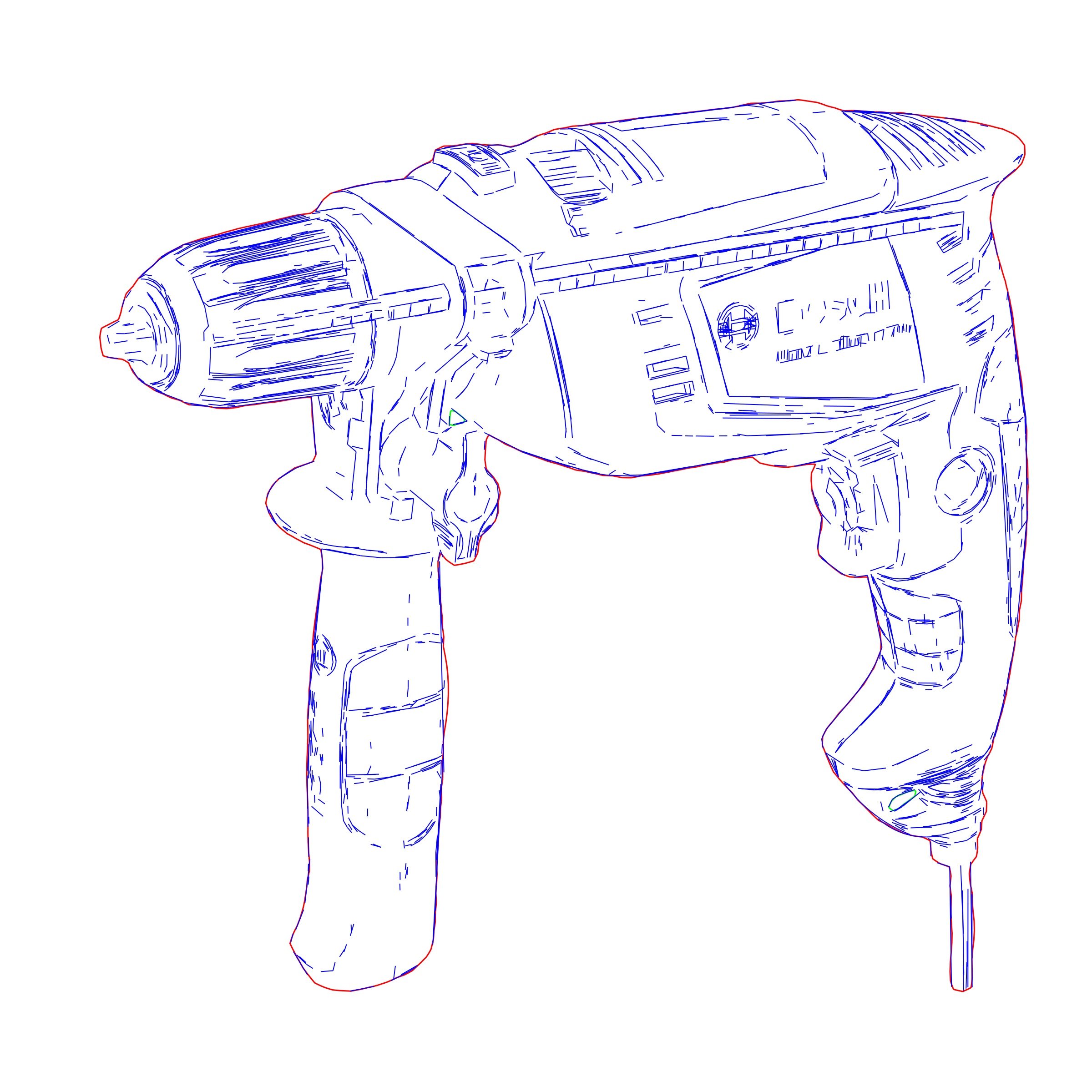
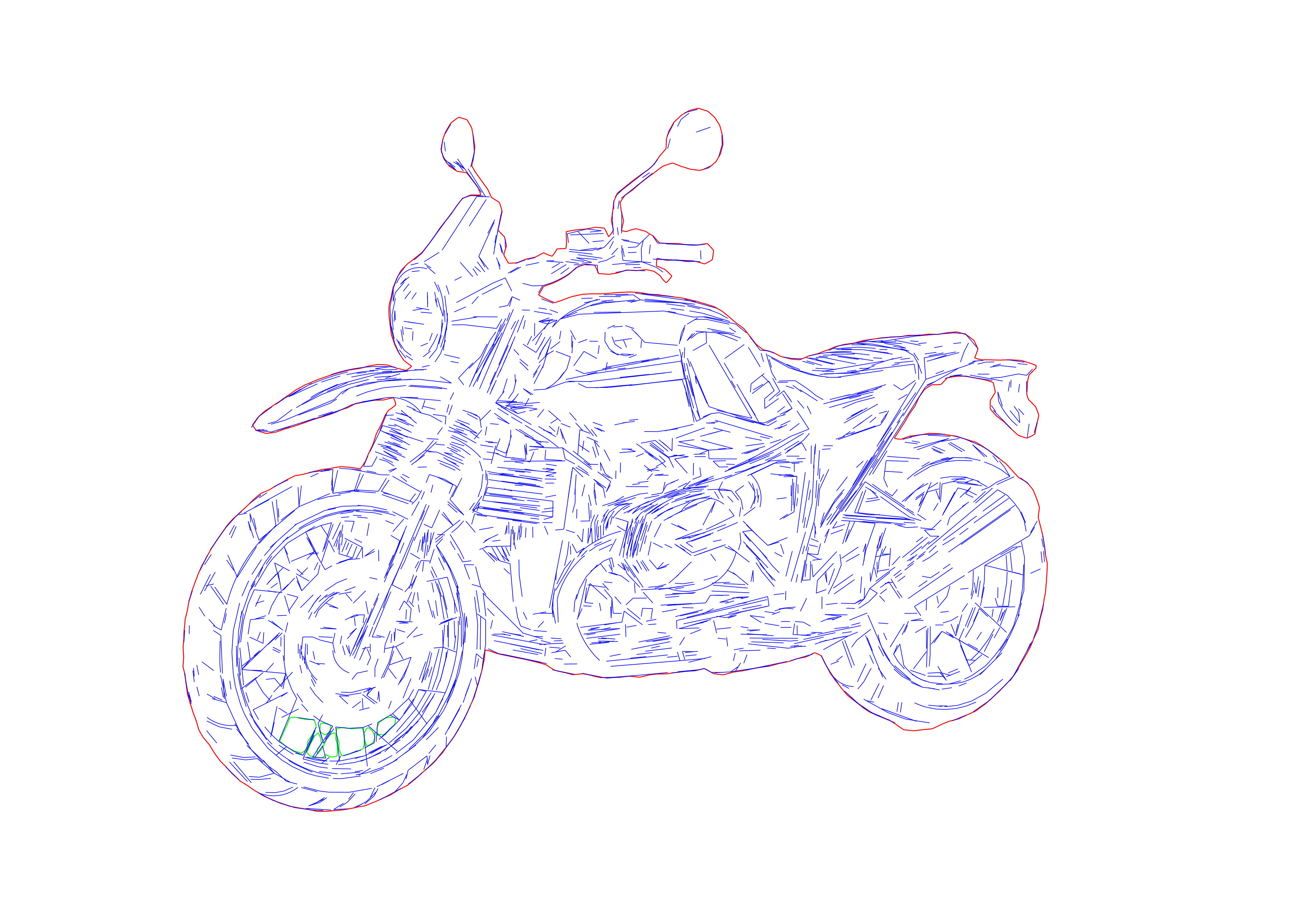
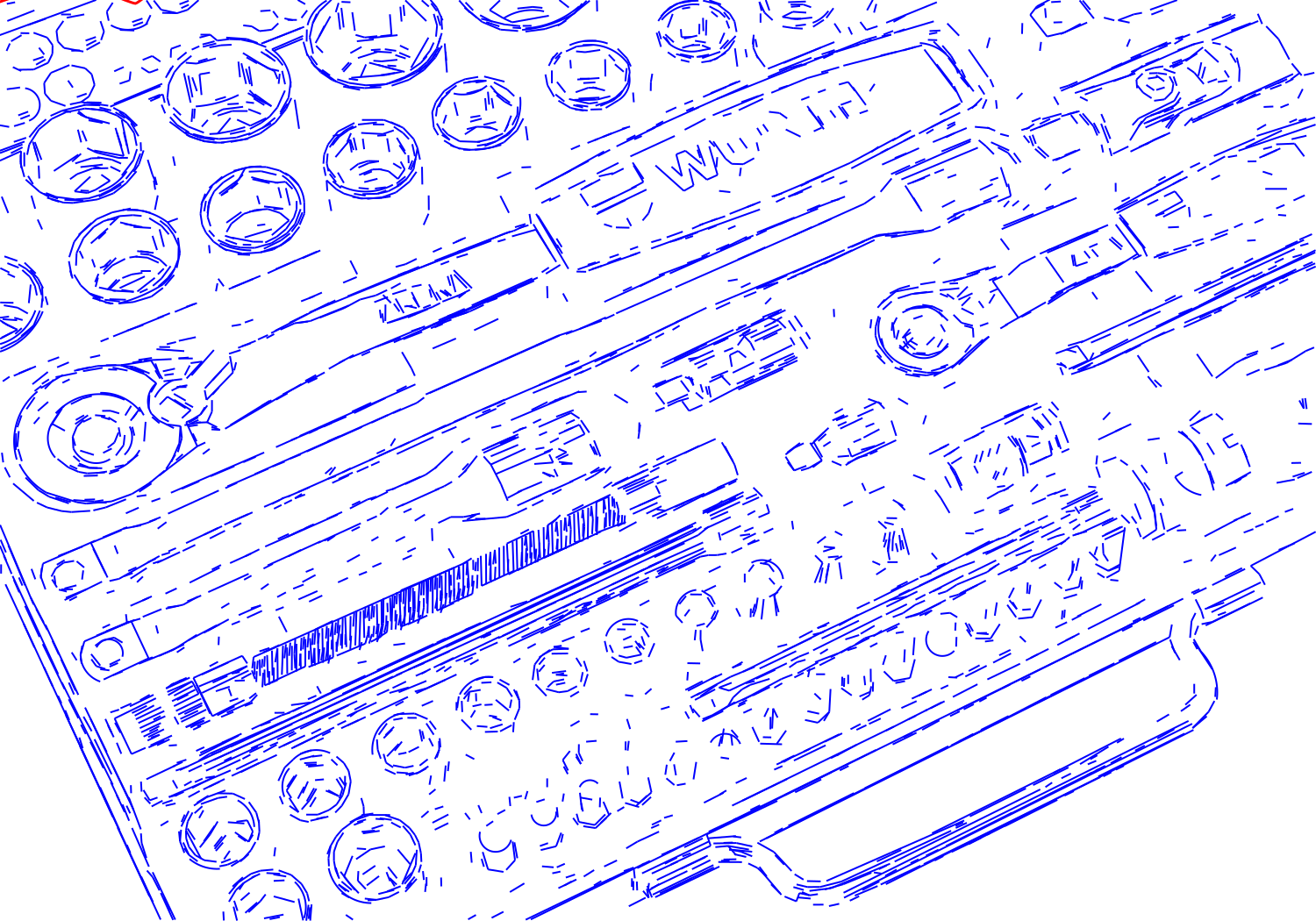
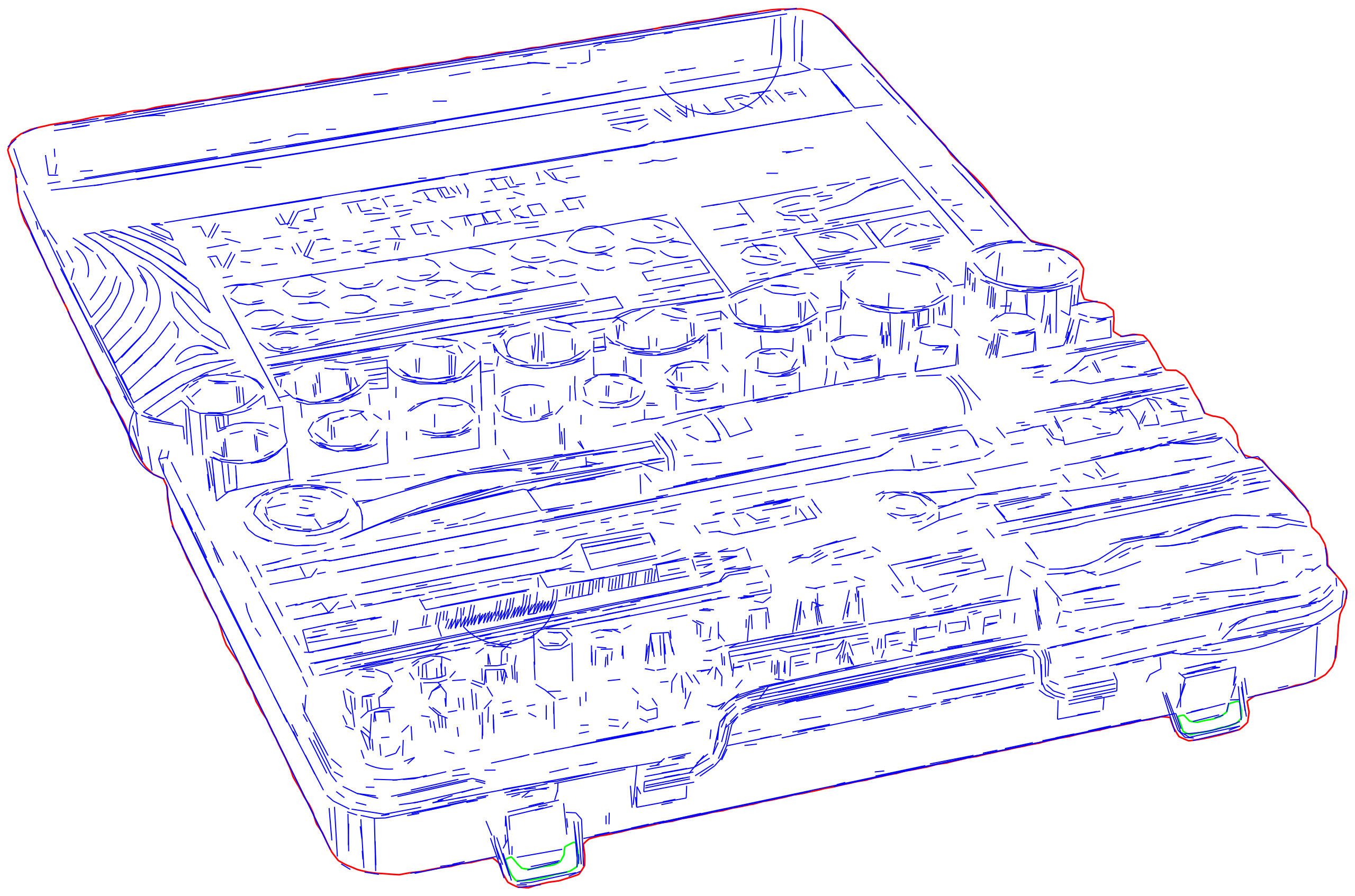
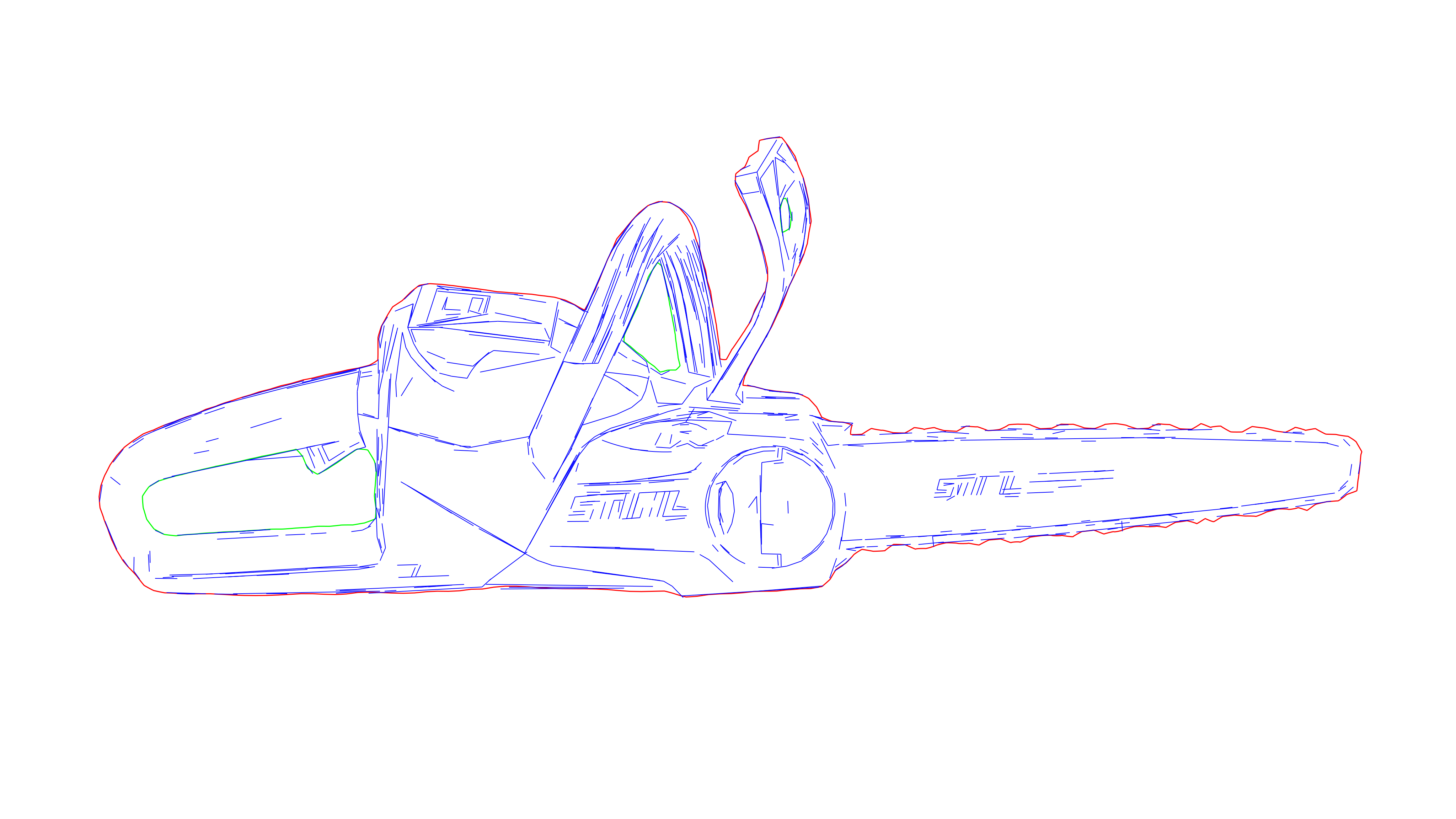
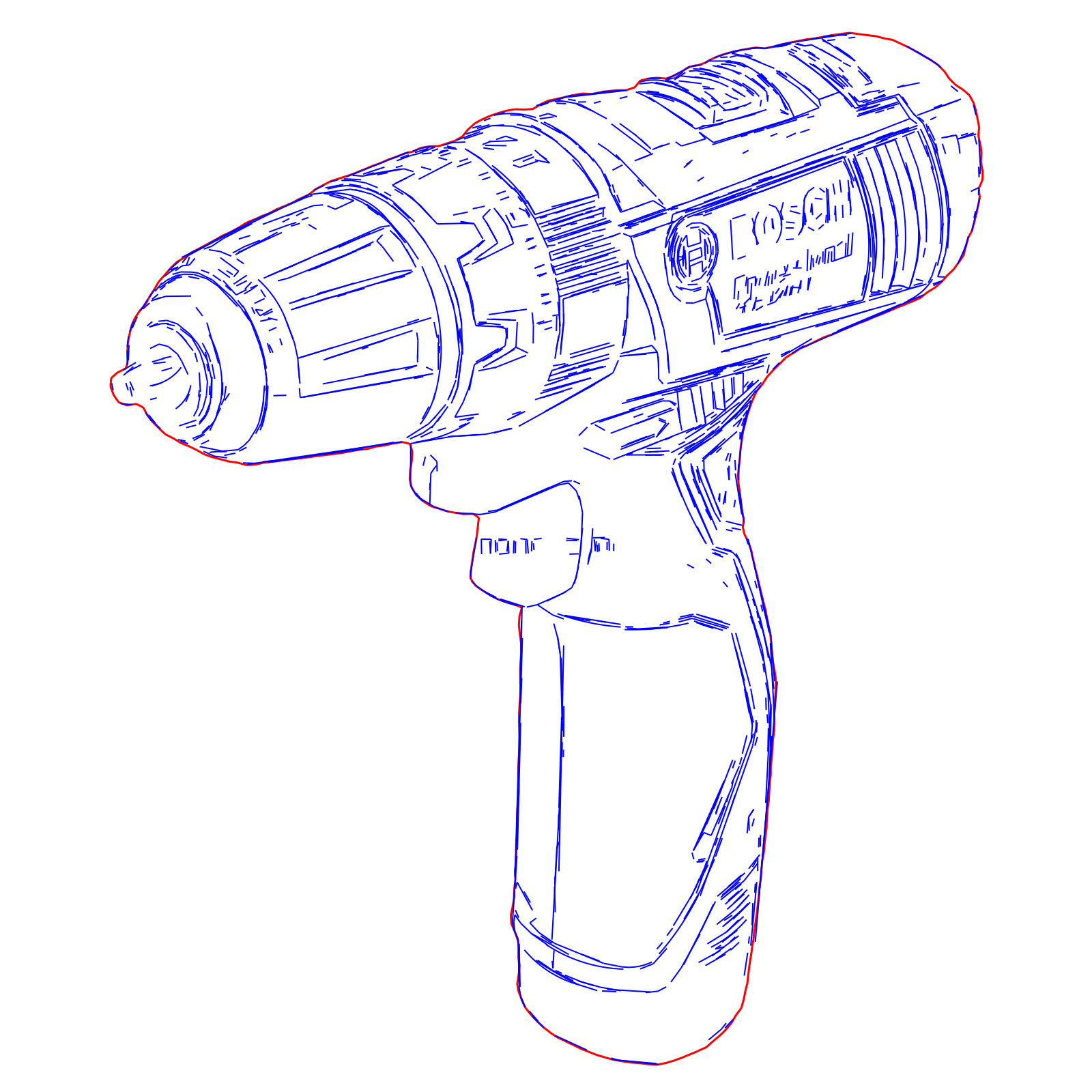
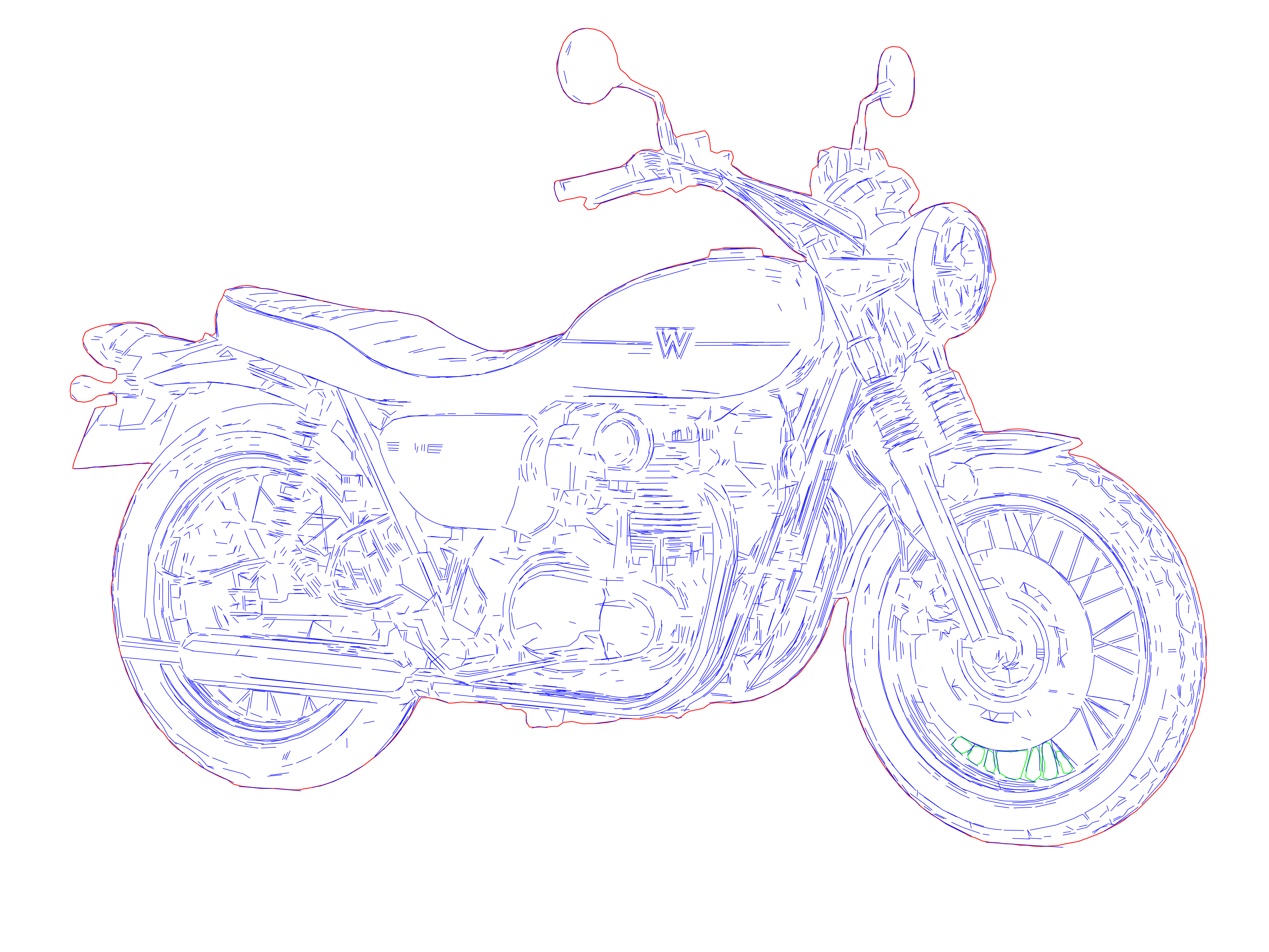
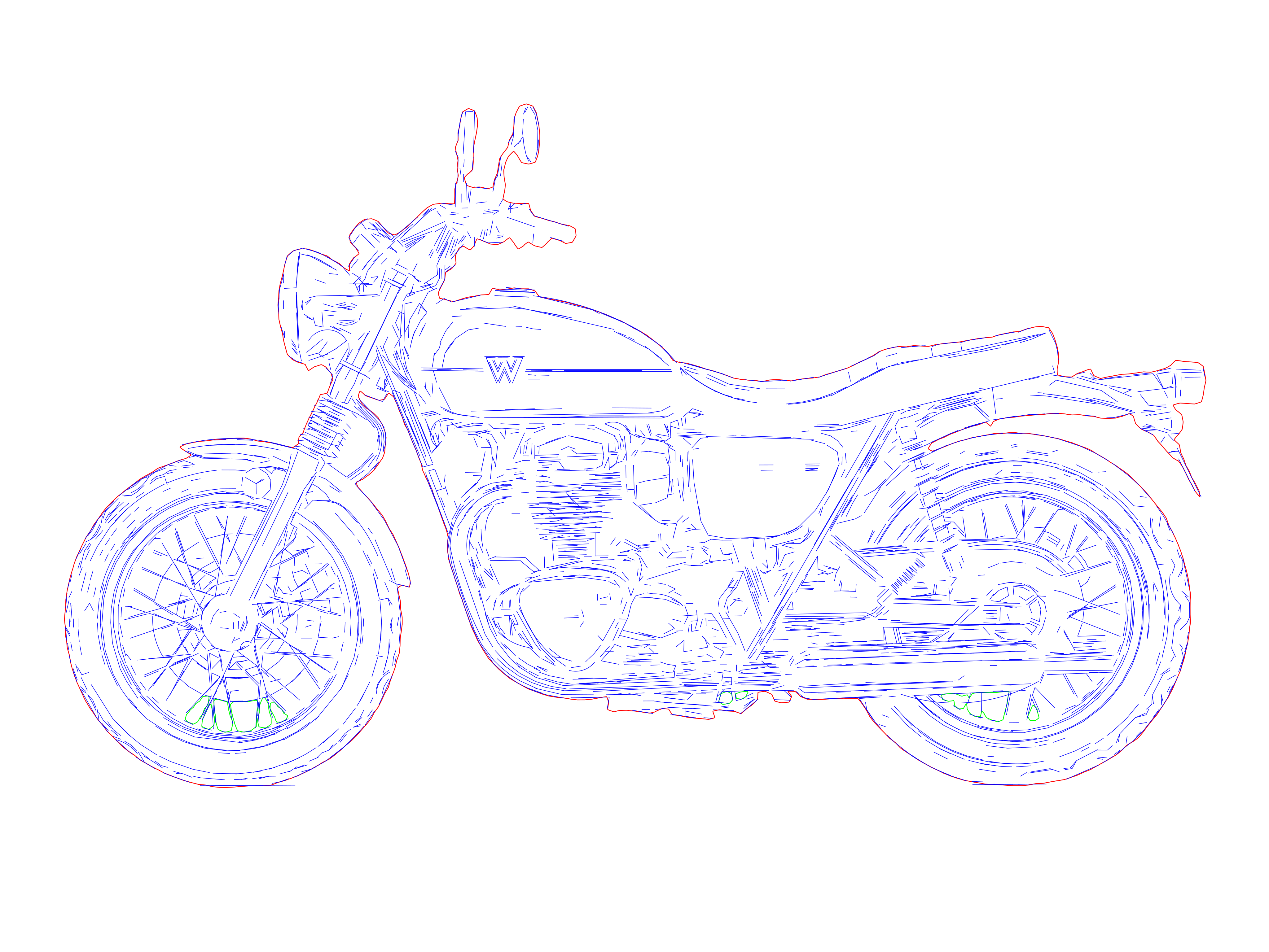
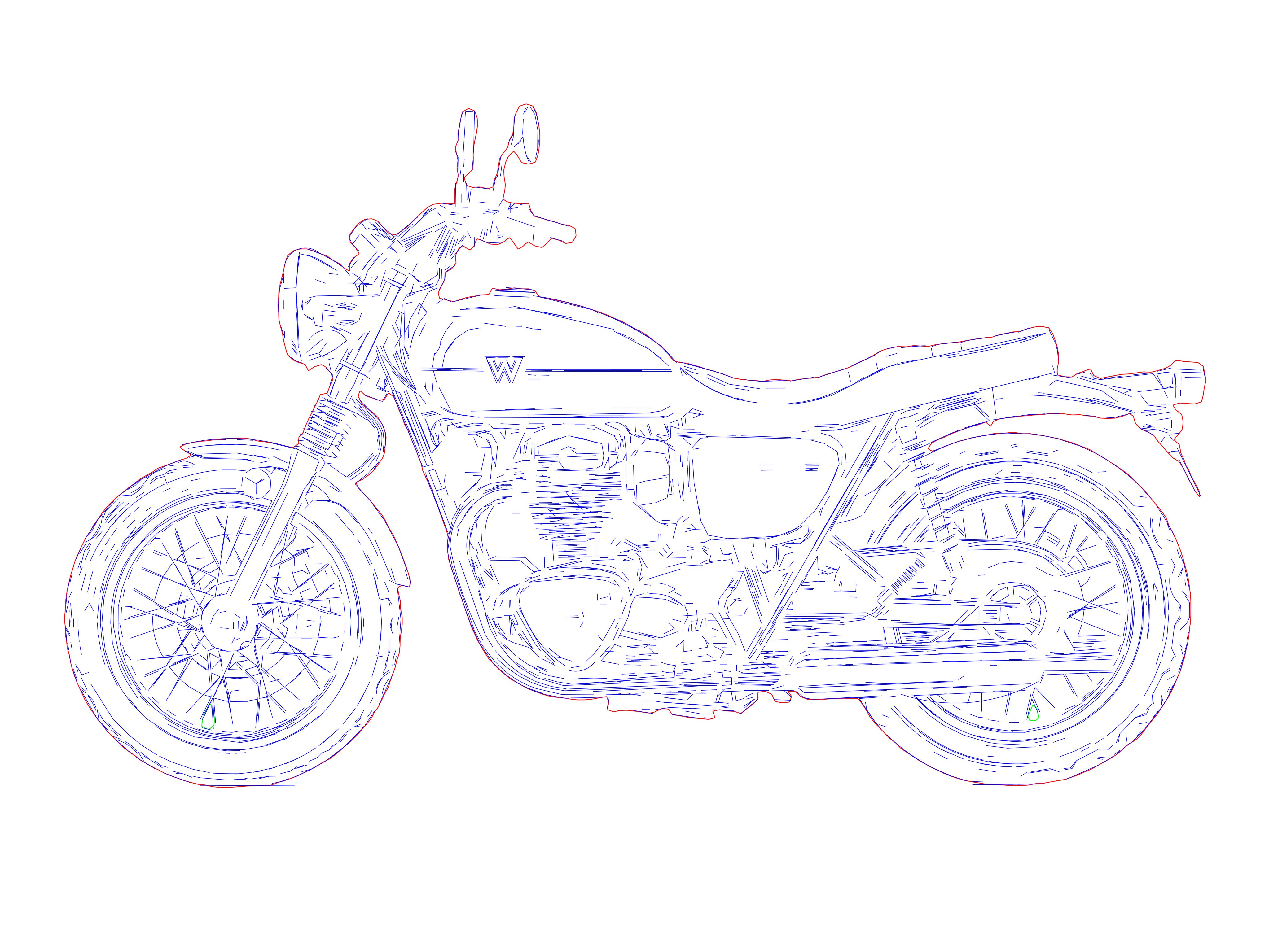
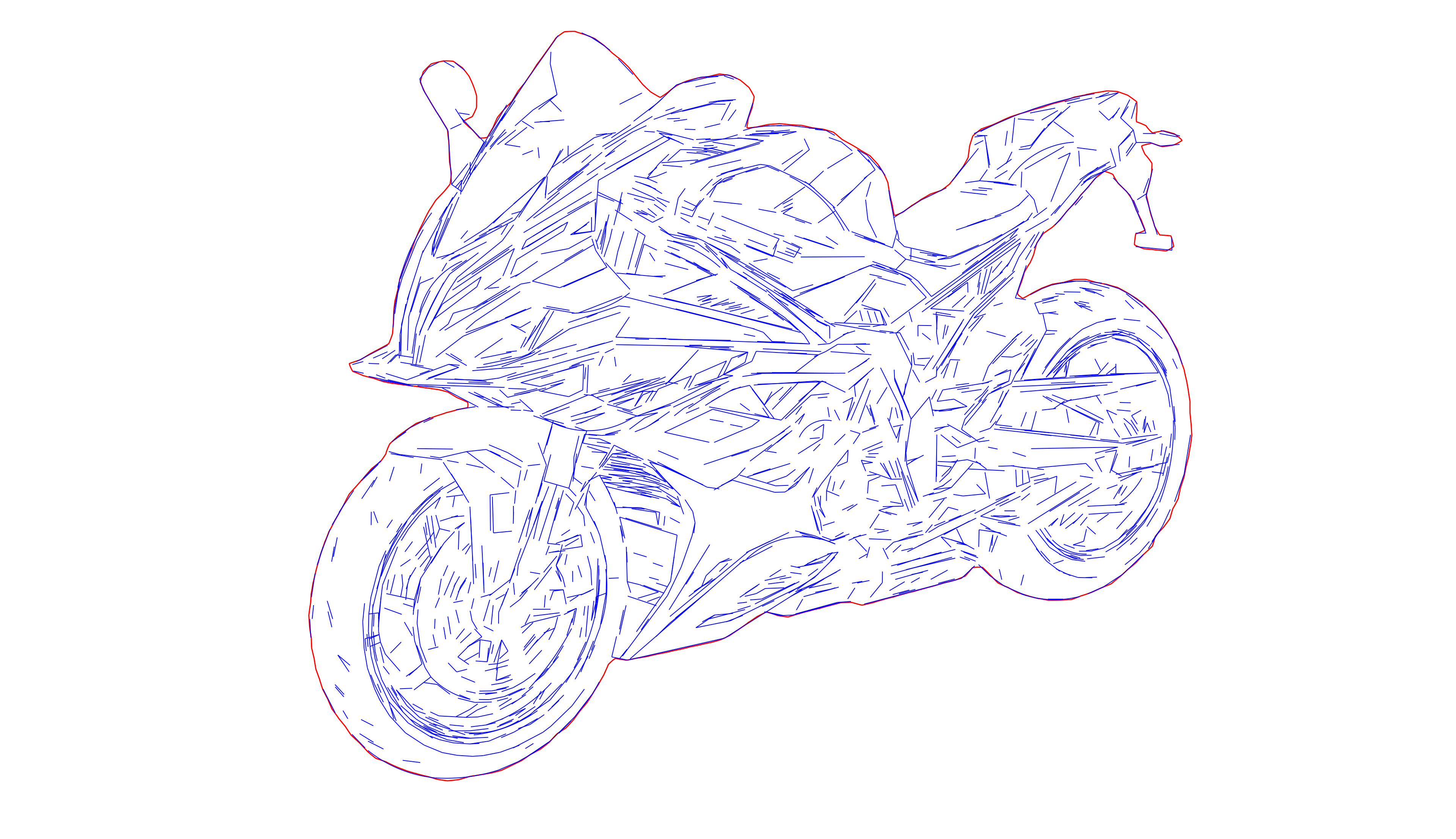
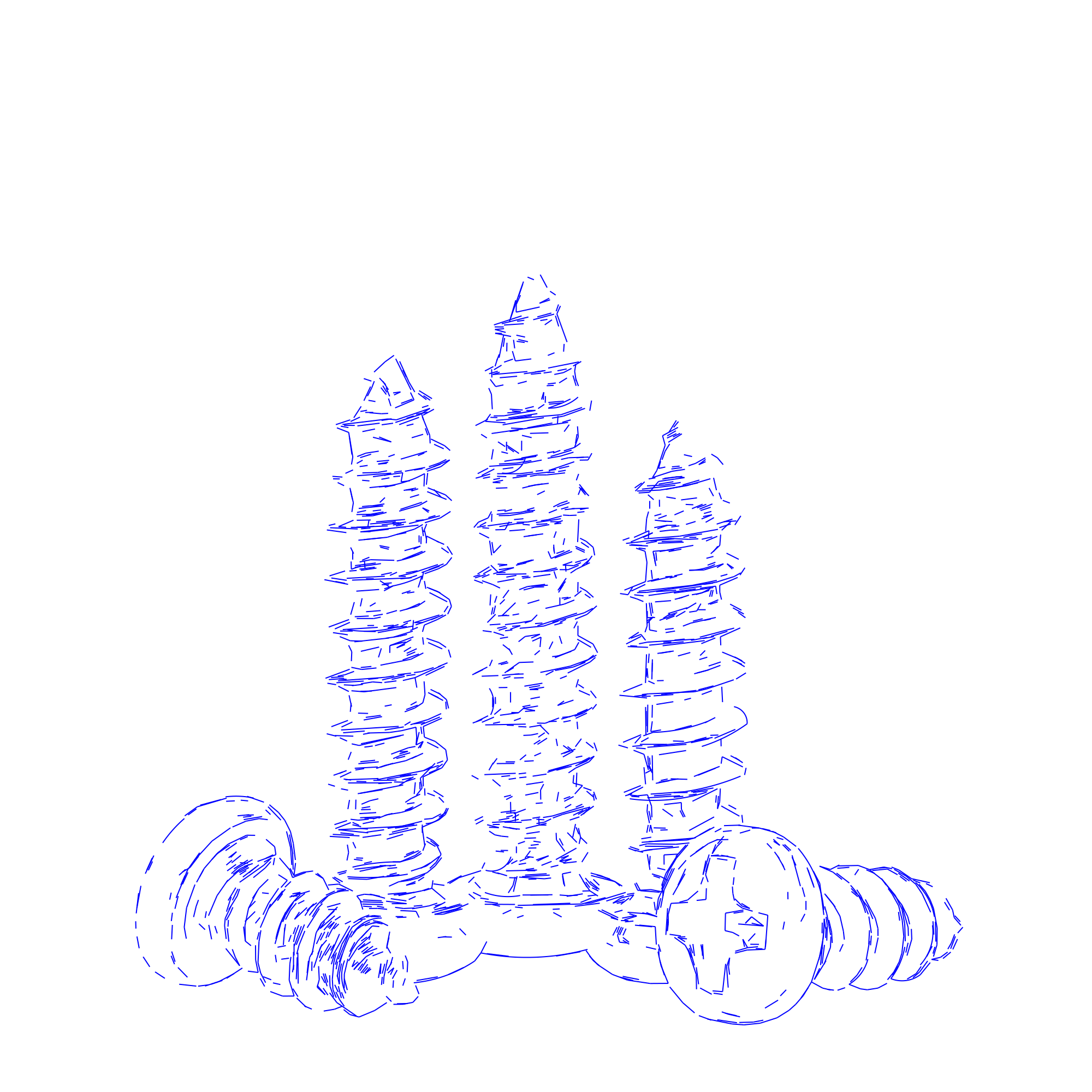
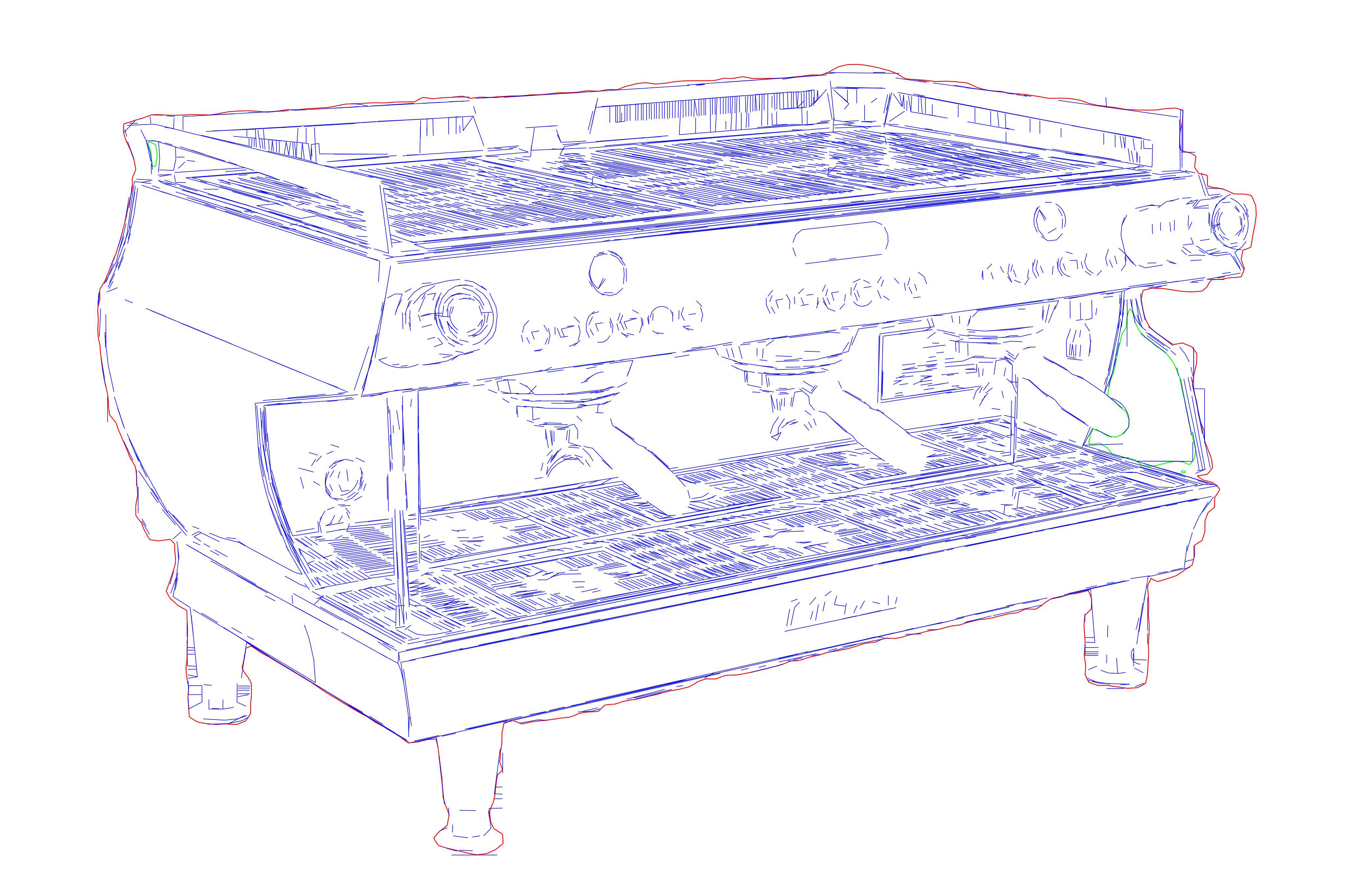
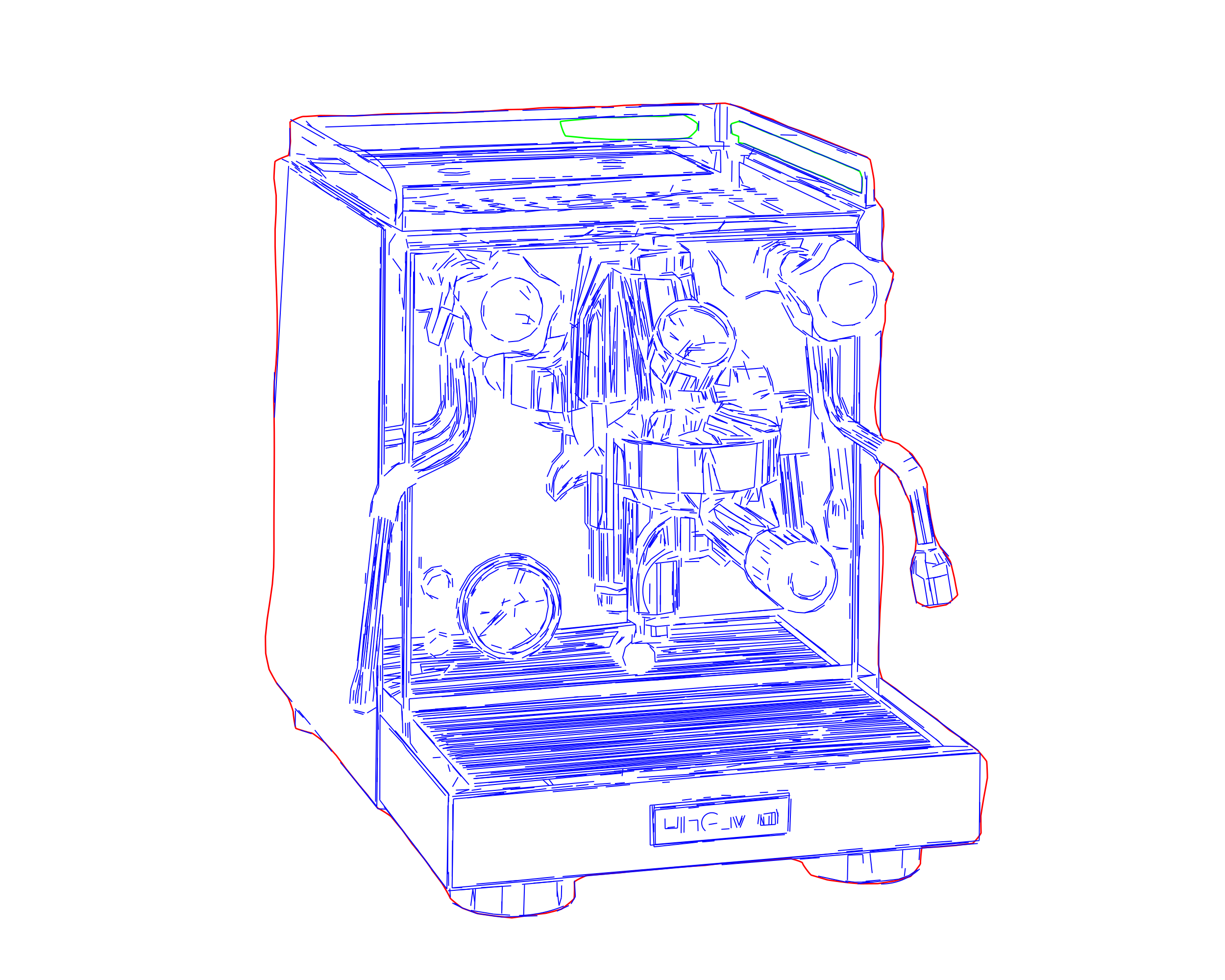
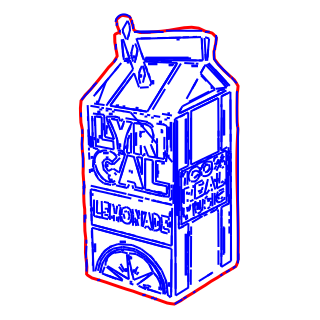
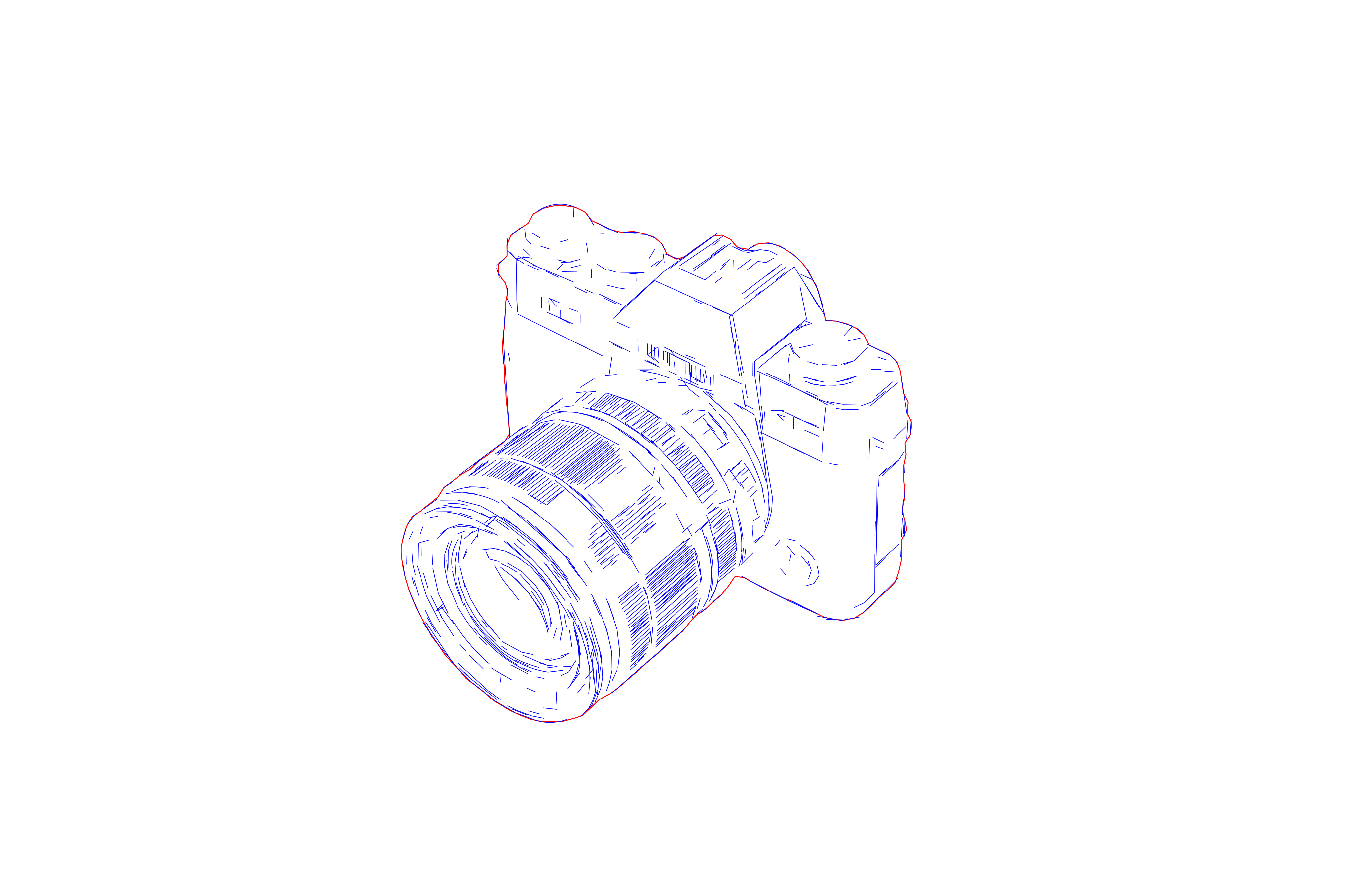
Pixel2Lines turns raster images into clean SVG drawings built for manuals, product graphics, plotting, architecture, and fabrication prep. This is not generic full-image auto-tracing and not a hobby sketch filter. The output is controlled, line-based geometry for business use.
How it works
- 1
Choose a preset
Pick the illustration style you love.
- 2
Upload your photo
Drop the photos you want transformed.
- 3
Get SVG drawing
Download the finished rendering in seconds.

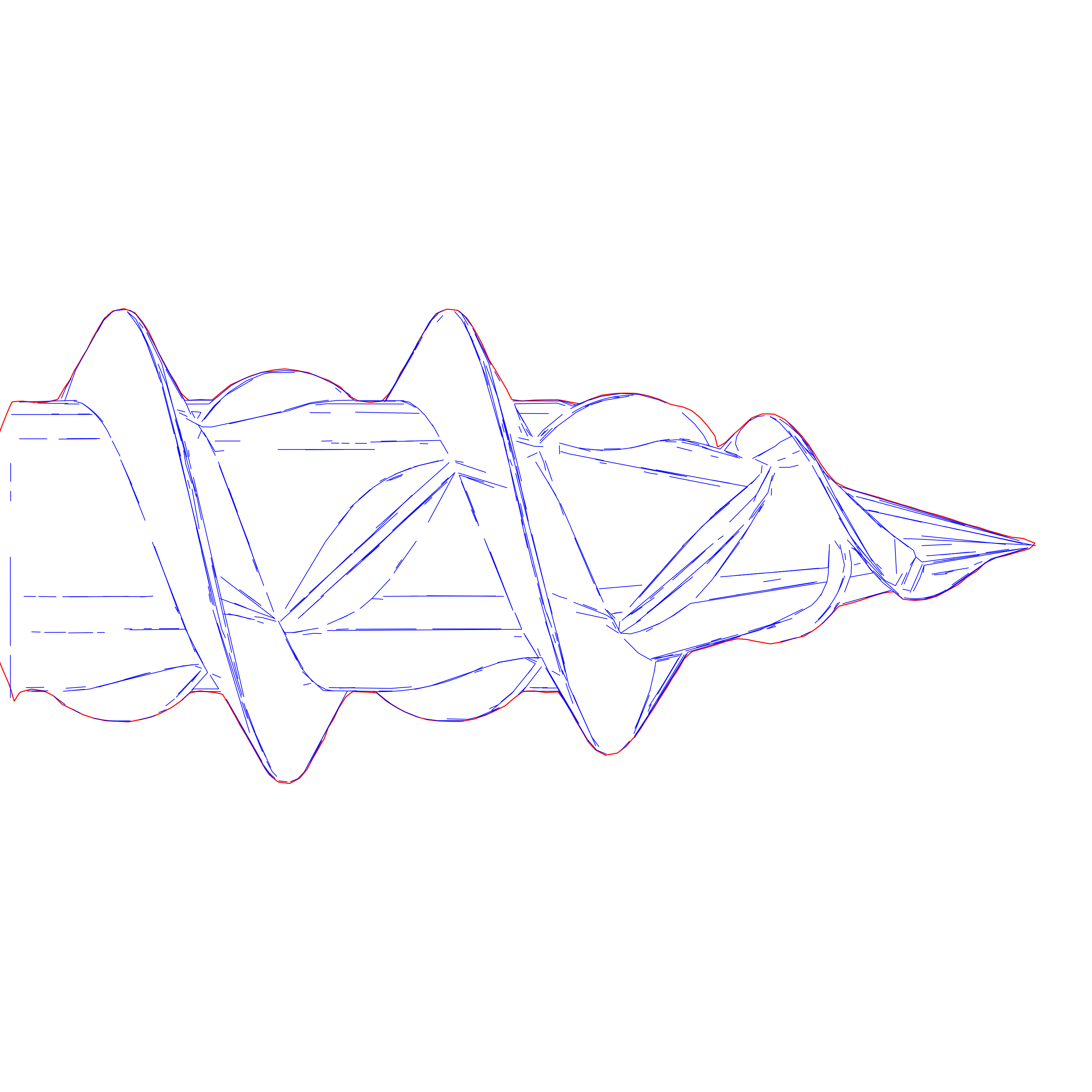
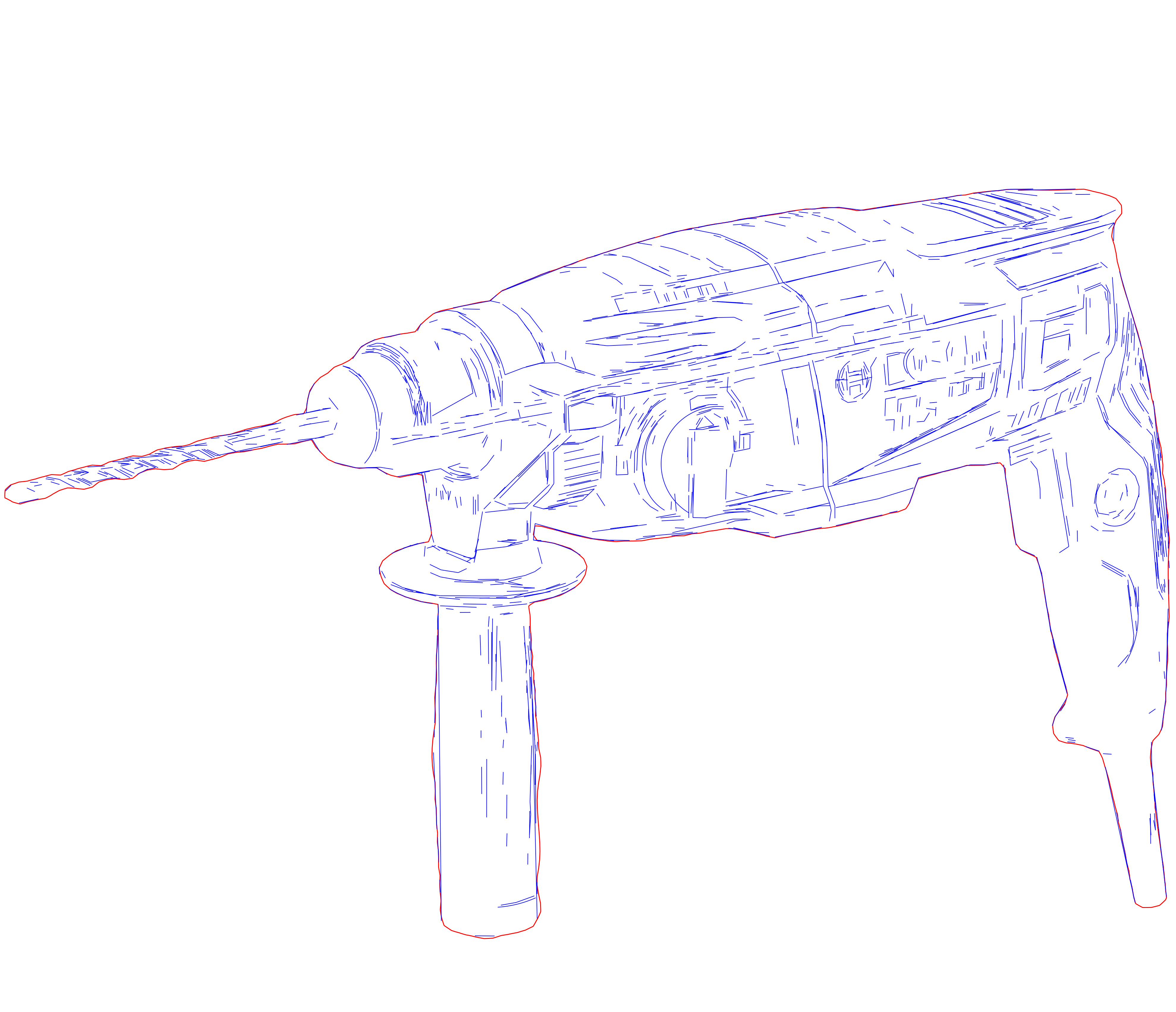
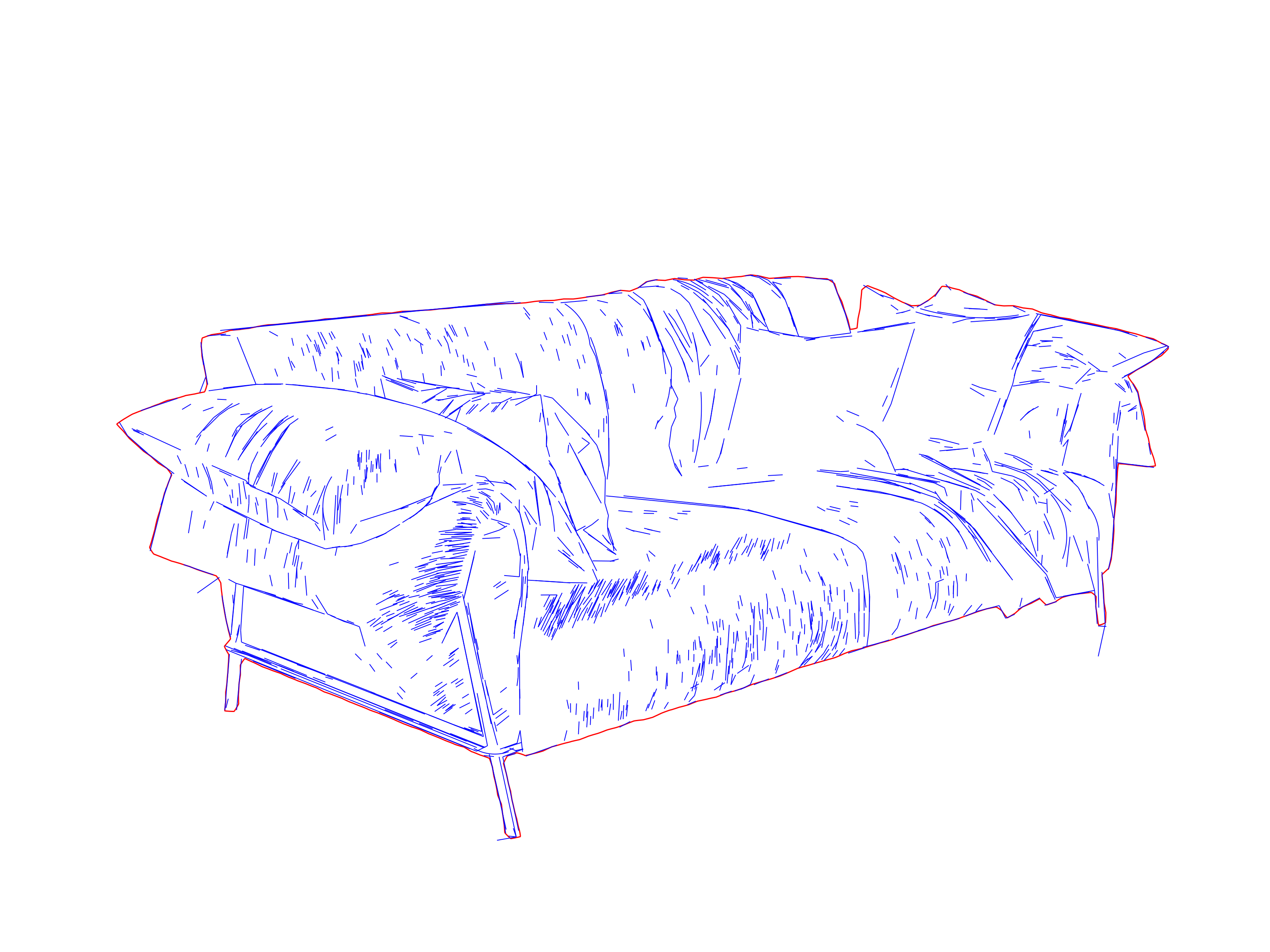
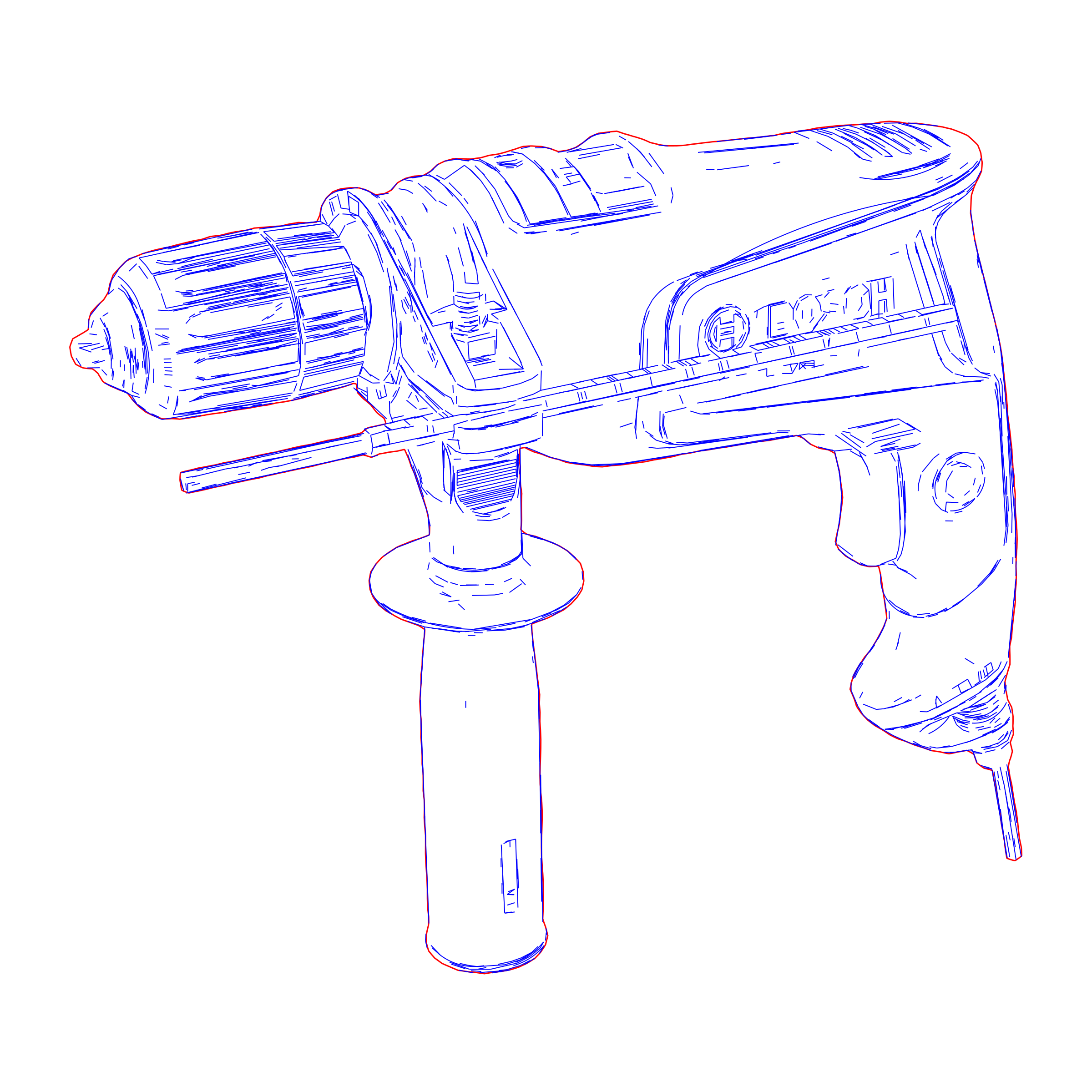
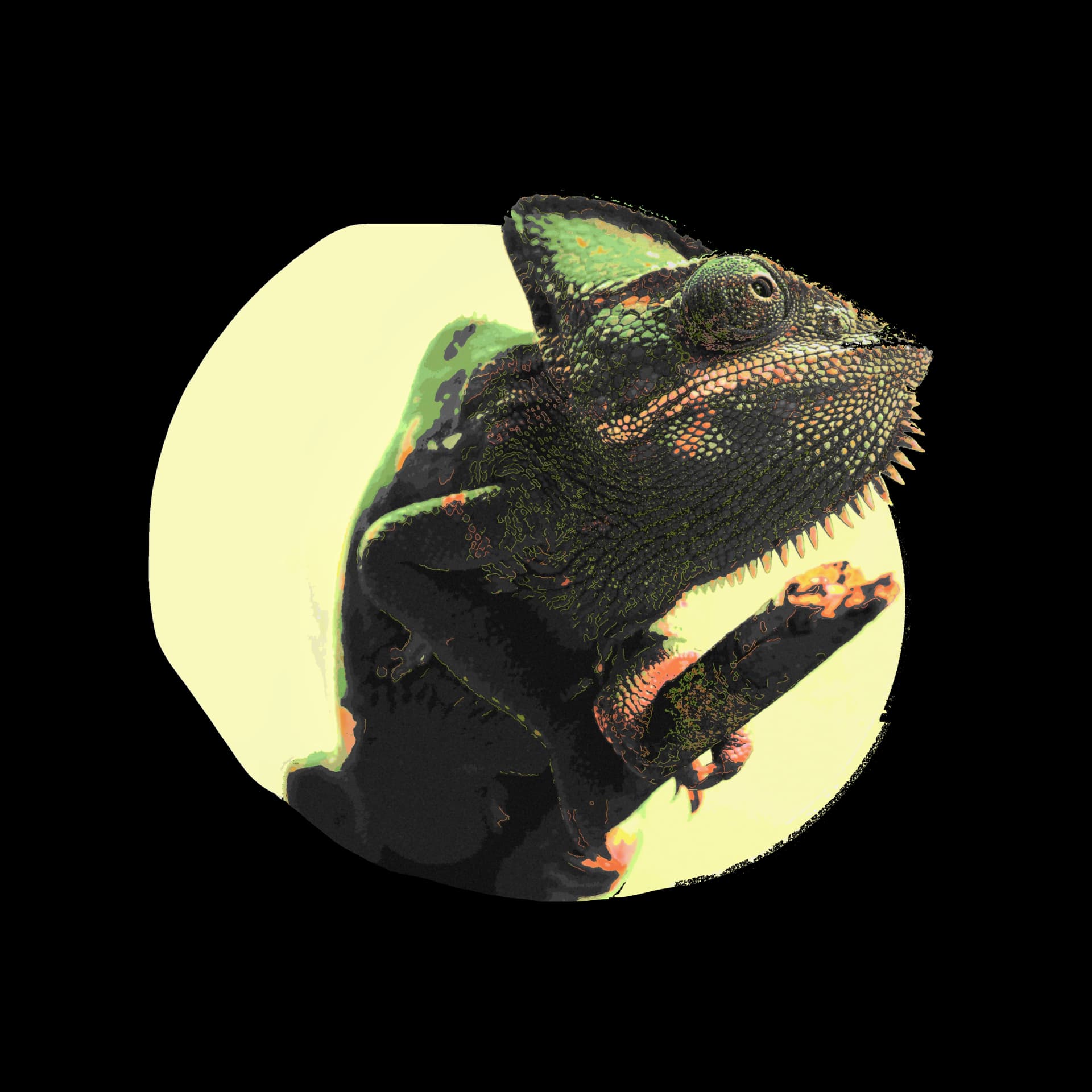
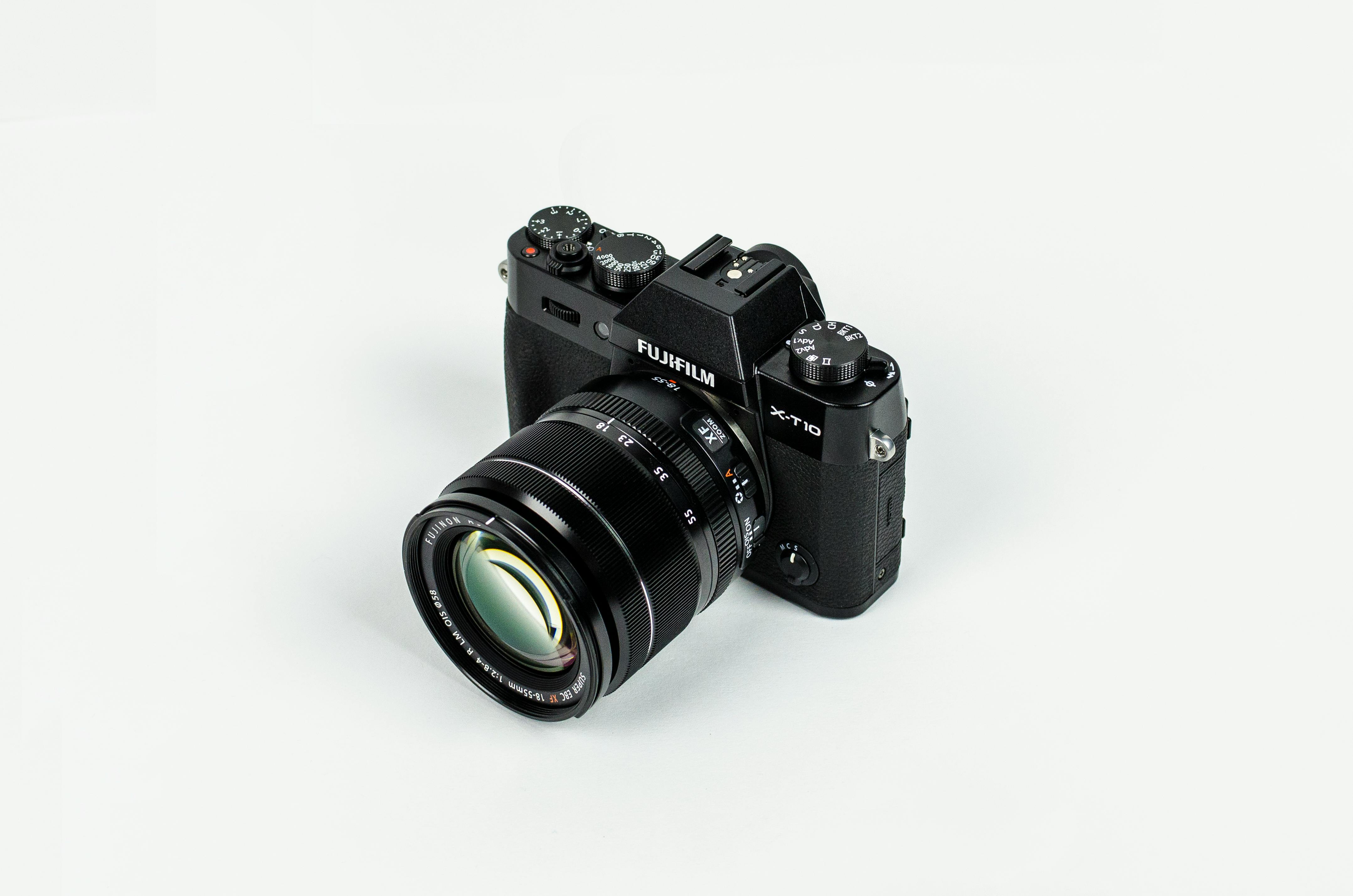
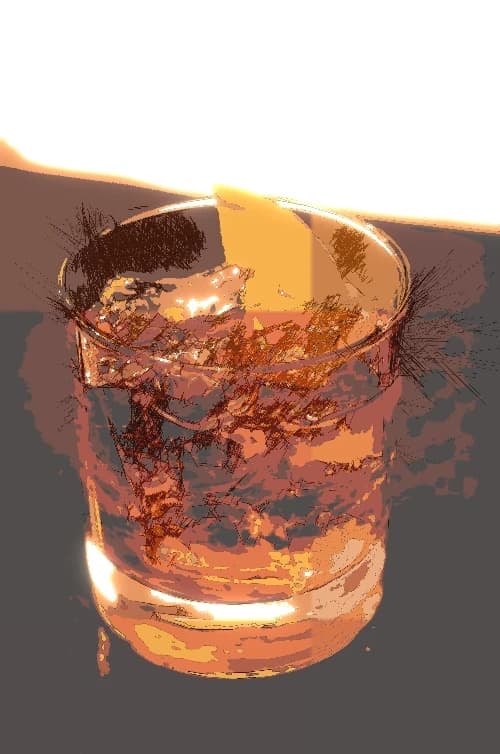
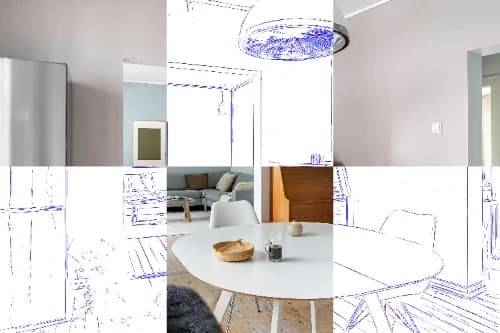
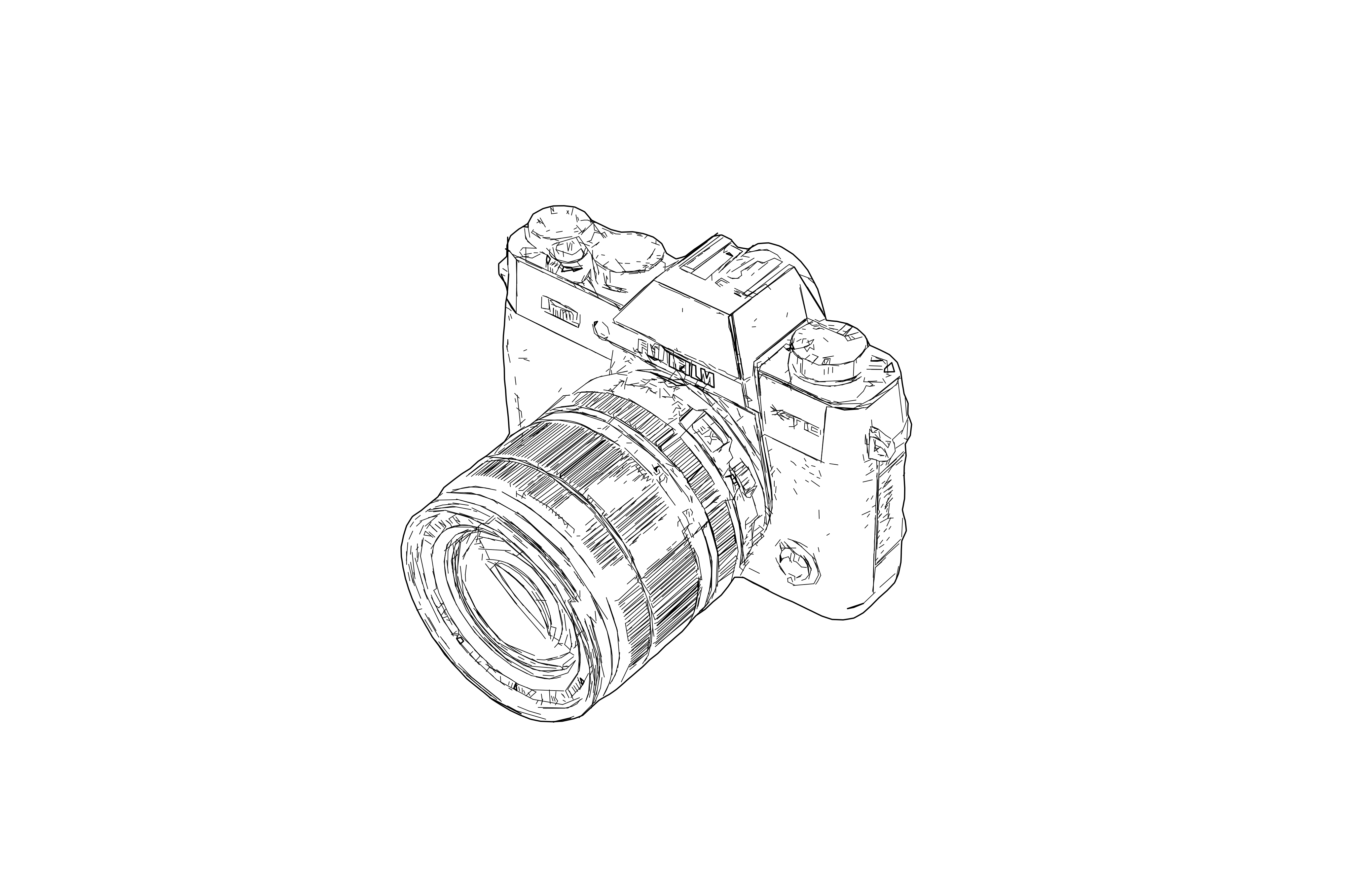
SVG Drawing Previews
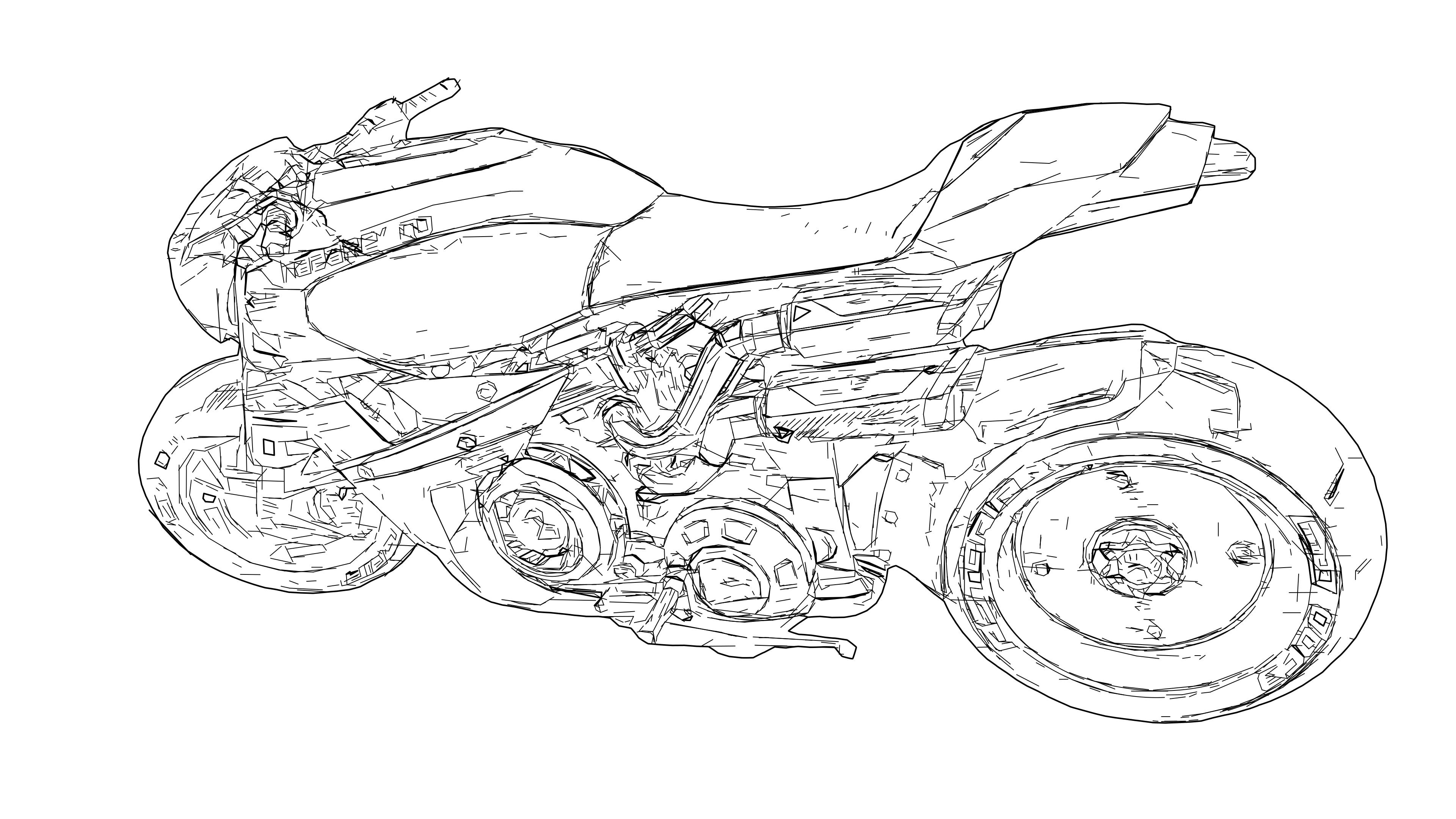
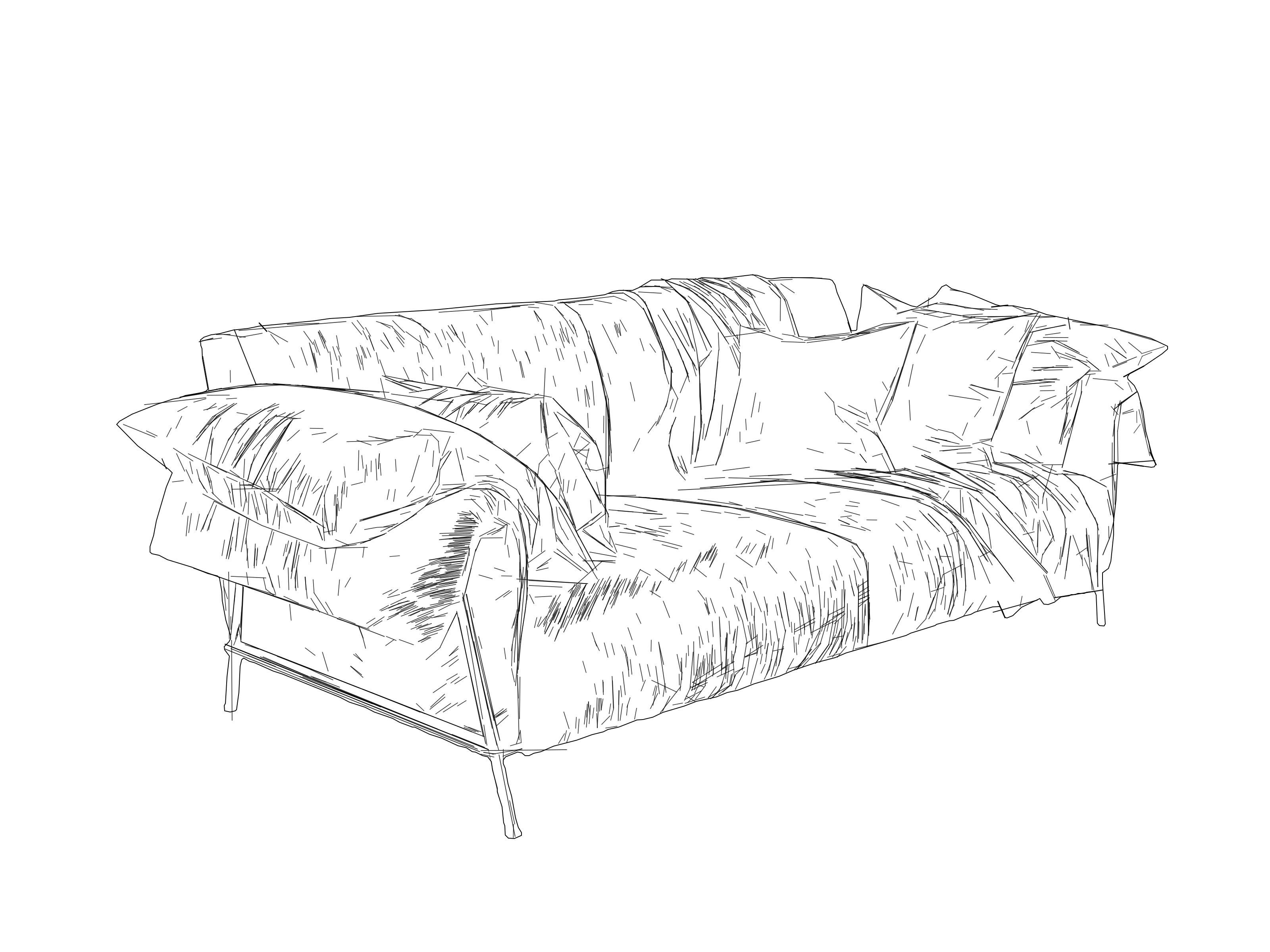
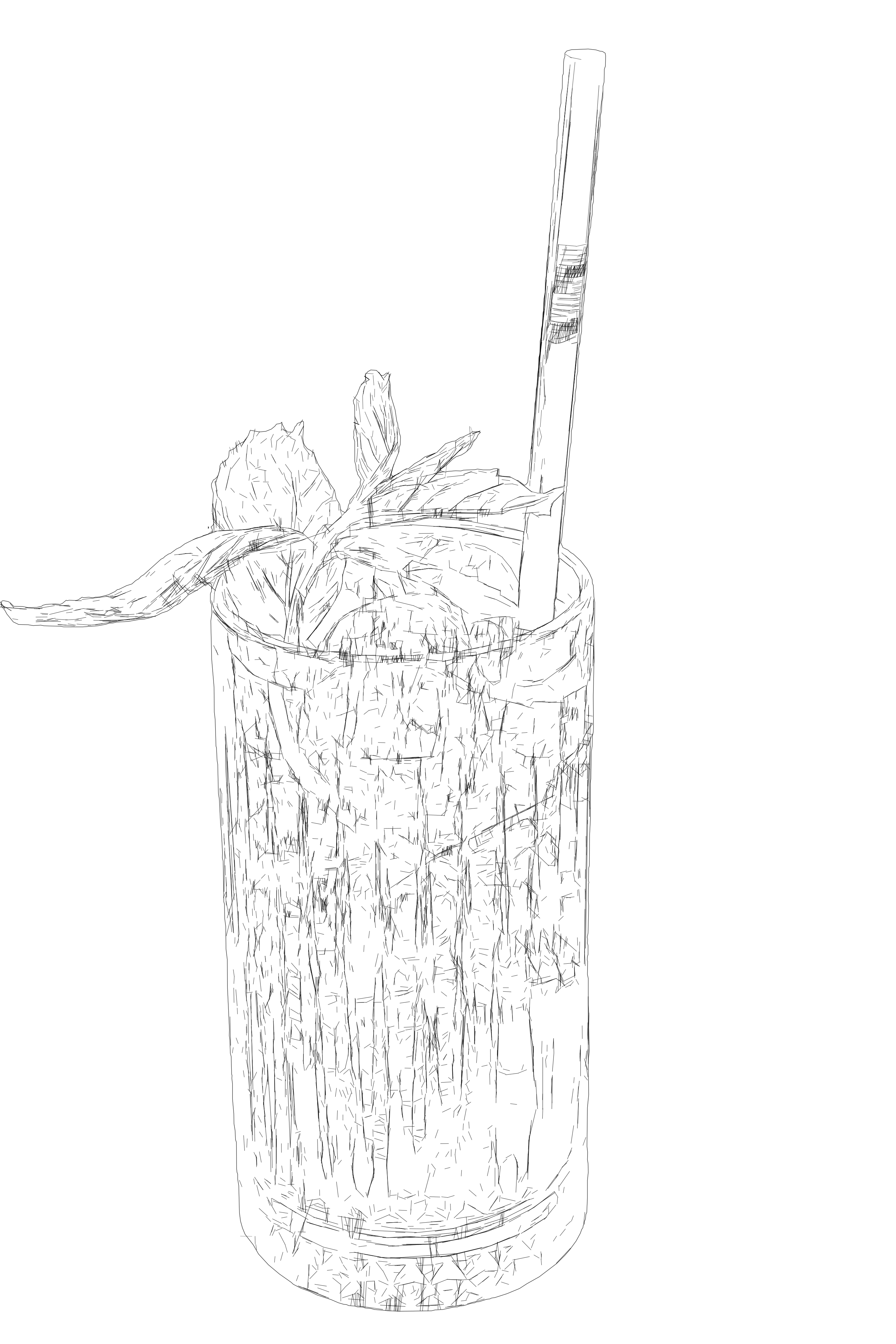
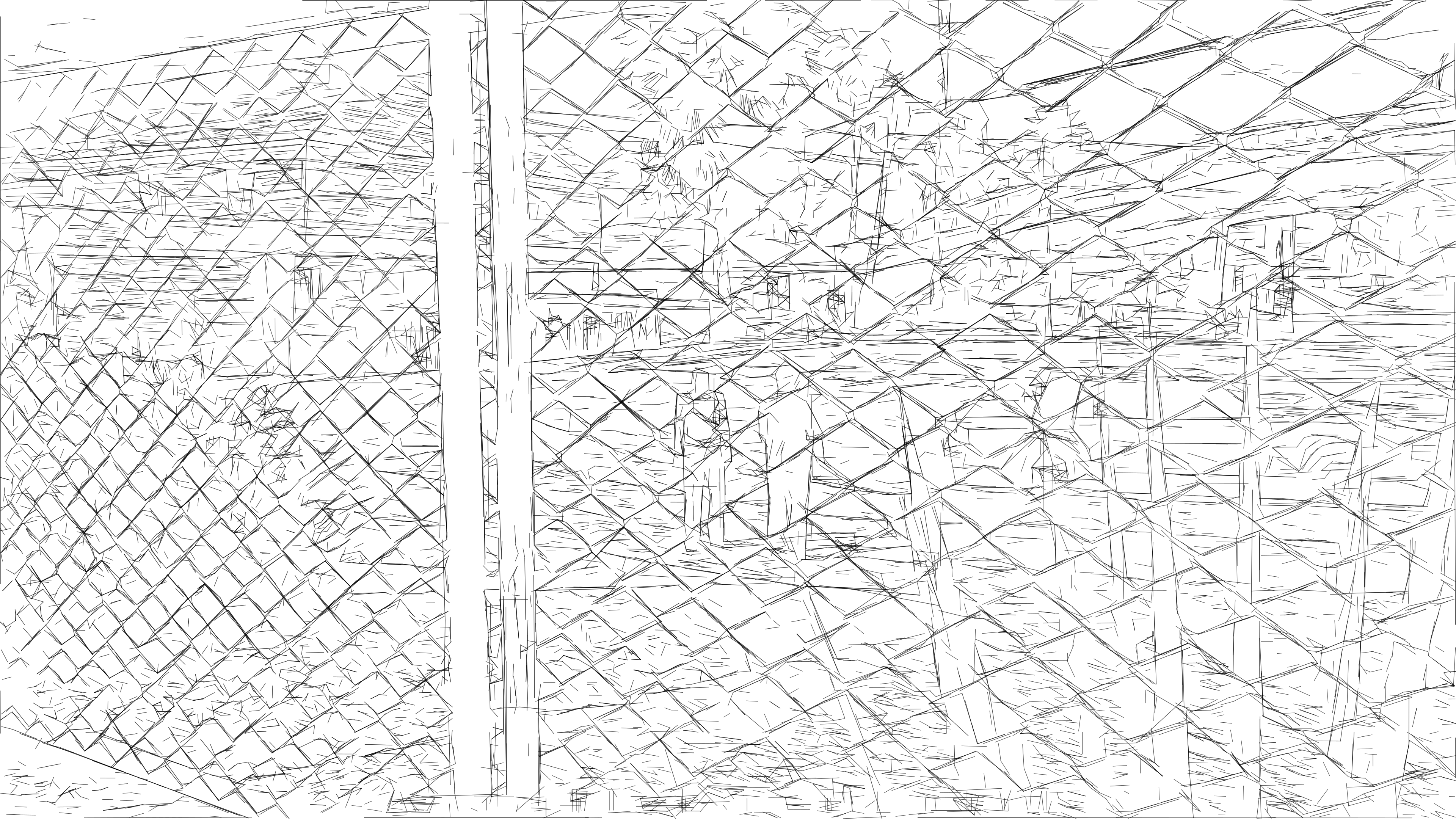
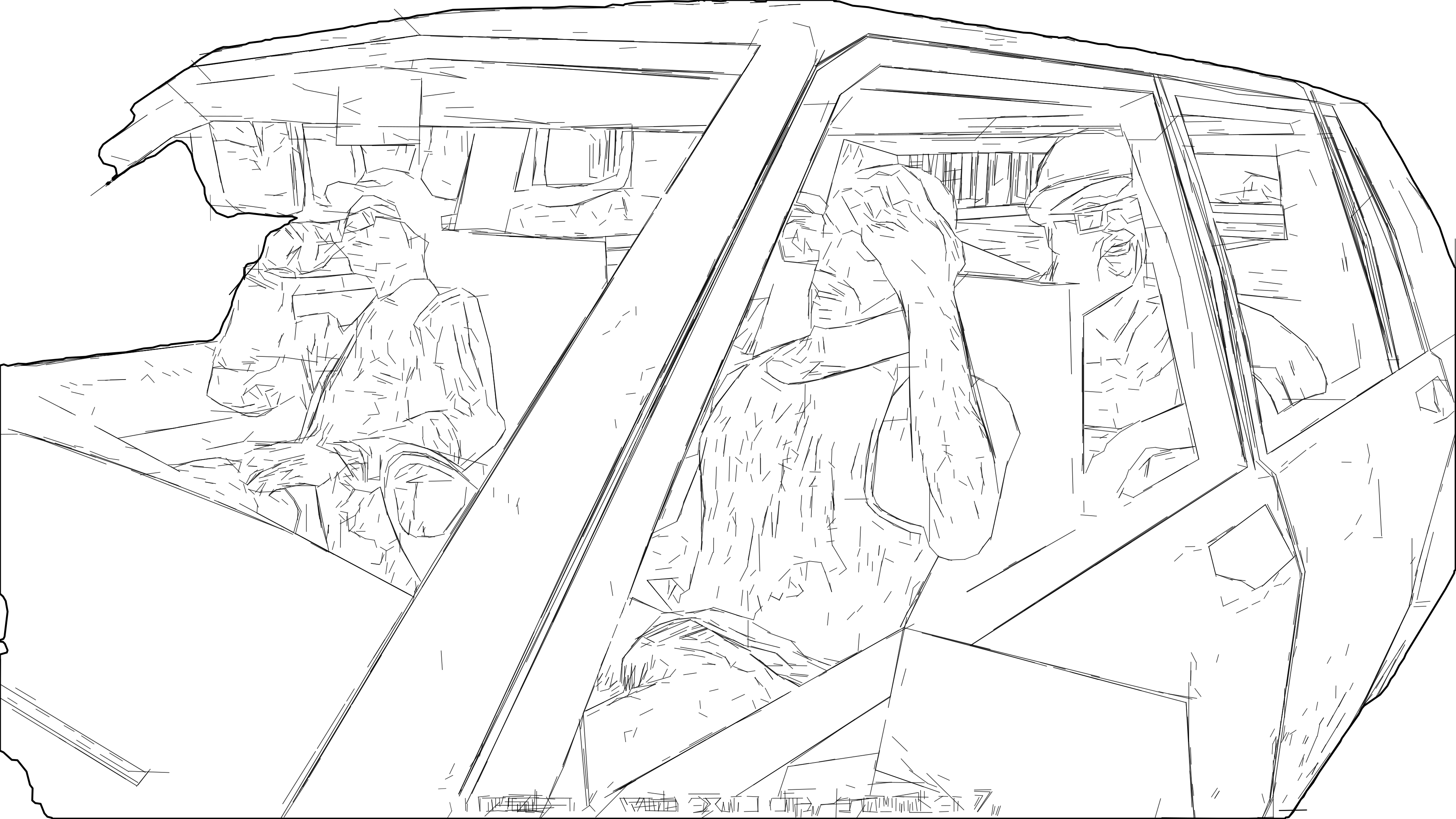
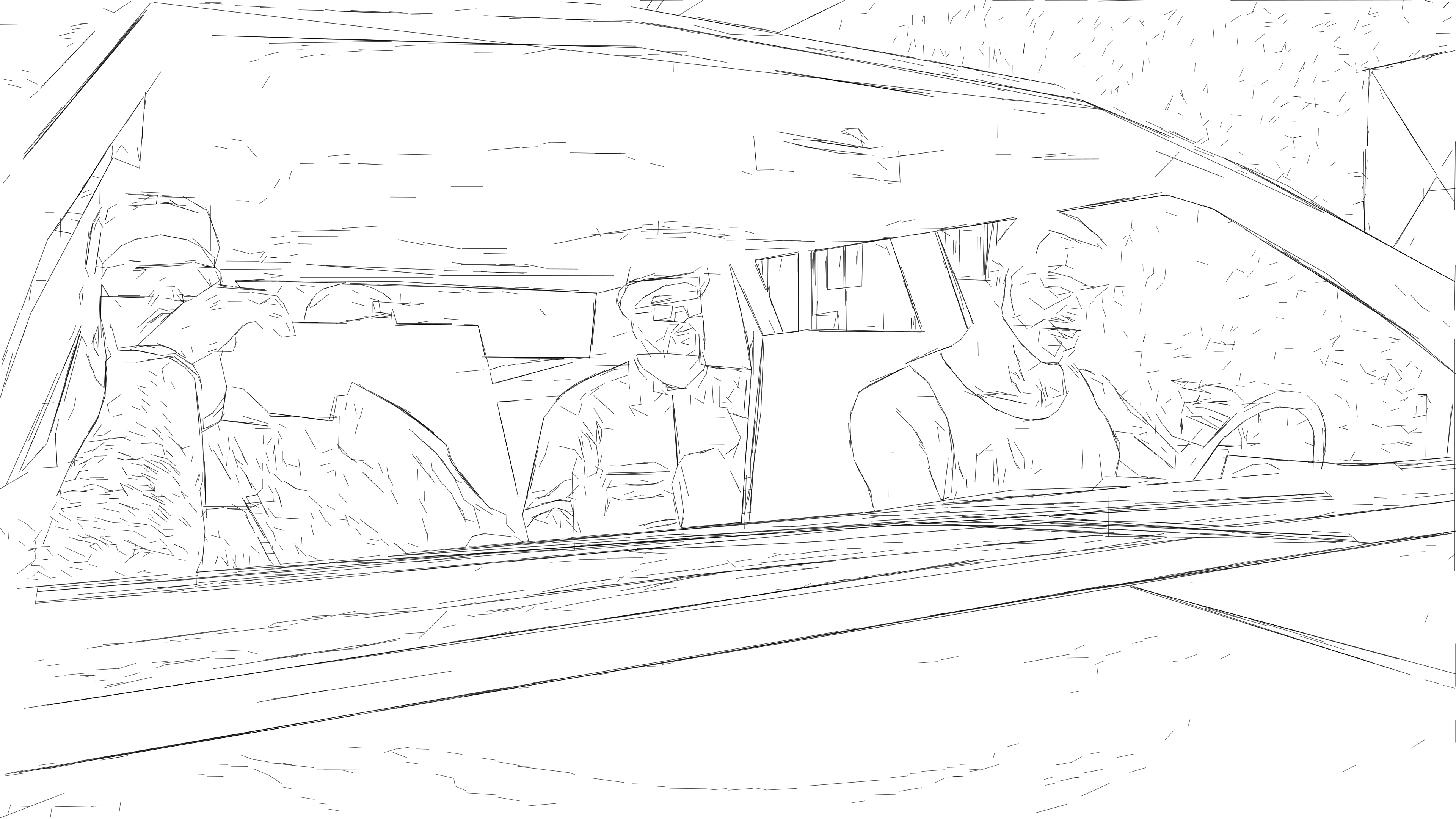
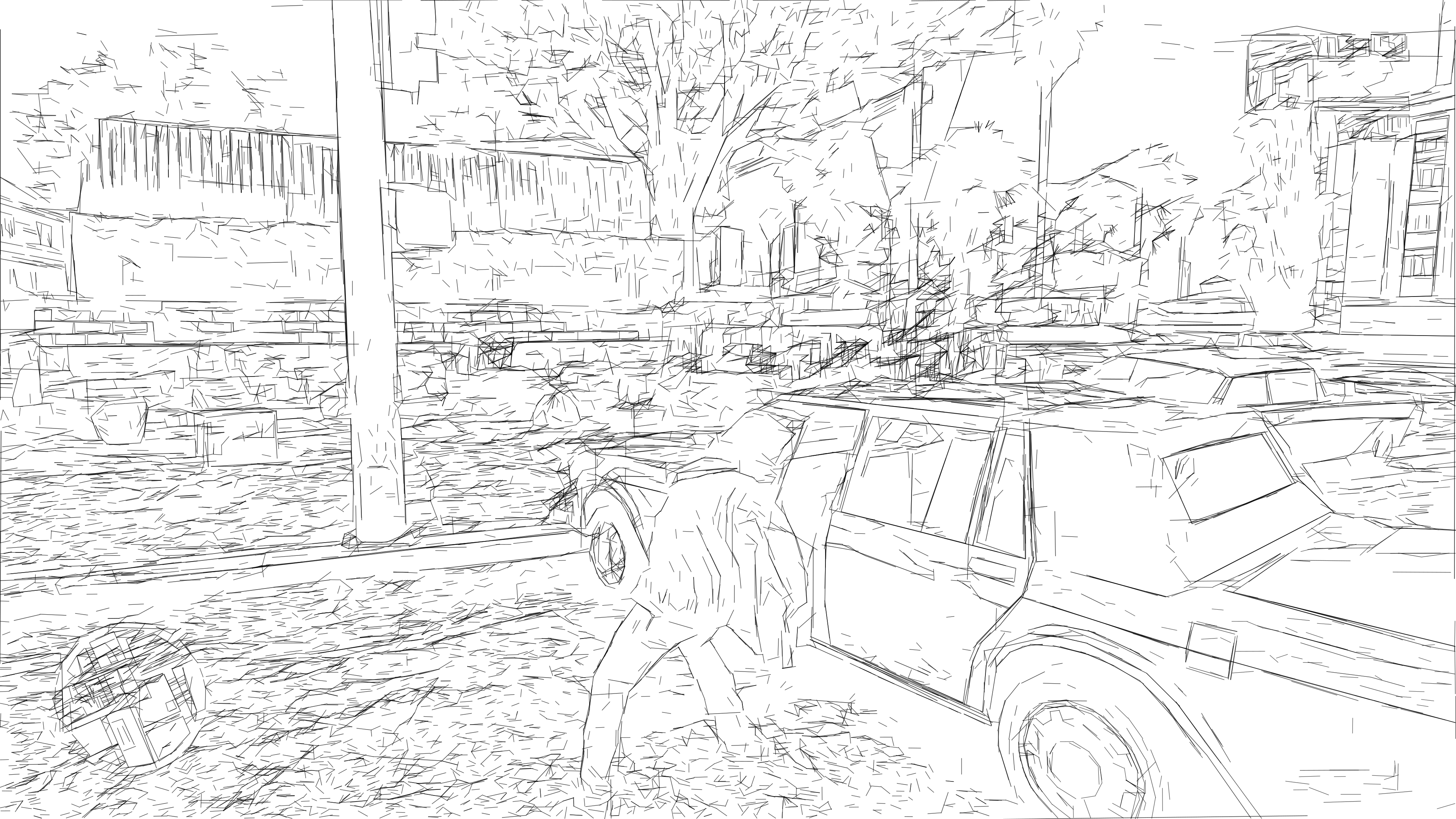
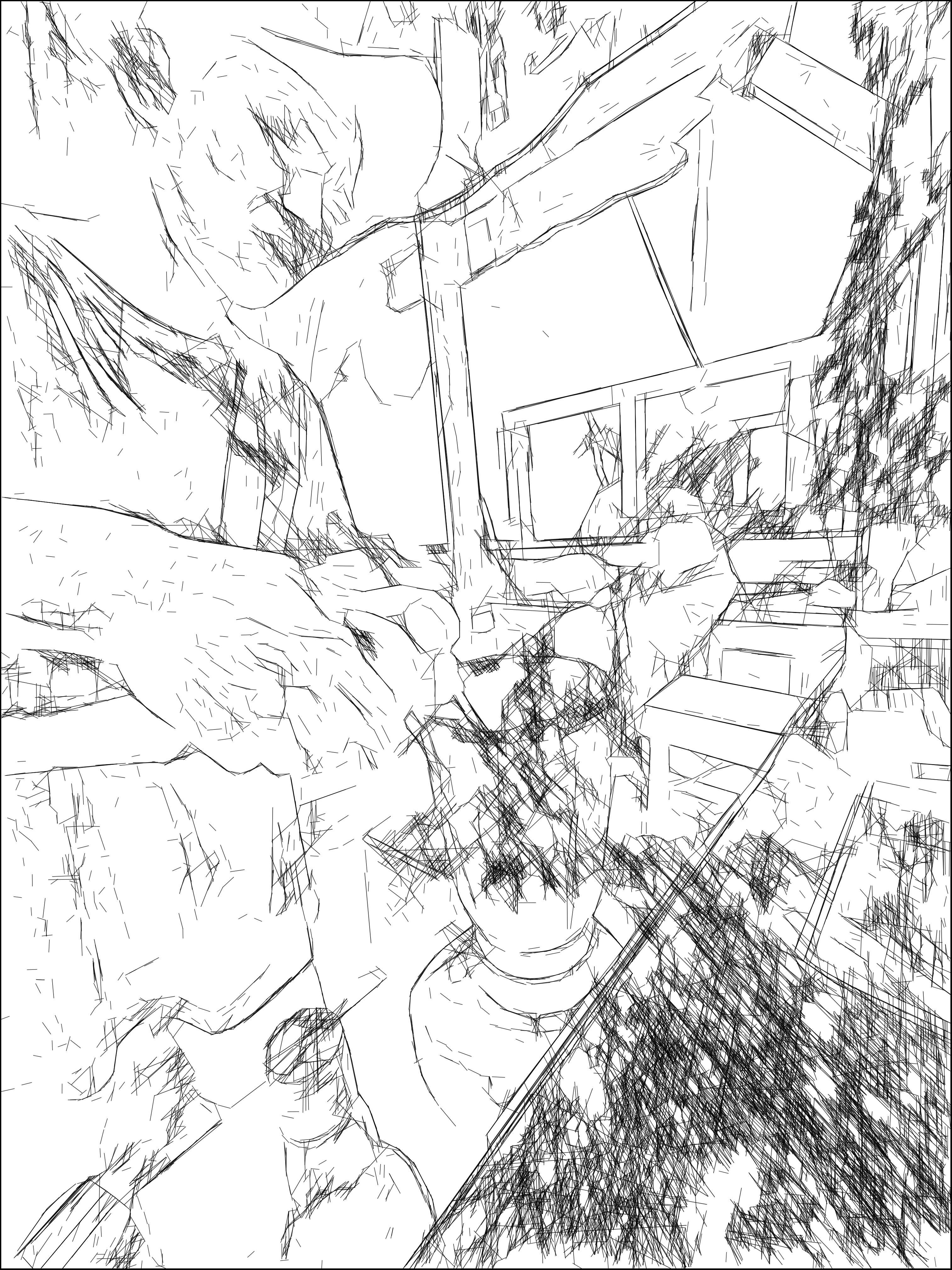
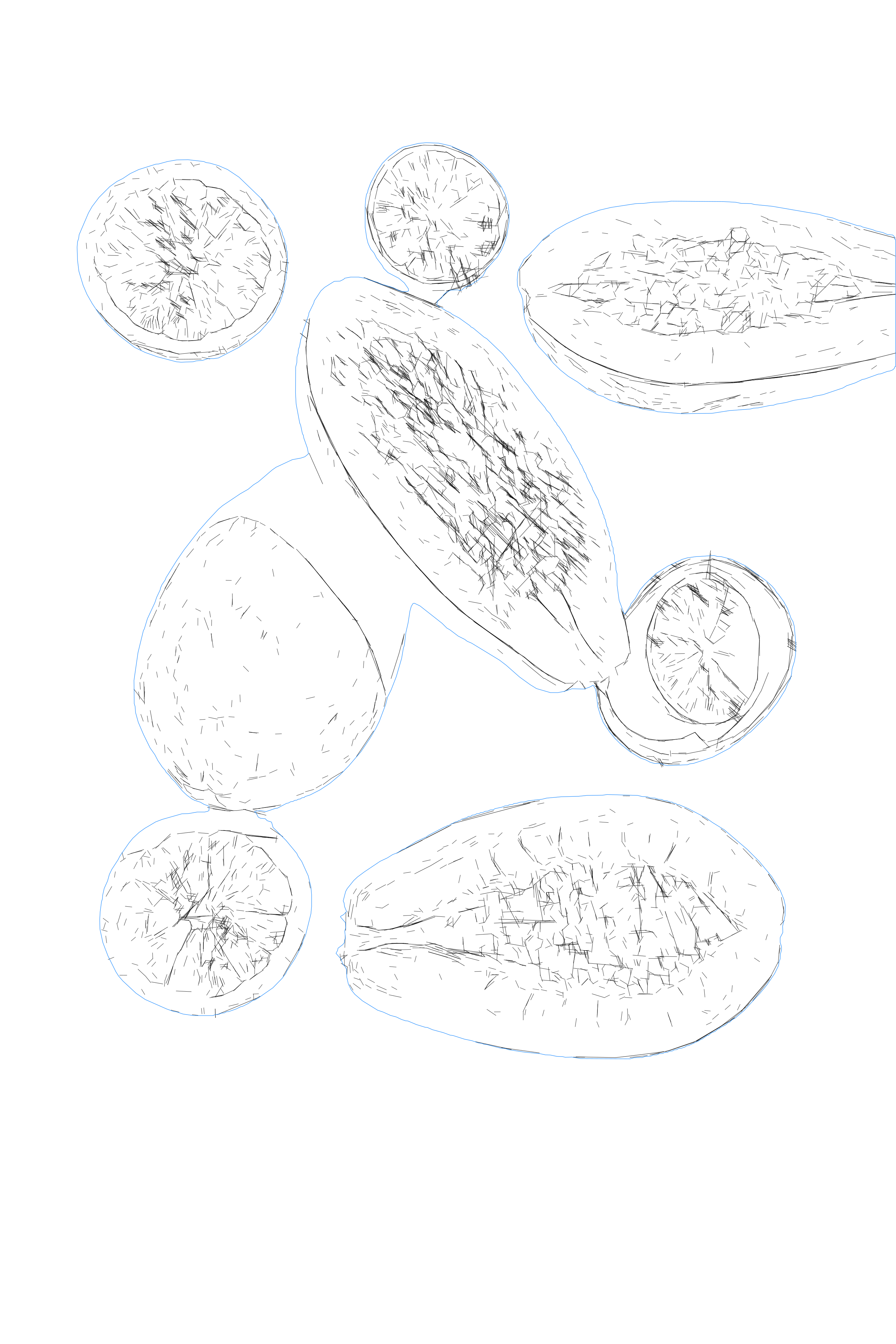
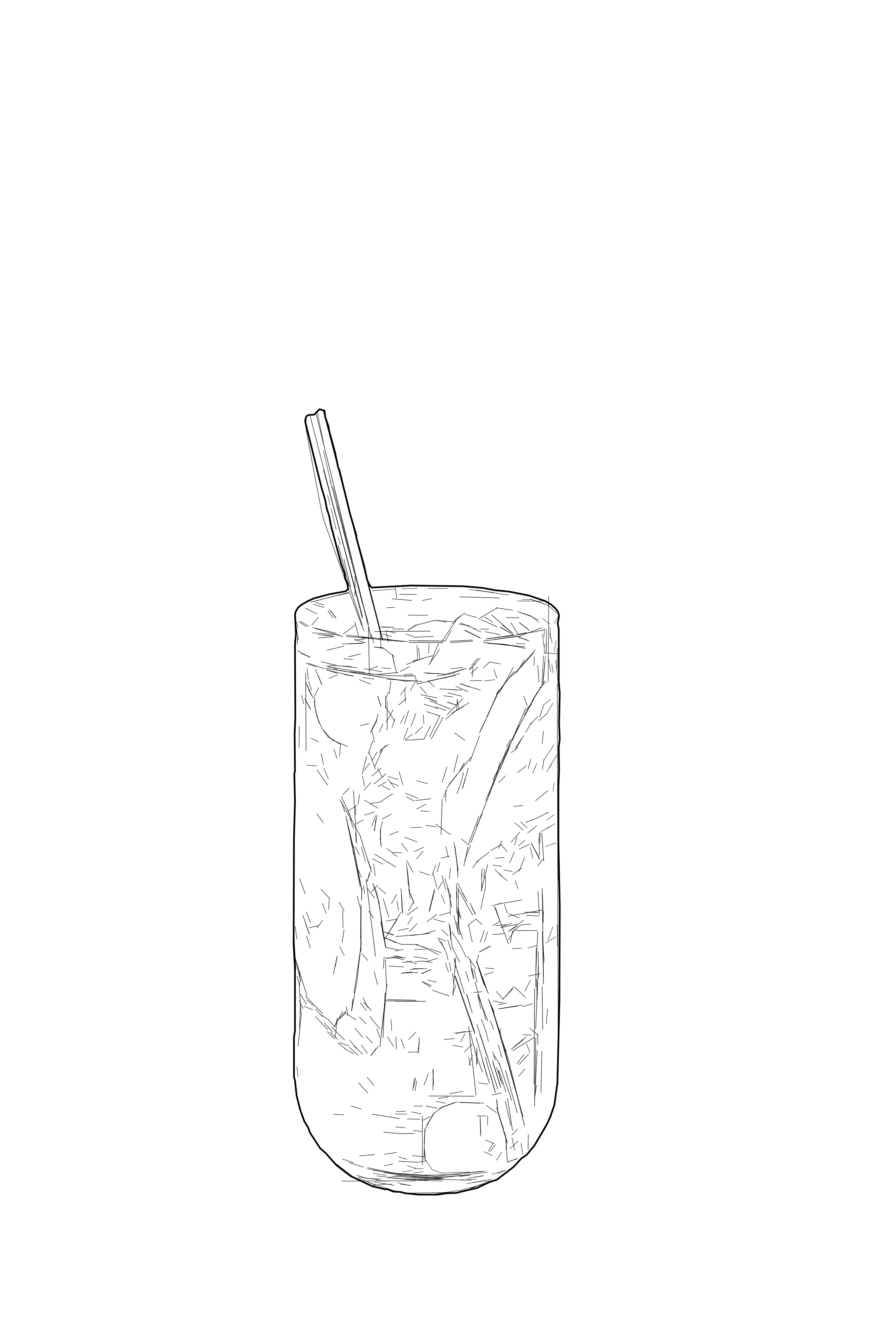
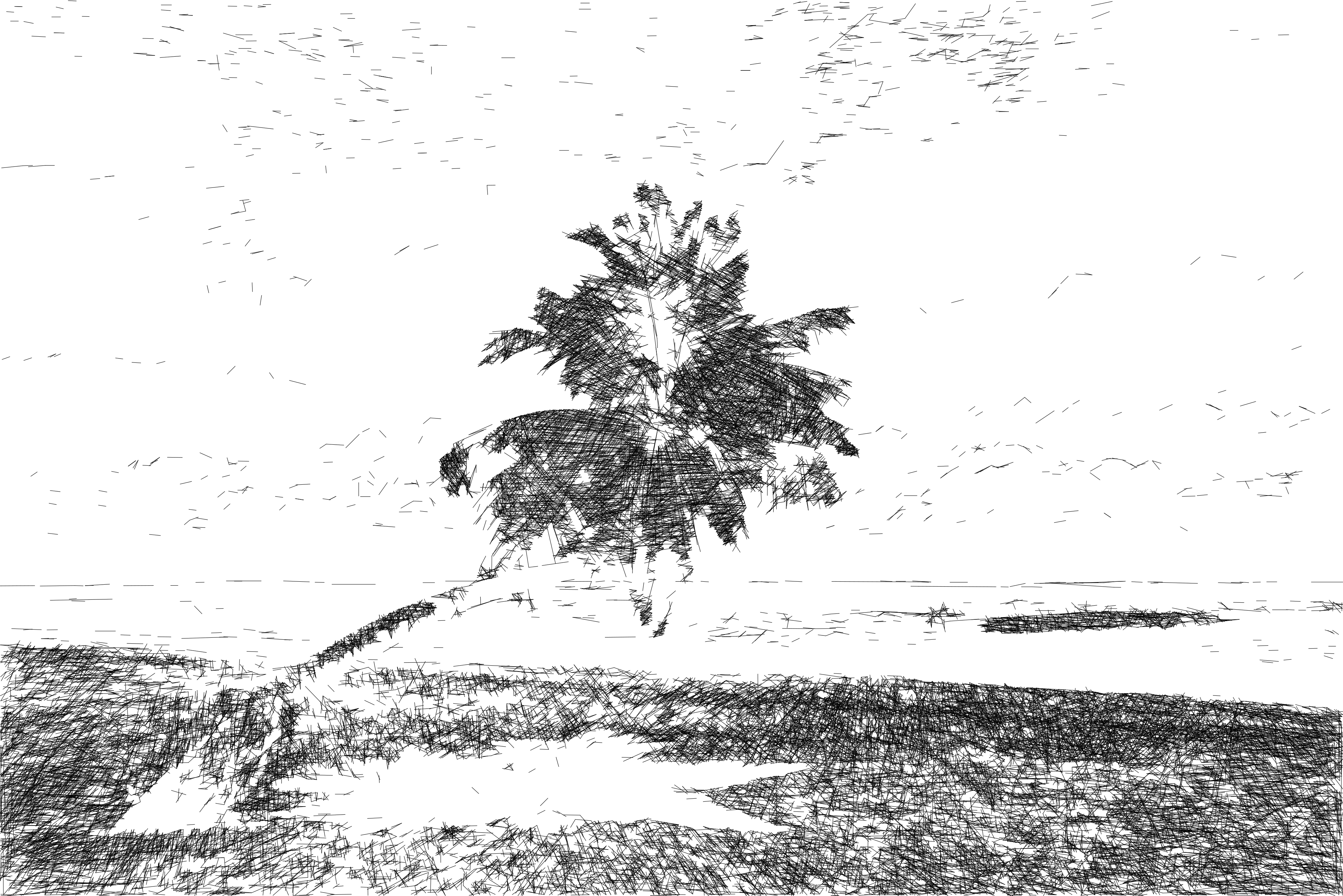
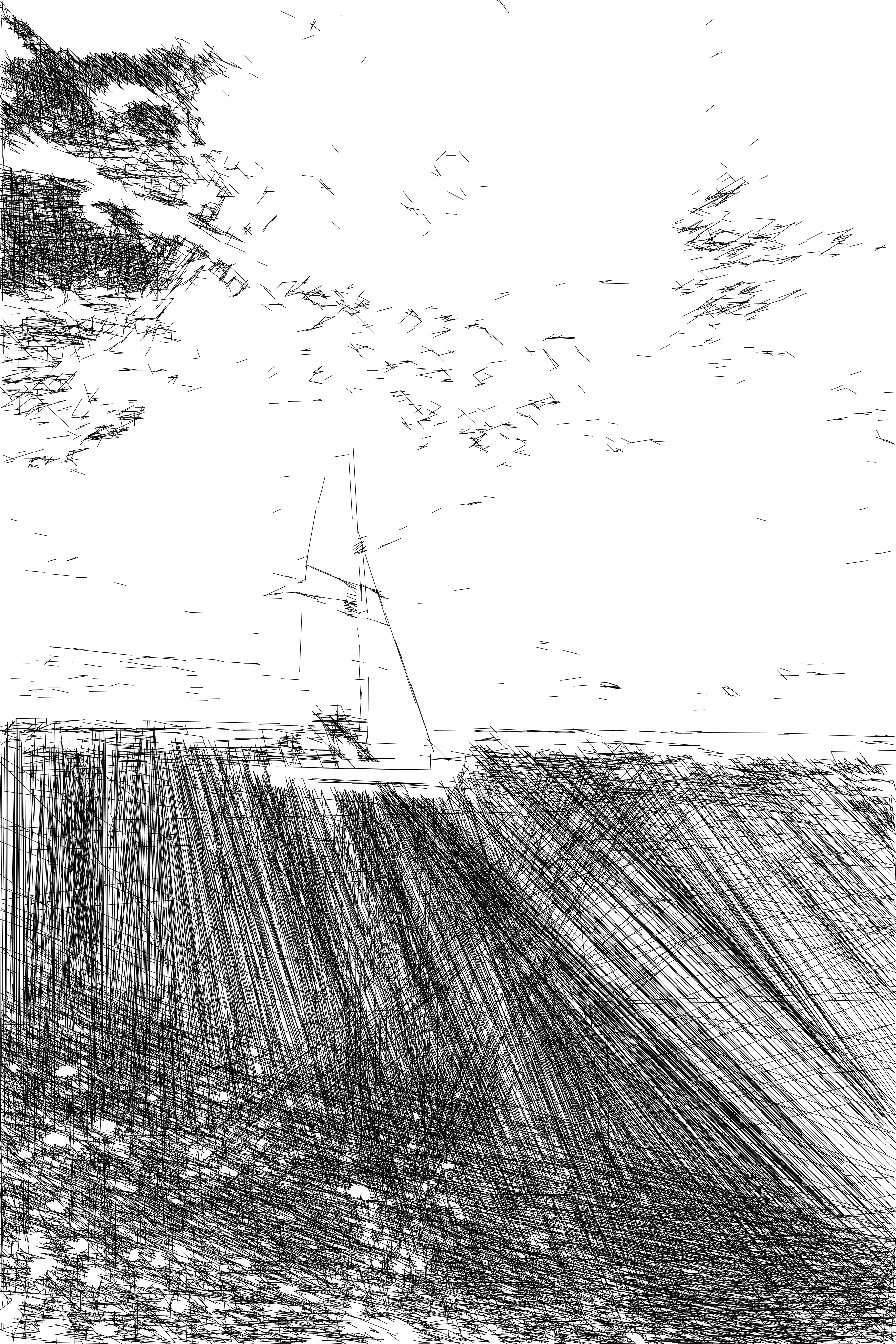
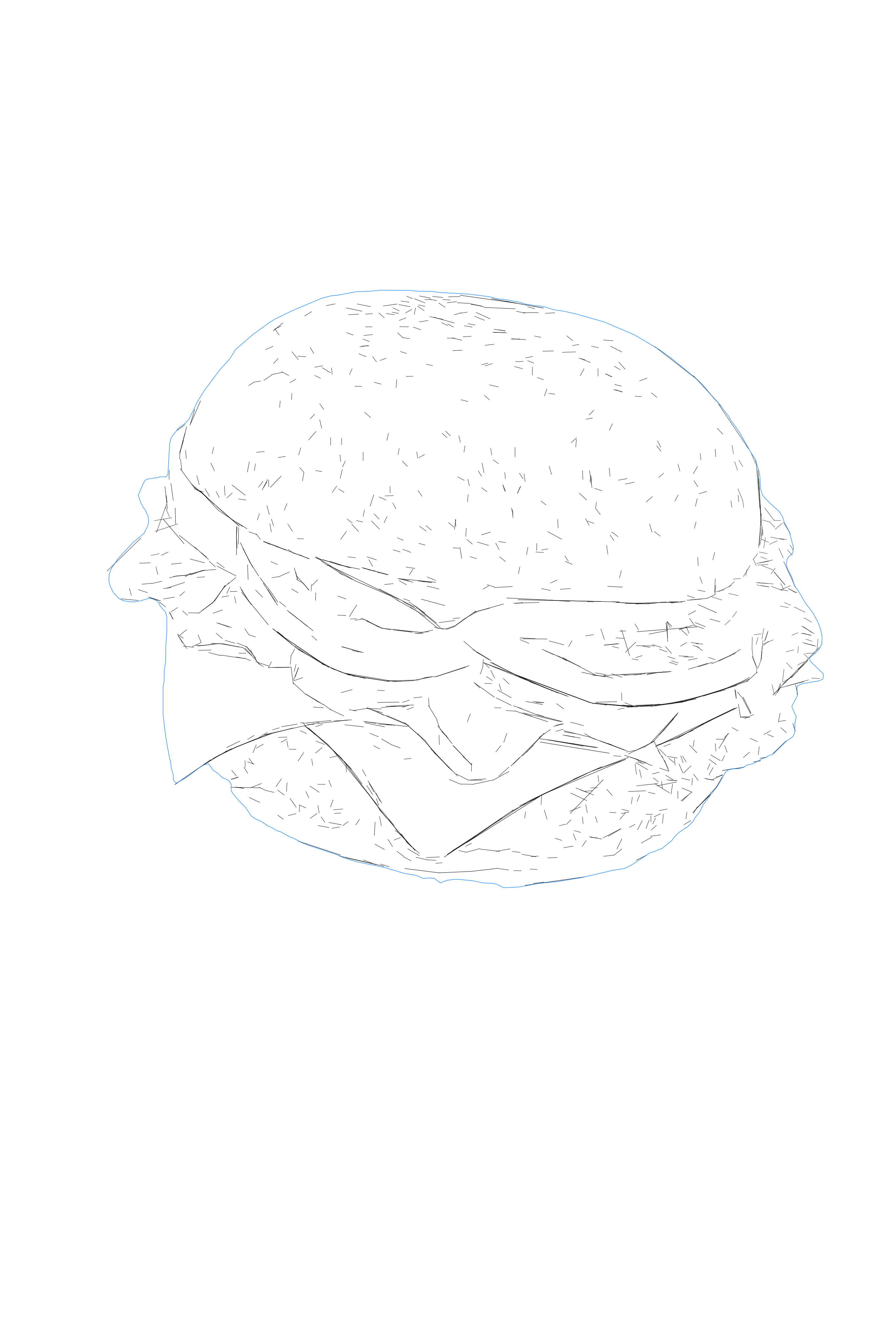
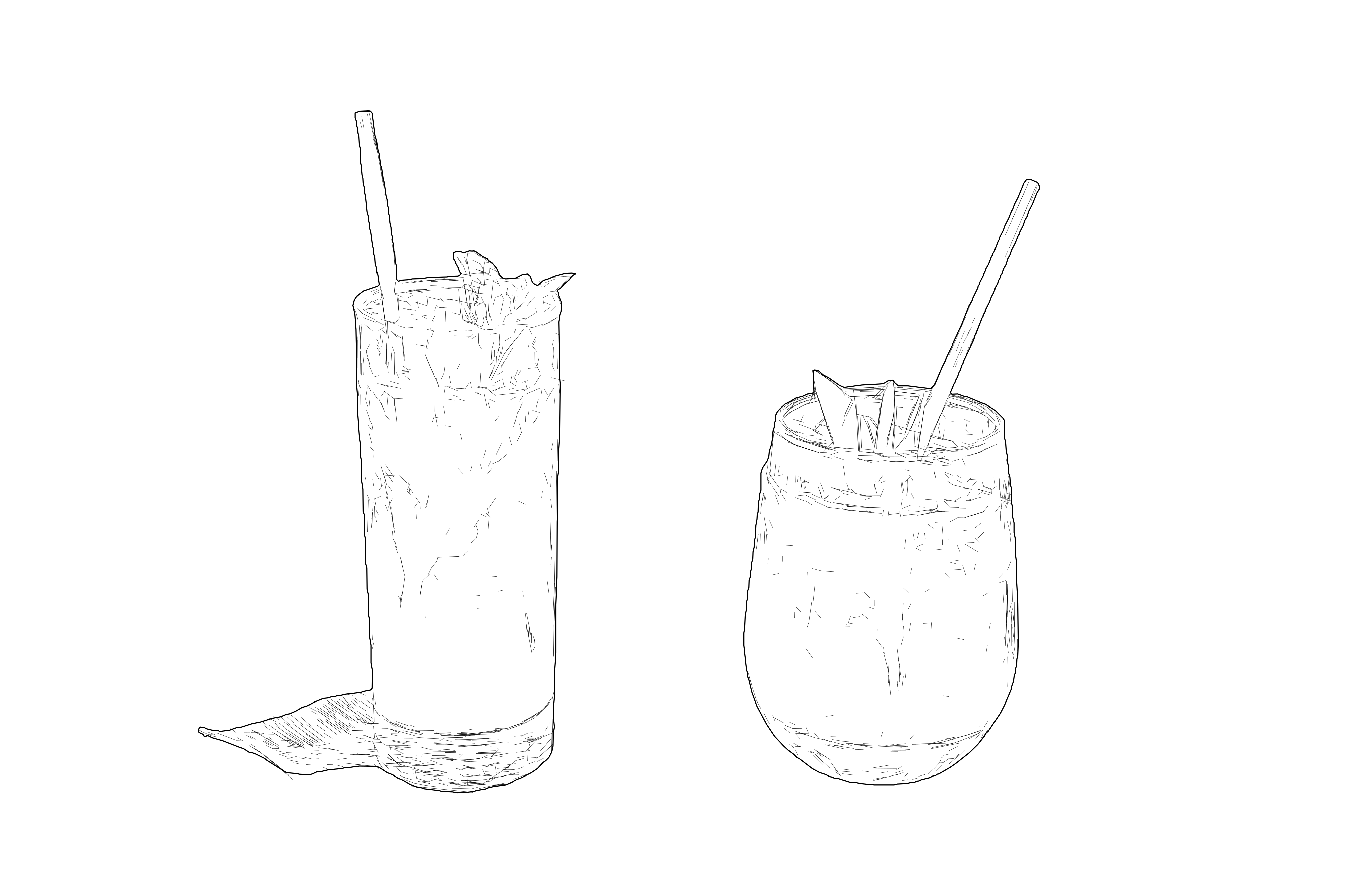
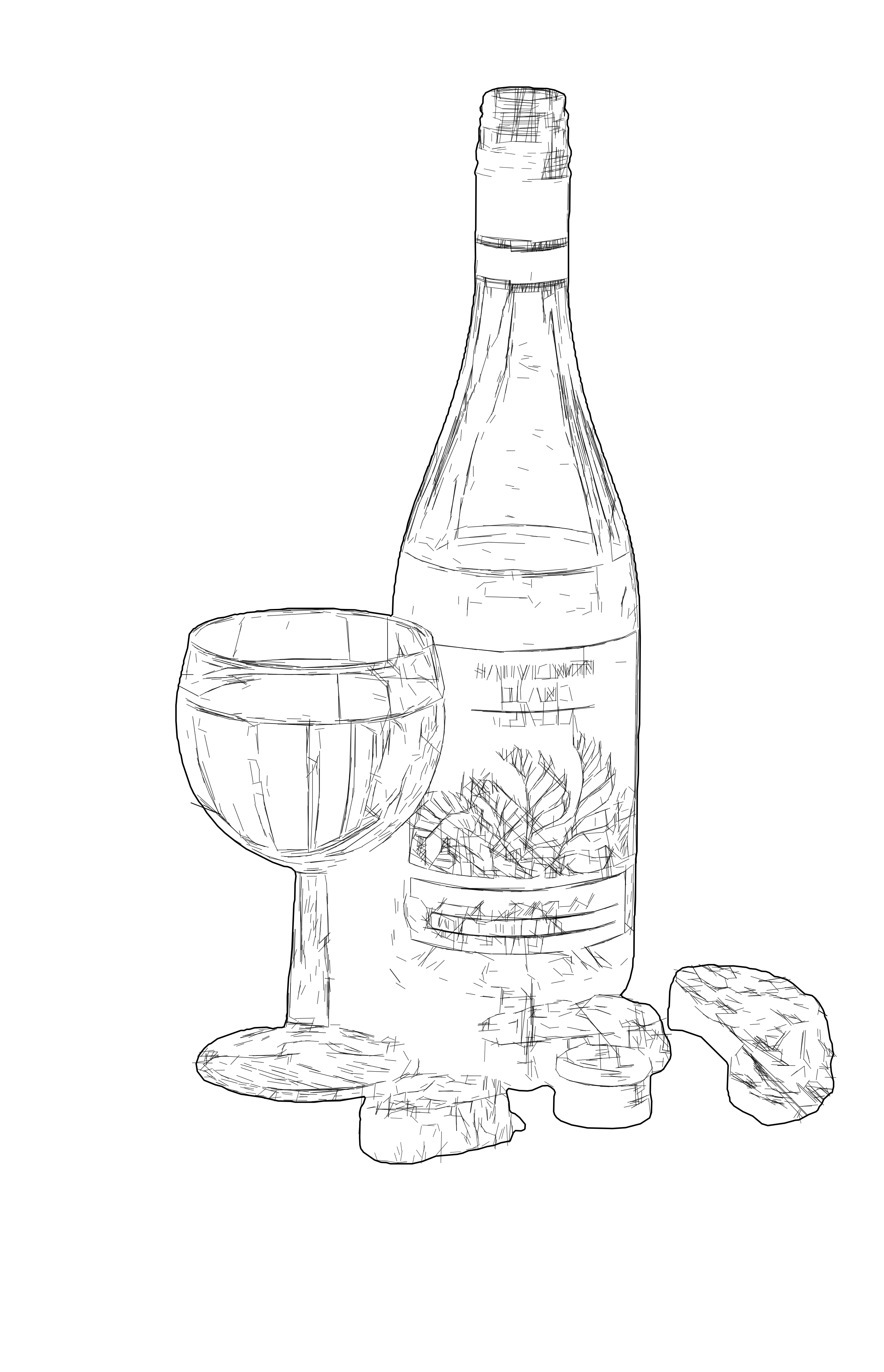
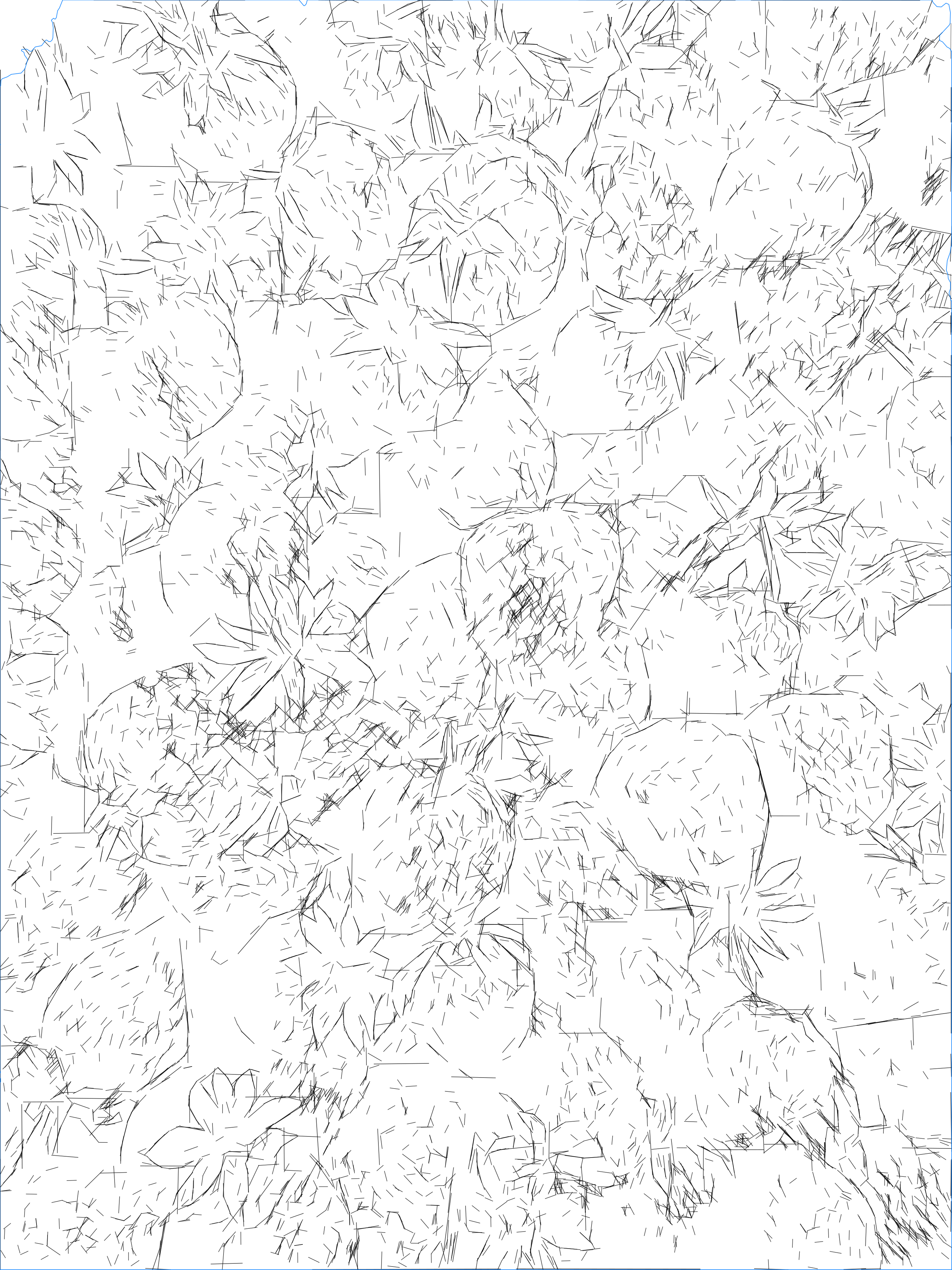
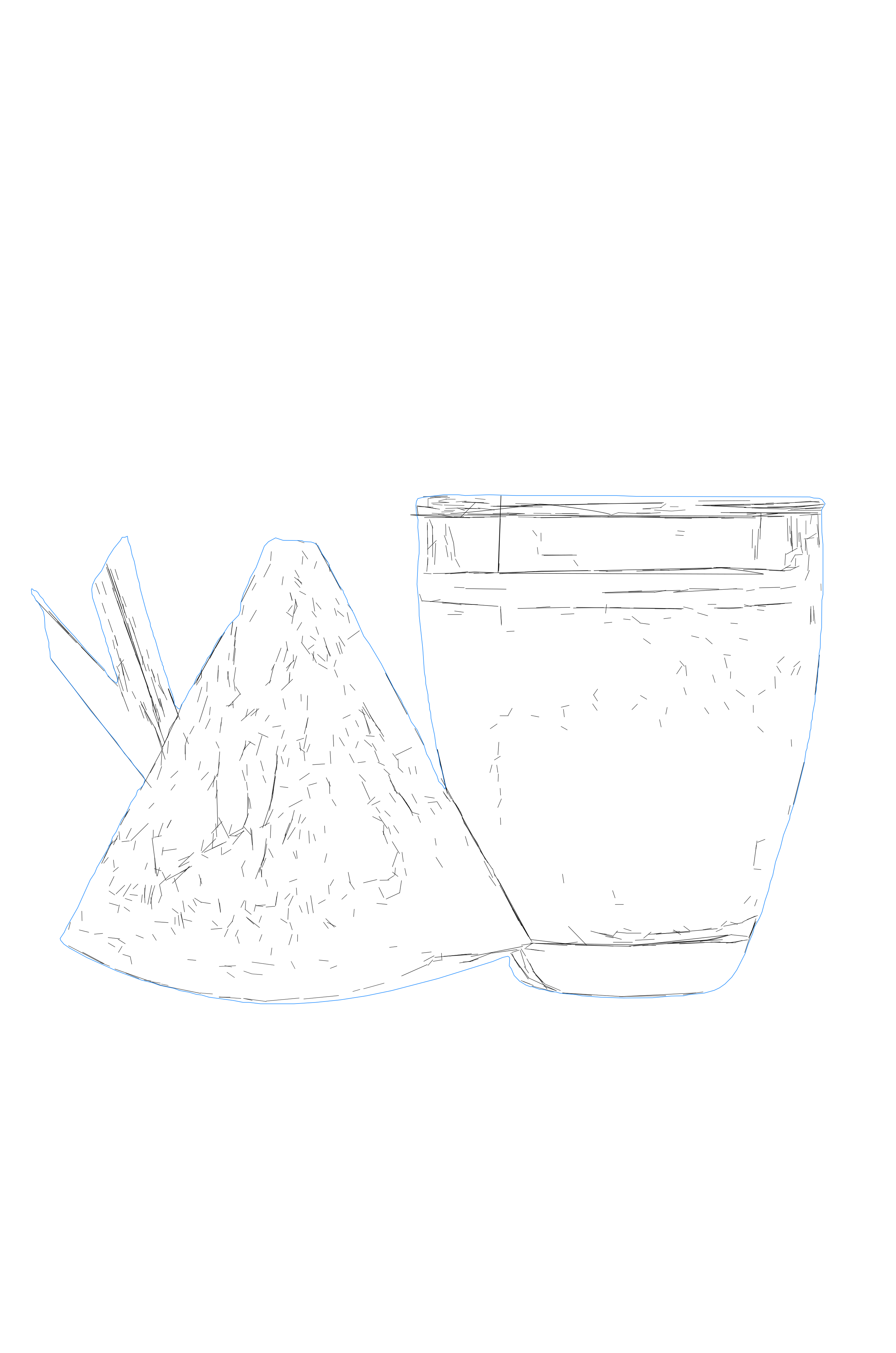
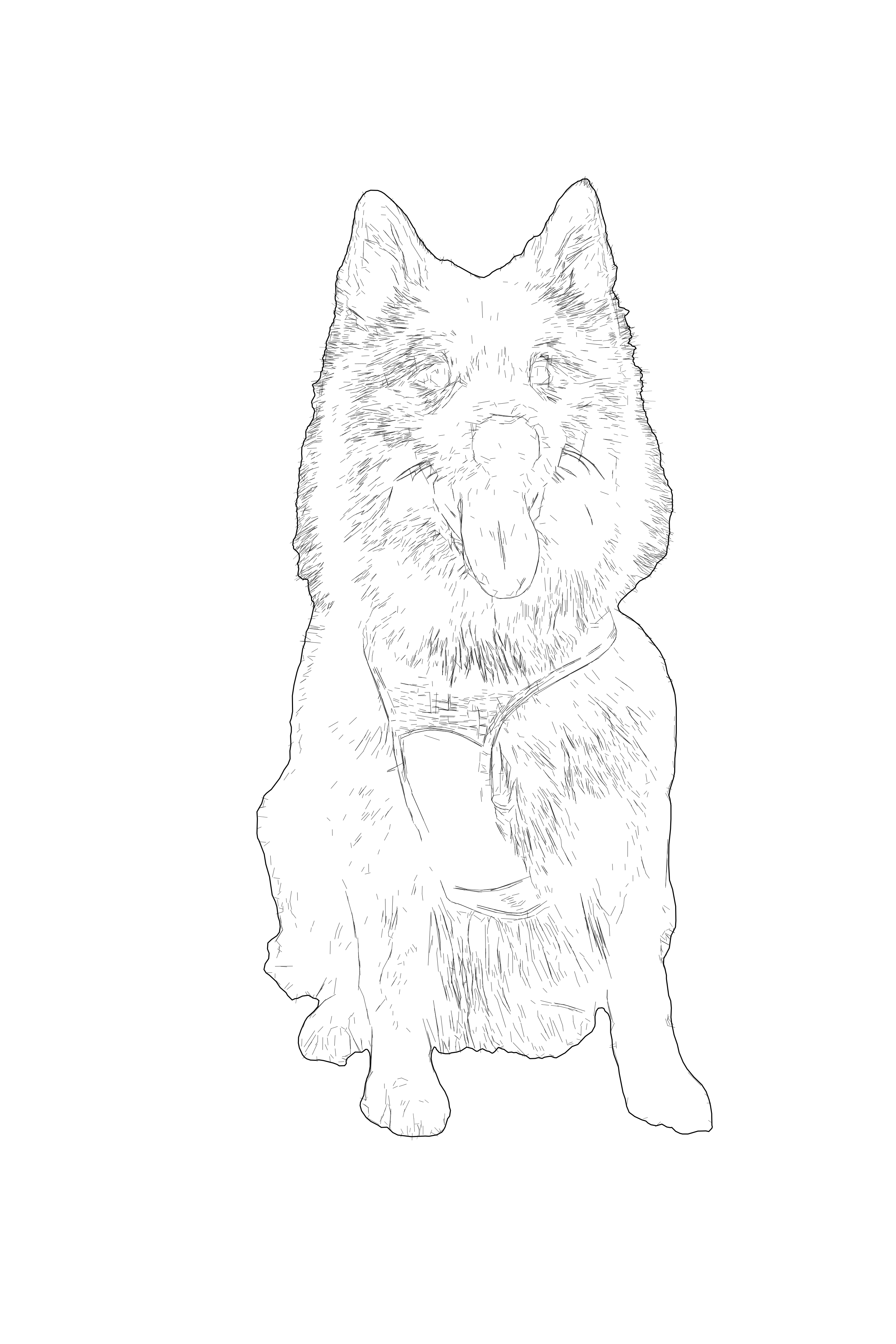
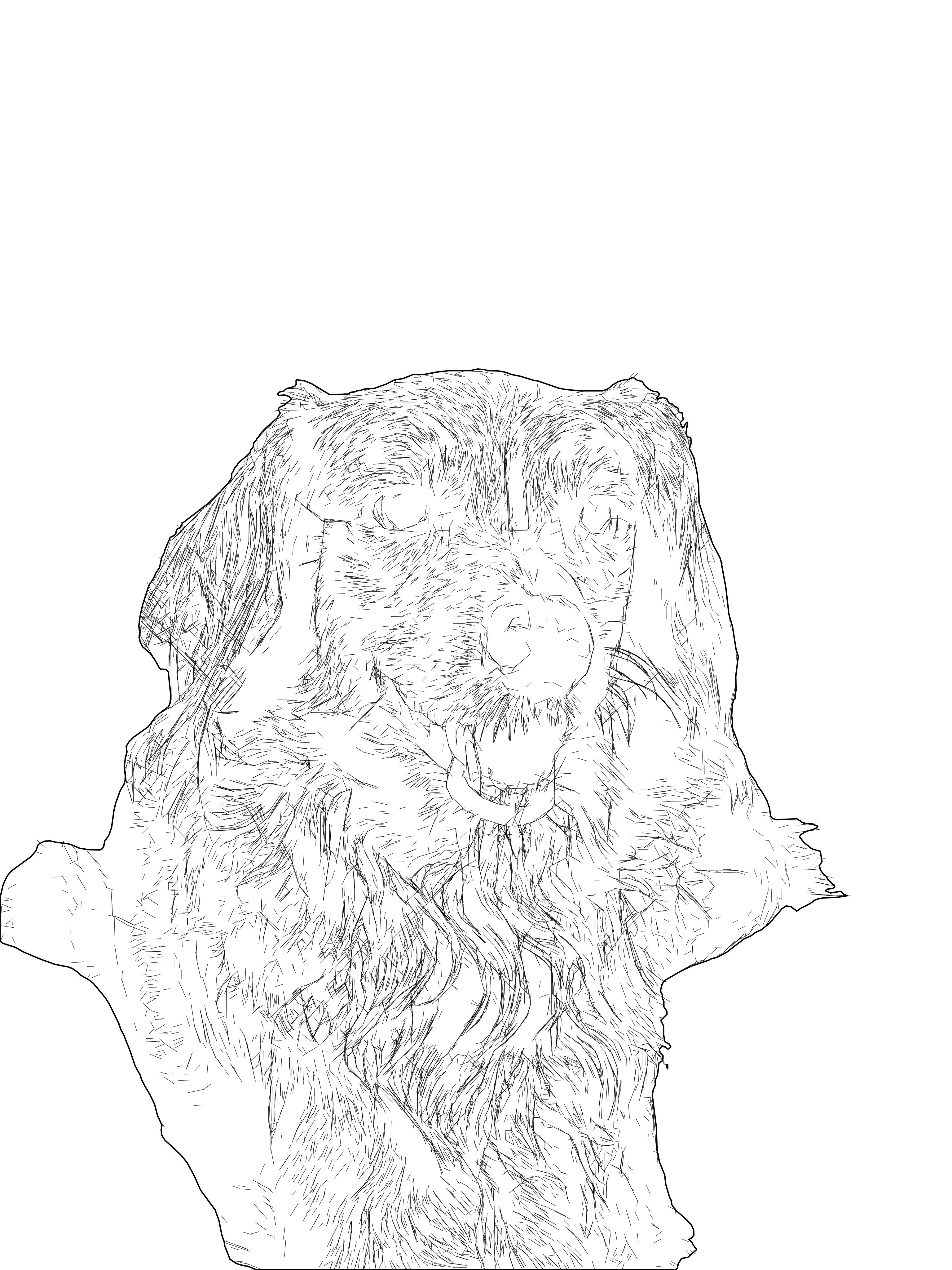
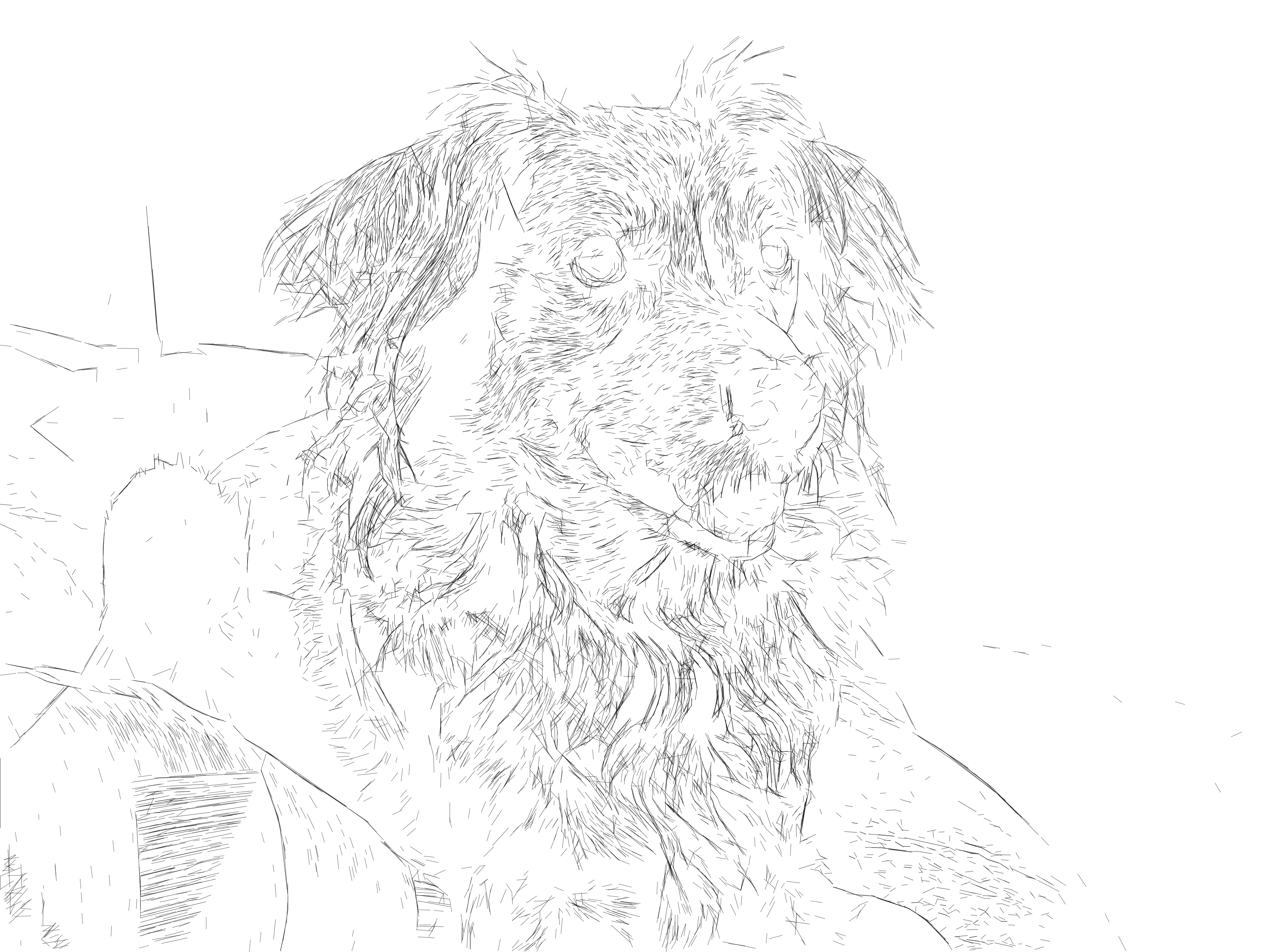

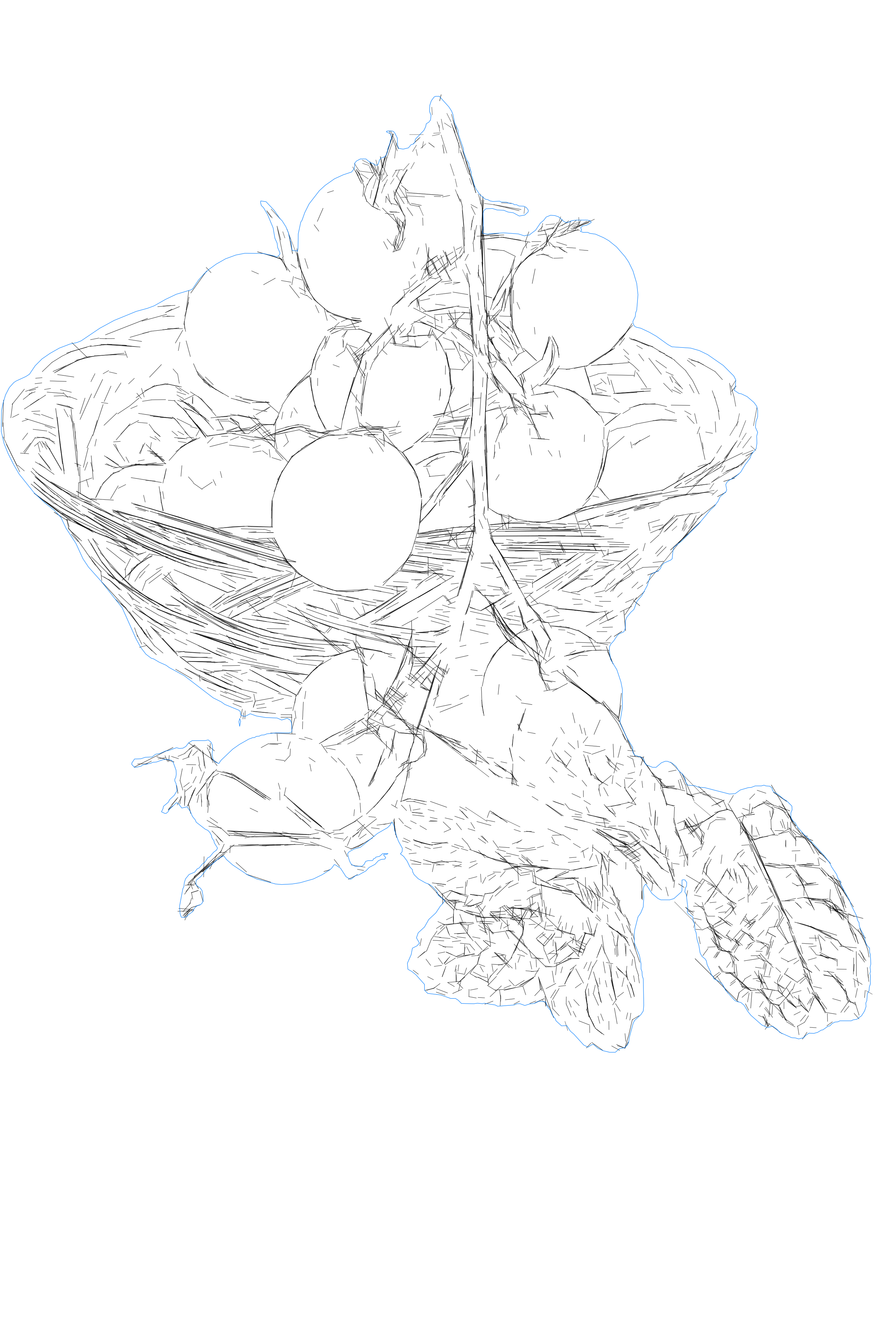
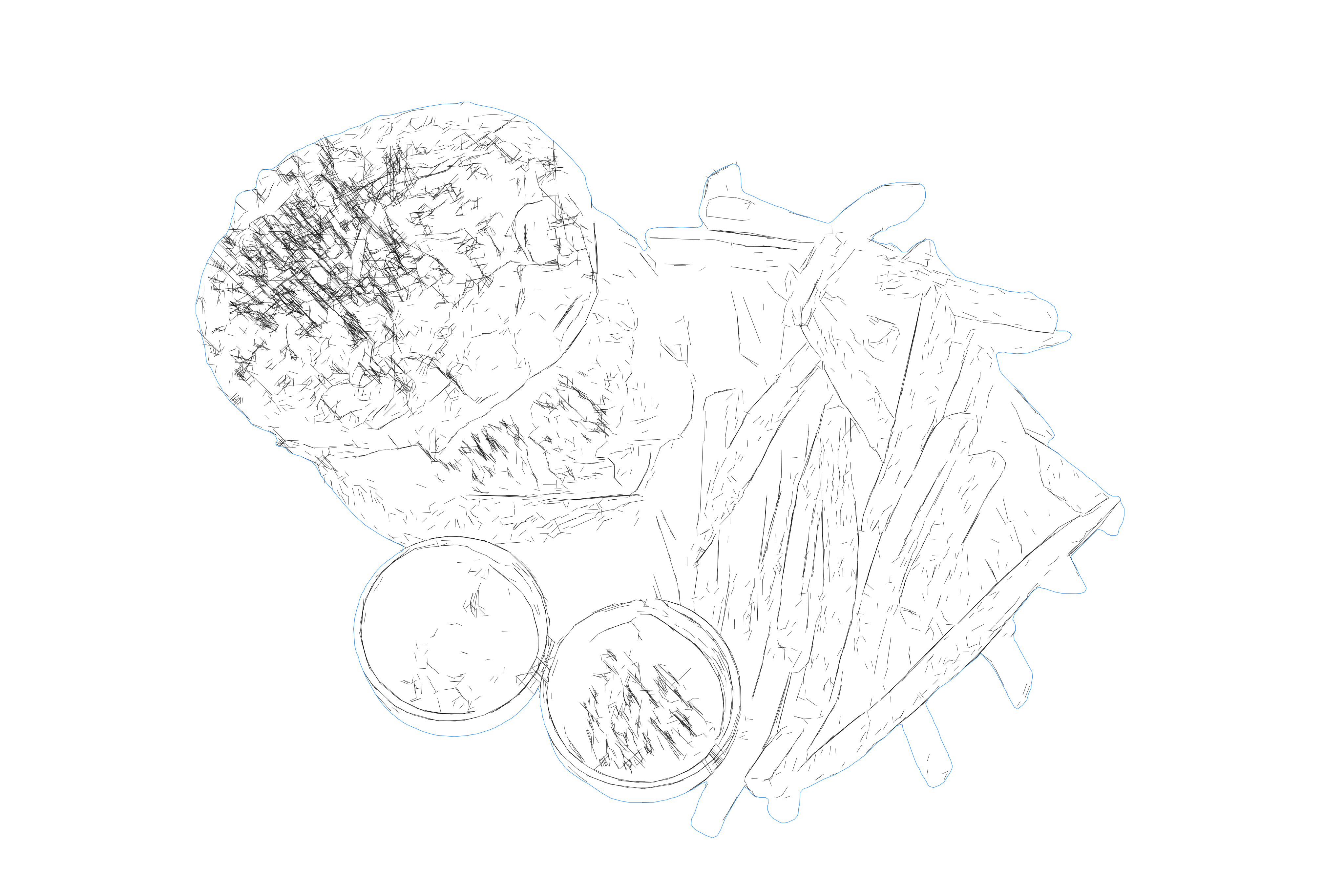
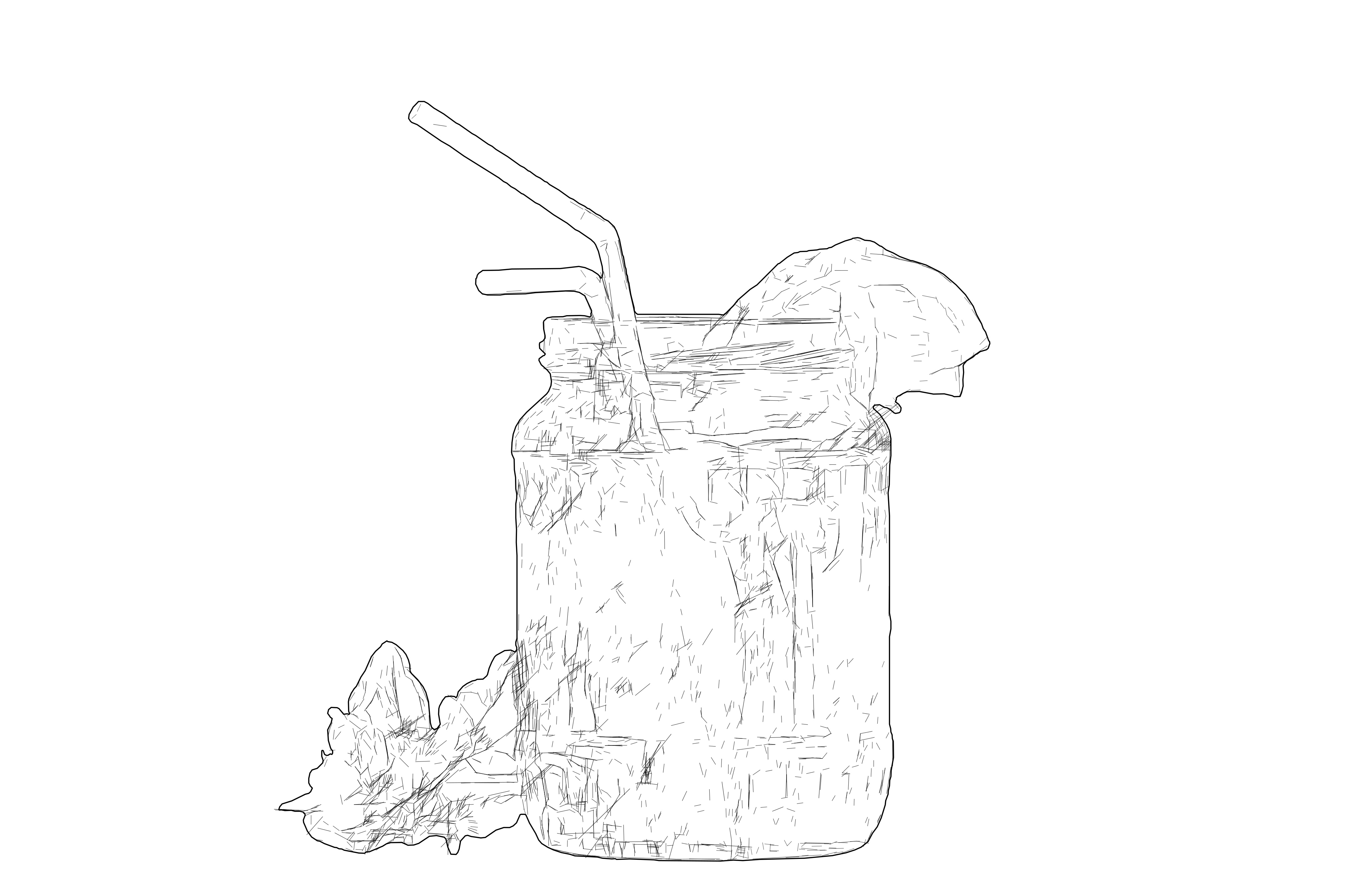
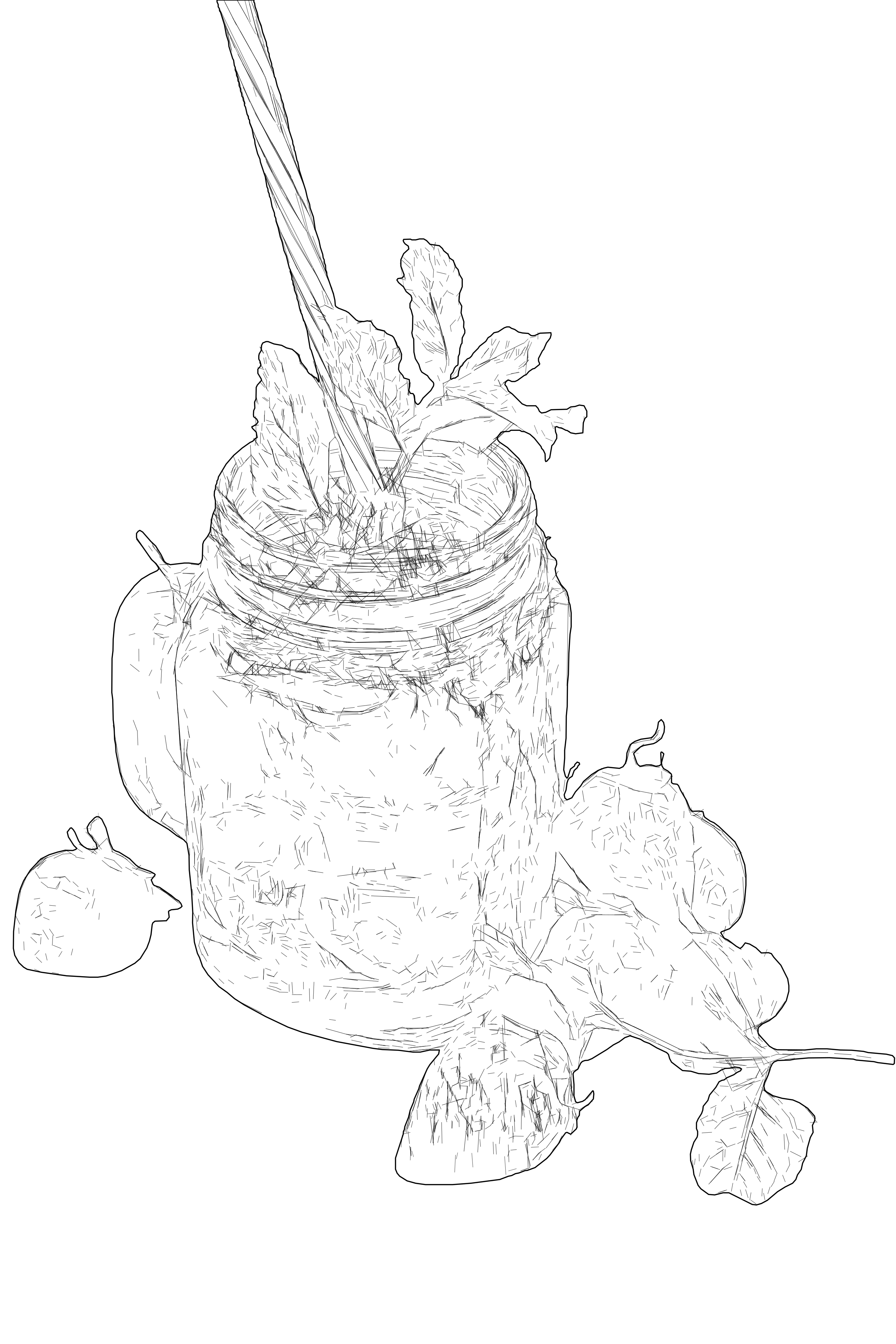
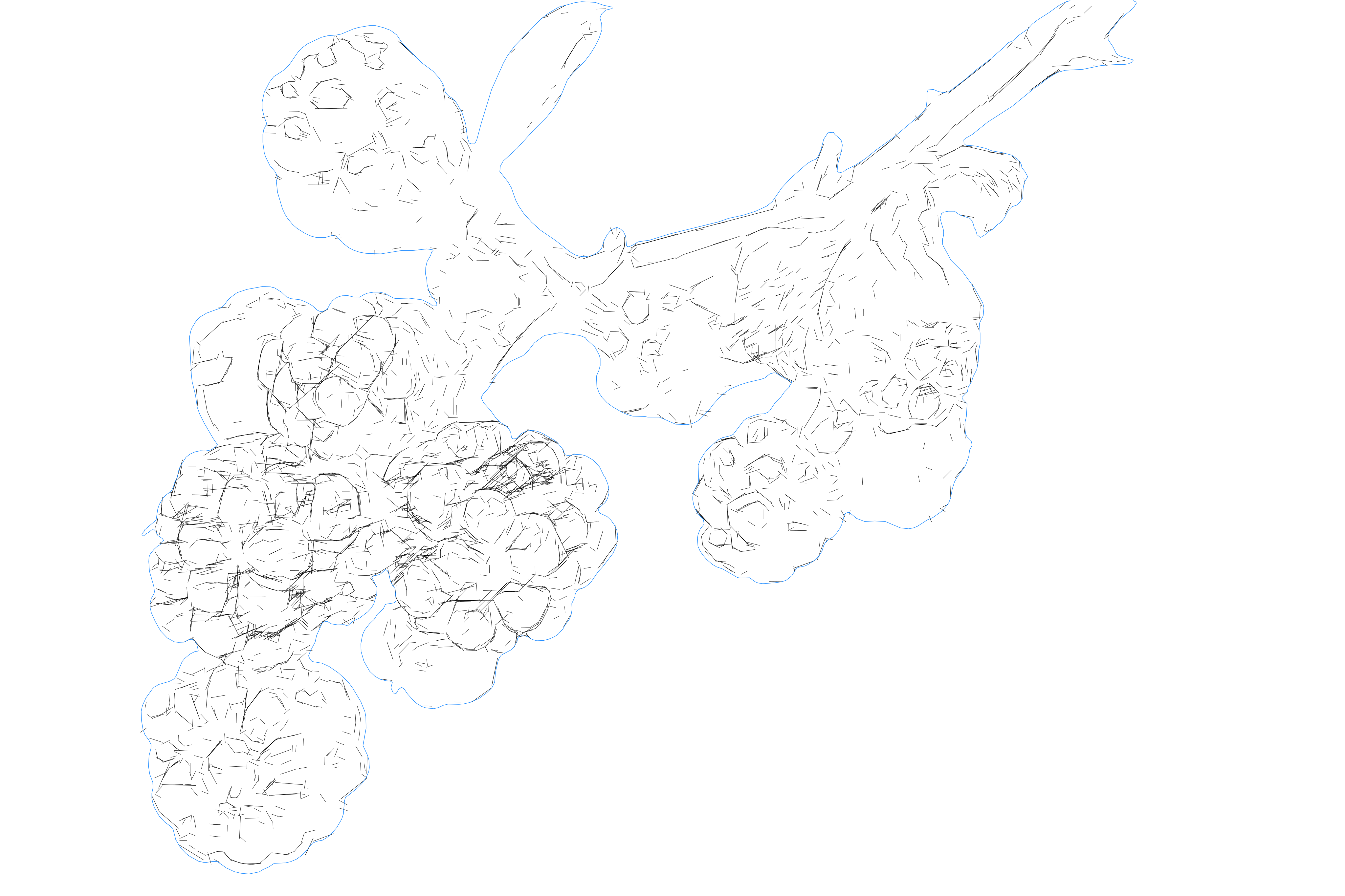
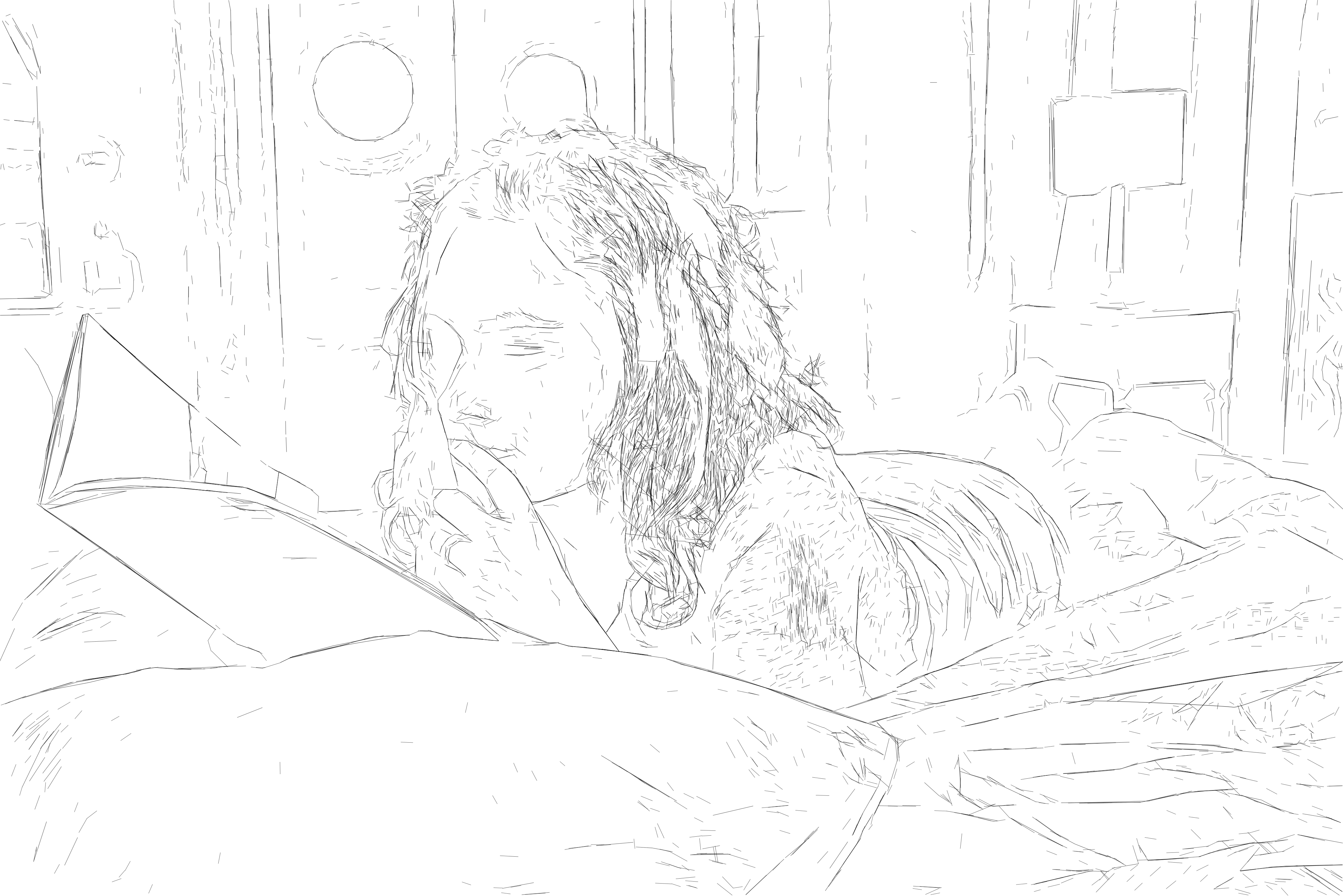
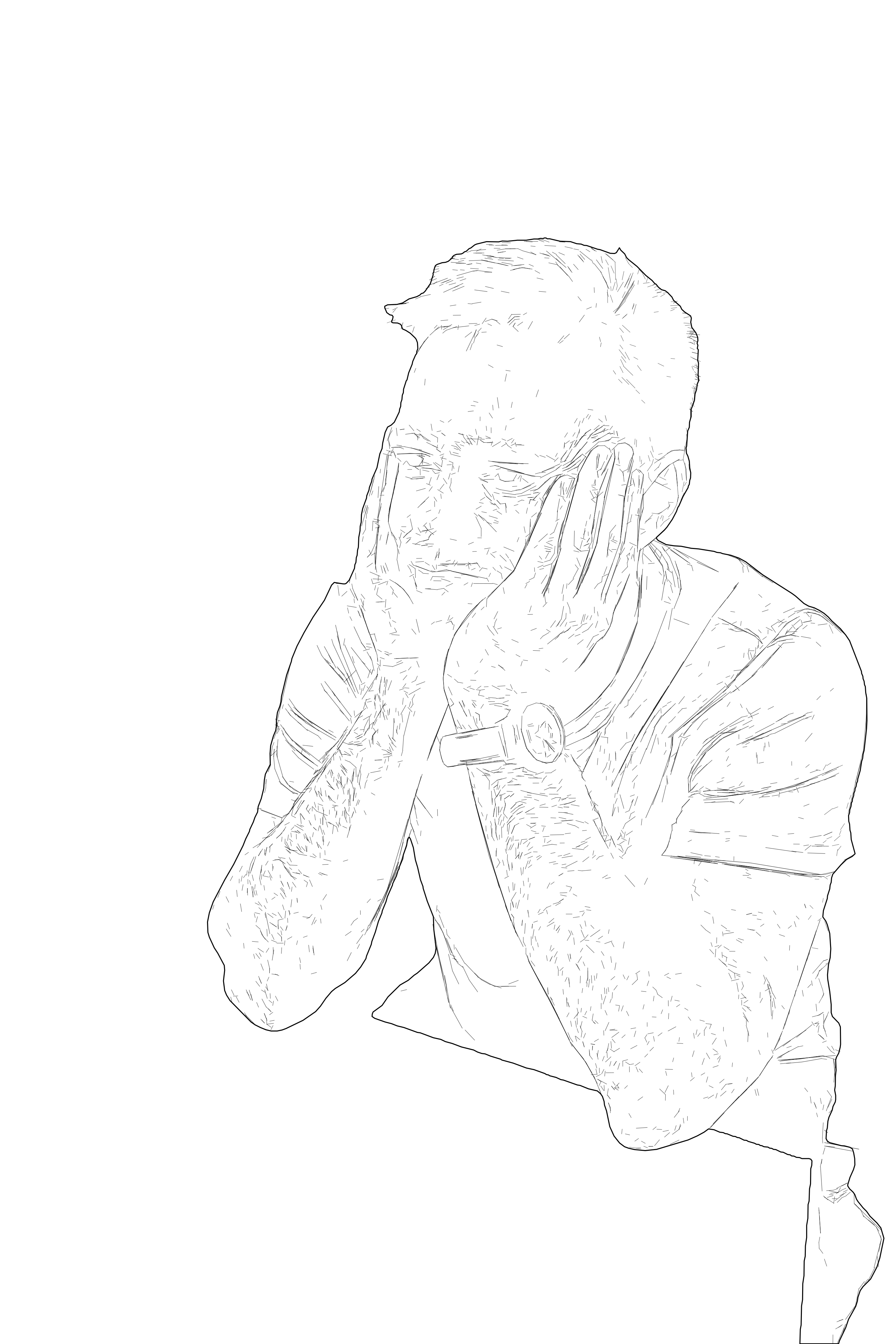
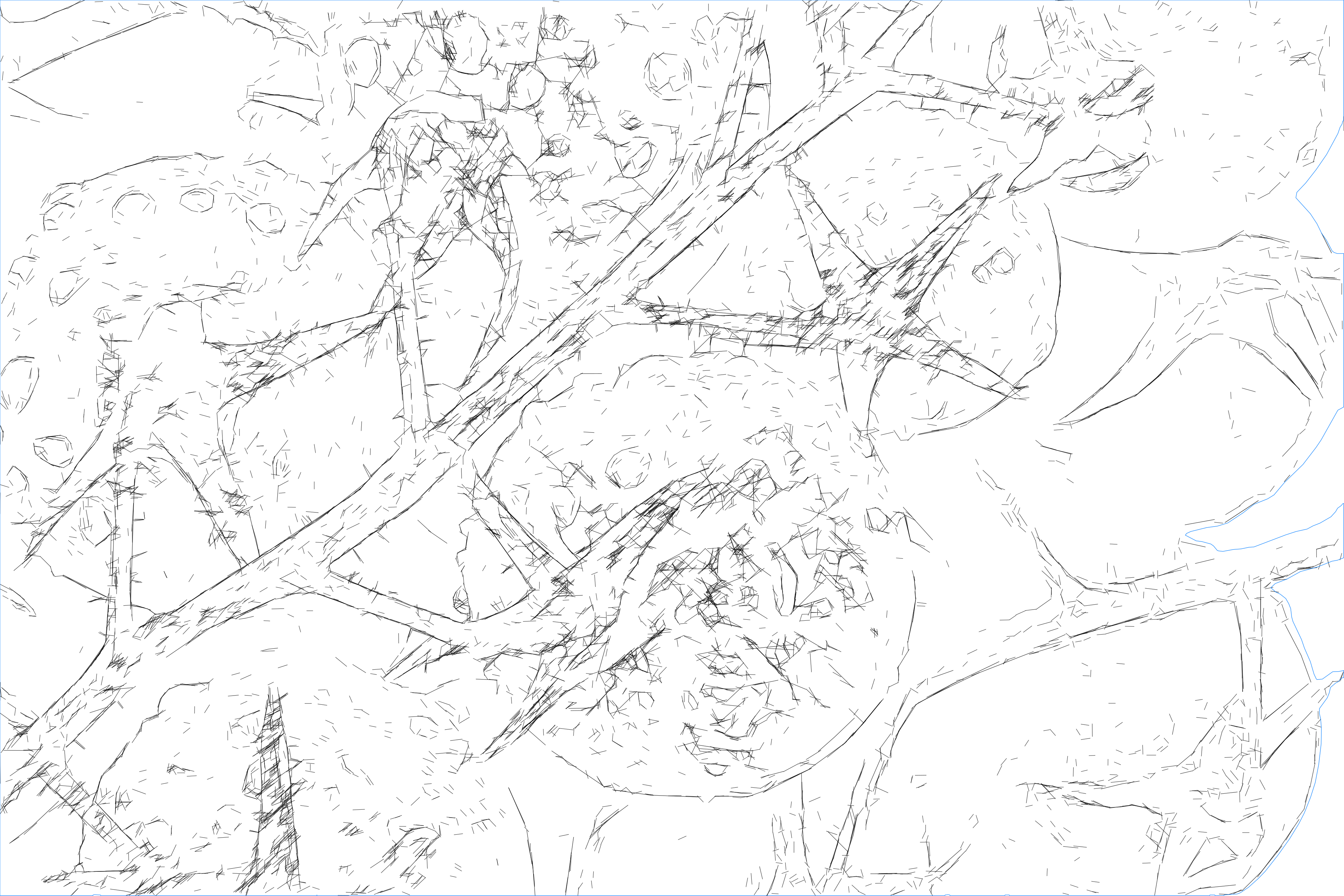
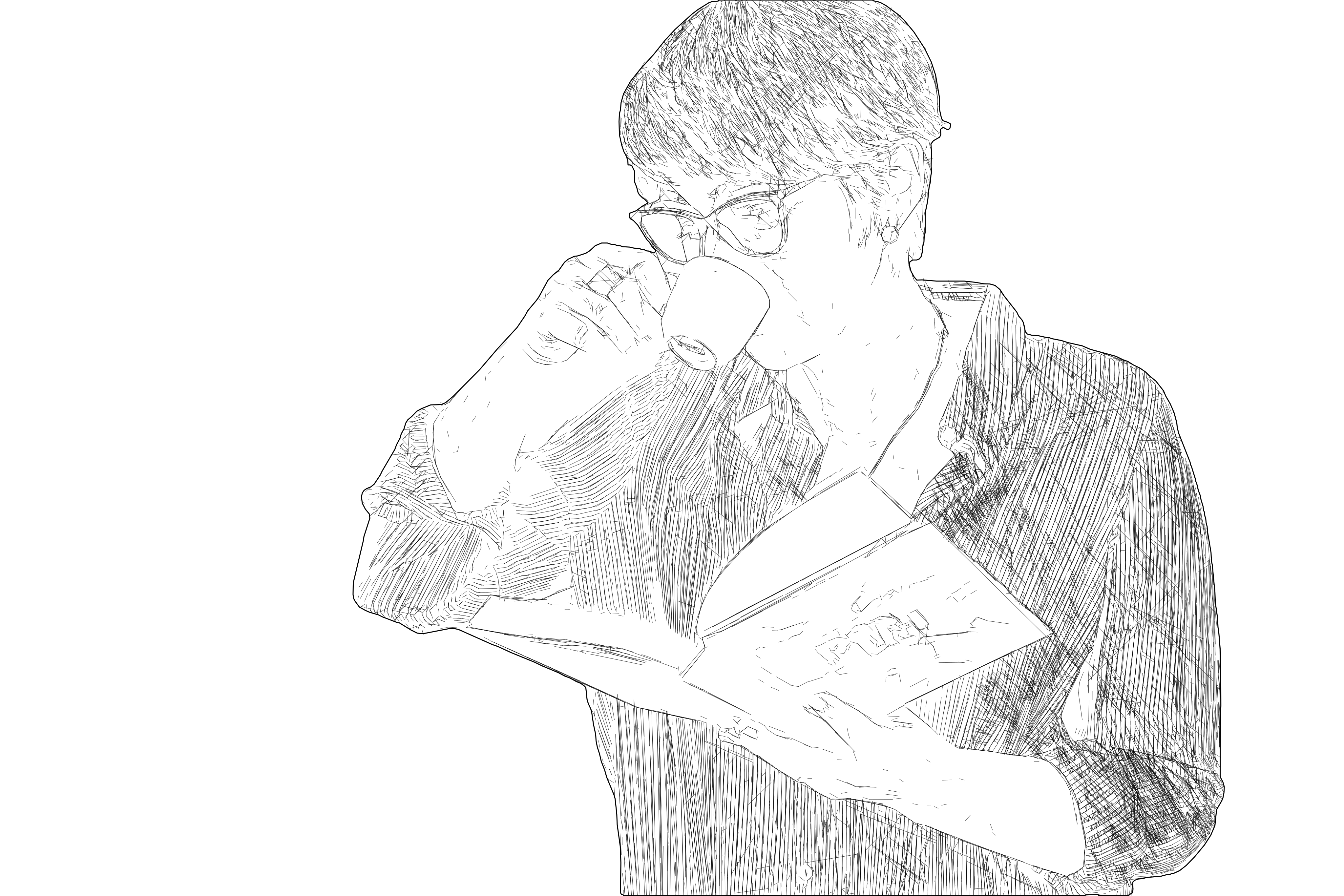
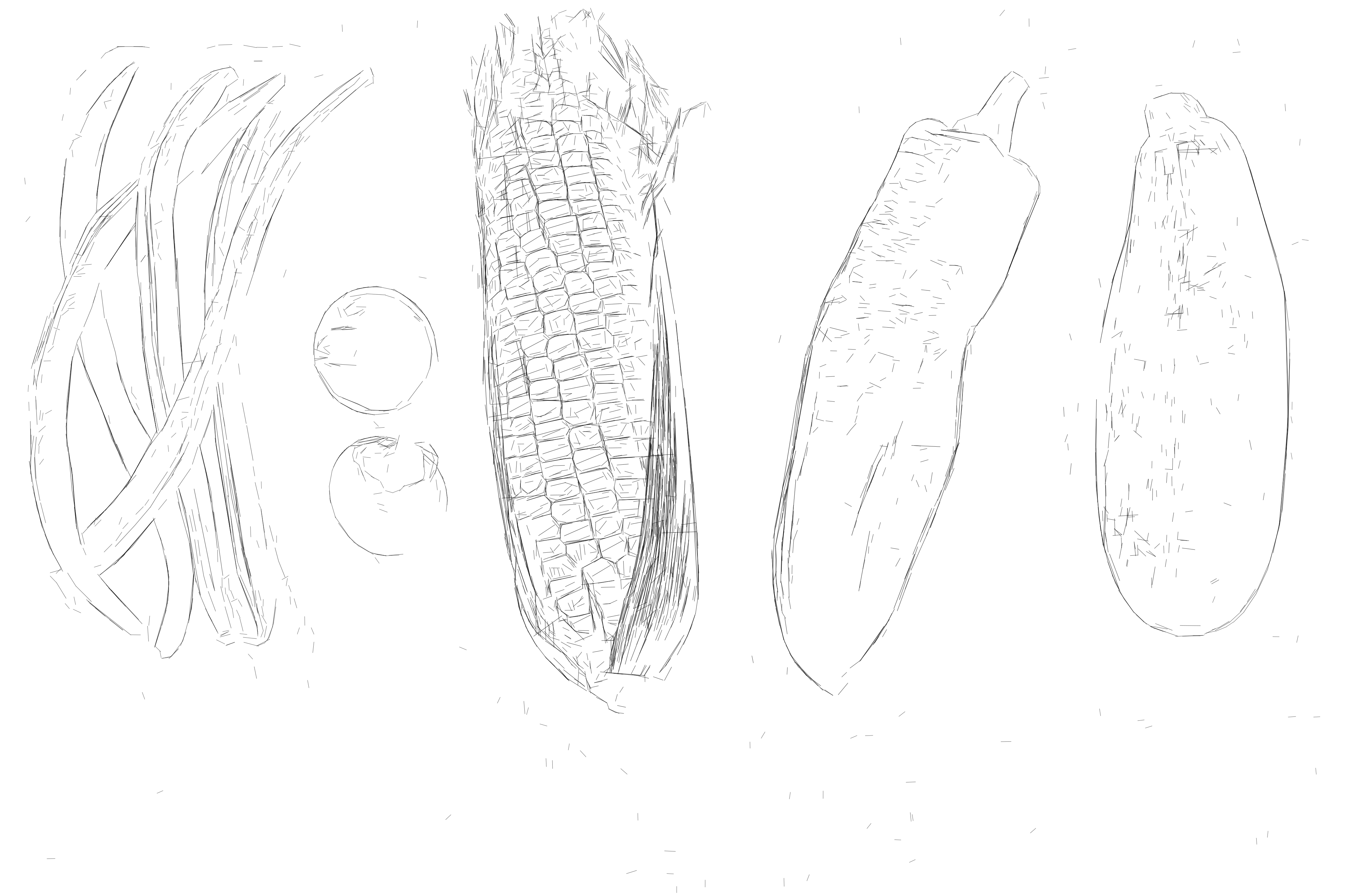
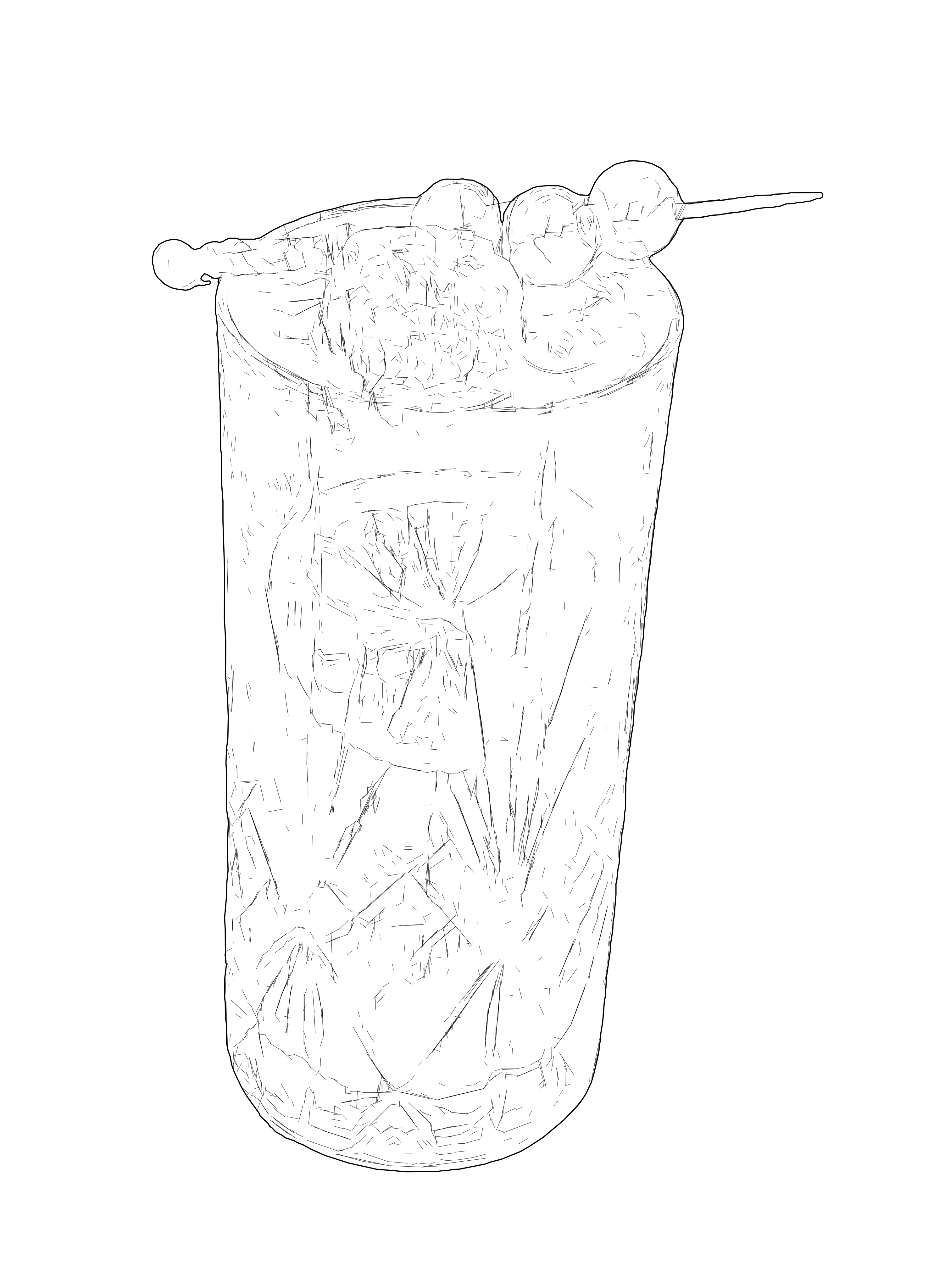
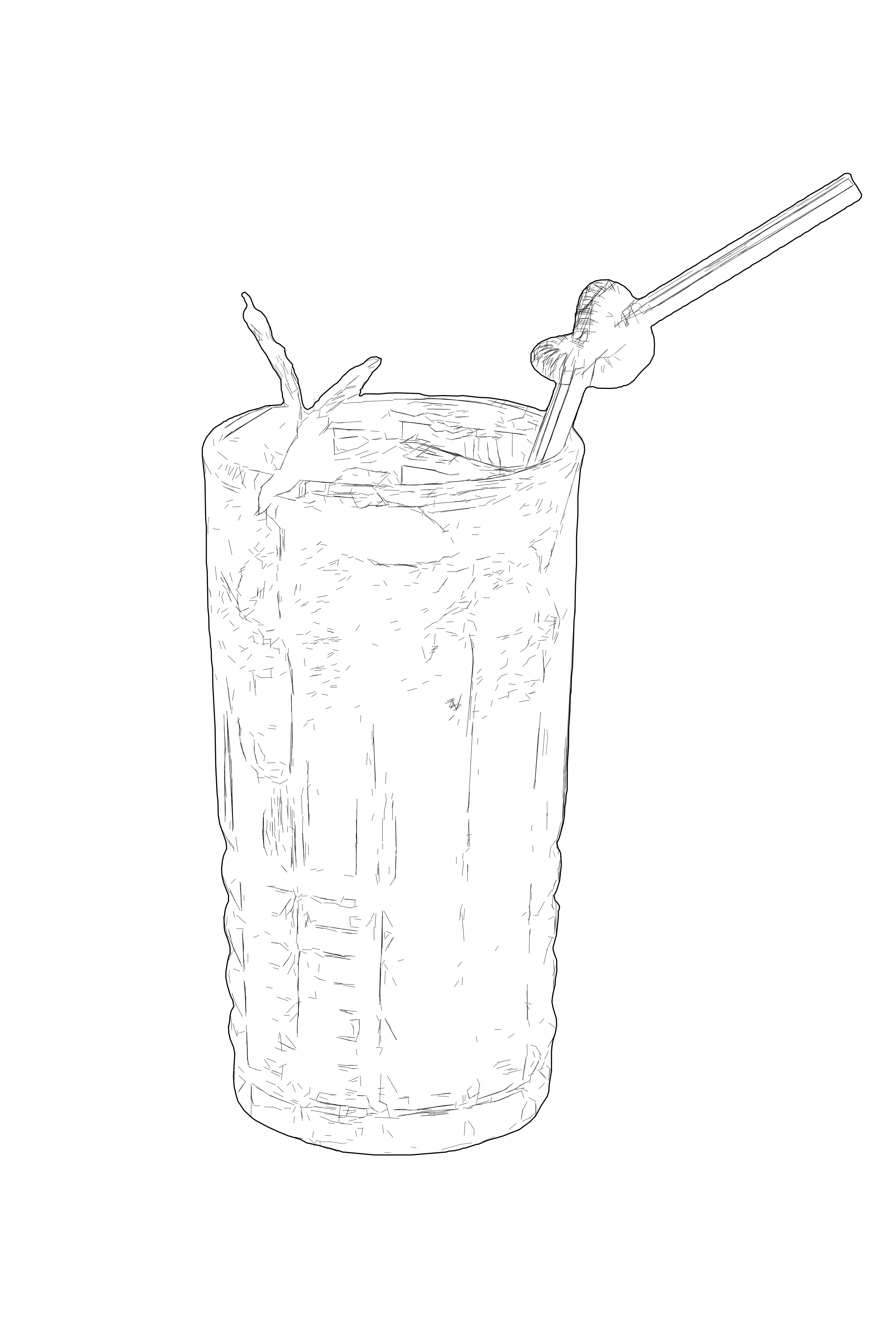
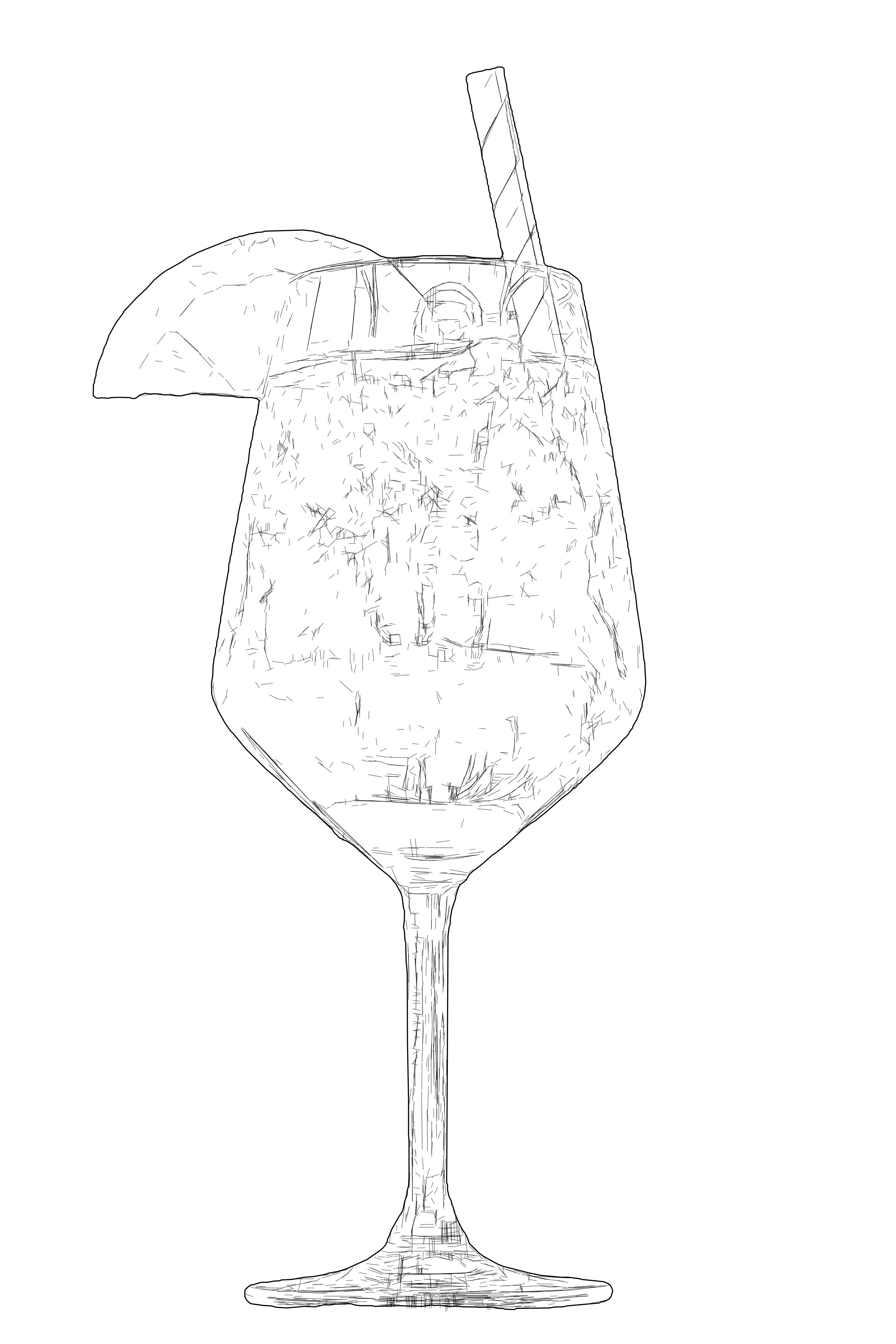
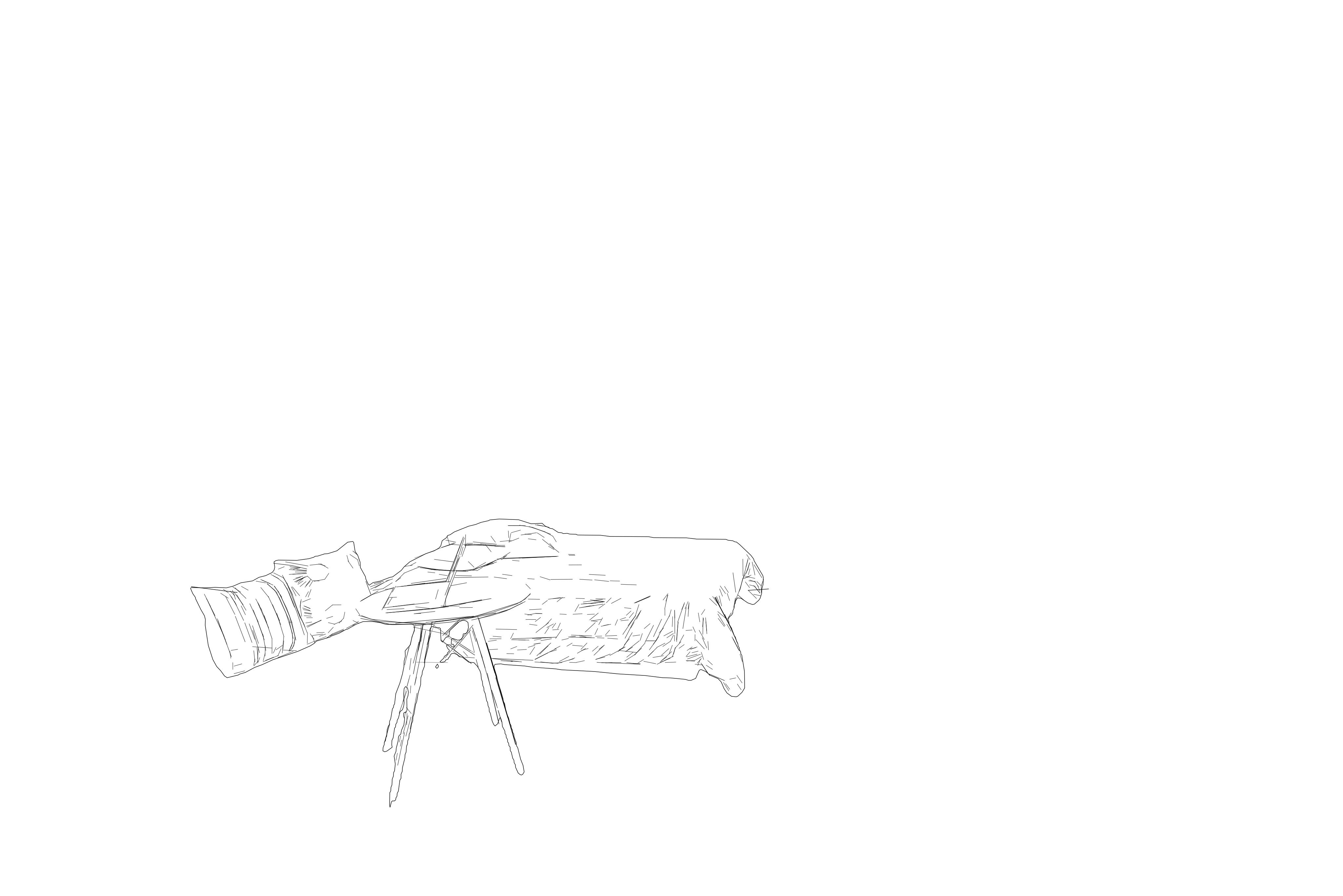
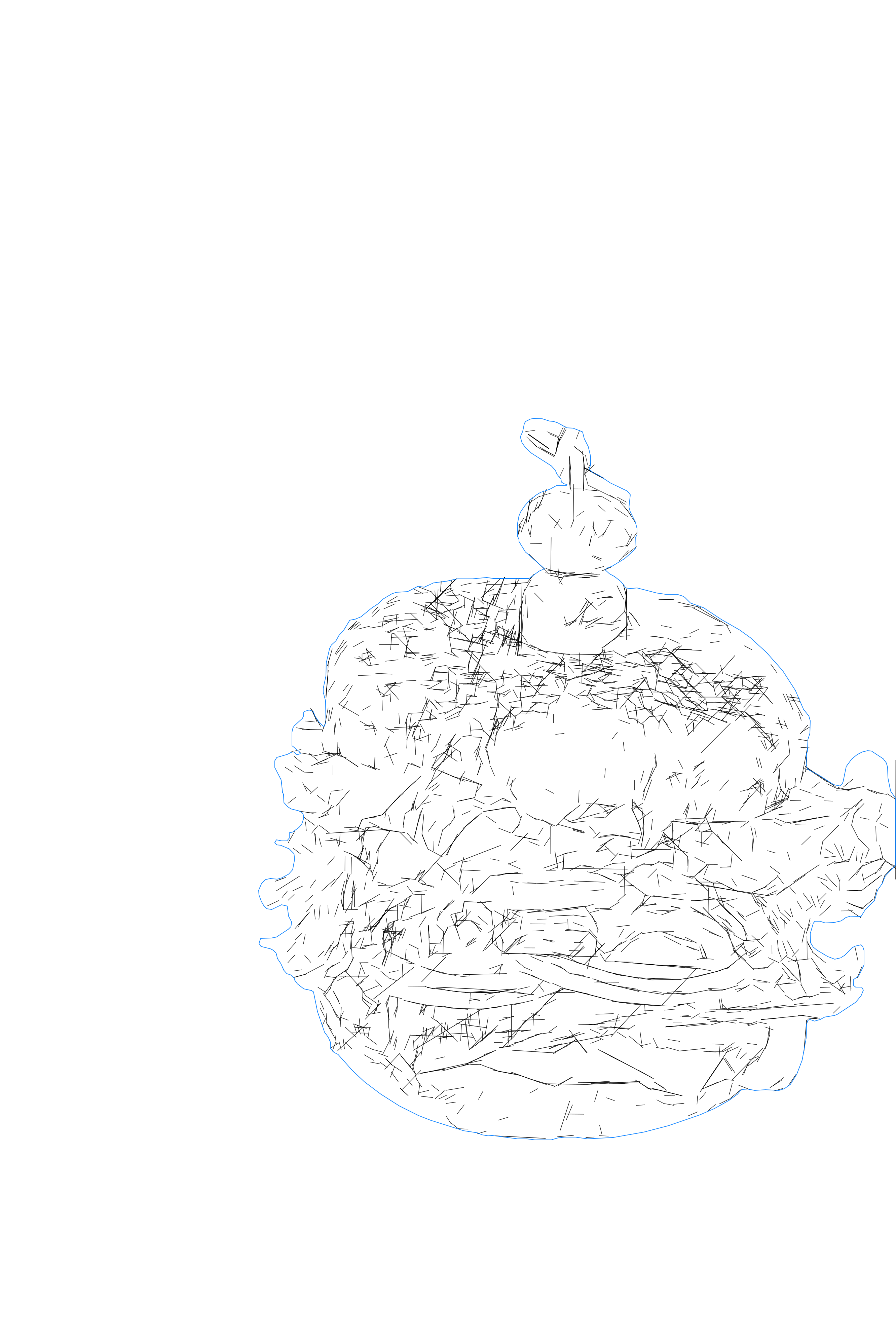
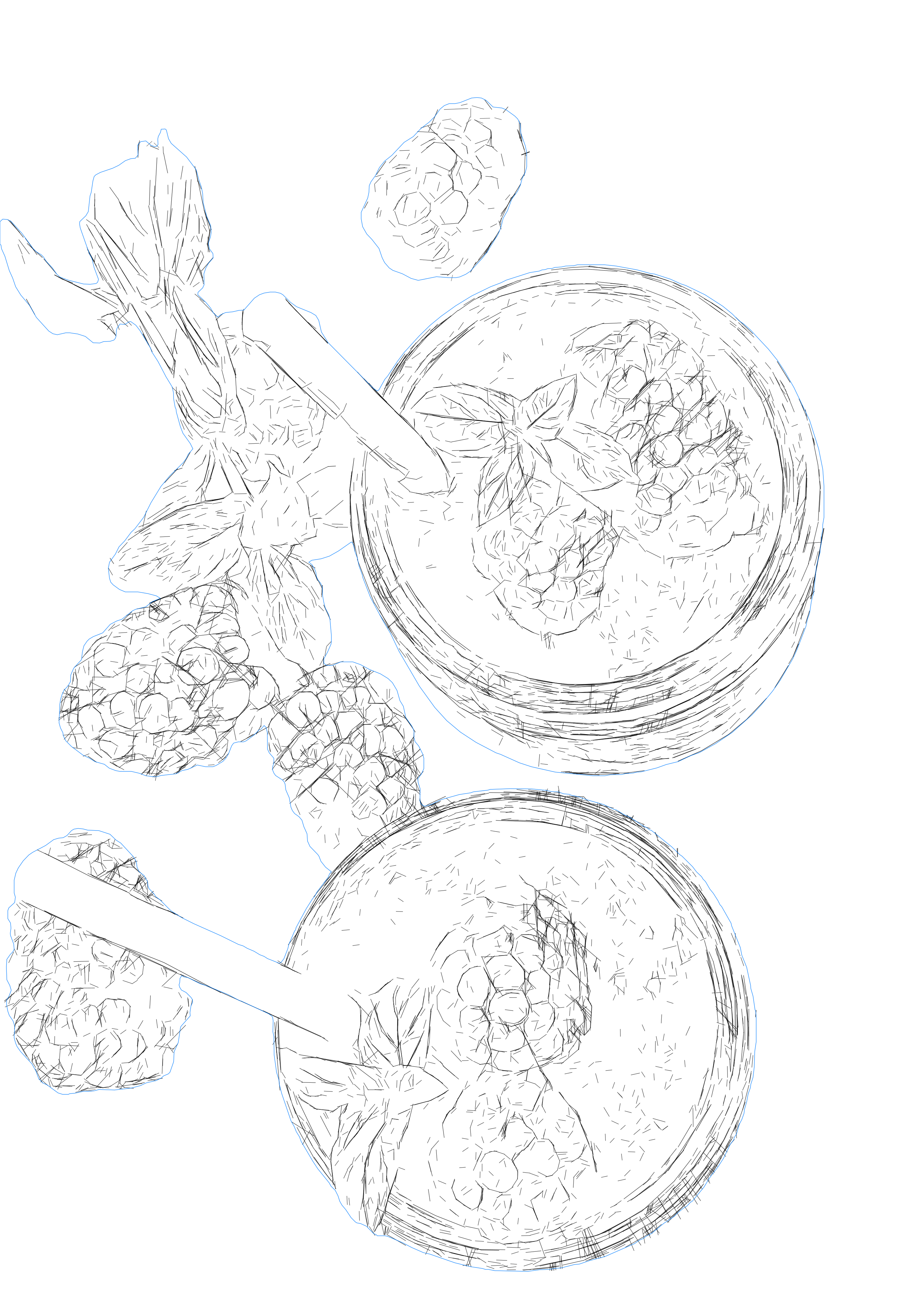
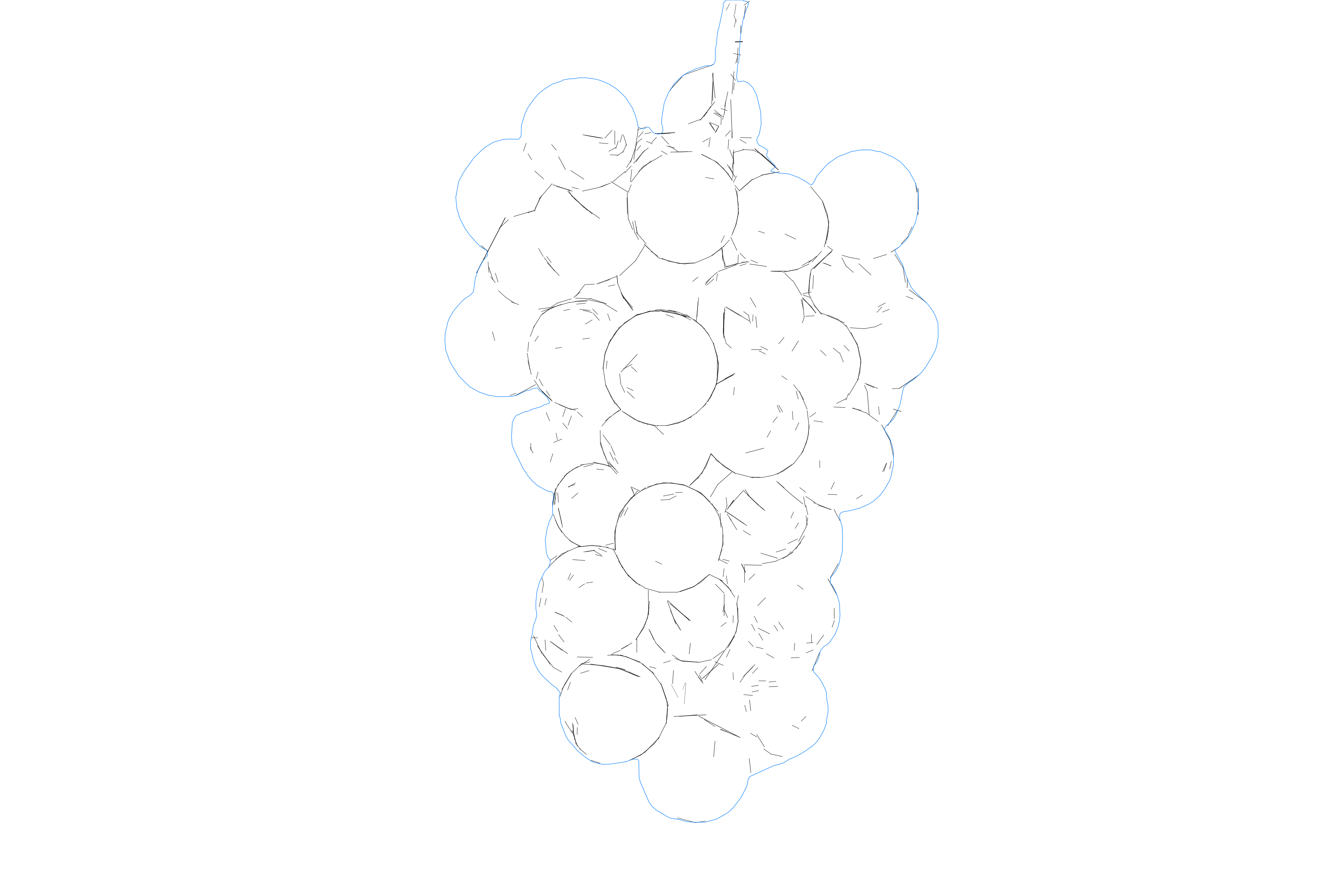
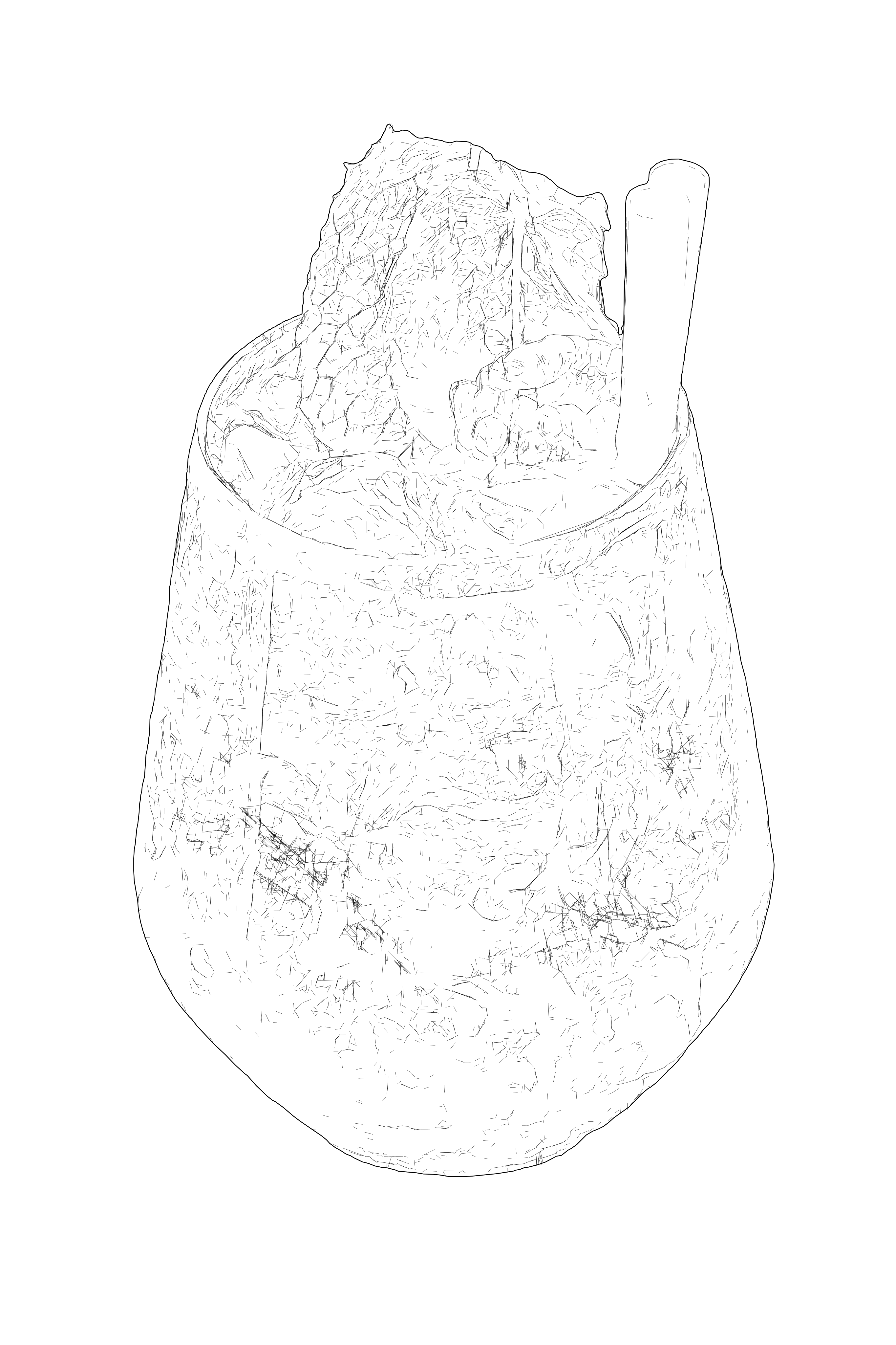
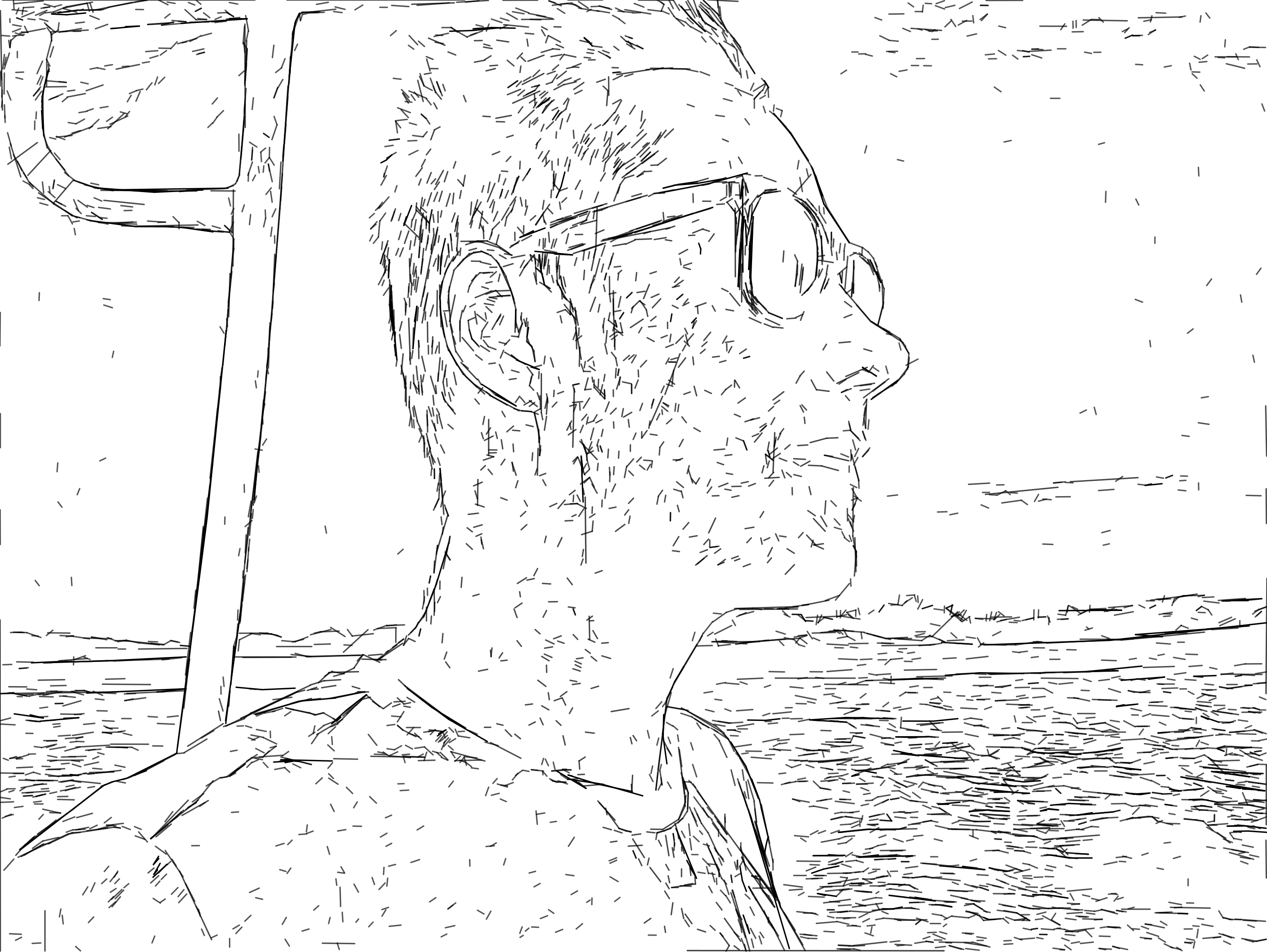
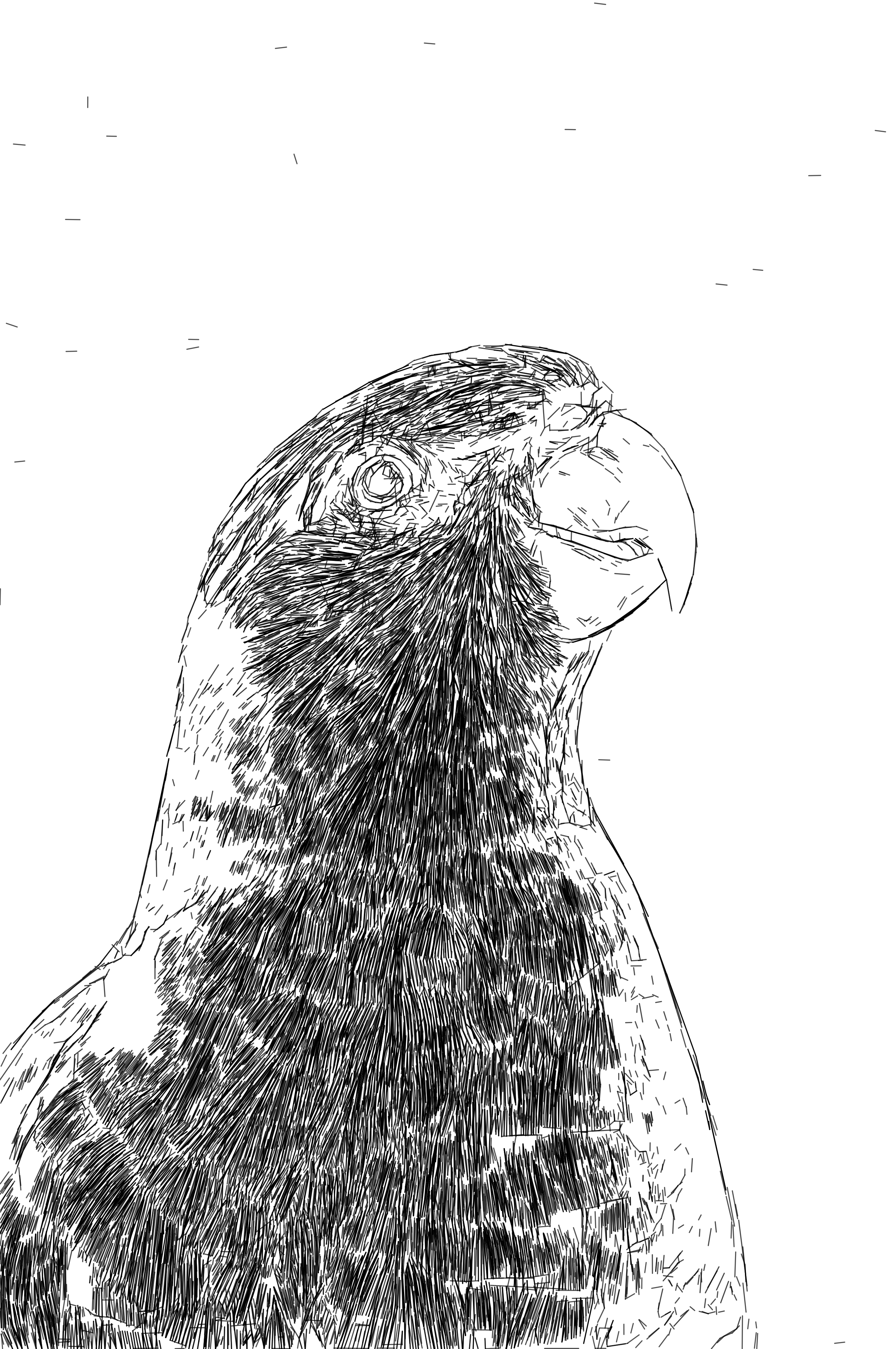
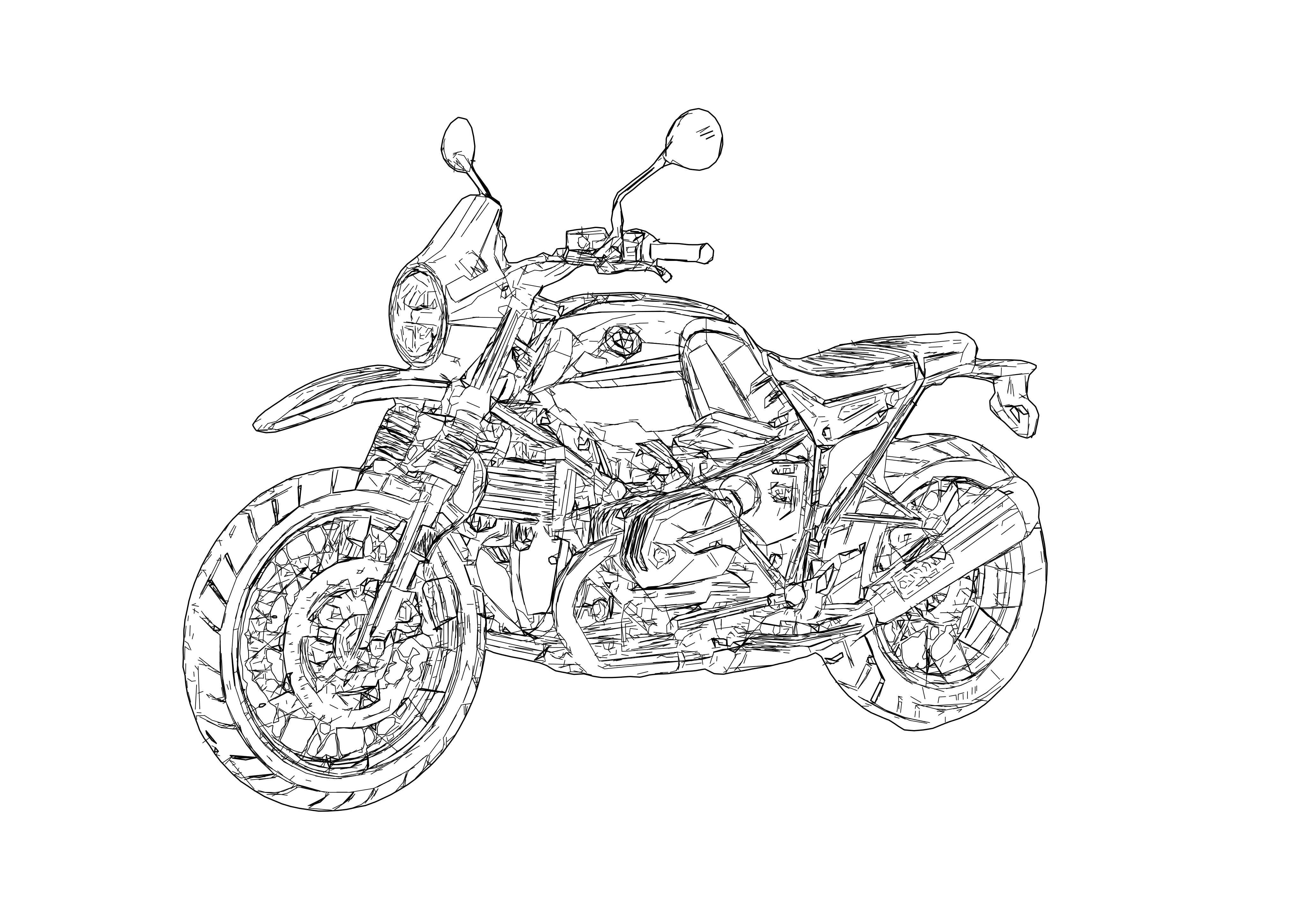
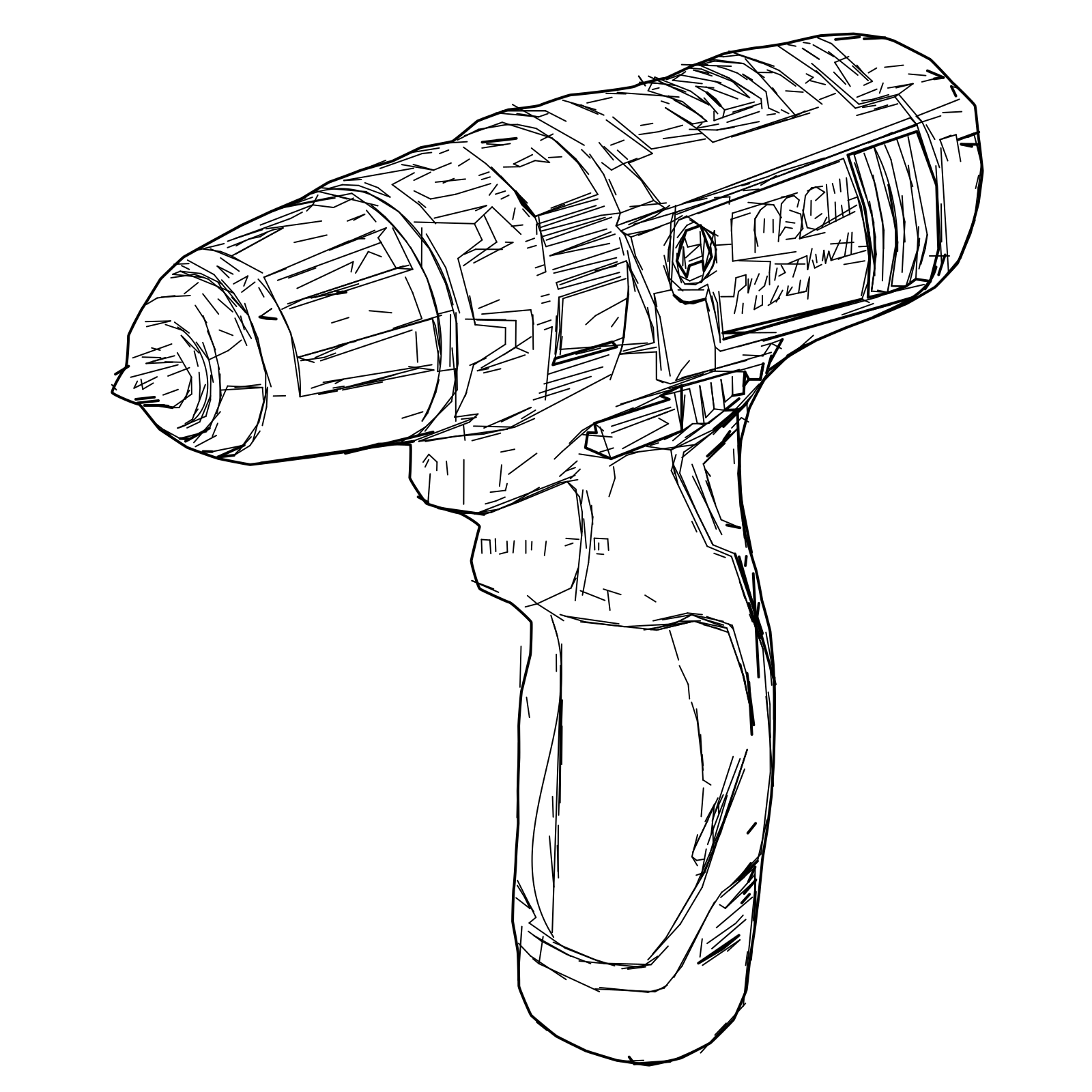
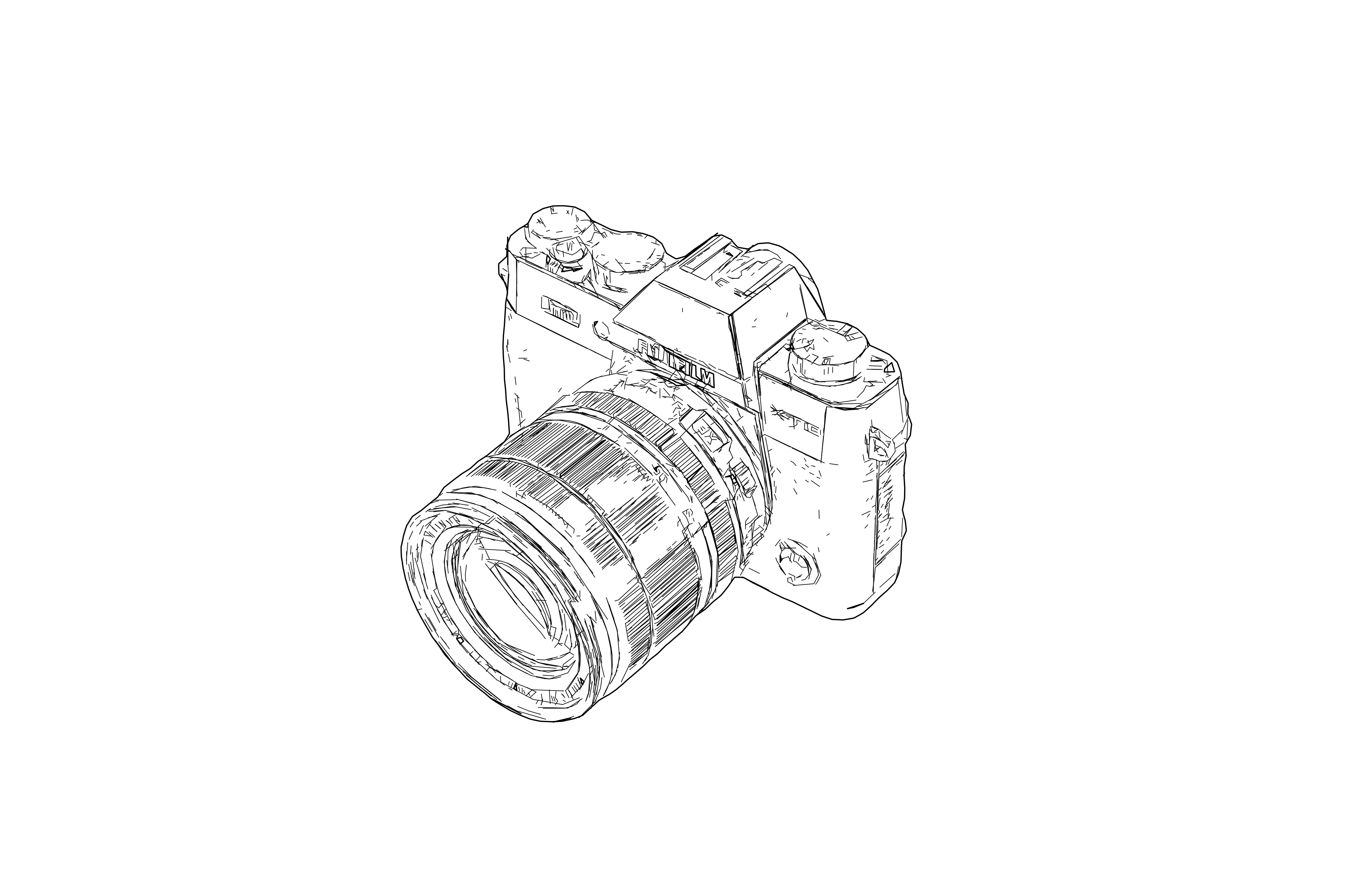
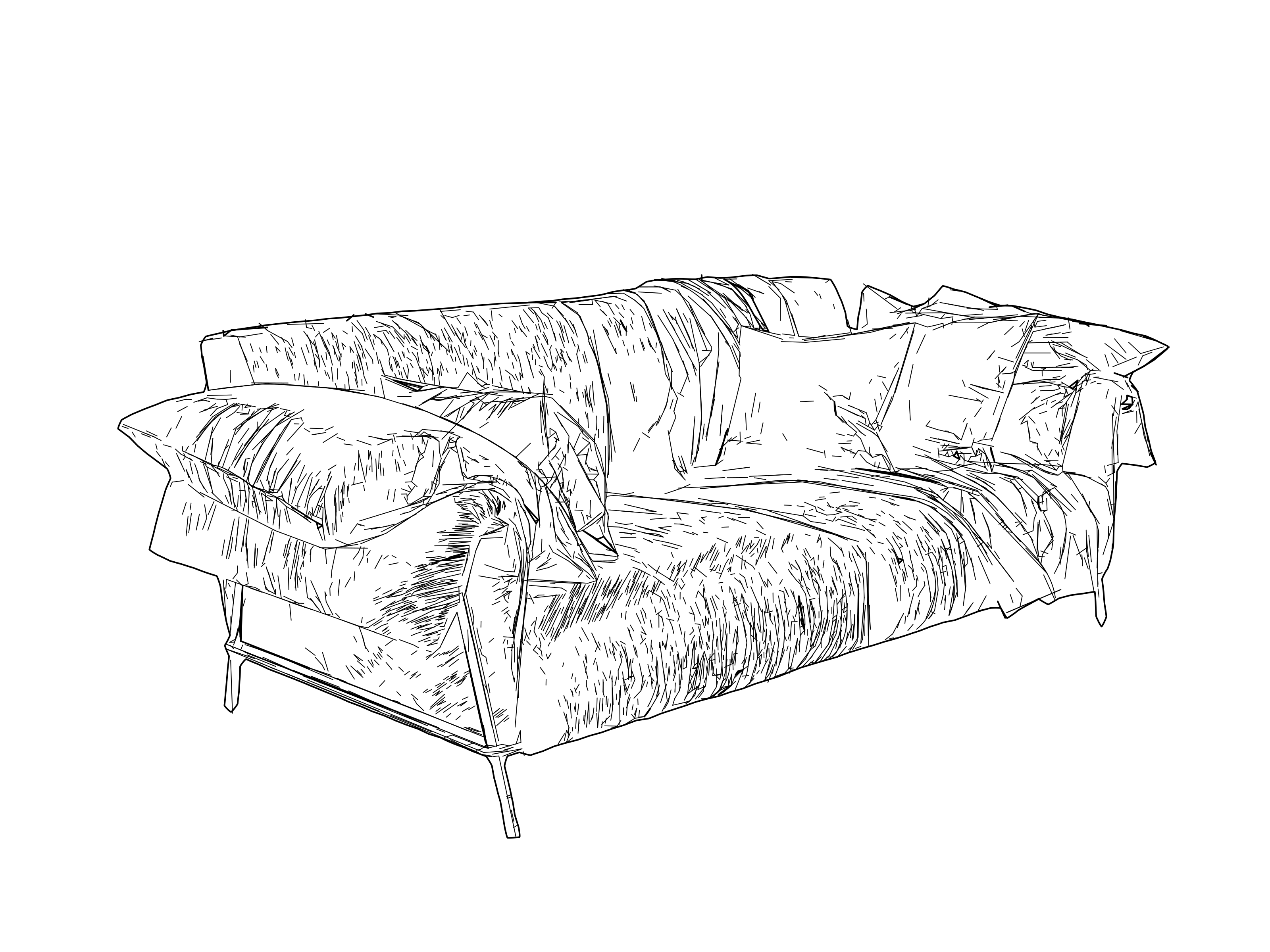
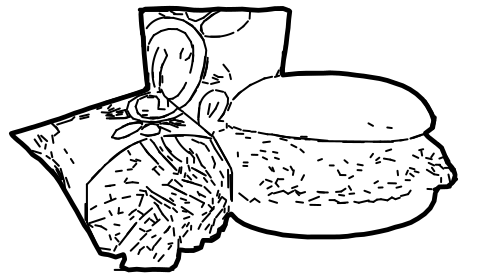
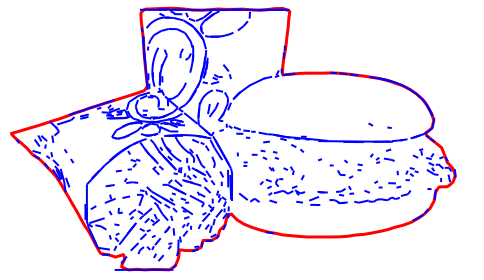
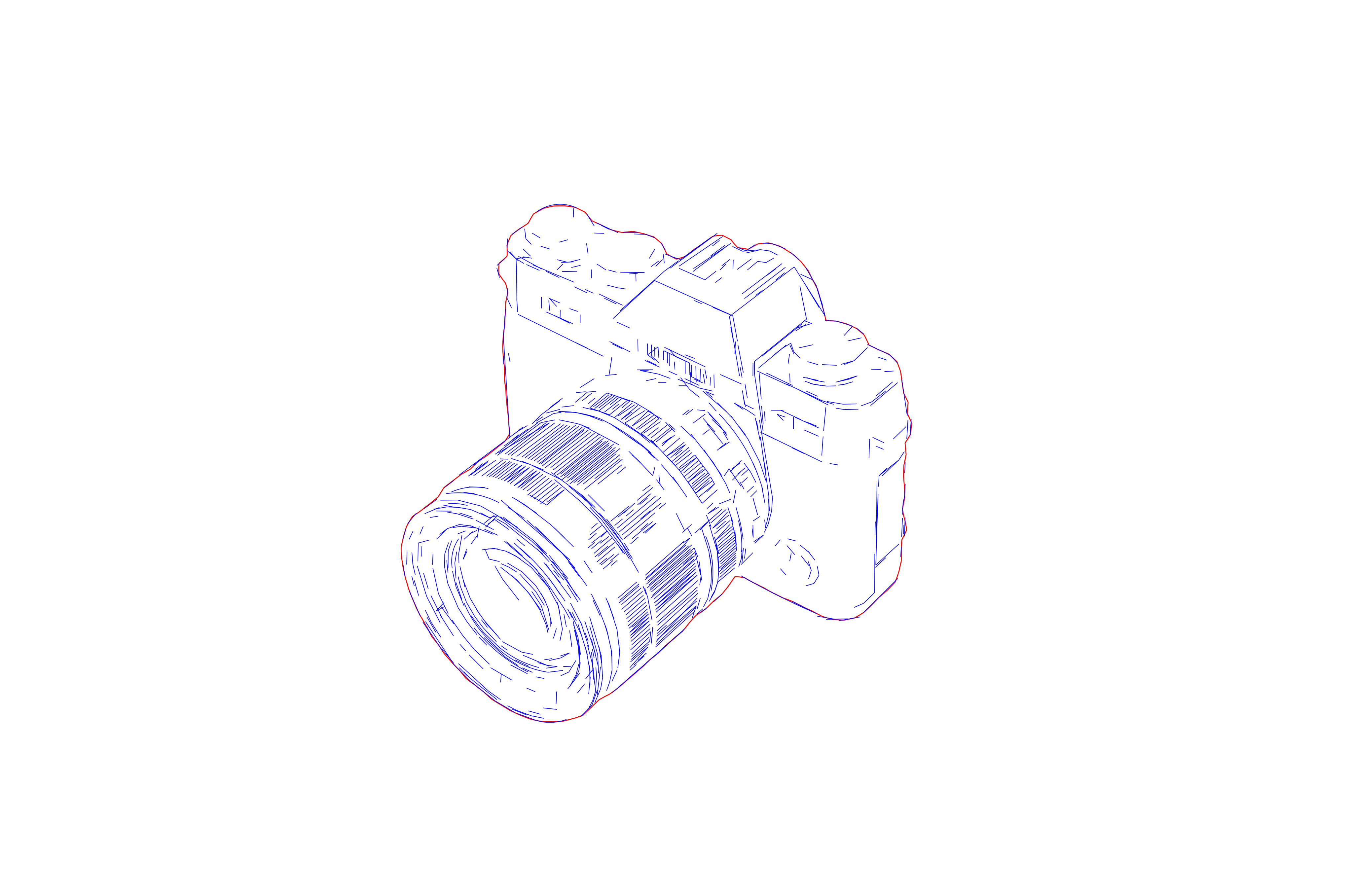
Laser Engraving Previews
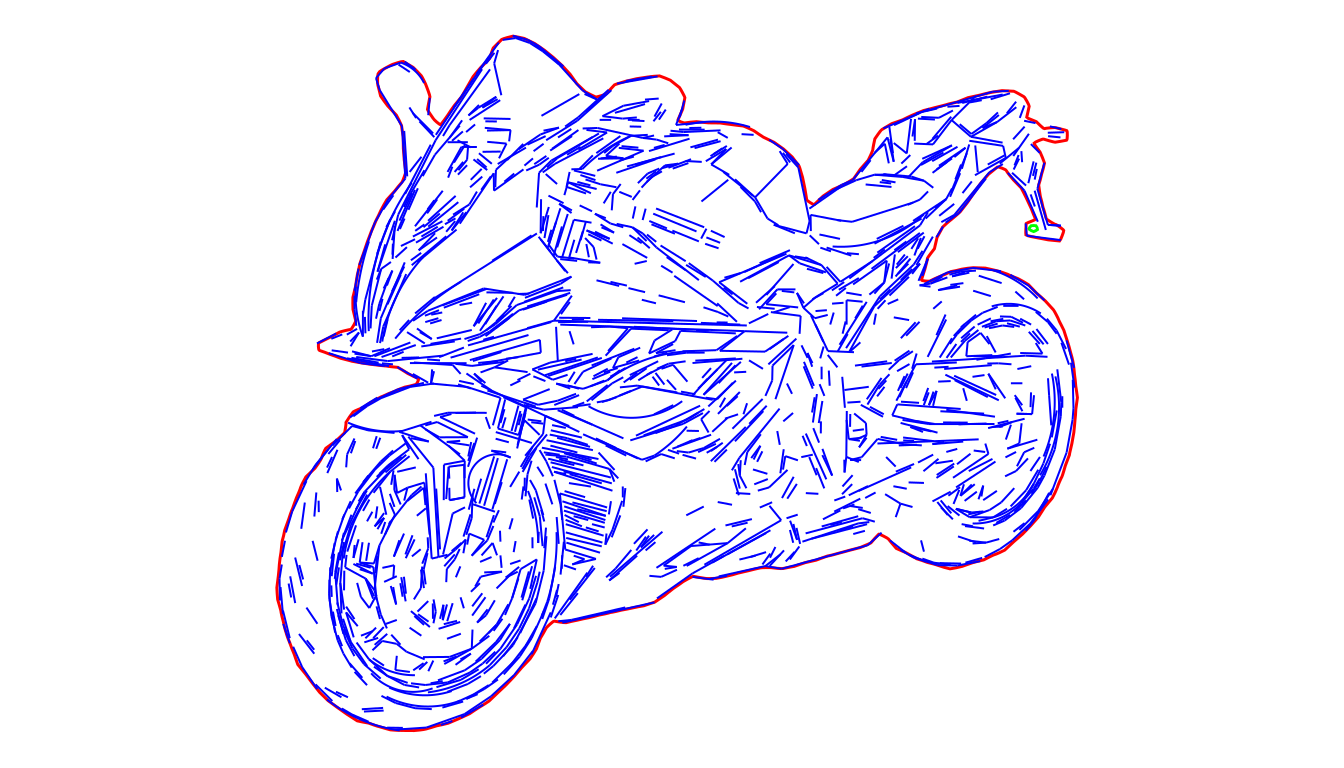
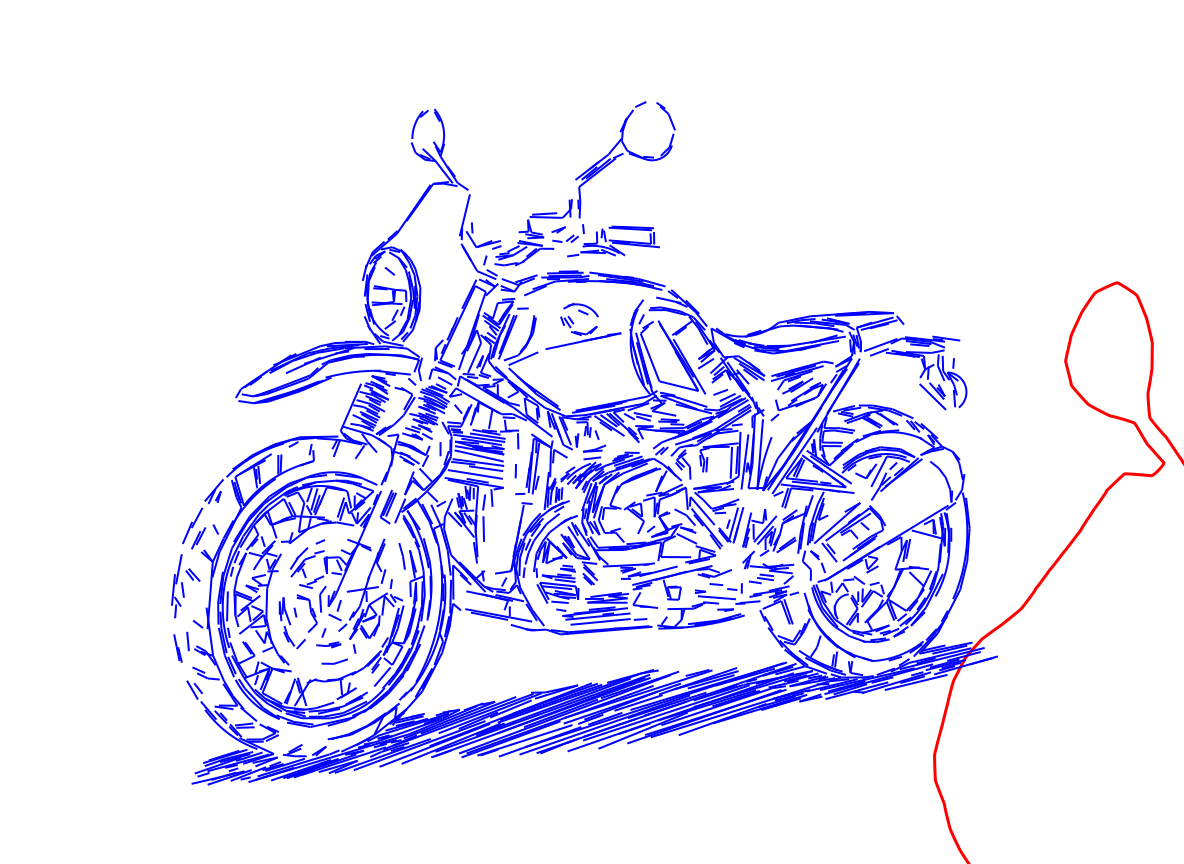
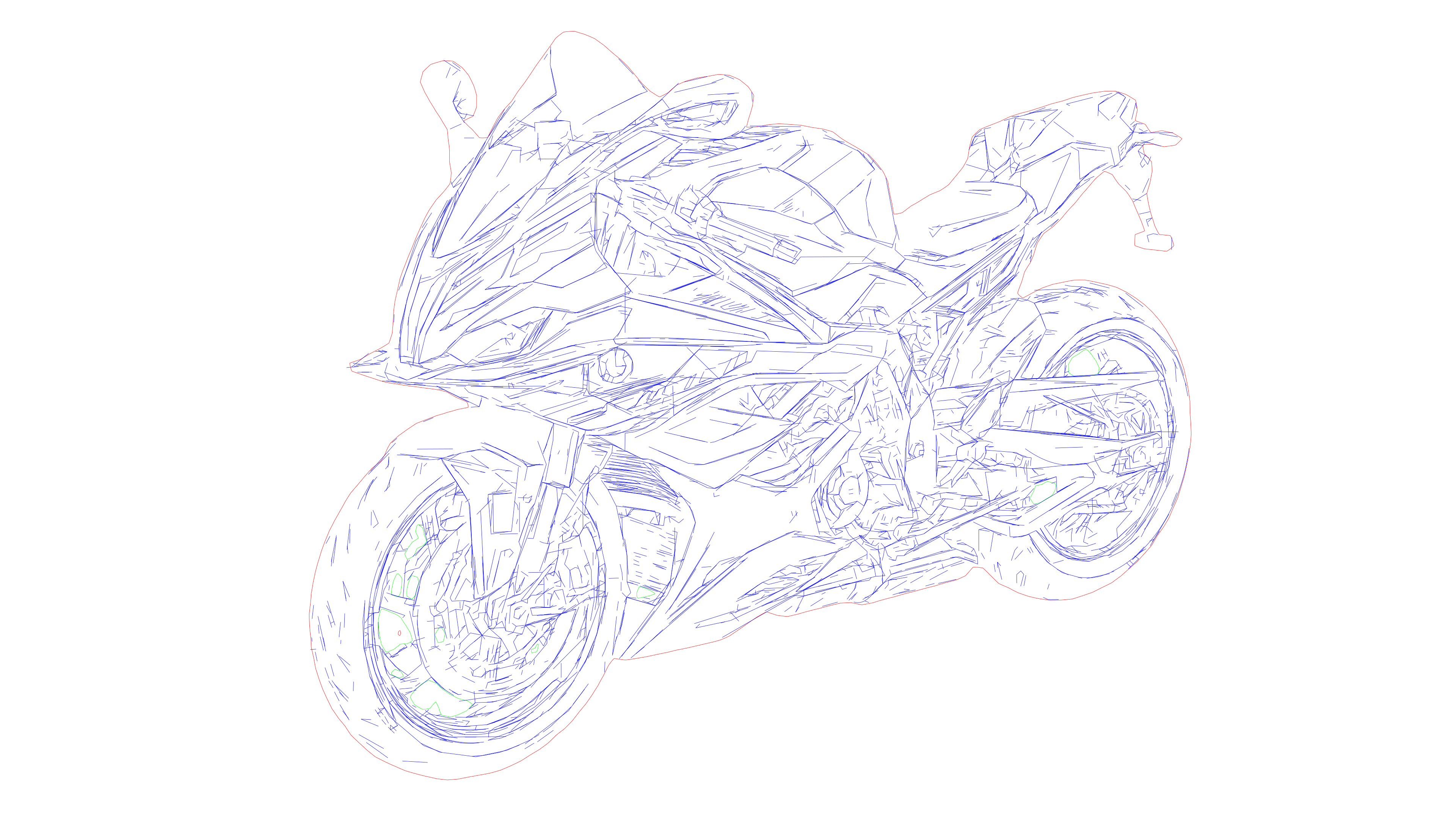
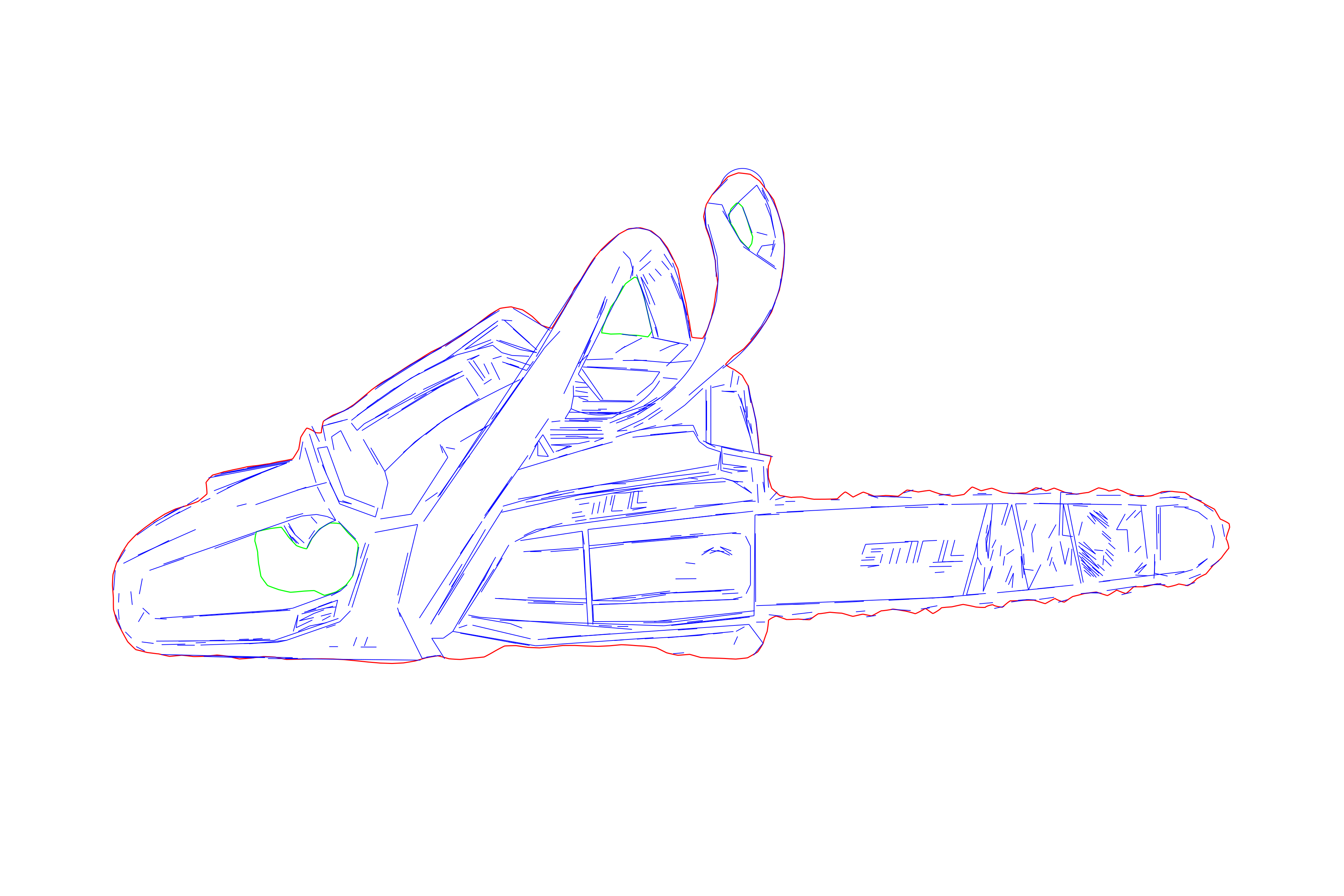
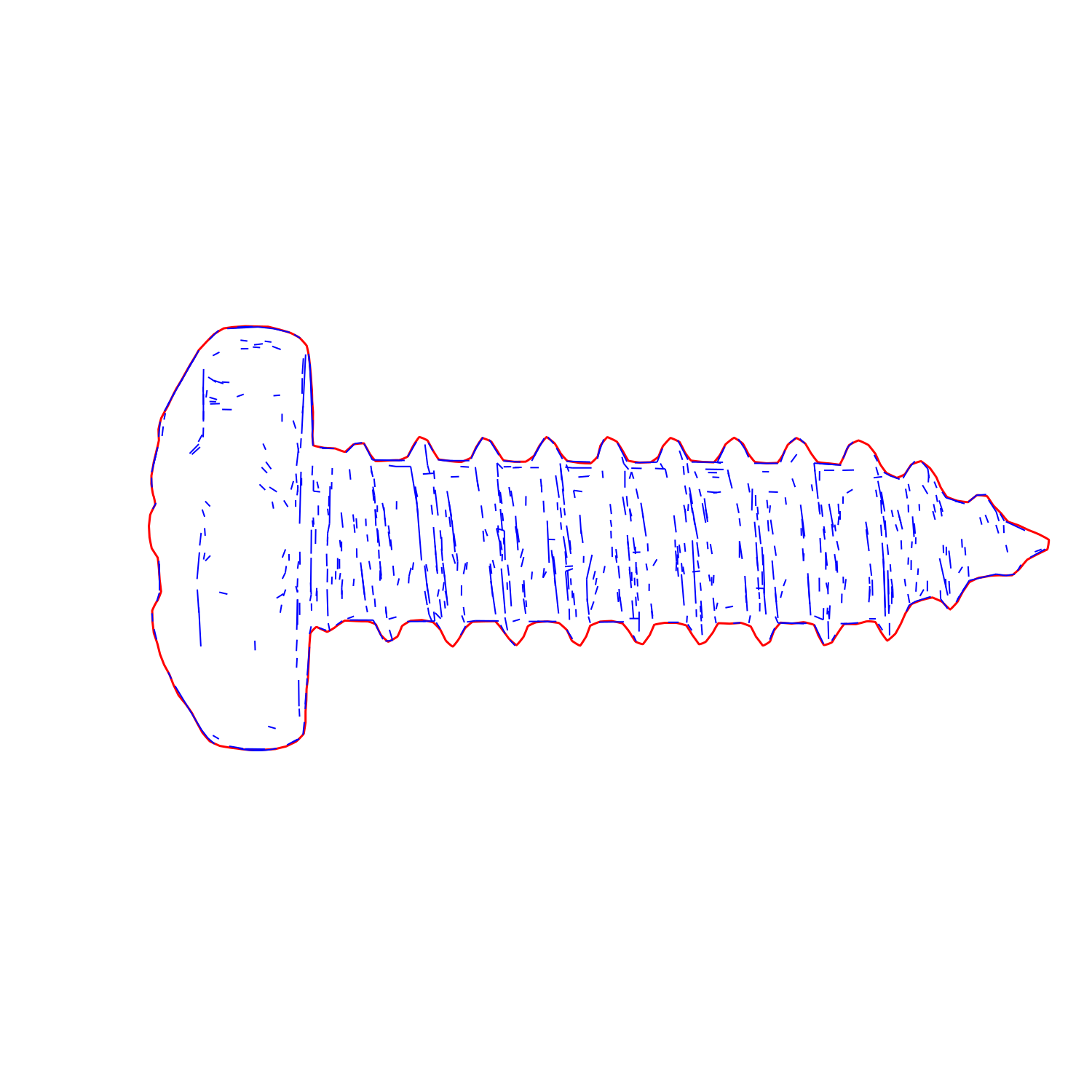
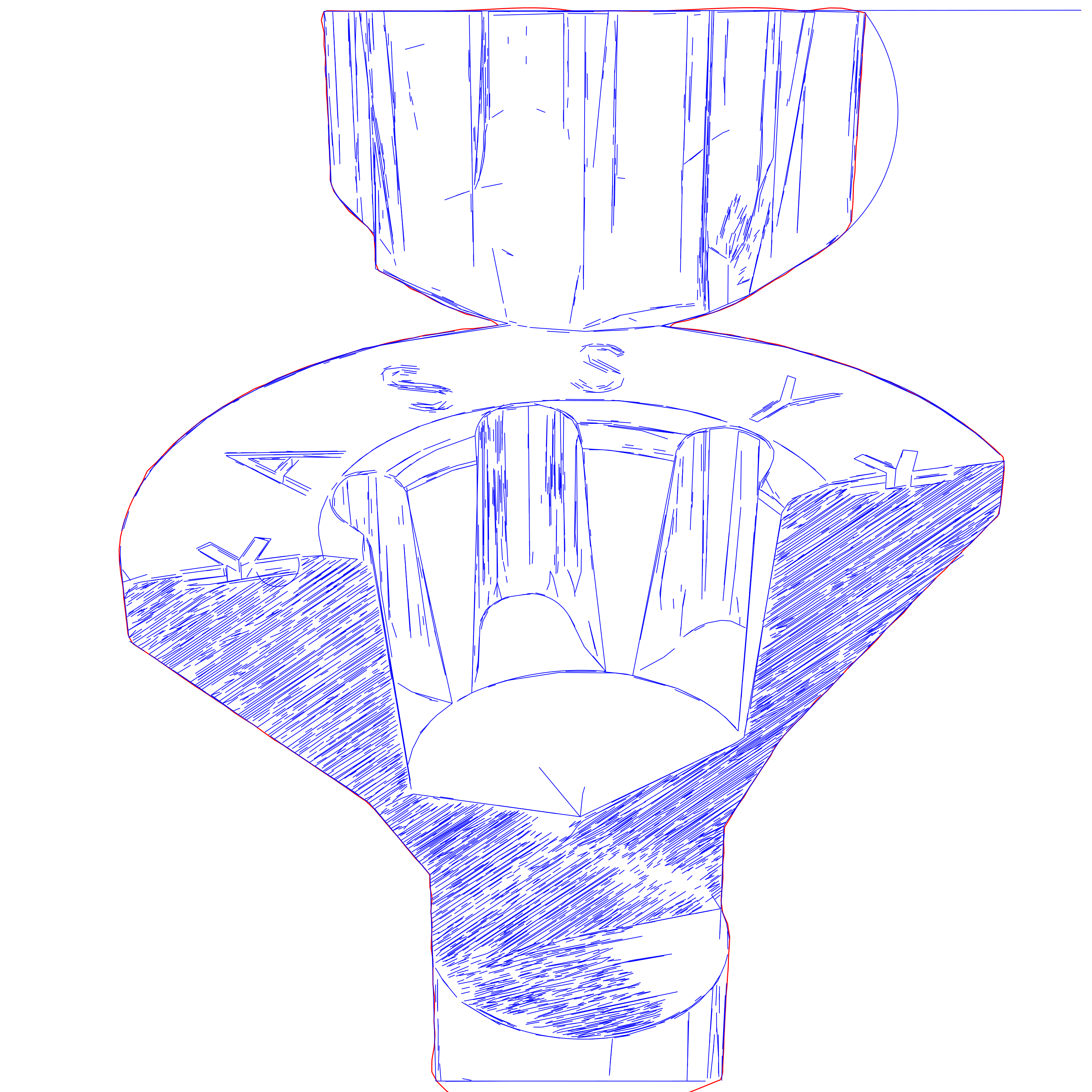
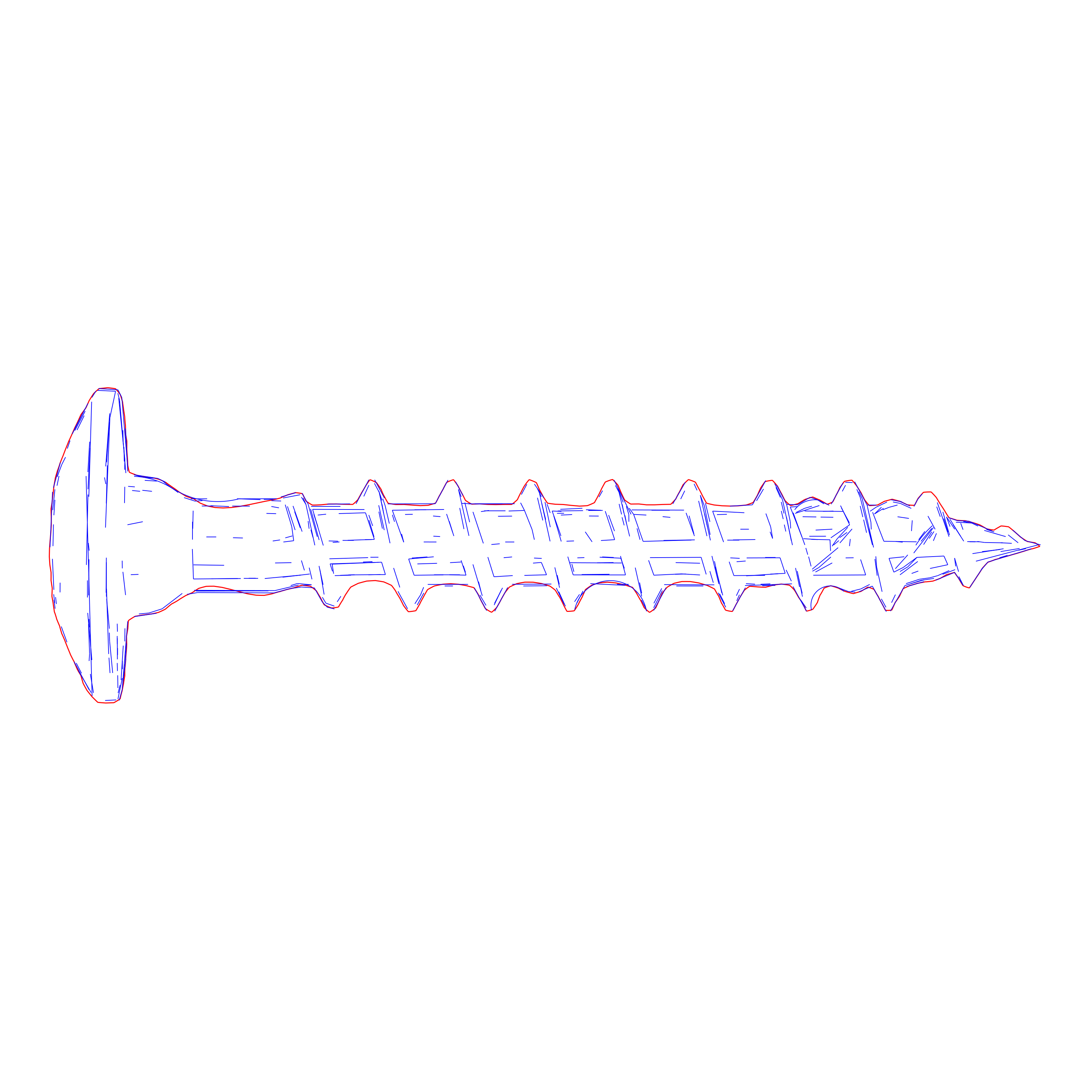
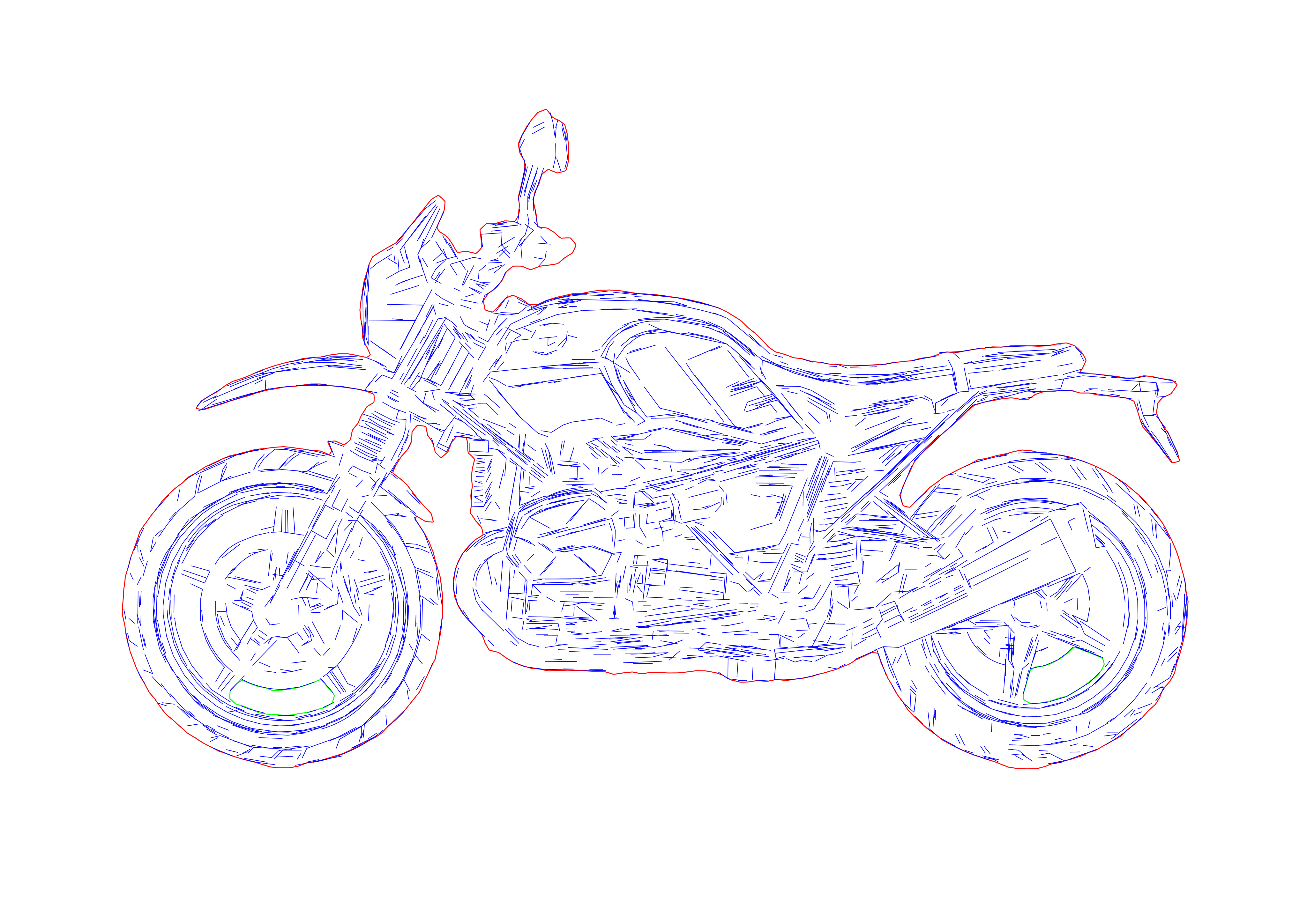


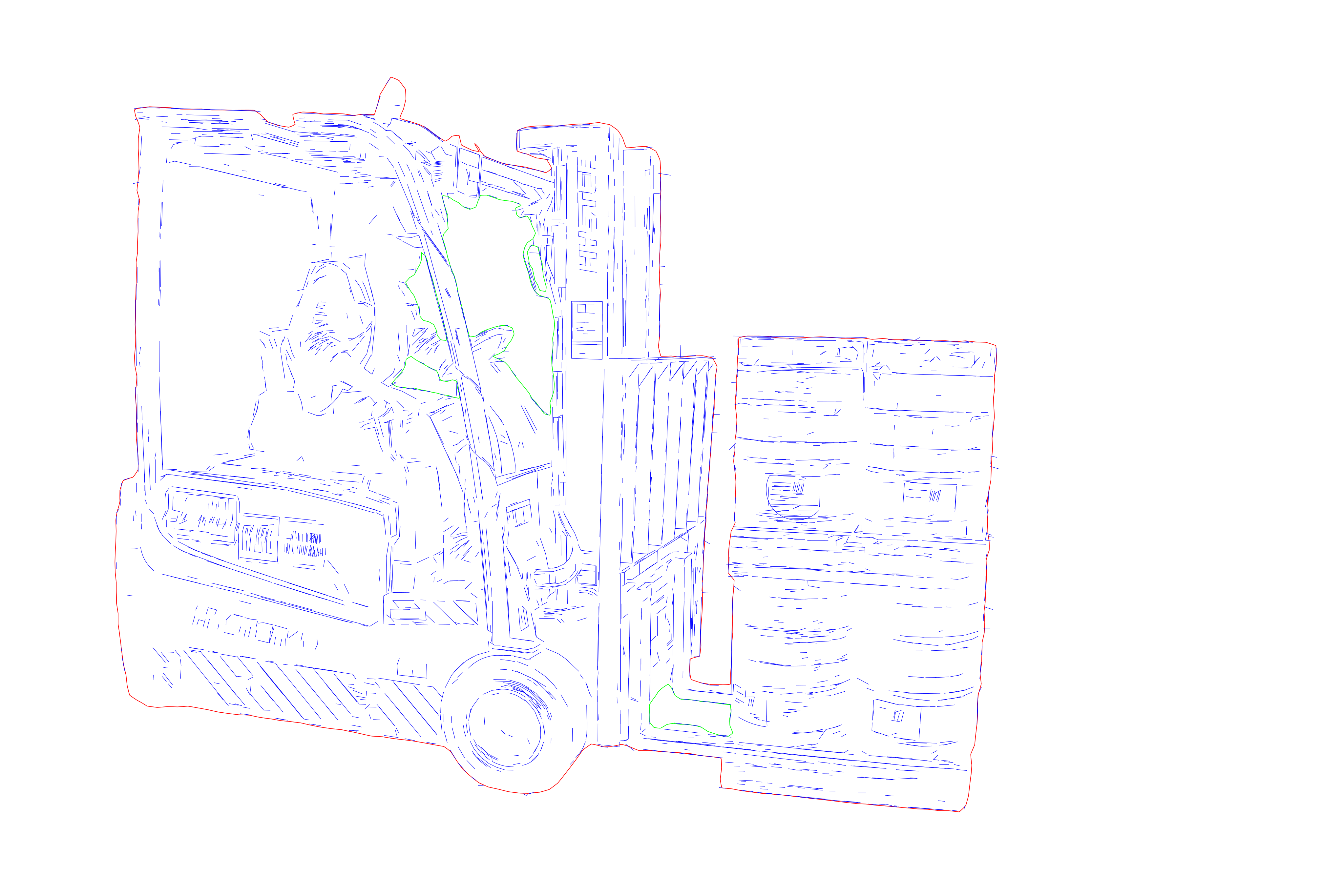
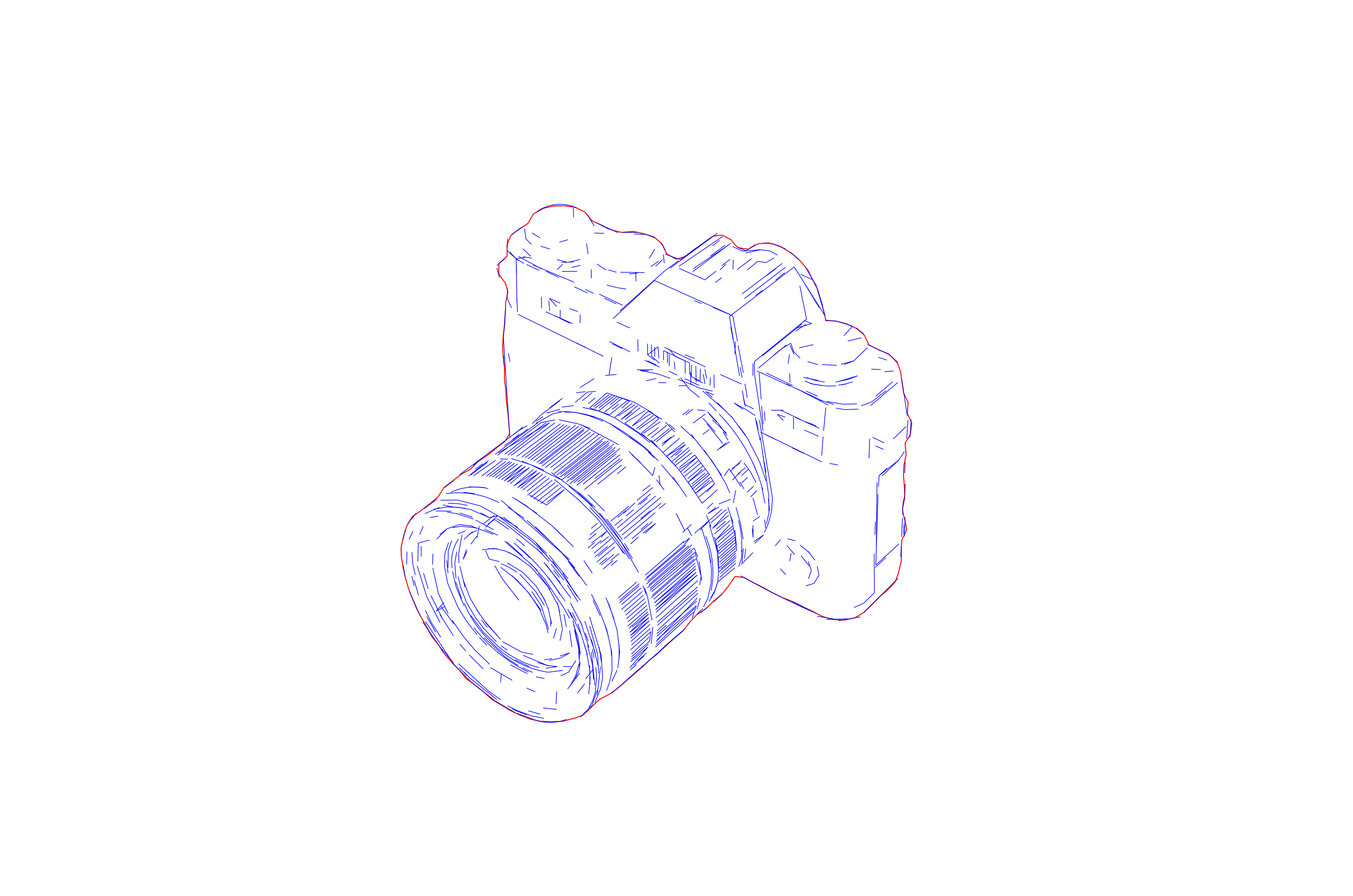
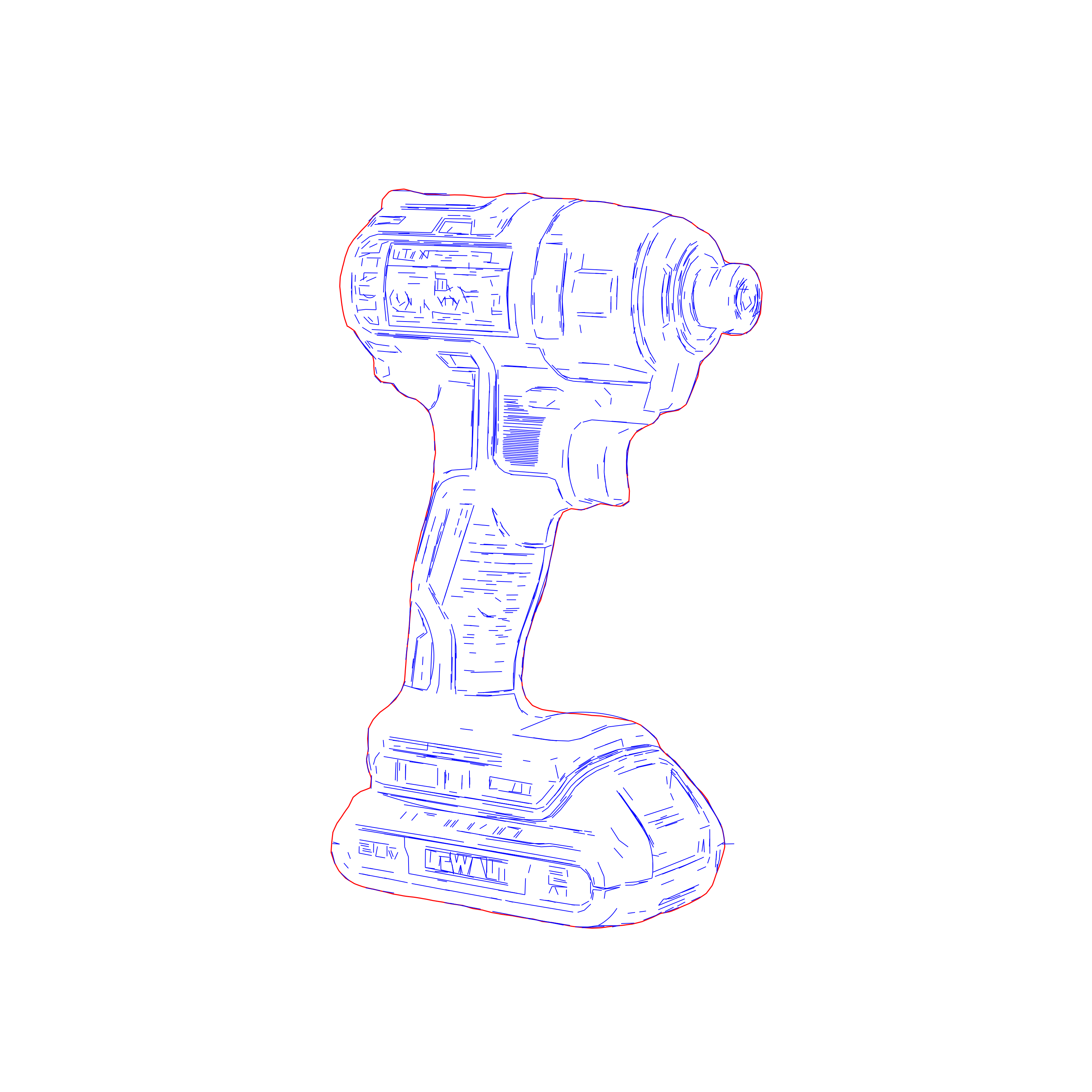
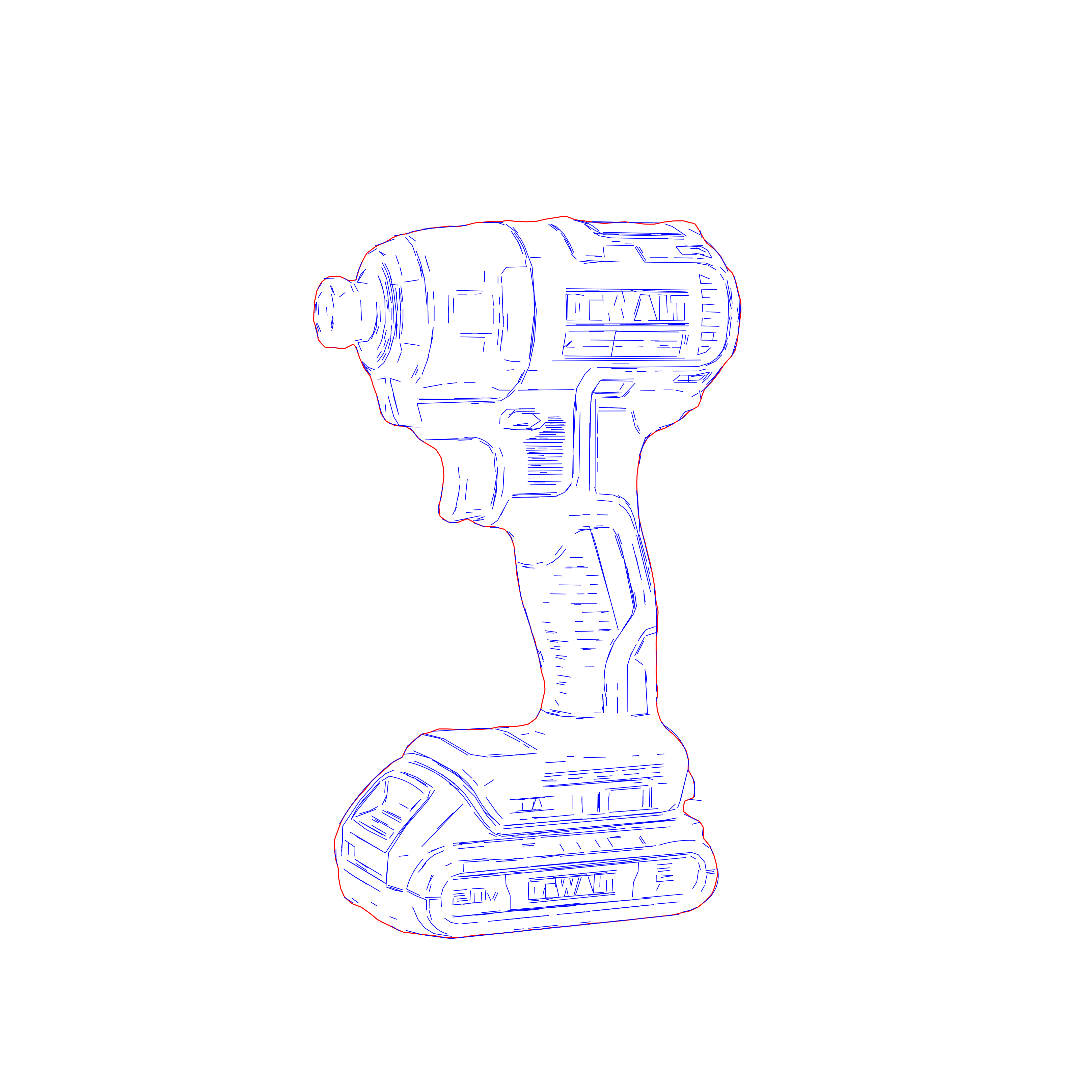
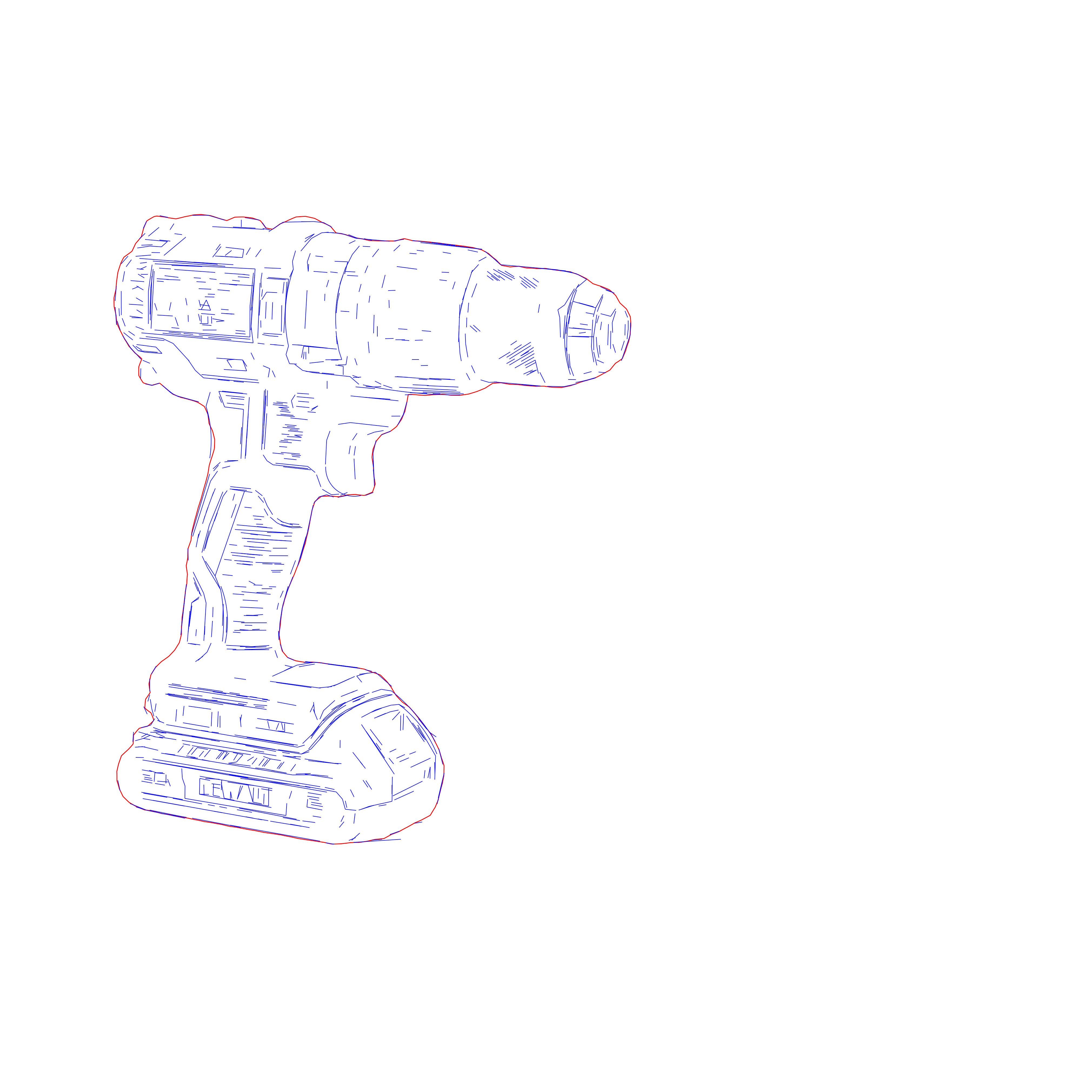
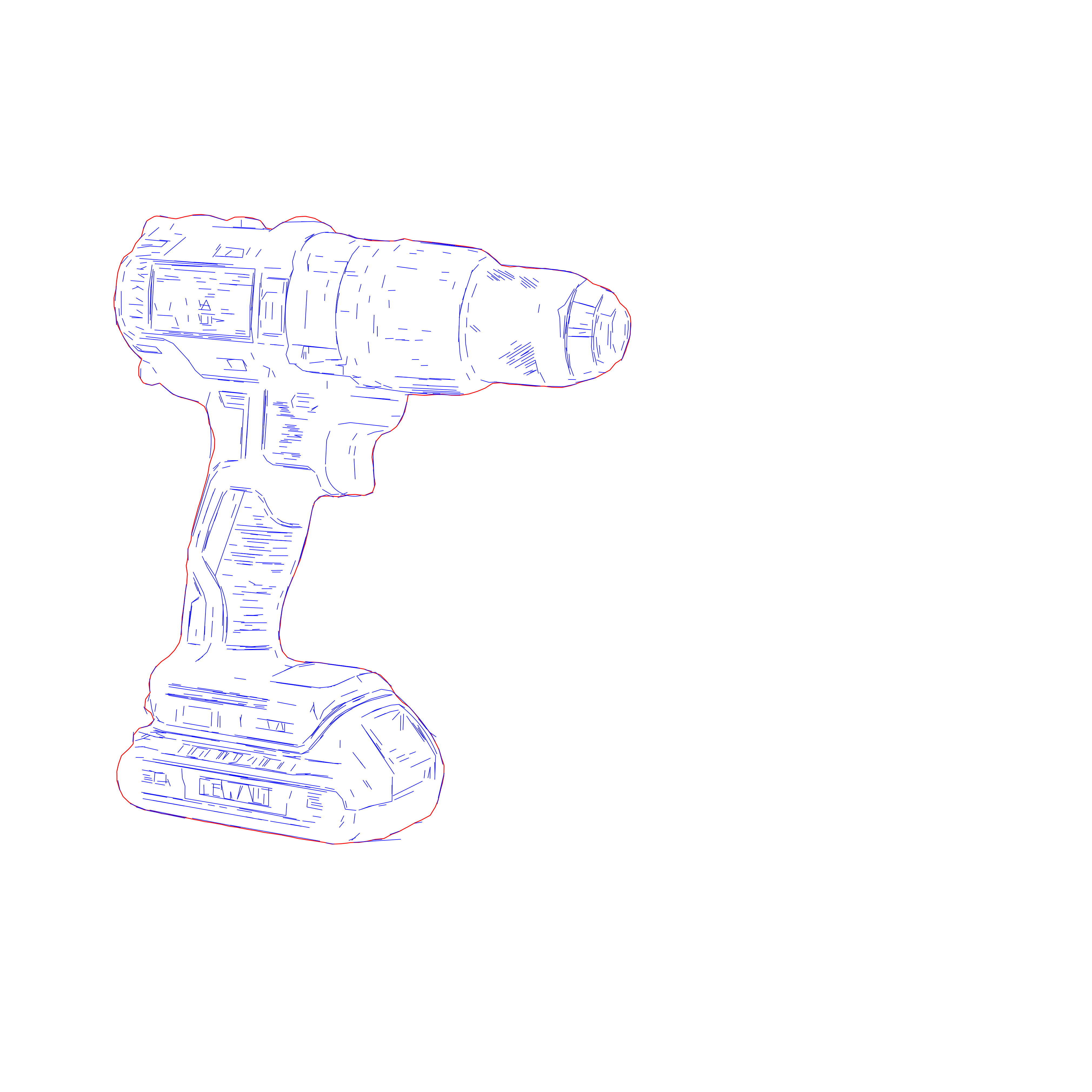
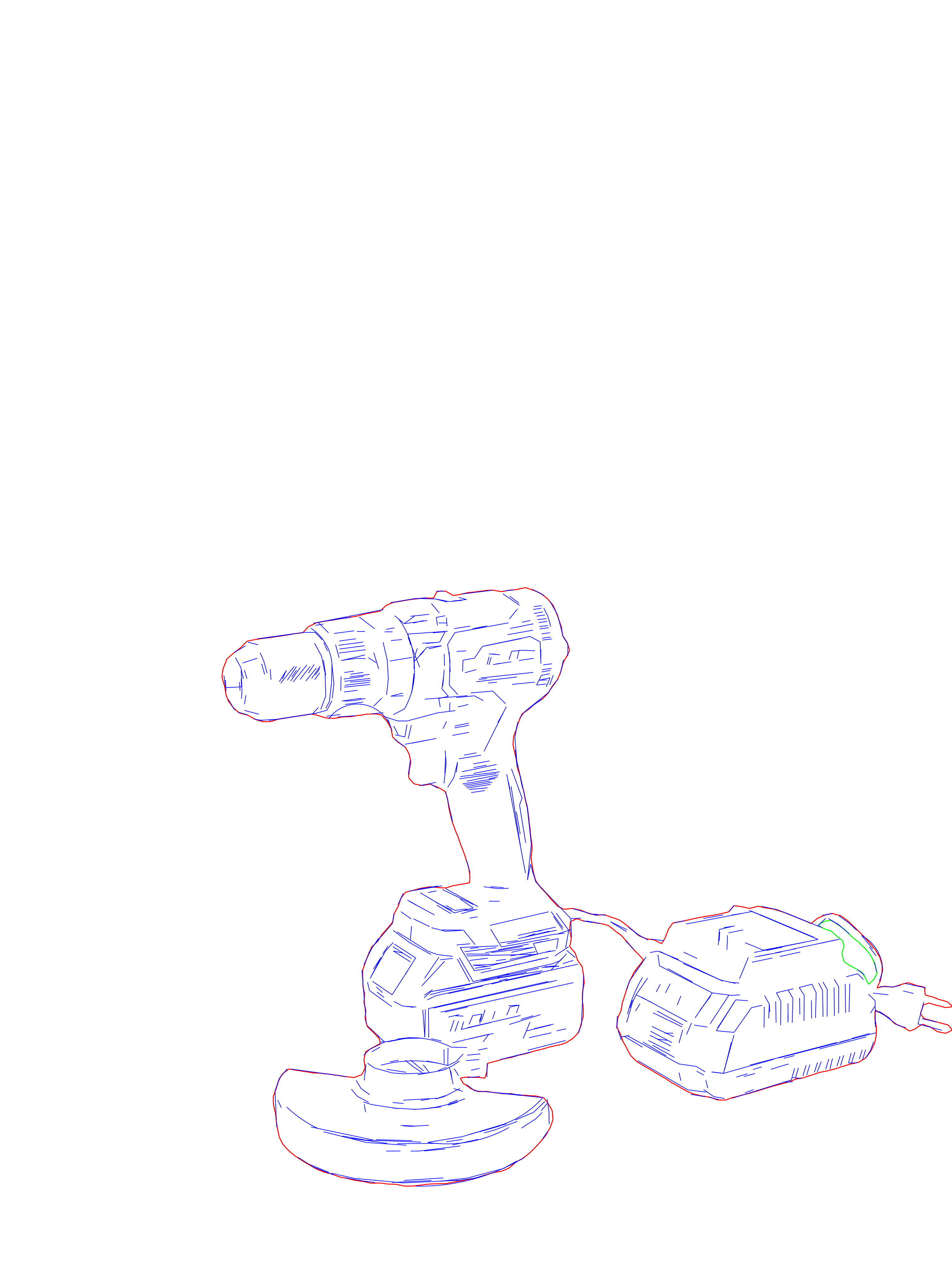

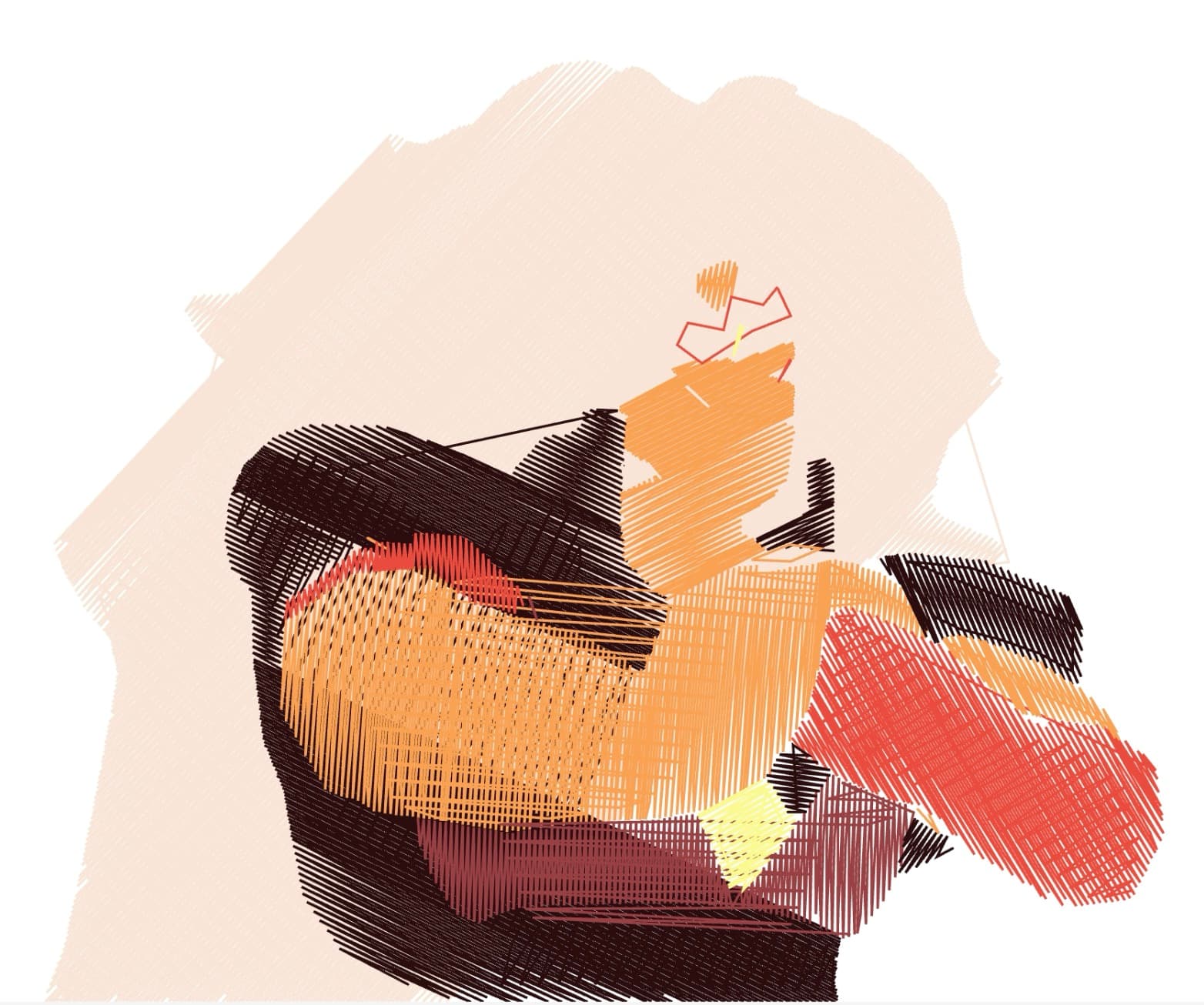
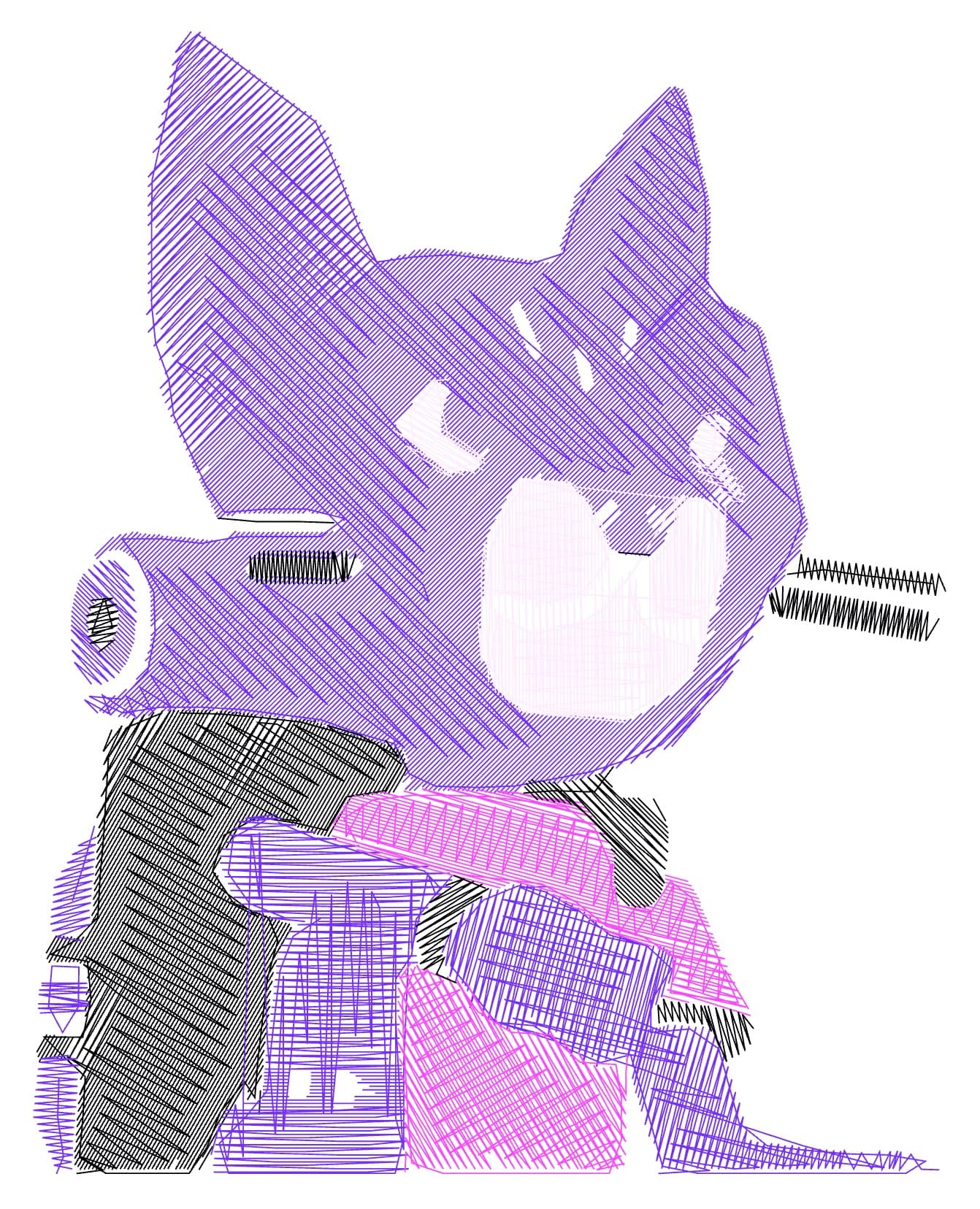
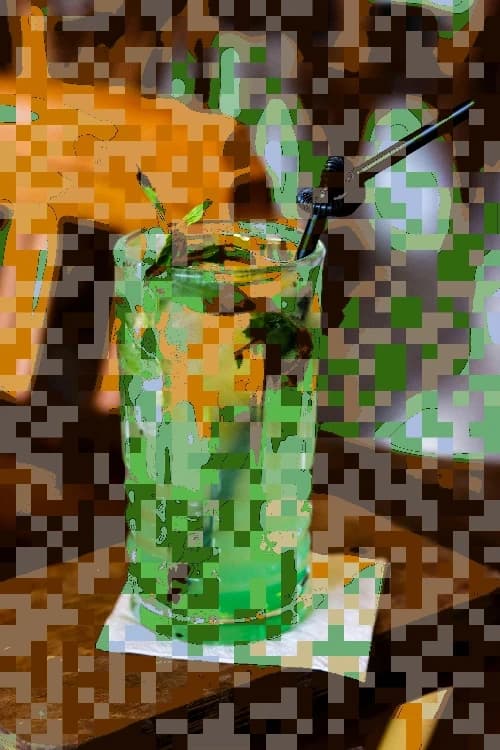
Embroidery Previews


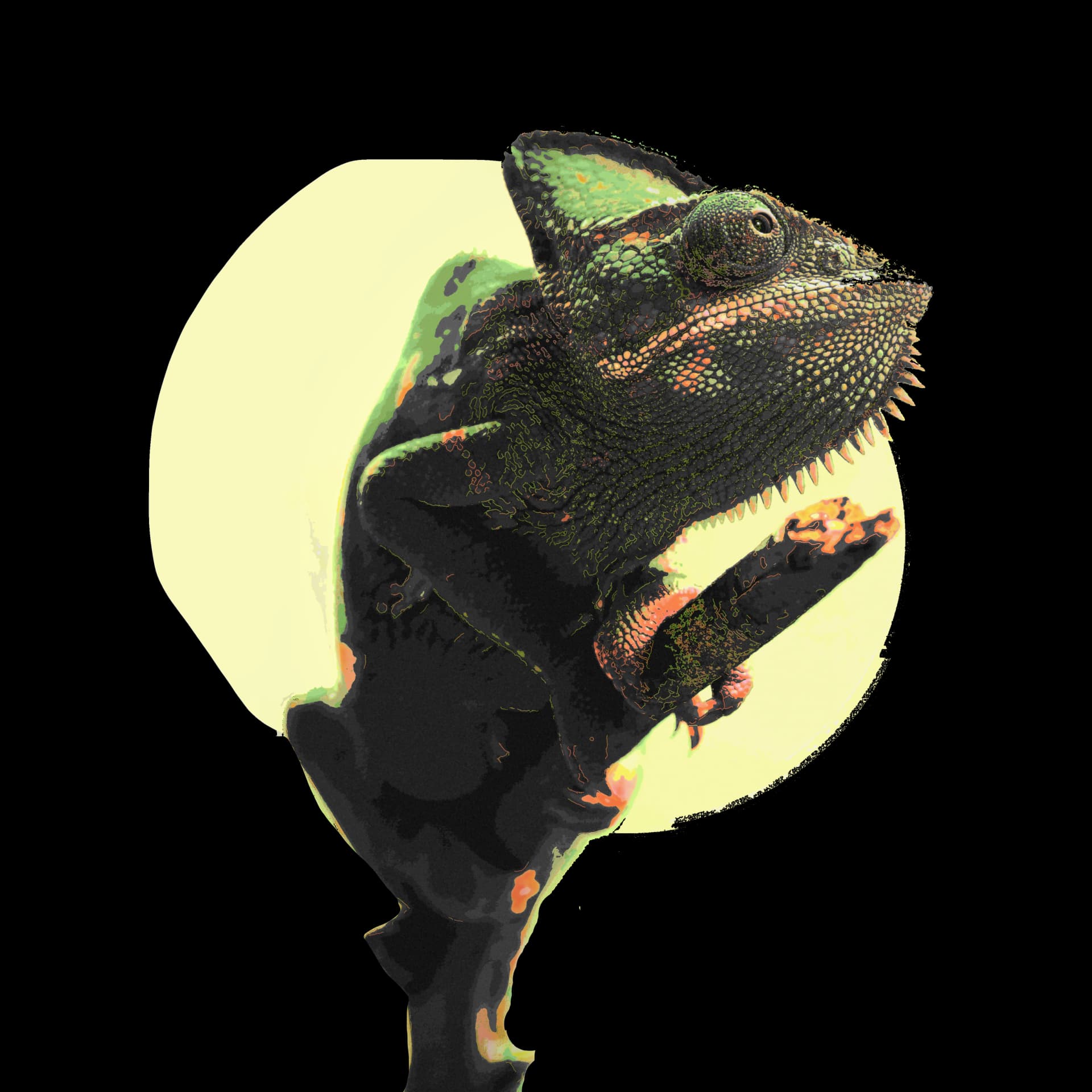
Remove Background Previews



Still questions?
Here you find the answers!
What is an SVG drawing?
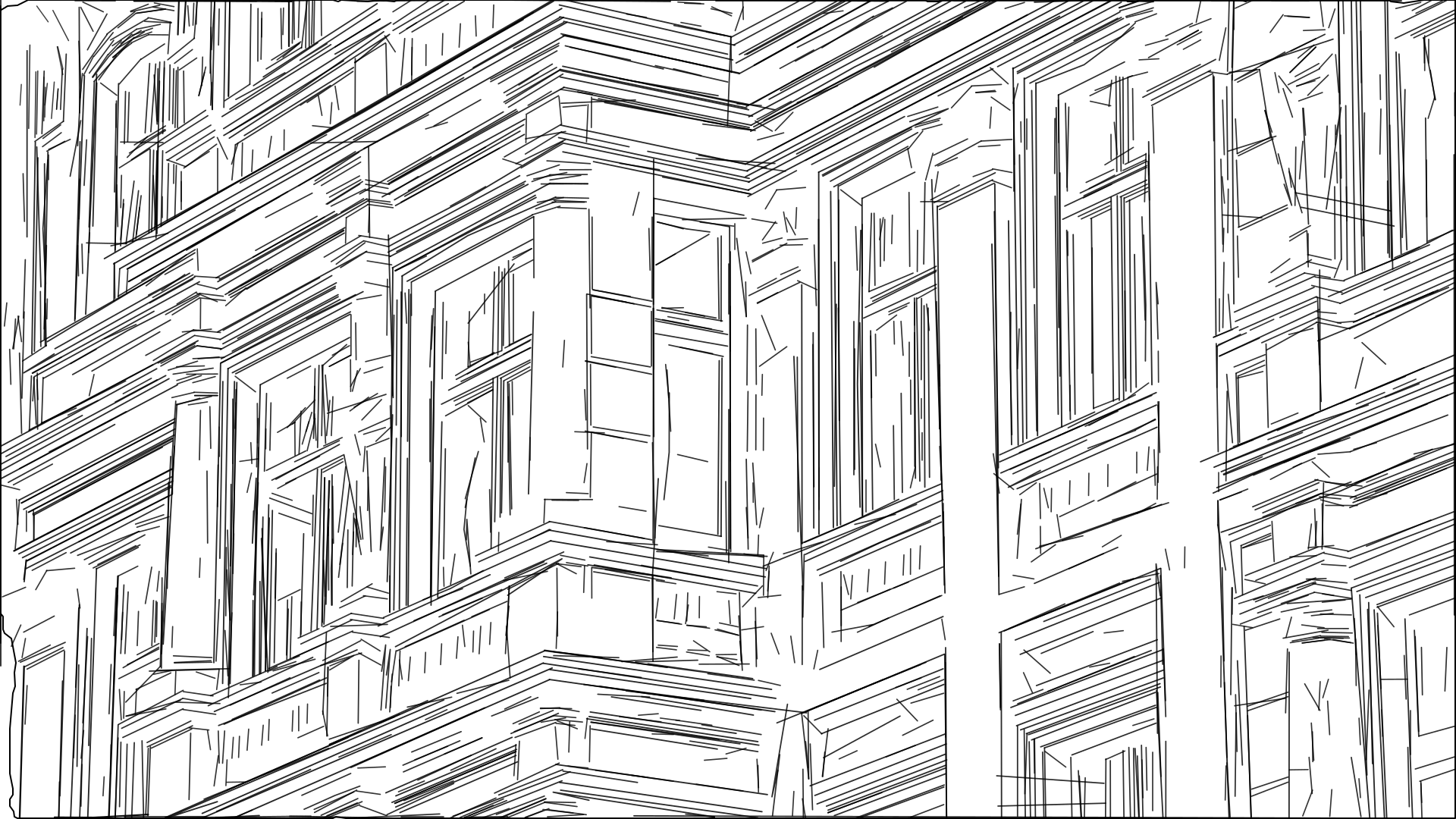
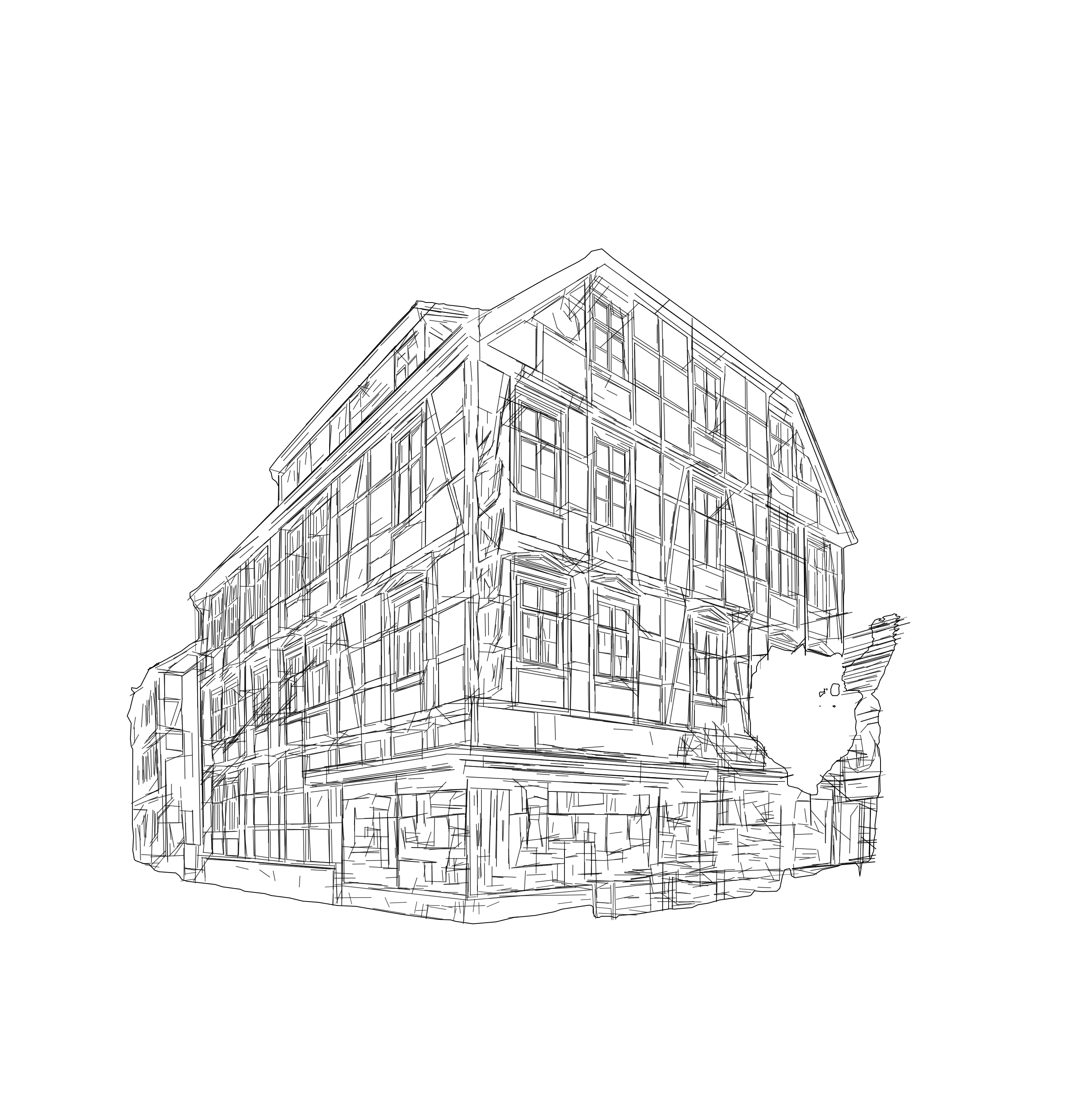
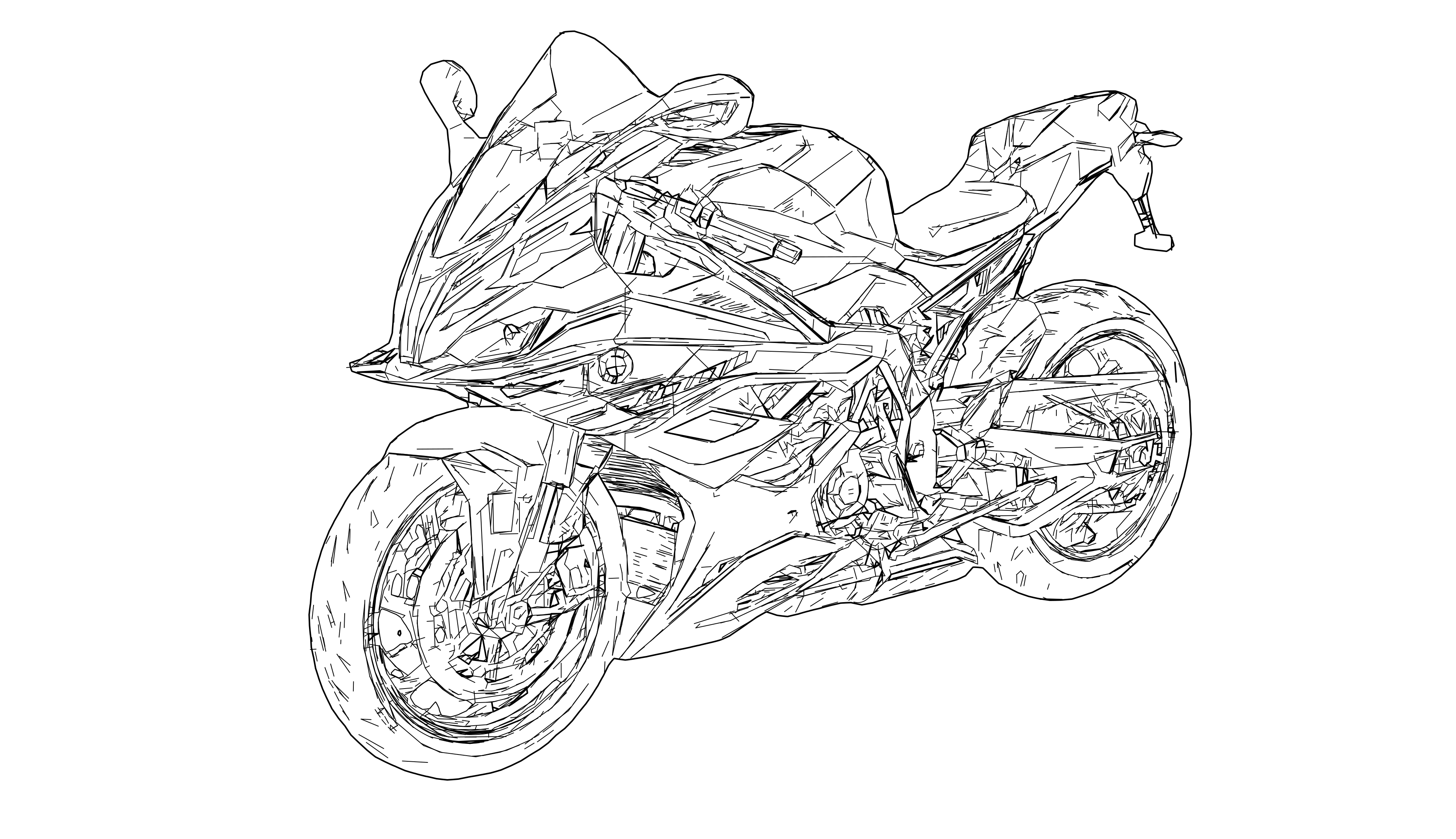
An SVG drawing is line-based vector output built from paths instead of pixels. At Pixel2Lines, SVG Drawing is meant for professional workflows where readable line geometry matters. It is different from full-shape auto-tracing and different from hobby-style photo-to-sketch effects.
What is the difference between credits and previews?
Credits are deducted from your account when generating the final file. Previews are charged for preview generations because some presets require long computation times and often need the full calculation even to produce a preview image; therefore, preview generation is limited.
Can I use the SVG output directly with laser software like LightBurn or RDWorks?
Yes. The laser engraving presets produce multi-layer SVG files that are directly compatible with LightBurn, RDWorks, and LaserGRBL. Each layer corresponds to a different engraving depth or pass, so you can import the file into your laser software and start engraving without additional file preparation.
What resolution should my input file have?
Ideally, upload your file to the workspace at a resolution between 3000 and 4000 pixels to achieve a detailed result. Resolution has a decisive impact on the level of detail in the final SVG drawing. Resolutions above 5000 px can lead to longer render times, but offer significantly higher detail because more essential image information is available.
Do you offer individual support and preset development?
Yes. We support you with preset configuration requests and are happy to help with any questions.
What output file formats does Pixel2Lines support?
Pixel2Lines outputs SVG (Scalable Vector Graphics), DXF (for CAD and CNC workflows), EPS, and PDF. SVG is the primary format for laser engraving and web use; DXF is ideal for CAD software, CNC machines, and embroidery workflows. Available formats depend on the selected preset.
How quickly will I receive the results?
Processing time depends on many factors such as the preset type, the input file resolution, the level of detail in the source image, and more. Some high-detail presets can take 5–10 minutes. Complex calculations and many optimizations are required to achieve the best results.
What if I am not satisfied with the quality of my result?
We welcome your feedback on quality and are happy to take your wishes into account.