Design Grid
Create a structured grid overlay from your reference image for clean alignment, spacing, and composition.


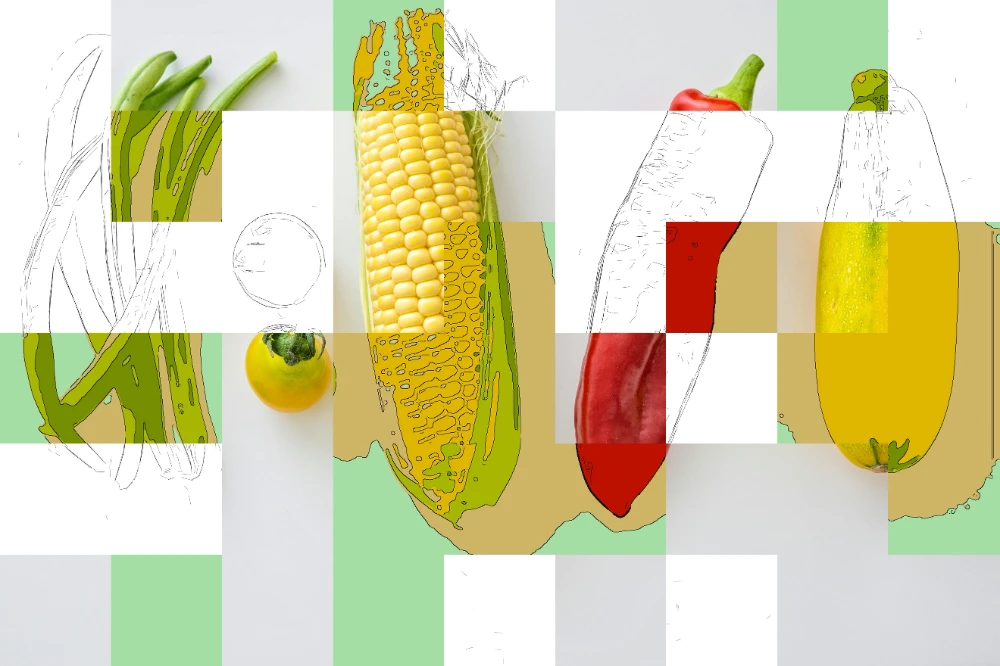

Generate a clean design grid from an image for layout, alignment, and consistent spacing. Ideal for UI mockups, posters, product sheets, and structured compositions.
The grid output adapts to your image proportions and highlights dominant structural lines, helping you establish consistent spacing and visual hierarchy.
Input - FILE FORMATS
Images, layouts, posters, UI references, product sheets, and other designs where spacing and alignment need to be analyzed.
Output - FILE FORMATS
Scalable SVG grid overlays for alignment, spacing, composition work, and reusable template setup.
Best for - PROFESSIONALS
Designers, art directors, UI teams, presentation designers, and documentation-heavy workflows.
Different from - TEMPLATES
Static guide overlays or manual composition helpers. Pixel2Lines adapts the grid to the source image proportions and structure.
Supported Formats
SVG — Grid Overlay
Scalable SVG grid overlays for alignment, composition, spacing, and reusable template setup.
Examples


How it works
- 1
Drop your file here
Simply drop your file here and open the workspace.
- 2
Adjust settings on the workspace
Pick a preset and fine-tune settings on the workspace (Design Grid preset coming soon).
- 3
Export your final result
Download your output once you are happy with the result.

Use Cases
Layout Composition
Generate alignment grids for editorial layouts, poster design, and composition planning with precise spacing systems.
UI/UX Design Systems
Create baseline grids and spacing guides for interface design, responsive layouts, and design system documentation.
Typography Alignment
Establish typographic baseline grids for consistent vertical rhythm and text alignment across designs.
Photography & Art Direction
Apply composition guides and structured grid overlays for photo editing, layouts, and art direction decisions.
Presentation Templates
Create alignment grids for slide decks, pitch presentations, and template designs with consistent spacing.
Technical Documentation
Generate measurement grids for technical drawings, assembly instructions, and annotated diagrams.
Design Grid questions
Design Grid creates scalable SVG overlays from a source image so teams can analyze alignment, spacing, and composition without building guides manually.
What does the Design Grid workflow generate?
It generates a scalable SVG grid overlay that follows the structure and proportions of the source image so you can use it for alignment, spacing, and composition work.
When should I use Design Grid?
Use it when you need a fast structural overlay for layouts, posters, UI mockups, product sheets, presentations, or documentation where alignment matters.
Is the grid overlay editable and scalable?
Yes. The output is an SVG overlay, so it stays scalable and can be reused inside design workflows that support SVG editing or placement.
What kinds of source images work best?
Images with clear structure, readable edges, and visible layout relationships work best. Posters, product sheets, interfaces, reference layouts, and presentation frames are strong inputs.
Is there already a dedicated Design Grid preset?
Not yet. This service page currently opens the generic workspace while the dedicated Design Grid preset is still not public.
How is this different from a static grid template?
A static template stays fixed. Design Grid adapts the overlay to the proportions and visible structure of the source image, which makes it more useful for analysis and iteration.