Embroidery Digitization
Convert logos and simple artwork into embroidery machine files with stitch previews, workflow guidance, and safer default lanes.

...Creditsper rendering
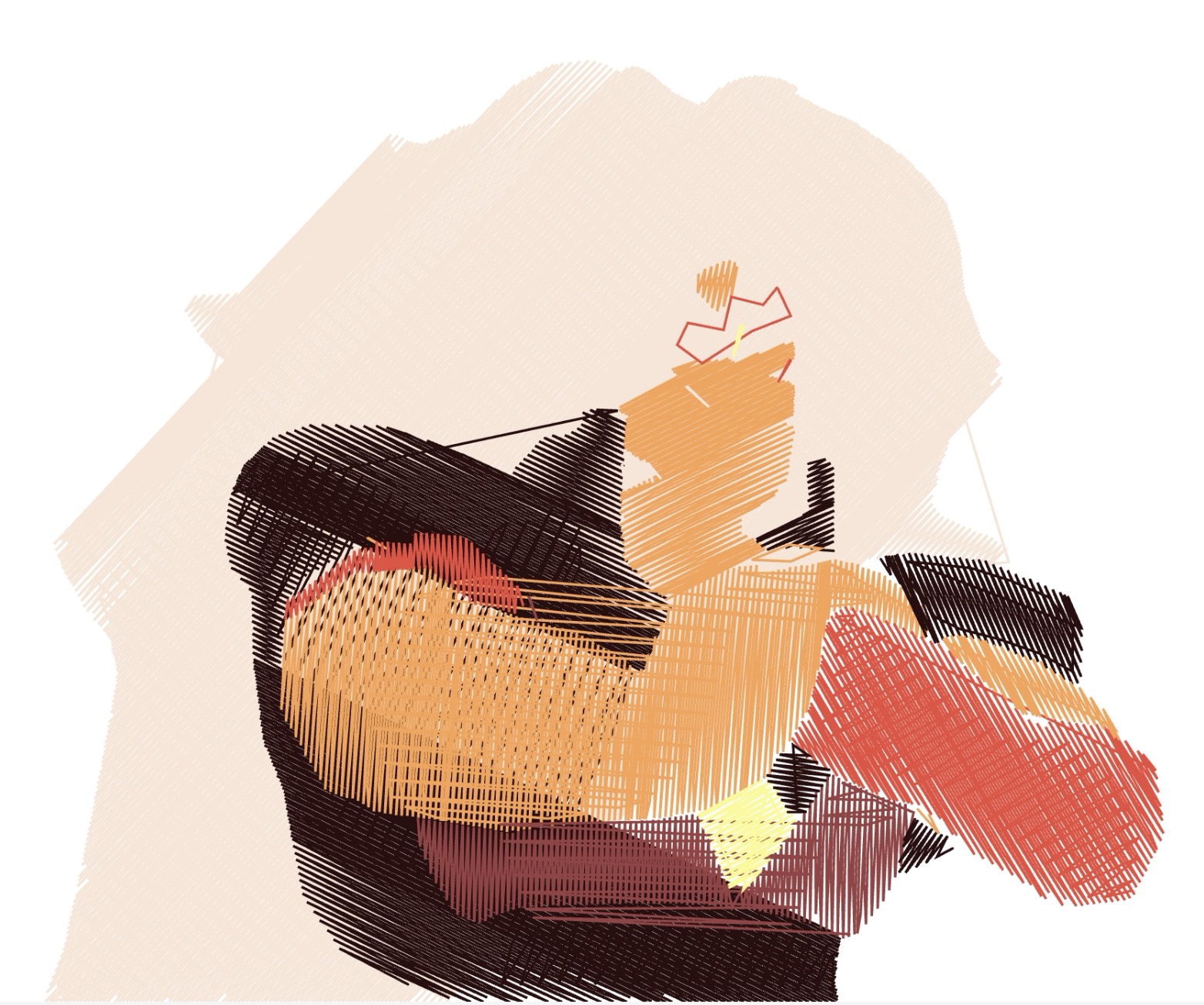
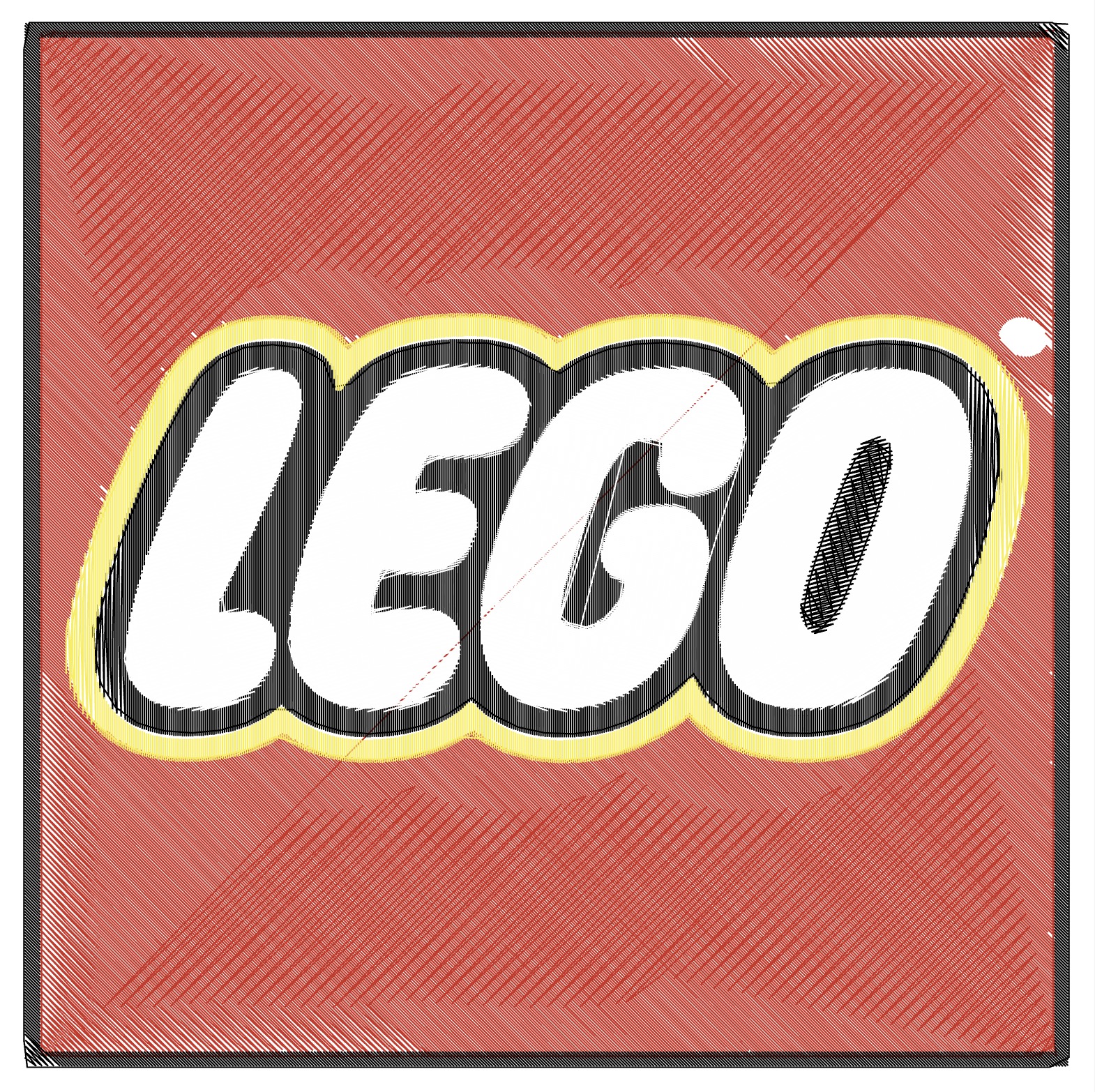
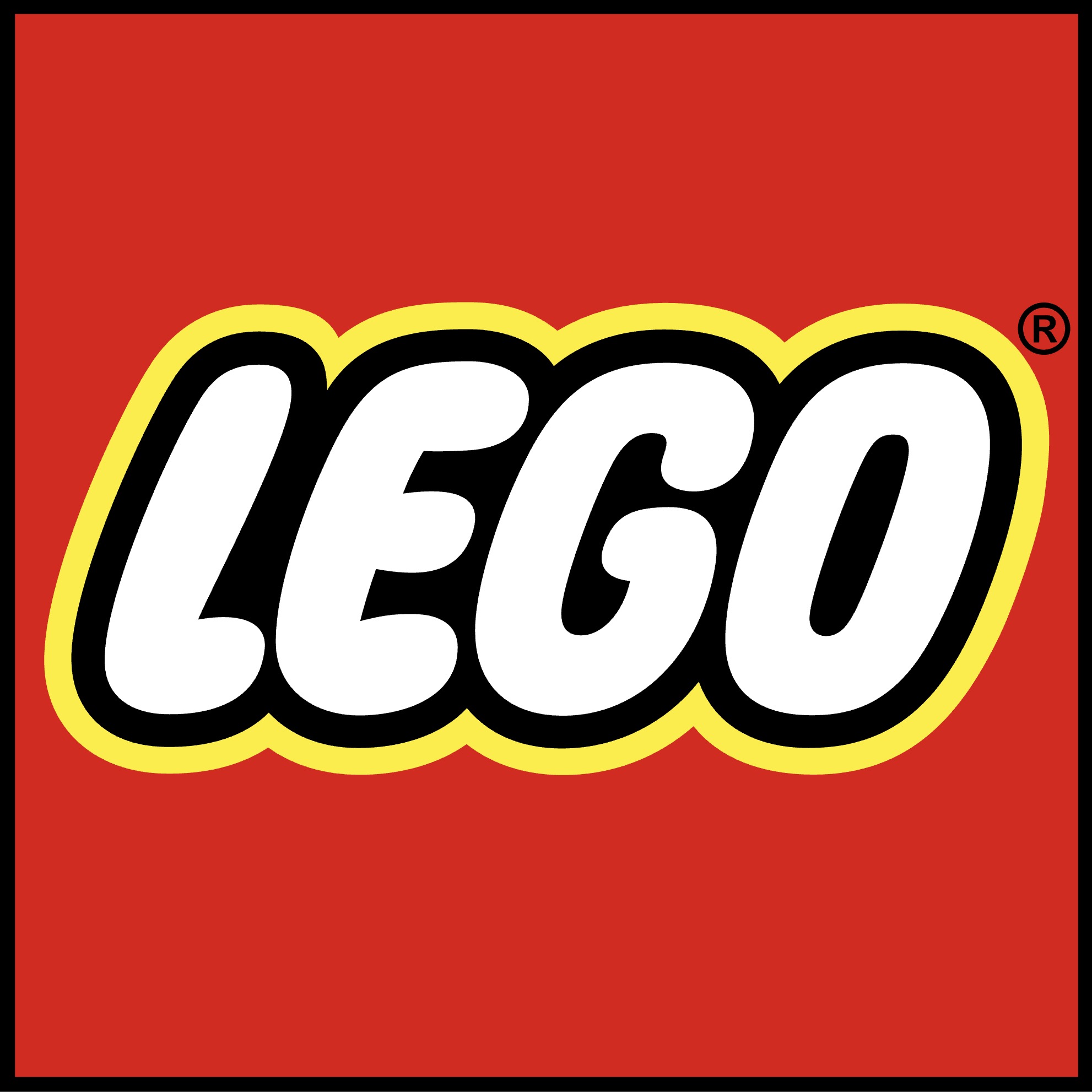
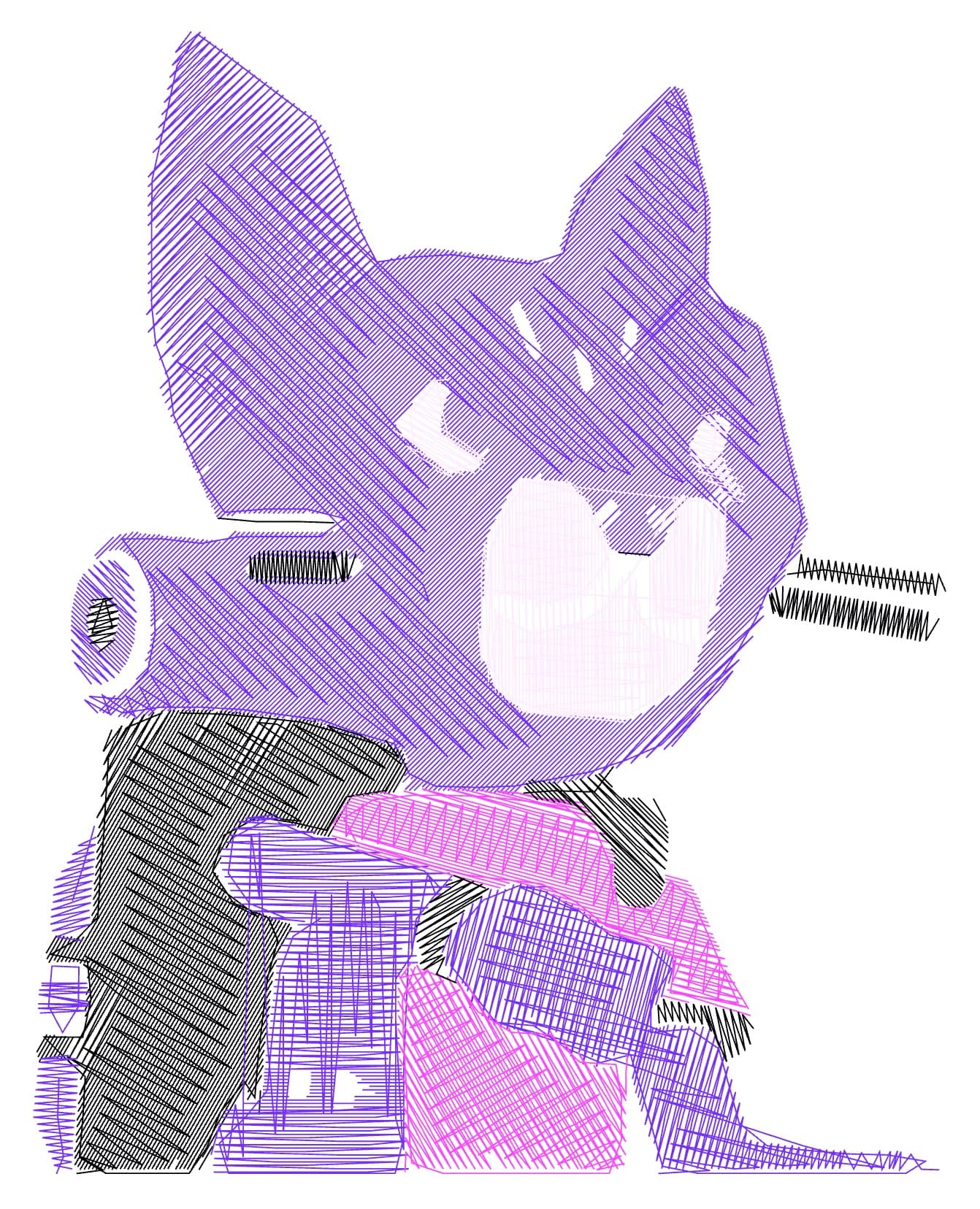
This single-preset service produces embroidery machine files plus an SVG stitch preview for review in the workspace. The output focuses on clean contours, simpler shapes, and workflow-aware defaults for safer digitization.
Ideal for left-chest branding, custom patches, badges, and other compact embroidery workflows. Cap fronts, large backs, delicate fabrics, and high-pile fabrics remain beta until sew-out coverage is broader.
Input - FILE FORMATS
Logos, lettering, simple artwork, and reference images with clear edges and readable contrast.
Output - FILE FORMATS
DST, PES, JEF, EXP, VP3, XXX, U01, and PEC machine files plus an SVG stitch preview for inspection.
Best for - PROFESSIONALS
Left-chest branding, custom patches, badges, and other compact embroidery workflows.
Different from - AUTO TRACE
Generic vector tracing or photo-heavy full-scene expectations. Pixel2Lines simplifies artwork into stitch-friendly geometry and safer one-click lanes.
Supported Formats
DST — Tajima / Industry standard
The most widely supported machine embroidery format. Works with most commercial machines and many home machines.
PES — Brother / Babylock
Native format for many Brother and Babylock machines. Often includes thread color and design metadata.
JEF — Janome / Elna
Janome/Elna format that can include hoop and color-change information for smoother machine workflows.
EXP — Melco / Bernina
Commercial format used in Melco workflows and supported by some Bernina embroidery systems.
VP3 — Husqvarna Viking / Pfaff
Modern format used by Pfaff and Husqvarna Viking machines with richer metadata and compatibility features.
XXX — Singer
Legacy format used by some Singer/Compucon workflows for machine compatibility.
U01 — Barudan
Industrial format used by Barudan embroidery systems. Included for broader machine compatibility.
PEC — Brother / Babylock (legacy)
Legacy format used by some older Brother/Babylock machines and embroidery software. Included for compatibility.
SVG — Stitch Preview
SVG stitch preview for inspecting the digitized result before machine handoff.
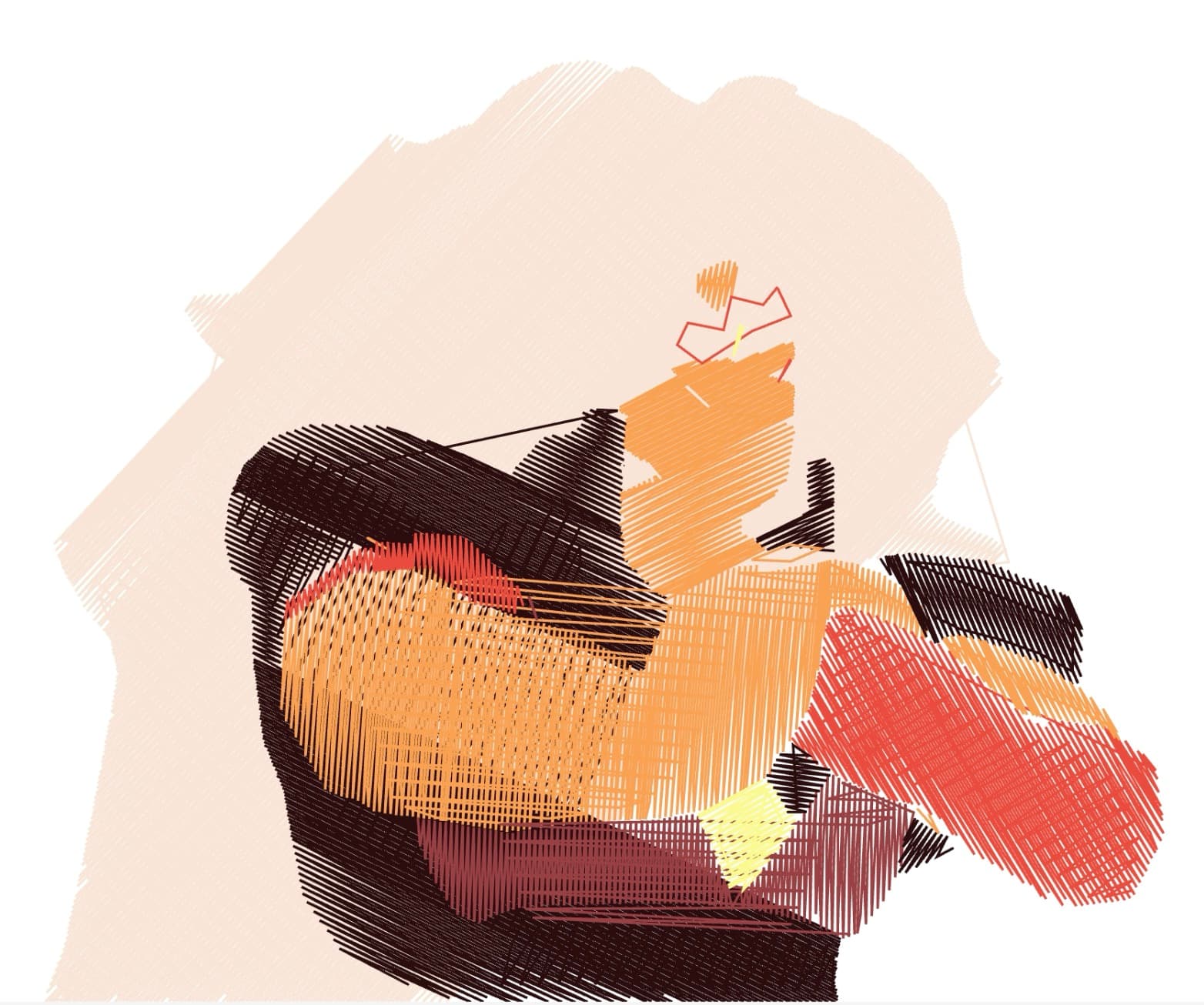
Examples


How it works
- 1
Drop your file here
Simply drop your file here and open the workspace.
- 2
Adjust settings on the workspace
We simplify details and create clean outlines optimized for stitching and stable results.
- 3
Export your final result
Export DST, PES, JEF, EXP, VP3, XXX, U01, and PEC files with an SVG stitch preview for inspection.

Use Cases
Apparel Branding
Convert company logos and brand graphics into embroidery-ready files for left-chest logos on polos, shirts, and uniforms.
Custom Patches
Create simplified outlines from photos and artwork for custom patches, badges, and embroidered emblems.
Promotional Merchandise
Prepare artwork for promotional items like bags, jackets, and corporate gifts where simple branded marks are a good fit for patch or badge workflows.
Team and Club Logos
Convert sports team logos, club crests, and organizational emblems into embroidery-ready files for patches, badges, and other compact applications.
Monogram Designs
Create clean, elegant monograms and personalized designs for compact embroidery placements that can be reviewed inside the workspace before stitching.
DST & PES Export
Understand when to use DST vs PES before turning clean vector artwork into machine embroidery files.
FAQ
What file formats do I receive?
The workspace can generate DST, PES, JEF, EXP, VP3, XXX, U01, and PEC files, plus an SVG stitch preview for review.
How many thread colors are supported?
The current workflow supports up to 12 thread colors per design. In most cases you should leave the color count on Auto so the workflow can choose a safer budget.
What is the maximum design size?
The default width is 85 mm, which fits common left-chest embroidery. Larger designs are possible, but large-back workflows are still beta and should be reviewed carefully before stitching.
Do I need to prepare my image?
A clean, high-contrast image works best. Minimum 1500 px on the long side. Simple logos with solid colors digitize most cleanly; photos are simplified into stitch-friendly regions automatically.
How long does processing take?
Most designs process in under 5 minutes. Complex multi-color images with fine detail may take up to 10 minutes.
Can I use the output on commercial embroidery machines?
The files target common commercial and home embroidery workflows, but you should treat the workspace quality status as the source of truth. Left-chest logos and patches are the safest lanes today; other lanes should be reviewed before production use.
What about underlay and pull compensation?
Both are included automatically. The pipeline generates appropriate underlay stitches for stability and applies pull compensation to prevent fabric distortion.
Can I adjust stitch density or fill patterns?
Yes—you can control thread color count, design width, and detail level through the workspace parameters before processing.
What fabrics work best?
Standard woven fabrics, polos, twill, and denim are the safest one-click lanes today. Stretchy fabrics are supported, while delicate and high-pile fabrics remain beta and should be reviewed with the quality report.