Floor Plan Digitization Service
Convert readable floor plan scans into technical SVG and DXF outputs for review, cleanup, and downstream drafting.
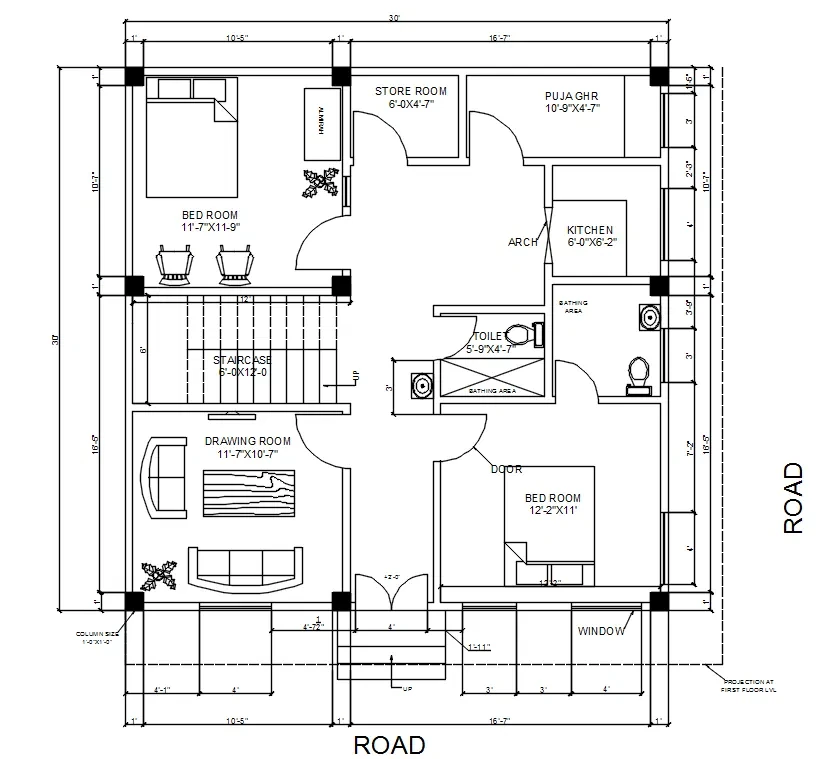
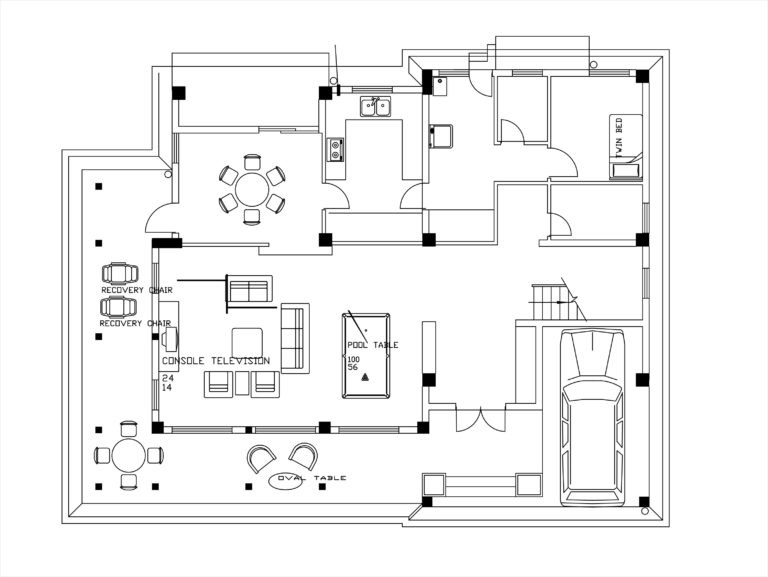
...Creditsper rendering
This floor plan digitization workflow is built for readable plan scans and other raster plan images that need a cleaner technical result. The current preset processes the plan through dedicated preflight, floorplan assembly, and QA so the output is easier to review, share, and hand off than the original scan.
It is not a full CAD editor and it should not be presented as a blanket architect-ready reconstruction service. Think of it as a professional scan-to-SVG and DXF first pass for archive cleanup, renovation reference, property review, and downstream drafting preparation when the original plan image is messy or hard to reuse.
Input - Scans
Readable floor plan scans and other raster plan images with clear wall geometry. Photos are possible, but clean scans are the strongest lane.
Output - Technical
SVG preview, DXF handoff, and structured floorplan QA output that are easier to review, share, and use in downstream drafting workflows.
Best for - Property Teams
Real estate teams, renovators, architects, interior planners, property managers, and technical coordinators who need a stronger first-pass digitization workflow from plan scans.
Different from - CAD Editing
A full CAD editor or measured redrawing service. This preset is built for scan-first technical digitization and handoff, not deep manual authoring.
Supported Formats
SVG — SVG Preview
Clean vector floor plan preview for technical review, presentations, and visual handoff.
DXF — DXF Handoff
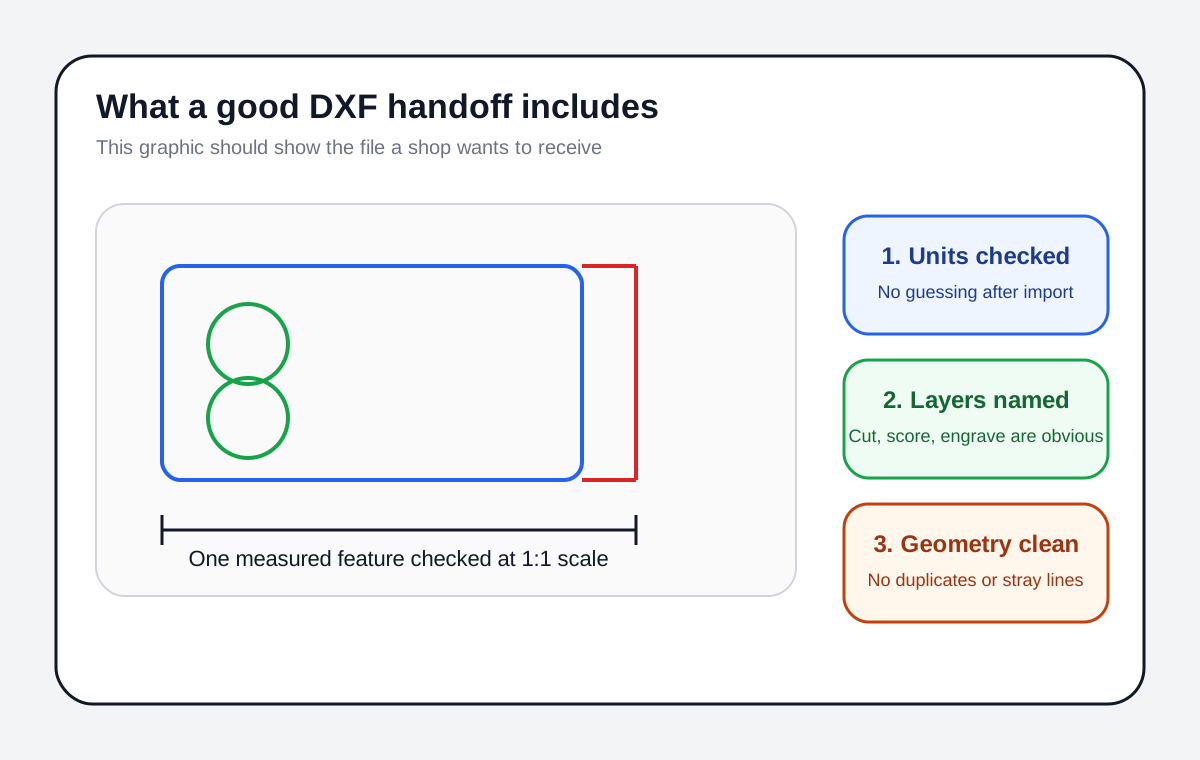
Technical DXF export for downstream CAD-adjacent drafting, cleanup, and production handoff.
JSON — QA Artifact
Structured floorplan QA and geometry artifact output for workflow validation and internal review.
Examples
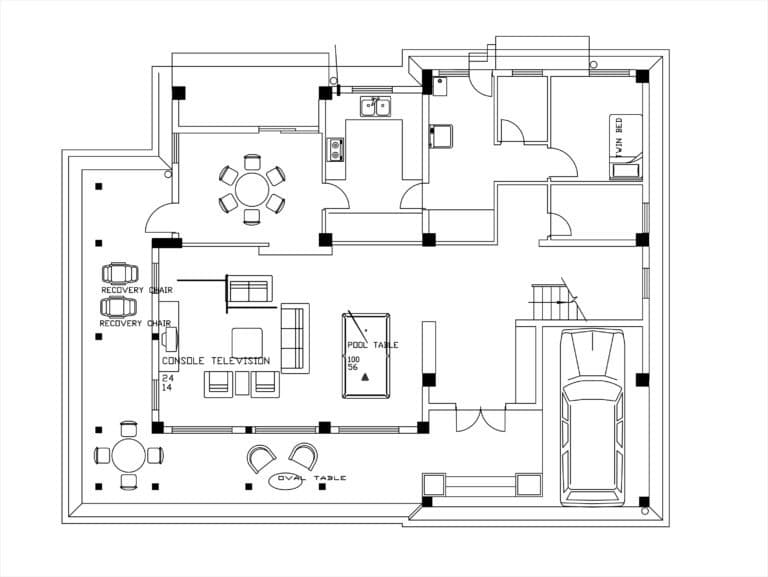
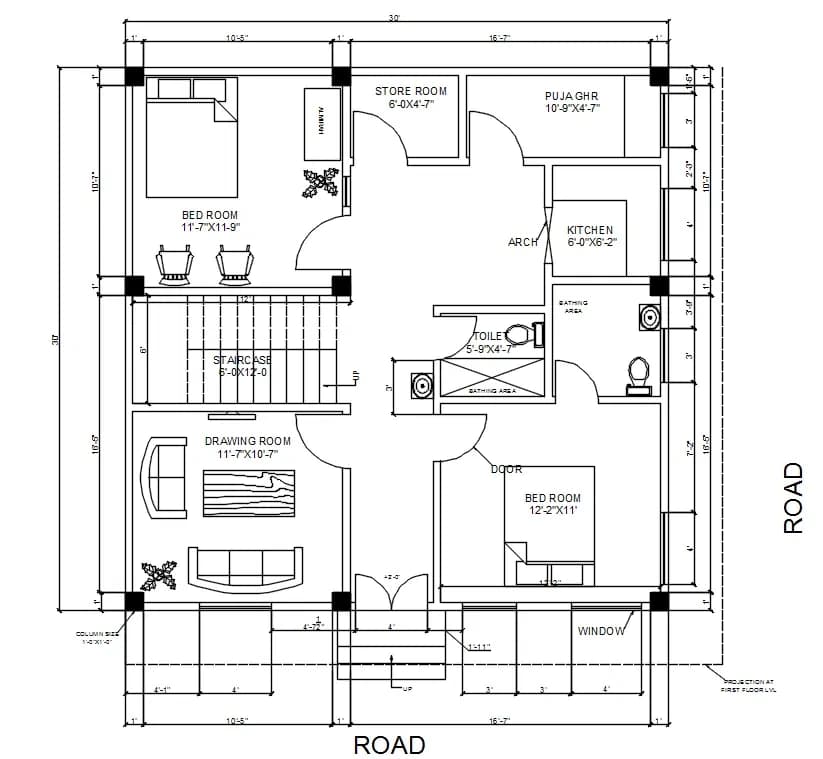
How it works
- 1
Upload your plan
Drop in the readable floor plan scan or other raster plan image you want to digitize and open the workspace.
- 2
Run the digitization workflow
Process the plan through scan-first floorplan preflight, assembly, and QA to generate a cleaner technical result.
- 3
Review and export the result
Use the SVG preview, DXF handoff, and QA output for property review, renovation planning, archive cleanup, or downstream drafting.

Use Cases
Plan Review for Property Listings
Turn archived plan scans into cleaner technical floor plan visuals for listing packs, buyer review, and internal property documentation.
Renovation Reference
Use a cleaner technical floor plan as a reference for remodel discussions, room planning, contractor coordination, and internal review.
Blueprint and Scan Cleanup
Improve messy blueprint scans and archive files so the layout is easier to read, share, and annotate downstream.
Plan Prep for CAD Redraw
Use the digitized plan as a cleaner first pass before manual CAD redrawing, annotation, or deeper drafting work.
Simple Layout Interpretation
For simple plan-like sketches and rough layouts, use the workflow as an early technical reference rather than a final measured drawing.
Floor Plan Review Packs
Prepare clearer technical floor plan visuals for stakeholder updates, property presentations, tenant discussions, and planning reviews.
FAQ
What does this floor plan preset do?
It turns a readable floor plan scan or other raster plan image into a cleaner technical result with SVG preview, DXF handoff, and structured floorplan QA output that is easier to review and reuse than the original source.
Is this a full CAD editor?
No. This workflow is built for scan-first floor plan digitization, not detailed CAD editing, measured drafting, or full architectural documentation.
What inputs work best?
Clean scans and other readable raster plan images with clear wall geometry work best. Photos are possible, but they are a weaker lane than scans and can reduce premium readiness.
What files do I receive?
The preset is positioned around SVG preview, DXF handoff, and structured floorplan QA output for technical review and downstream drafting workflows.
Does it preserve scale?
Trusted scale depends on manual calibration or validated scale inference. Without that, treat the result as a technical reference and handoff asset, not as a verified-scale architectural drawing.
Is it architect-ready?
Do not treat every run as architect-ready by default. The honest position is a technical first-pass digitization workflow with QA gating, not a blanket architect-ready reconstruction claim.