Photo Illustration
Raster-to-illustration rendering with Pixel2Lines' custom graphics pipeline.
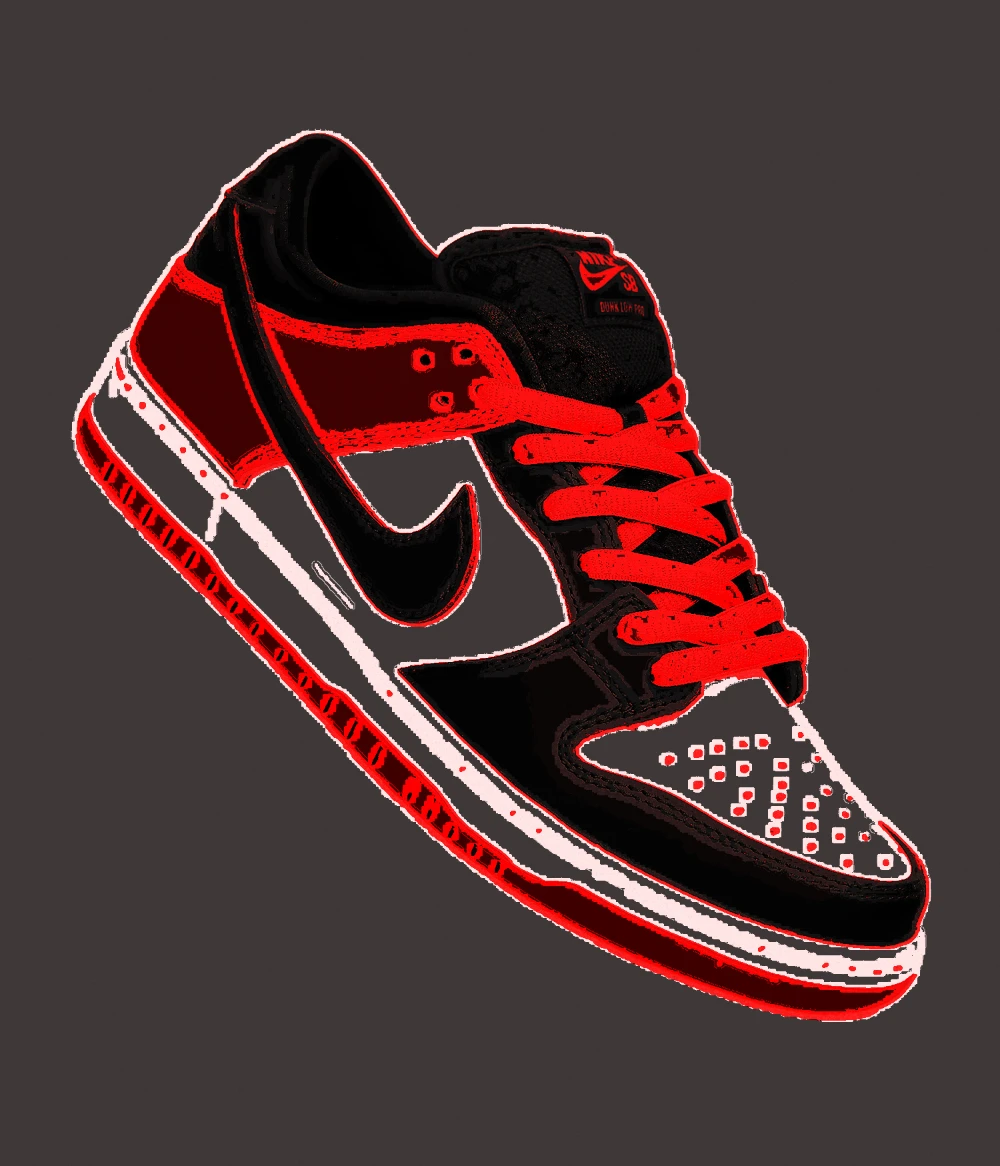
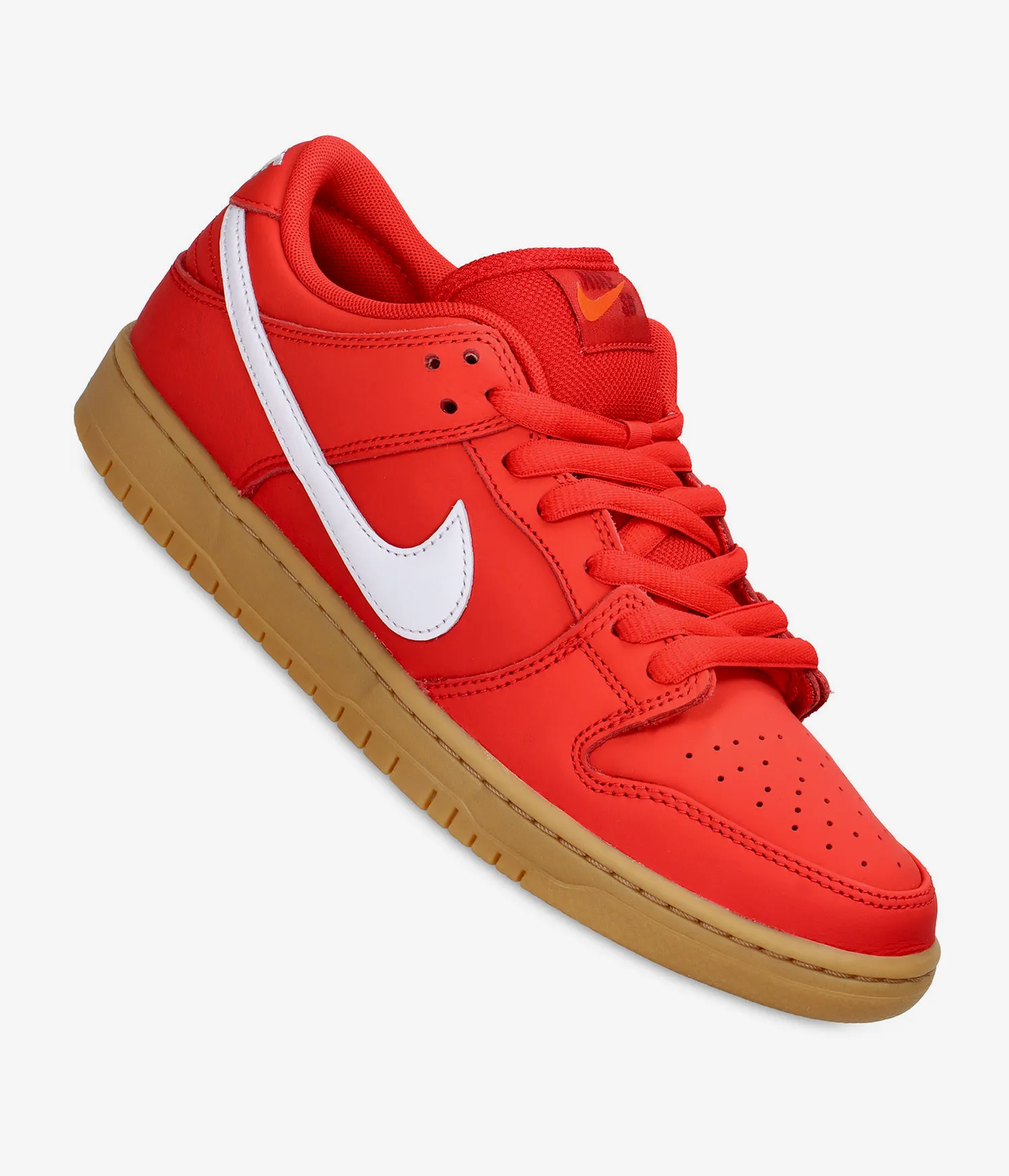
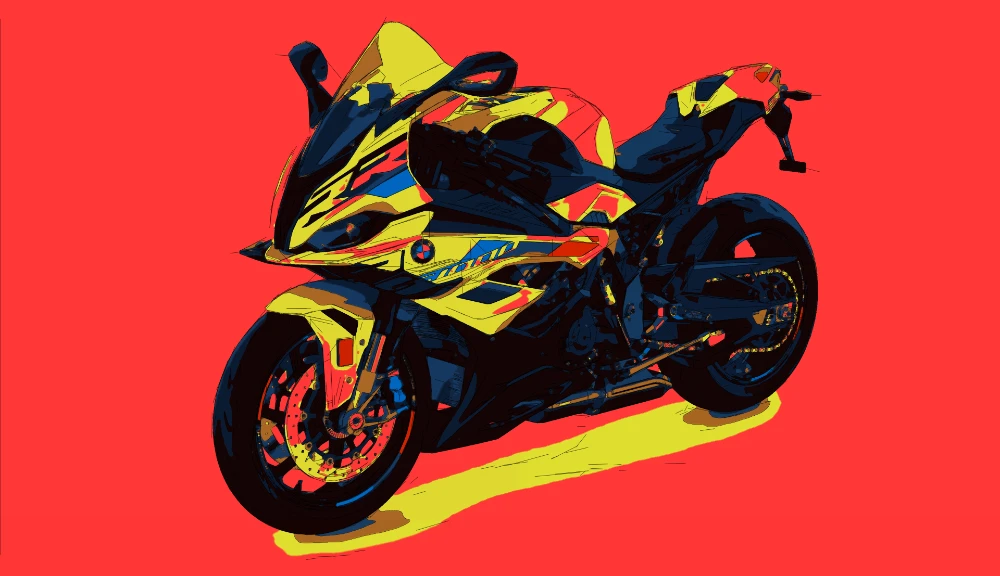
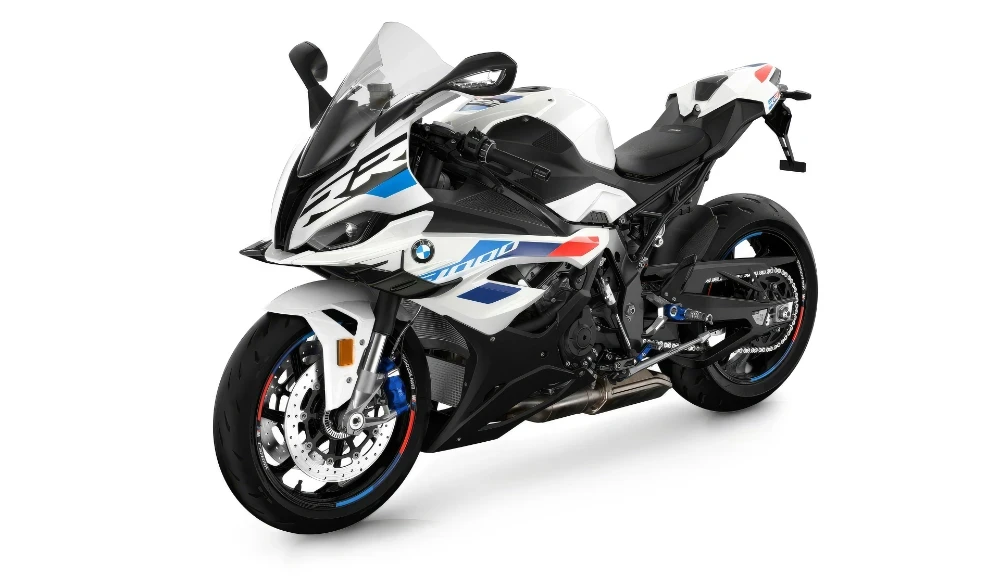
...Creditsper rendering
Convert photos and raster images into professional illustrative renderings with our powerful graphics engine. The workflow rebuilds the image into a refined visual with controlled shading, simplified surfaces and a rendered look beyond standard photo editors and generic AI generators.
Bets for designers, illustrators, artists and brand teams need a finished visual for campaigns, editorial layouts, product communication or presentation work. Choose SVG Drawing for line-based output and SVG Shapes for editable vector graphics.
Input - FILE FORMATS
Photos, portraits, product shots, lifestyle images, and raster references with a clear subject and readable contrast.
Output - FILE FORMATS
High-resolution illustration renderings with stylized shading, simplified forms, and polished graphic treatment for web, print, and presentation use.
Best for - Professionals
Professional designers, illustrators, artists, creative studios, and brand teams that need premium illustrated visuals from real photos.
Different from - AI & Editors
Photoshop-style retouching, filter-based effects, and generic AI image generators. Pixel2Lines uses a custom graphics pipeline for a rendered result those tools do not produce.
Supported Formats
PNG — High-Resolution PNG
High-resolution PNG deliverables for web, print, social, presentations, and professional design workflows.
Examples


How it works
- 1
Drop your file here
Simply drop your file here and open the workspace.
- 2
Adjust settings on the workspace
Choose the Illustration workflow and tune the rendered look in the workspace preview.
- 3
Export your final result
Download high-resolution PNG files for web, print, social, editorial, and presentation use.

Use Cases
Campaign Visuals
Turn brand and lifestyle photos into illustrated campaign graphics for ads, launches, and social promotion.
Editorial Illustration
Convert reference photos into professional illustration visuals for articles, covers, publishing decks, and presentations.
Product Storytelling
Rework product photos into stylized graphics for packaging, landing pages, pitch decks, and brand storytelling.
Architecture Visuals
Create building and facade illustrations for proposals, portfolio boards, and presentation visuals.
Food & Beverage
Transform dish and beverage photos into illustrated menu, cookbook, and restaurant marketing graphics.
Portrait Illustration
Turn portraits into professional illustrated visuals for profiles, speaker materials, campaigns, and branded communication.
Illustration workflow questions
The Pixel2Lines Illustration workflow turns raster images into professional rendered visuals, not photo edits, filters, or prompt-generated AI outputs.
How is this different from Photoshop editing?
This workflow does not just retouch or layer standard effects onto a photo. Pixel2Lines rebuilds the image through a custom graphics pipeline to create a rendered illustration result with a different visual structure.
How is this different from AI image generators?
AI image generators synthesize new images from prompts or loosely guided references. Pixel2Lines starts from your actual photo or raster image and transforms it through a controlled rendering workflow for a consistent illustration result.
What kinds of photos work best?
Sharp, well-lit images with a clear main subject and readable contrast work best. Product photos, portraits, lifestyle scenes, and strong reference shots all perform well when the subject is visually distinct.
What do I receive?
You receive a high-resolution PNG illustration file that is ready for web, print, social, campaign, and presentation use.
When should I use Illustration instead of SVG Drawing or SVG Shapes?
Use Illustration when you need a finished rendered visual. Use SVG Drawing when you need contour-based line output, and use SVG Shapes when you need editable vector graphics built from full shapes.
Is this suitable for professional brand work?
Yes. The workflow is suited for campaign visuals, editorial illustration, product communication, social assets, and other brand-facing design use cases.