Remove Background from Photo
Premium transparent background removal for people, products, plants, and studio-style photography.
...Creditsper rendering
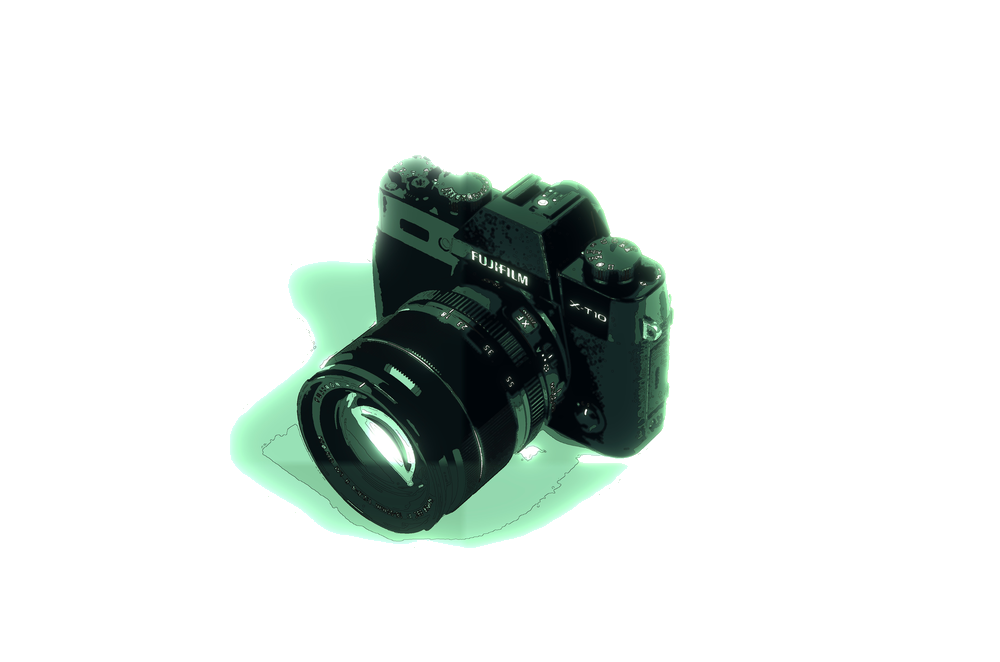
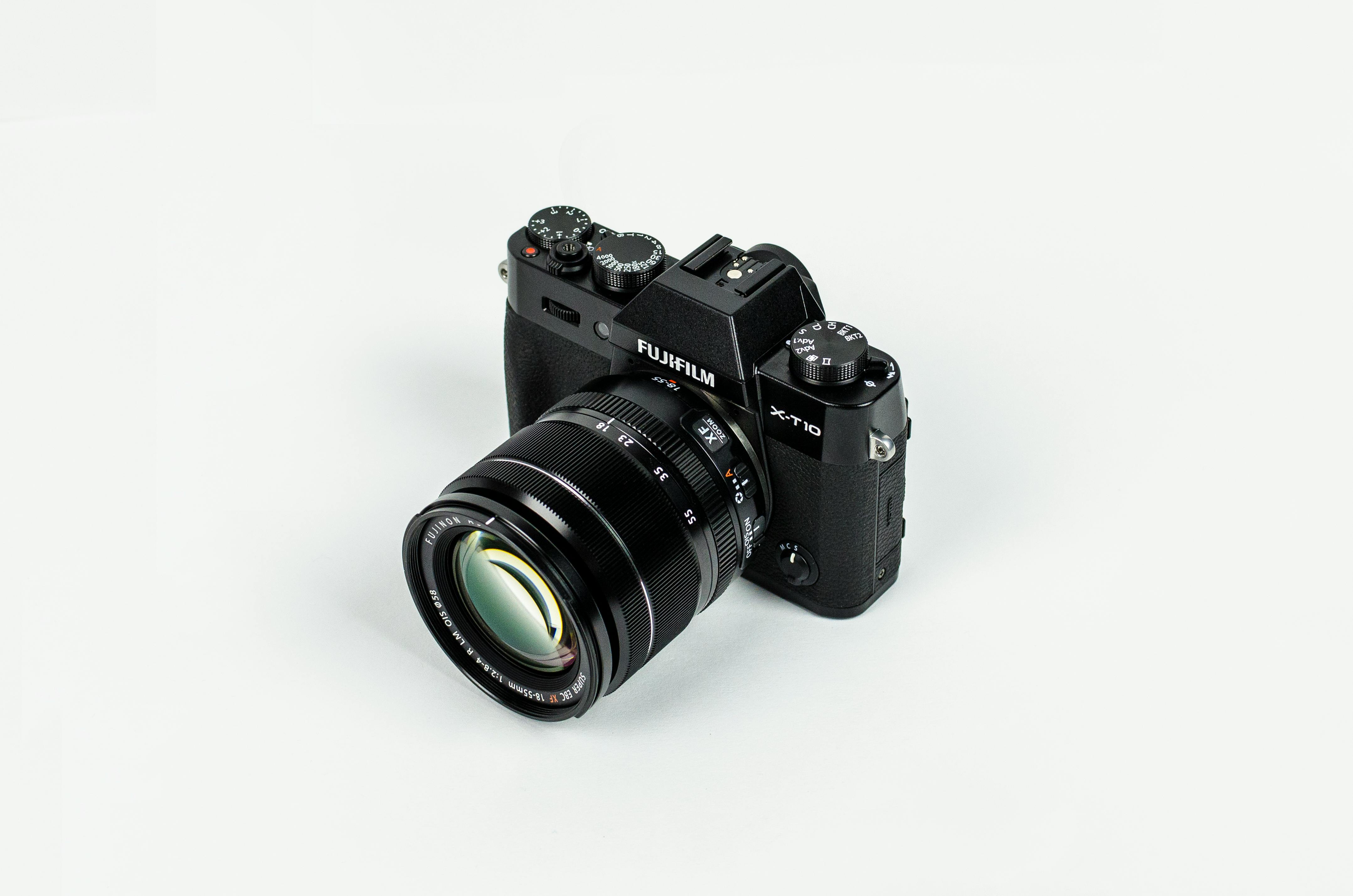
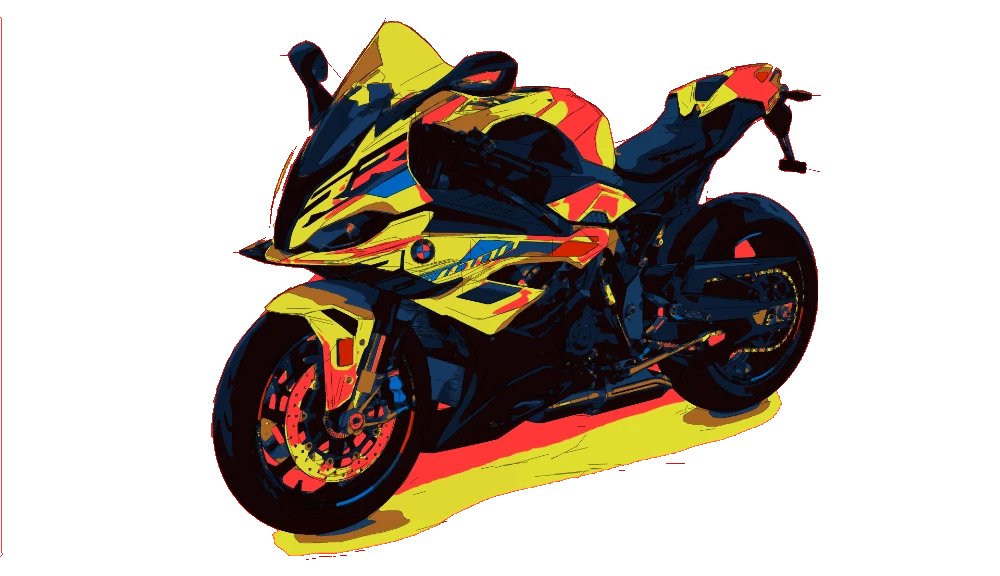
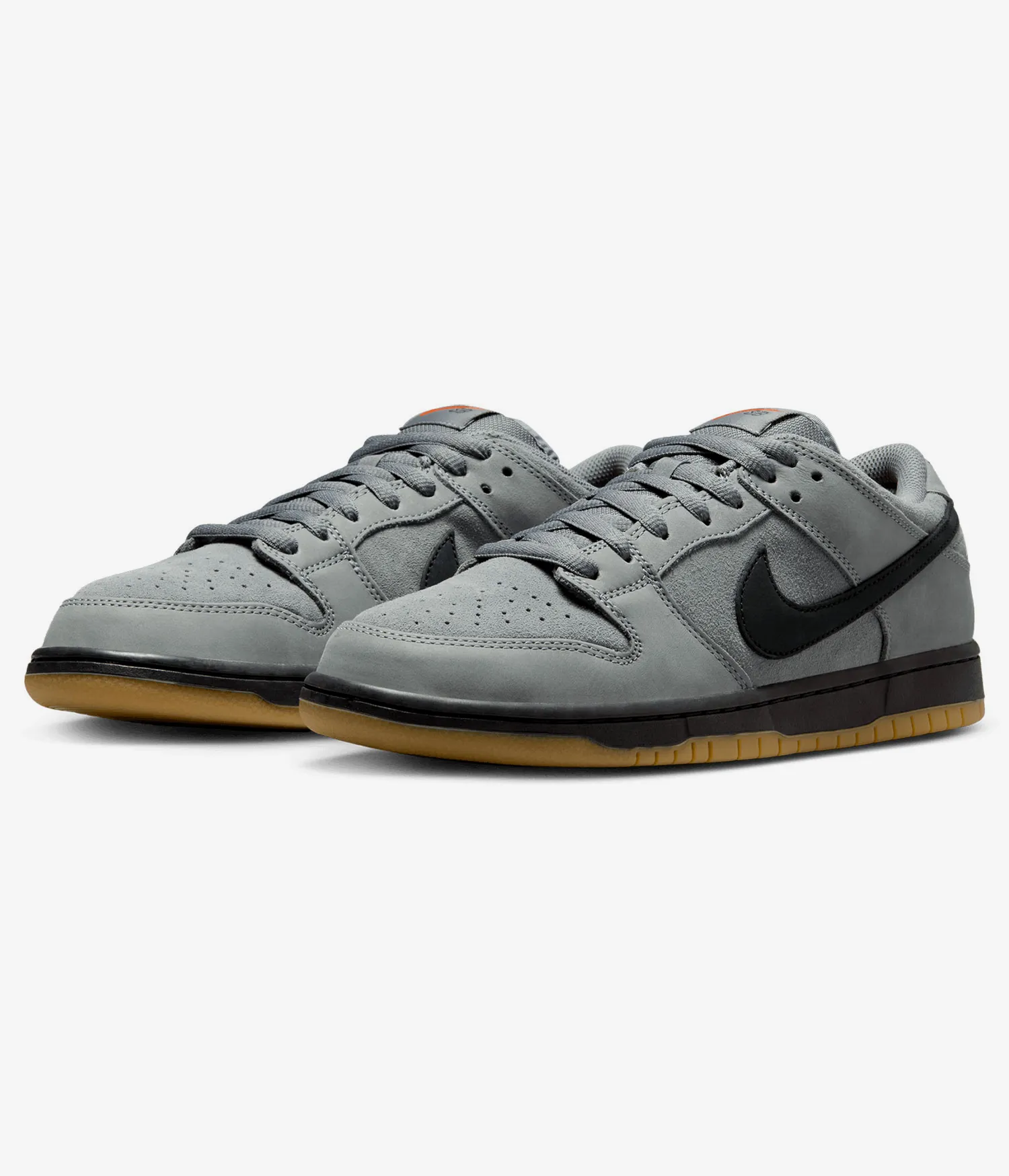
This workflow uses the premium remove-background preset to isolate the main subject from a photo and export clean transparent results for ecommerce, listings, compositing, and design production. It is designed for people, products, plants, and other subjects where edge quality matters.
Use subject selection modes to keep the centered subject, the largest detected subject, or all detected subjects together. Then tune detail level for hair, leaves, and fine boundaries, and choose cleanup strength to control holes, detached artifacts, and edge cleanliness before export.
Input - Photos
Portraits, product photos, plant shots, and studio images with a readable foreground subject.
Output - Transparent
Transparent PNG exports and flattened JPEG deliverables with isolated foreground subjects ready for listings, design, and publishing.
Best for - Production
Ecommerce teams, retouchers, marketplaces, studios, designers, and anyone who needs fast background removal without manual masking.
Different from - Quick tools
Basic one-click background erasers that miss fine edges, flatten detail, or keep unwanted artifacts. This workflow is tuned for cleaner subject isolation.
Supported Formats
PNG — Transparent PNG
Primary export for transparent background delivery, design compositing, ecommerce, and reusable isolated assets.
JPEG — Flattened JPEG
Flattened export for proofs, listing systems, marketplaces, and quick sharing when transparency is not required.
Examples


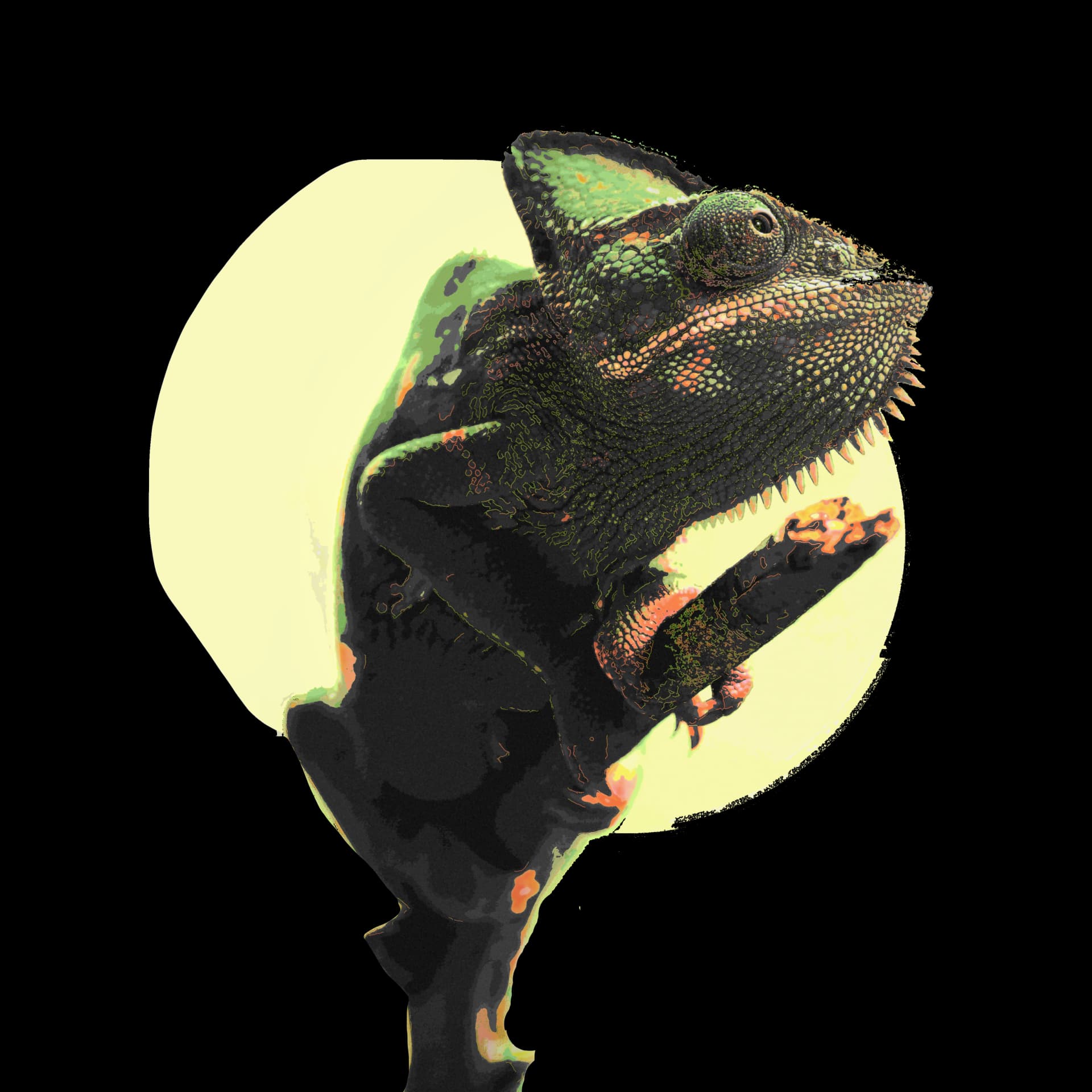
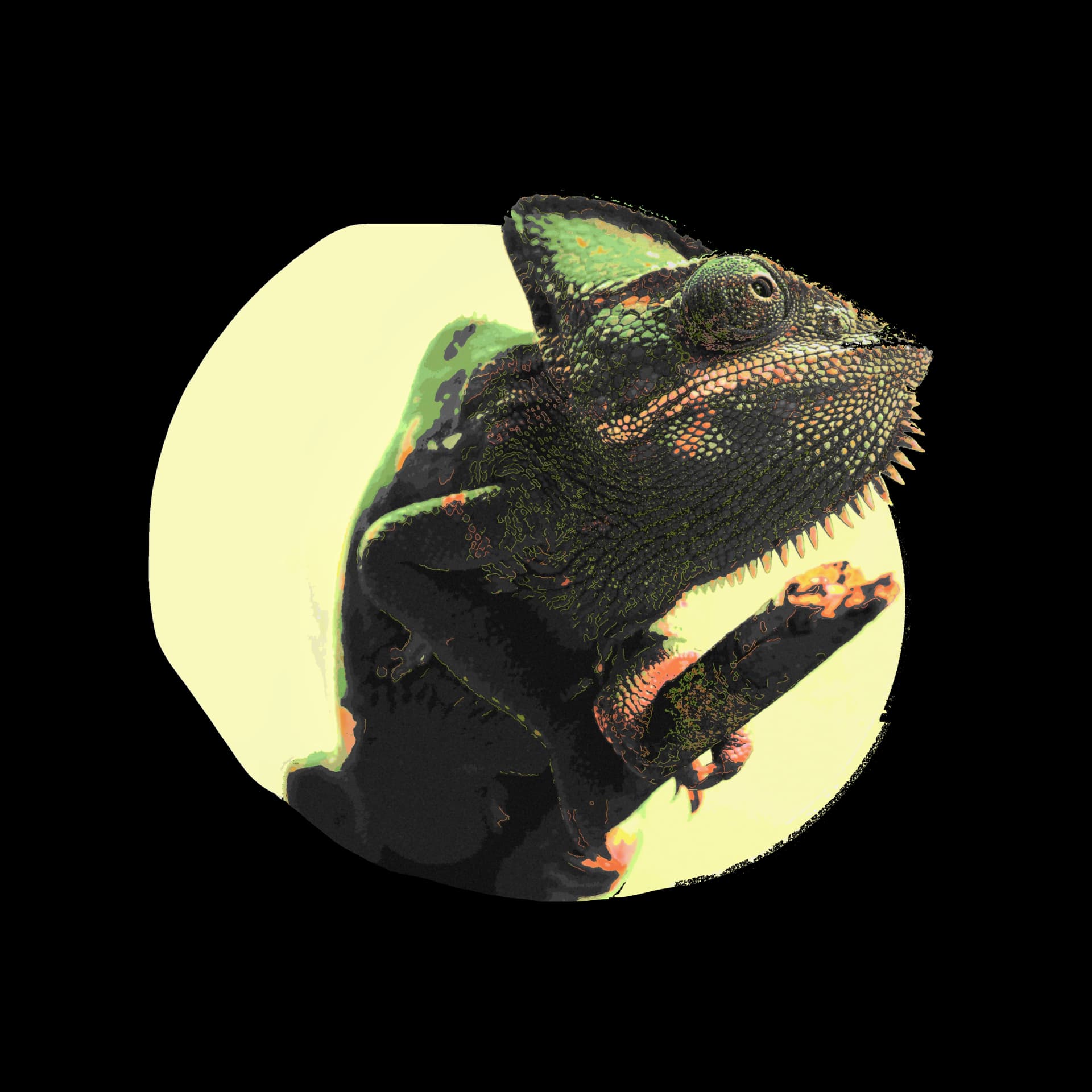
How it works
- 1
Drop your file here
Simply drop your file here and open the workspace.
- 2
Choose subject, detail, and cleanup
Select centered, largest, or all subjects, then tune detail level and cleanup strength for the edges you need.
- 3
Export your final result
Download a transparent PNG or flattened JPEG for ecommerce, listings, compositing, and design production.

Use Cases
Ecommerce Products
Remove distracting backgrounds from product photos for stores, ads, and product detail pages.
Portraits & Headshots
Prepare people shots for profile images, team pages, speaker assets, and campaign layouts.
Plants & Organic Subjects
Keep leaf edges and organic silhouettes cleaner for botanical, nursery, and editorial imagery.
Studio Product Shots
Turn studio photos into isolated assets for catalogs, packaging mockups, and presentation decks.
Marketplace Listings
Export clean subject cutouts for Amazon, Etsy, Shopify, and other listing workflows.
Design & Compositing
Create isolated foreground assets for banners, mockups, collages, and branded graphic layouts.
FAQ
Do I get a transparent PNG?
Yes. The primary export is a transparent PNG for isolated subject delivery. JPEG is also available when you need a flattened file.
Can it keep more than one subject?
Yes. Subject selection can prioritize the centered subject, the largest subject, or the union of all detected subjects in the frame.
How does it handle hair, leaves, and fine edges?
Use the detail level setting to preserve more or less boundary refinement. High and Ultra are intended for hair, leaves, and other small edge detail.
What does cleanup strength do?
Cleanup strength controls how aggressively small holes, detached fragments, and artifacts are removed after masking. Natural keeps more edge character, while Strict removes more debris.
What source images work best?
Sharp, well-lit photos with clear subject separation work best. Studio-style shots, product photos, portraits, and plant images with readable edges usually perform strongest.
When should I export JPEG instead of PNG?
Use JPEG when a marketplace, proofing flow, or handoff does not need transparency. Use PNG when you need a transparent background for design or publishing.