Free SVG Editor
Repair, measure, and export cleaner SVG files in your browser
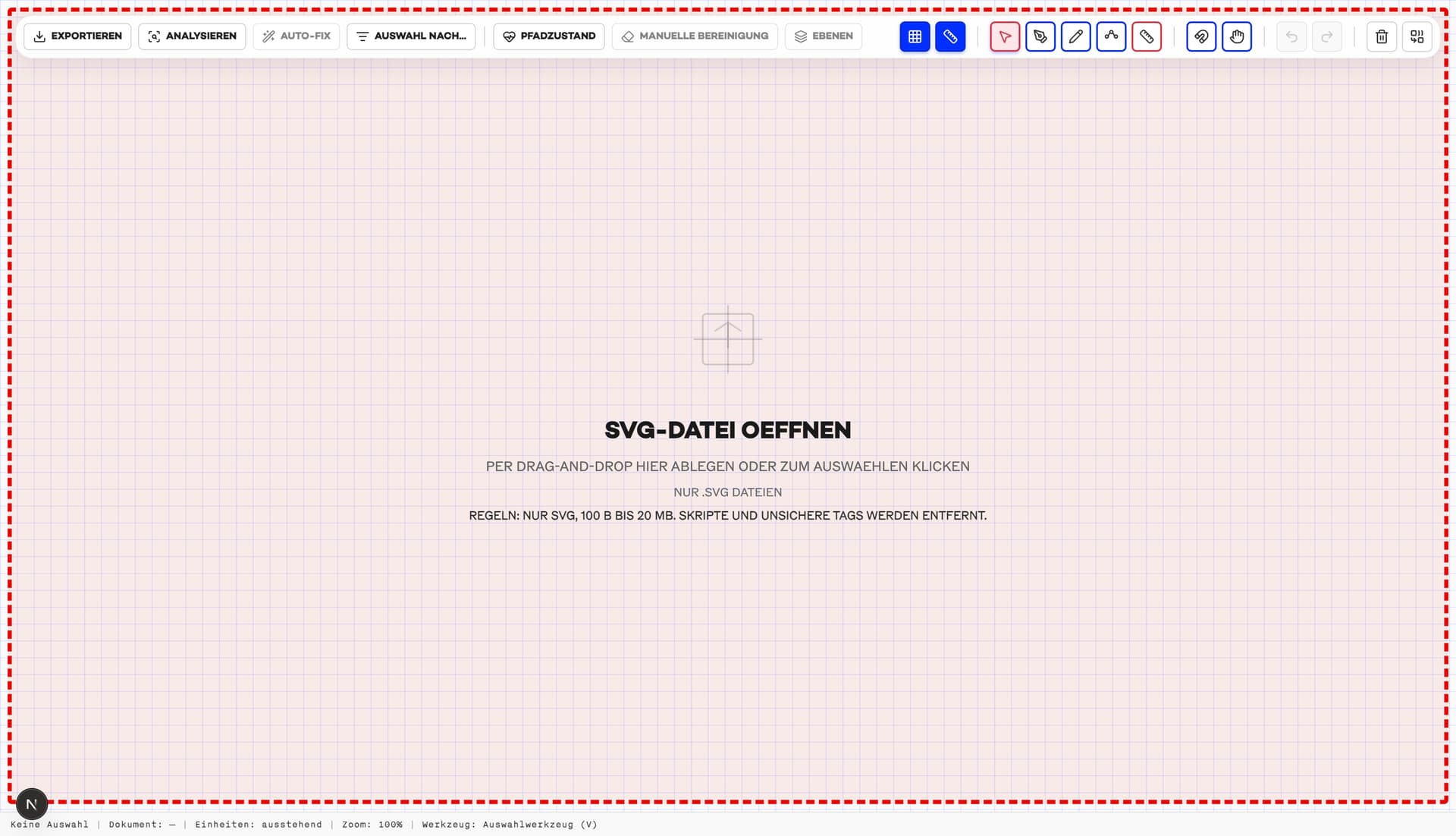
We offer a free SVG editor for all users—designers, architects, laser engravers, CNC/CAD workflows, and pen plotter makers—to inspect and clean SVG files before you hand them off to production or design tools like LightBurn. The editor runs locally in your browser (no upload), so you can open an SVG, verify scale and units, review layers, and catch common vector issues that cause double cuts, messy plots, or unpredictable imports.
It’s especially effective for repairing vectorized SVG results, including Pixel2Lines’ ScriptFX engine exports: detect px/mm and measure in mm/in, run Path Health to flag open paths, duplicates, noise specks, and overly dense geometry, then Auto‑Fix safe issues or apply targeted cleanup (simplify, close small gaps by threshold, remove duplicates/noise selectively, optimize cut/plot order). Export a cleaner, production‑ready SVG with layers and stroke colors preserved for a smoother LightBurn, CAD/CNC, or plotting workflow.
SVG-Editor features you can use for free
- Detect px/mm and measure distances in millimeters and inches.
- Analyze path health: open paths, duplicates, noise specks, and dense paths.
- Auto-Fix safe issues (close small gaps, remove safe duplicates, remove noise when units are reliable).
- Manual cleanup: simplify paths, close gaps by threshold, remove duplicates/noise selectively.
- Optimize cut/plot order to reduce travel moves for lasers and pen plotters.
- Work with layers and selections: LightBurn-friendly stroke colors, batch edits, and Select-by-Criteria.
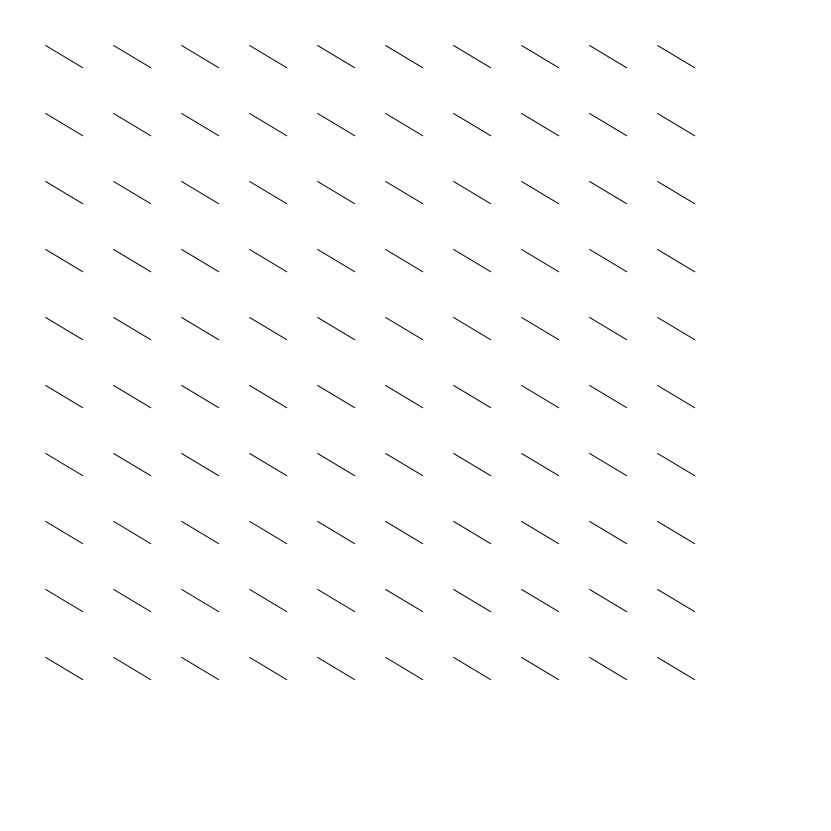
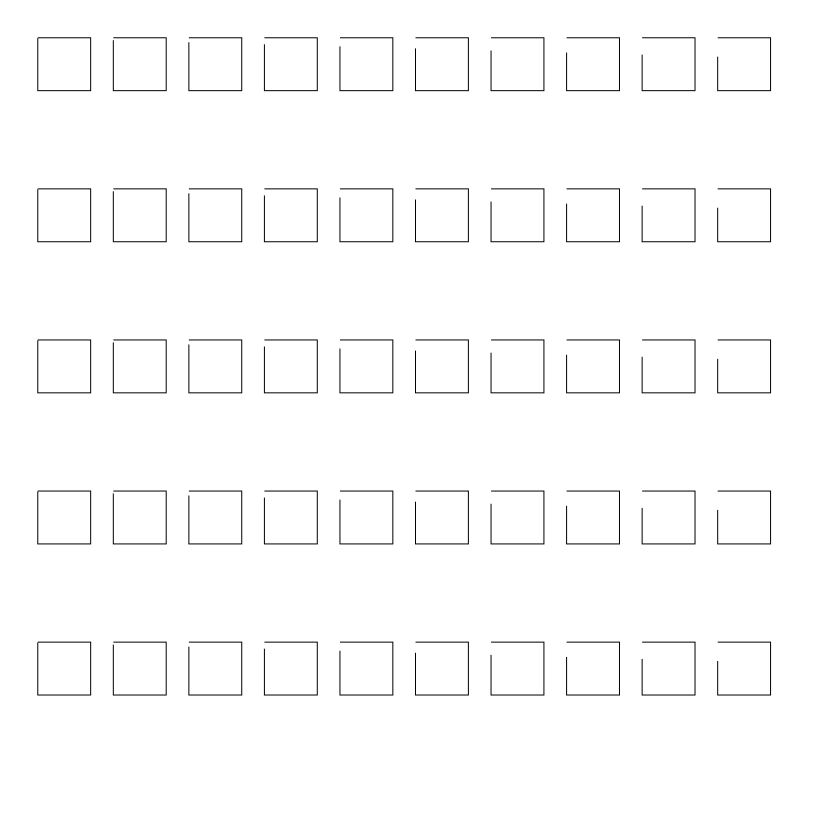
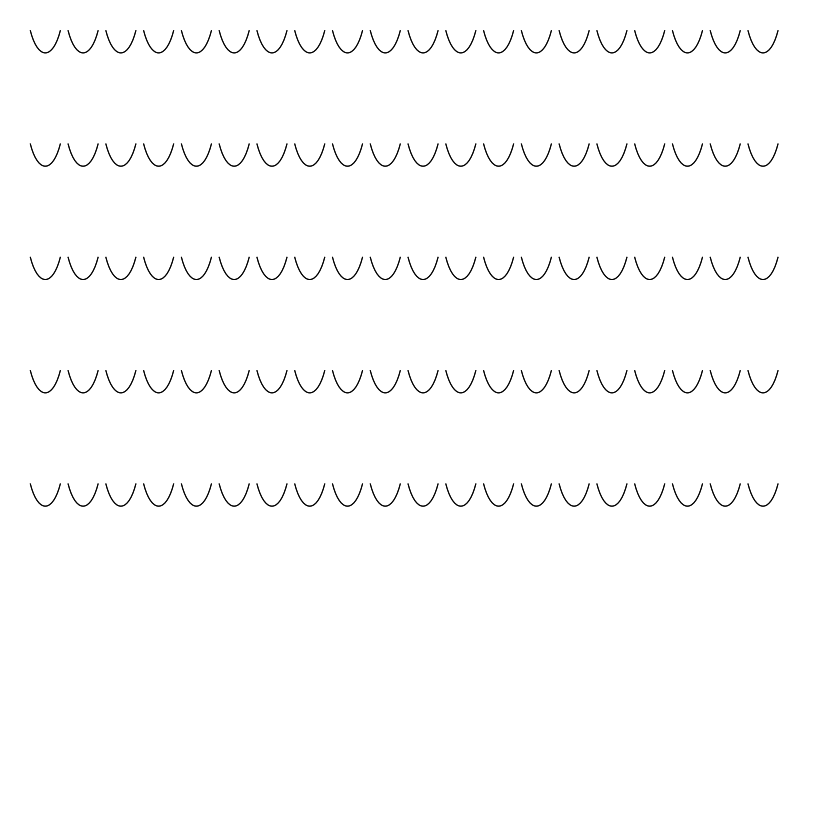
SVG editor examples

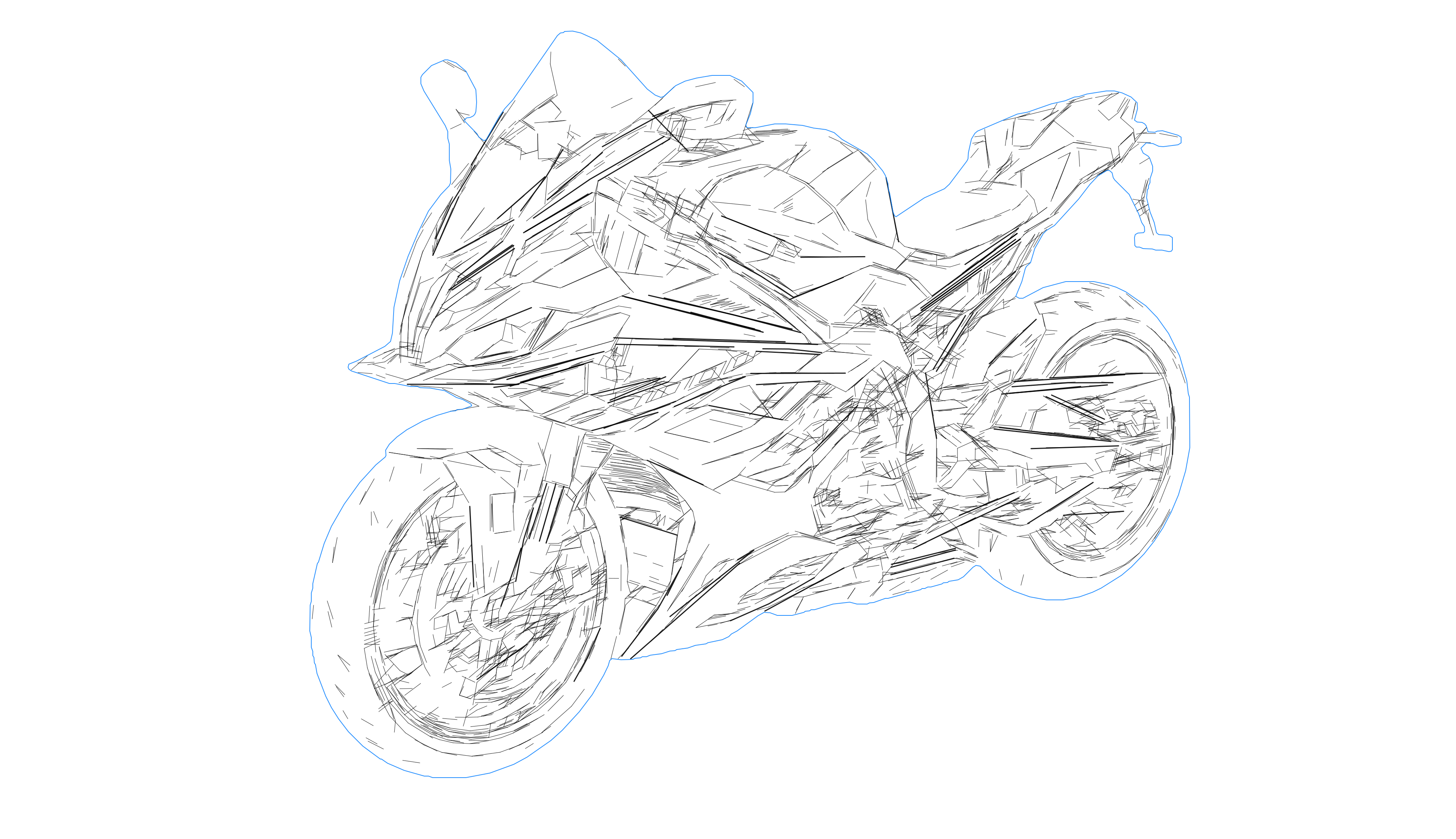
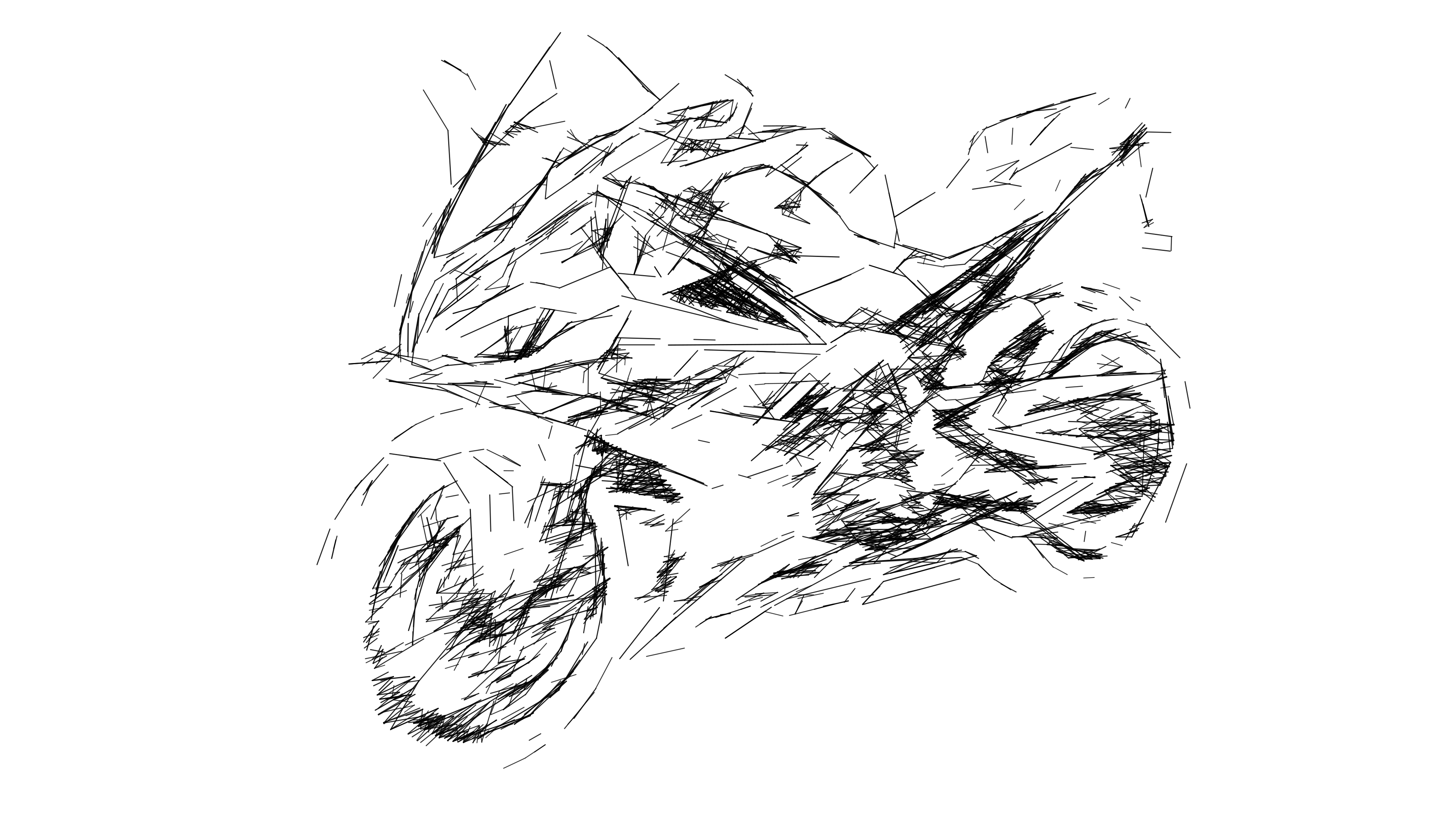

How it works
- 1
Open your SVG (no upload)
Import a local .svg file — the editor runs locally in your browser.
- 2
Measure and analyze
Detect units (px/mm), measure in mm/in, and run Path Health to find open paths, duplicates, noise specks, and dense geometry.
- 3
Repair and export
Use Auto-Fix or manual cleanup tools, optimize cut/plot order, keep LightBurn-friendly colors, and export a cleaner SVG.

SVG Editor FAQ
Quick answers about the free SVG editor.
Is the SVG editor free?
Yes. Import an SVG, measure units, run Path Health, clean geometry, and export a repaired SVG for free.
Do you upload my SVG to a server?
No. Import, analysis, editing, and export run locally in your browser — your SVG stays on your device.
What can I do in the editor?
Detect px/mm (ScriptFX unit metadata or SVG width‑mm + viewBox; otherwise 96 DPI is assumed), measure in mm/in, inspect layers and stroke colors, run Path Health (open paths, duplicates, noise specks, excess nodes), apply Auto‑Fix safe issues, simplify/close gaps, optimize cut/plot order, and export a cleaner SVG.
How does it help with LightBurn and laser engraving?
LightBurn workflows depend on correct scale and clean paths. The editor helps you confirm mm sizing, keep or adjust stroke colors/layers, remove duplicates and noise that can cause double burns, and optimize cut/plot order before you import into LightBurn.
Which SVG files are supported?
The editor imports local .svg files up to 20 MB (minimum 100 bytes). On import it sanitizes SVGs by stripping scripts/unsafe tags and unsupported elements; ScriptFX engine exports can include unit metadata (data-scriptfx-px-per-mm) that the editor reads for accurate measurement.