SVG Shapes
Convert raster images into editable SVG graphics built from full vector shapes.
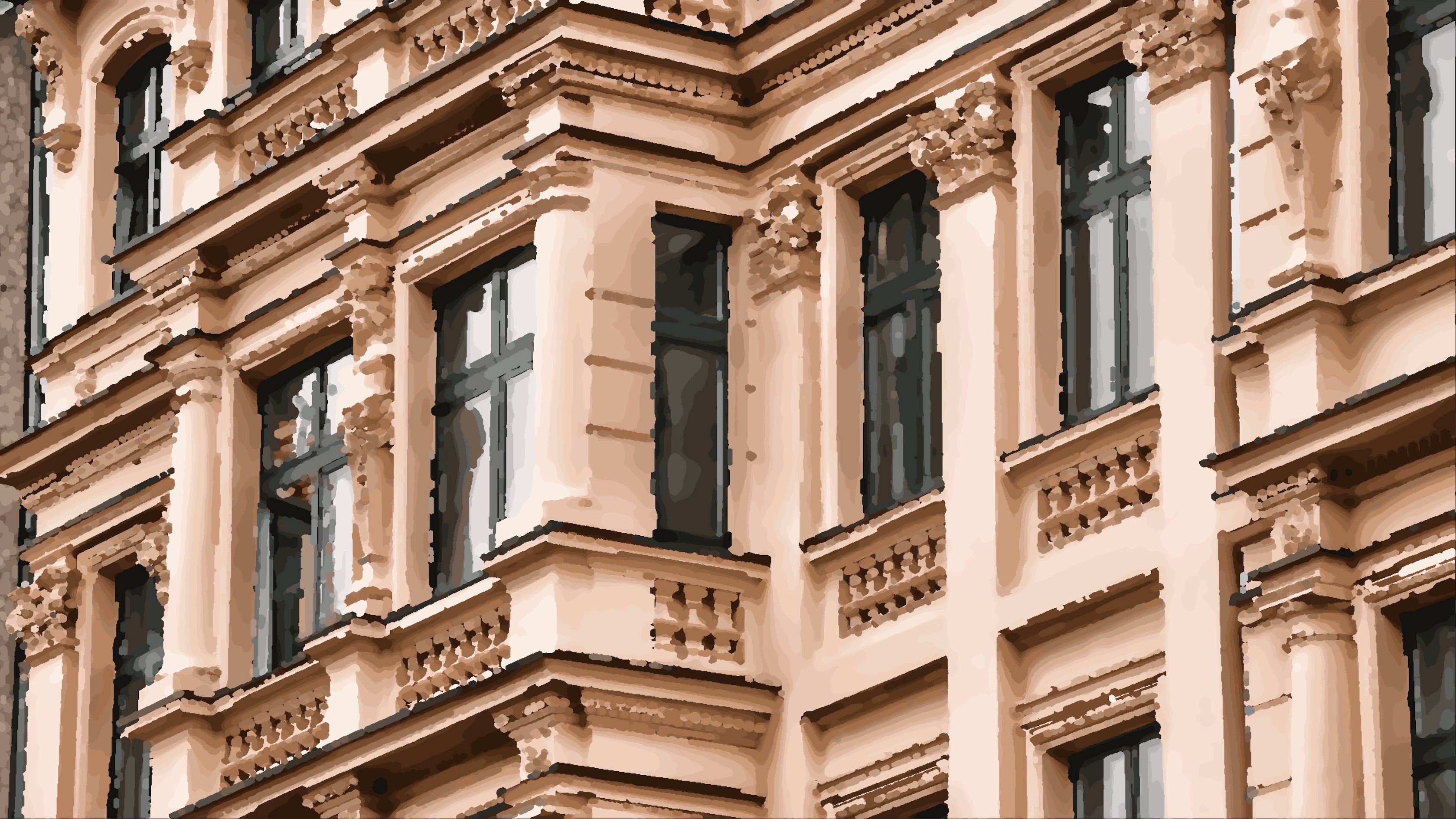
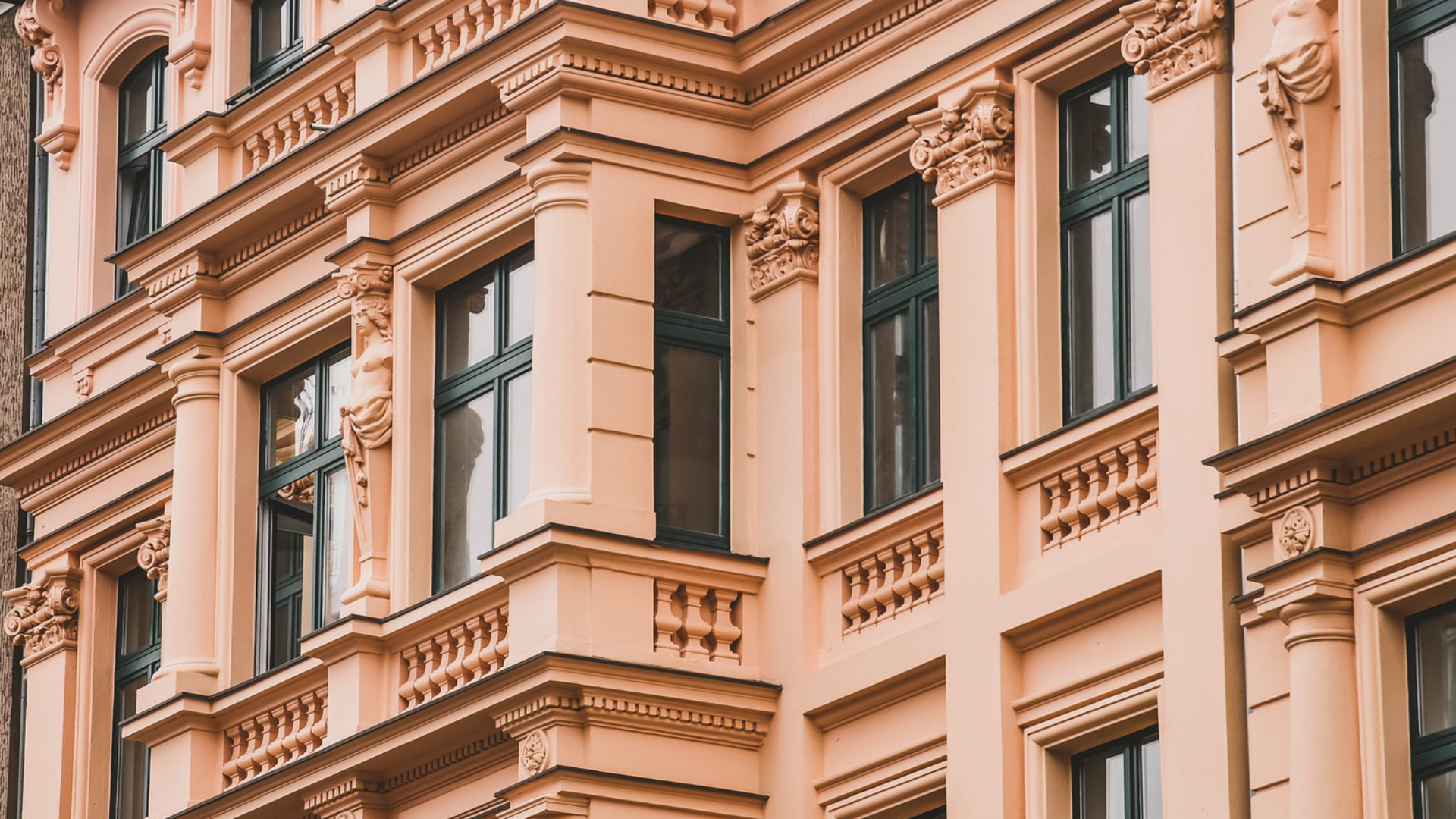
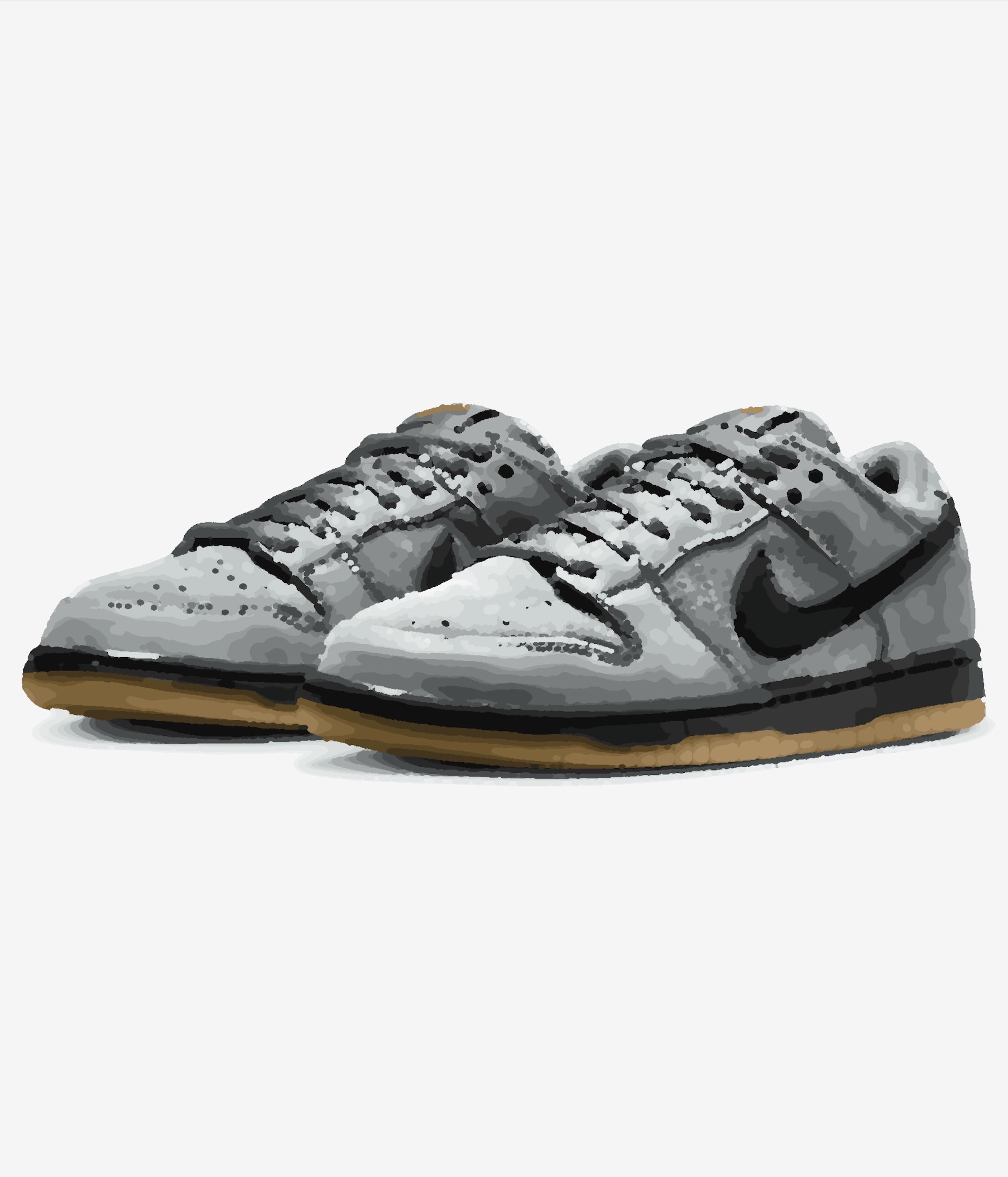
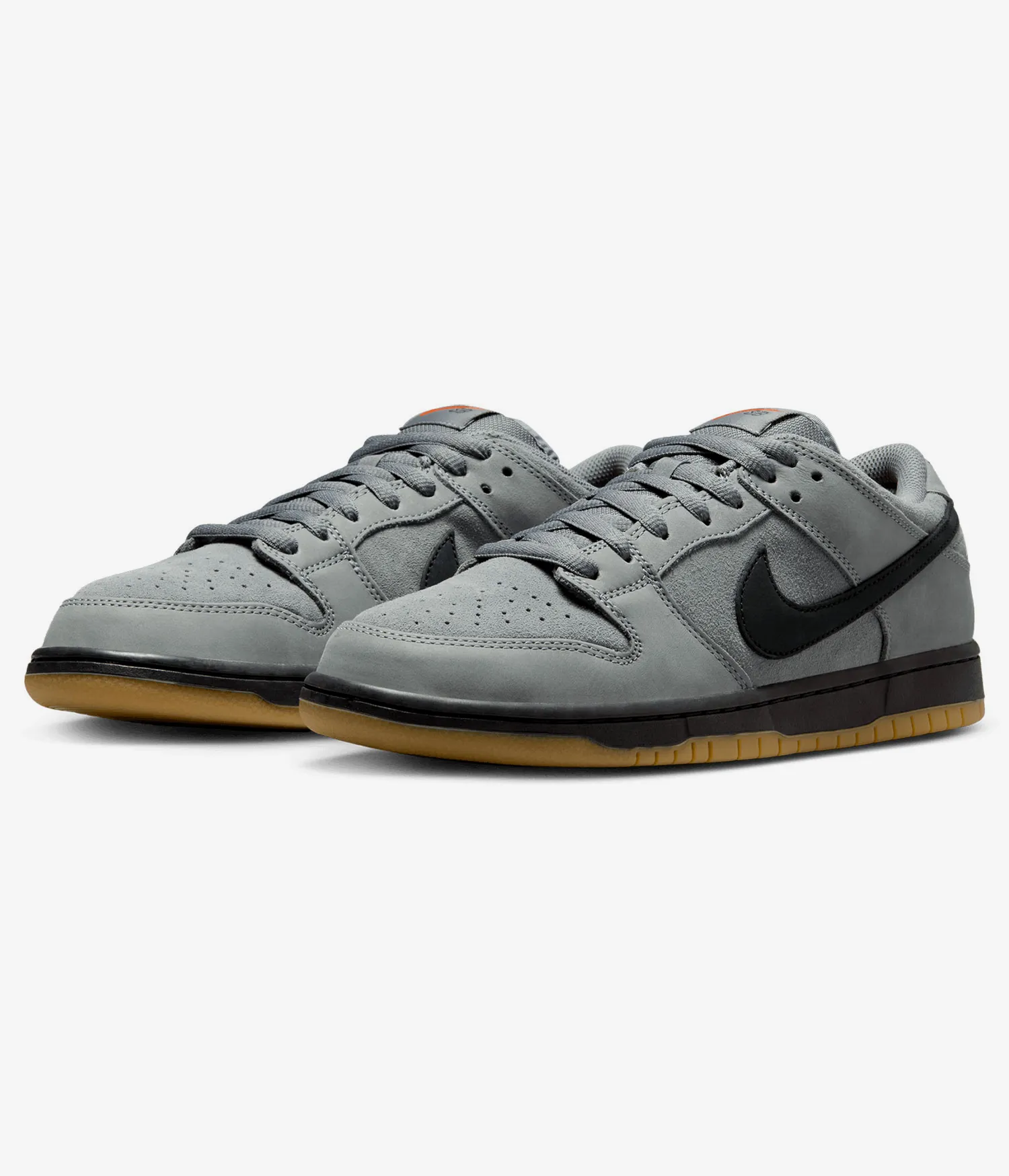
...Creditsper rendering
SVG Shapes turns logos, photos, and raster references into real SVG graphics made of filled vector shapes. Use it when you need a standard vector result that can scale cleanly, stay editable, and work like a regular graphic asset in design workflows.
This workflow is best for logos, icons, packaging artwork, UI assets, and diagrams. It is different from SVG Drawing: SVG Drawing extracts contour-based linework, while SVG Shapes rebuilds the subject as full vector areas instead of a drawing.
Input - Raster
Photos, logos, product references, and graphics with clear silhouettes, color regions, and readable structure.
Output - SVG
Real SVG graphics built from filled vector shapes and reusable color regions for editing, scaling, and design reuse.
Best for - Professionals
Brand teams, UI designers, packaging designers, product marketers, and teams building reusable vector assets.
Different from - Drawings
SVG Drawing extracts line-based contours. SVG Shapes rebuilds the subject as full vector graphics with filled shapes, not drawing-style linework or a raster image embedded inside an SVG wrapper.
Supported Formats
SVG — Vector Graphic
Editable SVG output for logos, icons, packaging, interface graphics, diagrams, and other scalable design assets.
Examples


How it works
- 1
Drop your file here
Simply drop your file here and open the workspace.
- 2
Adjust settings on the workspace
Adjust simplification and cleanup settings to control how much shape detail and structure the final SVG should keep.
- 3
Export your final result
Download an editable SVG graphic ready for scaling, cleanup, and reuse in design workflows.

Use Cases
Logo Vectorization
Turn raster logos and marks into clean SVG graphics for branding, print, signage, and digital reuse.
Icon Systems
Convert simple reference graphics into reusable SVG shapes for icon sets, interface libraries, and design systems.
Product Graphics
Simplify product photos into scalable SVG graphics for catalogs, product sheets, and marketing assets.
Packaging Artwork
Create cleaner vector graphics for labels, packaging layouts, and product-facing brand artwork.
UI Assets
Build reusable SVG elements for badges, buttons, app visuals, and structured interface components.
Diagrams & Infographics
Convert reference graphics into scalable SVG visuals for diagrams, infographics, and structured presentations.
FAQ
Quick answers about full-shape SVG vectorization.
How is SVG Shapes different from SVG Drawing?
SVG Shapes rebuilds the image as a full vector graphic with filled shapes and color regions. SVG Drawing focuses on line-based contours and technical drawing-style output.
What kinds of images work best?
Images with clear silhouettes, readable color regions, and strong subject separation work best. Logos, product photos, icons, and simplified graphics usually translate most cleanly.
What do I receive?
You receive an editable SVG graphic built from reusable vector shapes. The exact structure depends on the source image complexity and how much simplification the workflow applies.
Is this the right workflow for logos and icons?
Yes. SVG Shapes is the better fit when you want a regular vector graphic for logos, icons, interface assets, and brand visuals rather than a line-based drawing.
Is this a real vector graphic or just an image inside an SVG?
The goal of SVG Shapes is a real SVG graphic built from vector shapes, not a bitmap simply wrapped inside an SVG container. That is what makes the result scalable and editable as a graphic asset.
When should I use SVG Shapes instead of SVG Drawing?
Choose SVG Shapes when the final result should look like a standard vector graphic made of filled shapes. Choose SVG Drawing when the output should stay contour-based, technical, or drawing-like.