ScriptFX Graphics Engine
AI-powered, deterministic SVG drawing technology for real-world line geometry.
ScriptFX Graphics Engine v5.0
The Engine (ScriptFX)
Deterministic line extraction for professional workflows
ScriptFX is the AI-powered engine behind Pixel2Lines. It is not a generative image model and not a generic vectorizer. It was built specifically to turn raster images into usable SVG drawings for documentation, plotting, laser-prep, architecture visuals, and other workflow-driven outputs.
Instead of simply tracing every visible contrast edge, ScriptFX analyzes subject structure and reconstructs line geometry that stays readable, editable, and production-aware. The goal is not a filled shape copy of the whole image. The goal is line-based vector output that supports downstream work.
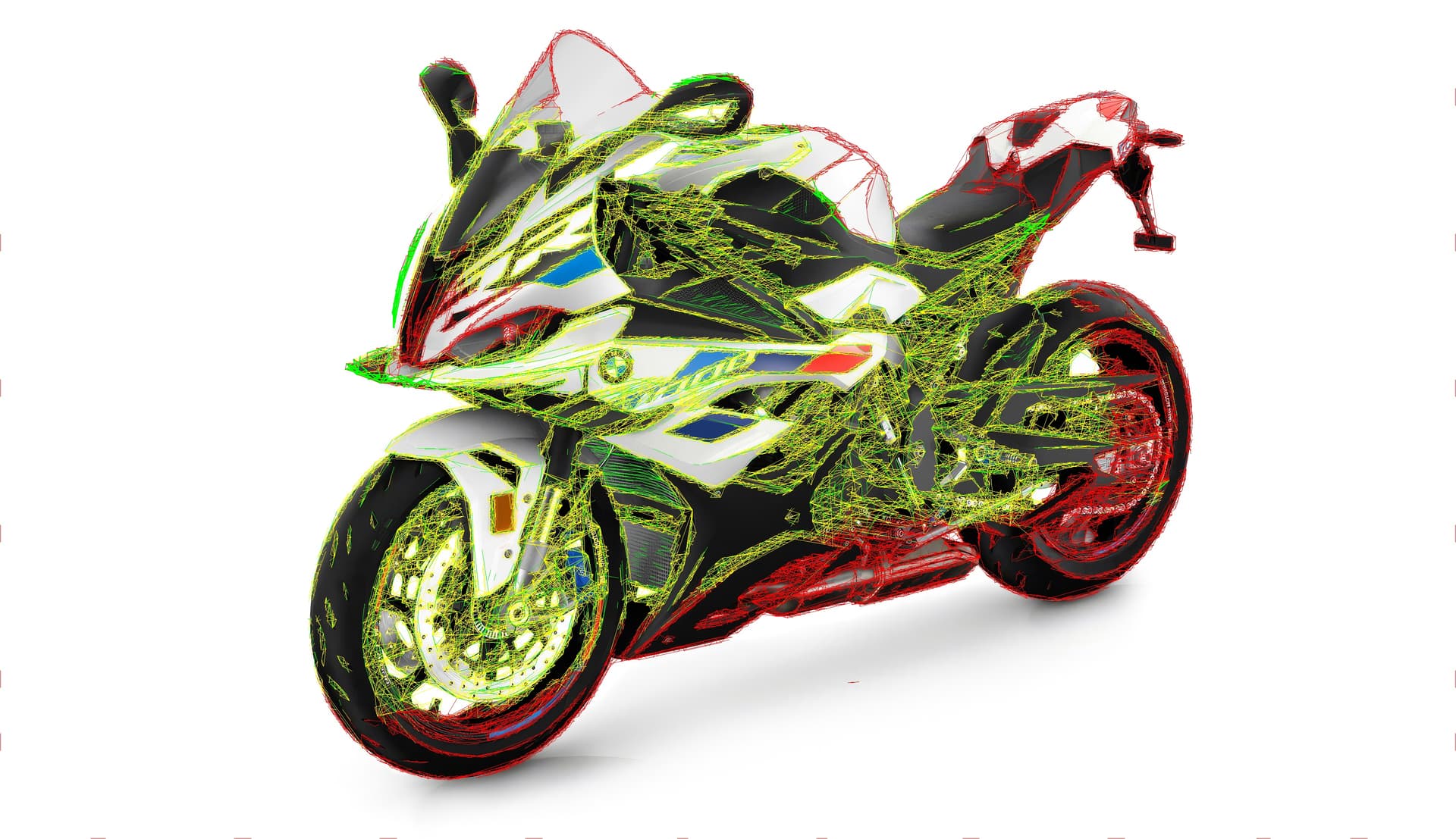
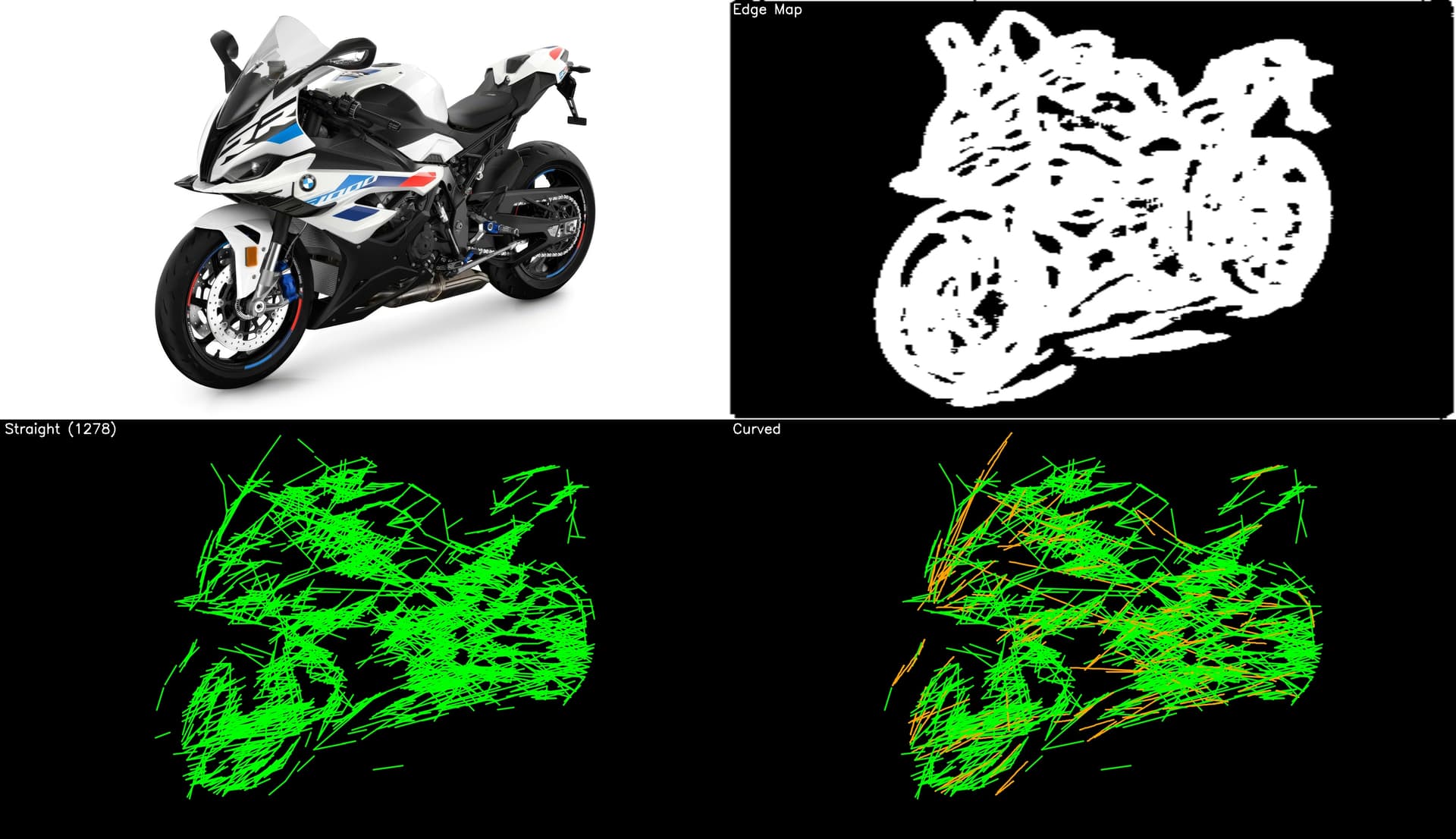
For thin features, wireframes, and technical detail, ScriptFX uses centerline-oriented detection so the result behaves like a drawing instead of a noisy double-outline trace. That keeps the output cleaner for plotting, cleaner for fabrication prep, and easier to reuse in manuals, product graphics, and design systems.
Reliability is built in. Quality checks compare extracted geometry against the source before export so the result is controlled and repeatable. That gives you workflow-ready SVG drawings without relying on generative hallucinations or decorative sketch filters.

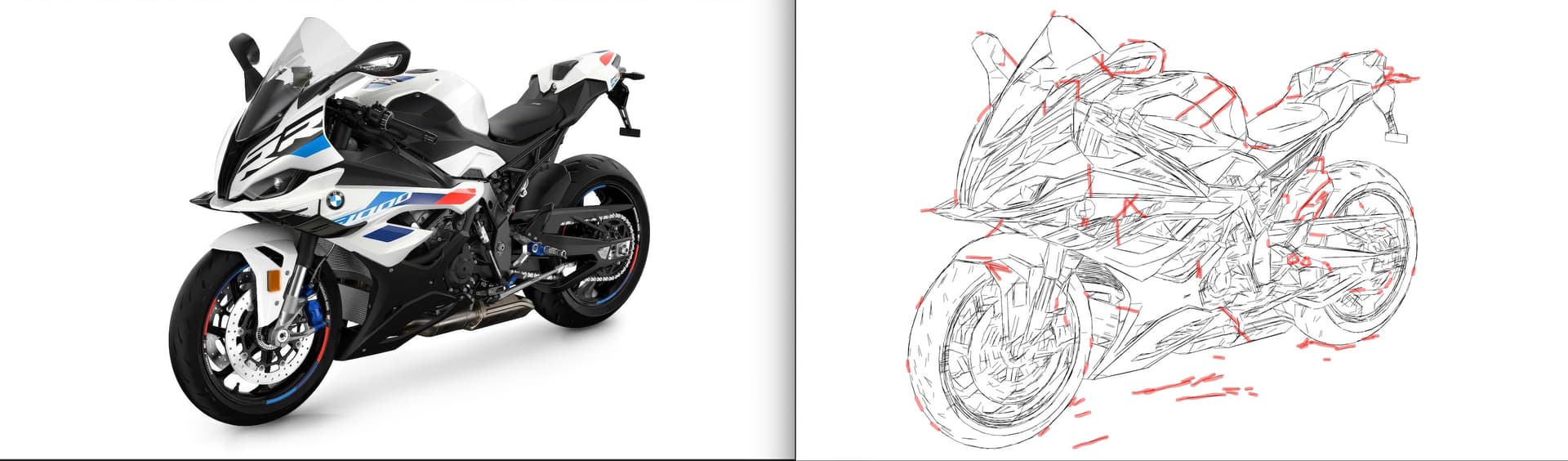
ScriptFX combines AI-powered subject understanding with deterministic geometry rules so only workflow-relevant line structure survives the pipeline. The result is usable SVG drawing output, not a generative image remix and not a broad full-image auto-trace.
The three-stage advantage:
- 1Subject Isolation: Intelligent filtering removes clutter and keeps the geometry focused on the actual subject or structure that matters.
- 2Line Reconstruction: Extracted edges are rebuilt into clean, scalable paths that behave like readable linework instead of noisy auto-traced outlines.
- 3Workflow Structuring: Output is organized for practical downstream use in documentation, plotting, CAD-adjacent handoff, and fabrication software.

The Human Touch
With manual quality control upon request
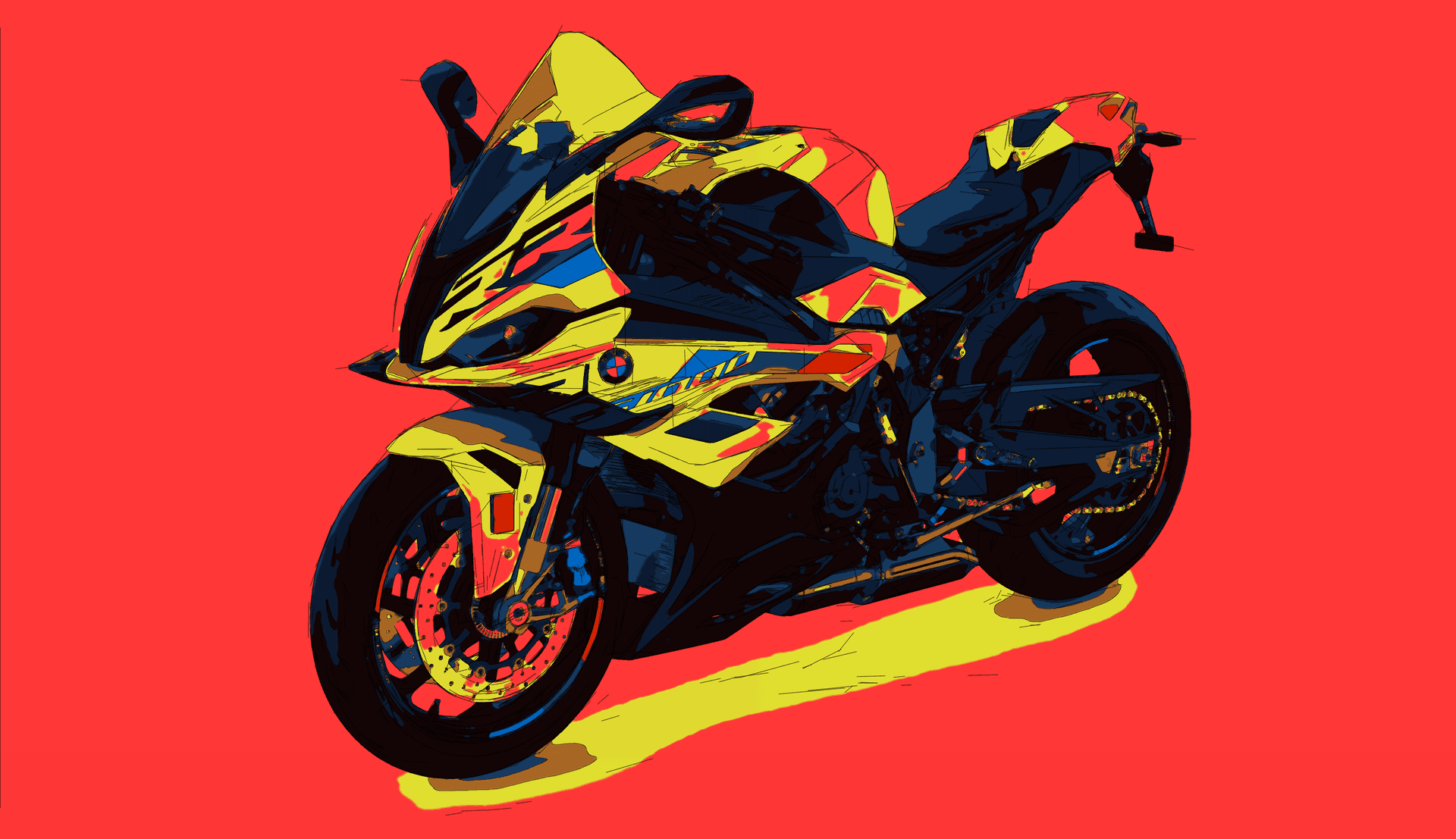
The engine handles extraction and structure. Human review is available when a workflow needs tighter aesthetic control, format validation, or brand-sensitive finishing.
Workflow Verification: Checking that the drawing matches the intended downstream use case.
Geometry Cleanup: Reducing unnecessary complexity for cleaner, more reliable vector behavior.
Visual Balancing: Tuning line emphasis so the drawing reads clearly at the target size.
Format Compliance: Validating SVG/DXF output before it reaches production or documentation.
Machine-Ready Files
Output is structured for downstream use, reducing cleanup work before documentation, plotting, or fabrication handoff.
Faster Production
Centerline-aware paths and controlled geometry reduce unnecessary complexity and make the output easier to reuse.
Mathematical Accuracy
You get scalable line geometry built for real work, not decorative sketch effects or rough screen-only traces.