
创建账户即可获得 100 个免费积分!注册时请输入代码 PIXEL100。

Pixel2Lines

服务
照片到 SVG 线稿SVG
照片到 SVG 线稿
照片到 SVG 激光雕刻SVGDXF
照片到 SVG 激光雕刻
照片转 SVG 矢量化SVG
照片转 SVG 矢量化
照片转 SVG Manual ProSVGPNG
照片转 SVG Manual Pro
SVG to DXFSVG→DXFDXF
SVG to DXF
SVG to G-CodeSVG→G-CodeG-Code
SVG to G-Code
移除背景PNG
移除背景
图像放大器PNG
图像放大器
画廊定价API
工作空间
  1. 首页/
  2. 服务/
  3. 线稿矢量化

线稿矢量化

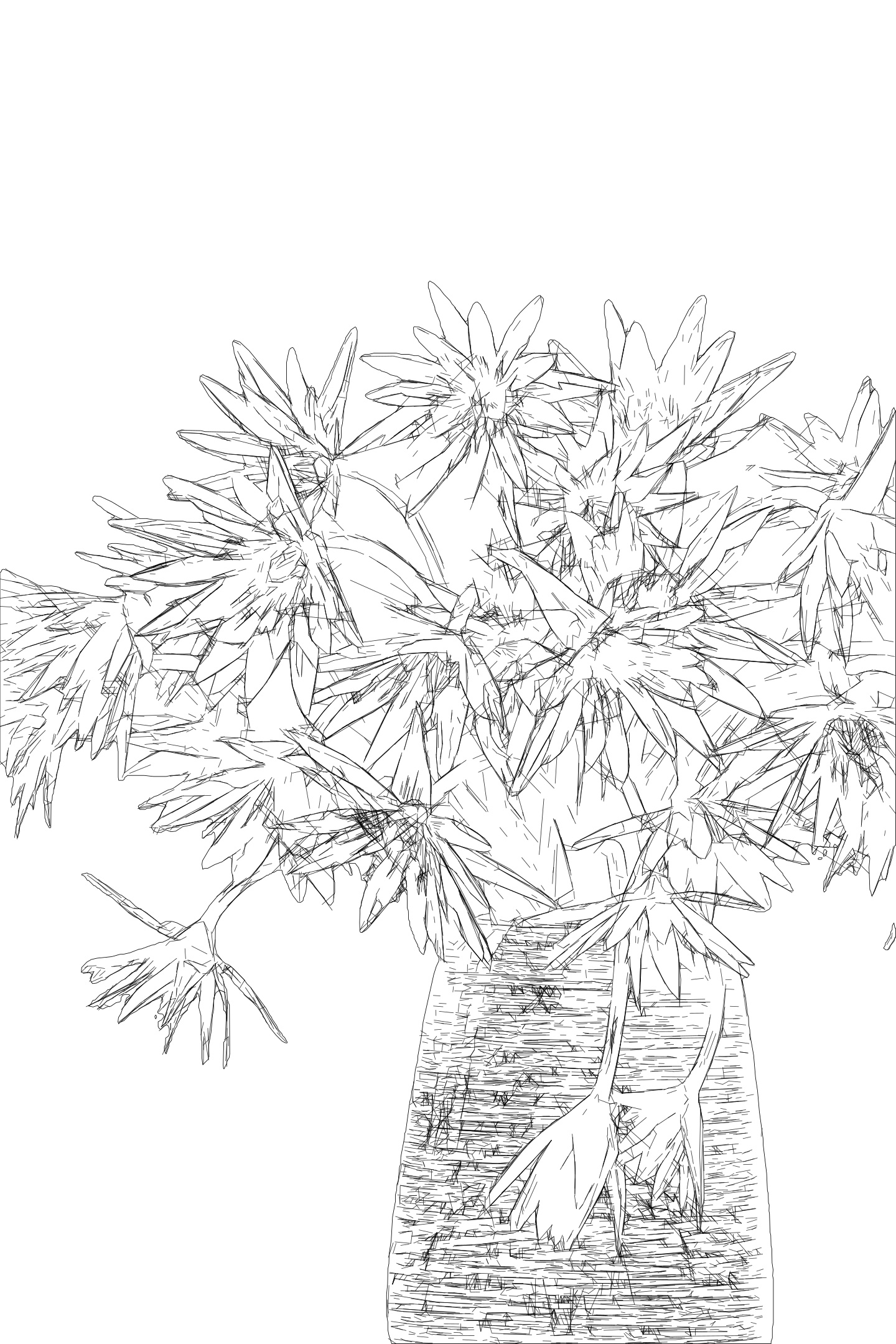
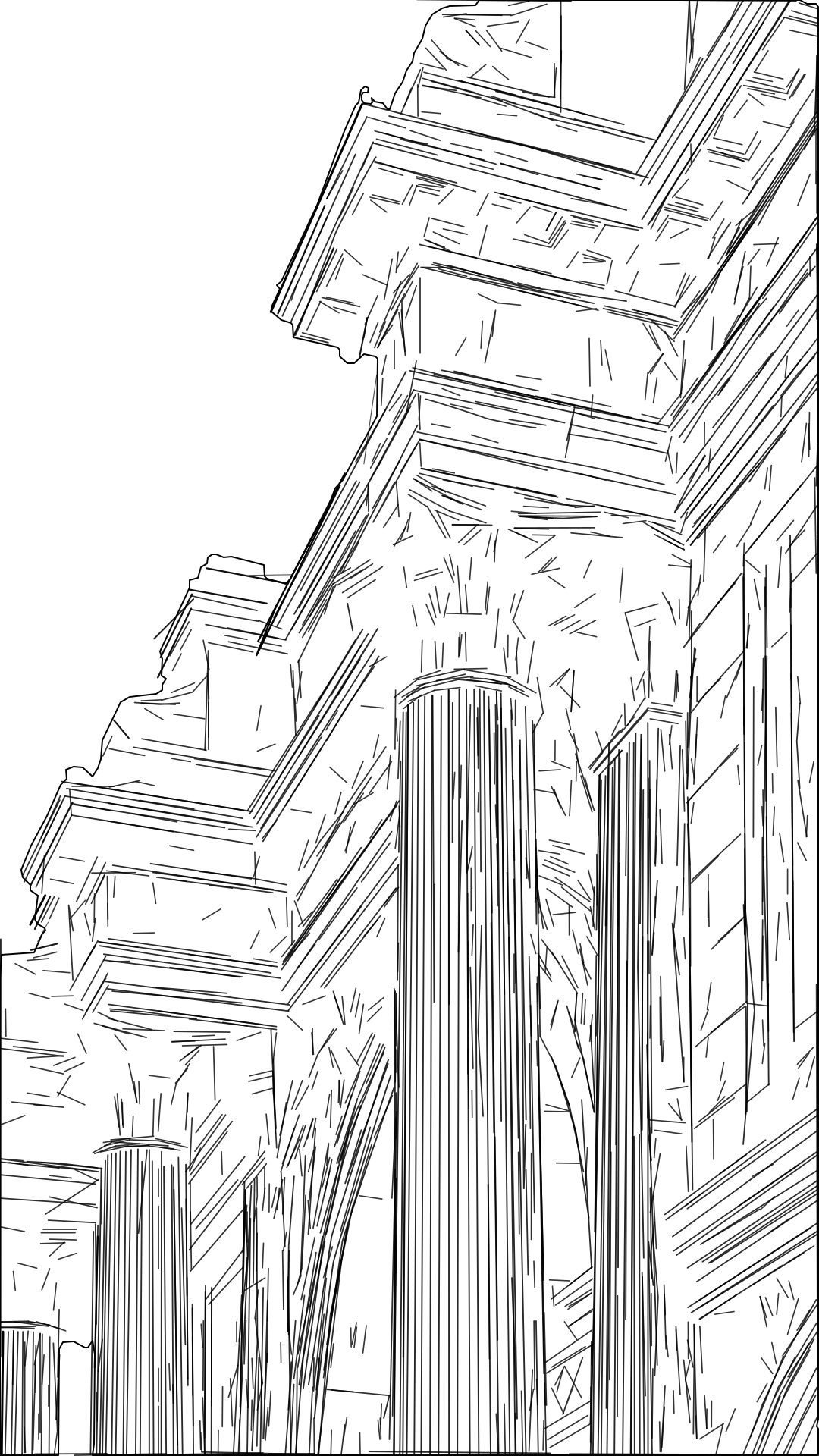
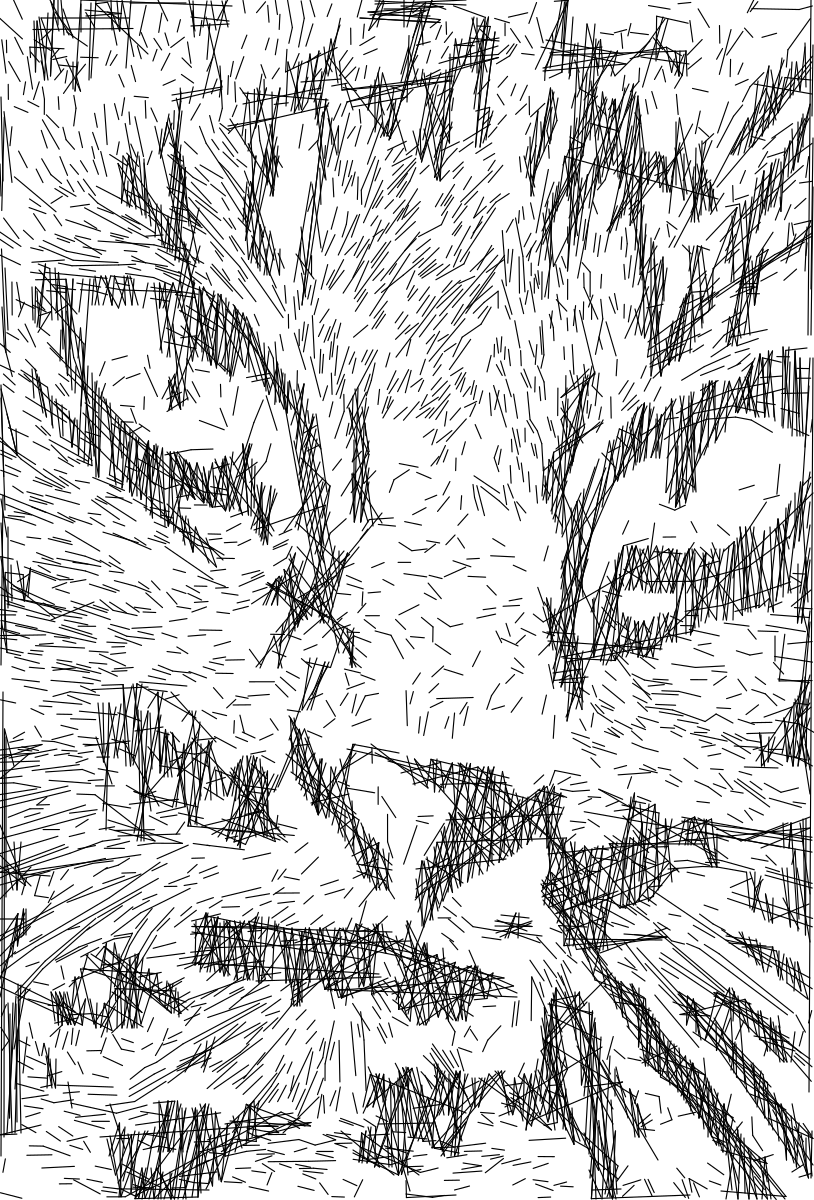
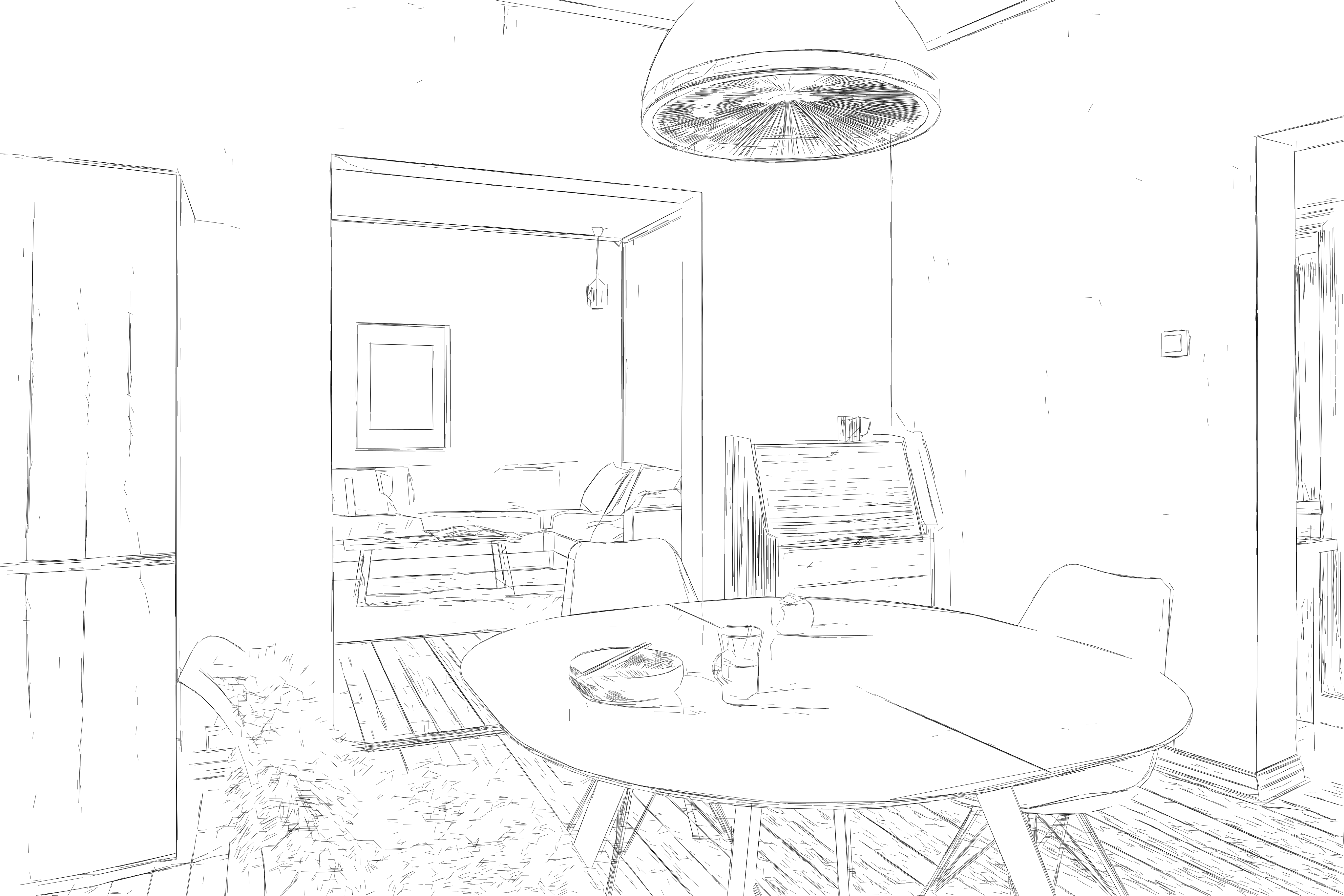
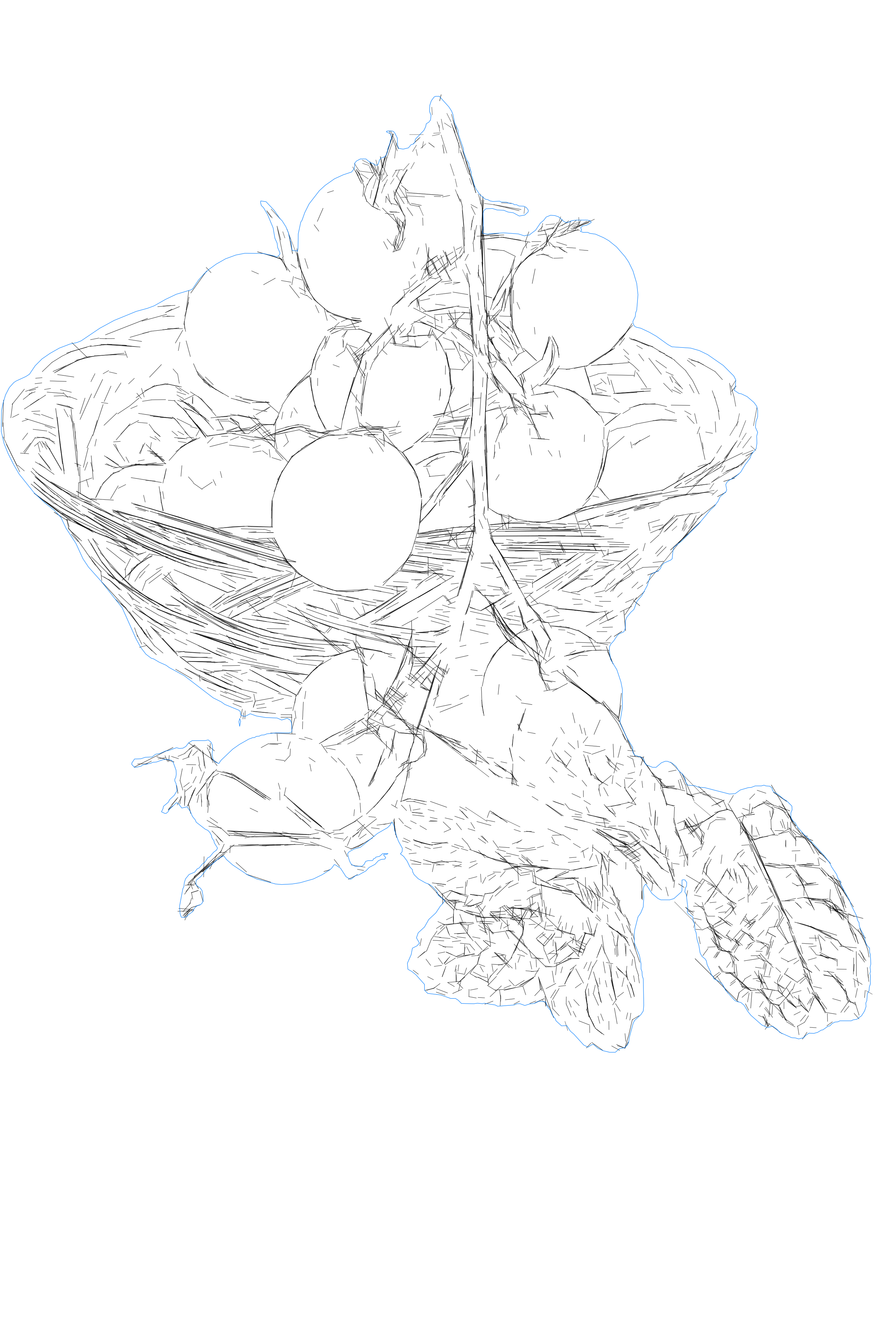
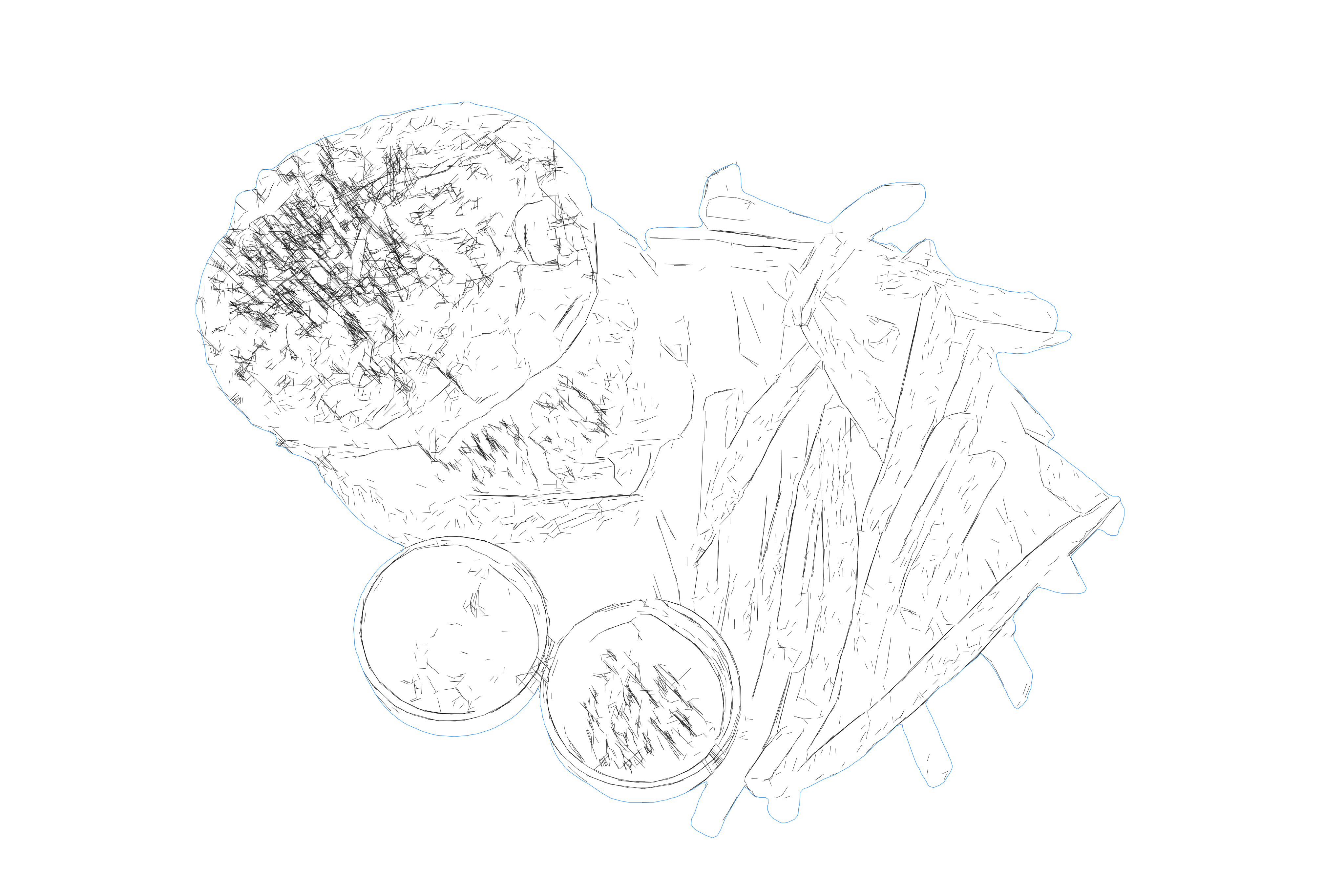
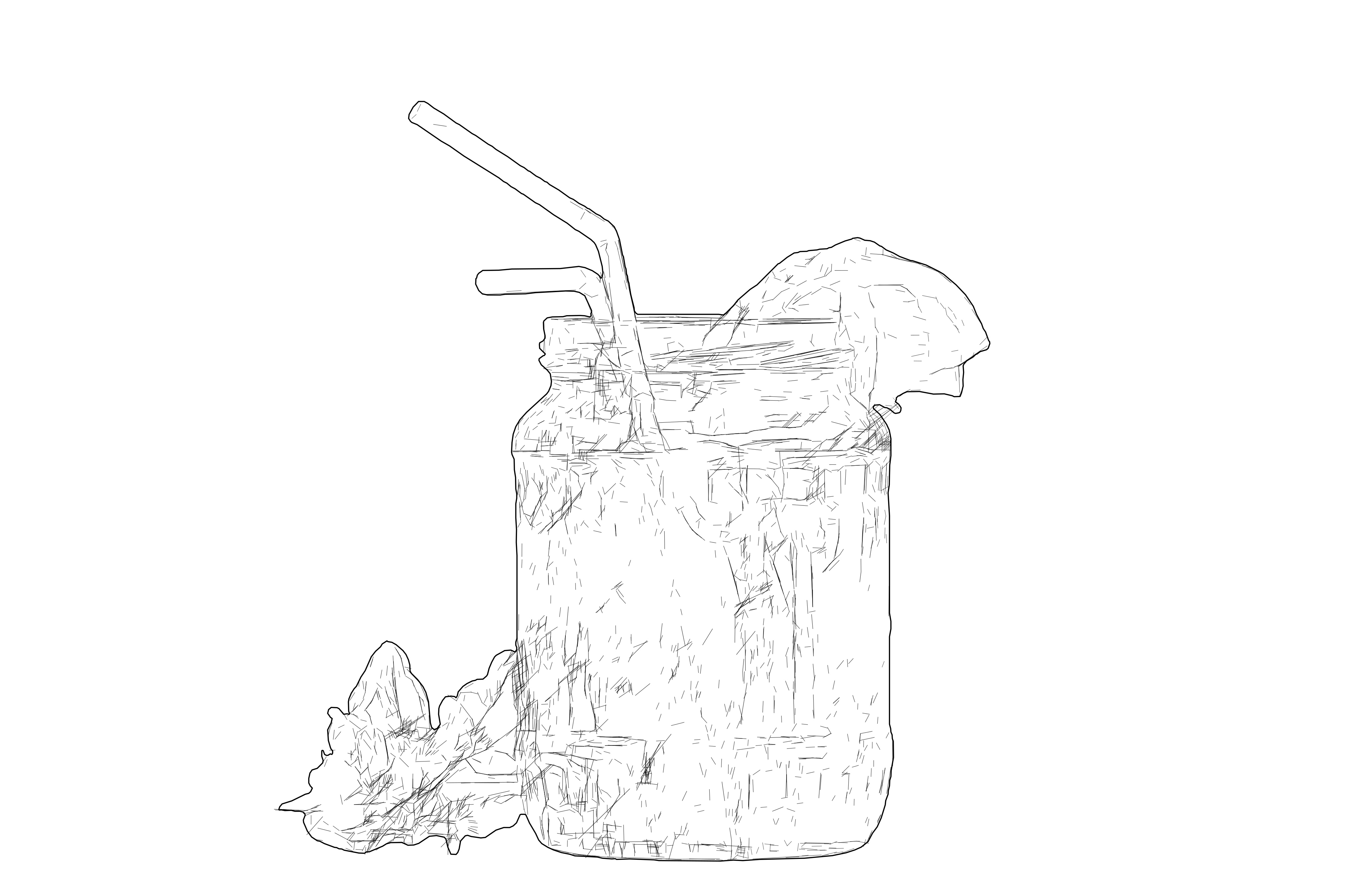
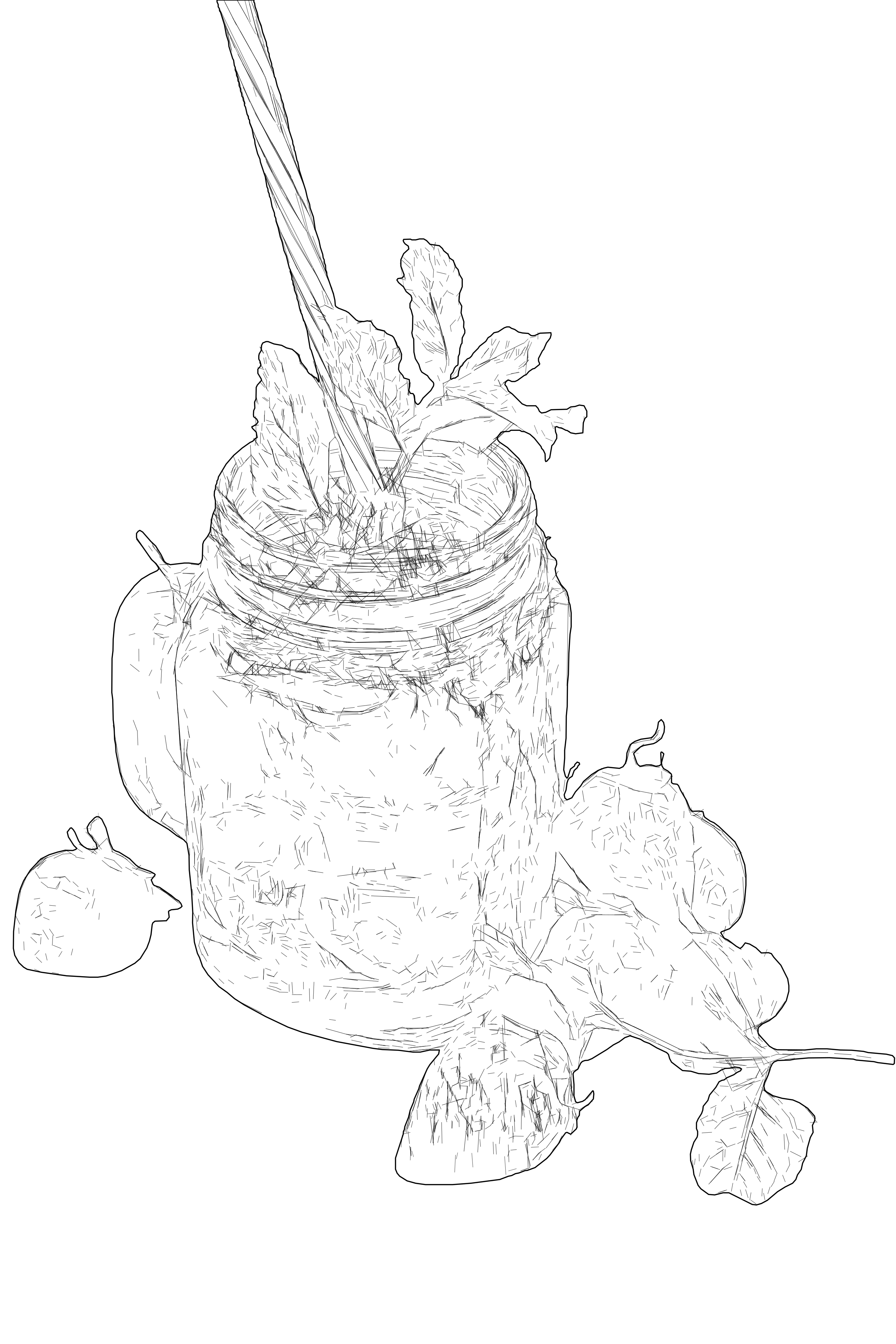
将照片和位图图像转换为高细节线稿 SVG 矢量,并优化结构,实现快速、干净的激光雕刻。

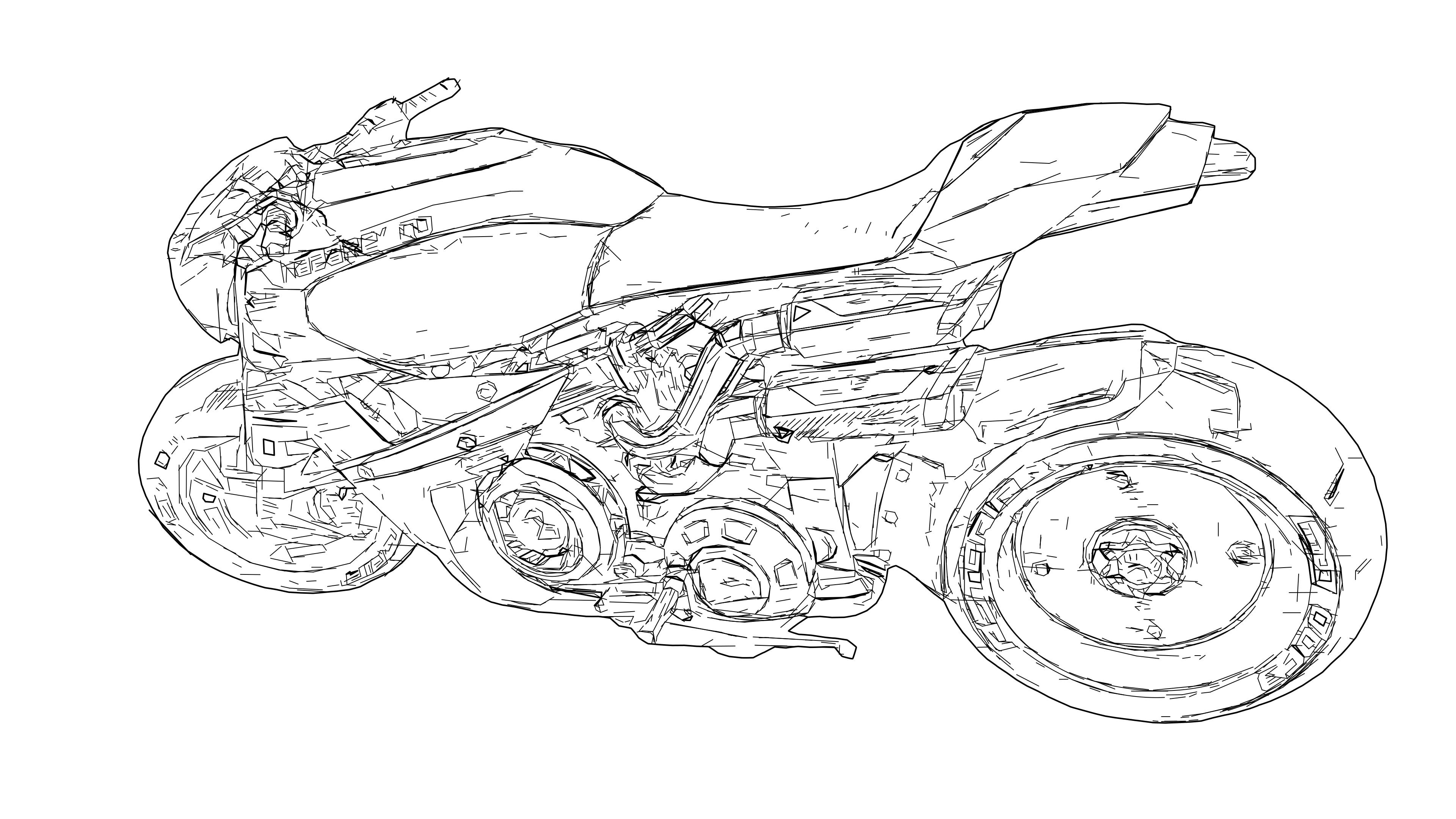
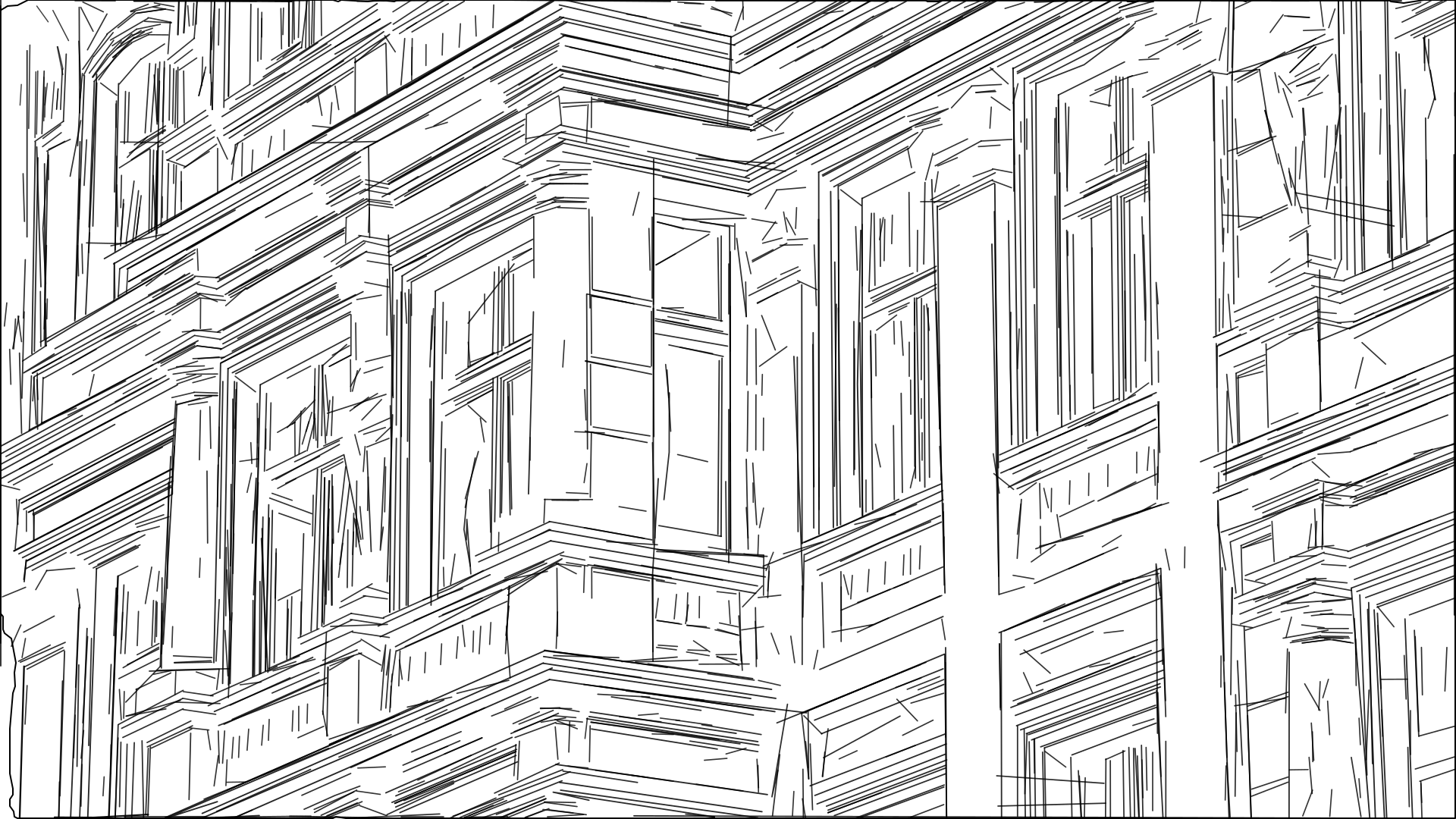
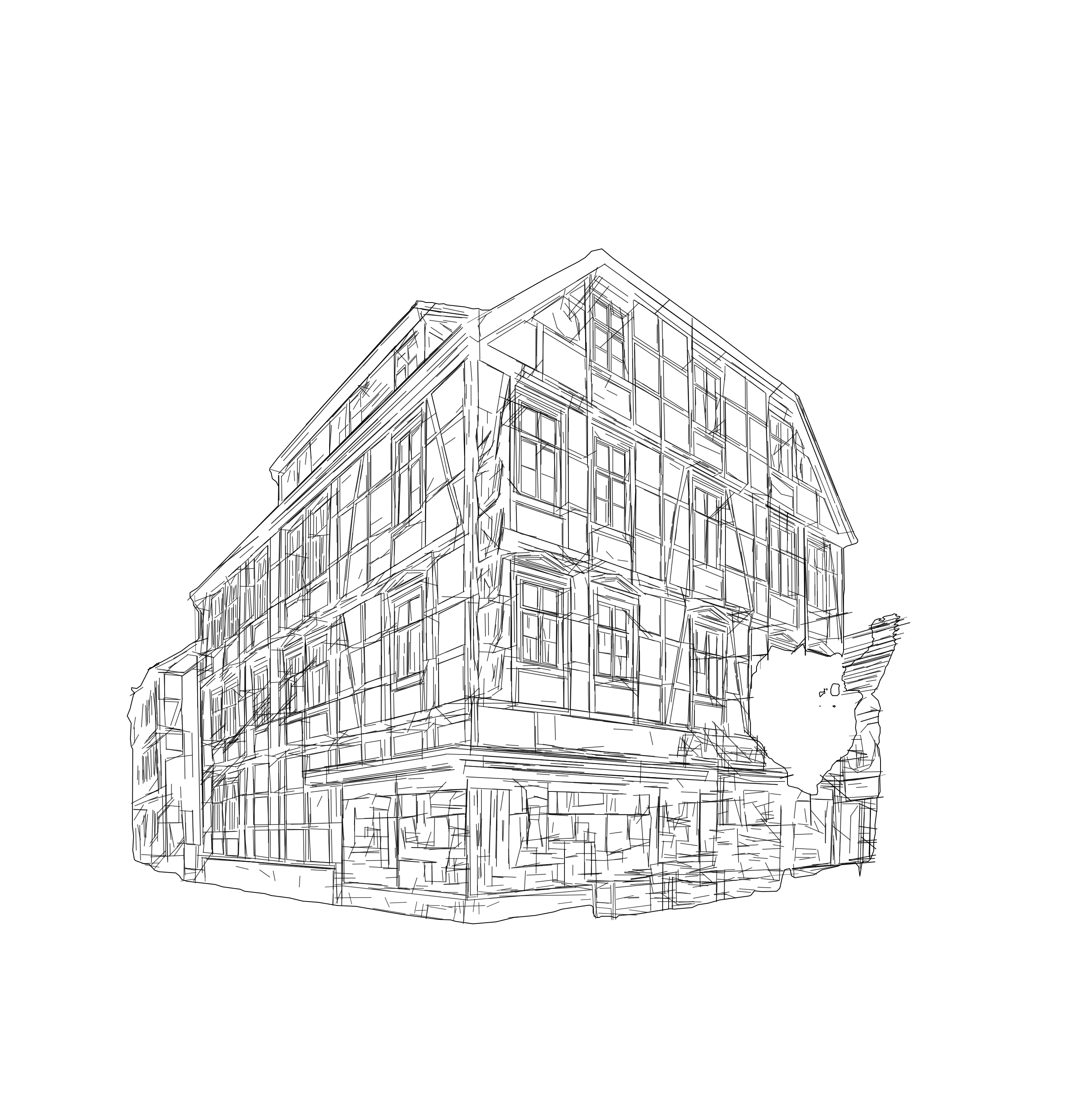
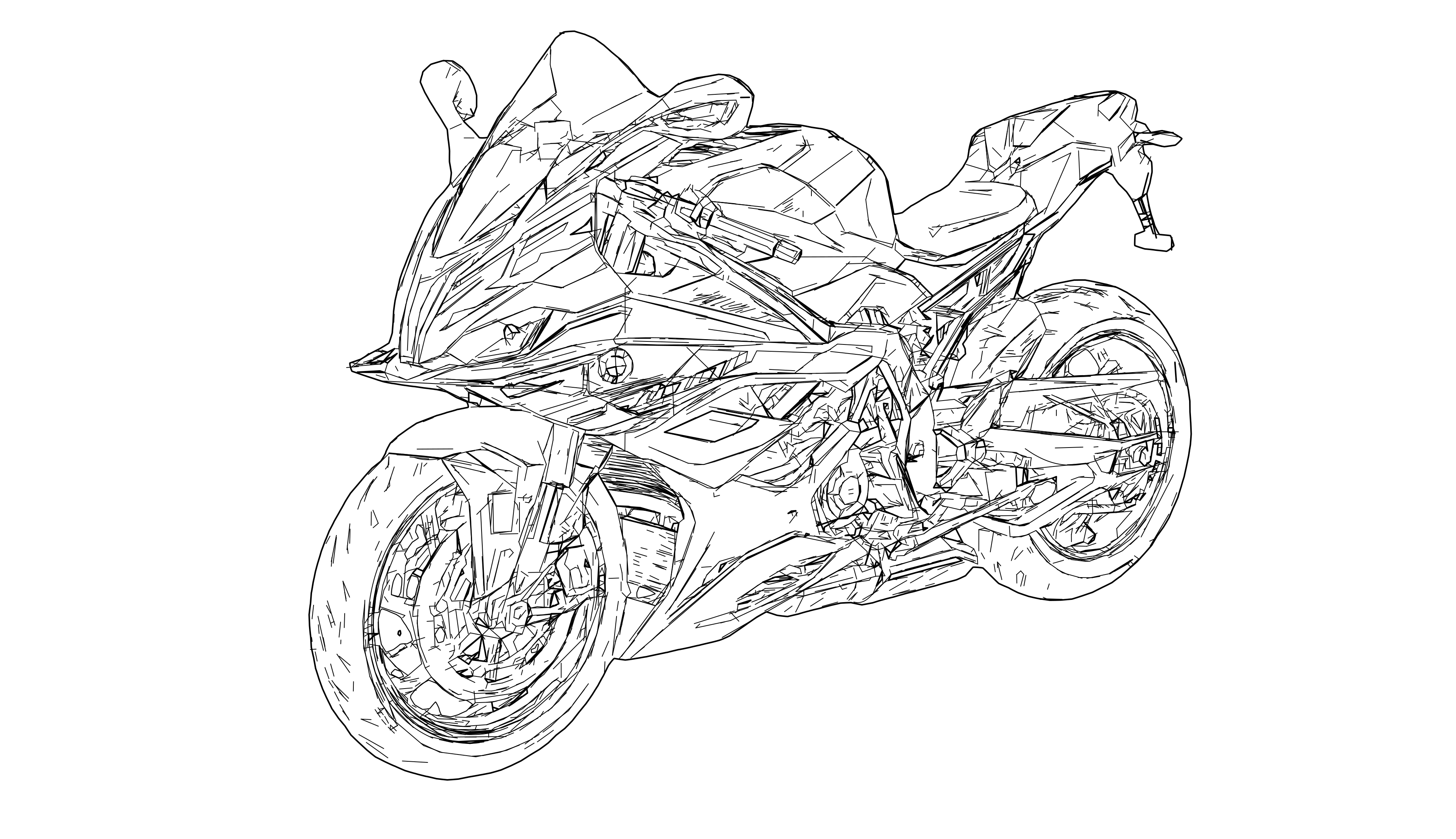
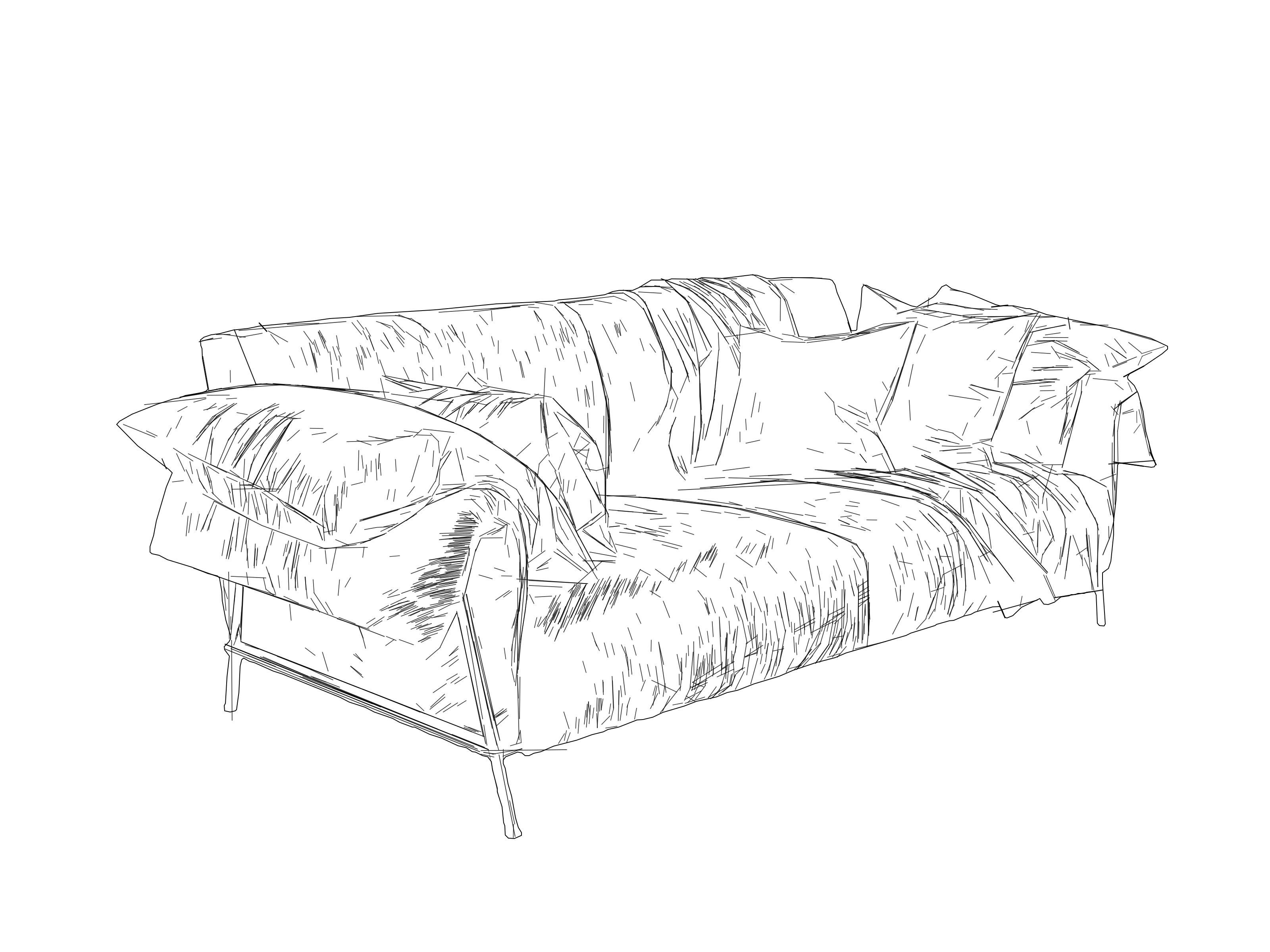
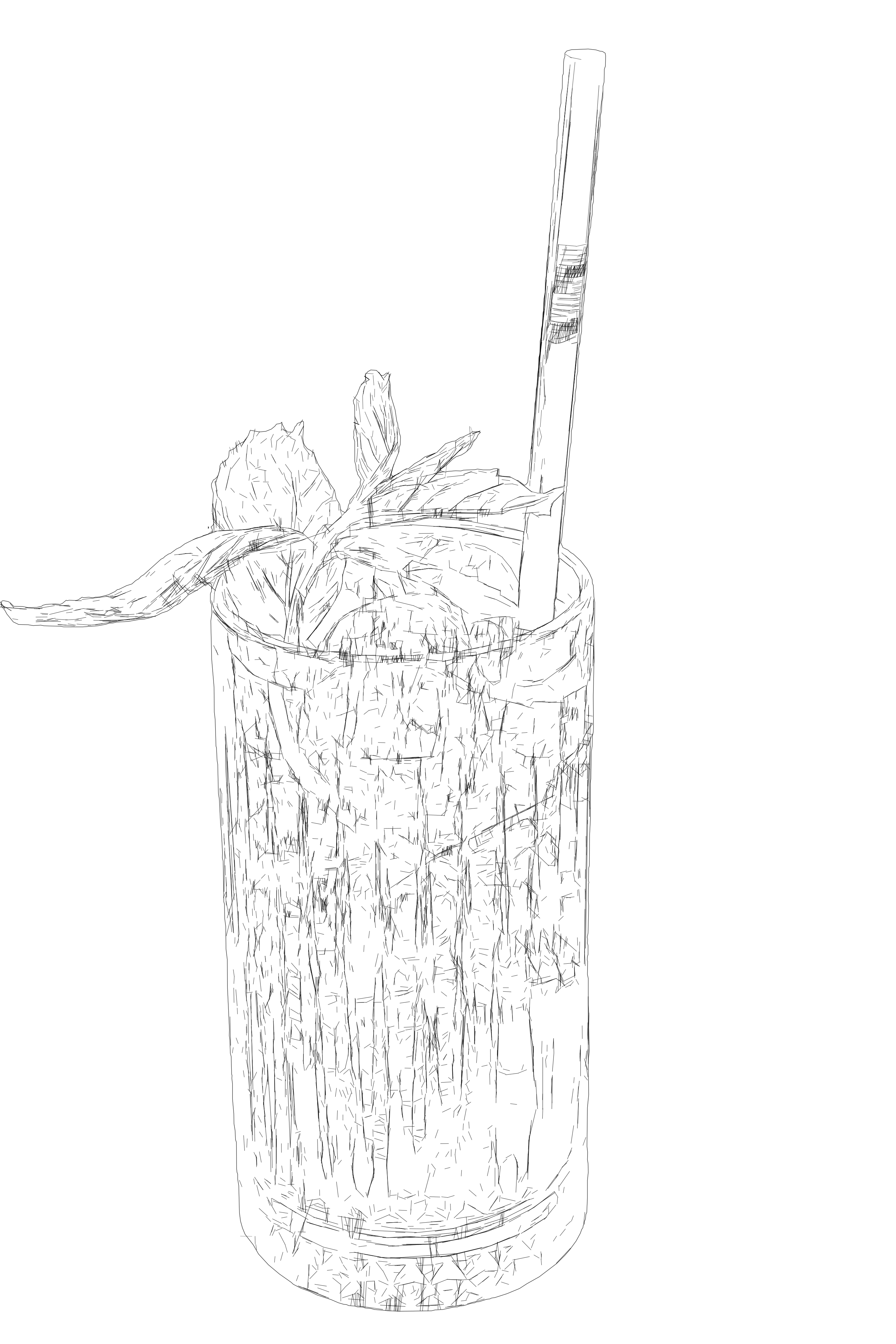
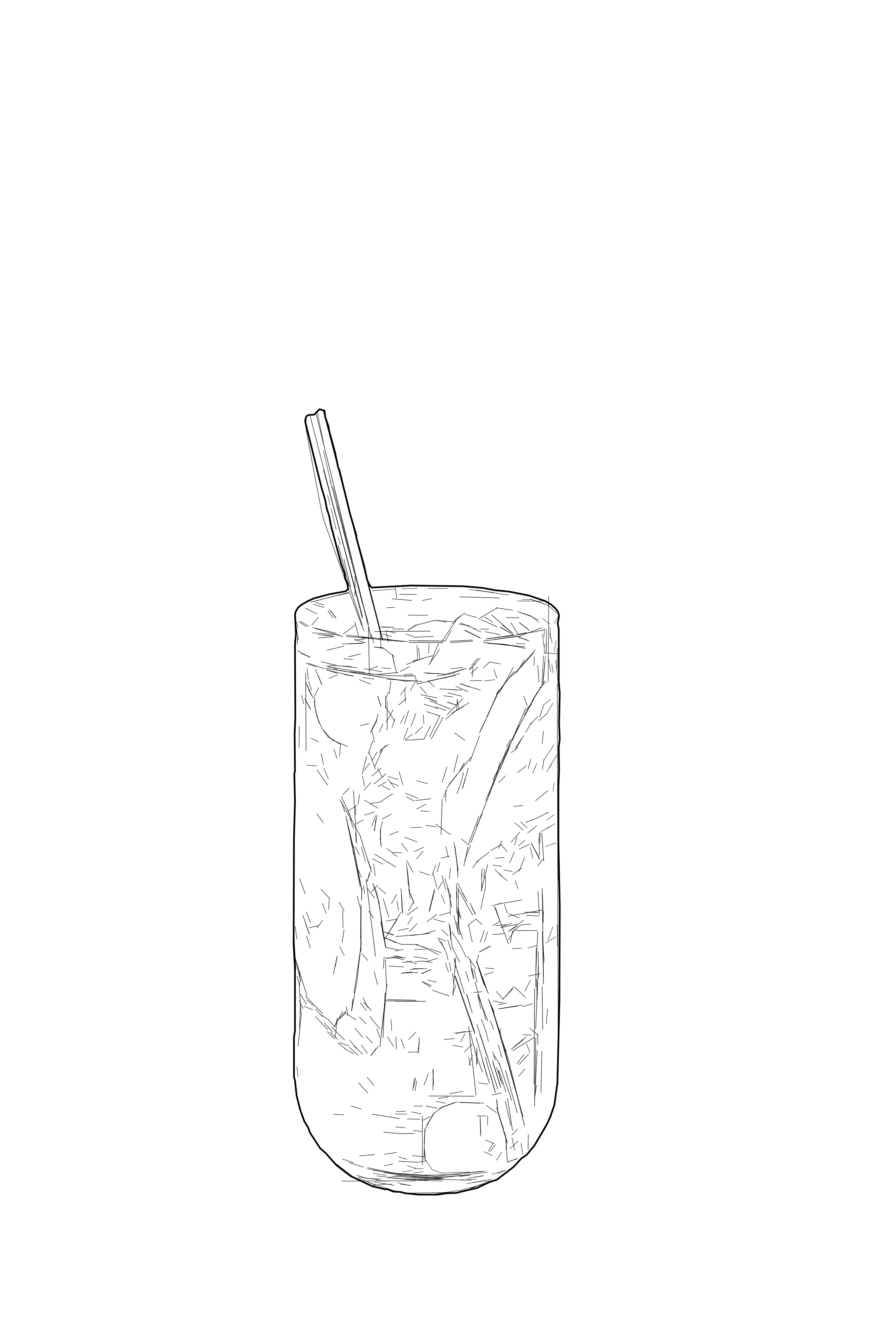
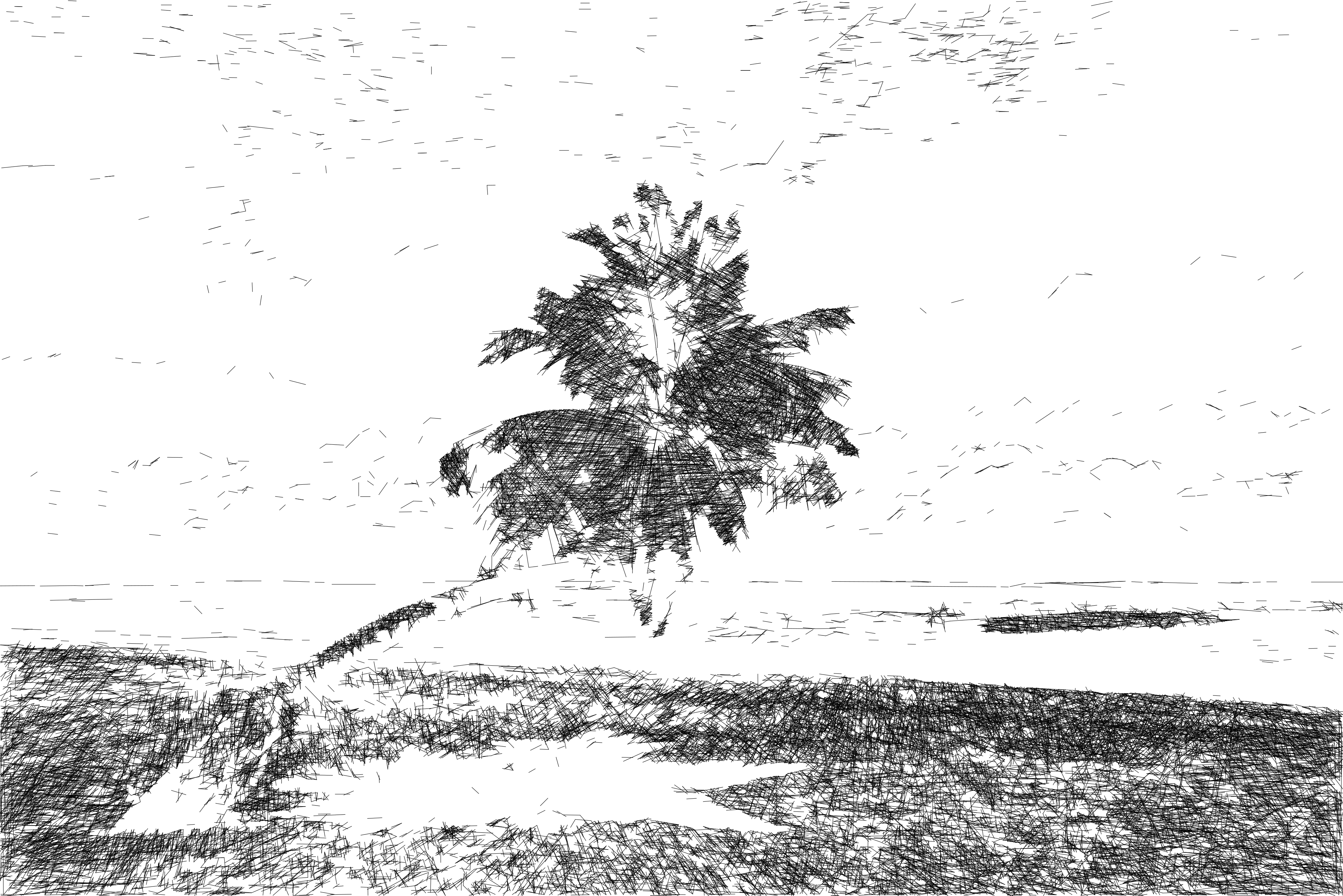
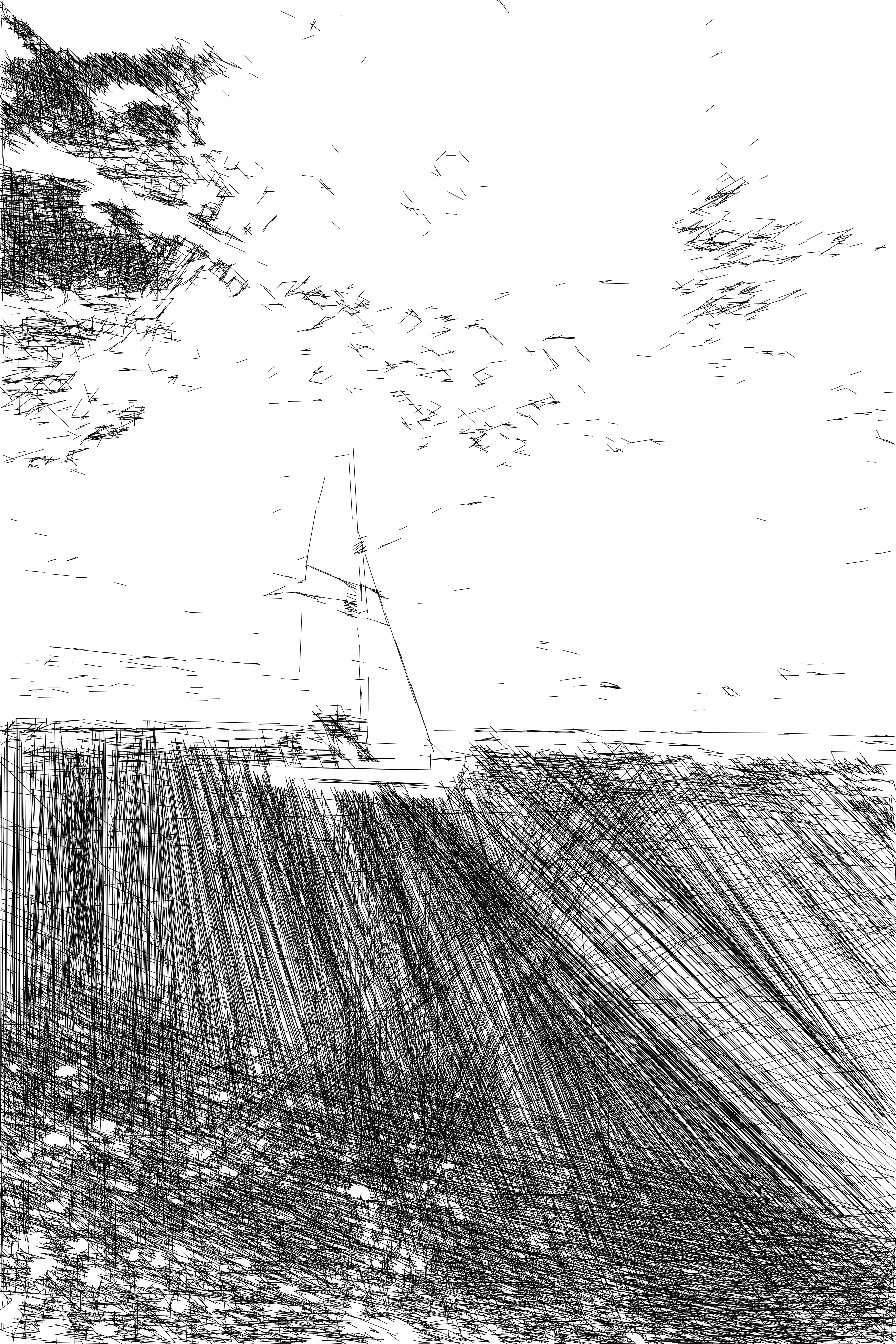
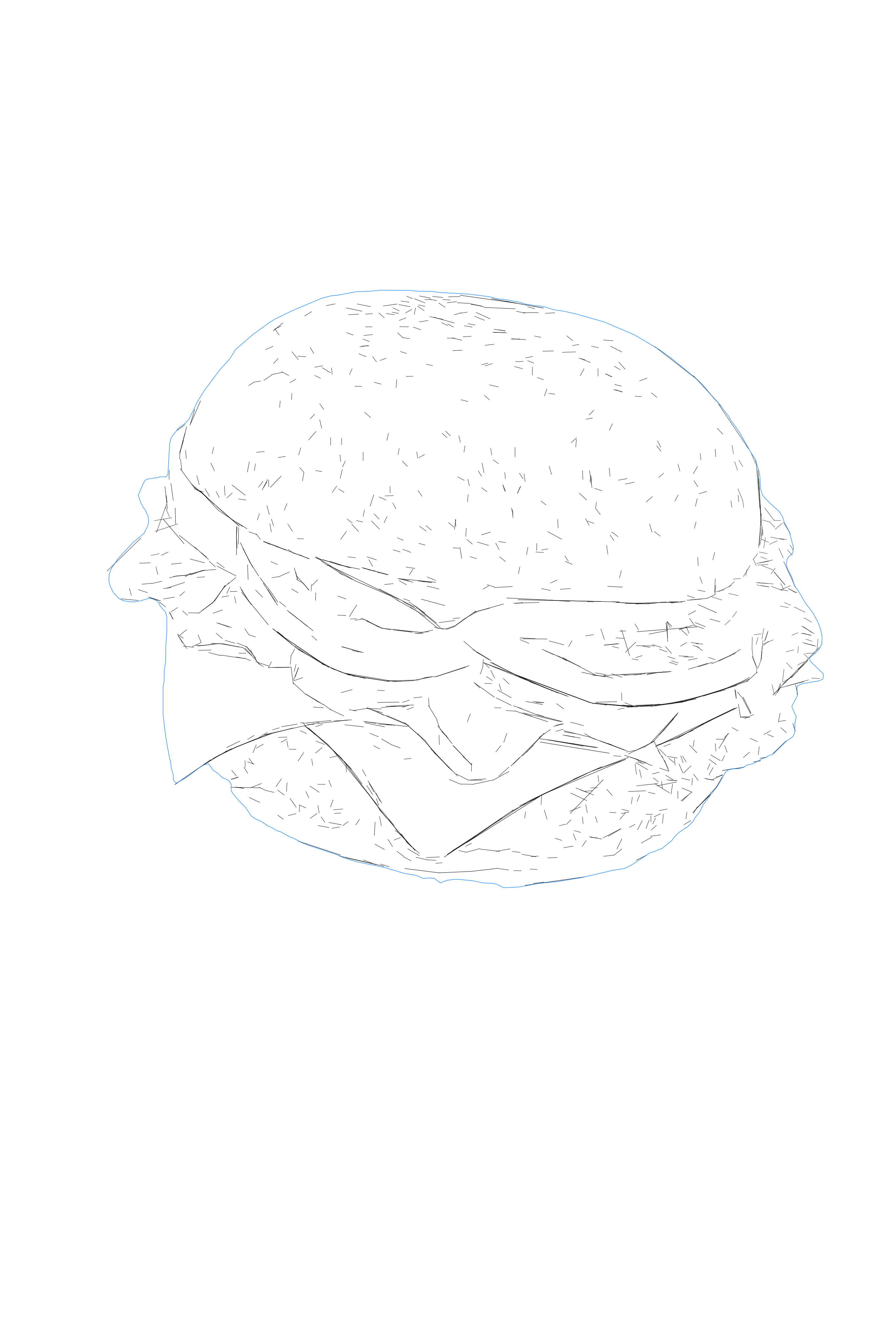
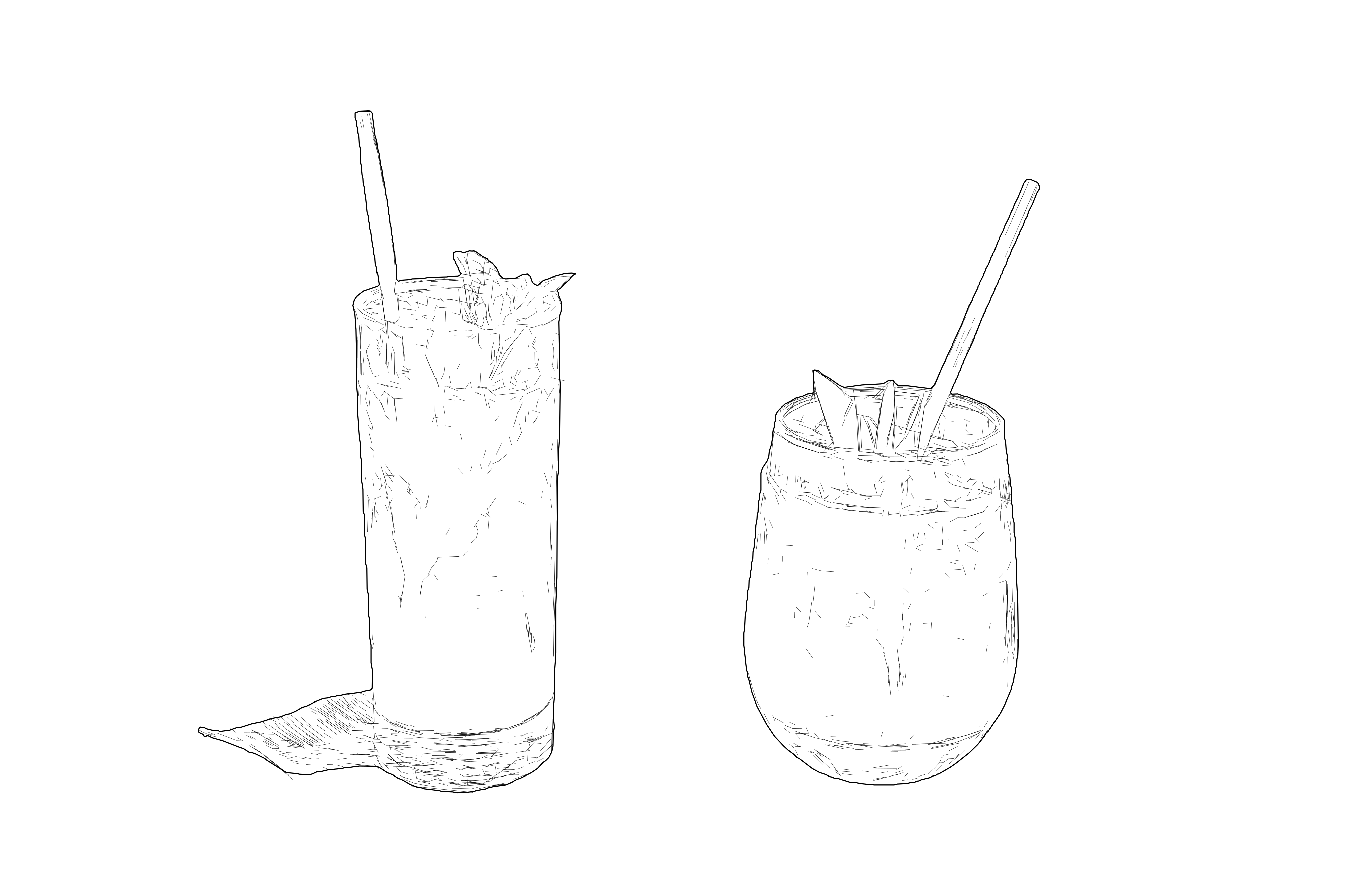
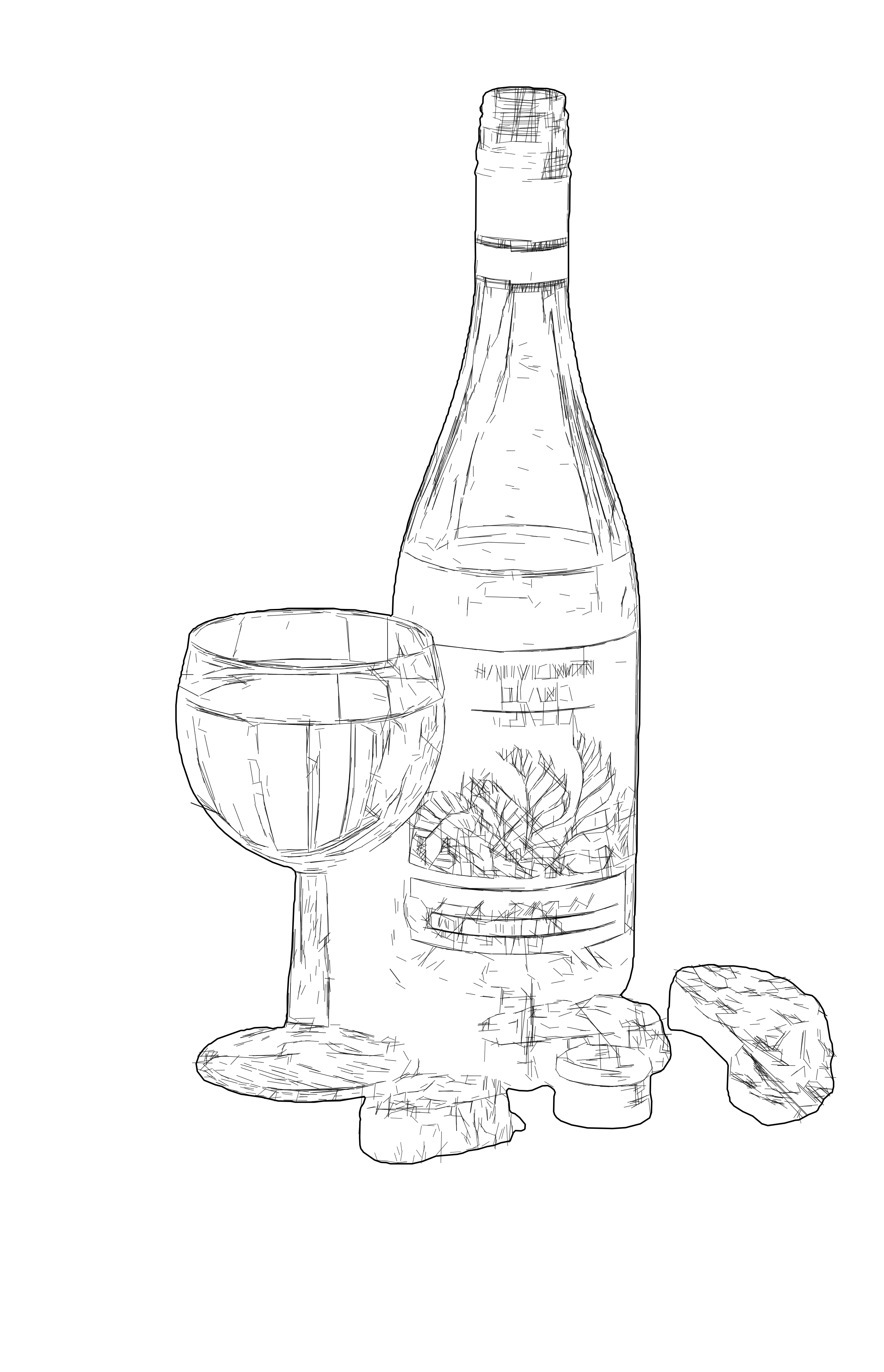
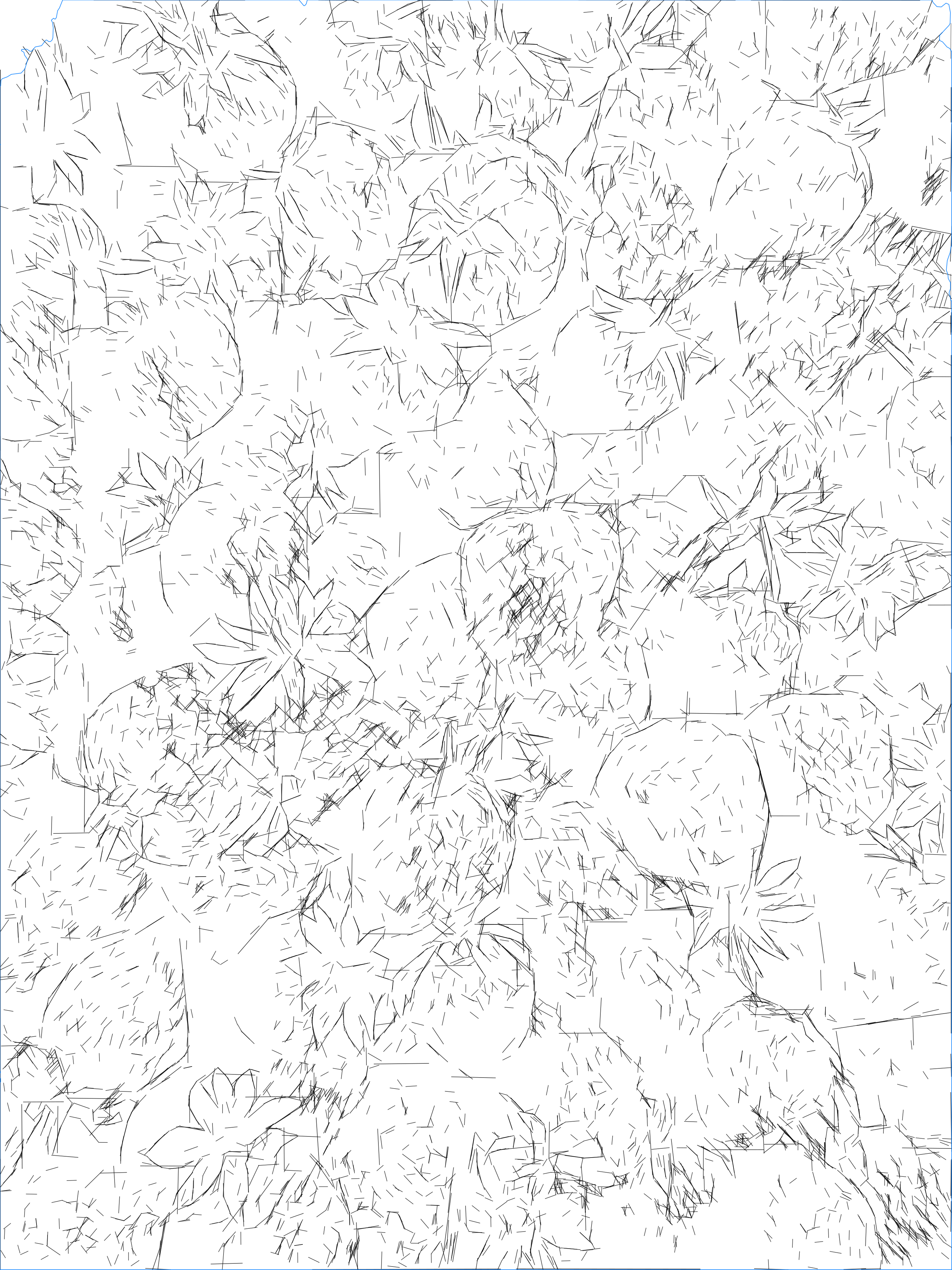
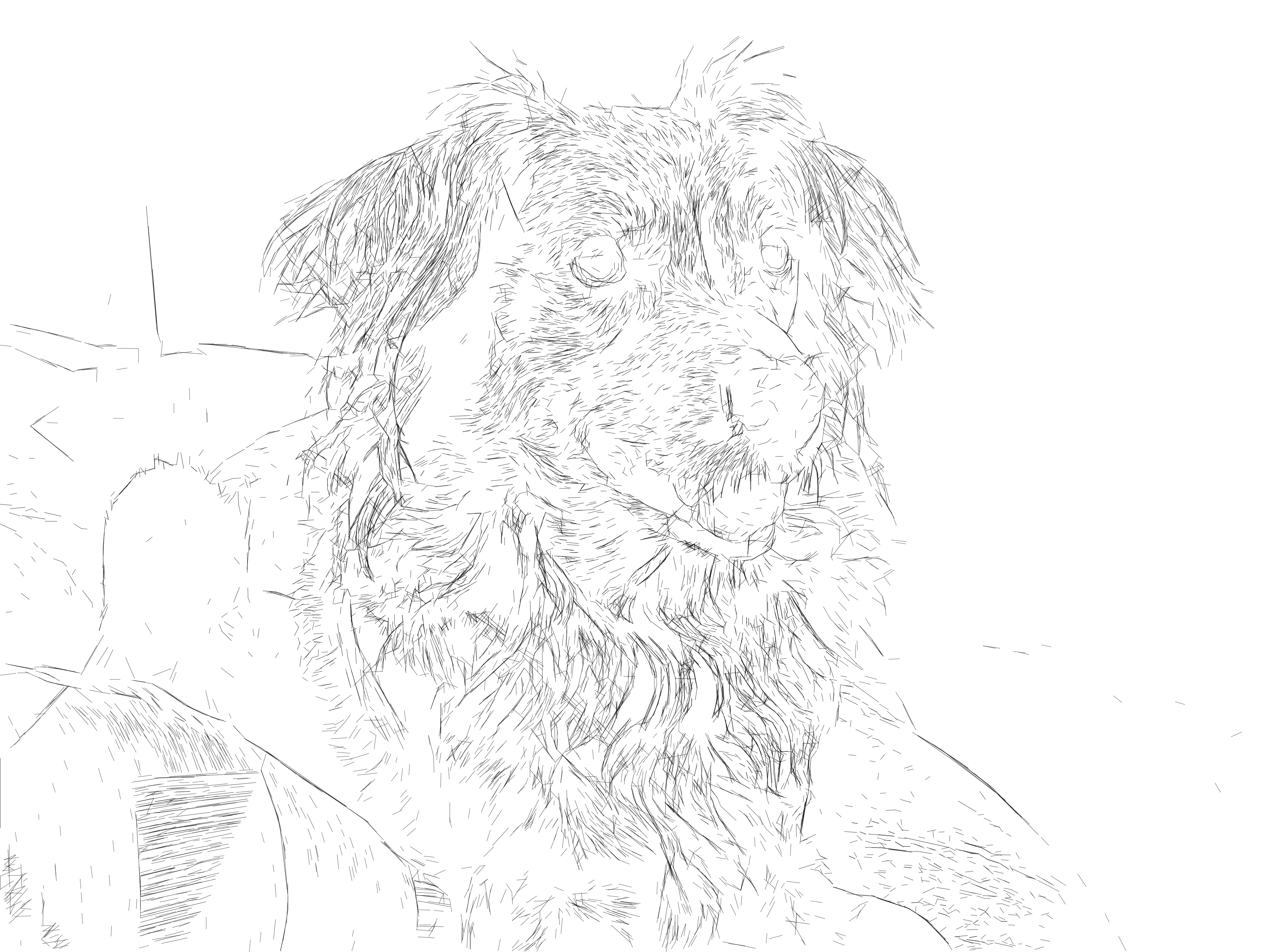
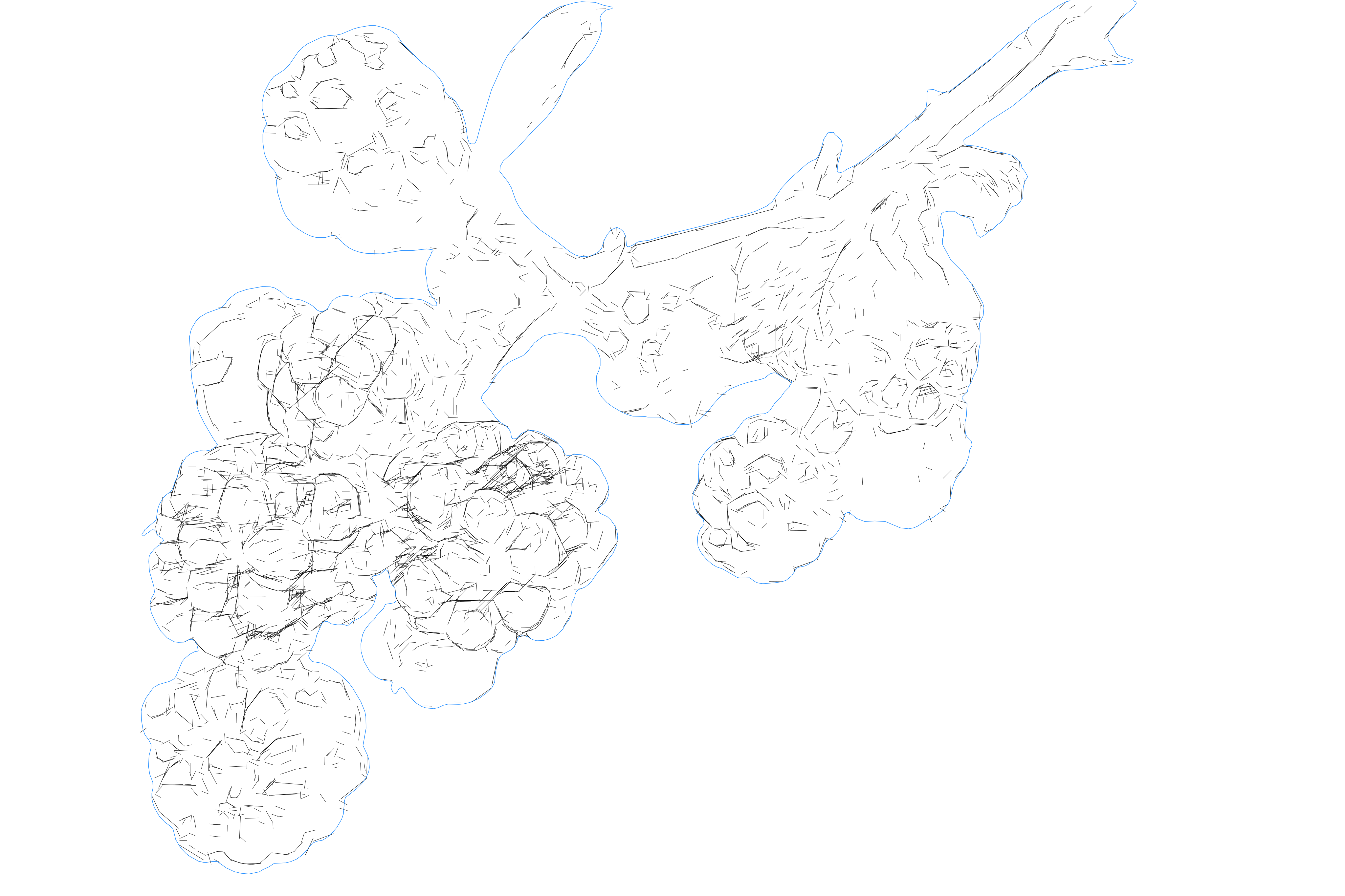
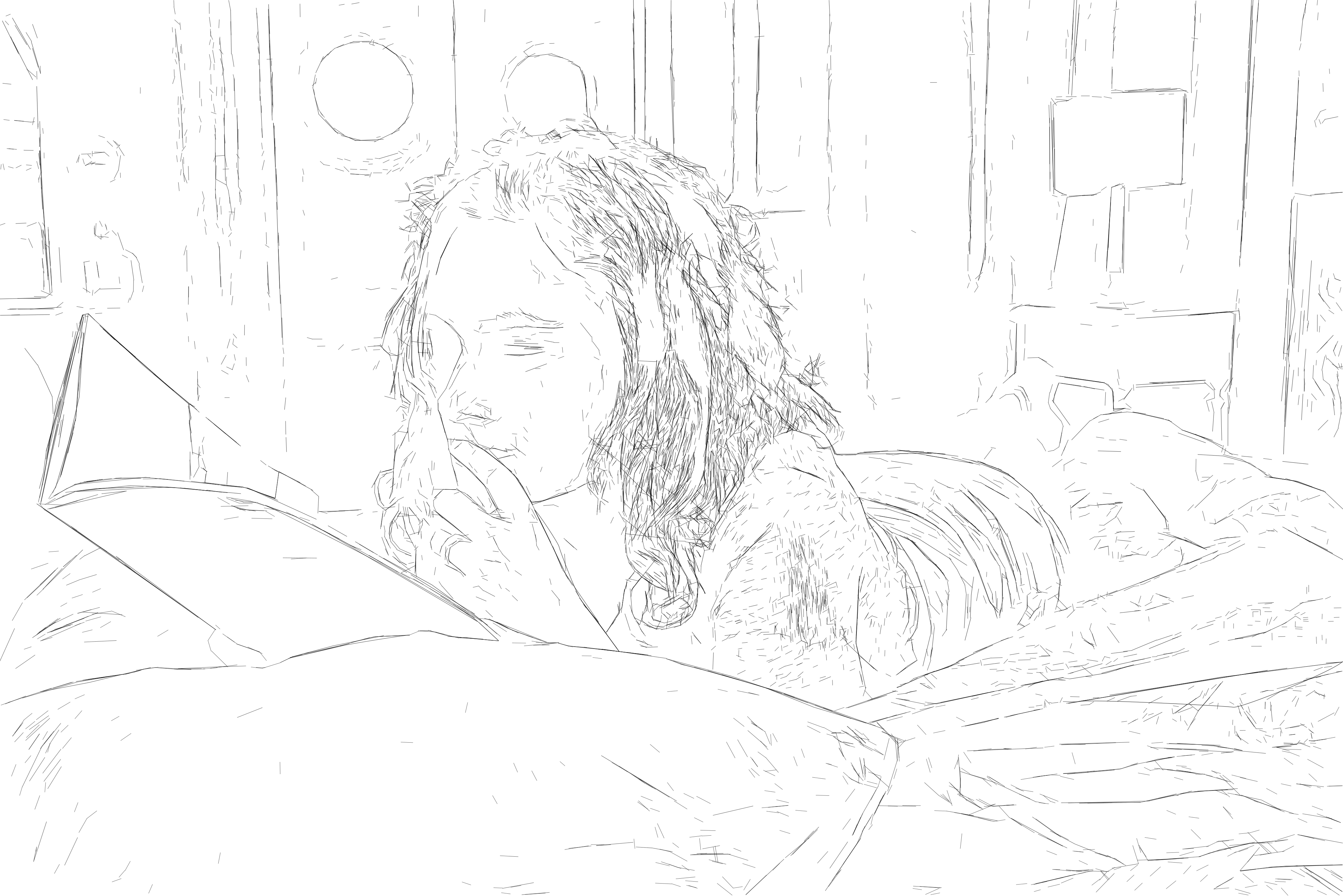
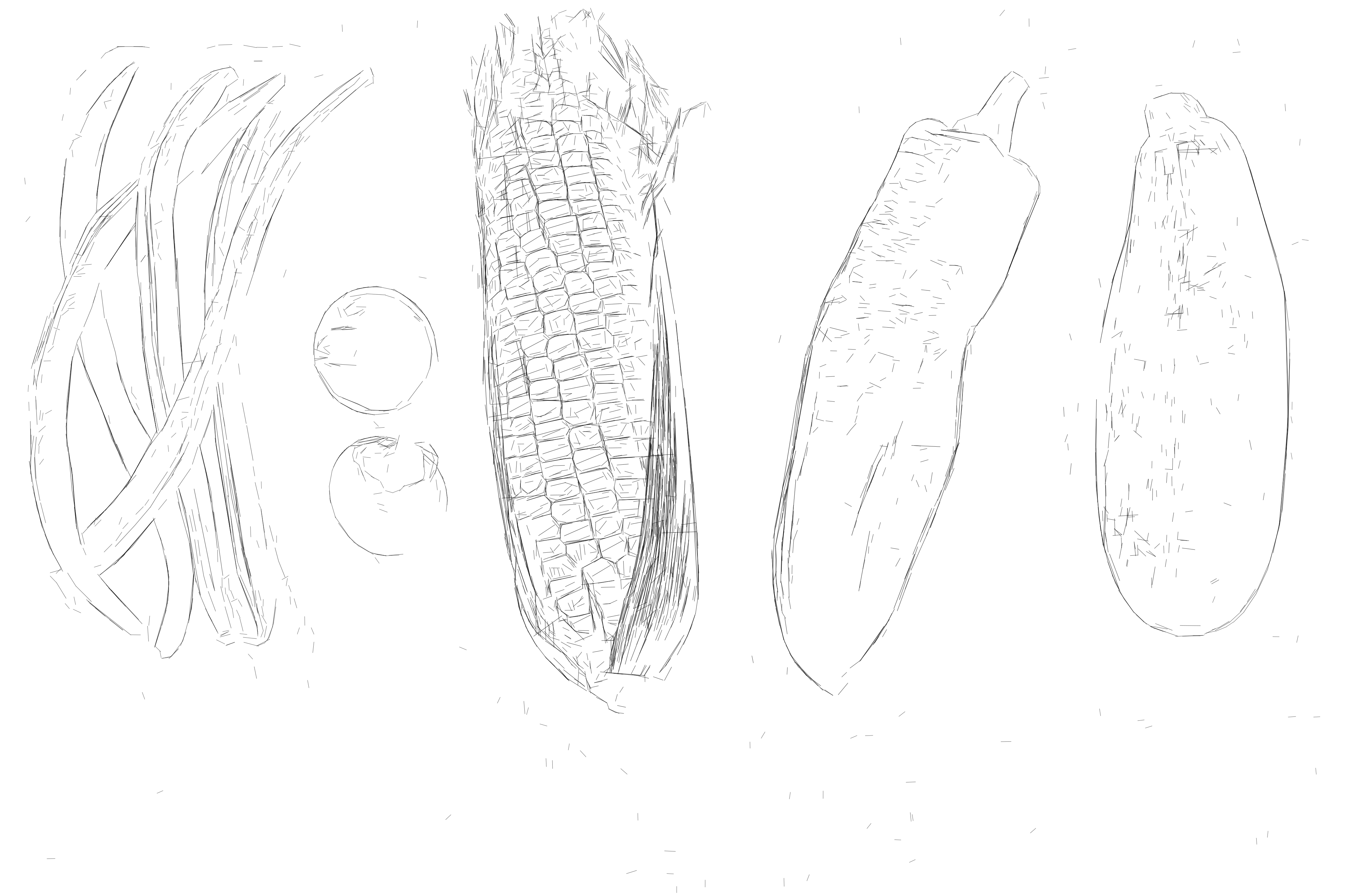
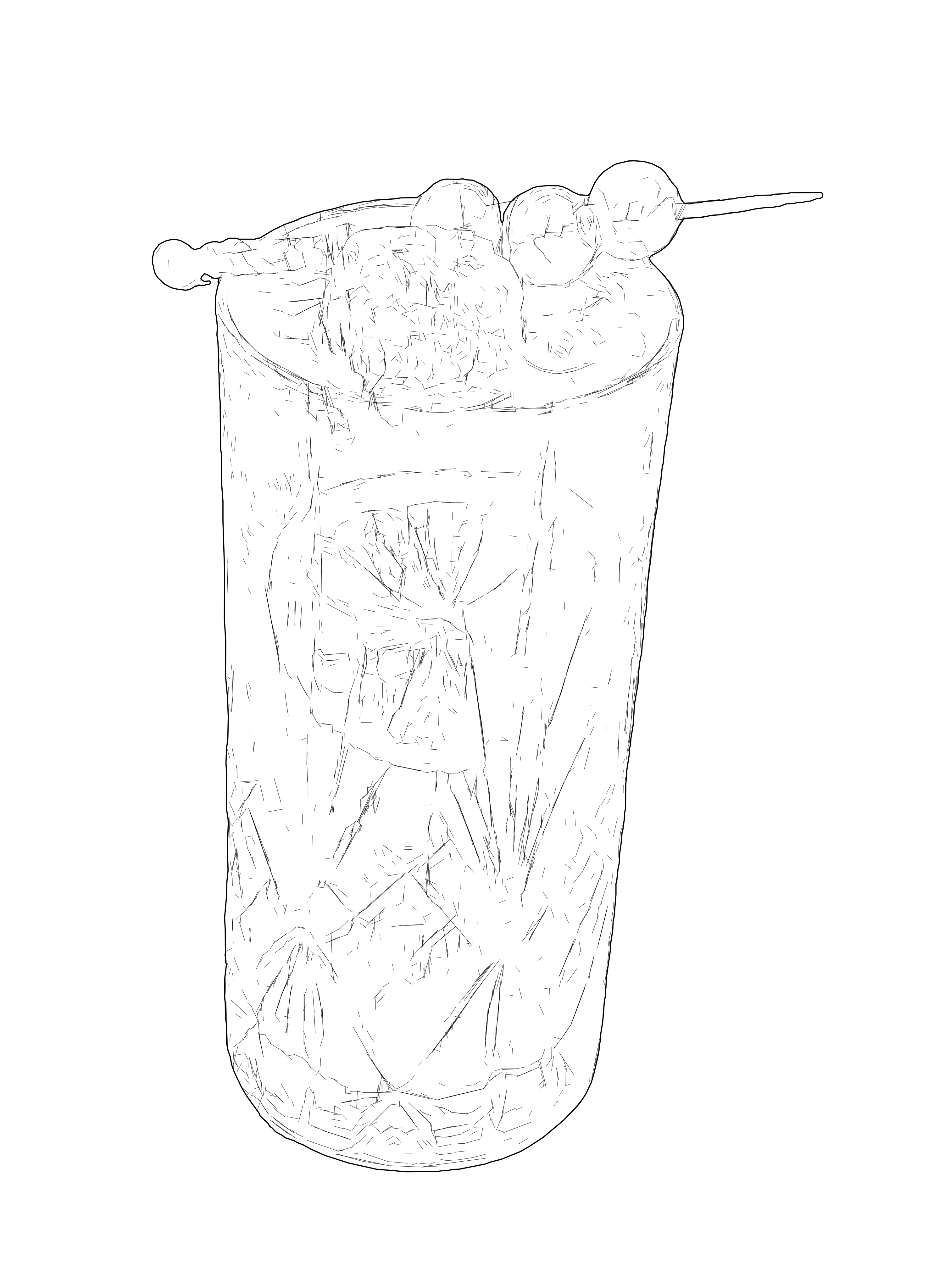
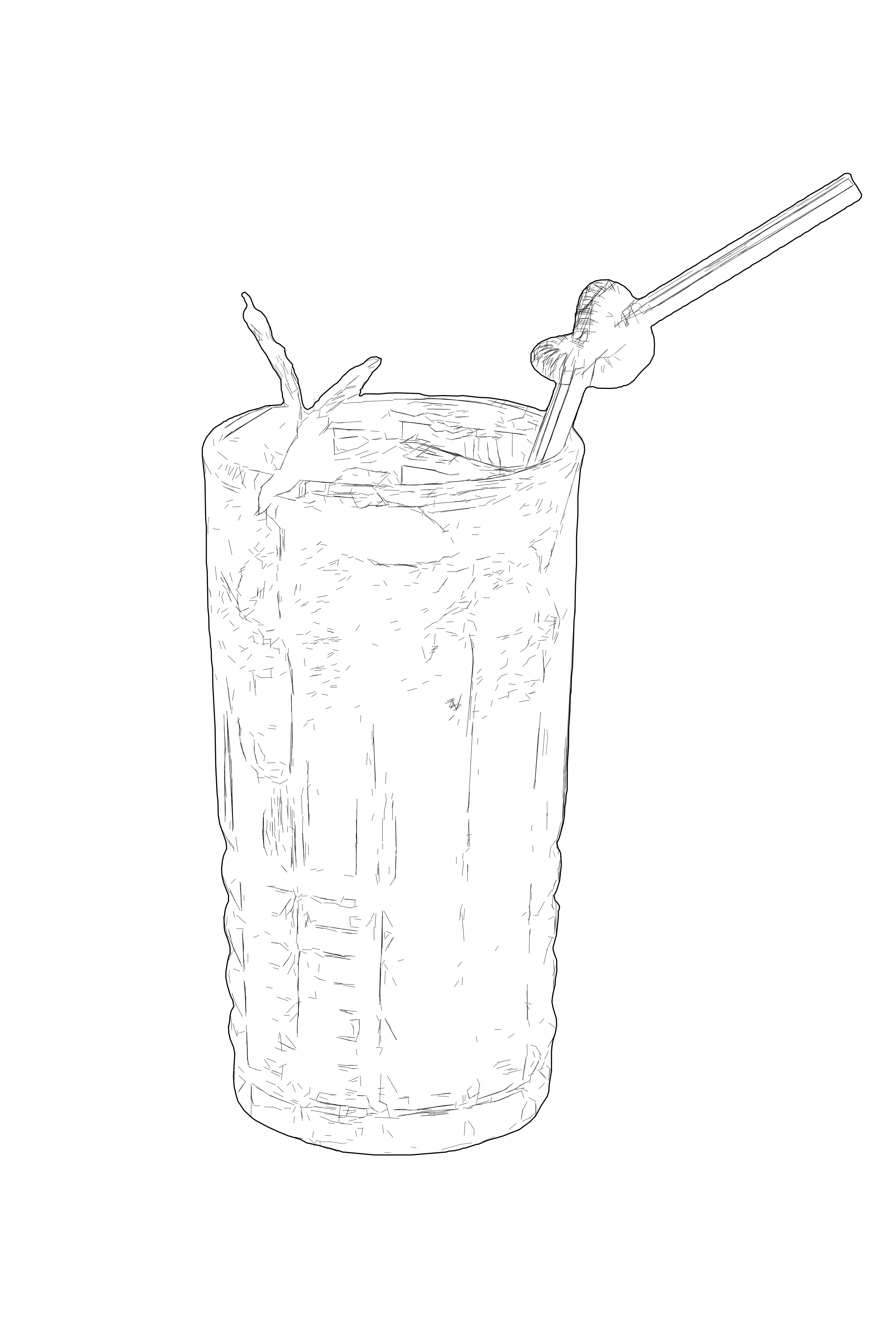
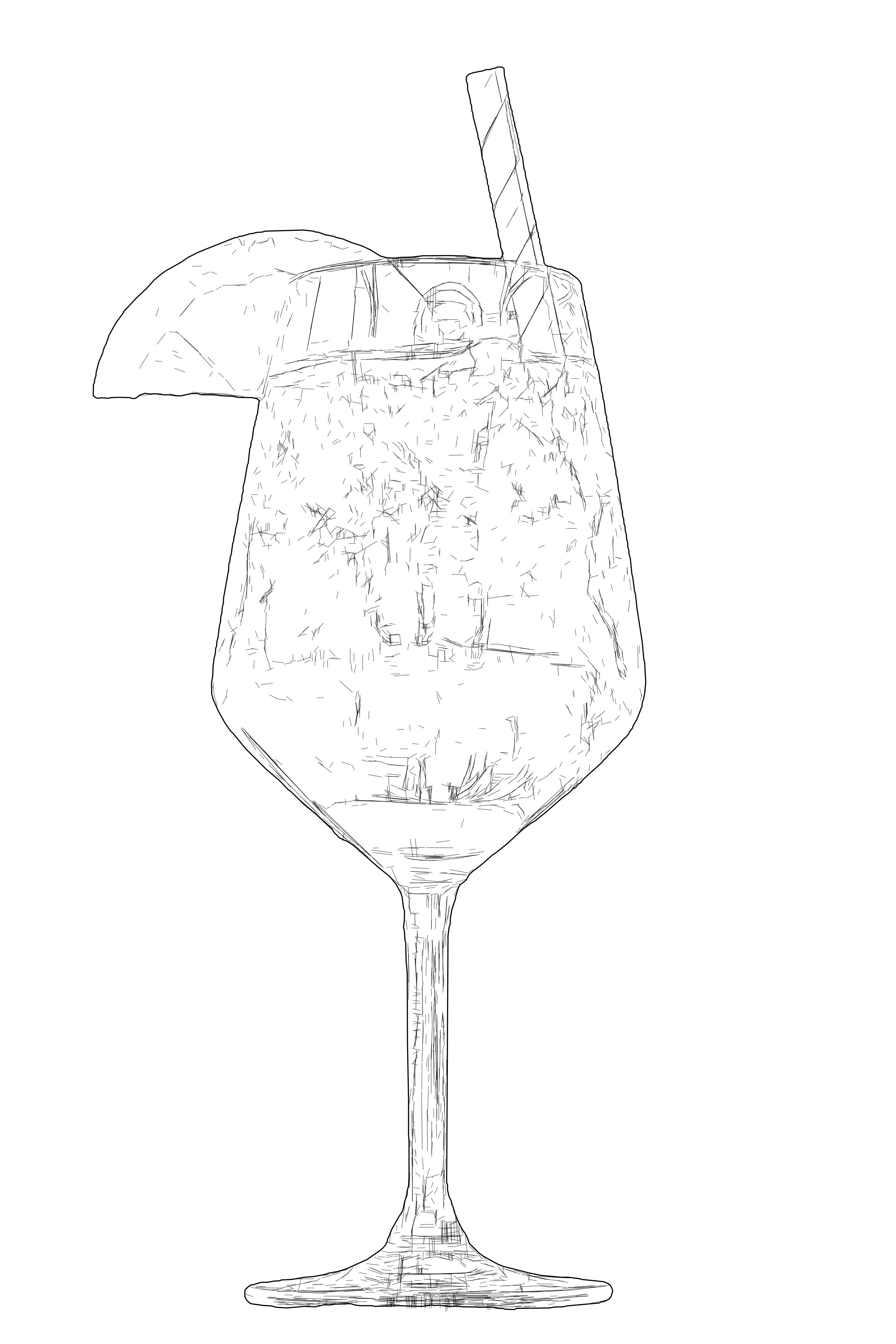
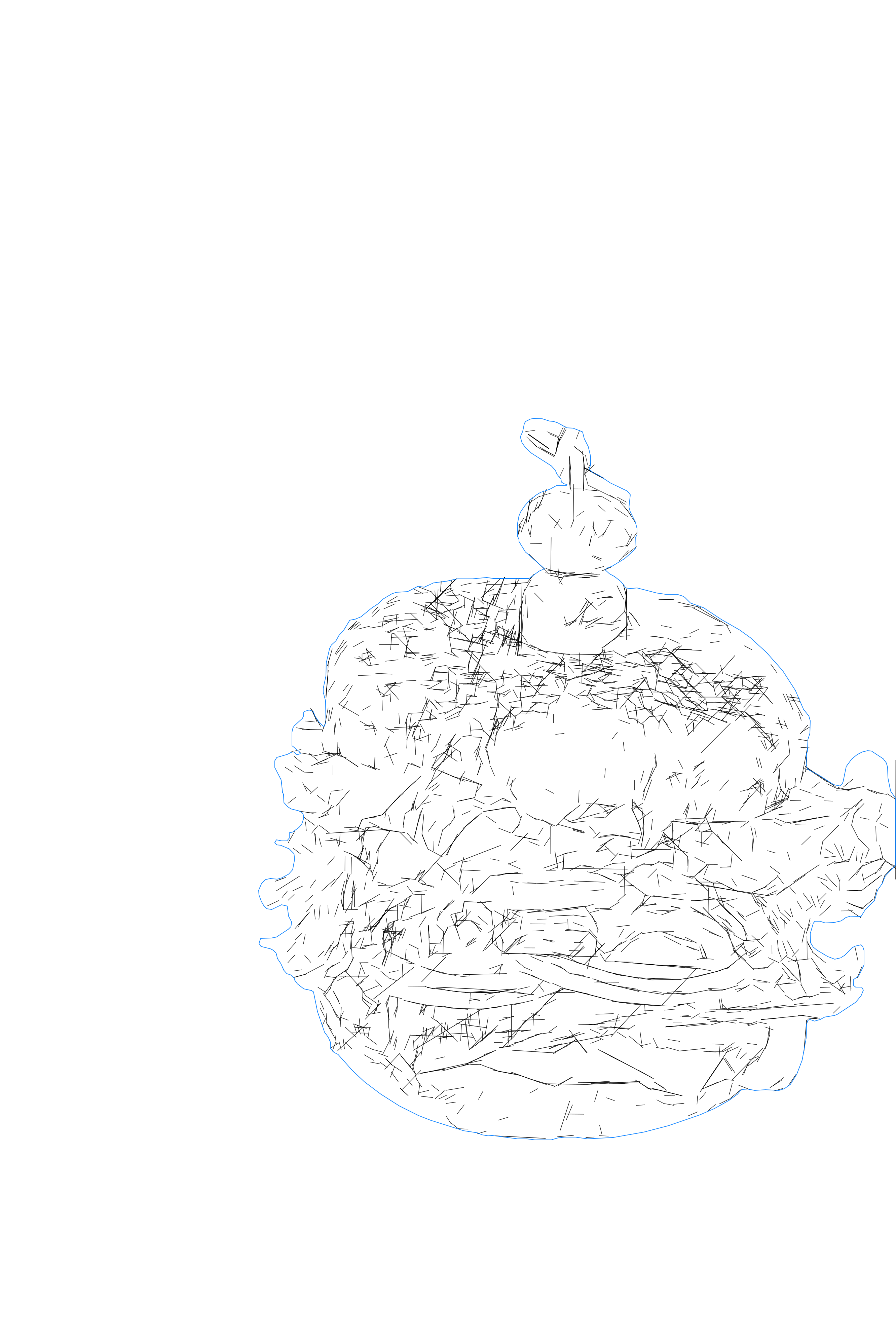
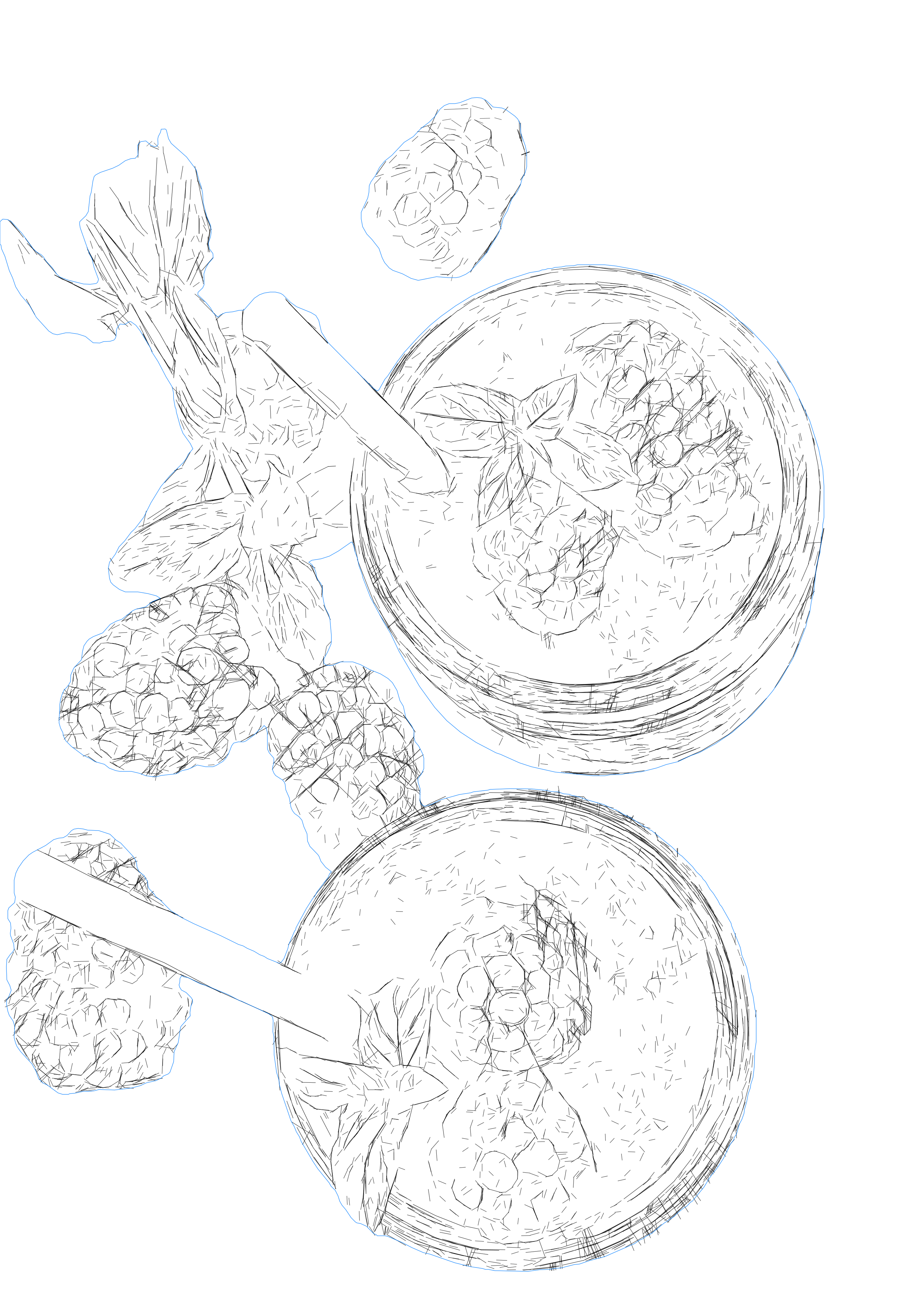
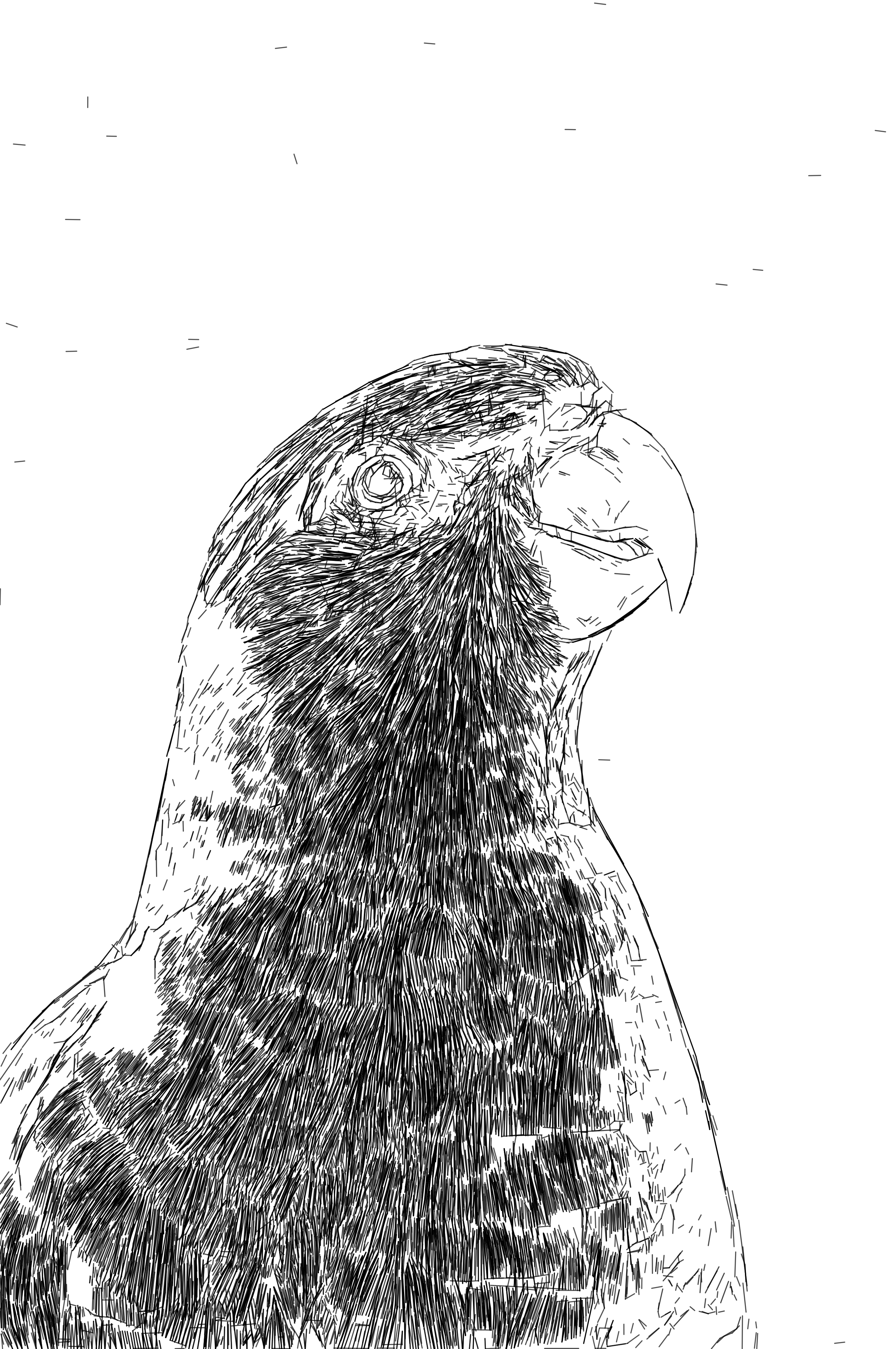
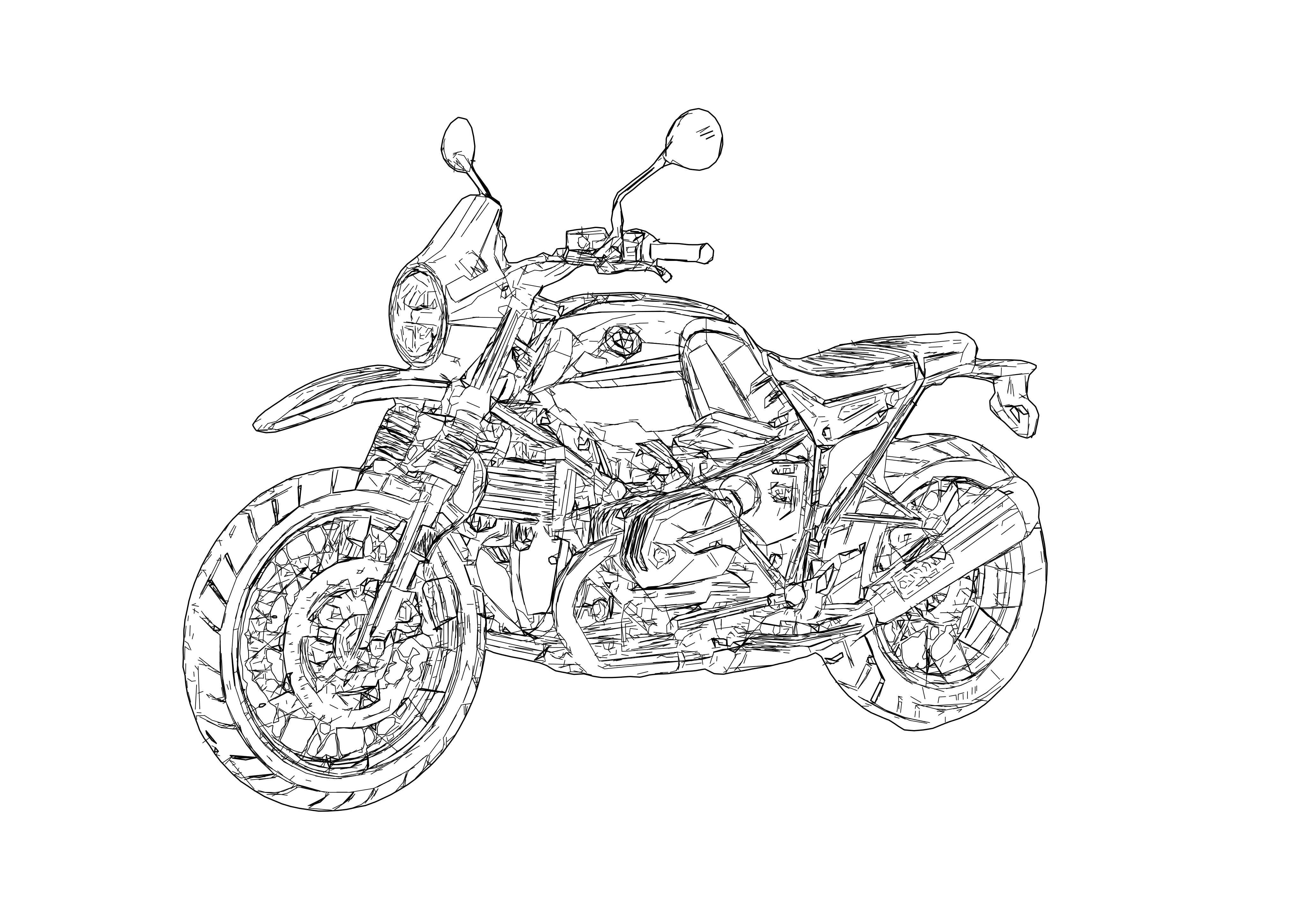
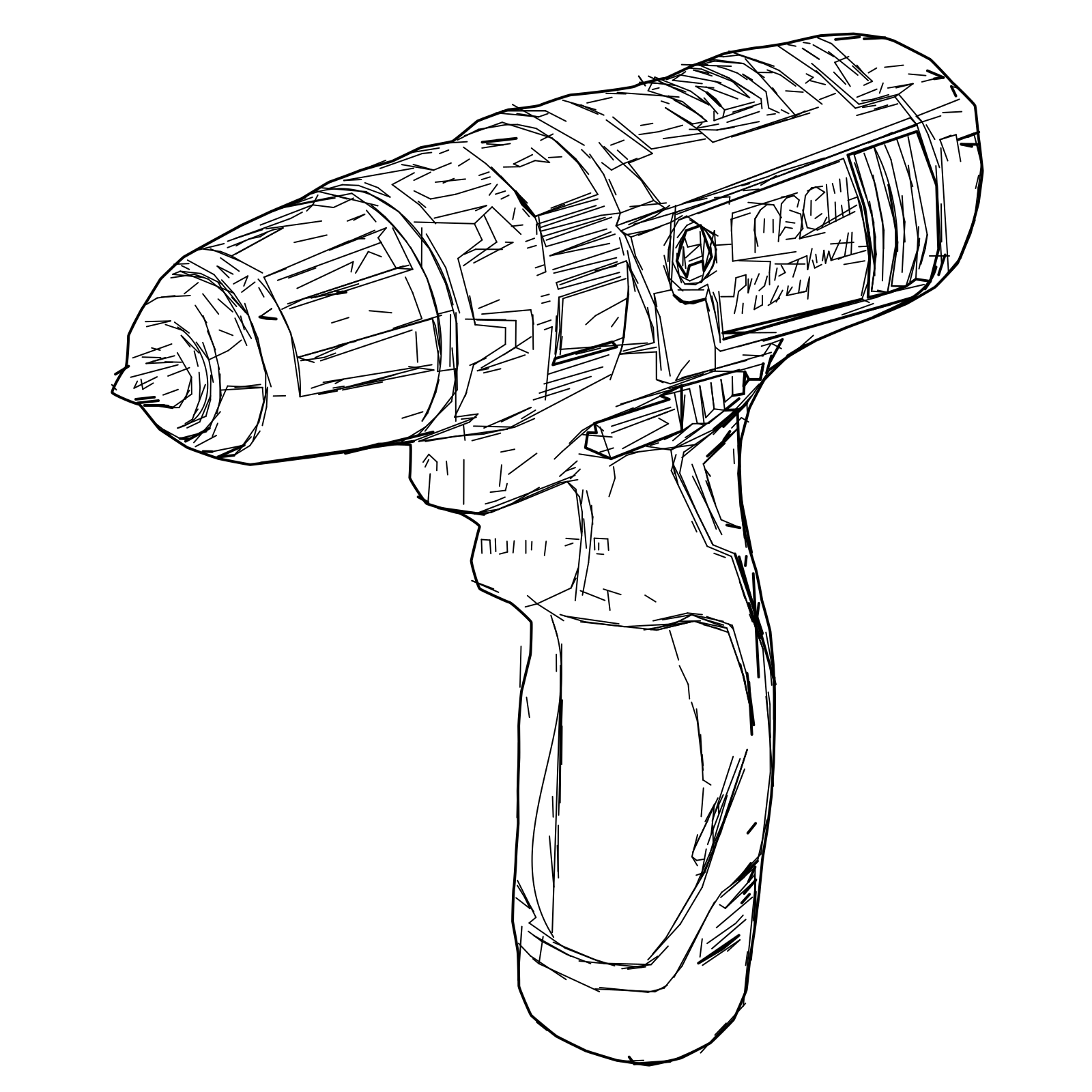
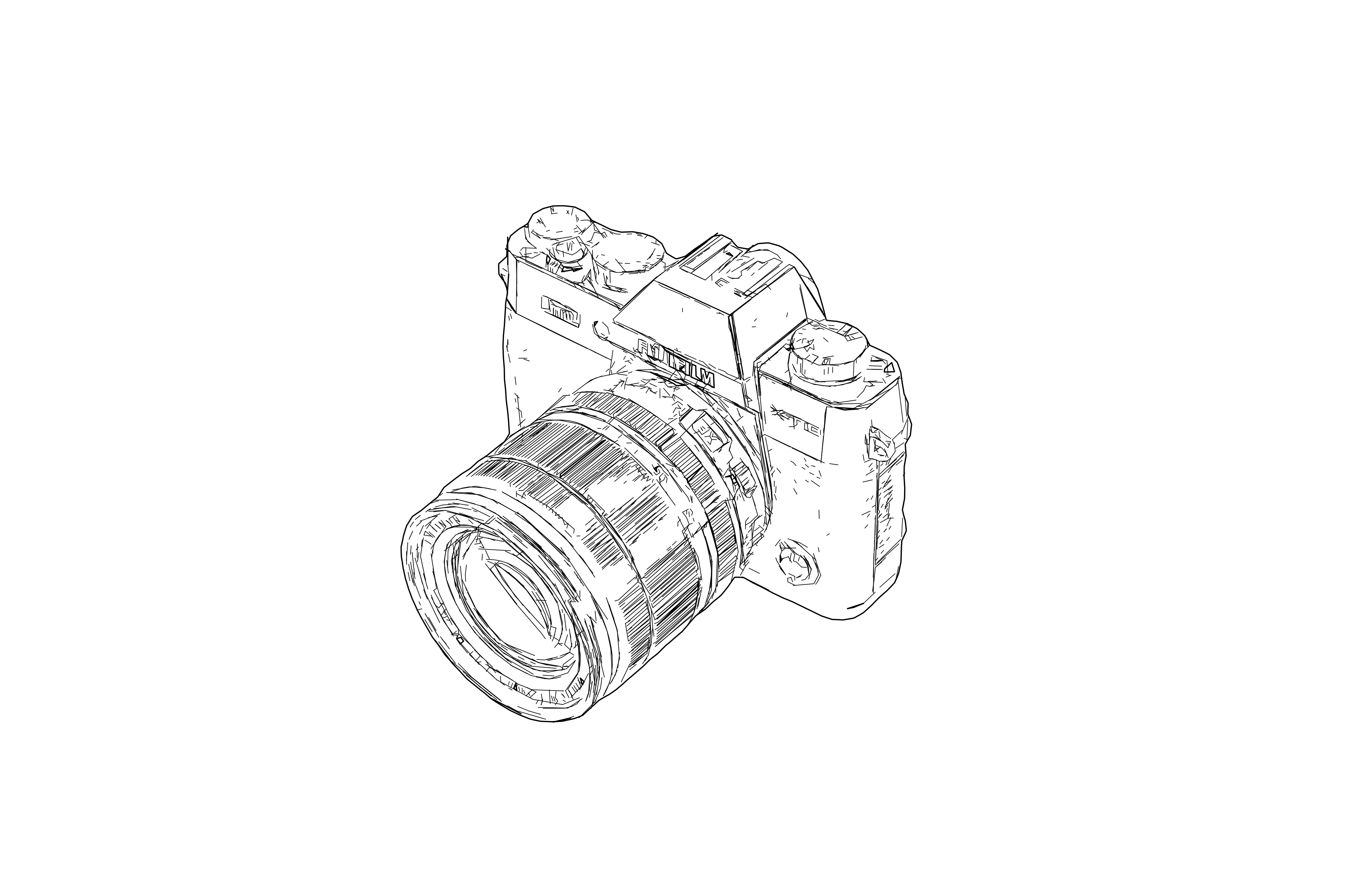
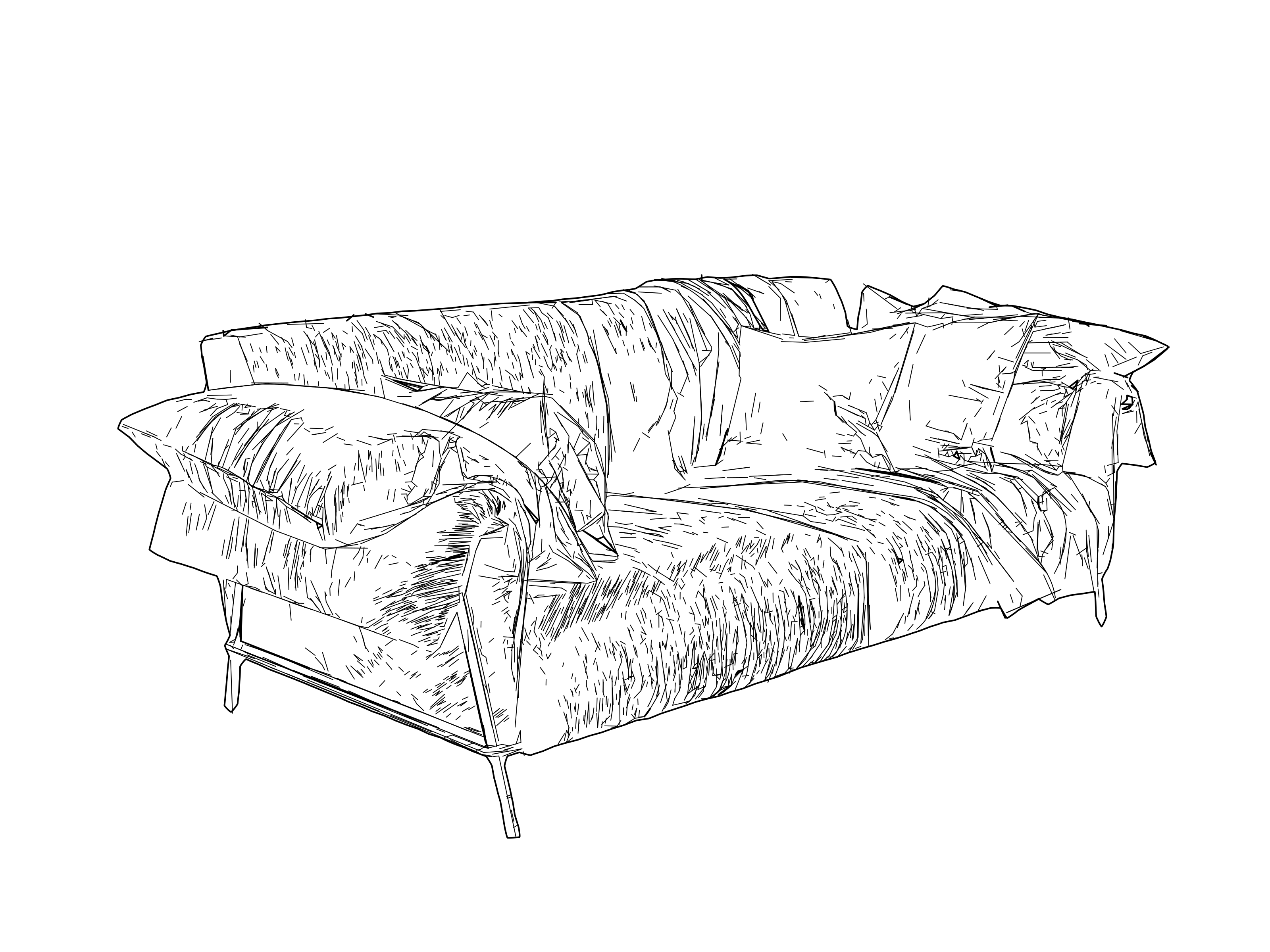
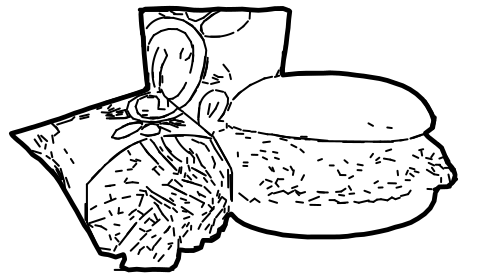
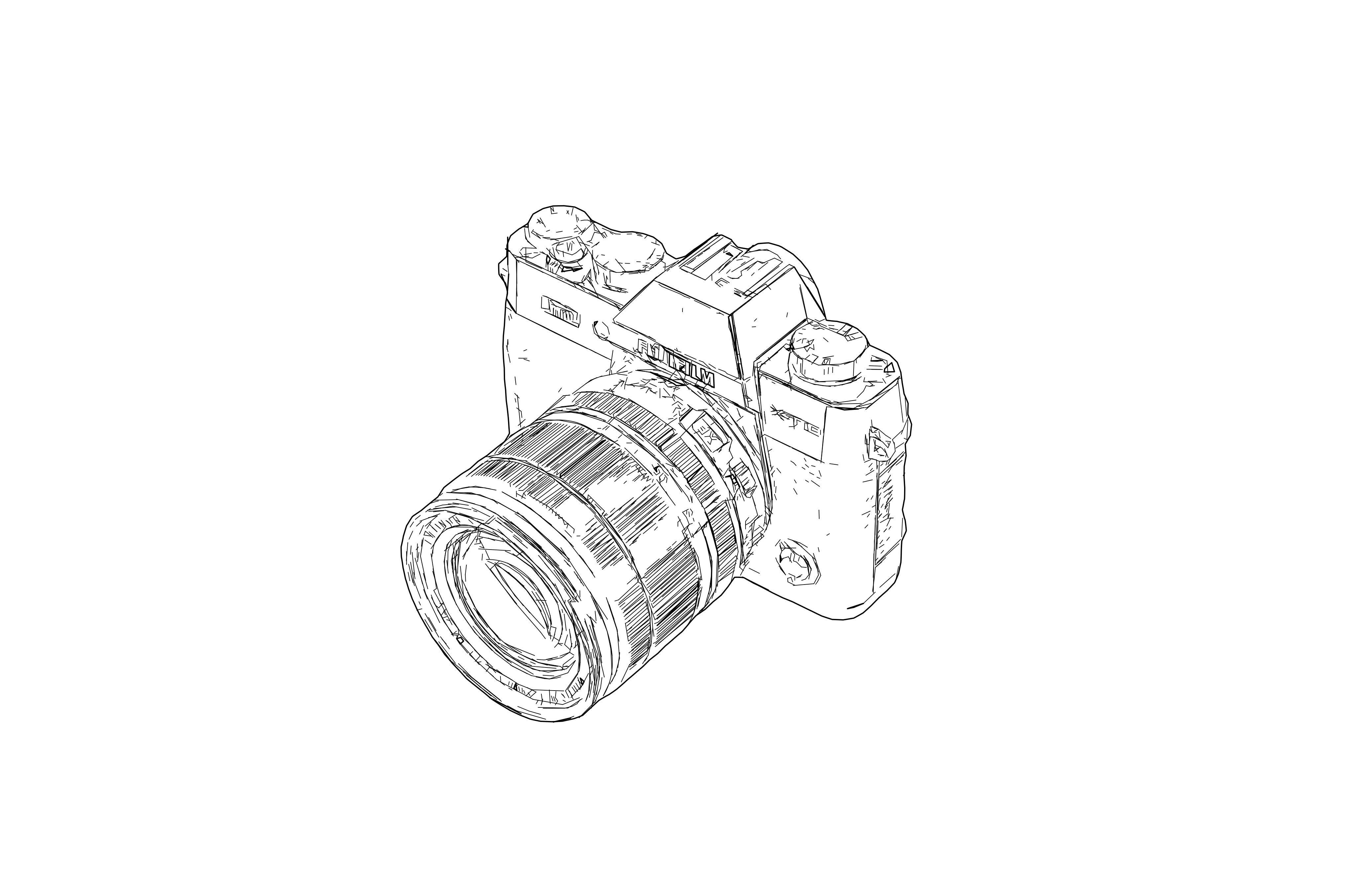
高细节线稿 SVG 矢量化结果
后
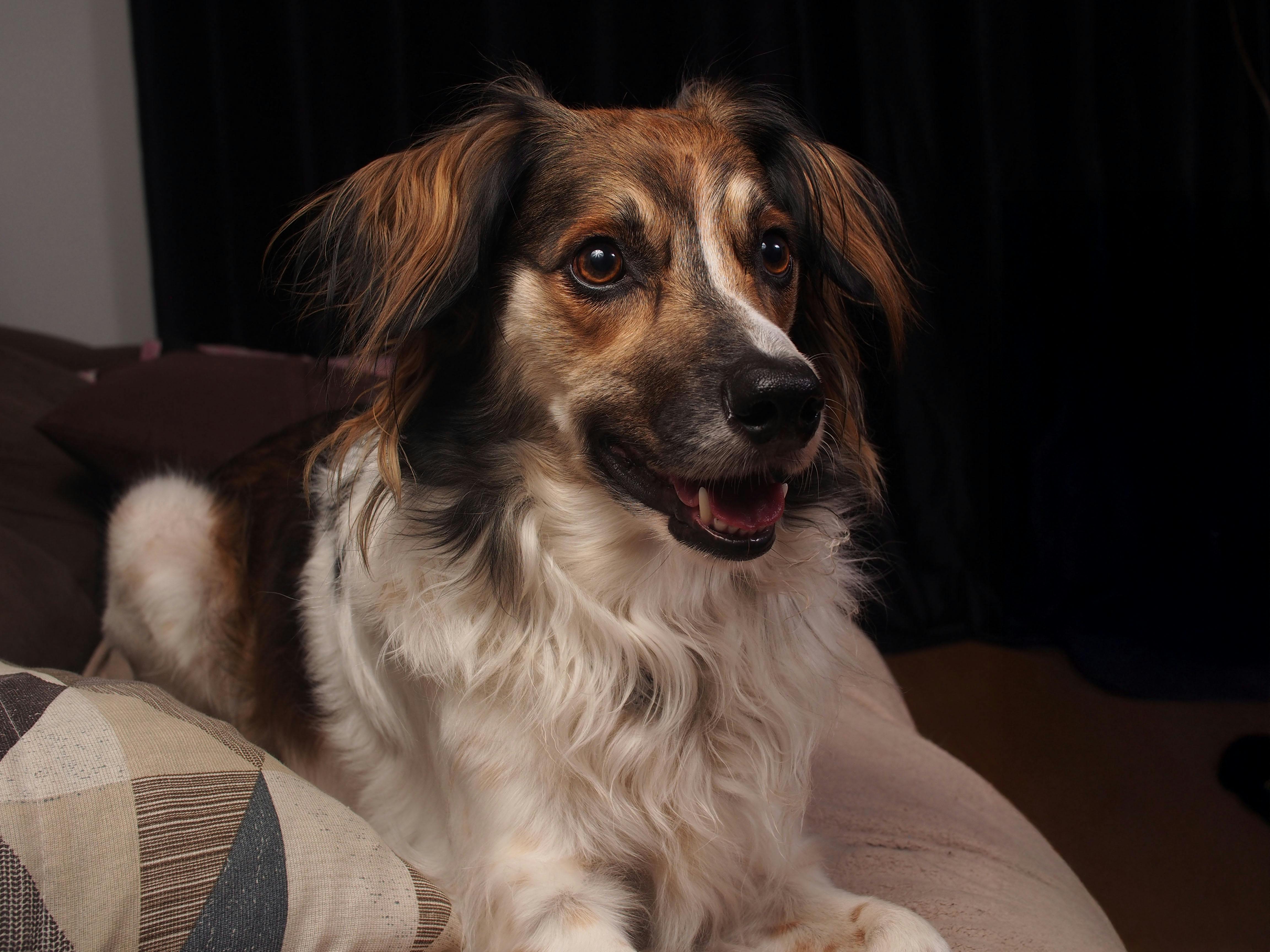
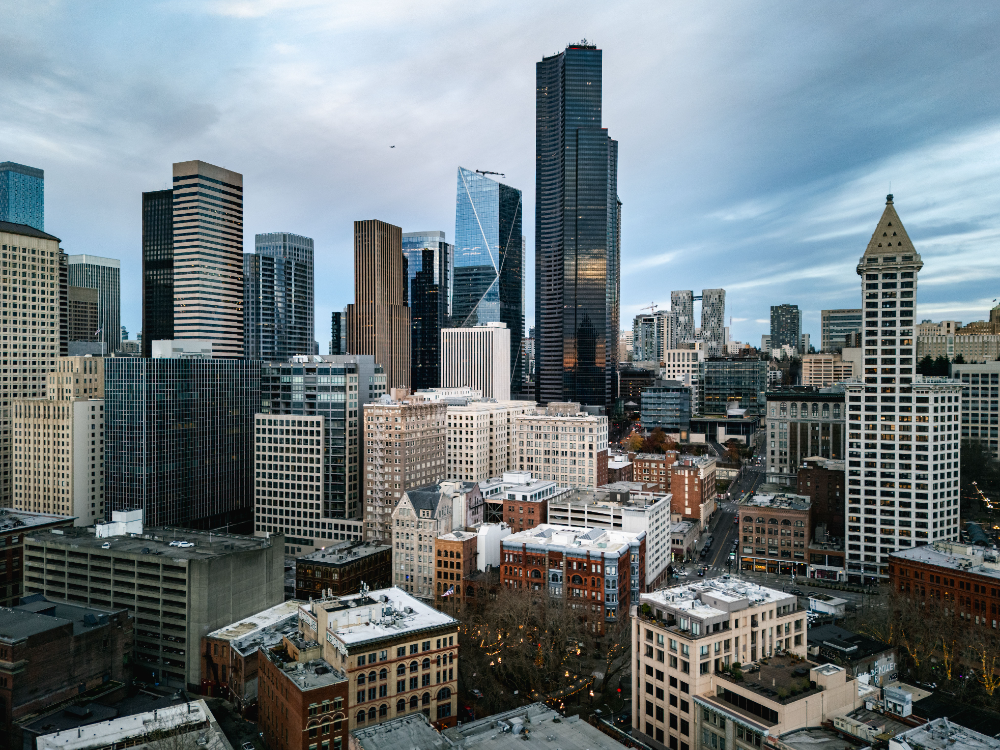
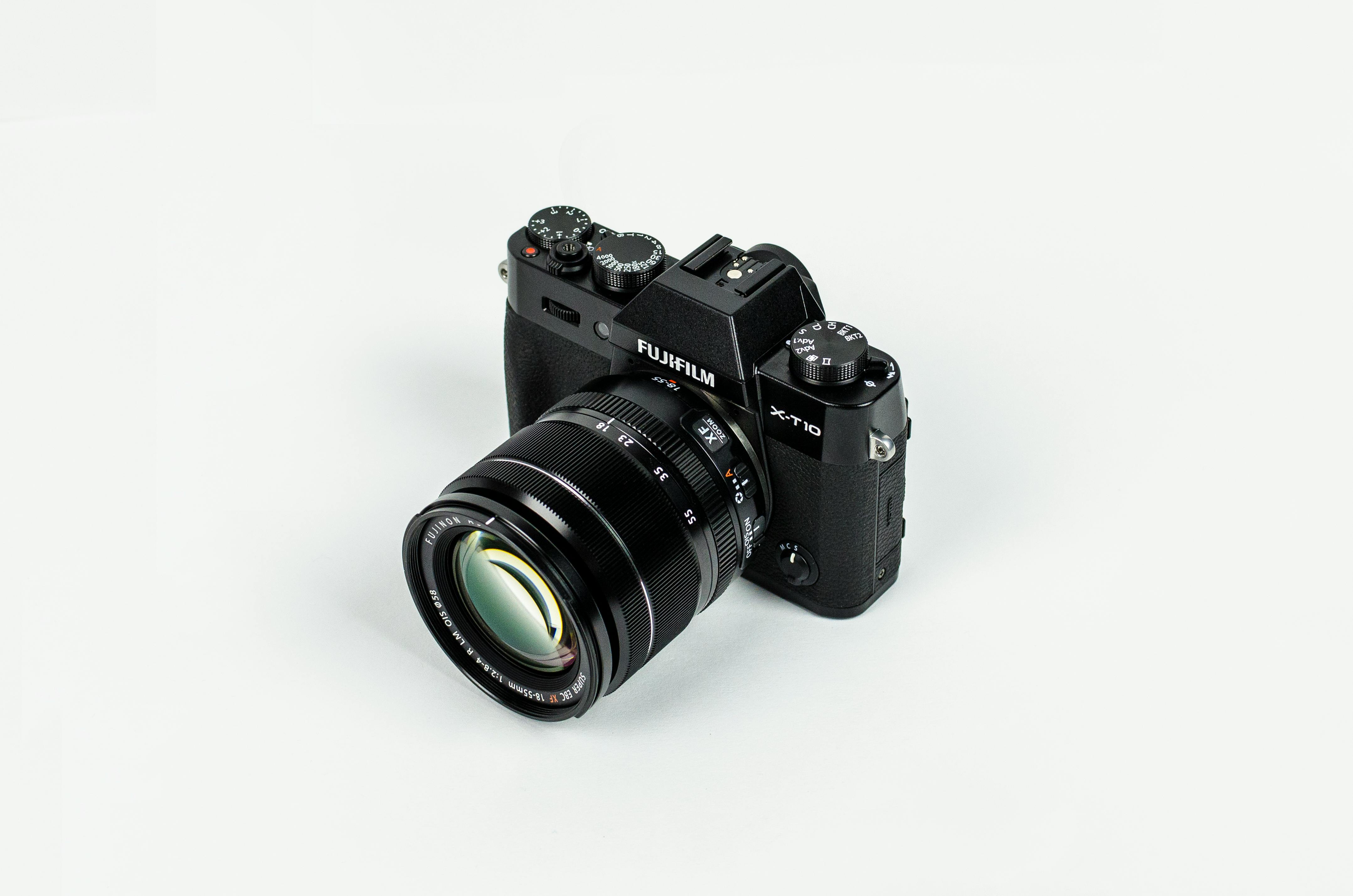
线稿矢量化之前的原始照片前
输出:SVG(矢量)
输入:JPEG | PNG | WEBP | AVIF | TIFF
高细节线稿 SVG 矢量化结果
后
线稿矢量化之前的原始照片前
输出:SVG(矢量)
输入:JPEG | PNG | WEBP | AVIF | TIFF
...积分每次渲染

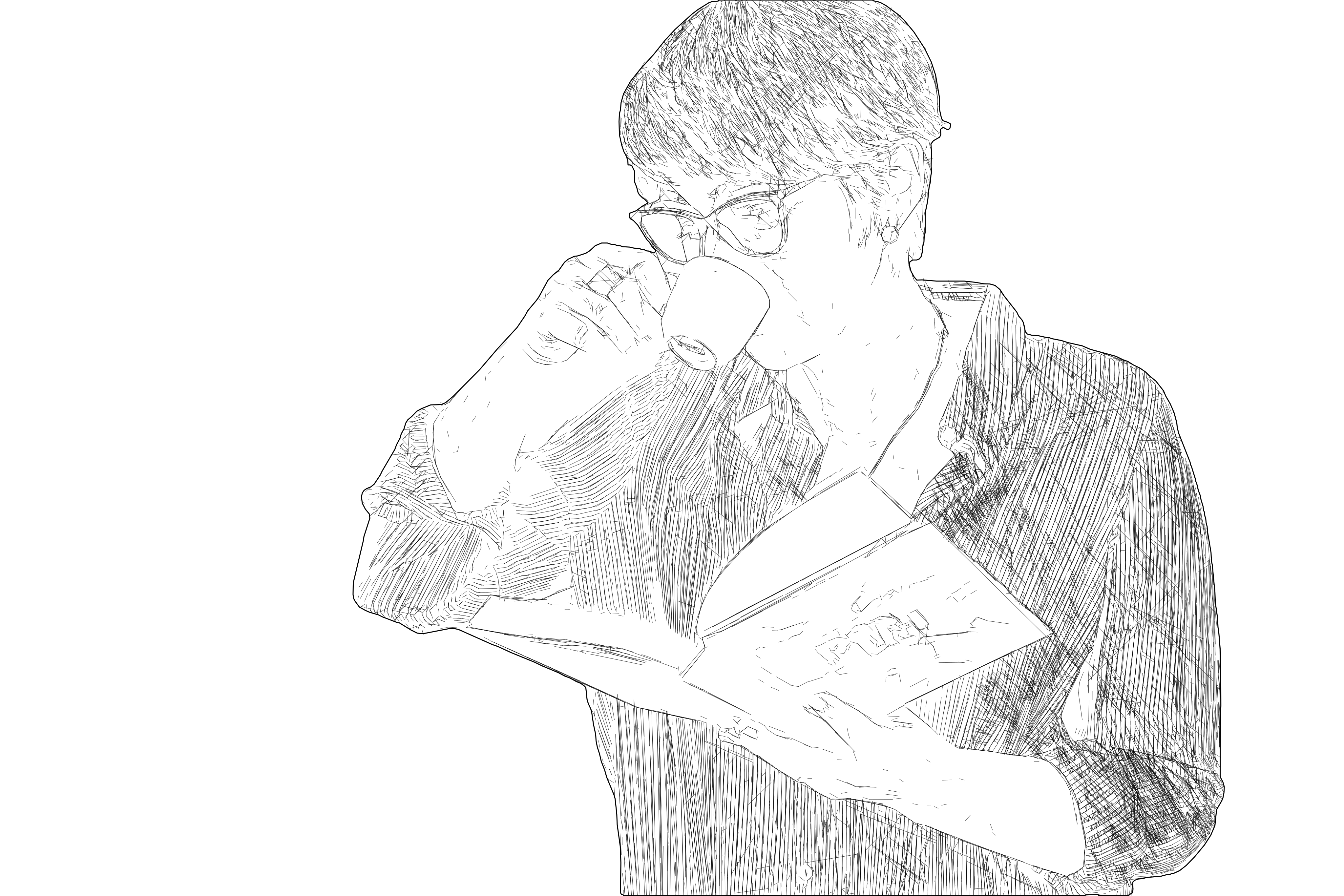
线稿矢量化能把照片和位图图像转换为细节丰富、层次分明的结构化 SVG 线条设计——这类密集的多线条几何可生动还原人像、建筑、城市风光等复杂题材。与单线中心线描摹不同,它保留了原图细腻的轮廓与层次,因此雕刻成品呈现为一份完整、精细的设计,而非平直的外框线。

当最终目标是激光雕刻时,开启“针对激光雕刻优化”。它会把同一份设计重组为高效刀路:去除重复矢量(不会重复烧灼,也不会出现“重复矢量”警告),按最短雕刻路径重排路径,并写入明确尺寸,使文件在 LightBurn 及其他 CAM 软件中以真实比例导入。设计外观完全一致——只是雕刻耗时大幅缩短。如需最高细节,建议输入图像短边大于 ~2000px;尺寸更小的输入会生成更轻的线条,你可在导出前自行控制细节级别。需要简化的单线描摹来实现干净切割或刻线?请改用基于中心线的 SVG Laser Engraving 工作流。
Example Line Graphic Vectorization
  • 输入 - 位图

    照片、人像、产品图、建筑及其他轮廓清晰、层次分明的复杂题材。

  • 输出 - 高细节矢量

    细节丰富、几何结构化、分层清晰的线稿 SVG——可选优化为高效的激光雕刻刀路。

  • 最适合 - 激光雕刻

    制作精细人像、照片与风景雕刻的激光雕刻师与创客——以及需要丰富、可控线条设计的产品设计师和笔式绘图仪用户。

  • 区别于 - 中心线描摹

    单线中心线描摹和通用自动描摹。本预设保留密集、精细的线条;若需简化、可直接切割的单线输出,请使用 SVG Laser Engraving 工作流。

支持的格式

  • SVG

    SVG - 高细节线条图形 SVG

    细节丰富、结构化的 SVG 线条设计——可选激光优化,在 LightBurn 及其他 CAM 软件中获得干净刀路、快速无误的雕刻。
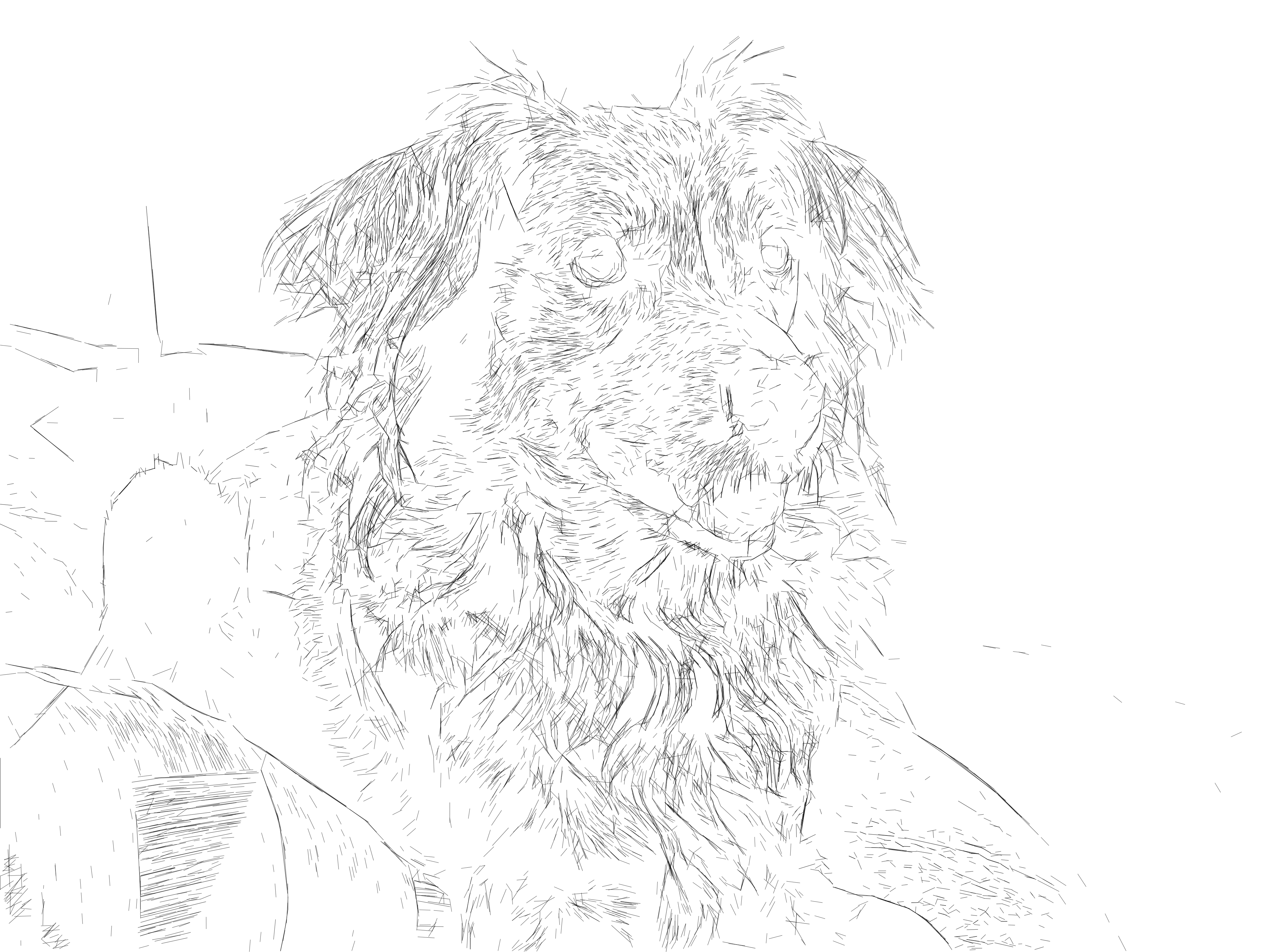
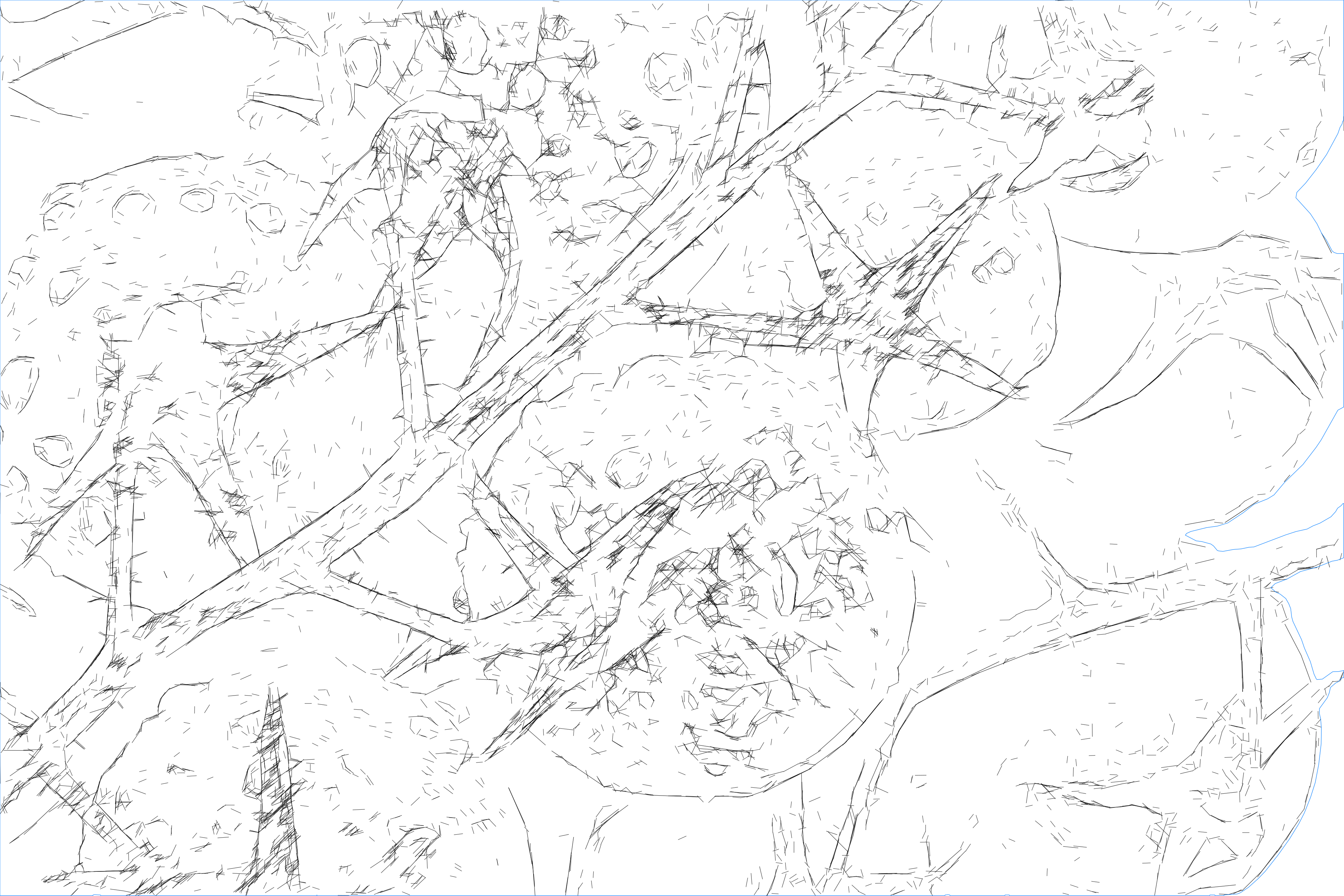
高细节线稿 SVG 矢量化结果
后
线稿矢量化之前的原始照片前
输出:SVG(矢量)
输入:JPEG | PNG | WEBP | AVIF | TIFF
高细节线稿 SVG 矢量化结果
后
线稿矢量化之前的原始照片前
输出:SVG(矢量)
输入:JPEG | PNG | WEBP | AVIF | TIFF

示例
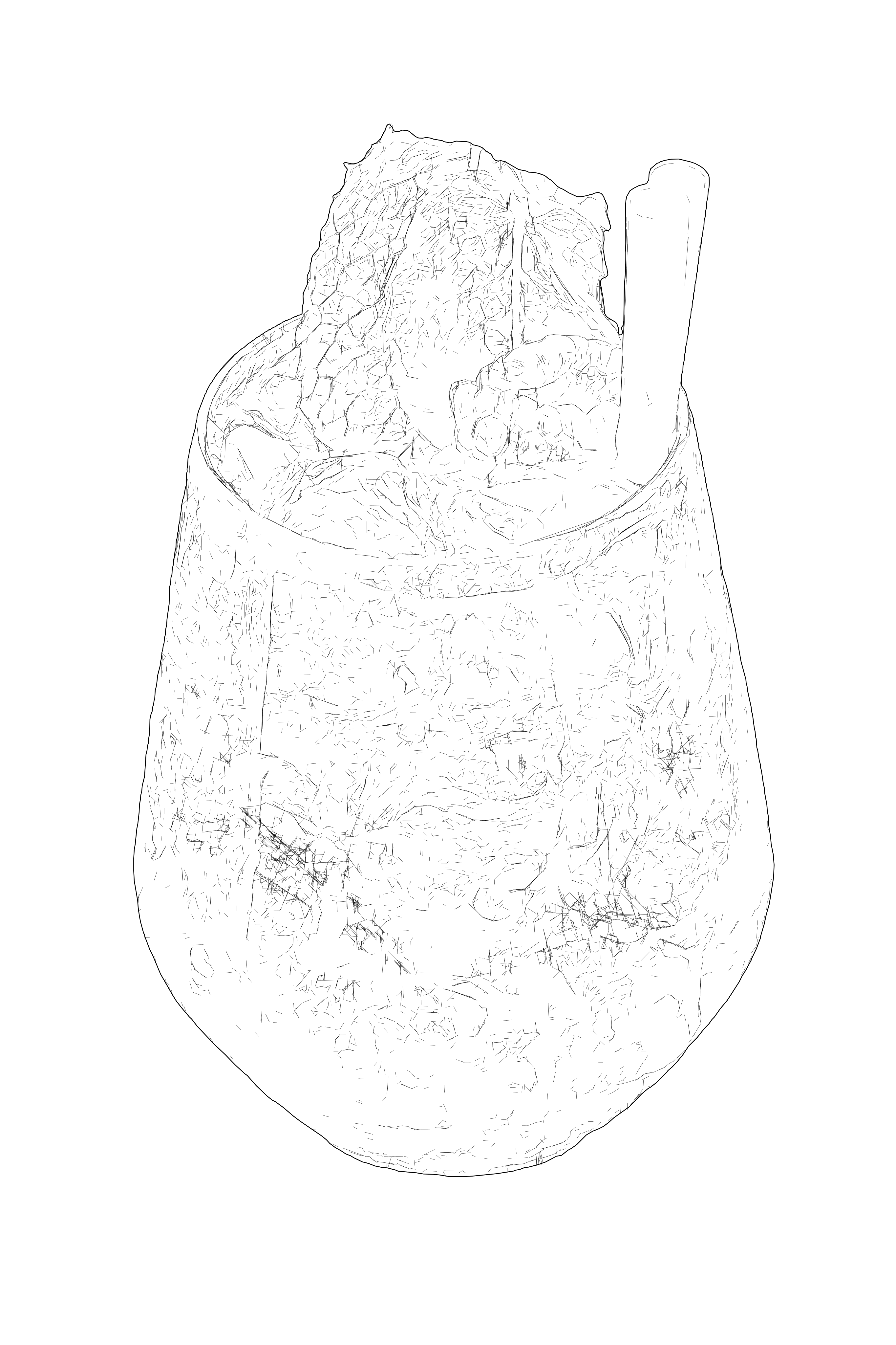
Editable SVG path example for product and documentation graphics.
Clean SVG drawing with simplified line geometry for technical workflows.
Production-ready SVG line art optimized for editing and export.
Technical vector drawing with precise contours and readable structure.
Detailed SVG drawing with clean linework and organized geometry.
SVG vector conversion example for scalable drawing workflows.
Production-ready SVG line art optimized for editing and export.
Technical vector drawing with precise contours and readable structure.
Editable SVG path example for product and documentation graphics.
SVG vector conversion example for scalable drawing workflows.
Production-ready SVG line art optimized for editing and export.
Technical vector drawing with precise contours and readable structure.
Editable SVG path example for product and documentation graphics.
Detailed SVG drawing with clean linework and organized geometry.
SVG vector conversion example for scalable drawing workflows.
Clean SVG drawing with simplified line geometry for technical workflows.
Production-ready SVG line art optimized for editing and export.
Detailed SVG drawing with clean linework and organized geometry.
SVG vector conversion example for scalable drawing workflows.
Clean SVG drawing with simplified line geometry for technical workflows.
Production-ready SVG line art optimized for editing and export.
Technical vector drawing with precise contours and readable structure.
Editable SVG path example for product and documentation graphics.
Detailed SVG drawing with clean linework and organized geometry.
Clean SVG drawing with simplified line geometry for technical workflows.
Production-ready SVG line art optimized for editing and export.
Technical vector drawing with precise contours and readable structure.
Editable SVG path example for product and documentation graphics.
Detailed SVG drawing with clean linework and organized geometry.
SVG vector conversion example for scalable drawing workflows.
Production-ready SVG line art optimized for editing and export.
Technical vector drawing with precise contours and readable structure.
Editable SVG path example for product and documentation graphics.
SVG vector conversion example for scalable drawing workflows.
Clean SVG drawing with simplified line geometry for technical workflows.
Production-ready SVG line art optimized for editing and export.
Technical vector drawing with precise contours and readable structure.
Editable SVG path example for product and documentation graphics.
Detailed SVG drawing with clean linework and organized geometry.

工作原理

  1. 1

    拖入图像

    上传照片或位图图像,并在工作区中打开。

  2. Arrow right
  3. 2

    矢量化并优化

    选择线稿矢量化,调整细节级别,当目标是激光雕刻时开启“针对激光雕刻优化”。

  4. Arrow right
  5. 3

    导出激光就绪 SVG

    下载干净、精细的 SVG,以真实比例导入、快速雕刻——无重复矢量,无缠绕刀路。

立即获取积分并开始渲染

应用场景

  • 照片与人像雕刻

    将精细的人像与照片以丰富线稿雕刻于木材、亚克力等材质之上。

    查看作品集
  • 精细线条设计

    把复杂图像转换为精致、可雕刻的线条设计,细节程度完全可控。

    打开工作区
  • 要直接切割?请用中心线

    需要简化的单线描摹来实现干净切割或刻线?请切换到基于中心线的 SVG Laser Engraving 工作流。

    查看工作流
  • 建筑与城市风光

    将建筑、天际线和立面转换为精细的线条设计面板,用于雕刻与展示。

    查看作品集
  • 笔式绘图

    生成精细、干净的线稿,可在笔式绘图仪和单线输出设备上稳定绘制。

    阅读指南
  • 矢量雕刻

    将设计雕刻为清晰利落的矢量路径——在木材、亚克力、皮革等材质上实现干净的线条雕刻,而非栅格化半色调。

    阅读指南

常见问题

这与 SVG Laser Engraving 工作流有何不同?

线稿矢量化生成高细节的多线条设计,保留原图的层次与轮廓——非常适合人像、照片和复杂场景。而 SVG Laser Engraving 工作流采用中心线(单线)描摹,输出简化、可直接切割。需要精细雕刻就选前者;需要干净、极简的线条就选后者。

这些文件在 LightBurn 中雕刻效果好吗?

好。开启“针对激光雕刻优化”后,SVG 会为机器重新组织结构:去除重复矢量,按最短路径排序,并嵌入真实尺寸——因此能以正确比例导入、雕刻速度大幅提升,也不会出现密集设计常见的重复矢量警告。

哪种输入图像效果最好?

清晰、光照充足、轮廓分明的图像。如需最高细节,请使用短边大于 ~2000px 的输入;更小的图像会生成更简单、更轻的线条。导出前细节级别始终由你掌控。

预览线稿矢量化工作流 在工作区中

专业流程服务


  • 照片到 SVG 线稿矢量
  • 照片到 SVG 激光雕刻矢量
  • 照片转 SVG 矢量化矢量
  • 照片转 SVG Manual Pro矢量
  • 照片到刺绣打版矢量
  • 移除背景位图
  • SVG to G-Code矢量
  • SVG to DXF矢量
  • 画廊
  • 定价
  • 联系
  • 关于我们
  • 技术
  • 定制开发

转换工具


  • 文件转换器
  • JPG 转 PNG
  • JPG 转 WebP
  • JPG 转 AVIF
  • JPG 转 ICO
  • PNG 转 JPG
  • PNG 转 AVIF
  • PNG 转 WebP
  • PNG 转 ICO
  • WebP 转 JPG
  • WebP 转 PNG
  • WebP 转 AVIF
  • AVIF 转 JPG
  • AVIF 转 PNG
  • AVIF 转 WebP
  • SVG 转 PNG
  • SVG 转 JPG
  • SVG 转 WebP
  • SVG 转 AVIF
  • SVG 转 PDF高级
  • SVG 转 EPS高级
  • SVG 转 AI高级
  • PDF 转 PNG
  • BMP 转 PNG
  • DXF 转 SVG高级

指南


  • 有用的指南

Pixel2Lines

  • 法律
  • 隐私政策
  • 条款
  • Cookie