Manual Ink Pro
Product photo to technical illustration for manuals




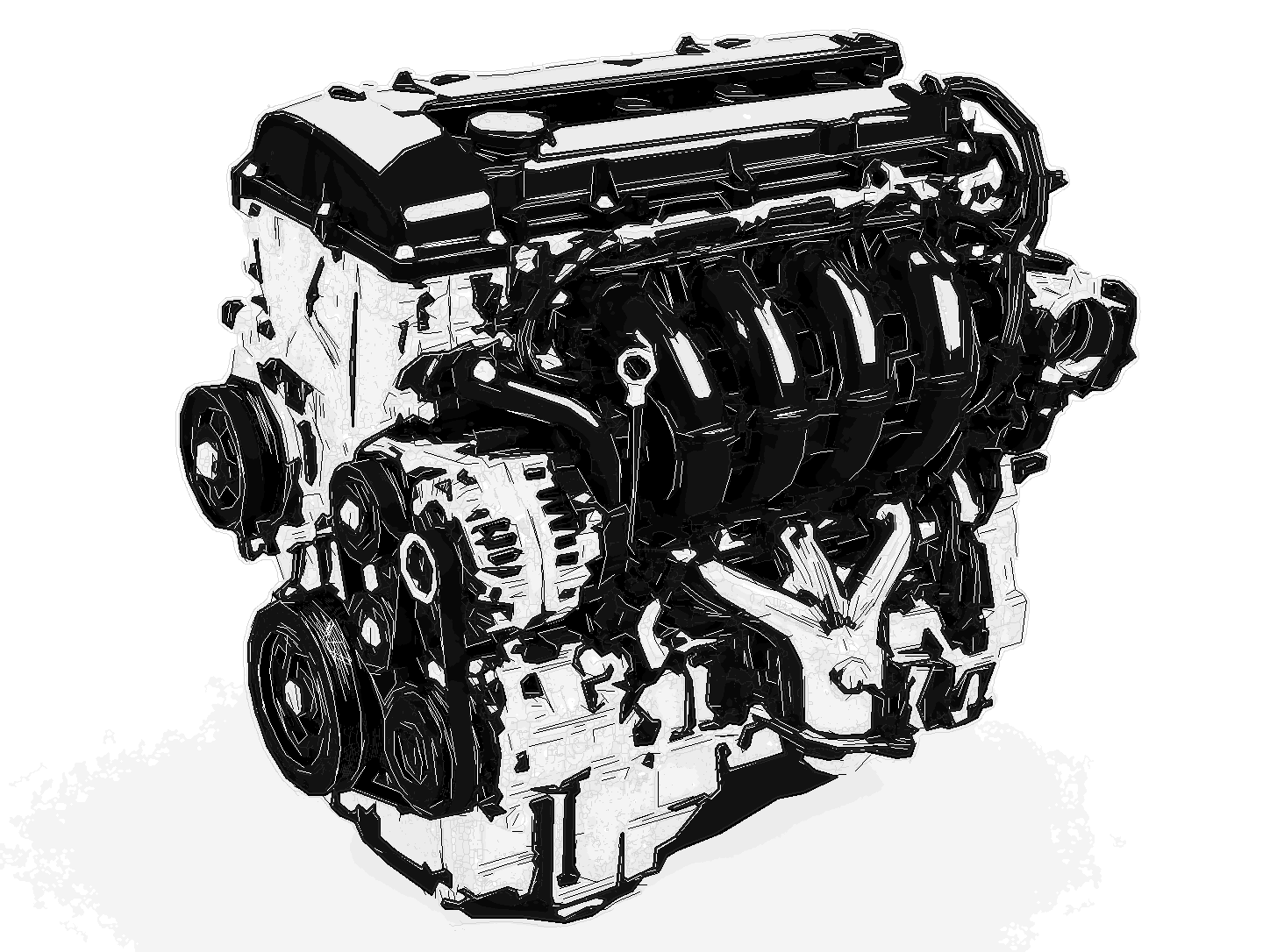
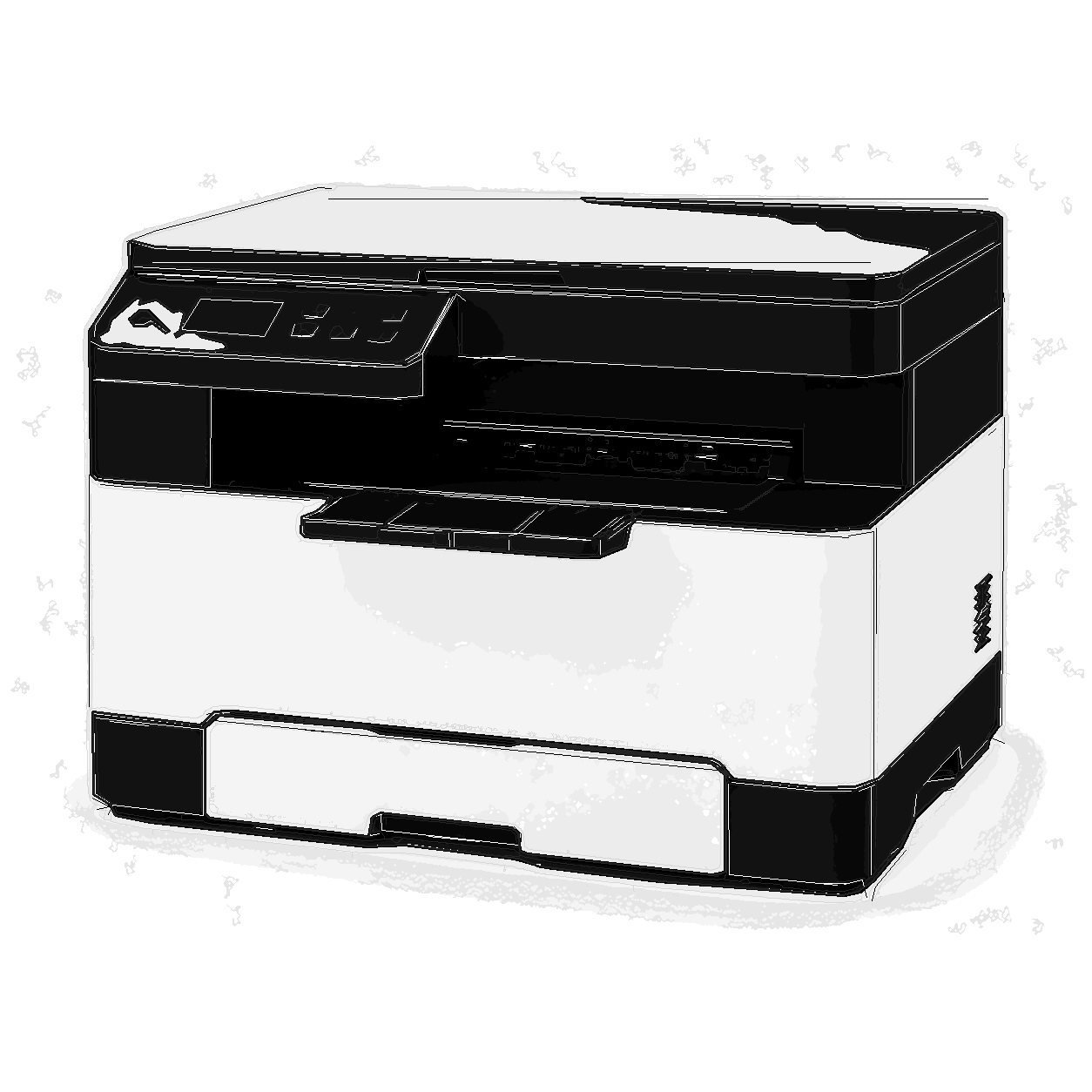
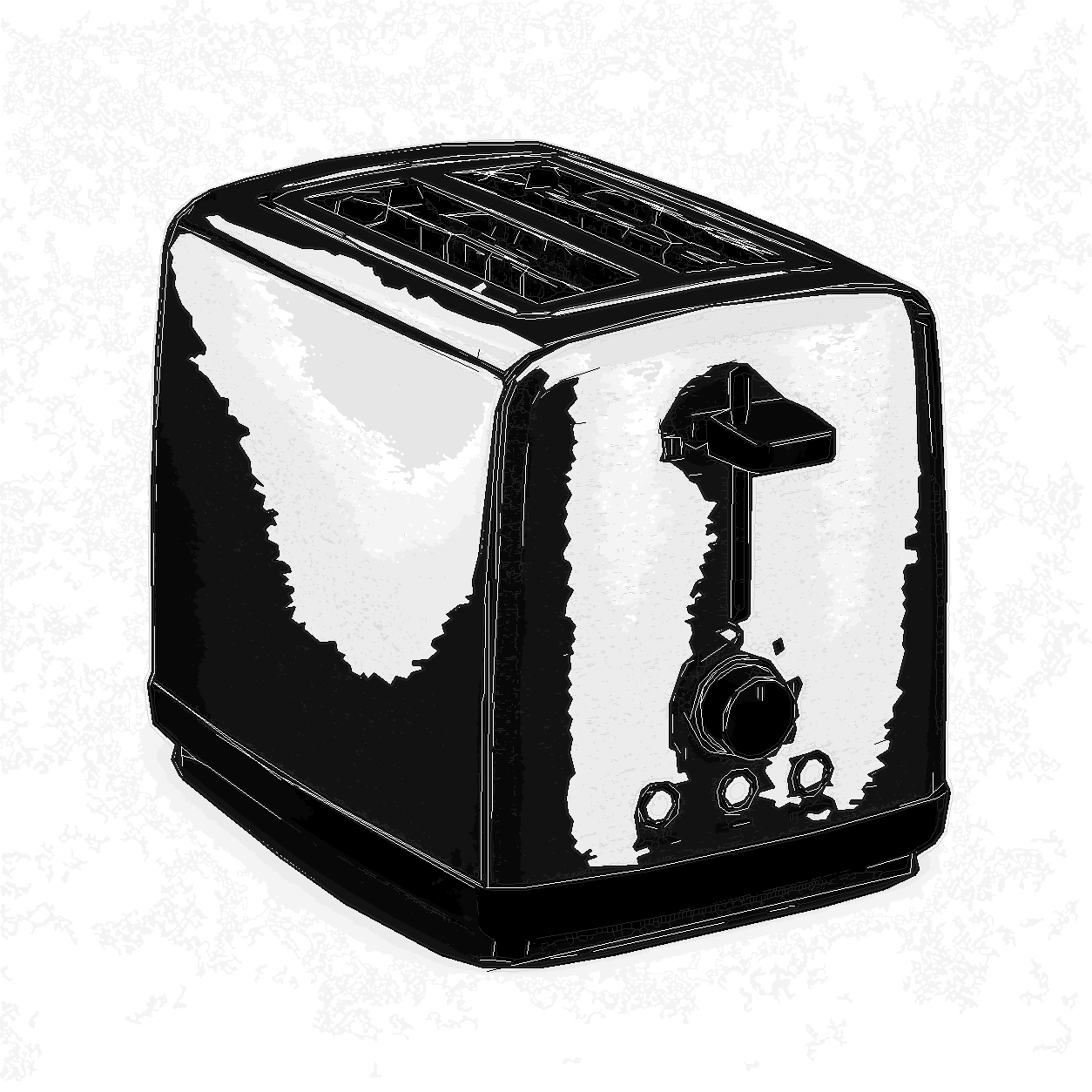
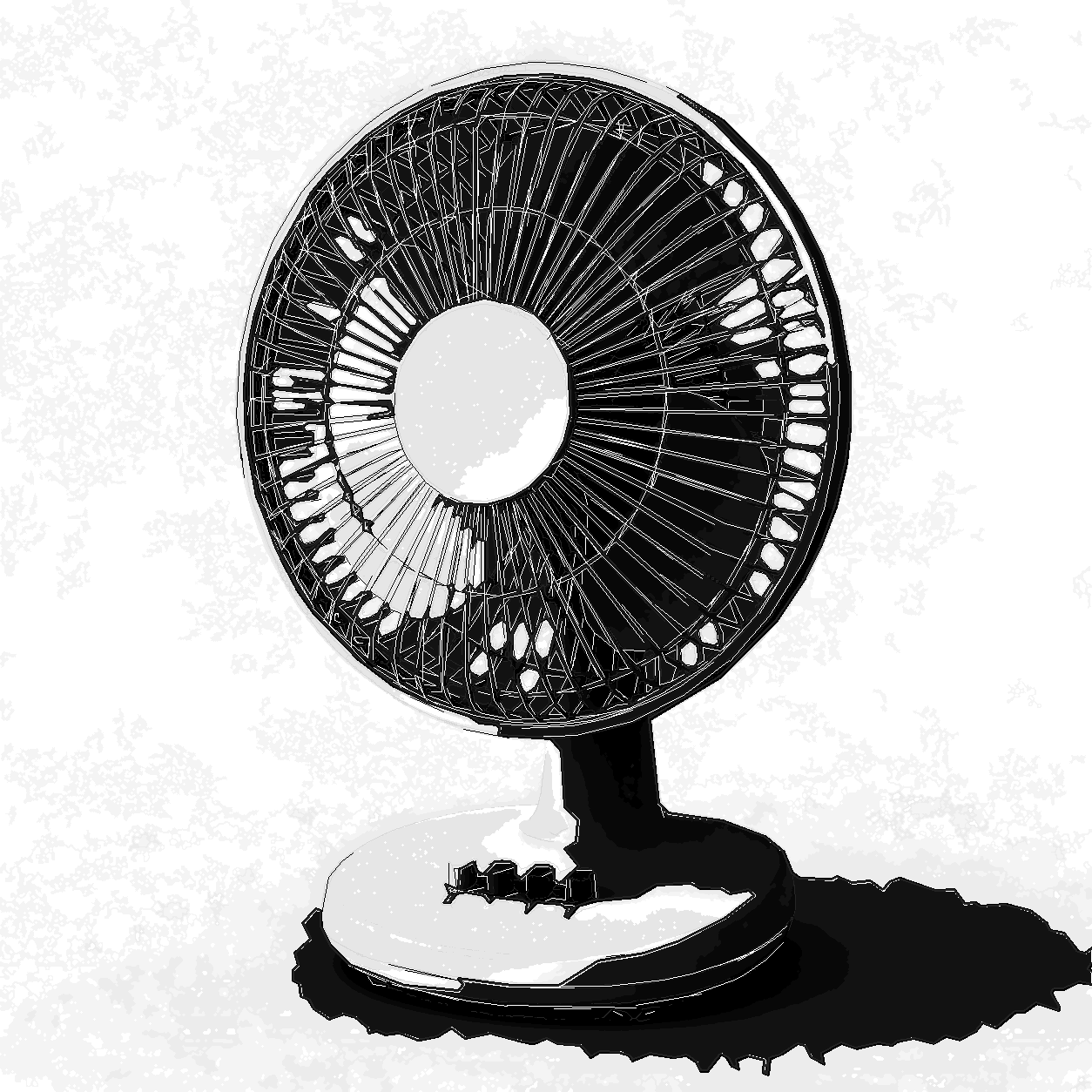
Manual Ink Pro converts product photos and product renders into documentation-ready technical illustrations for manuals, service guides, installation sheets, packaging inserts, and support content. It is built for machinery, appliances, tools, electronics, equipment, and parts where the image needs to explain form, controls, and function clearly.
The workflow produces controlled black-and-white product illustration with clean outlines, structured shadow masses, subtle gray and charcoal tonal depth, and editable SVG layers. It is not a cartoon filter, CAD replacement, patent drawing workflow, or certification tool; it is a production-oriented technical illustration service for teams that need consistent product documentation graphics from real images.
Input - Product images
Product photos, product renders, machinery, appliances, tools, electronics, equipment, and parts with visible object structure.
Output - Technical illustration
Documentation-ready SVG and PNG output with controlled fills, subtle gray and charcoal depth, clean outlines, and editable technical line layers.
Best for - Professional teams
Technical writing teams, manufacturers, product companies, support teams, ecommerce operations, field-service teams, and agencies.
Different from - Generic tracing
A documentation illustration workflow, not a generic trace, photo filter, CAD system, legal patent drawing workflow, or certification tool.
Supported Formats
SVG - Editable SVG Illustration
Layered SVG output for manuals, documentation layouts, product sheets, support graphics, and downstream design editing.
PNG - Review-Ready PNG Render
Clean PNG output for quick review, documentation drafts, web support pages, and print layout previews.
示例
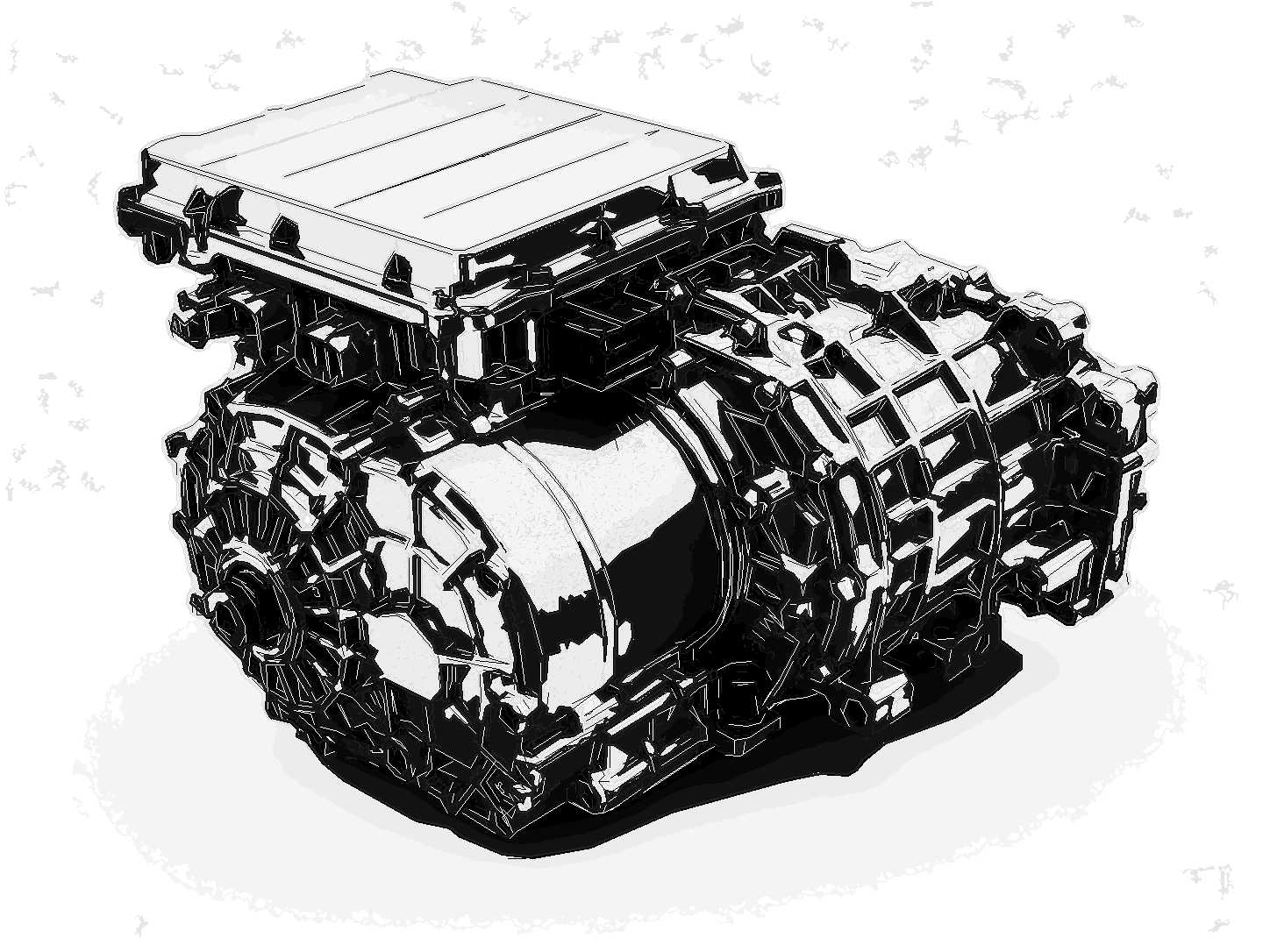

How Manual Ink Pro works
- 1
Upload a product image
Start with a product photo, product render, machinery view, appliance image, tool reference, or equipment detail.
- 2
Convert it into technical illustration
Manual Ink Pro separates the subject, simplifies visual structure, controls black-and-white regions, and preserves useful line and tonal detail.
- 3
Use SVG or PNG in documentation
Place the result into manuals, setup guides, repair documentation, product sheets, training material, packaging inserts, or support pages.

Where Manual Ink Pro fits
Product Manuals
Create consistent product manual illustration from real product images, with attention on shape, controls, and key visible structure.
Setup Guides
Prepare clean technical illustration assets for quick-start sheets, installation steps, onboarding guides, and instruction cards.
Repair and Maintenance Docs
Convert machinery, tools, appliances, and equipment references into readable visuals for repair flows, service notes, and maintenance documentation.
Packaging Inserts
Produce compact black-and-white product illustration for printed inserts, safety cards, assembly notes, and in-box documentation.
Ecommerce Support Graphics
Turn product photos into simplified product documentation graphics for help centers, product pages, FAQs, and comparison diagrams.
Training Sheets
Use a consistent technical illustration style for field-service handouts, internal training material, process sheets, and equipment overviews.
Manual Ink Pro questions
Practical answers for turning product images into documentation-focused technical illustrations.
What images work best with Manual Ink Pro?
Products, machines, appliances, tools, electronics, equipment, parts, and clean product renders work best. Clear lighting and visible object structure produce the strongest manual-ready result.
Is this a cartoon or photo filter?
No. Manual Ink Pro is a technical illustration workflow for product documentation. It simplifies photos into controlled black-and-white structure, subtle monochrome depth, and readable technical linework.
What files do I receive?
The workflow is designed for SVG and PNG output. Use SVG for scalable manual-ready graphics and design editing; use PNG for quick review, documentation drafts, and layout previews.
Can this replace CAD, patent drawings, or certified engineering diagrams?
No. Manual Ink Pro creates visual documentation illustrations from raster images. It does not generate measured CAD geometry, legal patent drawings, or certified engineering documentation.
Can it handle people or lifestyle photos?
It can process many image types, but its strongest use case is products, machines, appliances, tools, equipment, and parts. Faces and busy lifestyle scenes are less predictable.
Why use this instead of a normal SVG trace?
Manual Ink Pro is tuned for documentation readability: controlled fills, editable technical line layers, subtle monochrome tone, foreground-focused rendering, and less visual noise than generic tracing.