Pixel2Lines

Service
Photo to SVG Drawing
Photo to SVG Laser Engraving
Photo to SVG Shapes
Photo to SVG Shapes
Photo to Illustration
Floor Plan Conversion
Embroidery Digitization
Photo to Remove Background
Image Upscaler
Image Upscaler
Design Grid
Design Grid
Contact & Support→Technology→WorkspaceSVG EditorConverters
GalleryPricingSVG EditorWorkspace
  1. Home/
  2. Service/
  3. Professional SVG Drawings

Professional SVG Drawings

Raster to SVG drawings for professional design, documentation, plotting, and fabrication workflows.
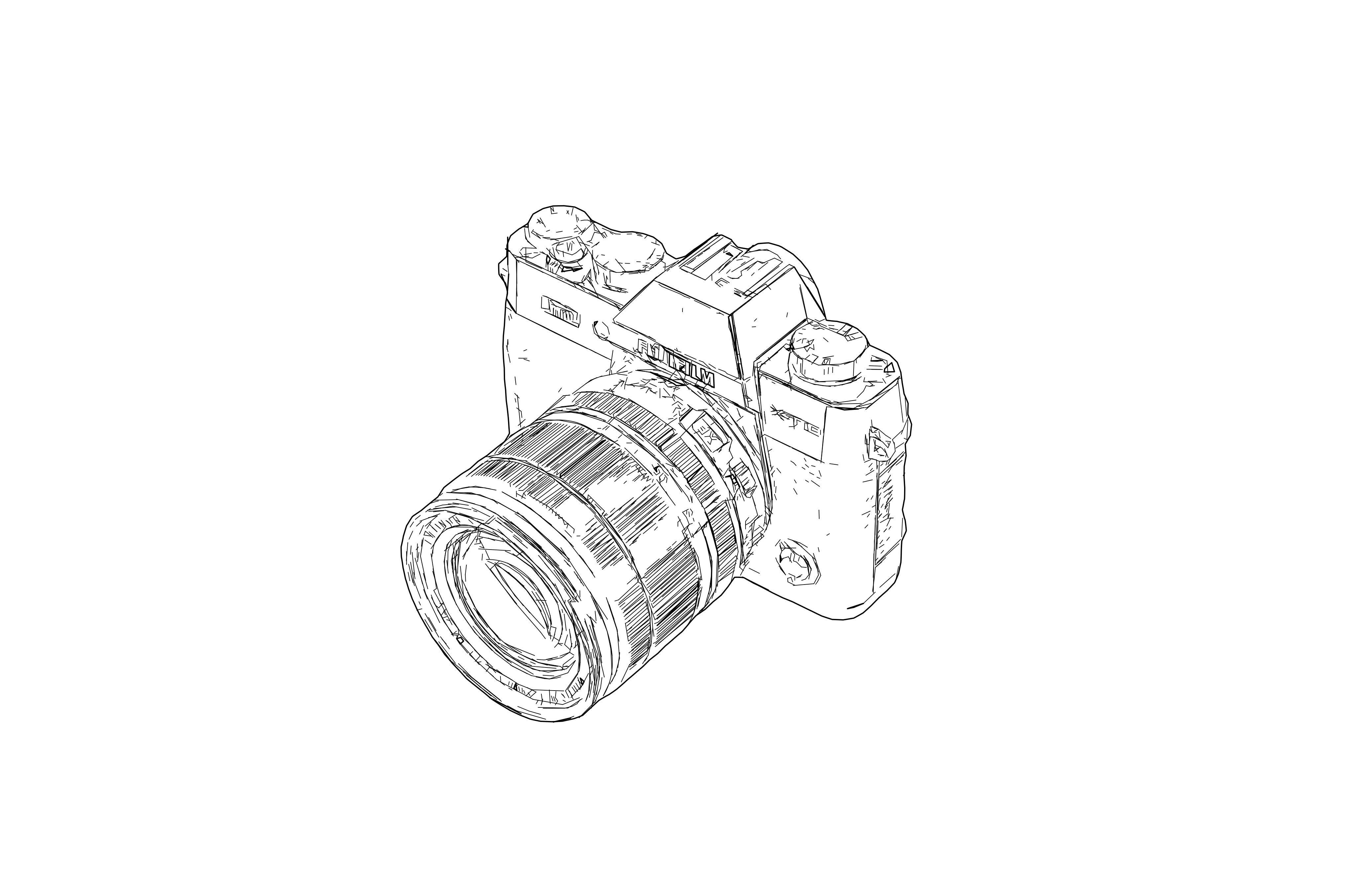
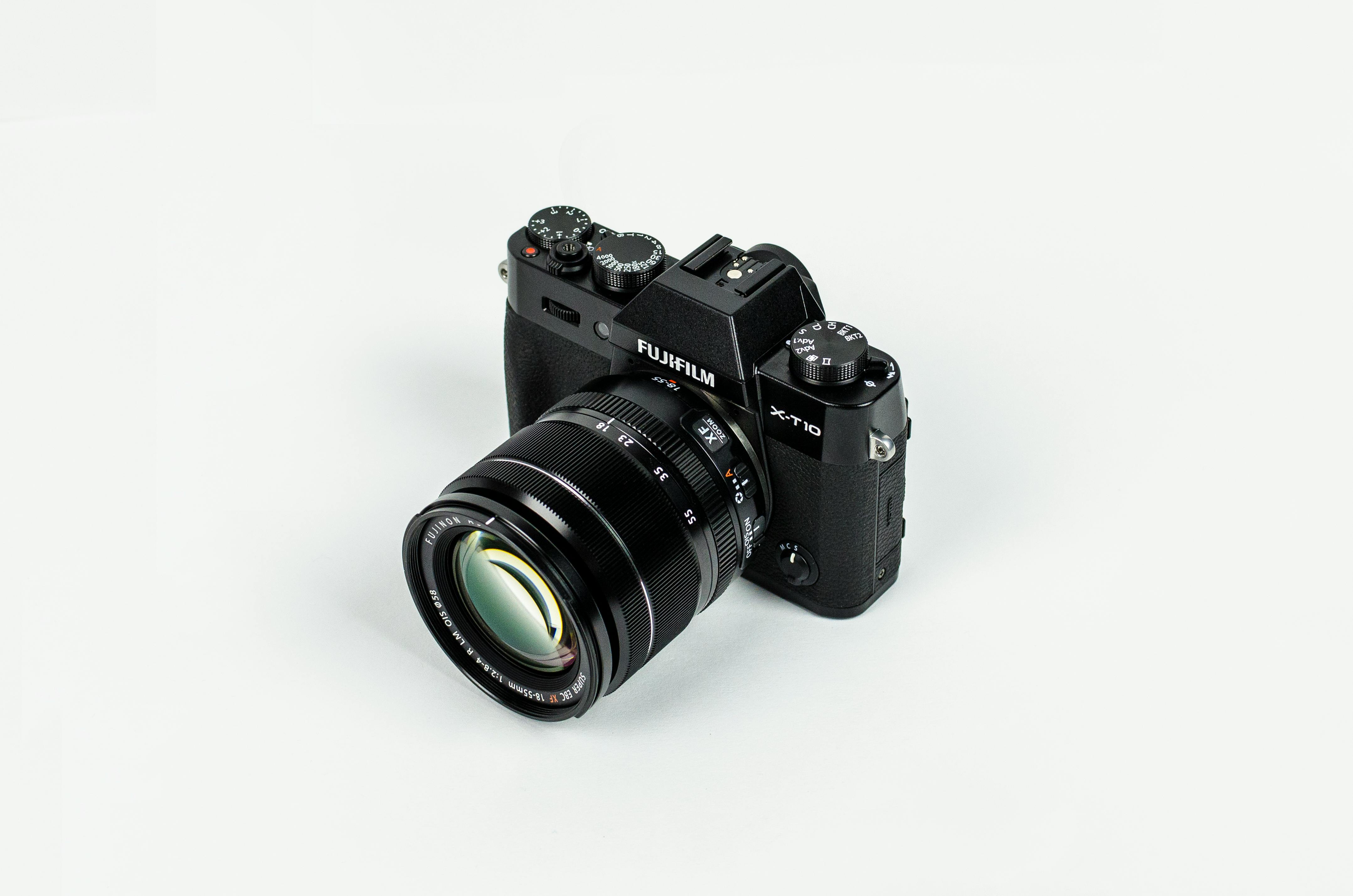
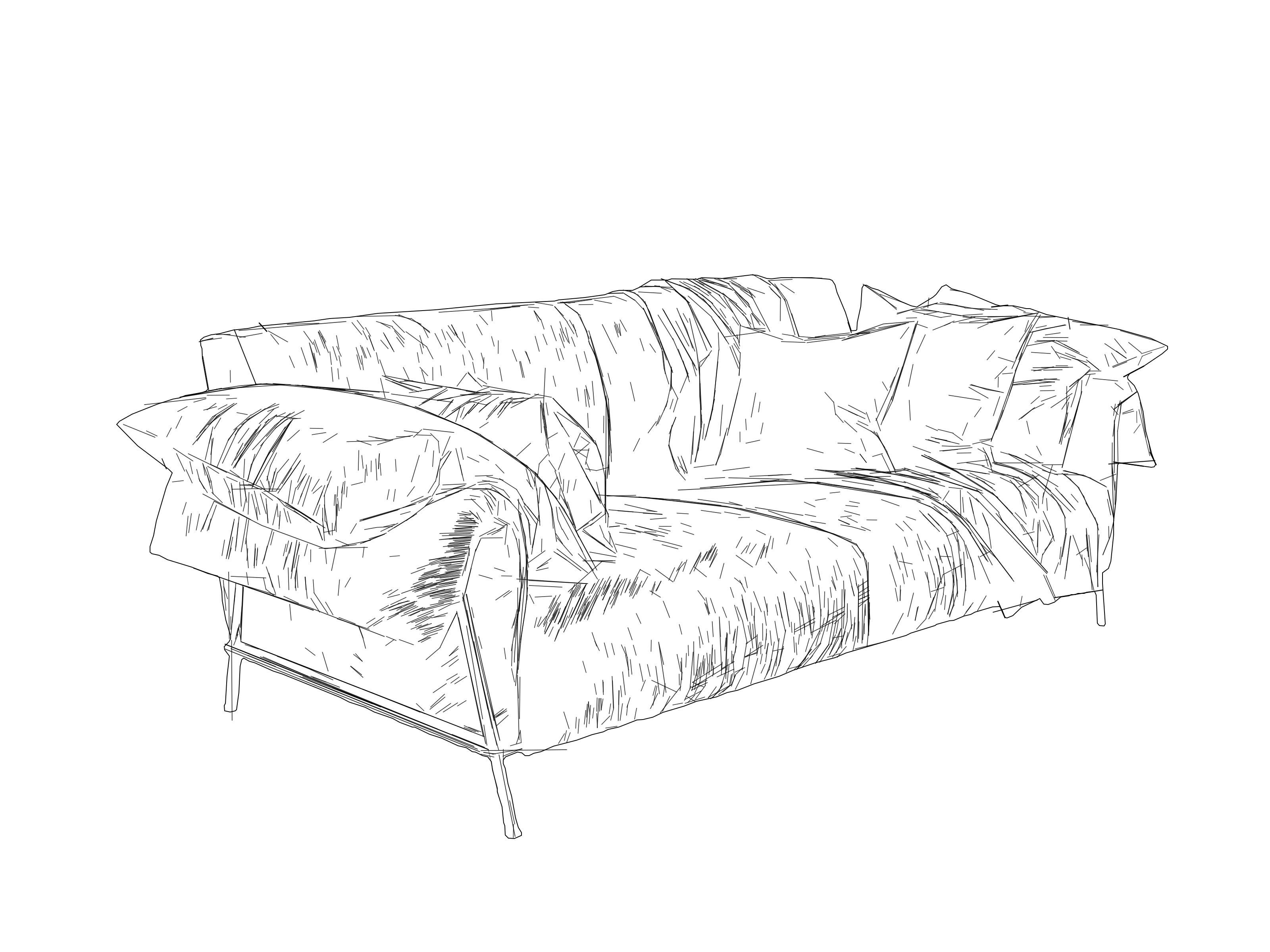
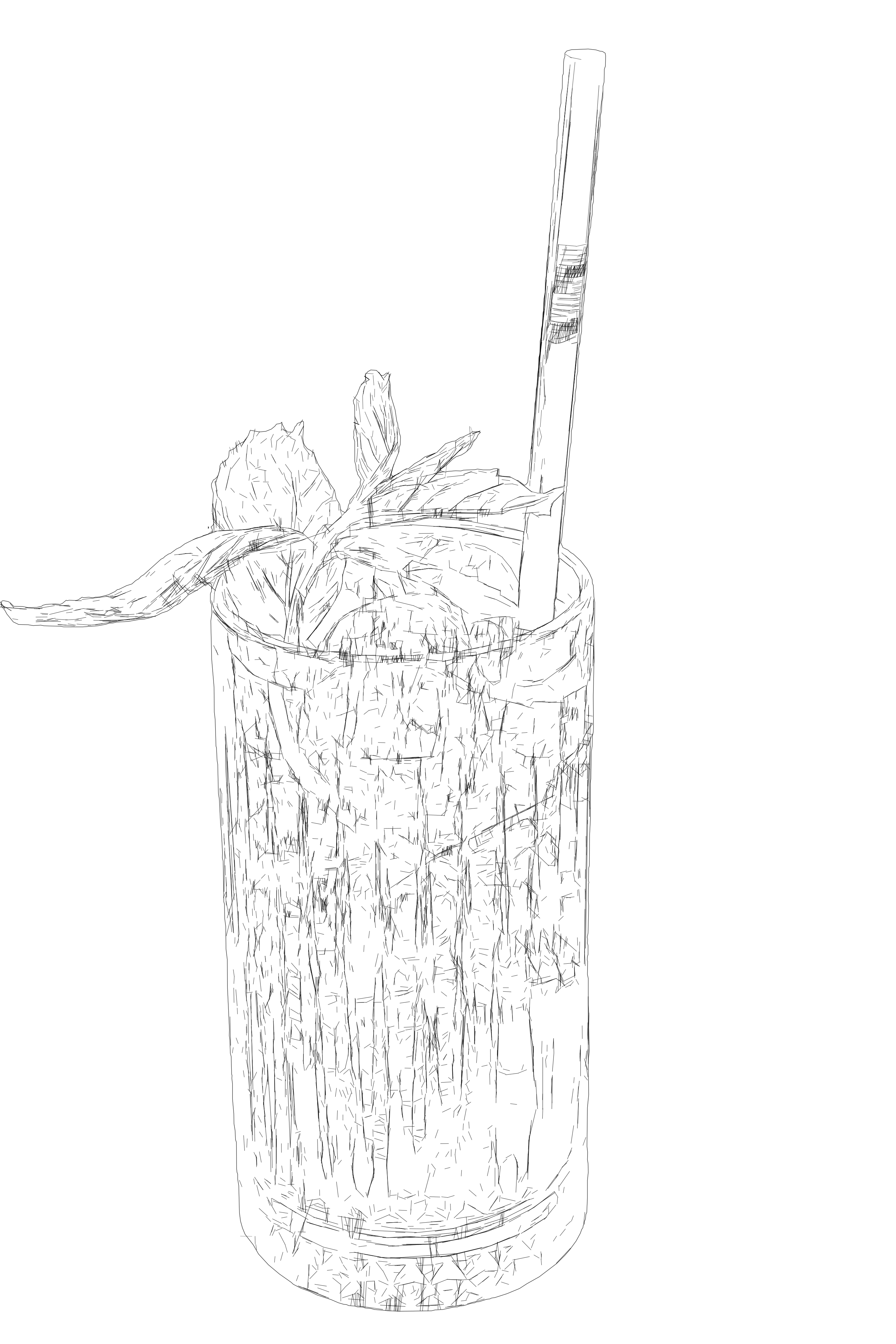
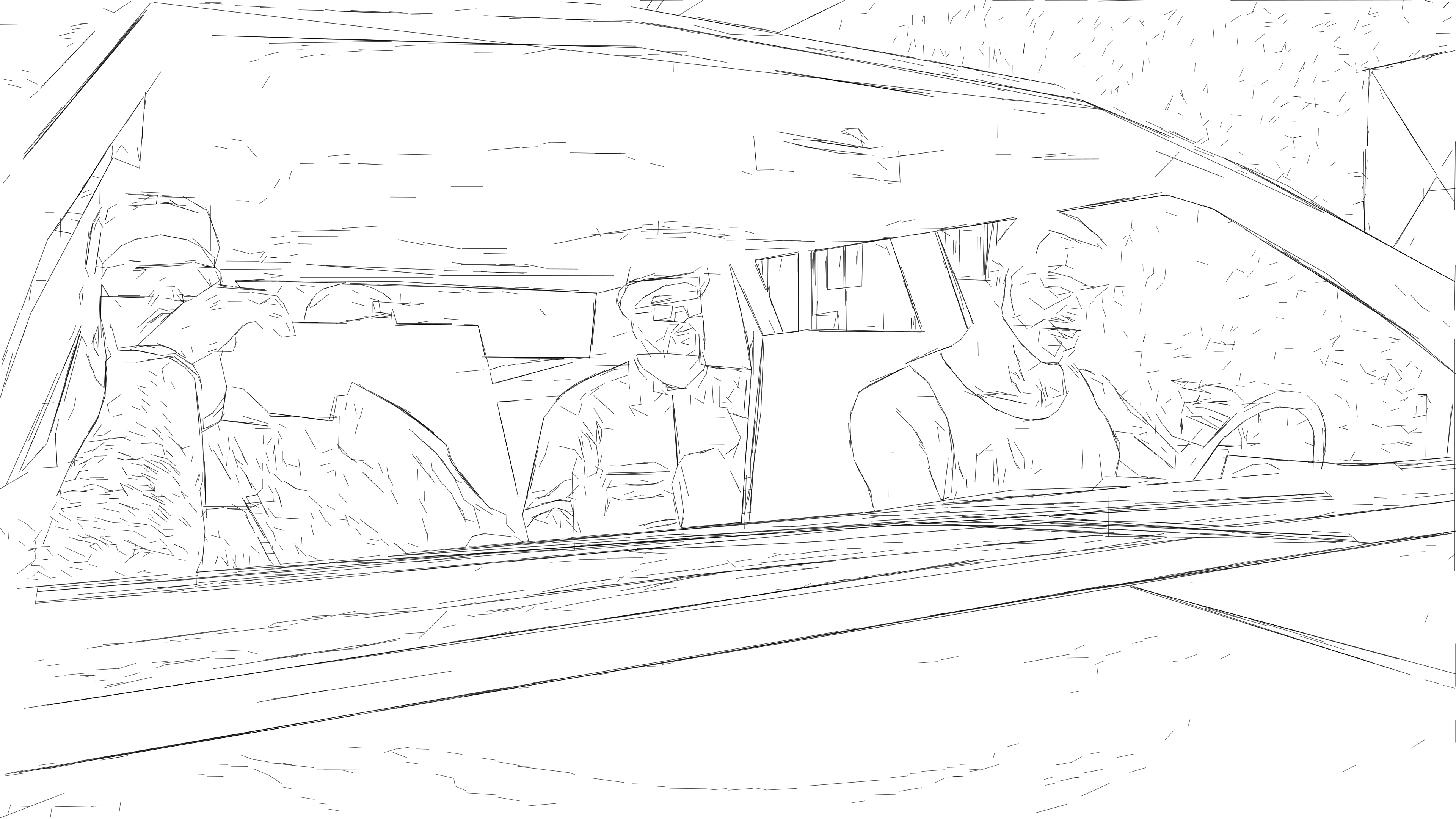
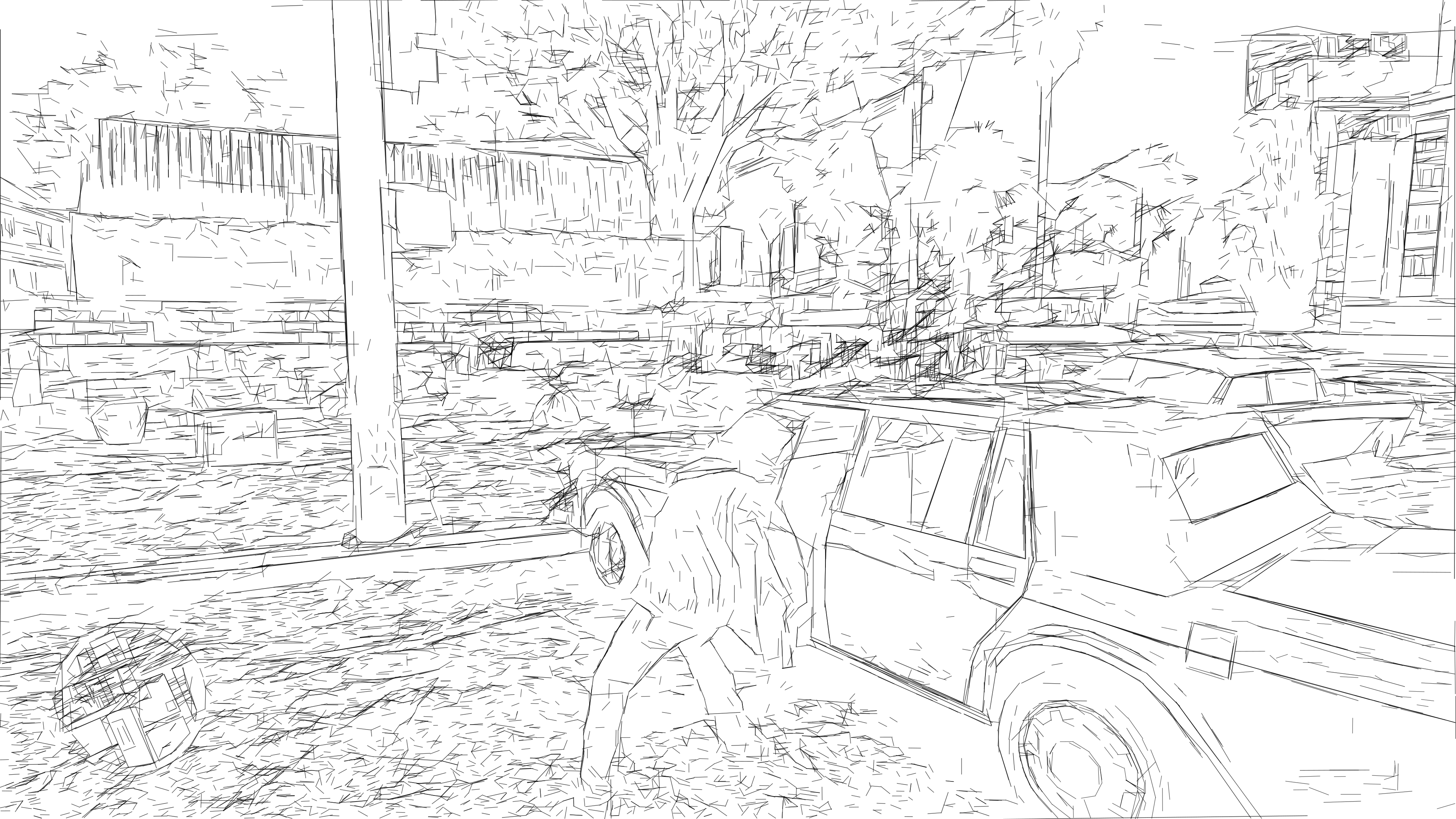
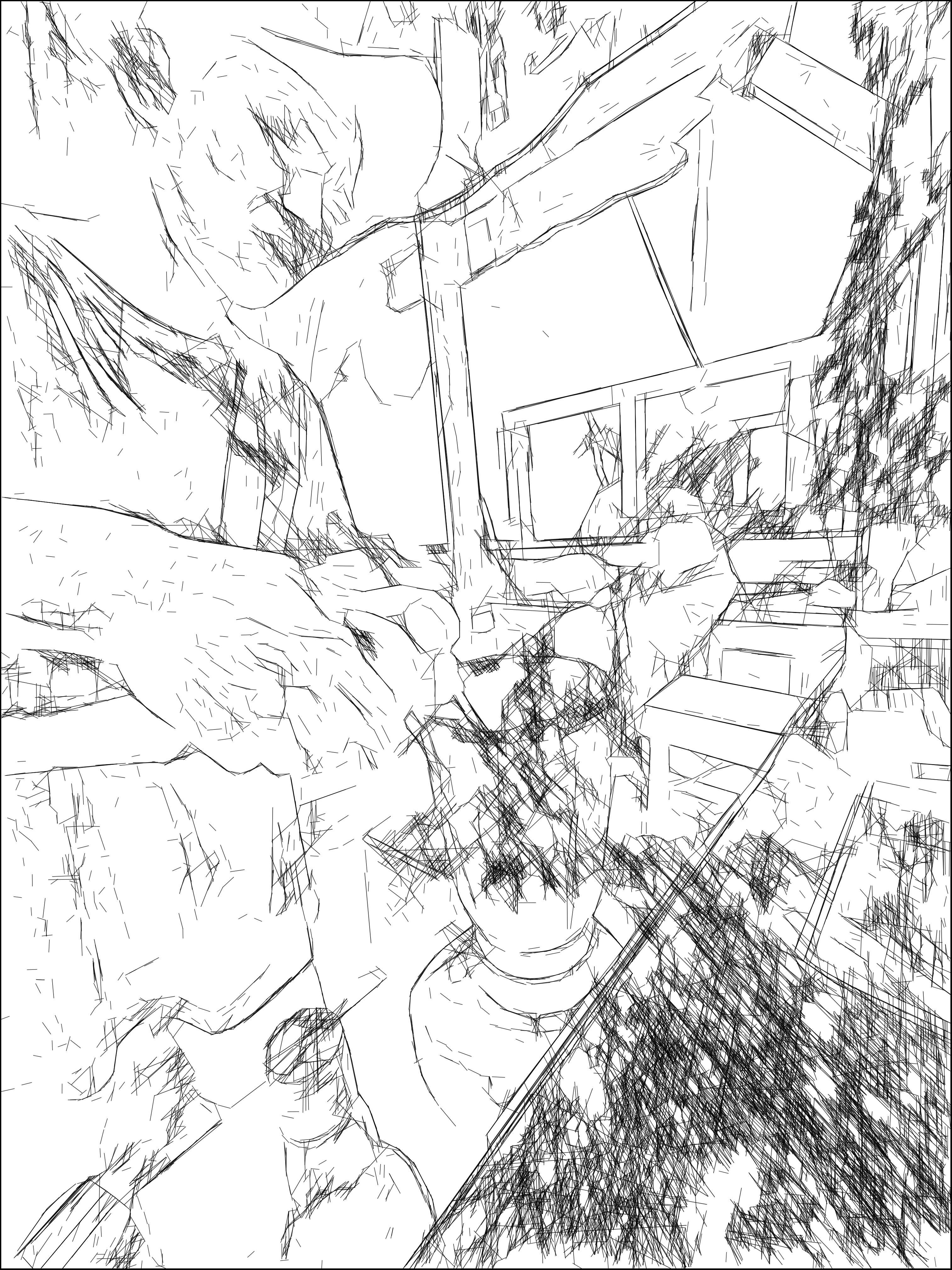
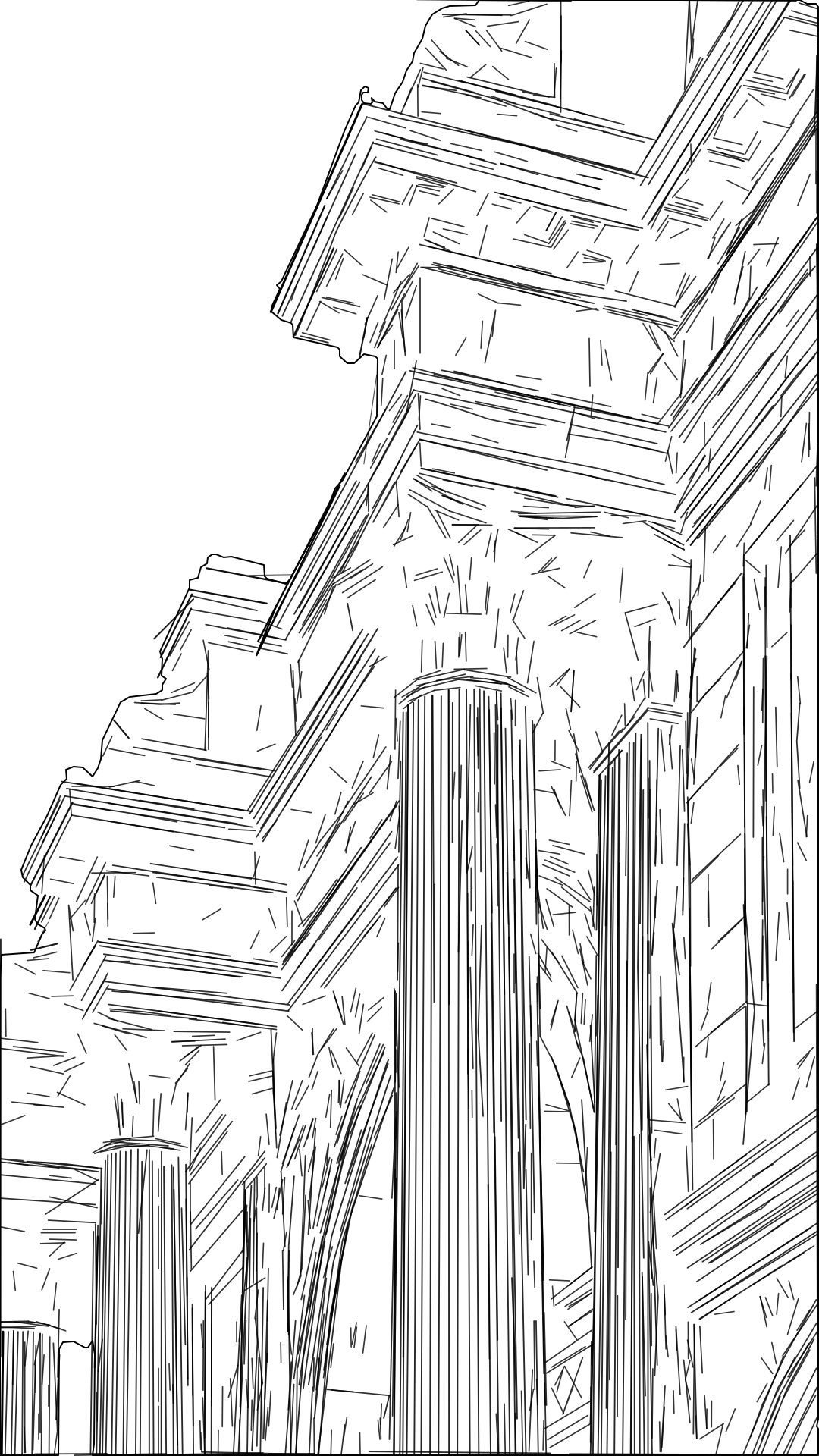
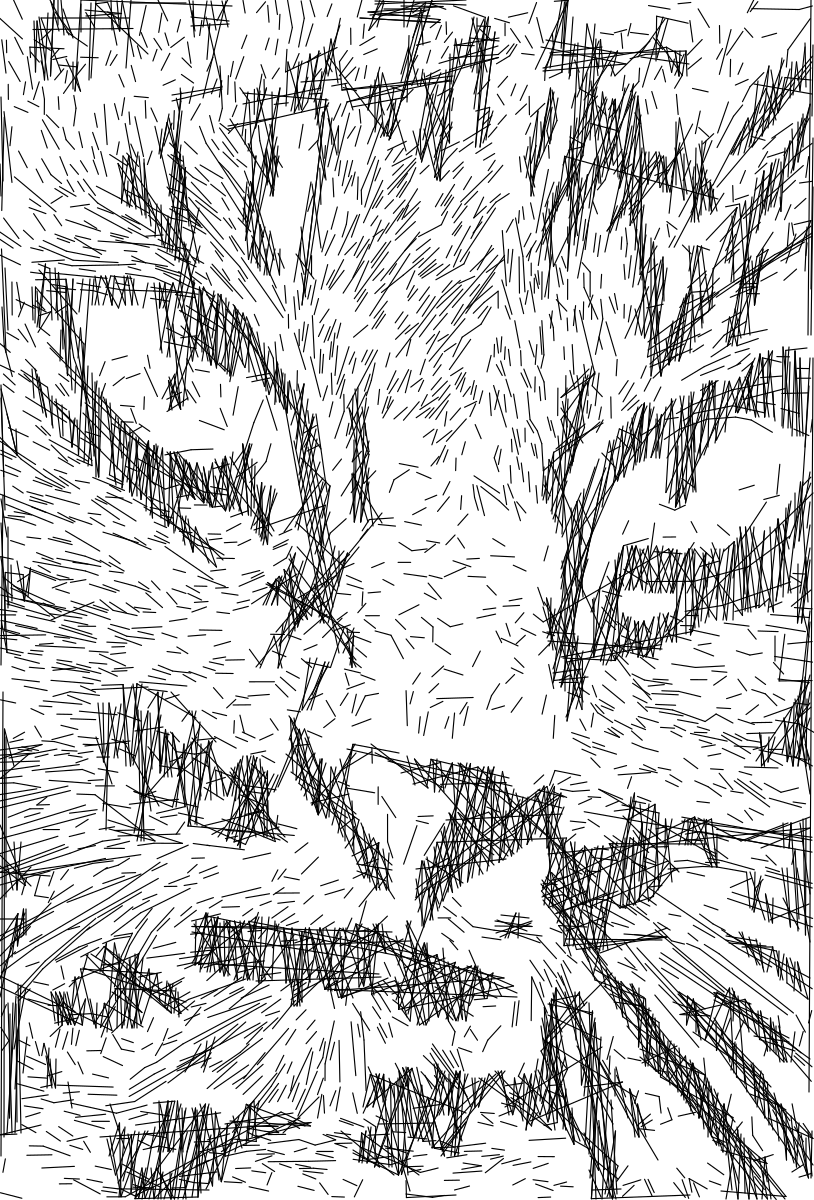
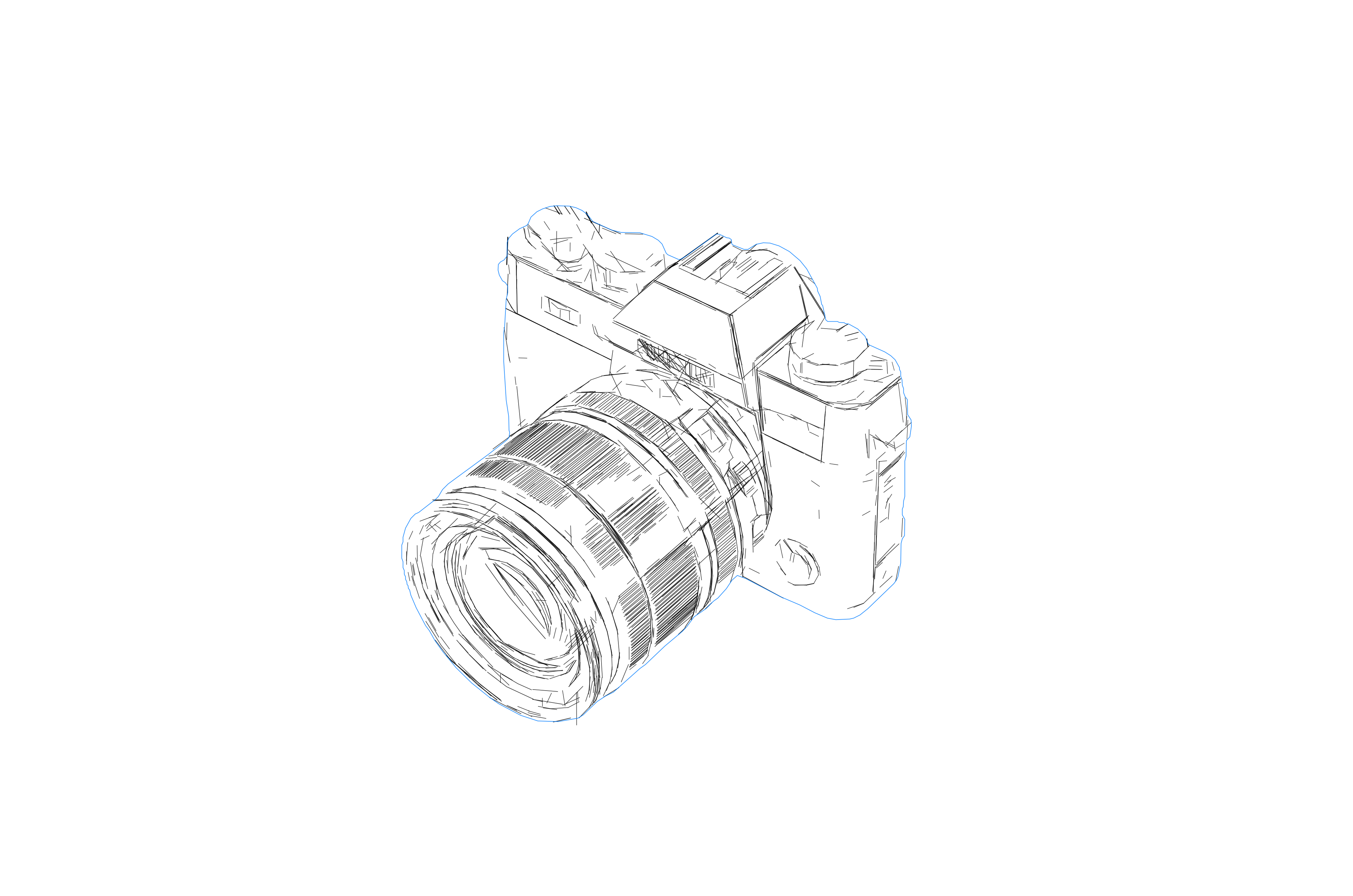
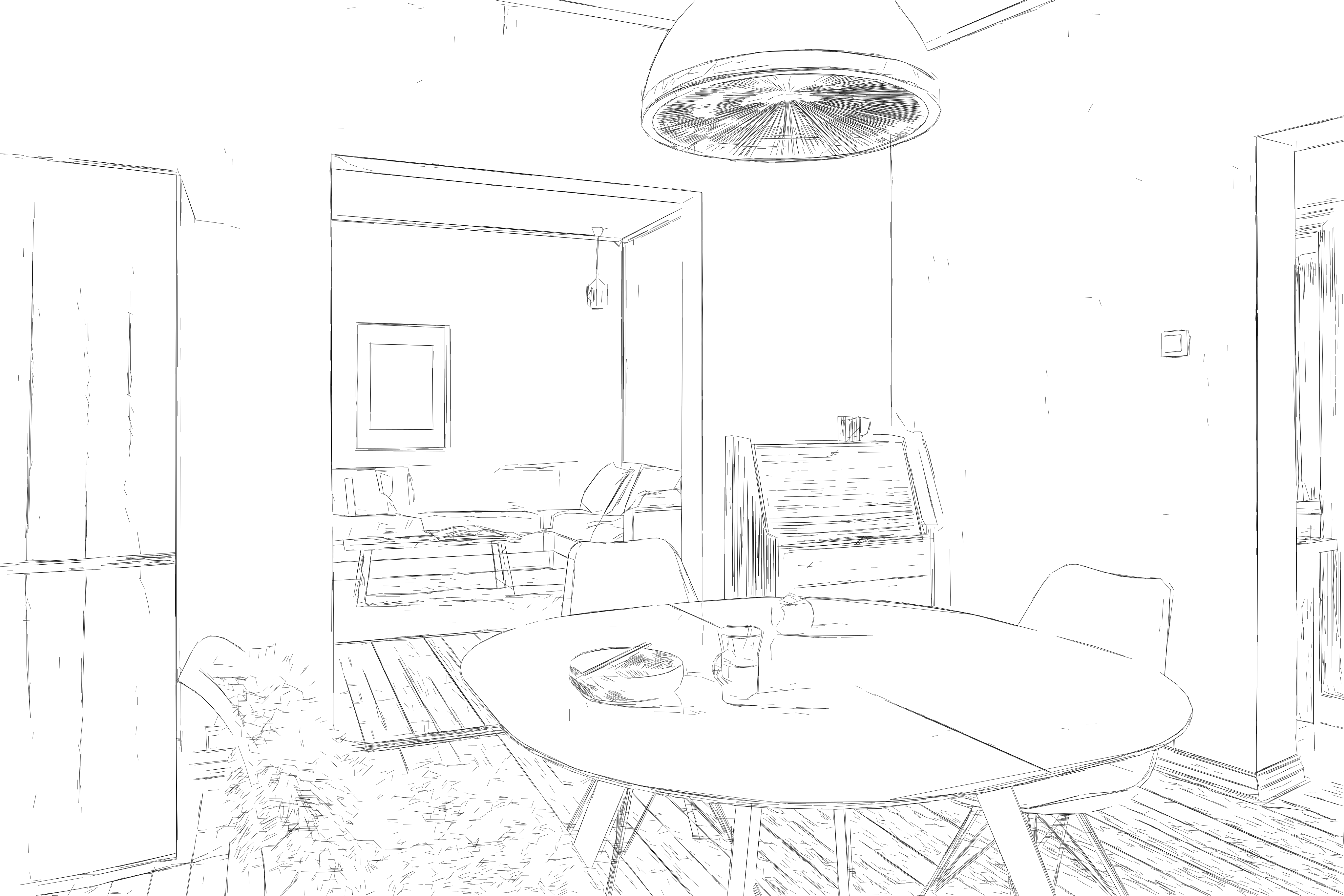
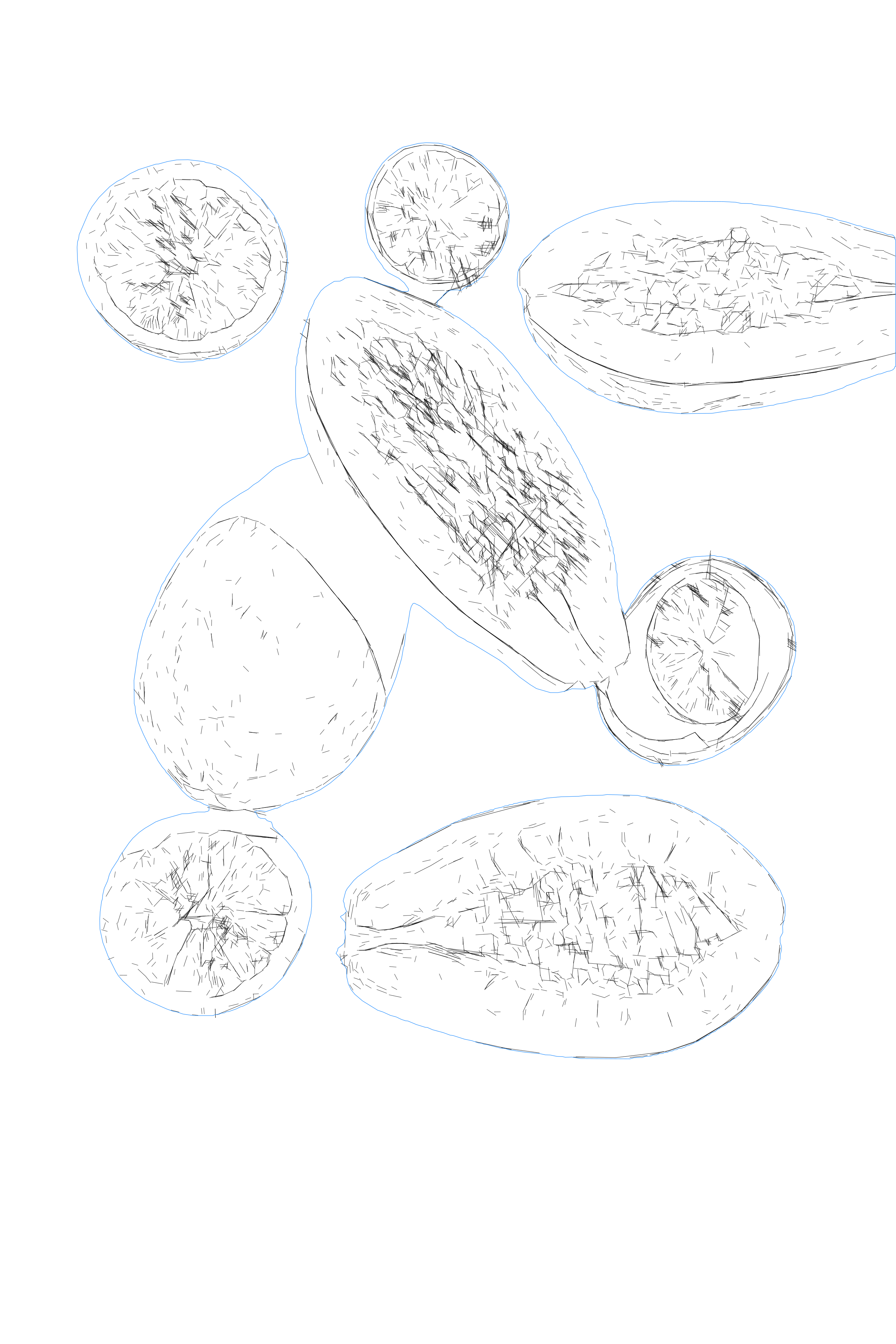
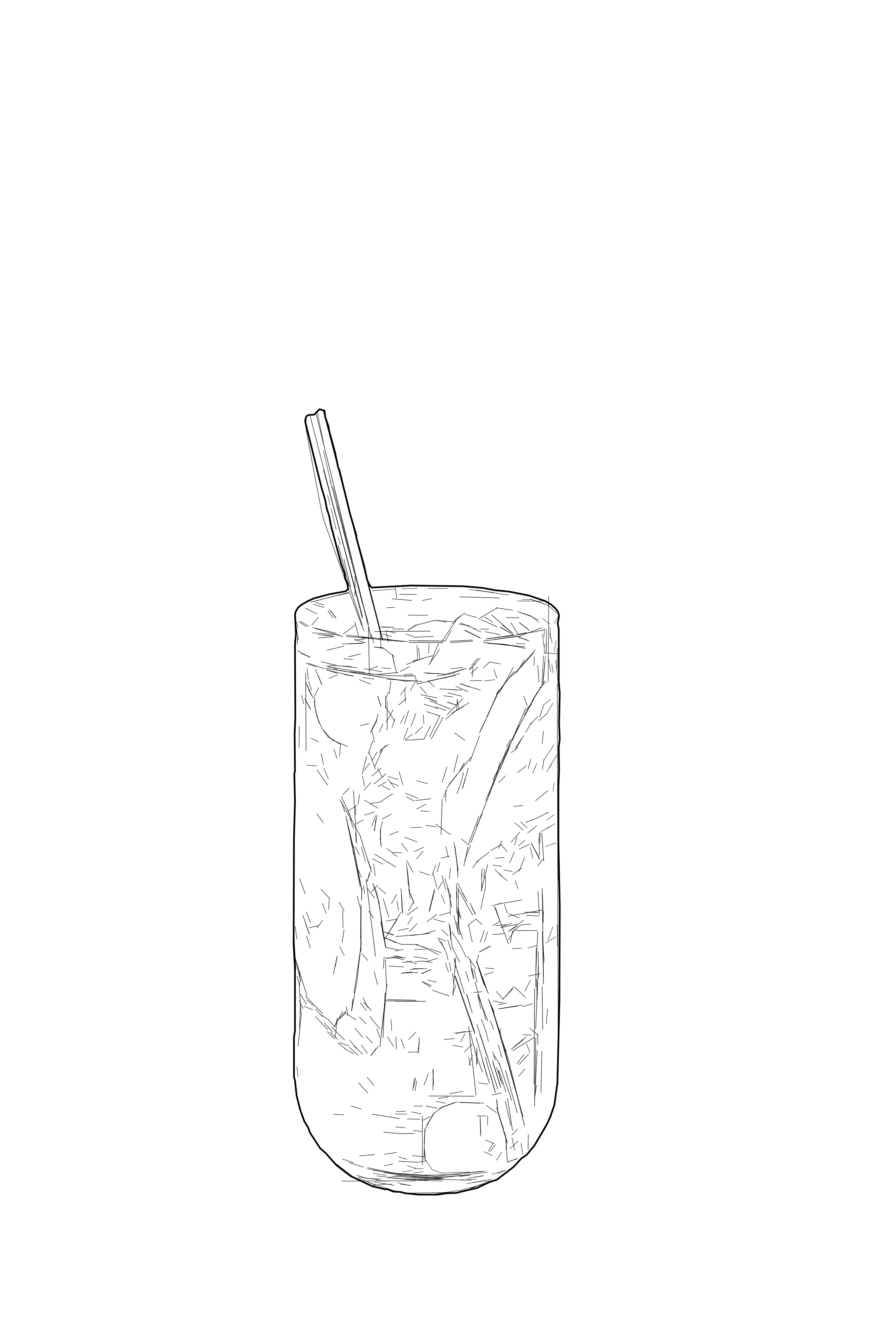
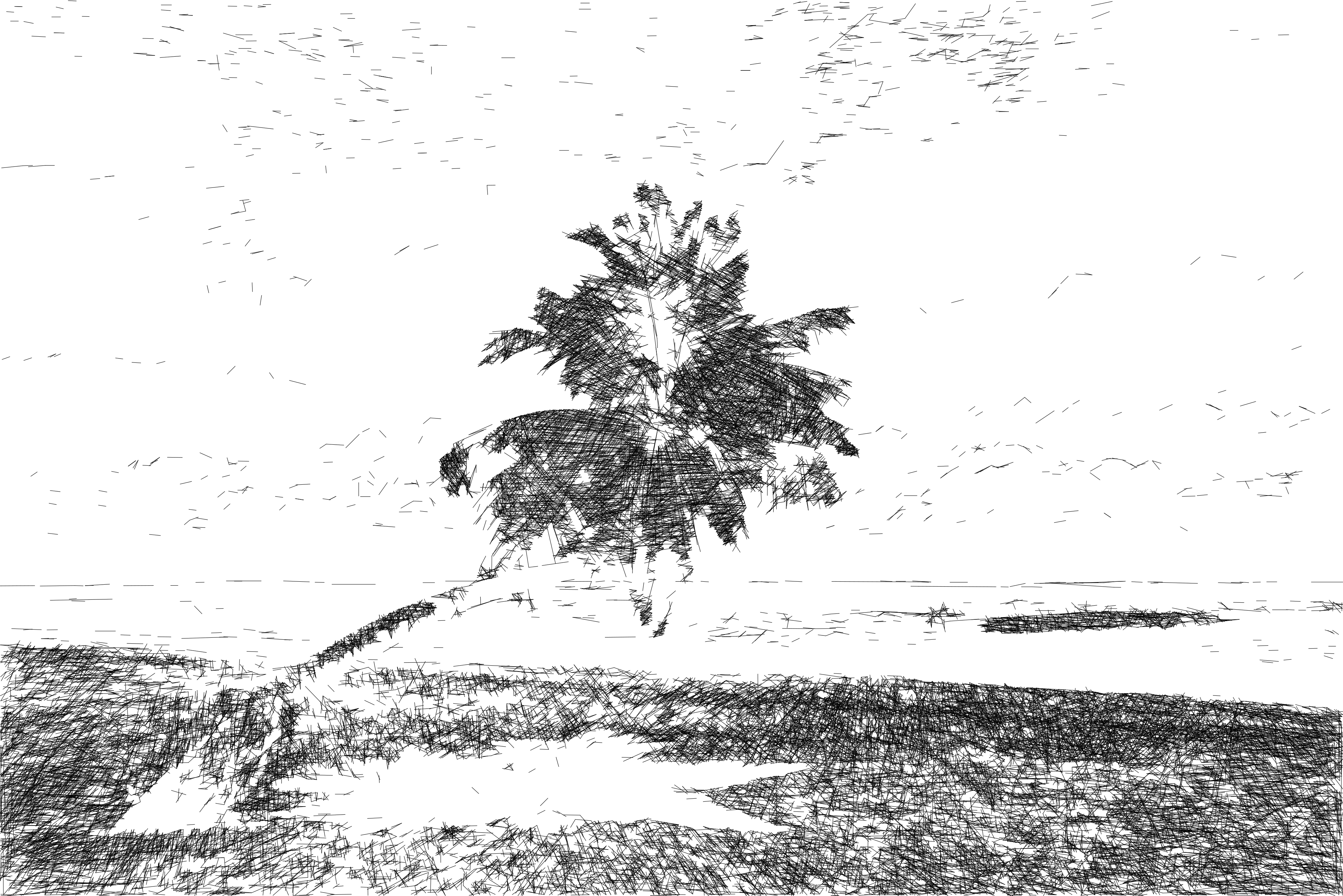
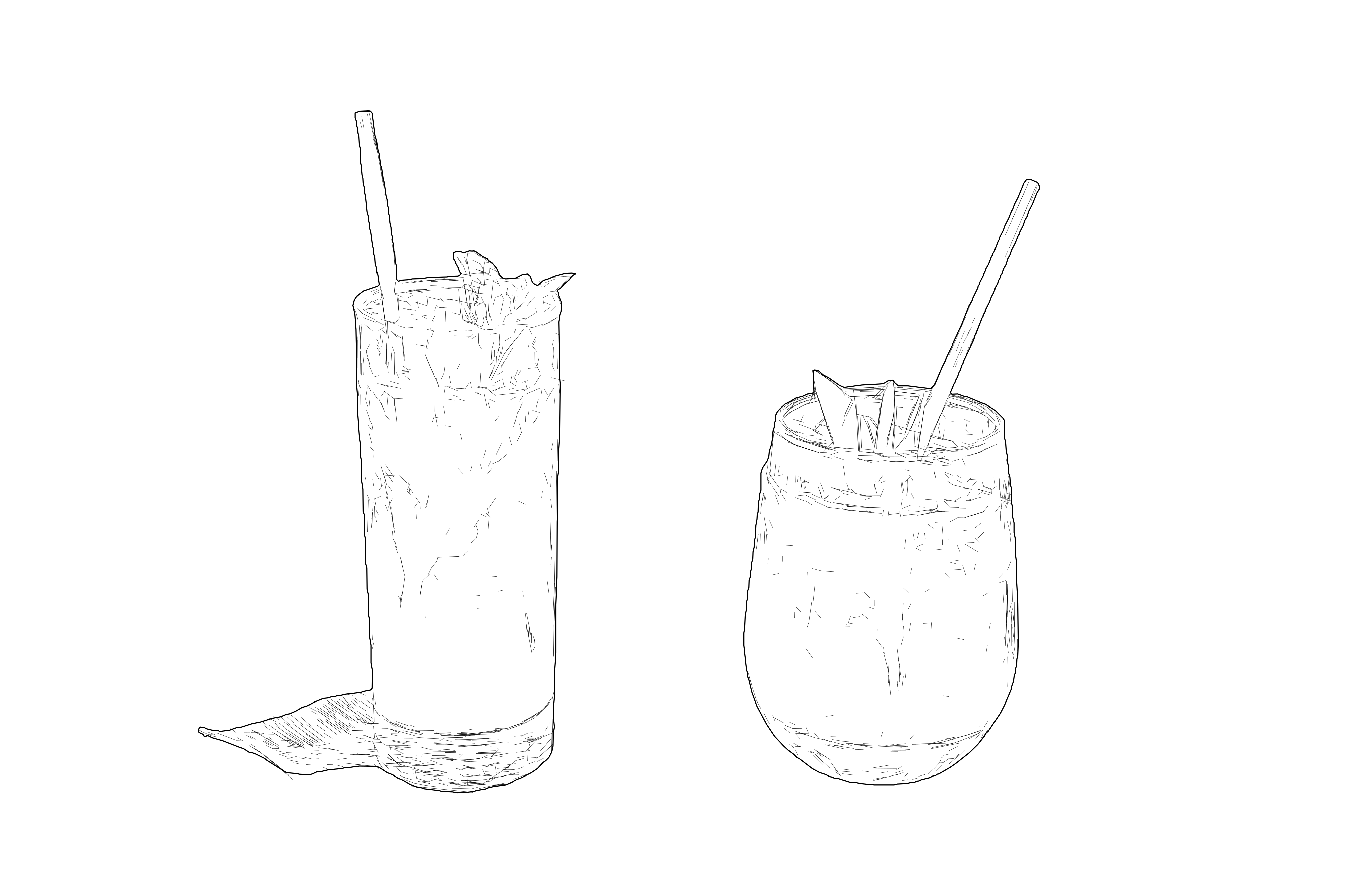
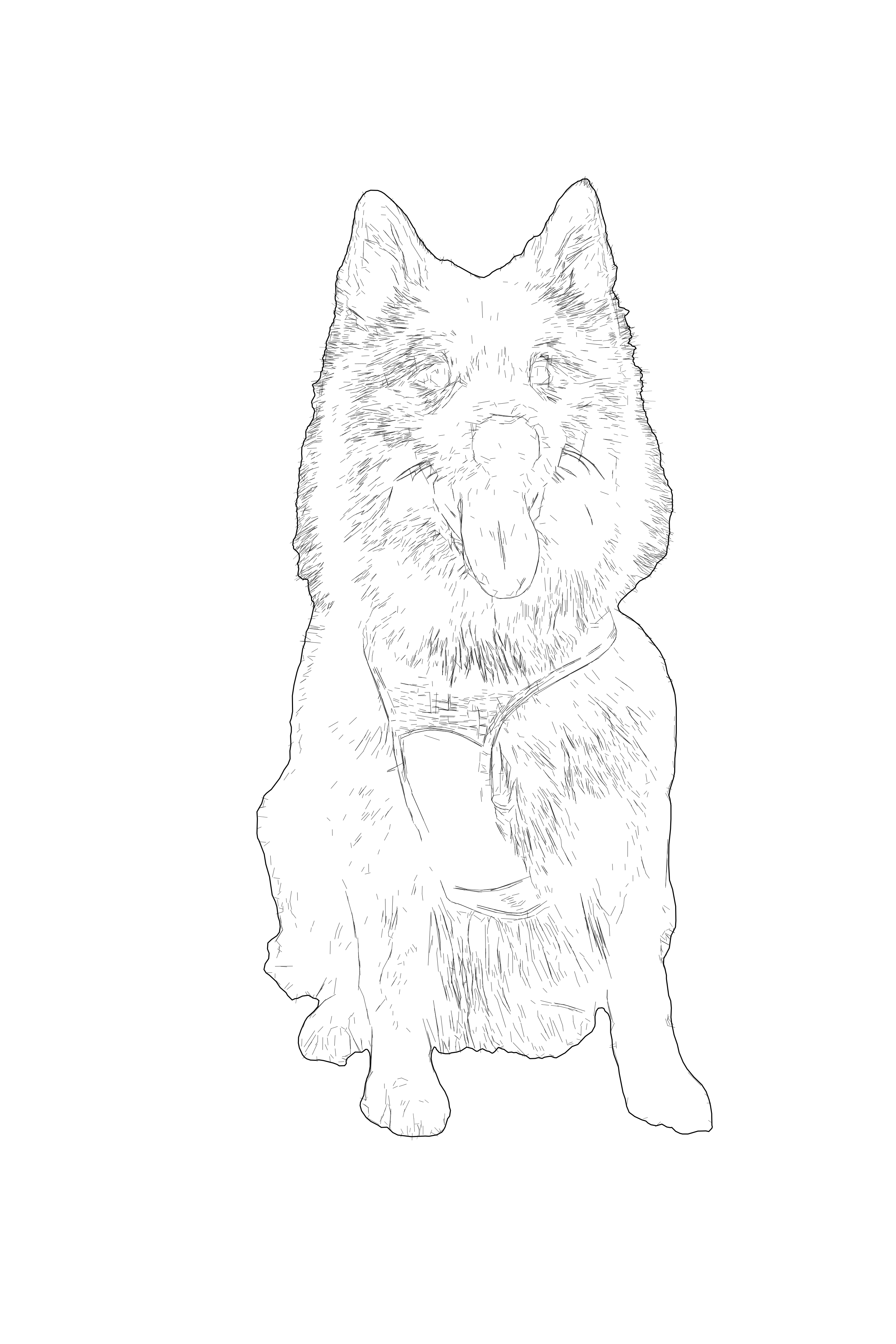
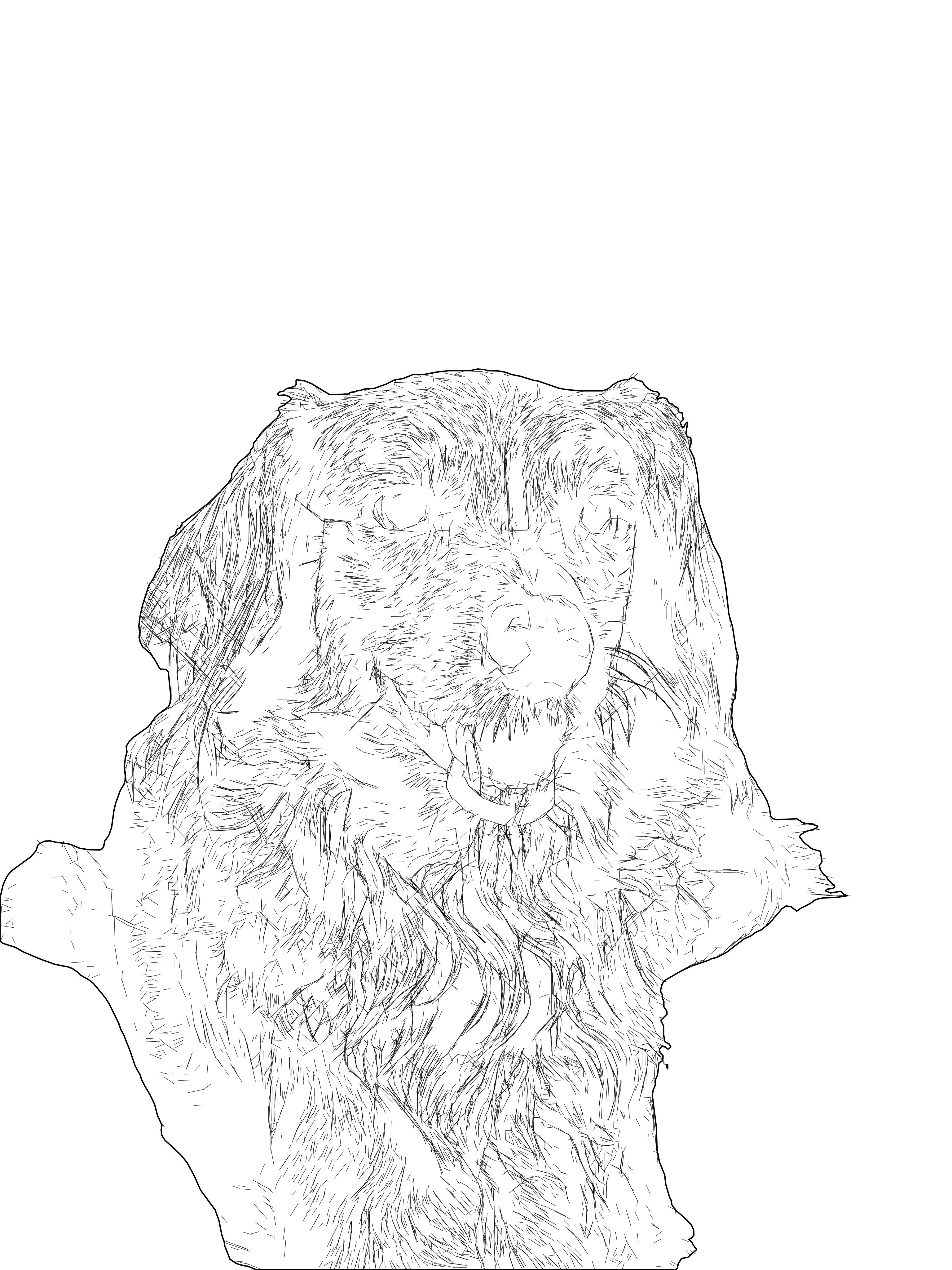
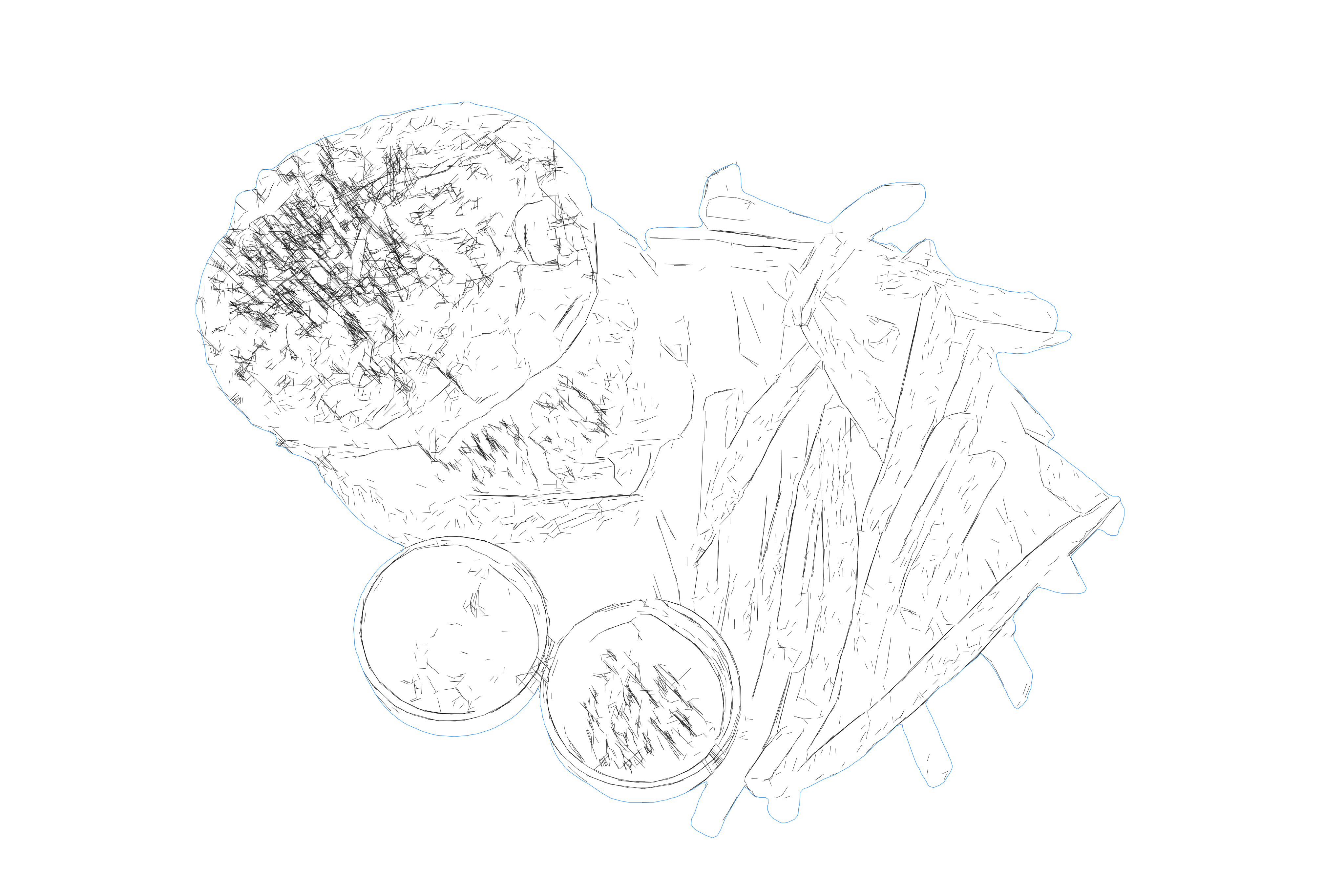
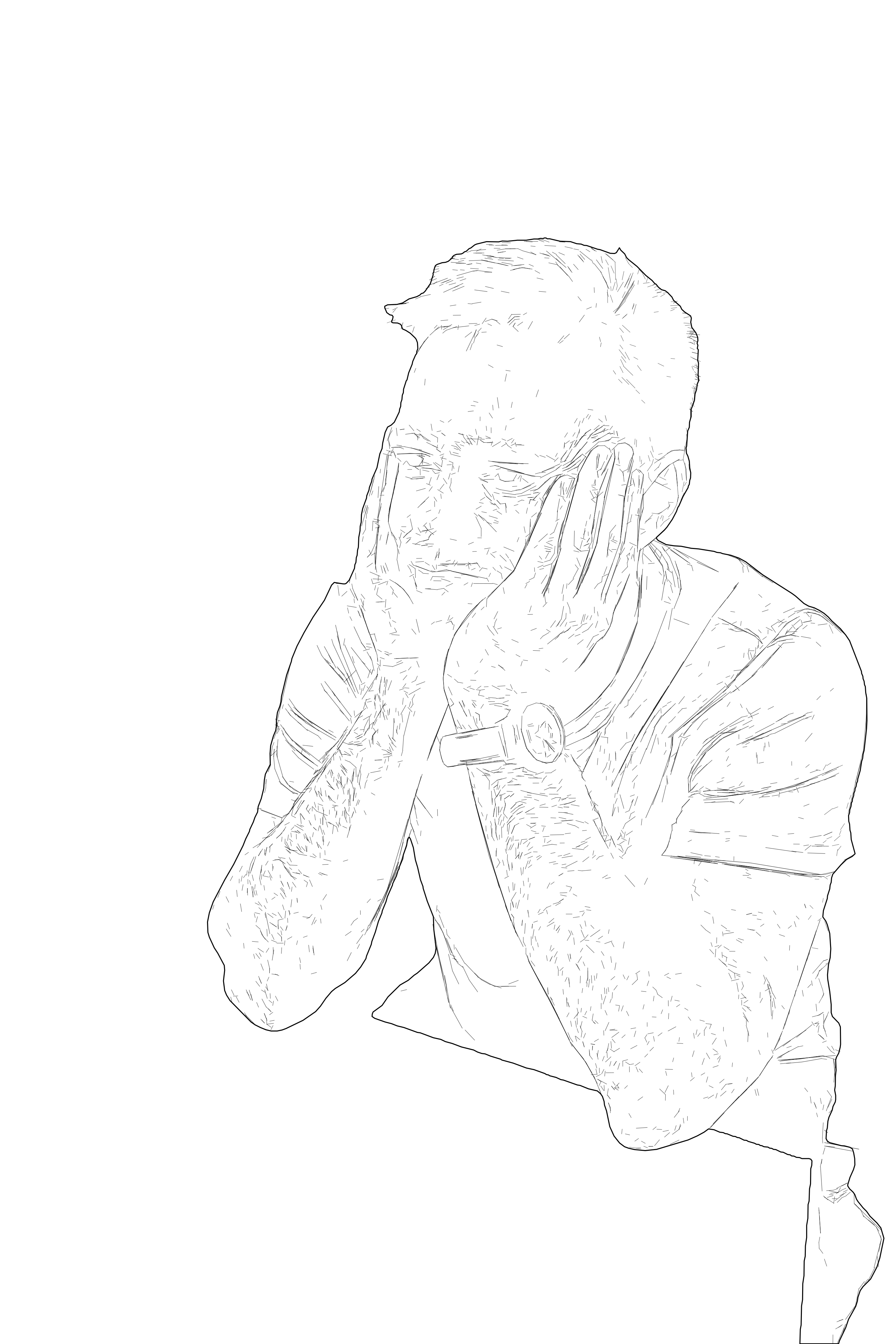
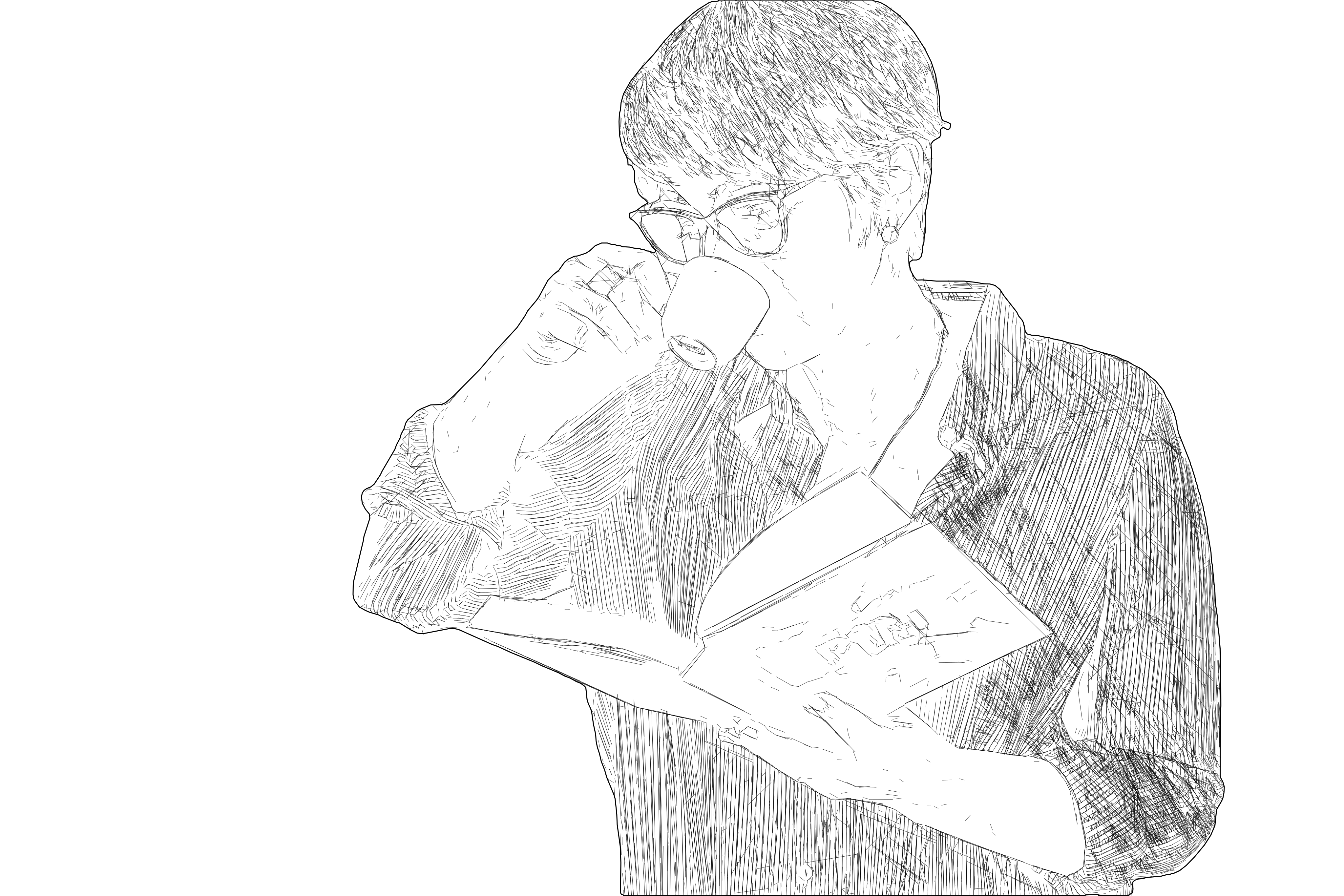
SVG line drawing result example
After
Original photo before SVG drawing conversionBefore
OUTPUT: SVG (Vector)
INPUT: JPEG | PNG | WEBP | AVIF | TIFF
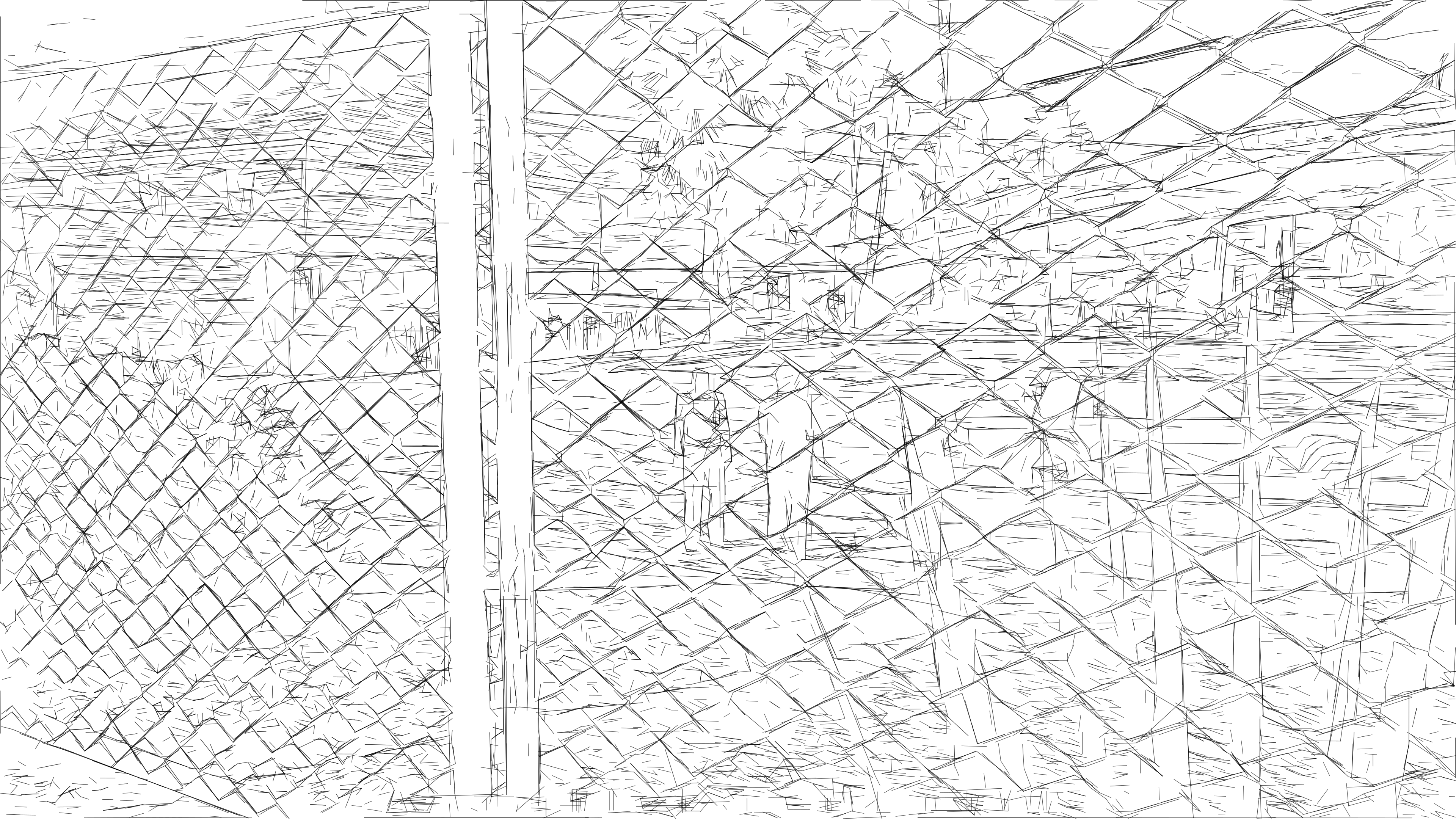
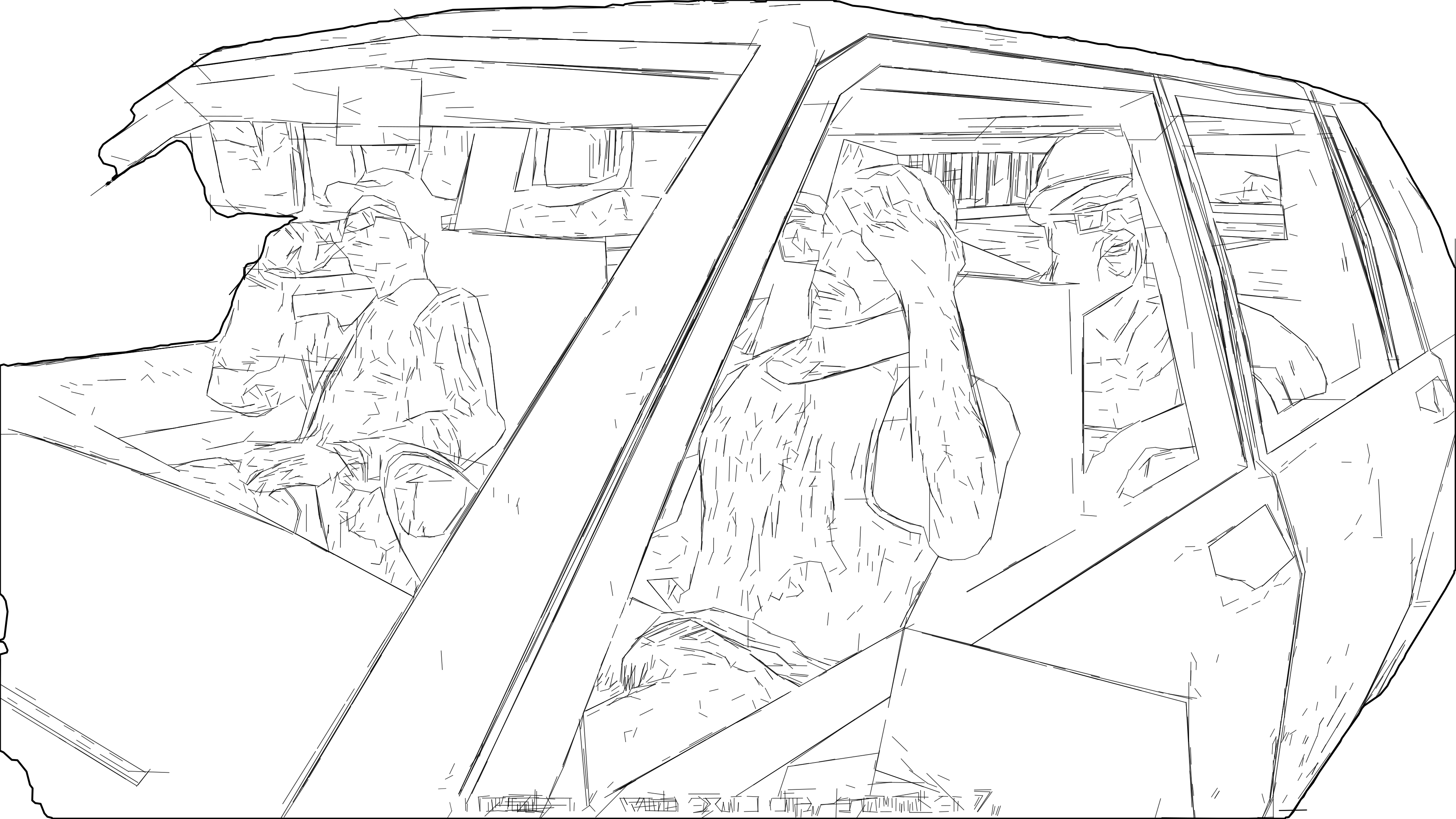
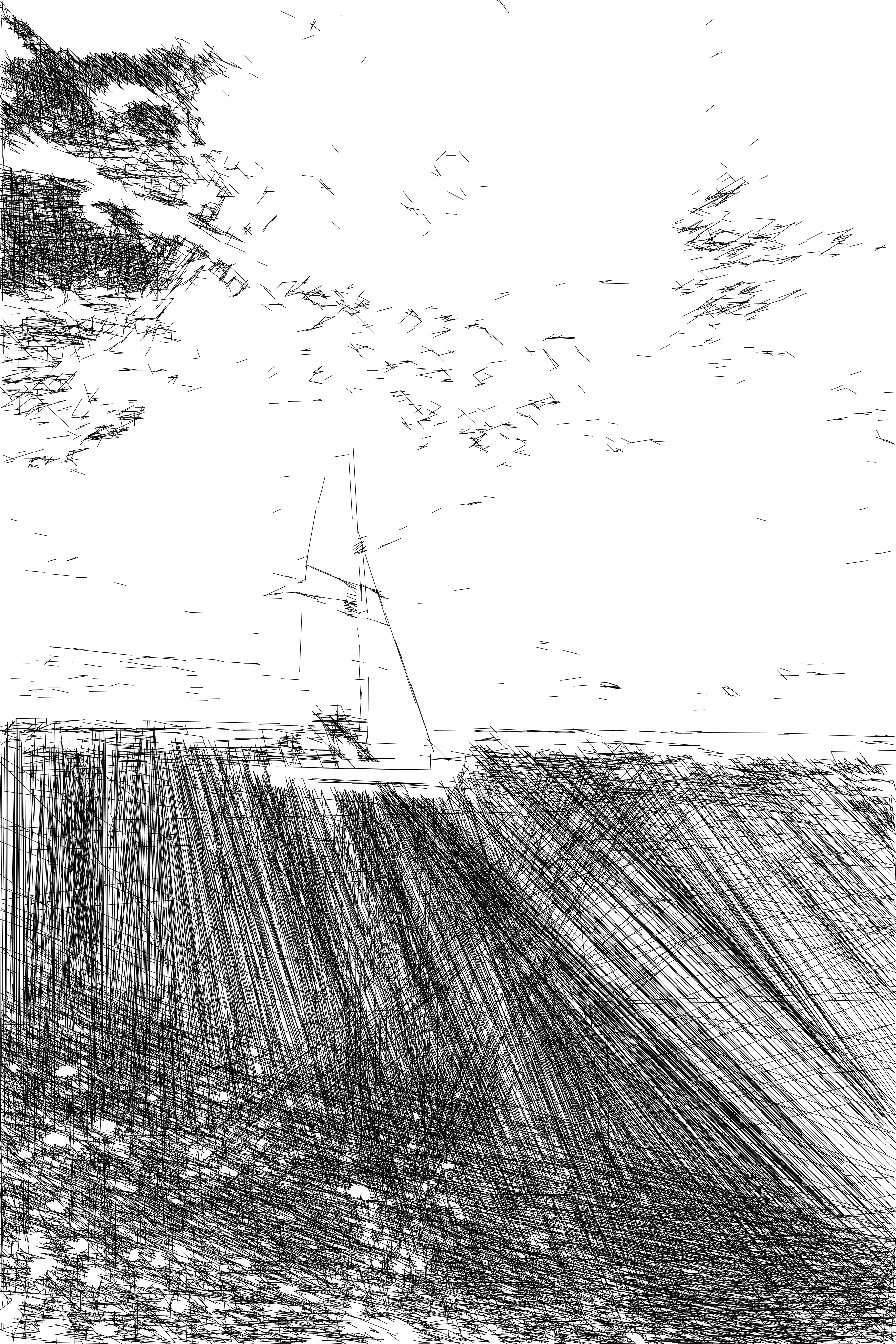
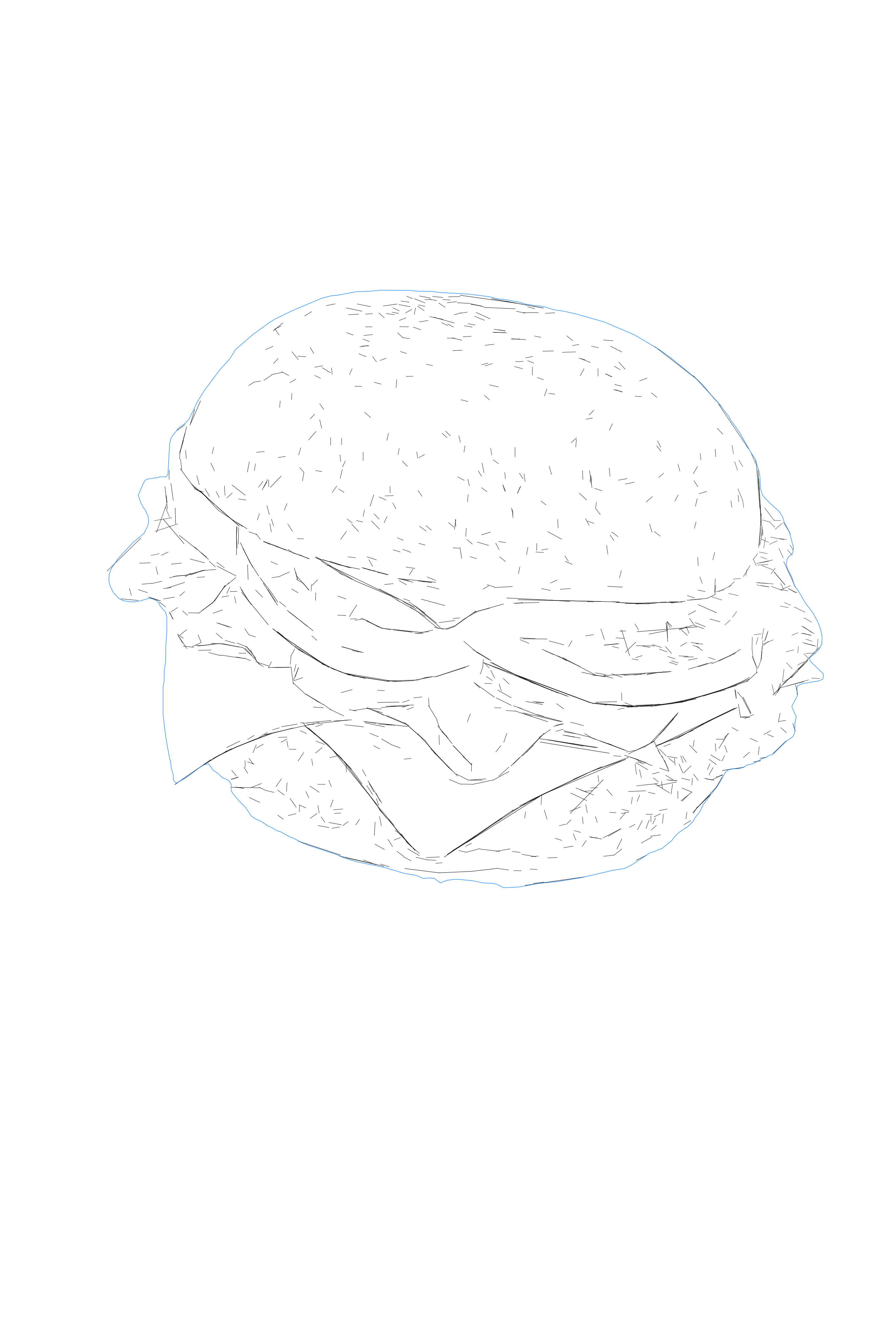
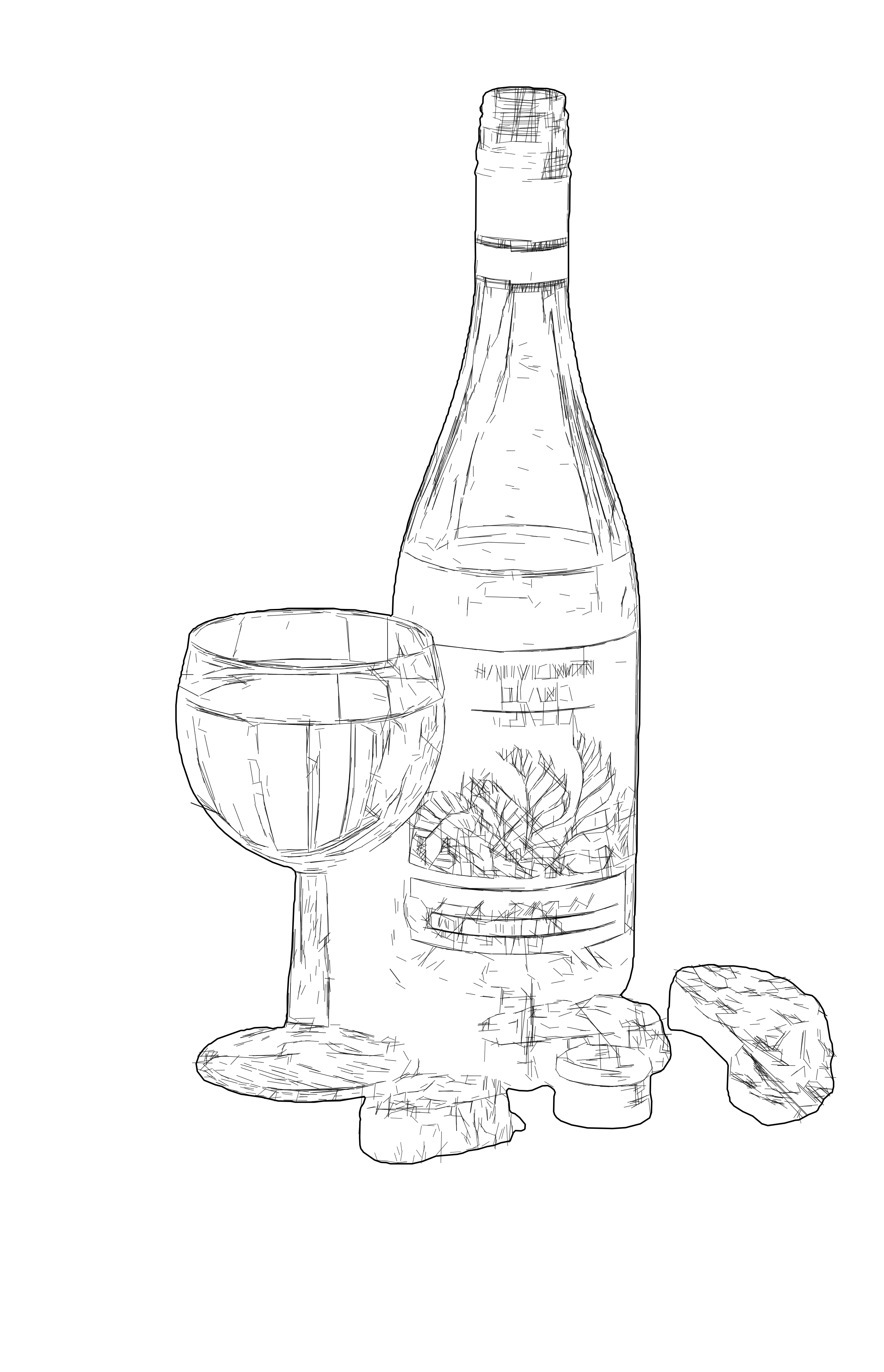
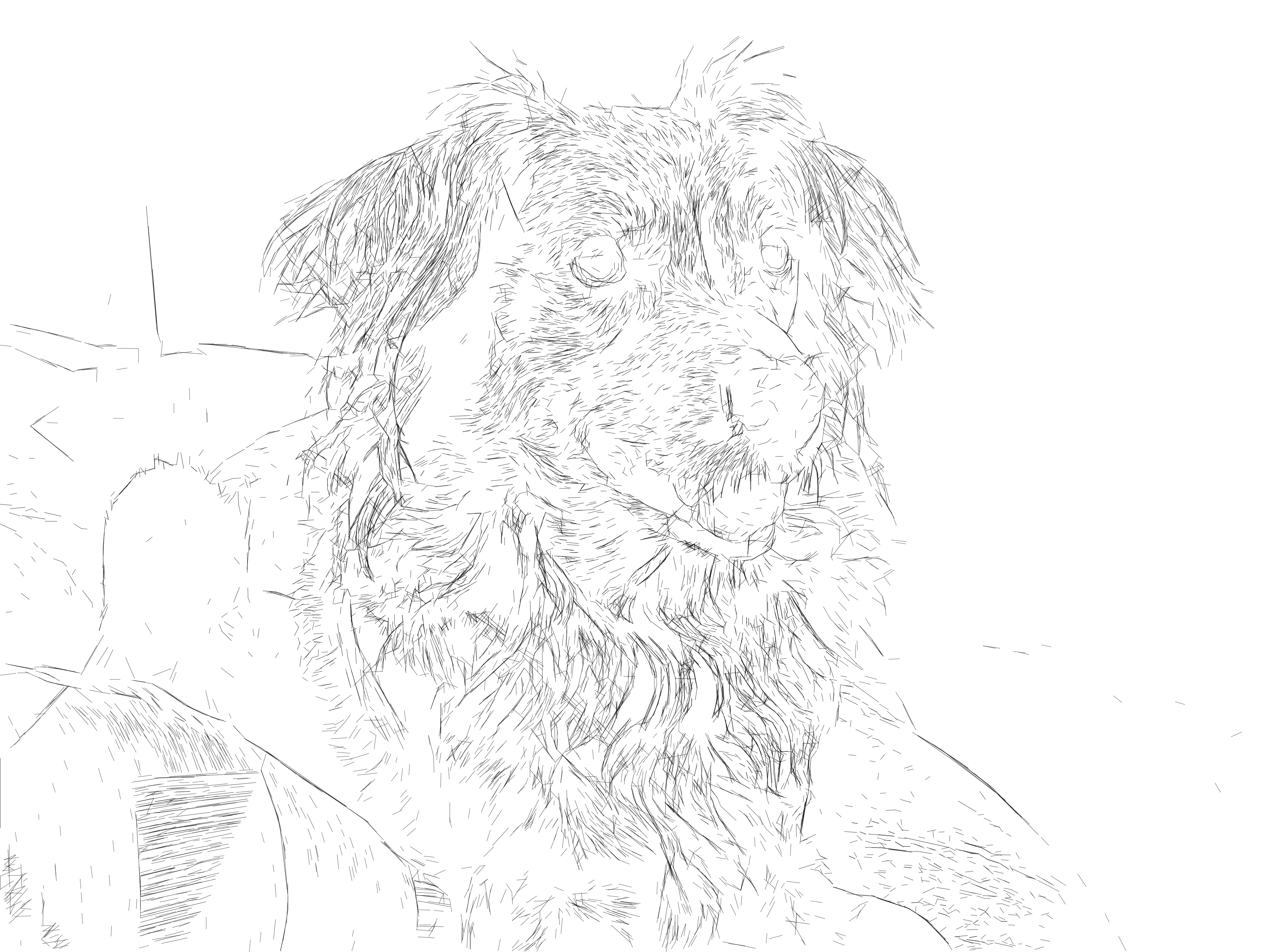
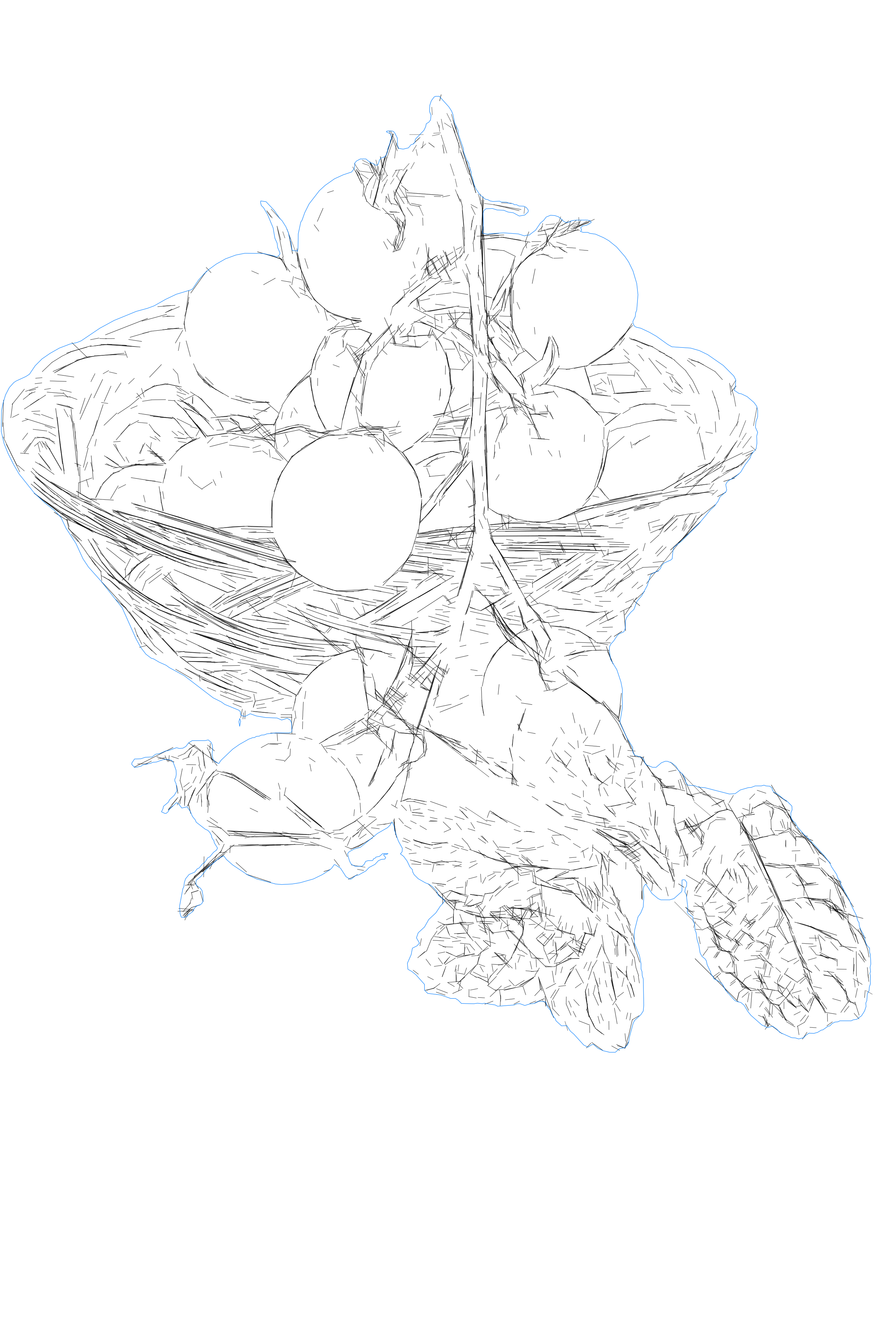
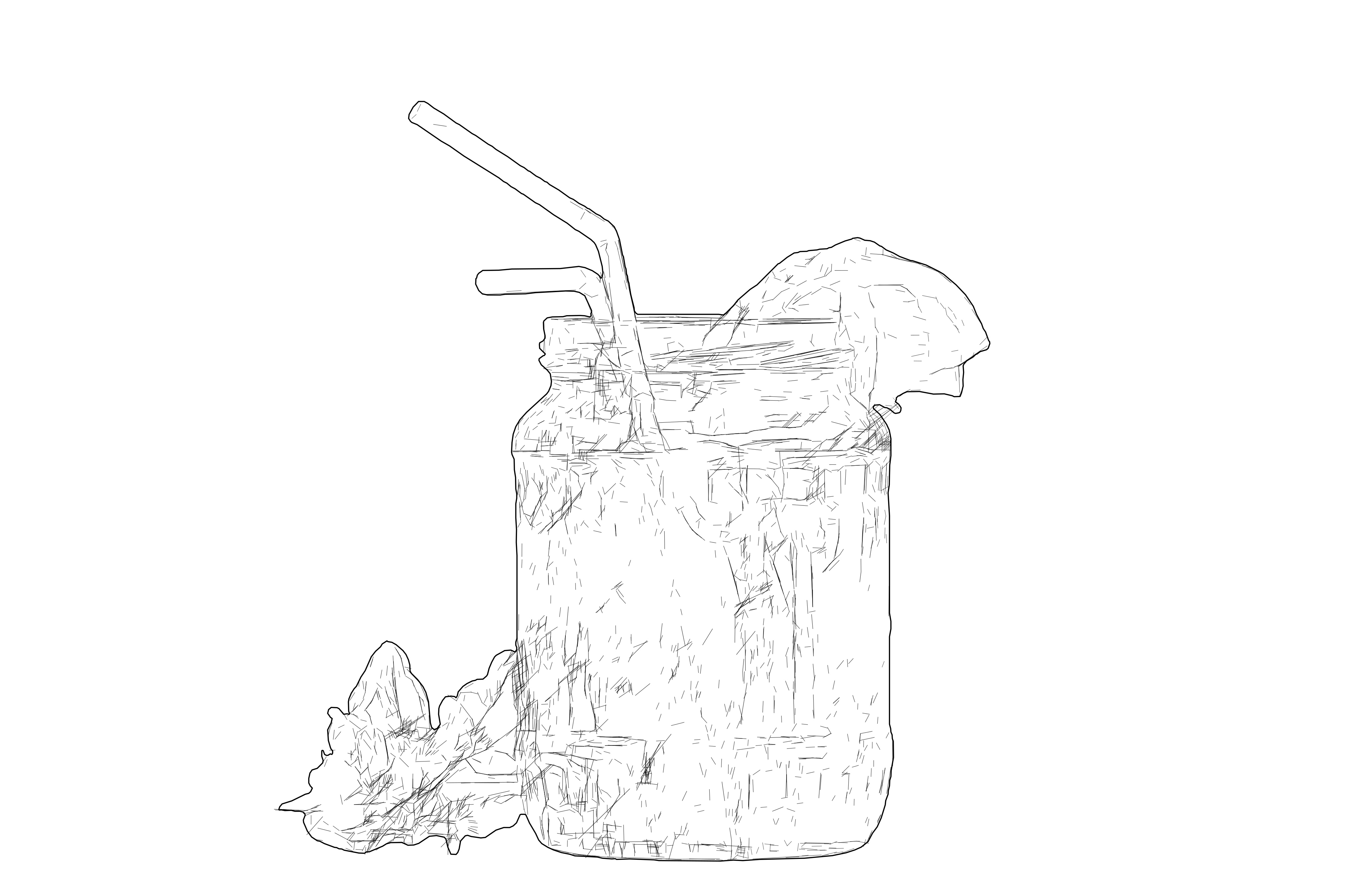
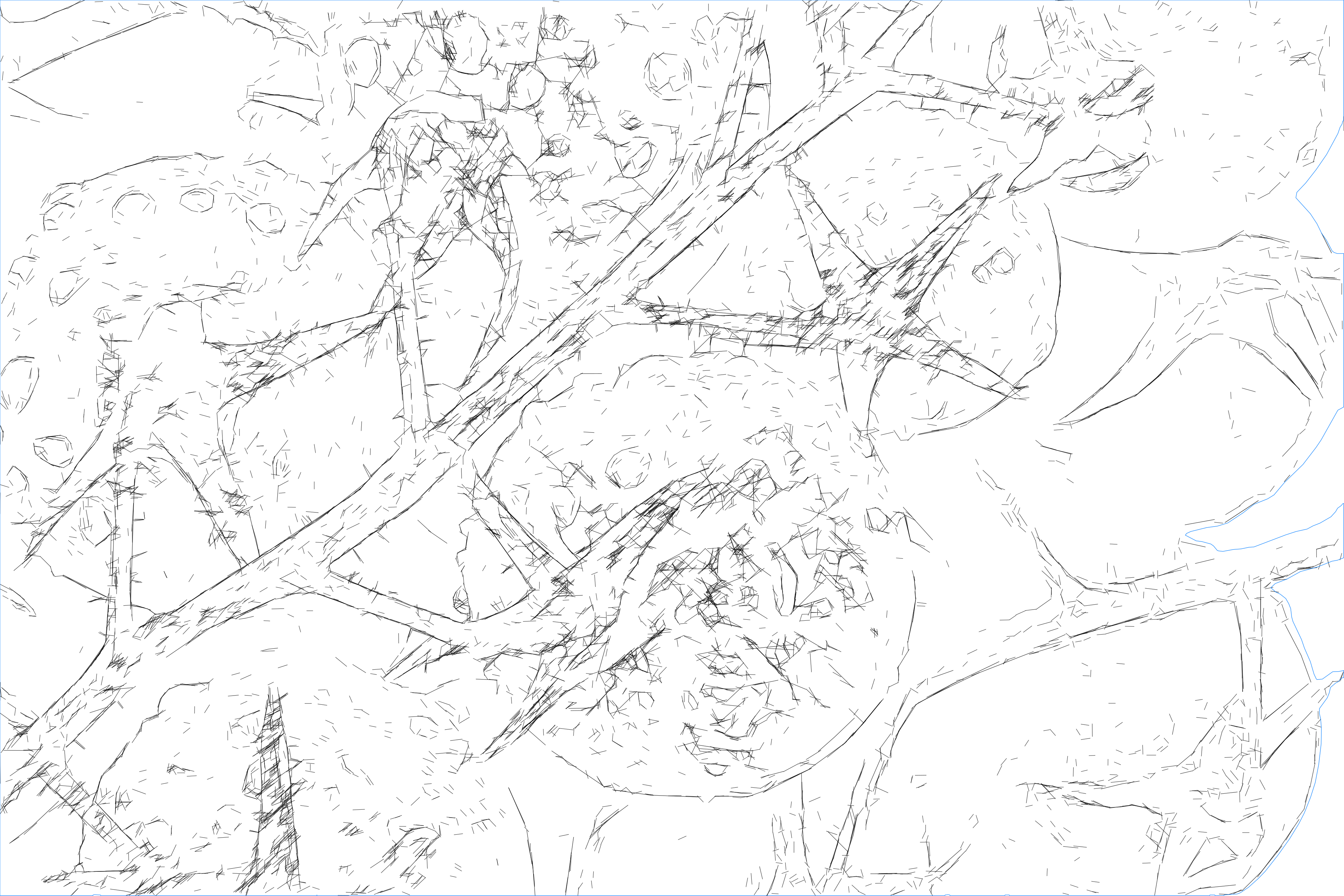
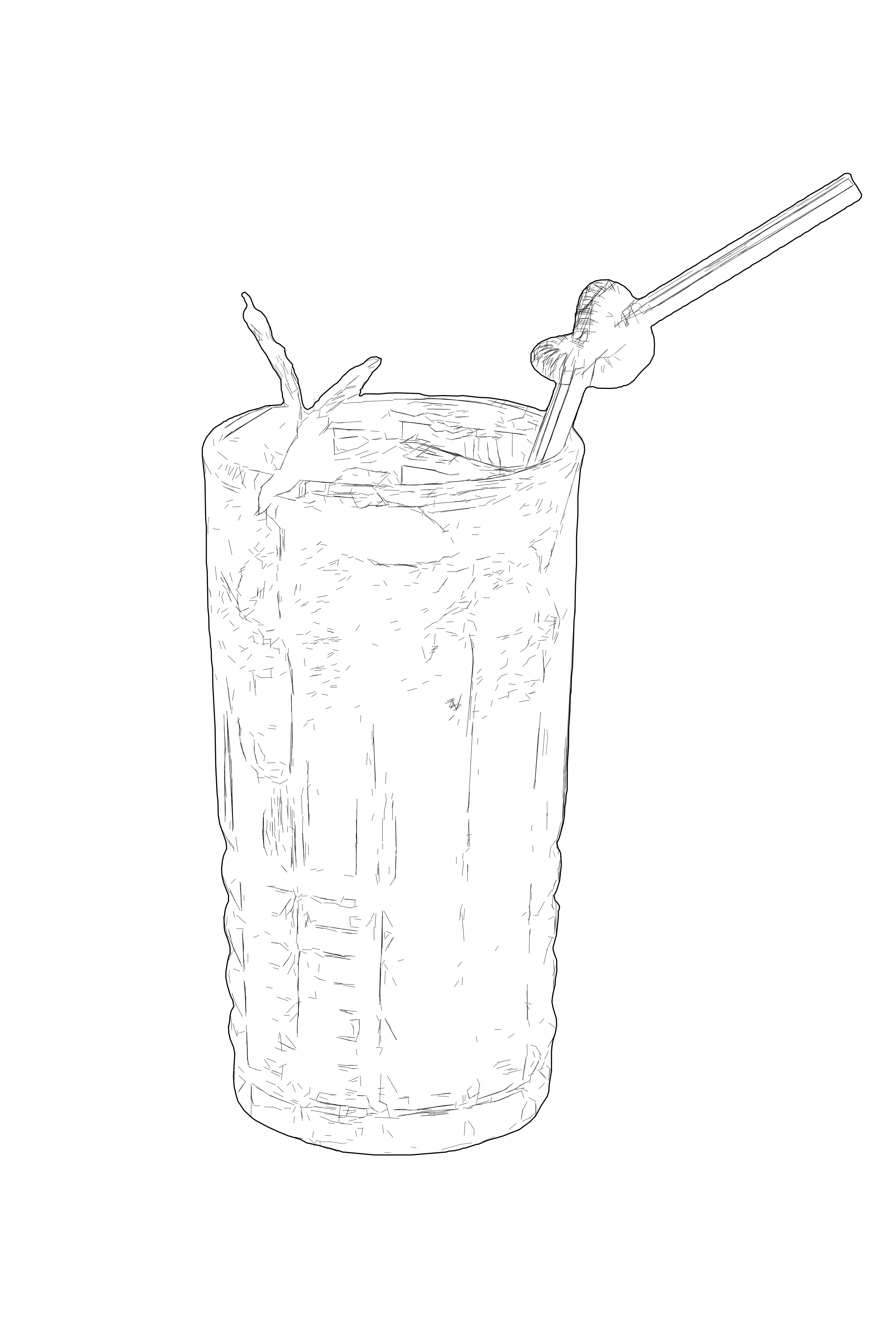
SVG technical drawing example
After
Reference photo before SVG drawing conversionBefore
OUTPUT: SVG (Vector)
INPUT: JPEG | PNG | WEBP | AVIF | TIFF
...Creditsper rendering

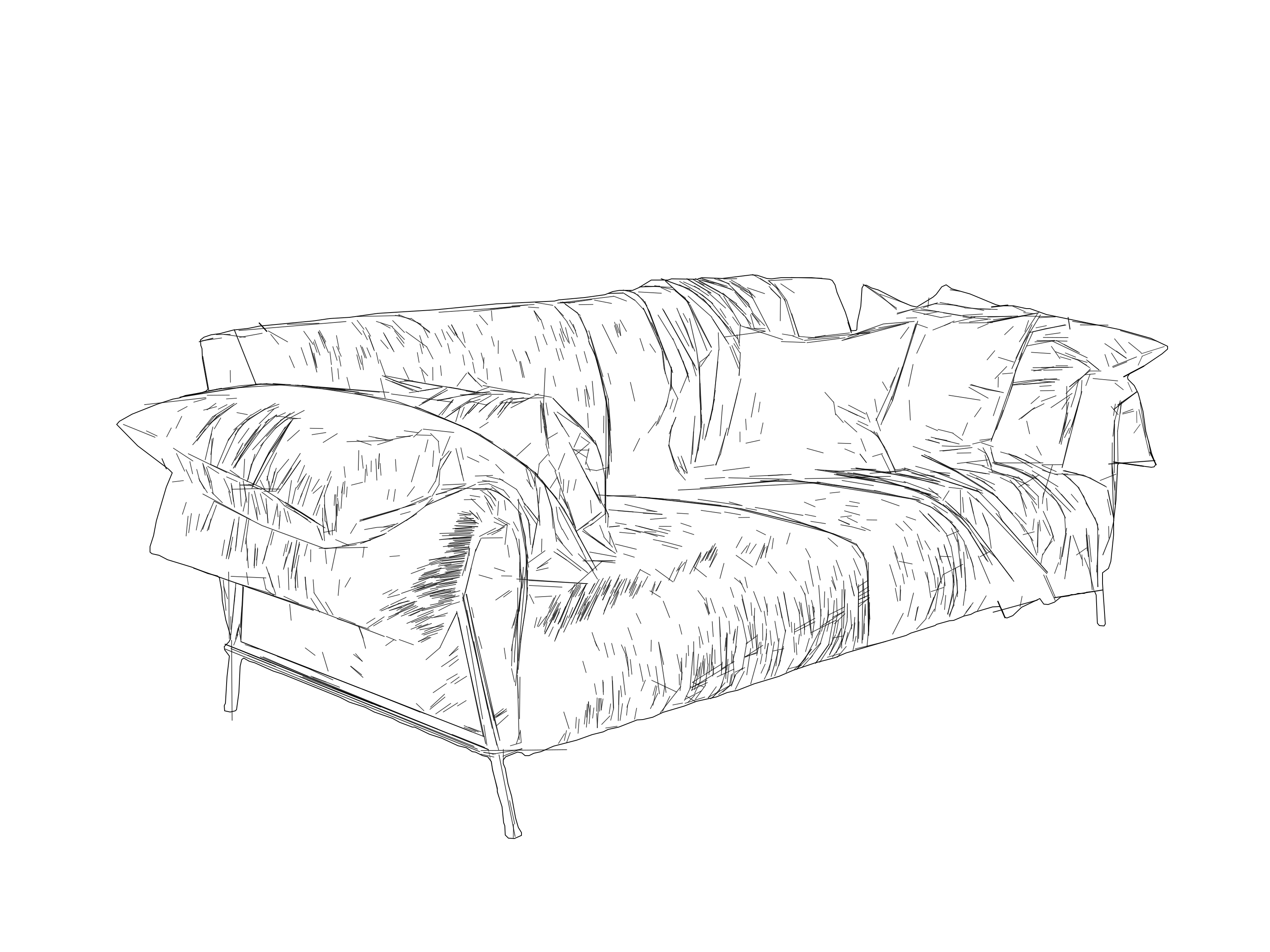
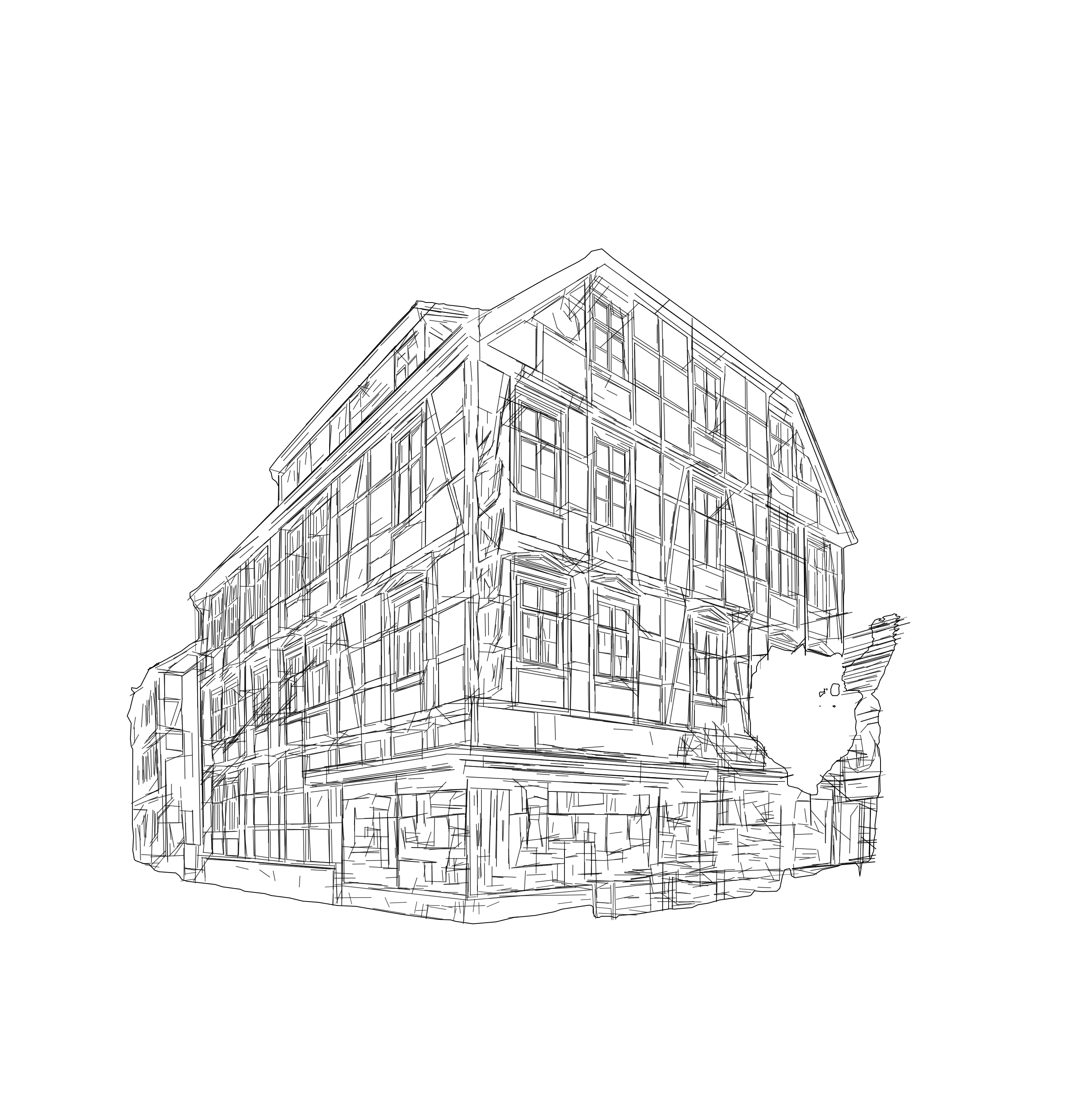
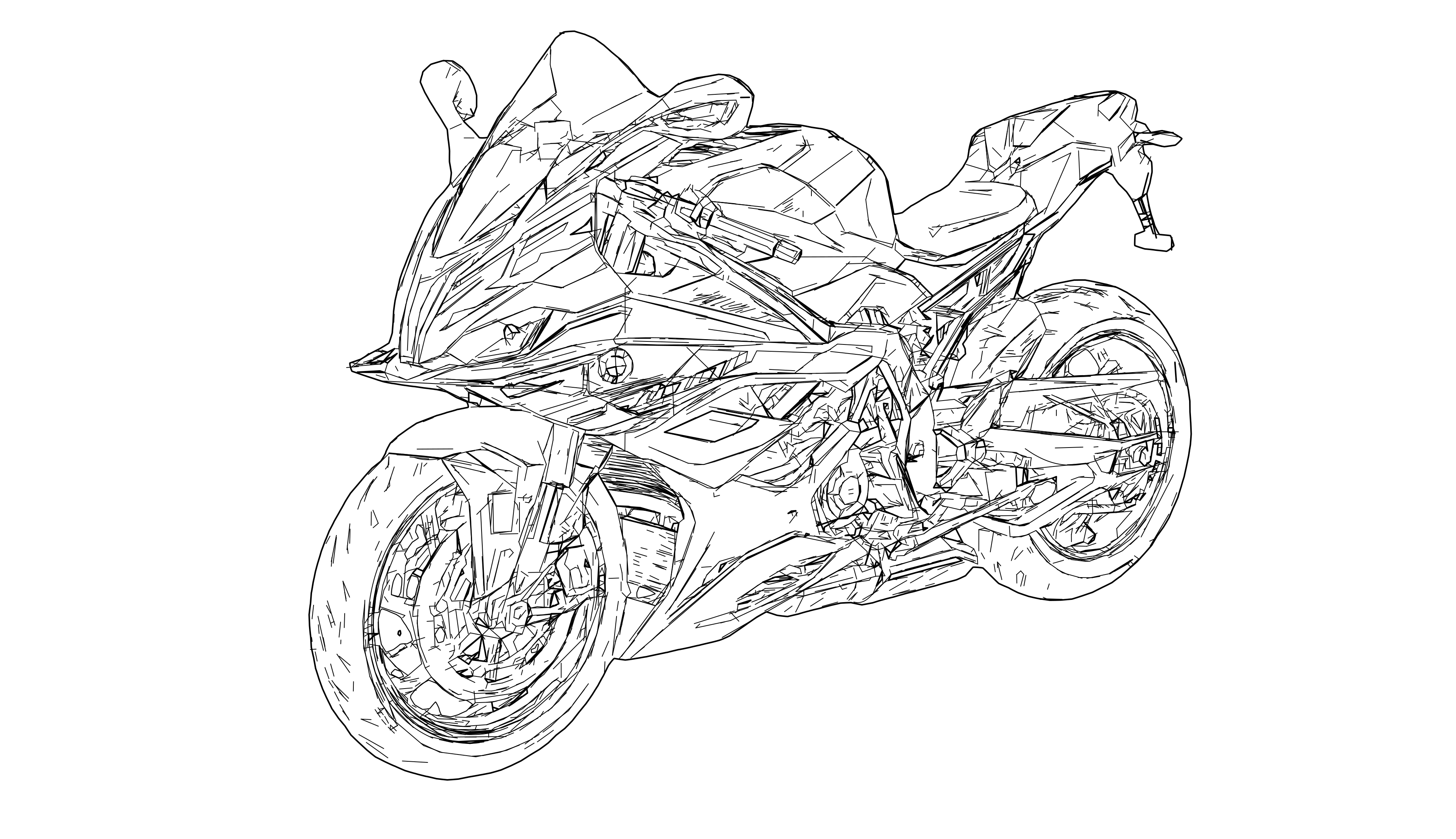
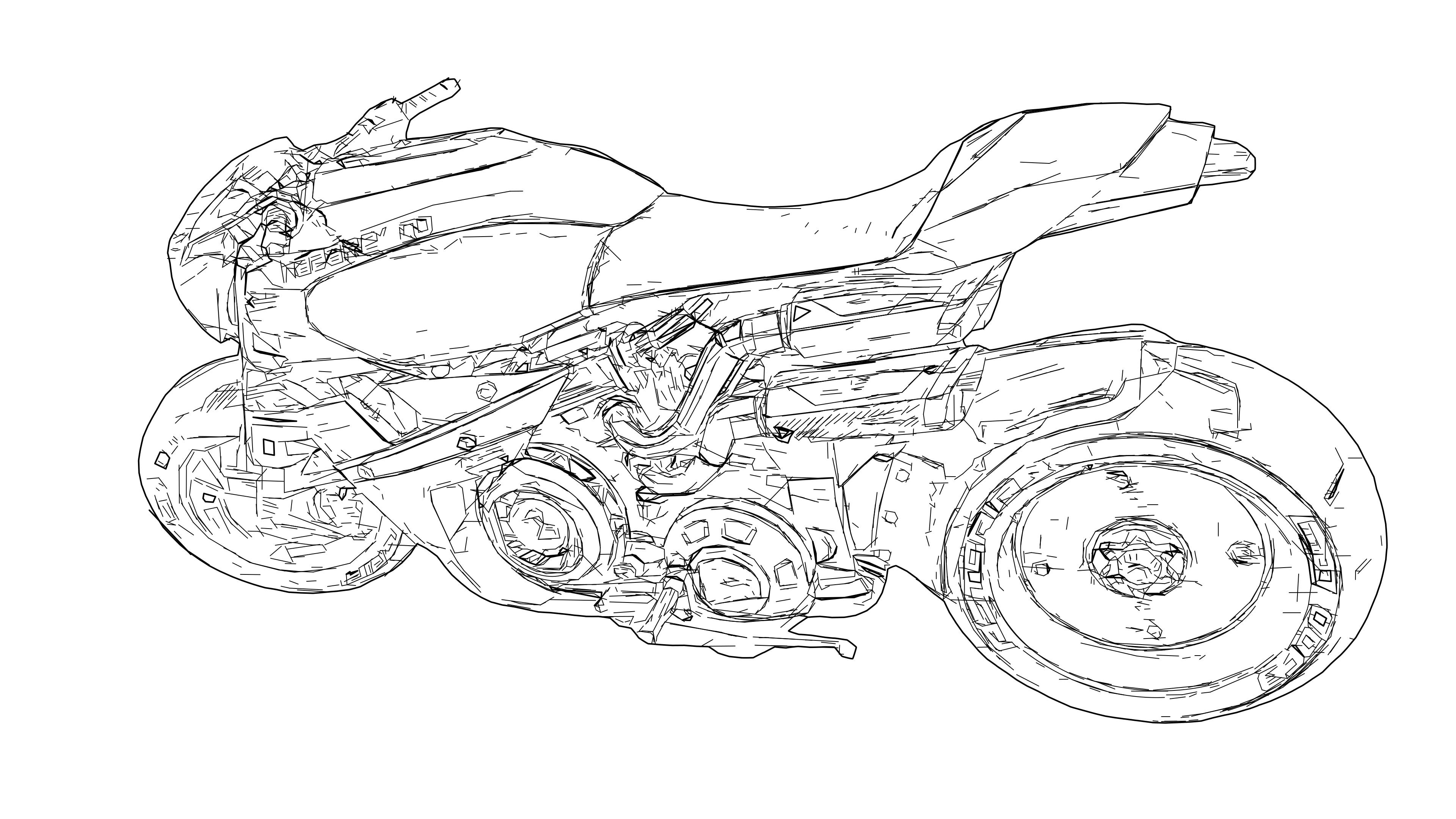
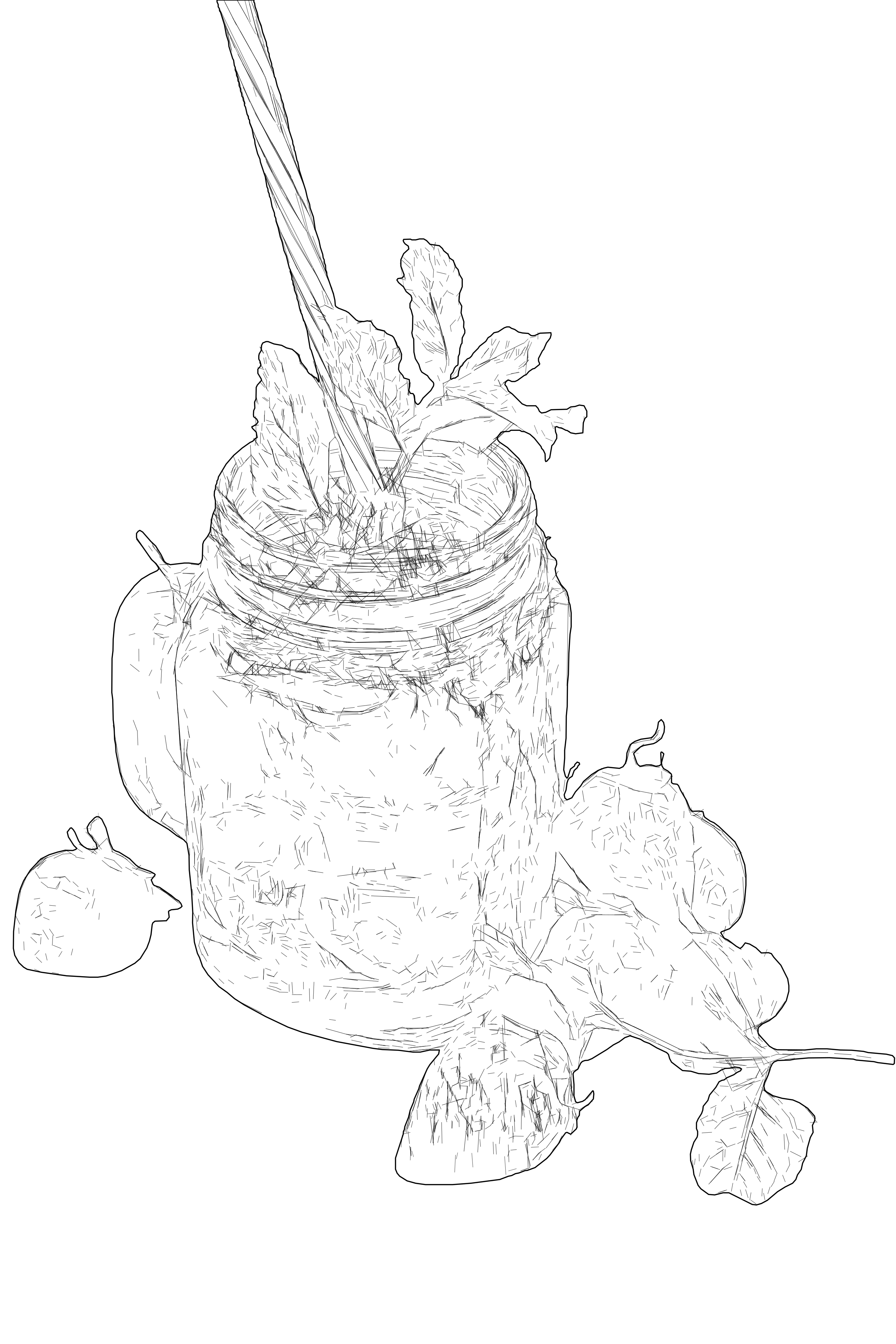
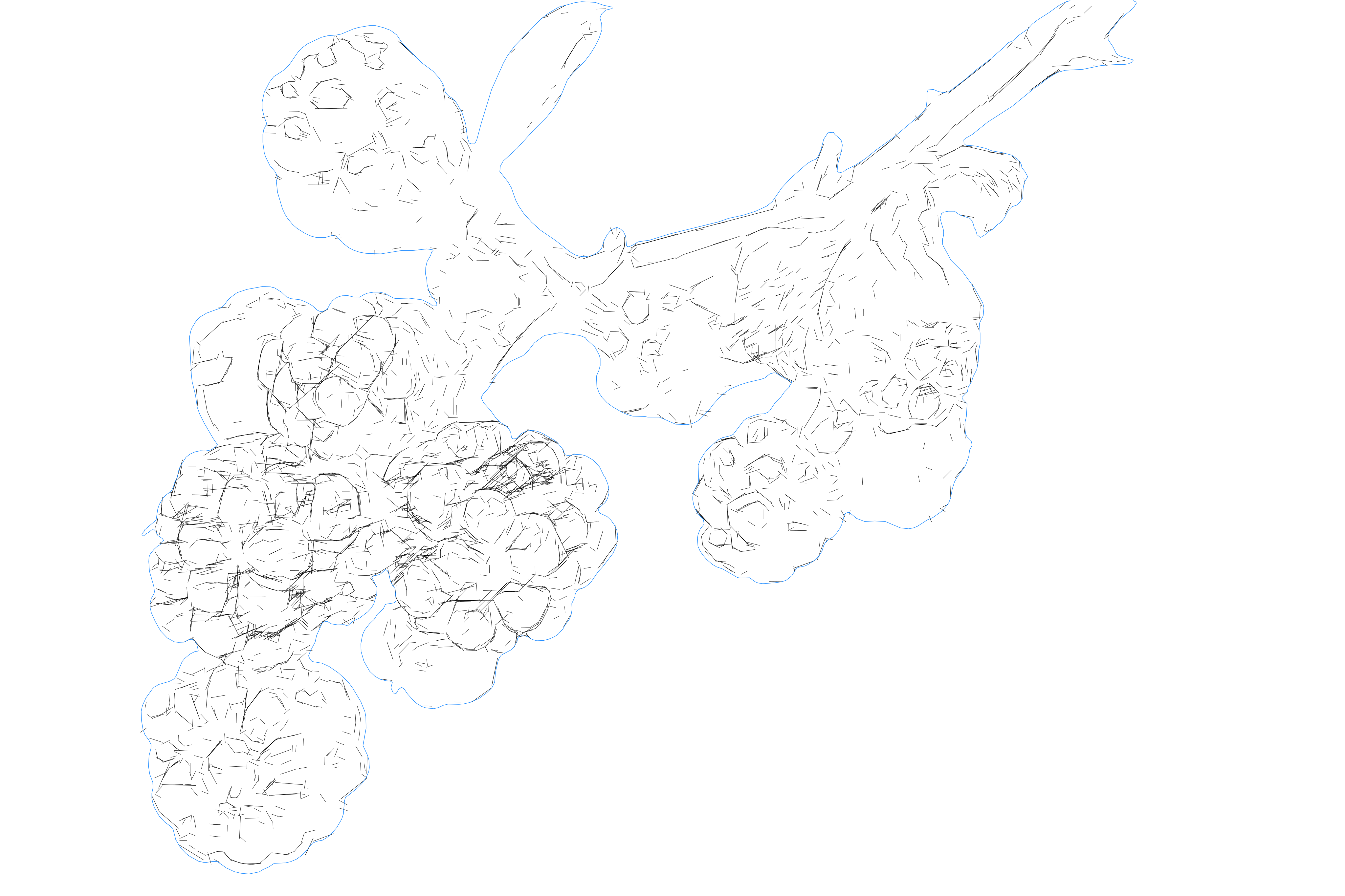
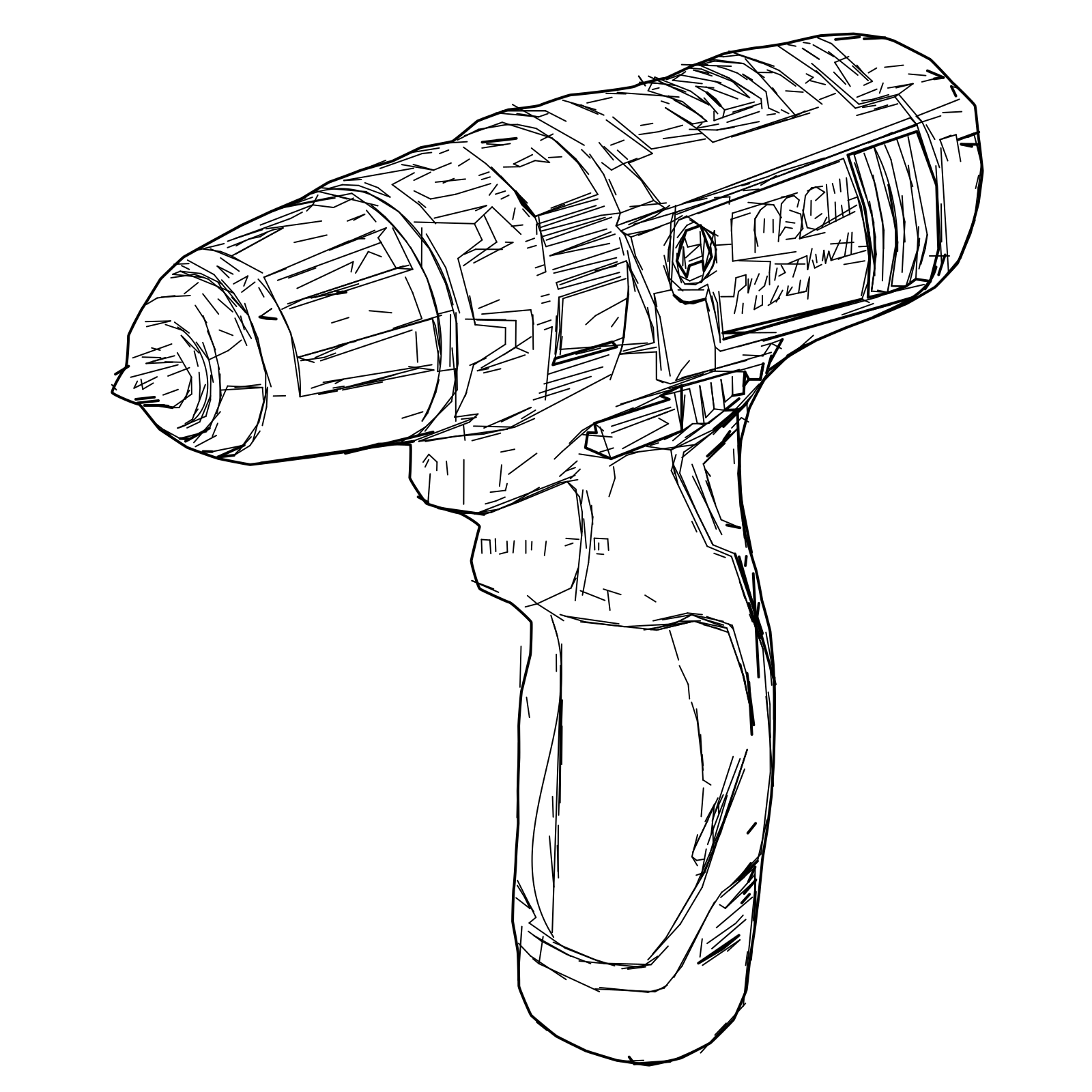
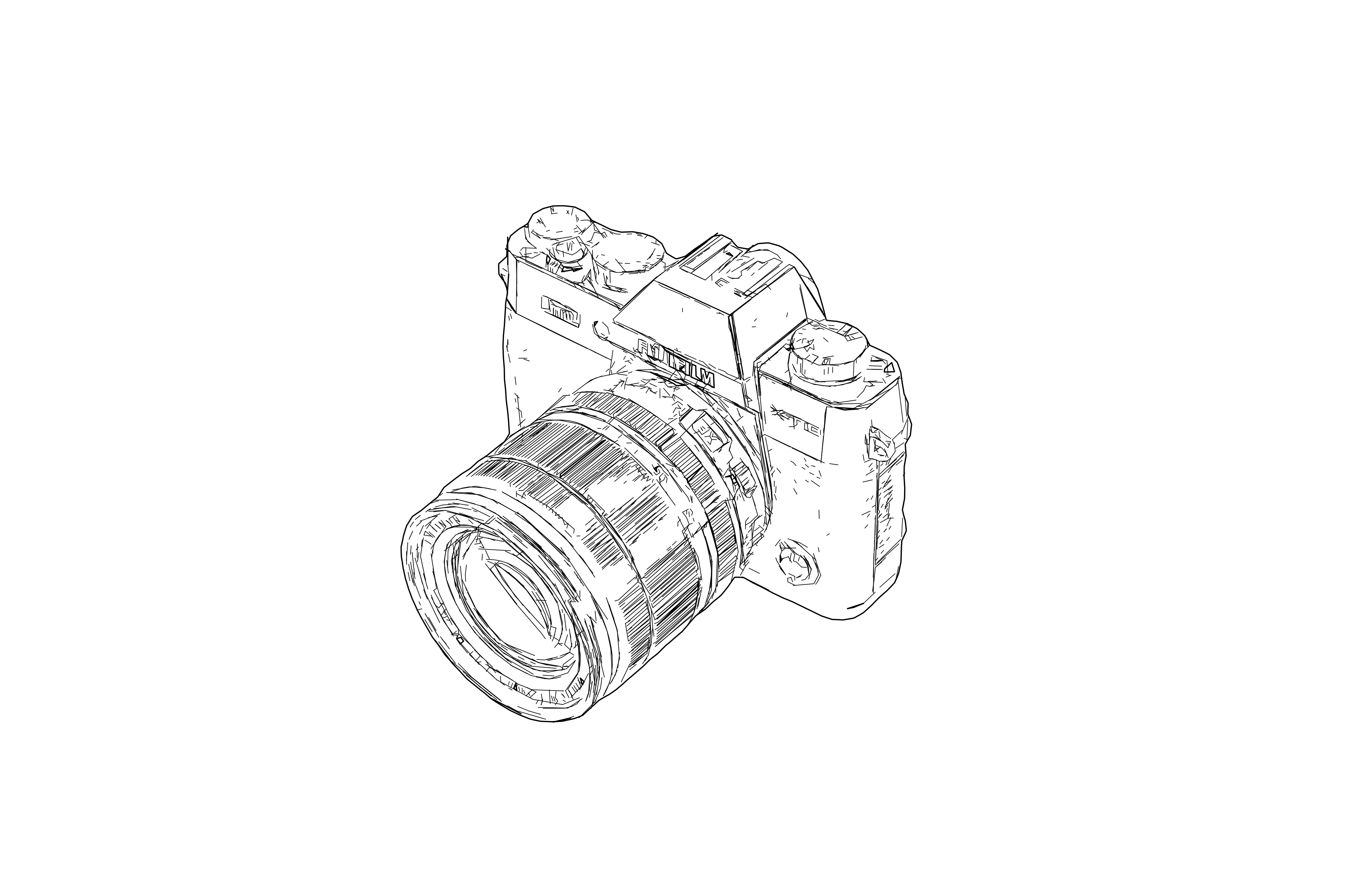
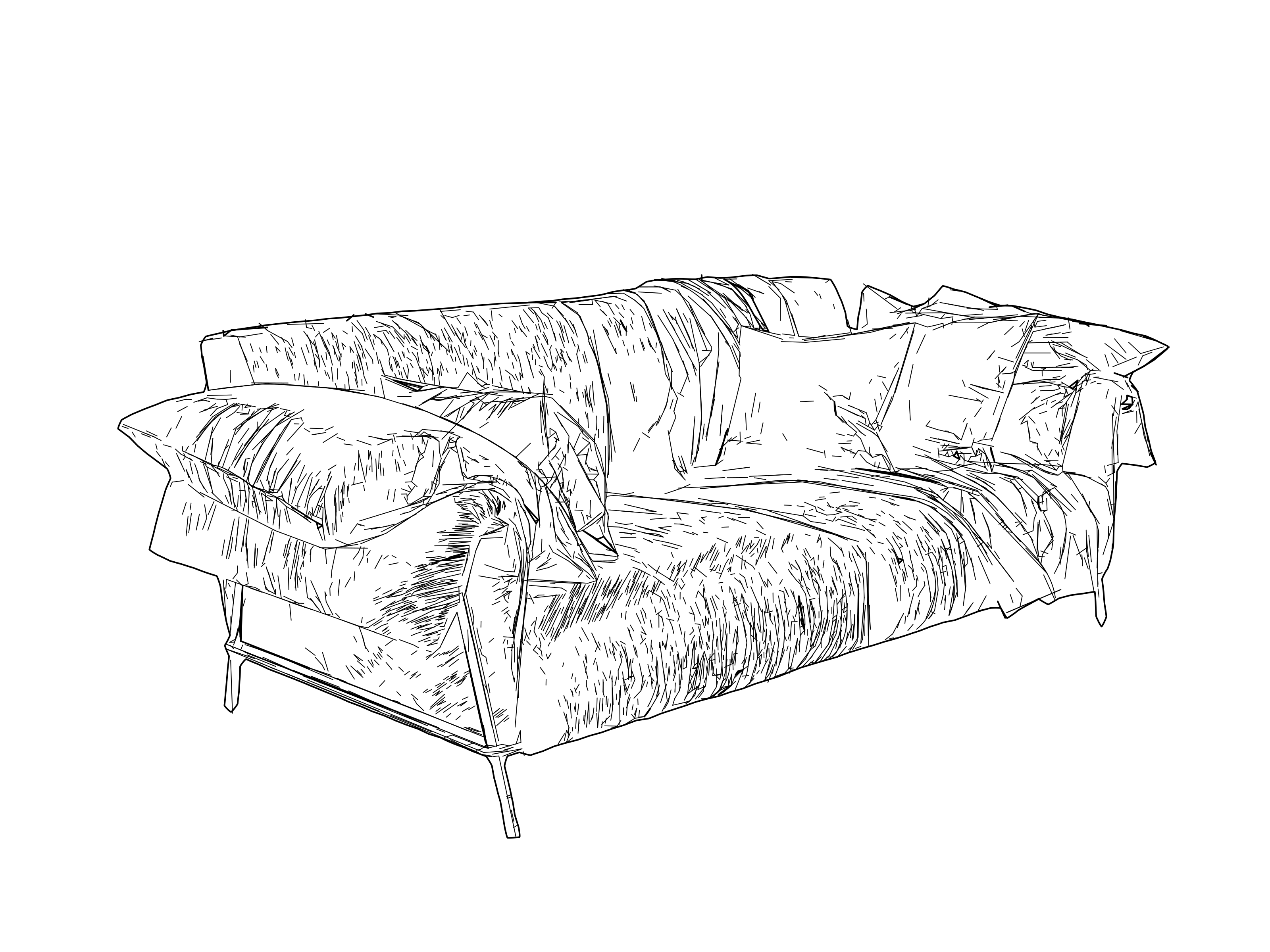
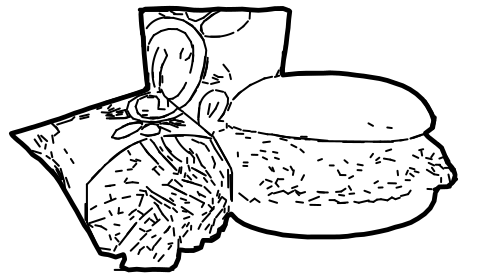
Convert photos and raster images into clean SVG line drawings for sketches, manuals, product illustrations, architecture, design and technical documentation. This workflow is our universal line detection functionality with a technical hand drawing touch that fits for design and documentation.

Input images with a resolution of more than 2000px on the shorter side will render detailed results, while images below 2000px render simpler results. Please adjust the level of detail based on your input image resolution. This preset can be used flexible for further adjustments and to design manuals, documentations or when used with smaller input size it can be used to generate stickers and identification elements. Export as SVG or DXF for plotters, manufacturing, and production handoff. The final SVG graphic is designed for structured lines, clean contours and geometry that can be used across design workflows and idea brainstorm, perfect to generate drawings from photos and objects quickly and consistently.

  • Input - Raster

    Raster photos, product shots, reference graphics, and other images with readable contours.

  • Output - Vector

    Clean SVG drawings and optional DXF handoff with line-based geometry that stays usable downstream.

  • Best for - Professionals

    Design teams, technical illustrators, architects, pen plotter users, laser-prep workflows, and documentation-heavy businesses.

  • Different from - Tracing

    Generic full-image auto-tracing and free photo-to-sketch tools. Pixel2Lines focuses on controlled line output, not filled-shape copies or artistic sketch effects.

Supported Formats

  • SVG

    SVG — SVG Drawing

    Clean line-based SVG output for design systems, manuals, plotting, product graphics, and fabrication-aware workflows.

  • DXF

    DXF — DXF Handoff

    DXF export for CAD-adjacent and fabrication workflows where scale, geometry, and compatibility matter.

Examples
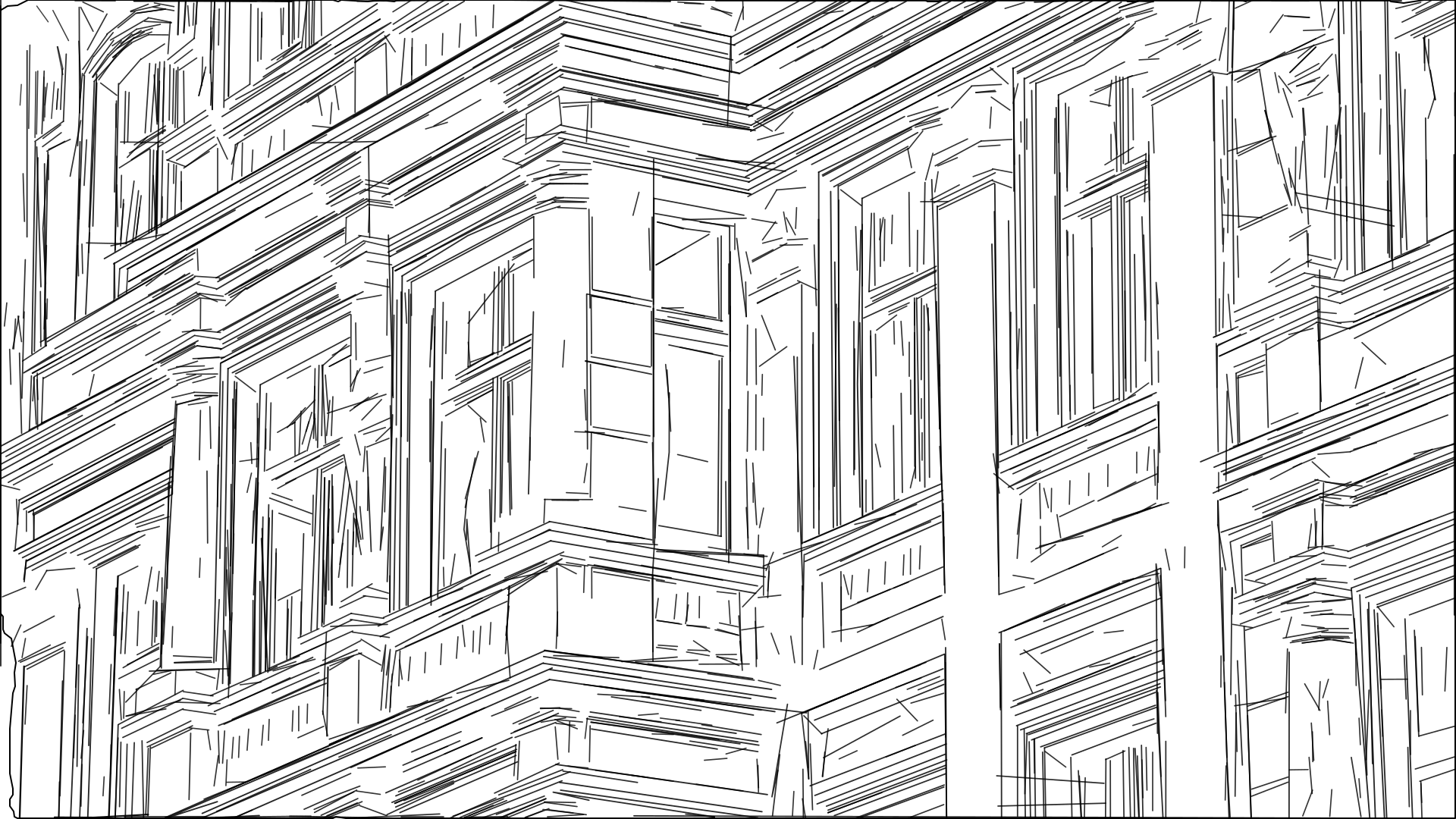
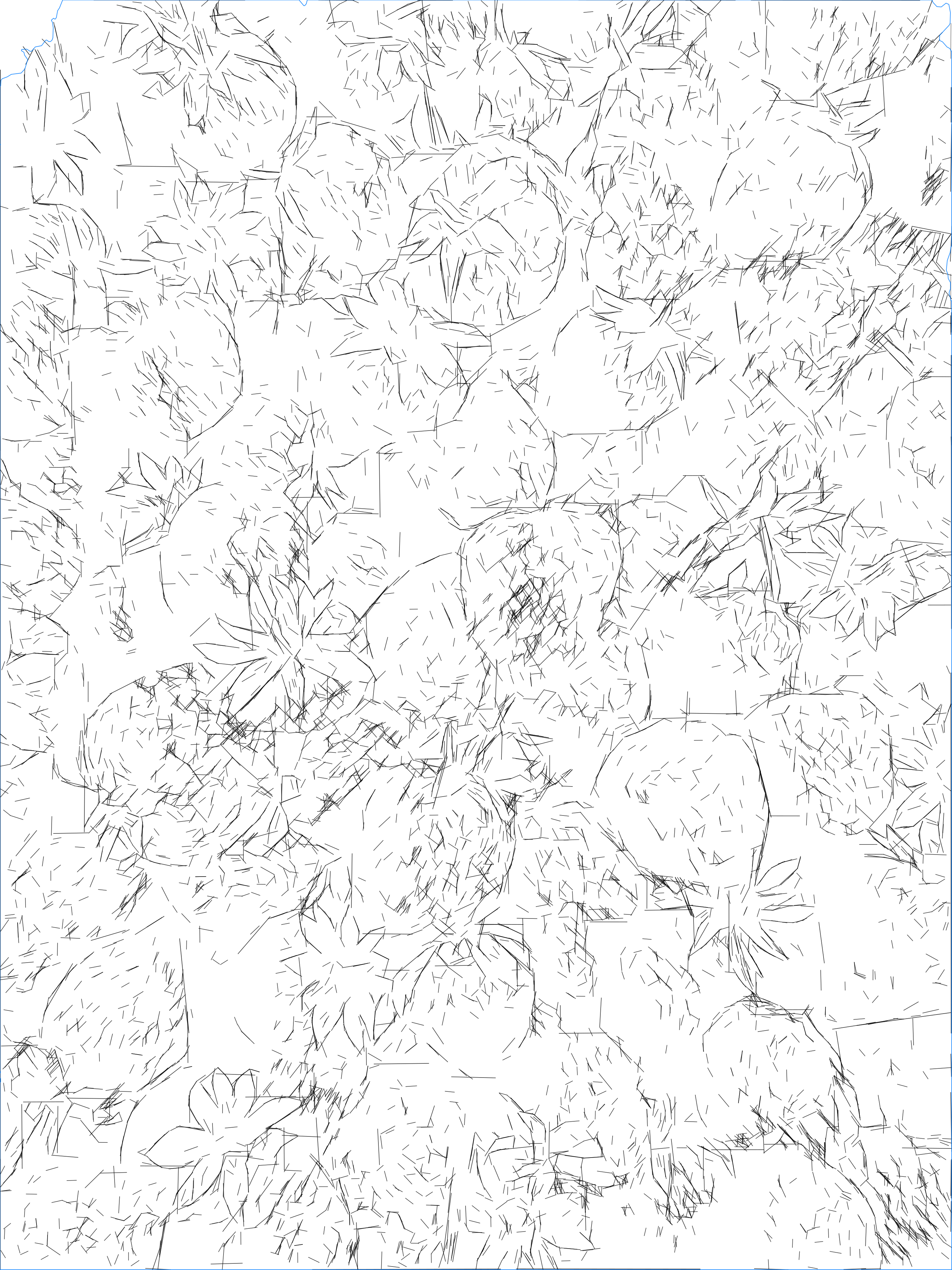
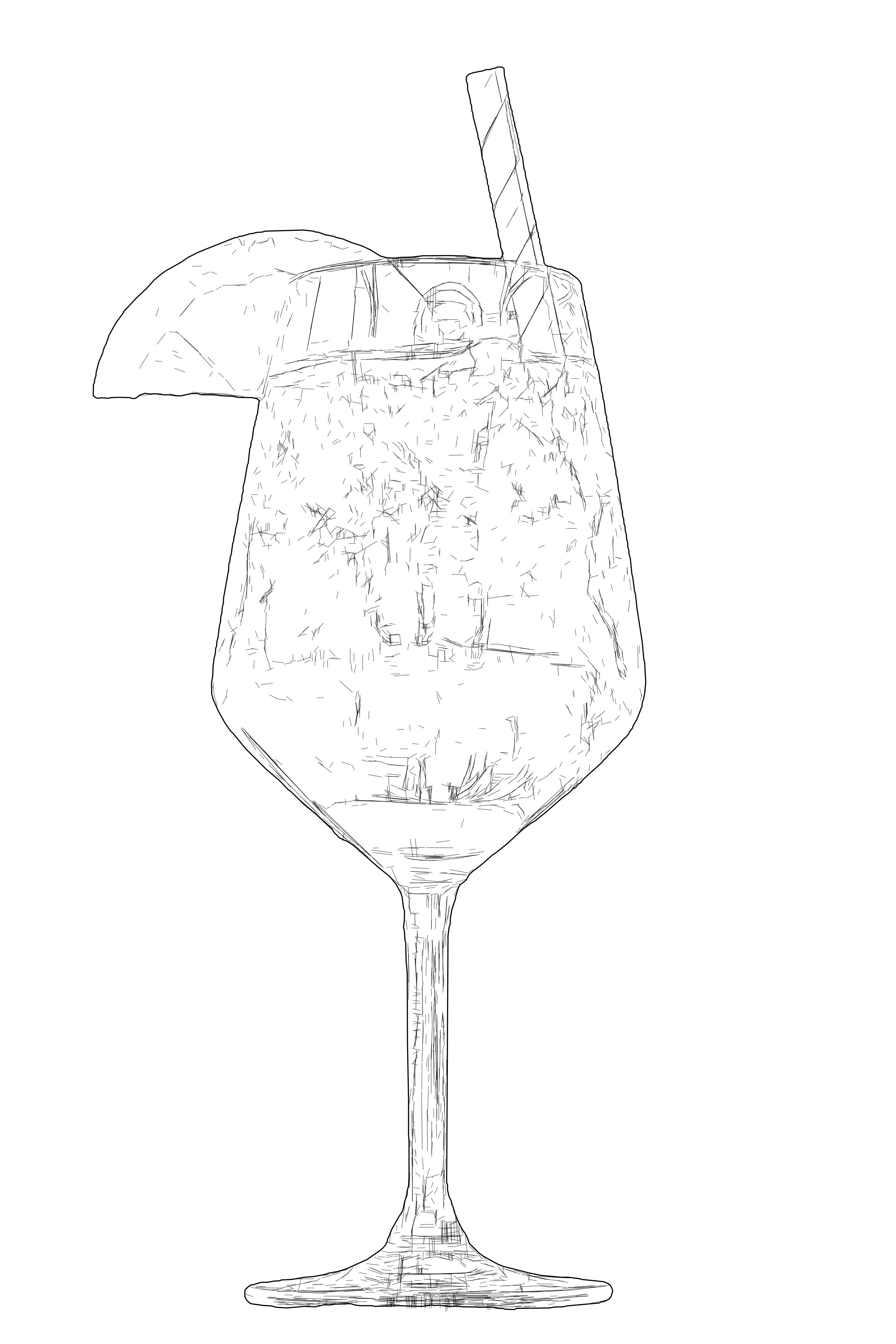
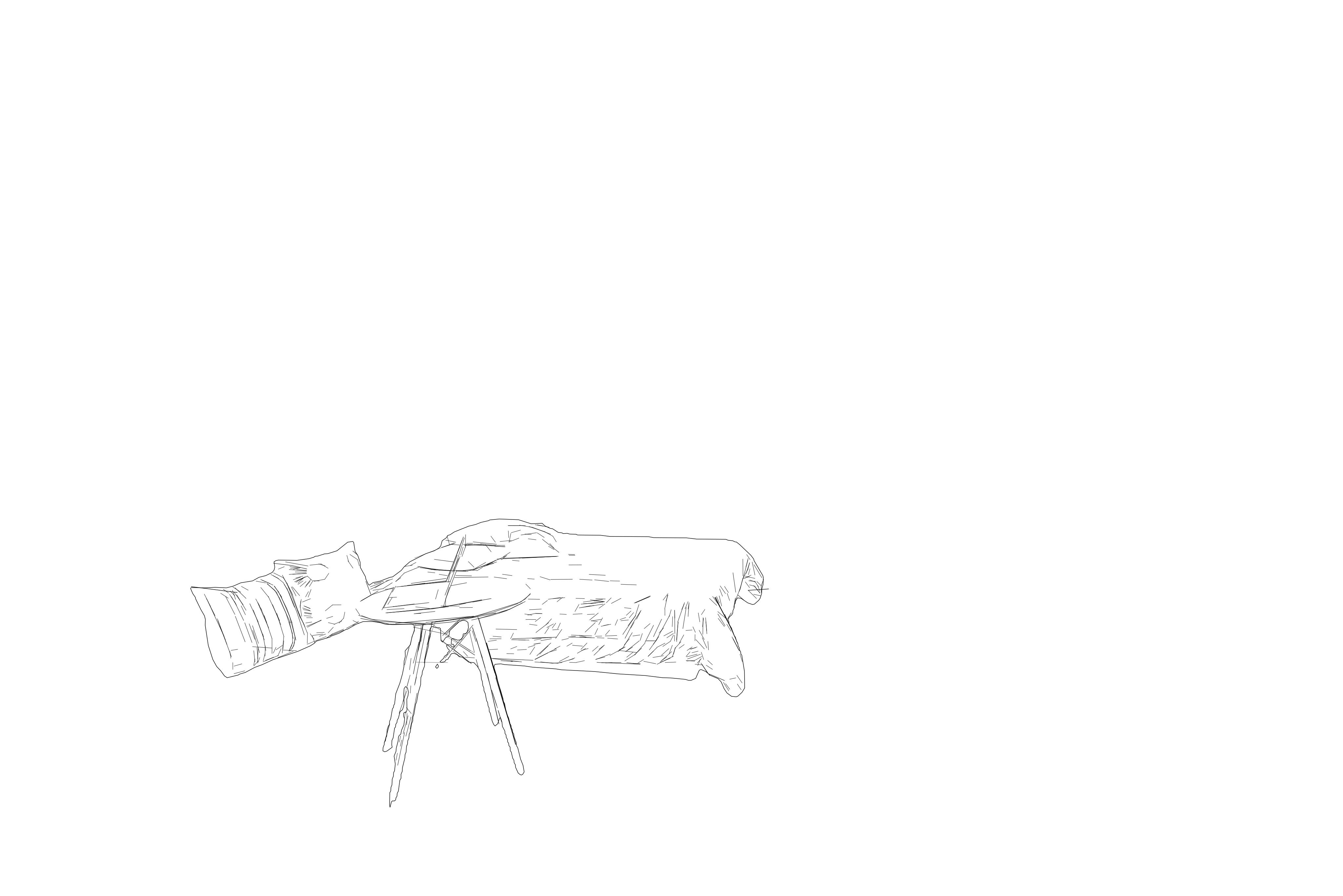
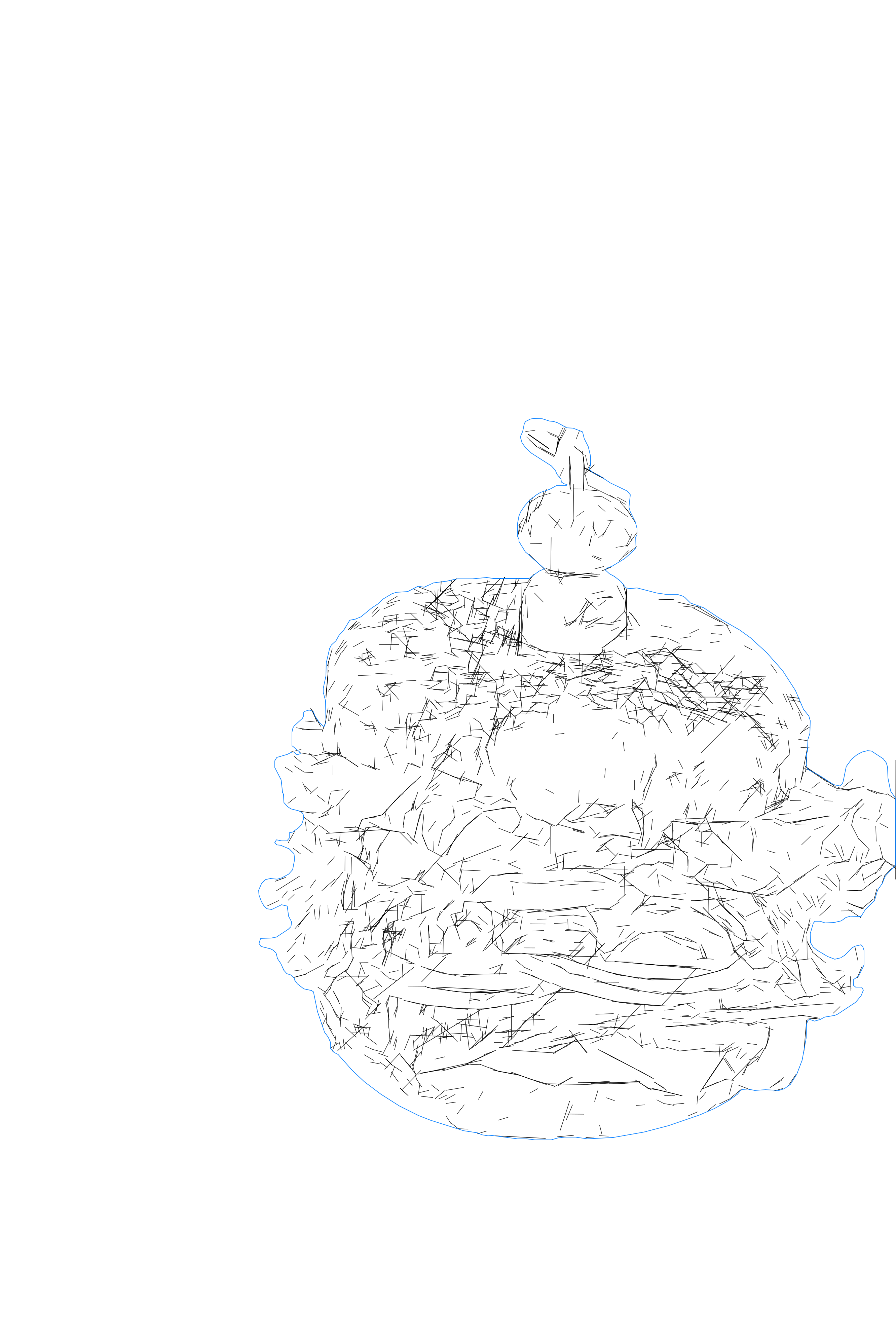
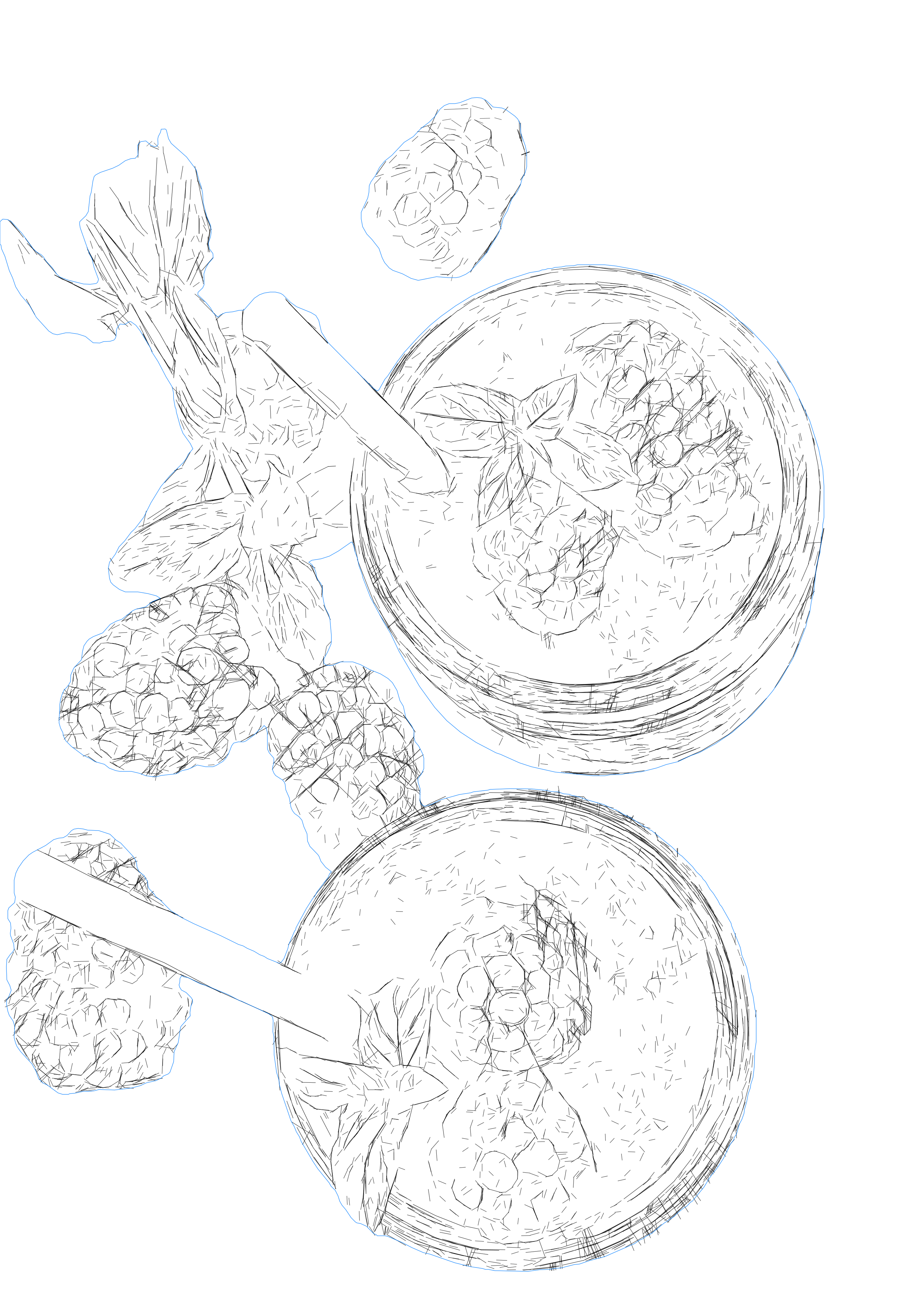
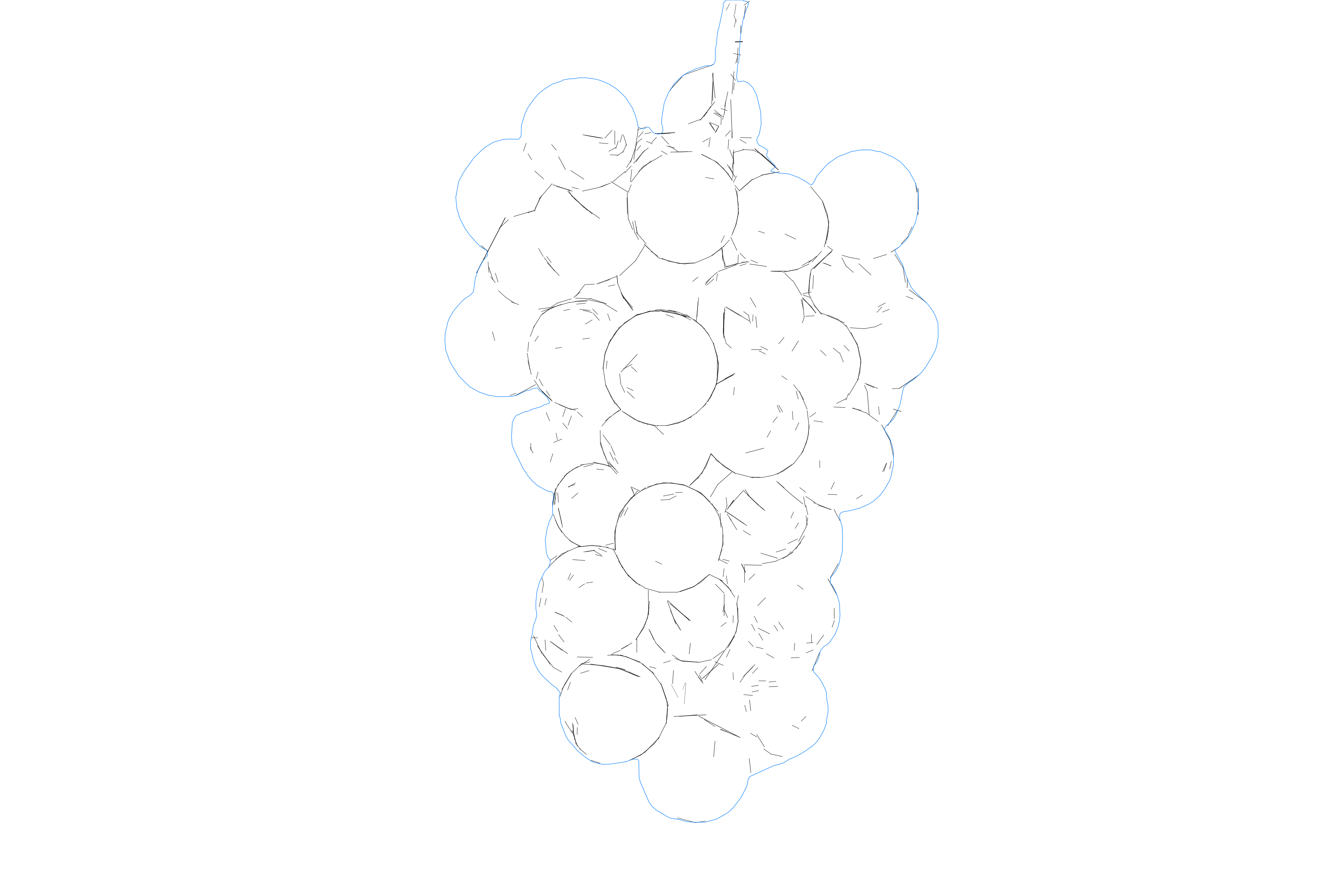
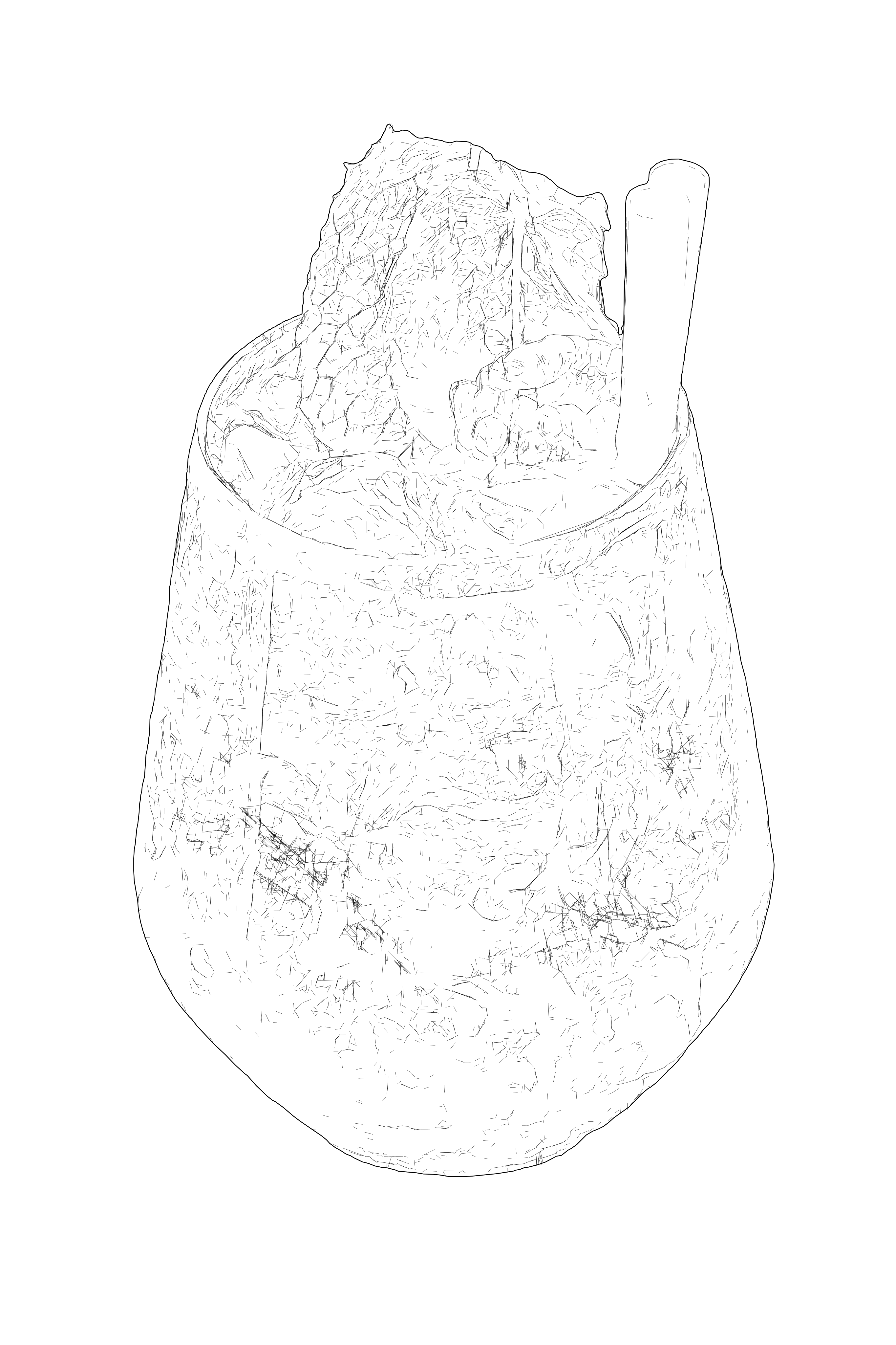
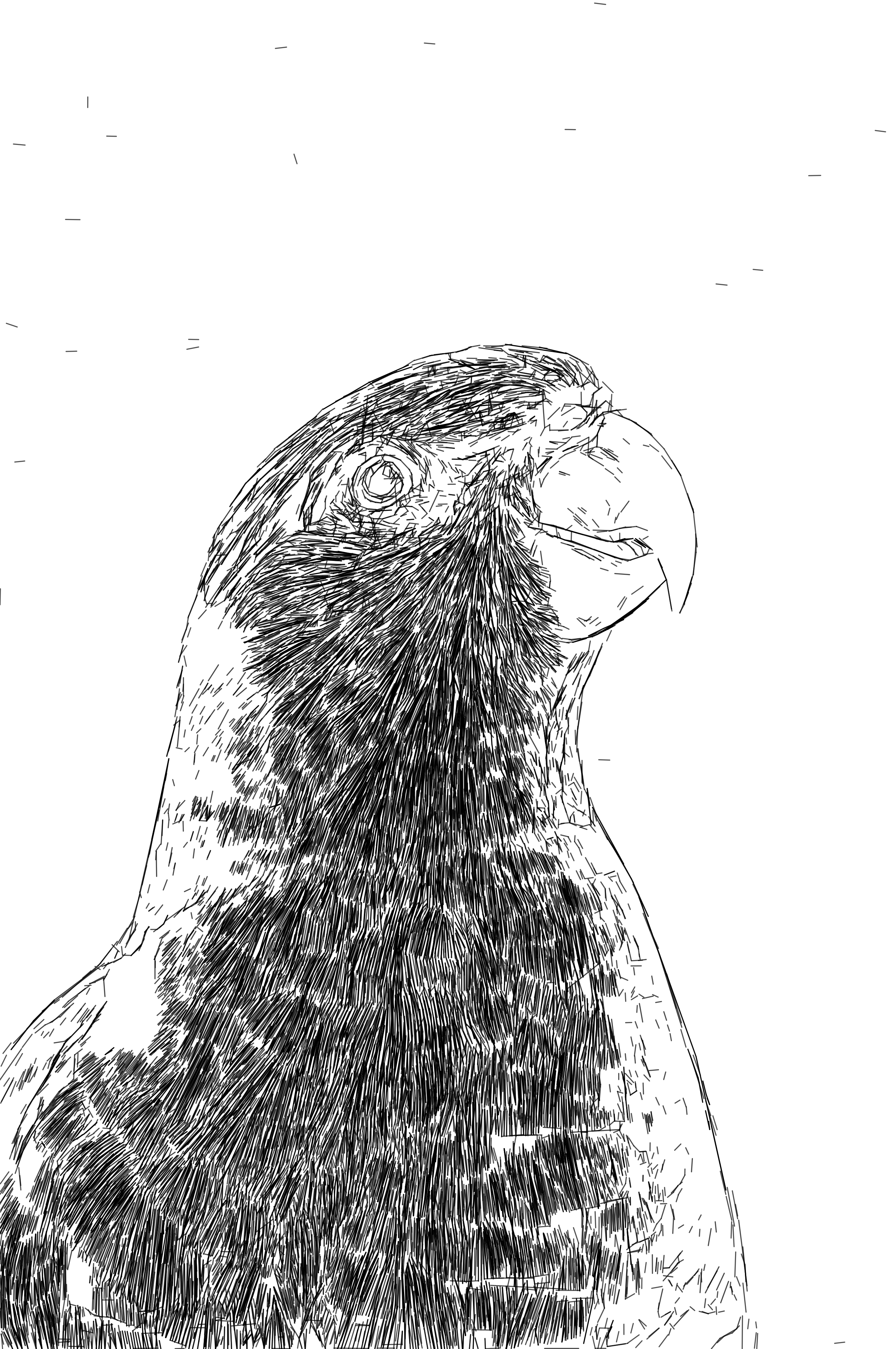
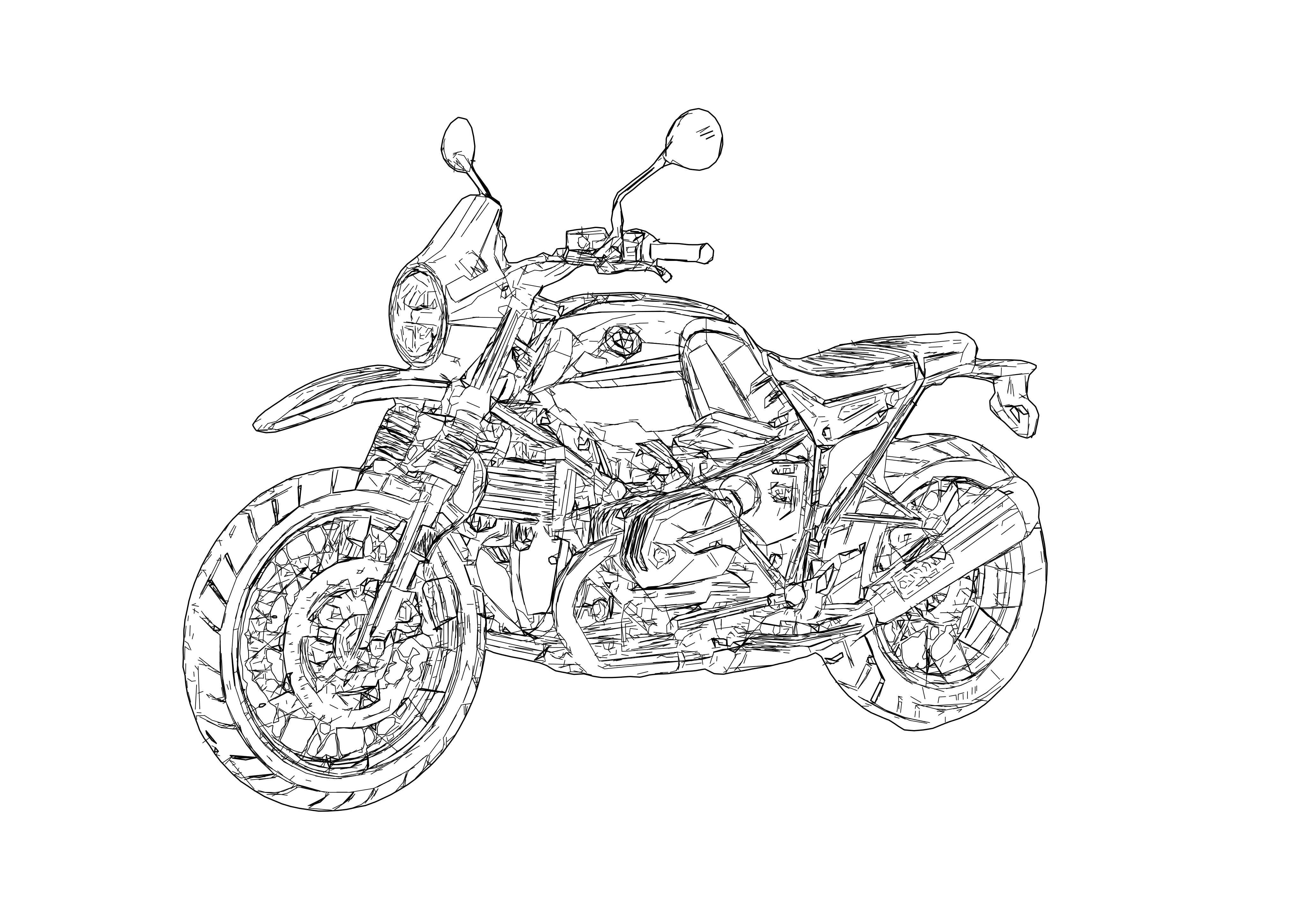
Clean SVG paths with simplified geometry for CAD workflows
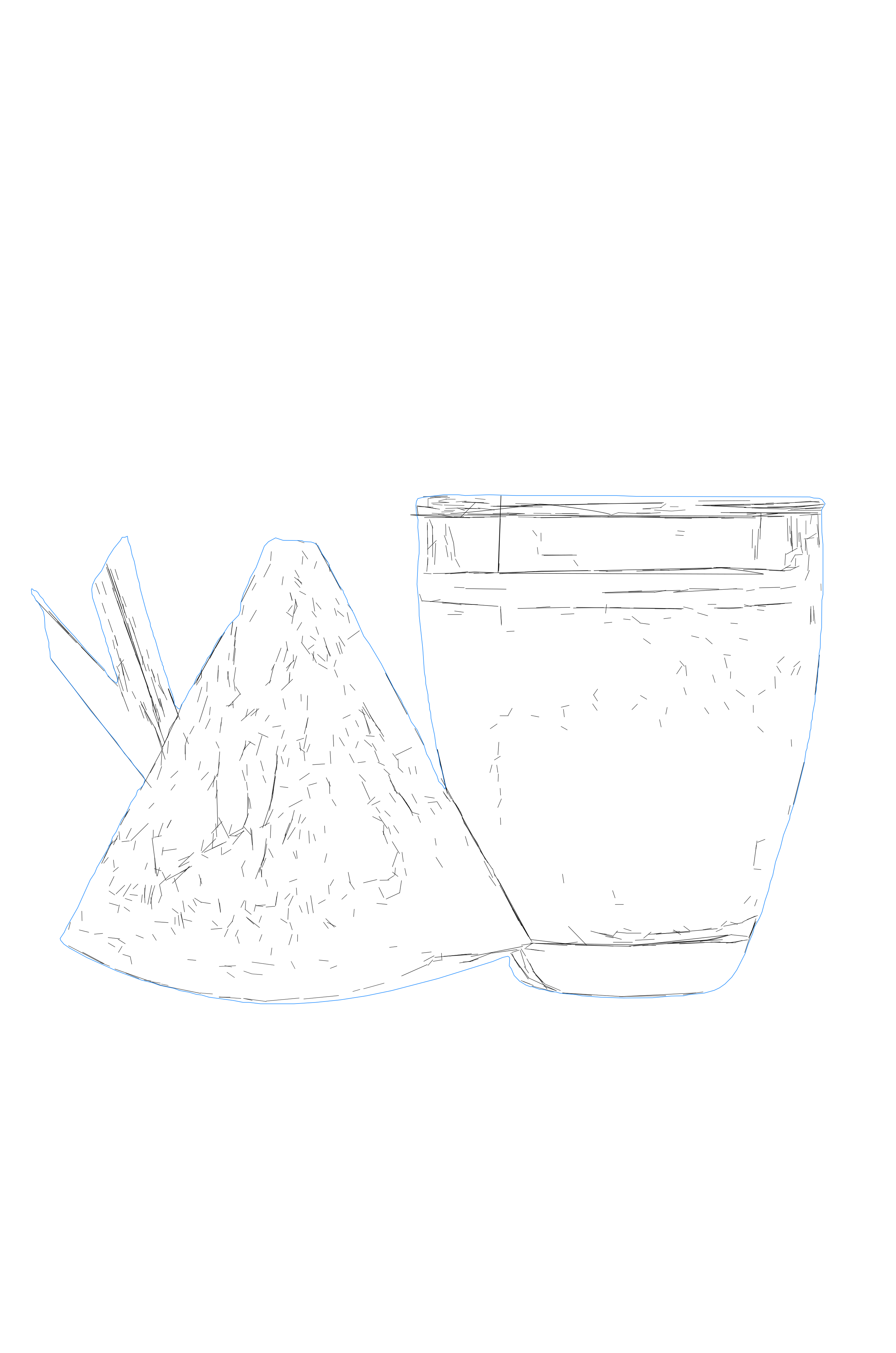
Technical line drawing showing detailed vector contours
SVG vector drawing with clean line art and precise geometry
Production-ready SVG drawing optimized for editing and export
Technical line drawing showing detailed vector contours
Clean SVG paths with simplified geometry for CAD workflows
SVG vector drawing with clean line art and precise geometry
Production-ready SVG drawing optimized for editing and export
Technical line drawing showing detailed vector contours
Clean SVG paths with simplified geometry for CAD workflows
SVG vector drawing with clean line art and precise geometry
Production-ready SVG drawing optimized for editing and export
Technical line drawing showing detailed vector contours
Clean SVG paths with simplified geometry for CAD workflows
SVG vector drawing with clean line art and precise geometry
Production-ready SVG drawing optimized for editing and export
Technical line drawing showing detailed vector contours
Clean SVG paths with simplified geometry for CAD workflows
SVG vector drawing with clean line art and precise geometry
Production-ready SVG drawing optimized for editing and export
Technical line drawing showing detailed vector contours
Clean SVG paths with simplified geometry for CAD workflows
SVG vector drawing with clean line art and precise geometry
Production-ready SVG drawing optimized for editing and export
Technical line drawing showing detailed vector contours
Clean SVG paths with simplified geometry for CAD workflows
SVG vector drawing with clean line art and precise geometry
Production-ready SVG drawing optimized for editing and export
Technical line drawing showing detailed vector contours
Clean SVG paths with simplified geometry for CAD workflows
SVG vector drawing with clean line art and precise geometry
Production-ready SVG drawing optimized for editing and export
Technical line drawing showing detailed vector contours
Clean SVG paths with simplified geometry for CAD workflows
SVG vector drawing with clean line art and precise geometry
Production-ready SVG drawing optimized for editing and export
Technical line drawing showing detailed vector contours
Clean SVG paths with simplified geometry for CAD workflows
SVG vector drawing with clean line art and precise geometry
Production-ready SVG drawing optimized for editing and export
Technical line drawing showing detailed vector contours
Clean SVG paths with simplified geometry for CAD workflows
SVG vector drawing with clean line art and precise geometry
Production-ready SVG drawing optimized for editing and export
Technical line drawing showing detailed vector contours
Clean SVG paths with simplified geometry for CAD workflows
SVG vector drawing with clean line art and precise geometry
Production-ready SVG drawing optimized for editing and export
Technical line drawing showing detailed vector contours
Clean SVG paths with simplified geometry for CAD workflows
SVG vector drawing with clean line art and precise geometry

How it works

  1. 1

    Drop your file here

    Simply drop your file here and open the workspace.

  2. Arrow right
  3. 2

    Adjust settings on the workspace

    Choose the SVG Drawing workflow and tune detail, smoothing, and structure for the intended business use case.

  4. Arrow right
  5. 3

    Export your final result

    Export a clean SVG drawing or DXF handoff for documentation, plotting, design, or fabrication prep.

Use Cases
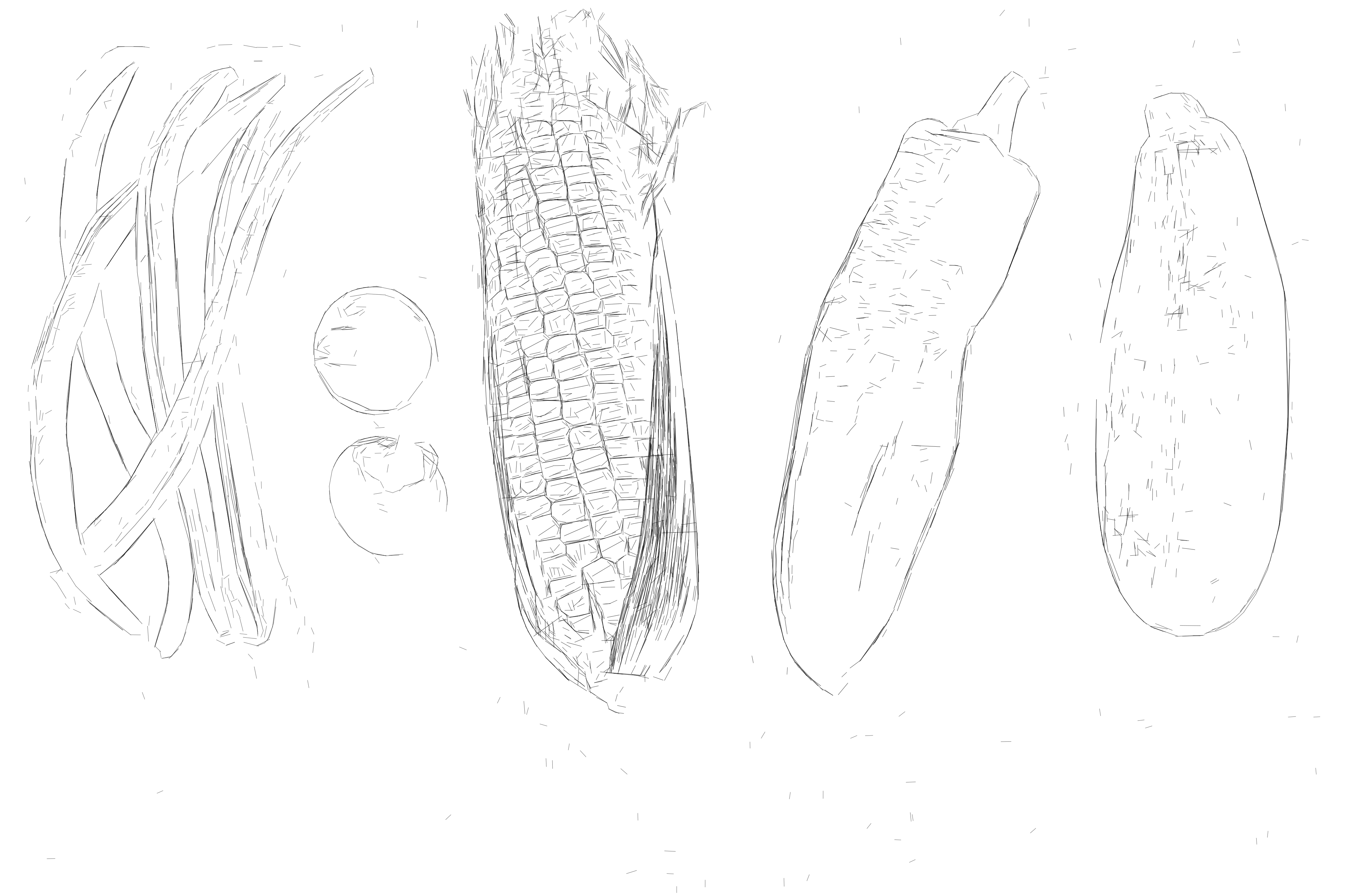
  • Technical Manuals
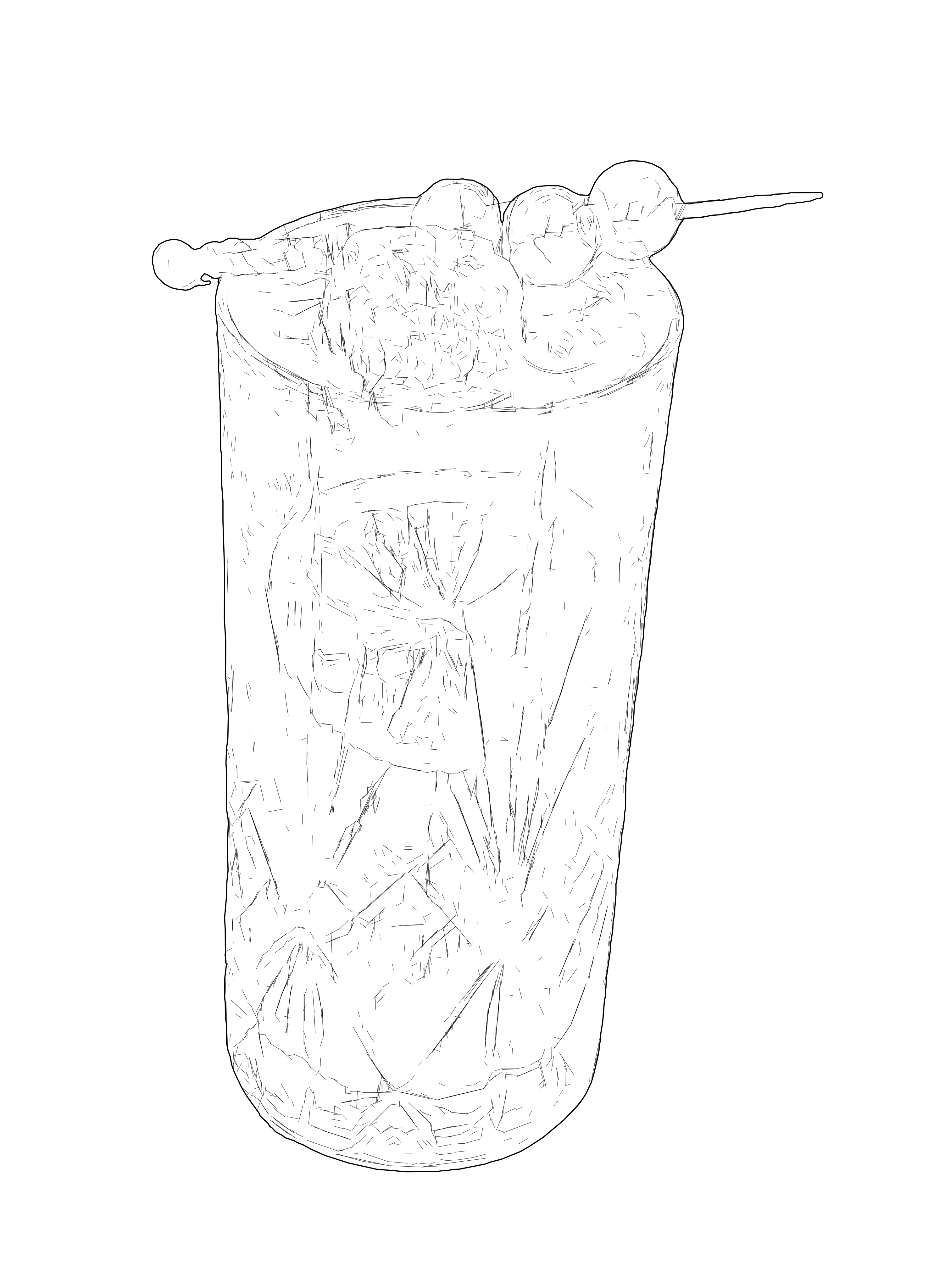
    Convert product photos into SVG instruction drawings for manuals, assembly sheets, and service guides.

    View gallery
  • Product Drawings

    Create simplified SVG product drawings for datasheets, packaging layouts, and catalog pages.

    Open workspace
  • Laser Engraving

    Prepare readable SVG drawings from photos before final setup in LightBurn and similar laser software.

    View workflow
  • Architectural Drawings

    Convert facade and building reference photos into SVG drawings for planning visuals and technical presentations.

    View gallery
  • Pen Plotting

    Generate SVG drawings that plot cleanly on pen plotters and other single-line output workflows.

    Read guide
  • Fabrication Handoff

    Create SVG reference drawings that can later move into DXF, CAD, and machine handoff.

    Read guide

FAQ

How is this different from a normal SVG converter?

SVG Drawing is built for line-based professional output. Instead of turning the whole image into filled vector shapes, it focuses on controlled line geometry that is easier to reuse in manuals, plotting, design, and fabrication-adjacent workflows.

What do I receive?

A premium SVG Drawing workflow inside the workspace, with output tuned for line-based vector use. DXF handoff can be part of the workflow when geometry compatibility matters.

Who is this for?

Teams and professionals who need readable SVG drawings for documentation, product graphics, architecture visuals, plotting, laser-prep, and other downstream business workflows.

Preview the SVG Drawing workflow on the workspace

Pixel2Lines

Workflow Services:


  • Photo to SVG DrawingVector
  • Photo to SVG Laser EngravingVector
  • Photo to Remove BackgroundRaster
  • Photo to SVG ShapesVector
  • Photo to Embroidery DigitizationVector
  • Photo to IllustrationRaster
  • Photo to Design GridRaster
  • Gallery
  • Pricing
  • About Us
  • Technology
  • Custom Development
  • Contact Support

Conversion Tools:


  • File Converters
  • JPG to PNG
  • JPG to WEBP
  • JPG to AVIF
  • JPG to ICO
  • PNG to JPG
  • PNG to AVIF
  • PNG to WEBP
  • PNG to ICO
  • WEBP to JPG
  • WEBP to PNG
  • WEBP to AVIF
  • AVIF to JPG
  • AVIF to PNG
  • AVIF to WEBP
  • SVG to PNG
  • SVG to JPG
  • SVG to WEBP
  • SVG to AVIF
  • SVG to PDFPremium
  • SVG to EPSPremium
  • SVG to AIPremium
  • SVG to DXFPremium
  • SVG to GCODEPremium
  • PDF to PNG
  • BMP to PNG
  • DXF to SVGPremium

Guides


  • Helpful Guides
  • Legal
  • Privacy Policy
  • Terms
  • Cookies