SVG vs DXF: Which Vector Format Should You Use?
SVG is a W3C XML graphics format. DXF is Autodesk's drawing exchange format for CAD data. Both can carry vector geometry, but they solve different workflow problems.
Short answer
Use SVG when the file is moving through design, web, or illustration-oriented tools, or when your laser software imports SVG reliably.
Use DXF when the next step is CAD/CAM, the receiving shop explicitly asks for DXF, or the workflow depends on CAD entities such as layers, blocks, dimensions, or drawing annotations.
The best format is the one that preserves intent in the next application, not the one that sounds more technical.
- Design and browser graphics -> SVG
- CAD/CAM exchange -> DXF
- Laser workflow with modern design-first software -> usually SVG
- Fabrication workflow that names DXF in the spec -> DXF

What DXF actually is
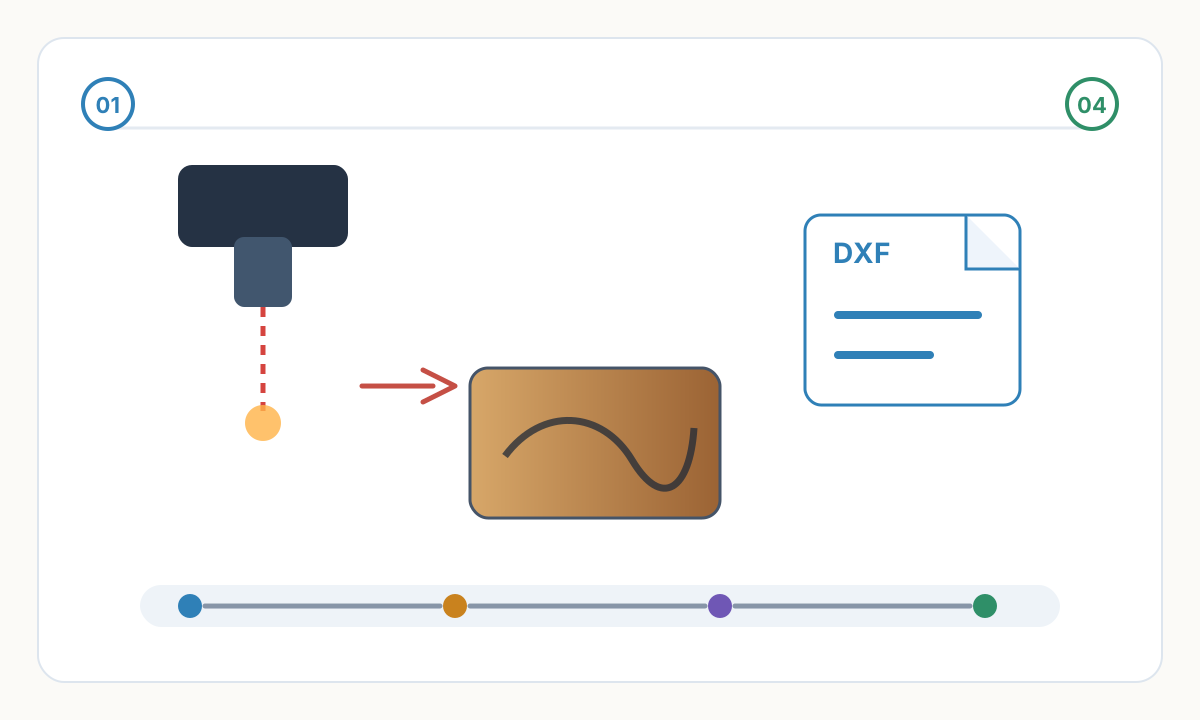
DXF (Drawing Exchange Format) is Autodesk's exchange format for AutoCAD drawing data. It is a tagged data format, commonly stored as ASCII text but also available in binary form.
DXF is built around CAD-style entities and drawing structure: layers, blocks, text, dimensions, hatches, and geometric entities such as lines, arcs, circles, polylines, ellipses, and splines.
That makes DXF a practical handoff format for CAD, CAM, CNC, and fabrication software, especially when the receiving system expects AutoCAD-style drawing data.
- CAD and engineering workflows
- CNC machining and manufacturing
- Architecture and technical drawings
- Legacy industrial systems
What SVG actually is
SVG (Scalable Vector Graphics) is a W3C standard based on XML for 2D vector graphics and mixed vector/raster graphics.
SVG is built for visual output and styling. It can describe fills, strokes, gradients, clipping, masks, filters, text, and interactive or animated behavior.
That makes SVG the natural fit for browsers, design tools, illustrated artwork, and any workflow where visual appearance matters as much as the geometry.
The practical difference
SVG describes how graphics should look. DXF describes drawing data in a CAD-friendly structure.
Both formats can represent accurate 2D vector shapes. DXF is not inherently more precise than SVG simply because it is used in CAD; its real advantage is better alignment with CAD/CAM conventions and importers.
SVG's real advantage is broad support in browsers and illustration tools, along with richer styling and easier visual review.
- Appearance-first graphics -> SVG
- CAD-first drawing exchange -> DXF
- Do not choose by habit; choose by the next tool in the chain
When SVG is usually the better choice
Choose SVG when the source file is artwork, branding, illustration, UI graphics, or design-led laser work created in tools such as Illustrator, Inkscape, Affinity Designer, or Figma.
SVG is also the right format for browser use because modern browsers render it natively.
LightBurn supports importing and exporting SVG, so SVG is often the smoother path for laser users starting from design software rather than CAD.
- Web graphics and app assets
- Logos, icons, illustrations, and decorative vectors
- Design-first laser workflows
- Files that need styling, clipping, masks, gradients, or mixed raster/vector content
When DXF is usually the better choice
Choose DXF when the receiving software or vendor expects CAD exchange data, especially in AutoCAD-centered workflows and many CNC or fabrication handoffs.
DXF is often the safer delivery format for flat parts, profiles, and technical drawings because many CAM tools read DXF directly and preserve layer-driven operations well.
If a shop, machine vendor, or workflow spec explicitly says DXF, treat that requirement as more important than any generic format advice.
- AutoCAD, LibreCAD, or other CAD drawing exchange
- CNC router, plasma, waterjet, and fabrication handoff
- Files where dimensions, annotations, or CAD layers matter
- Legacy or industrial software that does not import SVG well
The real import problems: scale, text, and curves
Scale issues are common in both formats, but for different reasons. SVG imports can come in at the wrong size when applications disagree about DPI. LightBurn, for example, includes separate SVG import settings for 96 DPI and 72 DPI.
DXF can also import at the wrong size because units may be unspecified. Autodesk's INSUNITS variable can define drawing units, but some DXF files still arrive as unitless geometry, so receiving software may ask you to choose inches or millimeters.
Text is another common failure point. SVG and DXF can both contain text, but production handoff is safer when you convert text to outlines if the recipient may not have the same fonts or if the importer does not preserve text reliably.
Curves are the third trap. Some DXF import/export settings convert arcs or splines into many short line segments. That can make files heavier and create rougher motion on cutters or plotters.
Do not assume conversion is lossless
SVG to DXF is not a neutral format swap. Visual features such as gradients, filters, masks, CSS styling, animation, and embedded raster content do not map cleanly into DXF.
DXF to SVG can also need cleanup. Blocks, hatches, dimensions, linetypes, annotation behavior, and some 3D entities may not translate into a clean SVG that looks the way you expect.
If the goal is fabrication, simplify the file before conversion. If the goal is presentation, restyle and inspect the result after conversion.
Preflight checklist before you send the file
- Confirm which format the receiving software or vendor actually wants
- Measure one known feature after import to catch unit or DPI errors
- Convert live text to outlines unless editable text is explicitly required
- Remove gradients, masks, filters, and raster effects before SVG to DXF export
- Explode or simplify blocks, dimensions, and hatches if the CAM tool only needs cut geometry
- Check for open paths, duplicate lines, and unnecessary nodes
- Inspect curves to make sure they did not turn into jagged polylines
Best practice for masters and exports
Keep your editable master in the native tool that best matches the job. For design-led artwork that may be an SVG-capable illustration file. For engineered parts, that is usually the native CAD file.
Export SVG when you need a visually faithful, design-friendly vector file. Export DXF when you need a CAD/CAM-friendly exchange file.
Do a round-trip test in the destination software before a production deadline. Format support on paper is not the same as clean import behavior in the real job.
Shop-floor rule
If a machine vendor, fabrication shop, or CAM template asks for a specific DXF version or asks for outlined text only, follow that instruction over any generic best-practice article.
Quick decision guide
Use these rules when you need a fast answer and do not have time for a long compatibility test.
- Browser, UI asset, logo, or illustration -> SVG
- Illustrator or Inkscape artwork going into LightBurn -> usually SVG, then verify scale
- AutoCAD exchange or technical drawing handoff -> DXF
- Fabrication shop explicitly requests DXF -> DXF
- Need gradients, masks, filters, or mixed raster/vector output -> SVG
- Need CAD entities, dimensions, or block-based drawing data preserved -> DXF
- Unsure what the recipient supports -> ask first and test one sample file
Need a clean vector file for production?
We can prepare a clean SVG master for artwork-driven jobs and make sure it is ready for downstream conversion when required.
Photo to Line Graphic Vectorization
Comments
Loading comments...