SVG Laser Engraving
Laser-focused SVG drawing workflow for cleaner engraving setup and fabrication-ready handoff.

...Creditsper rendering
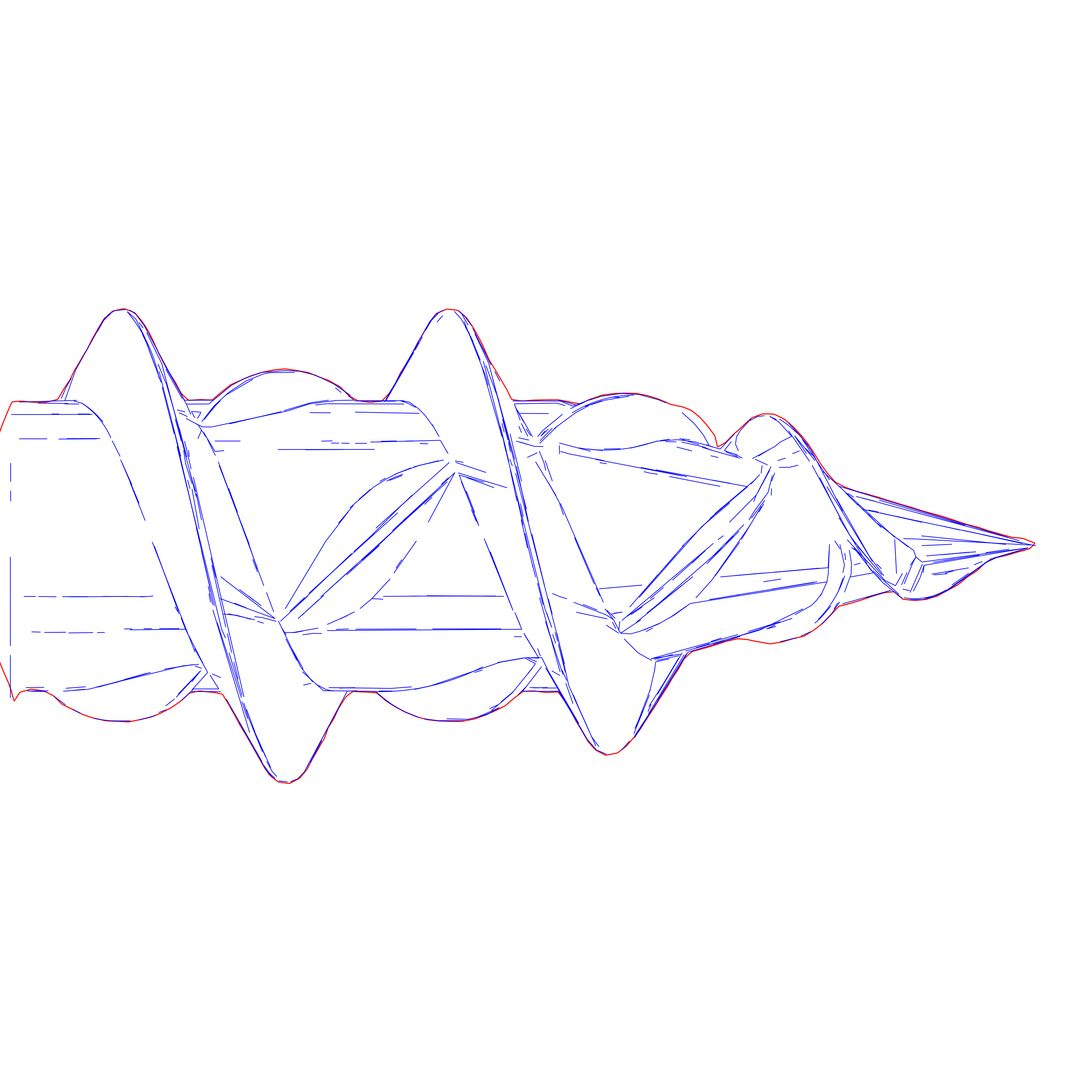
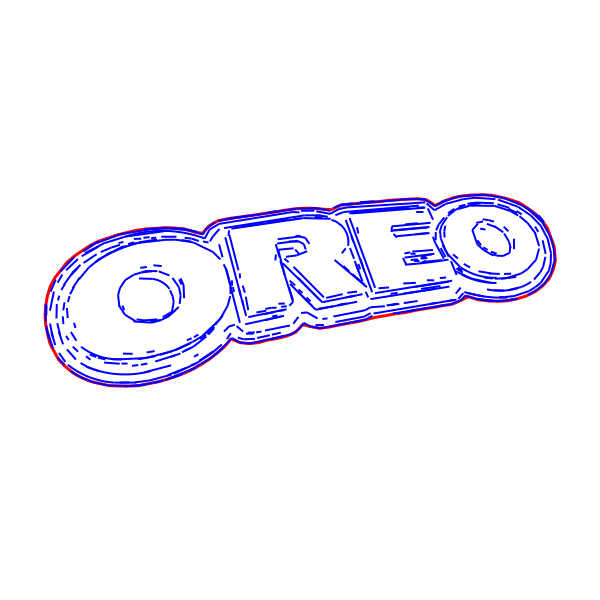
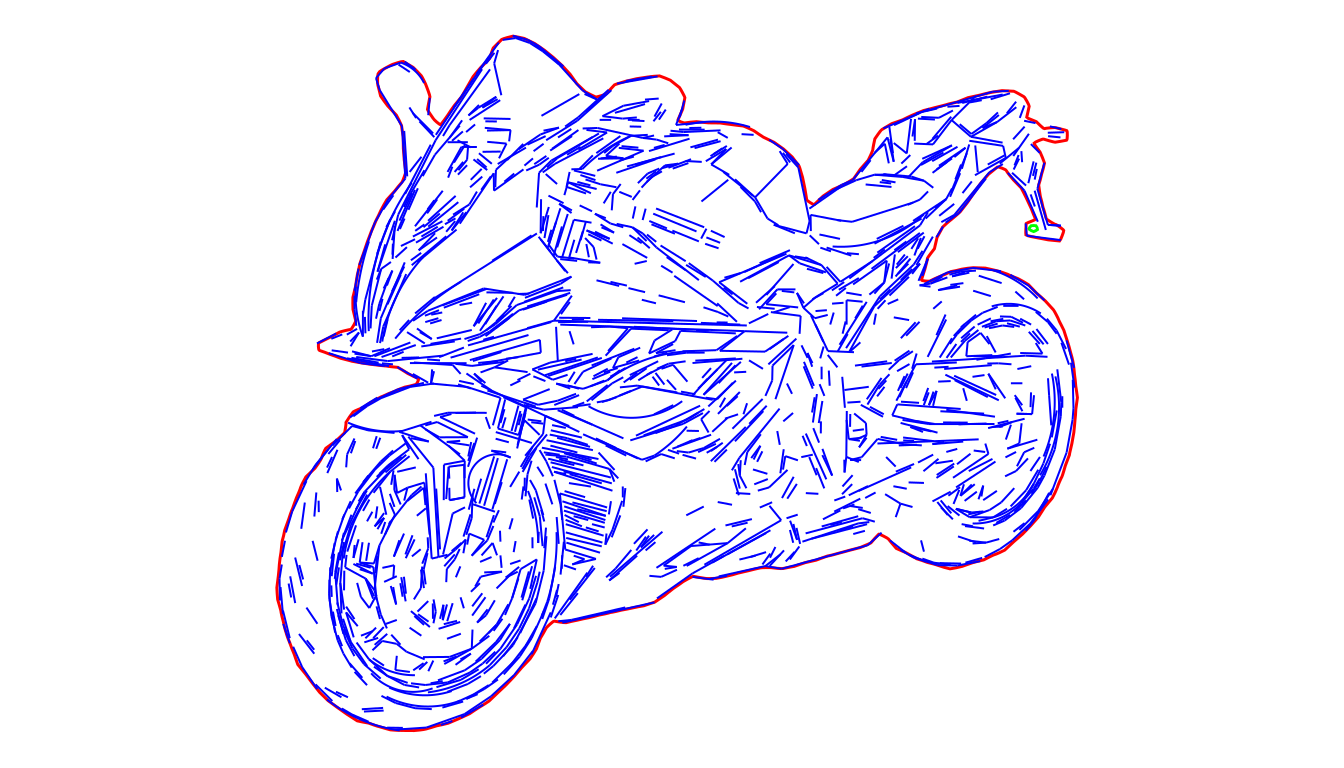
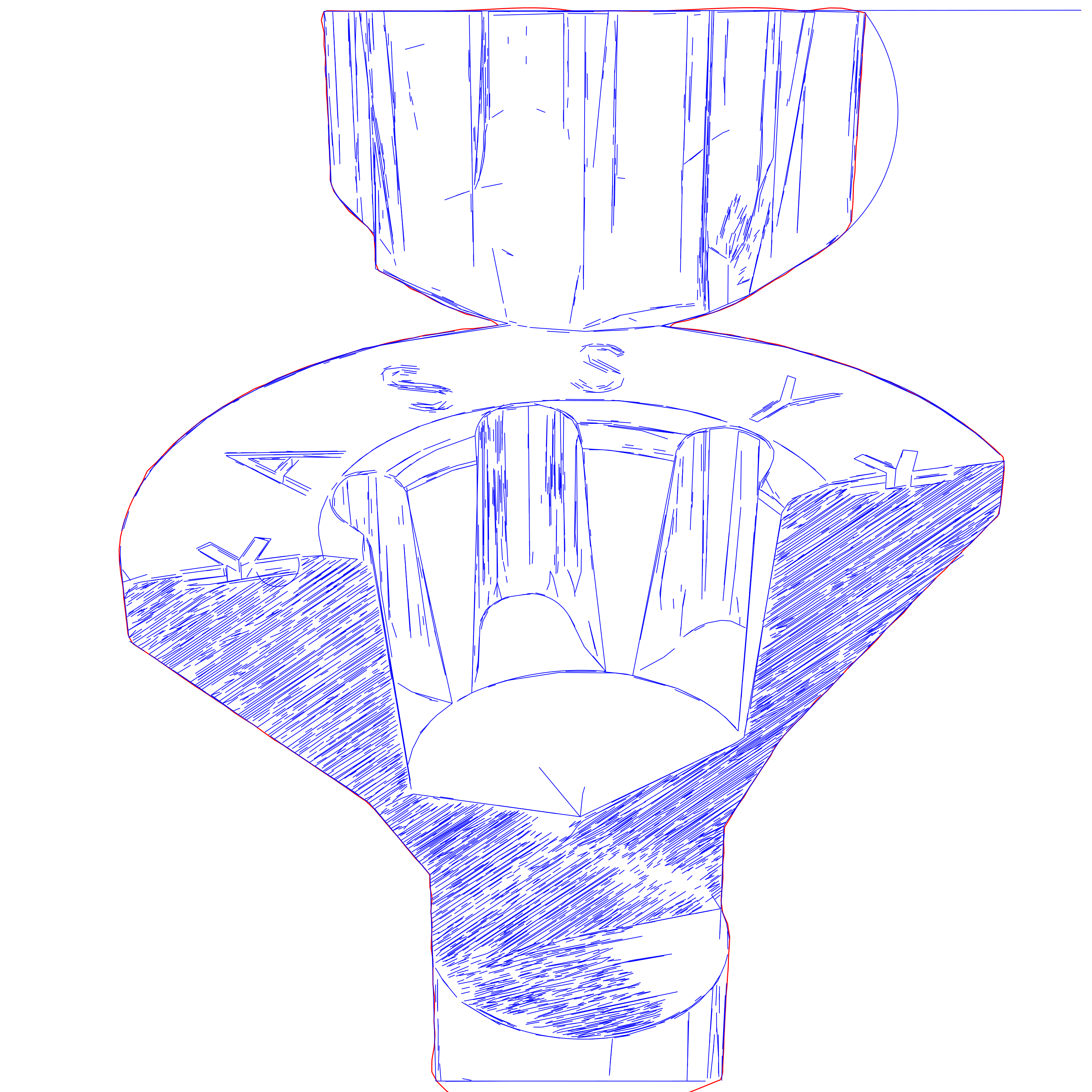
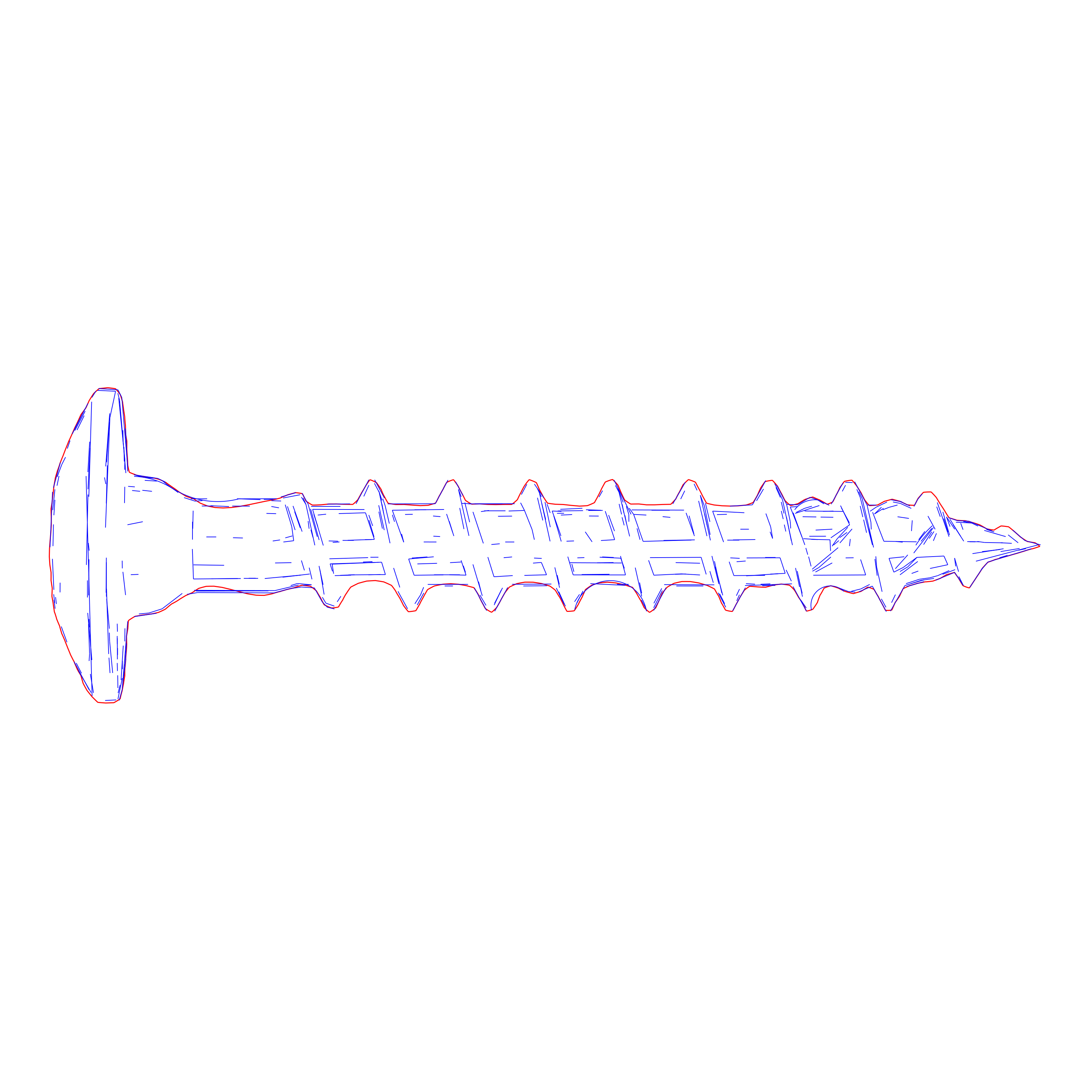
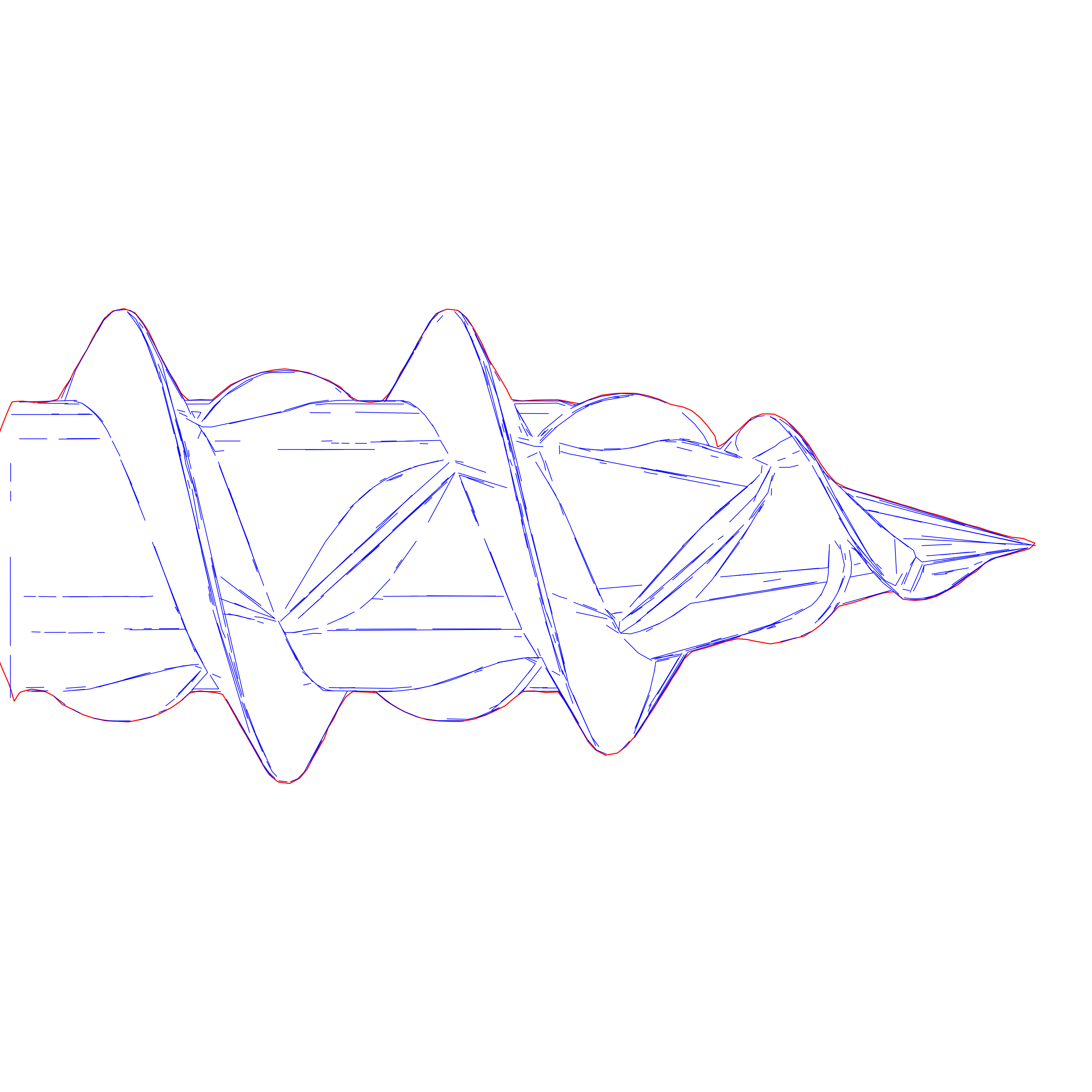
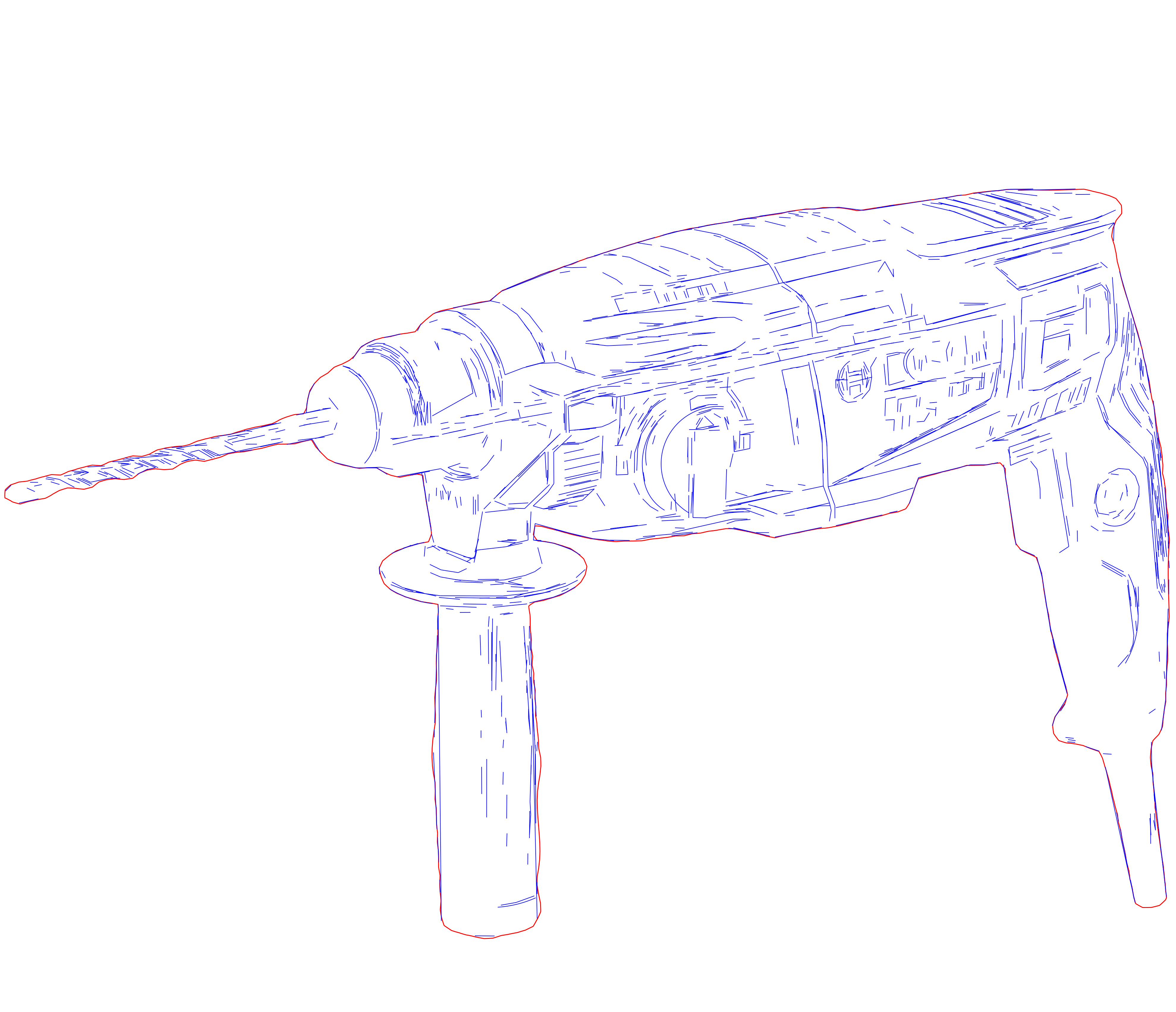
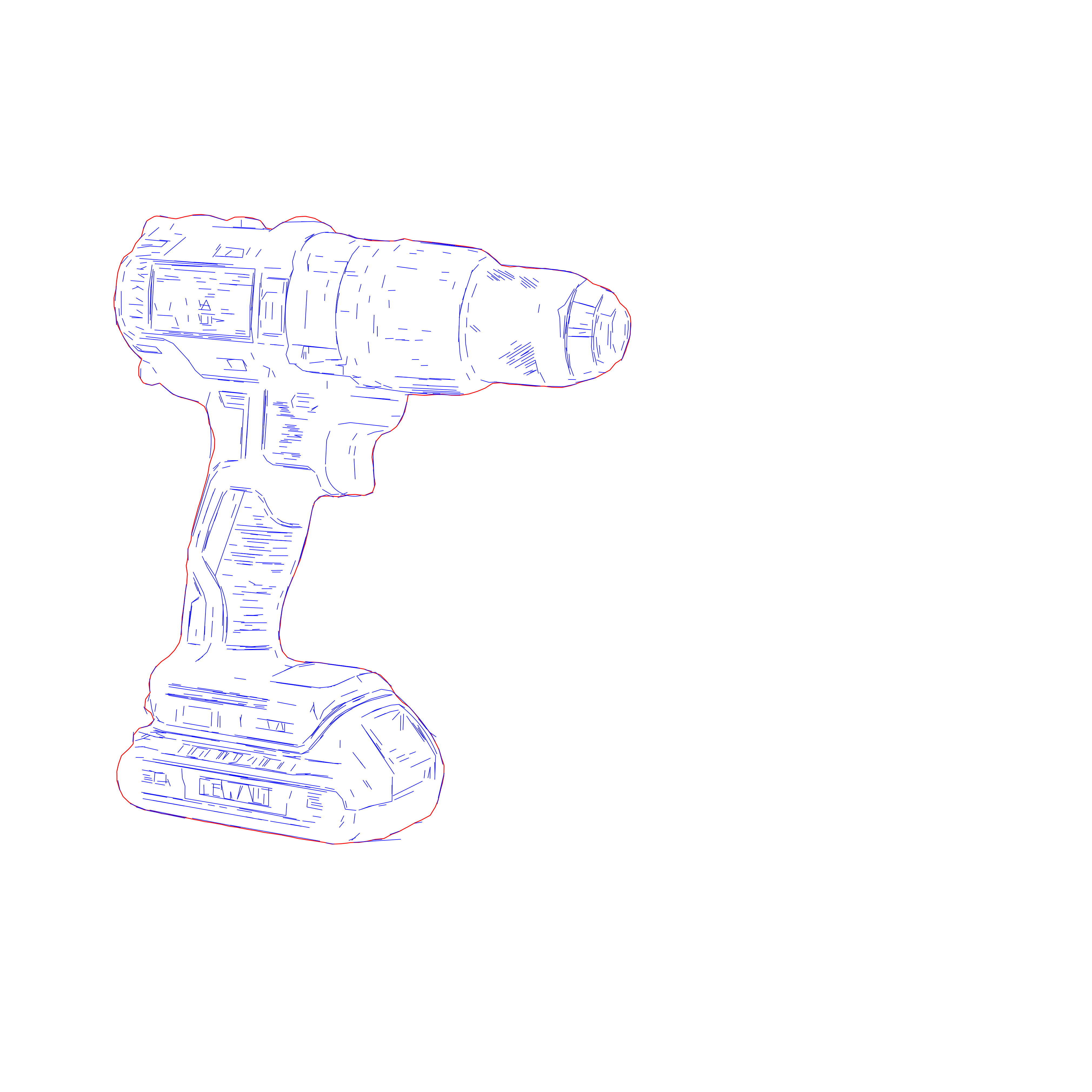
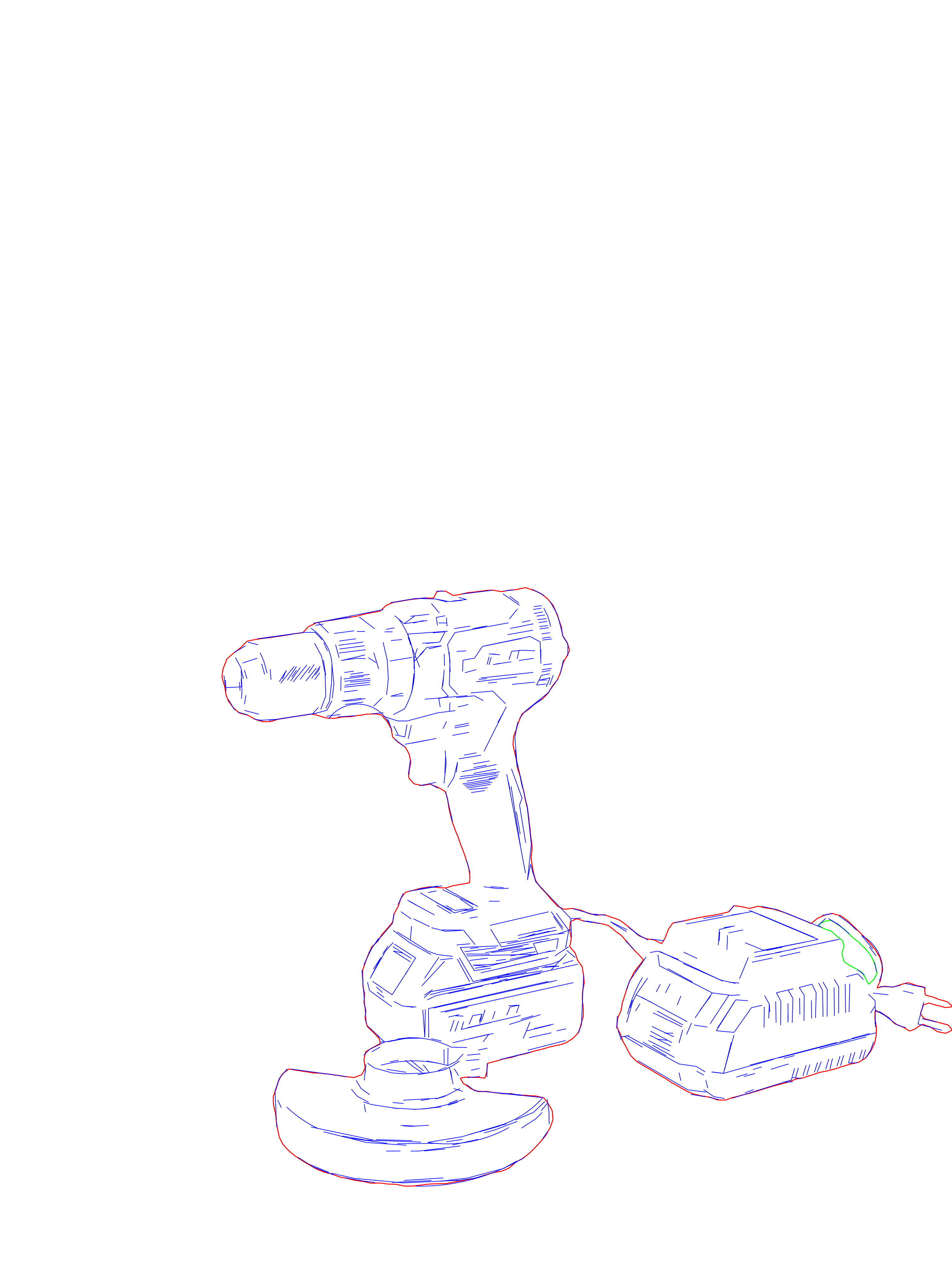
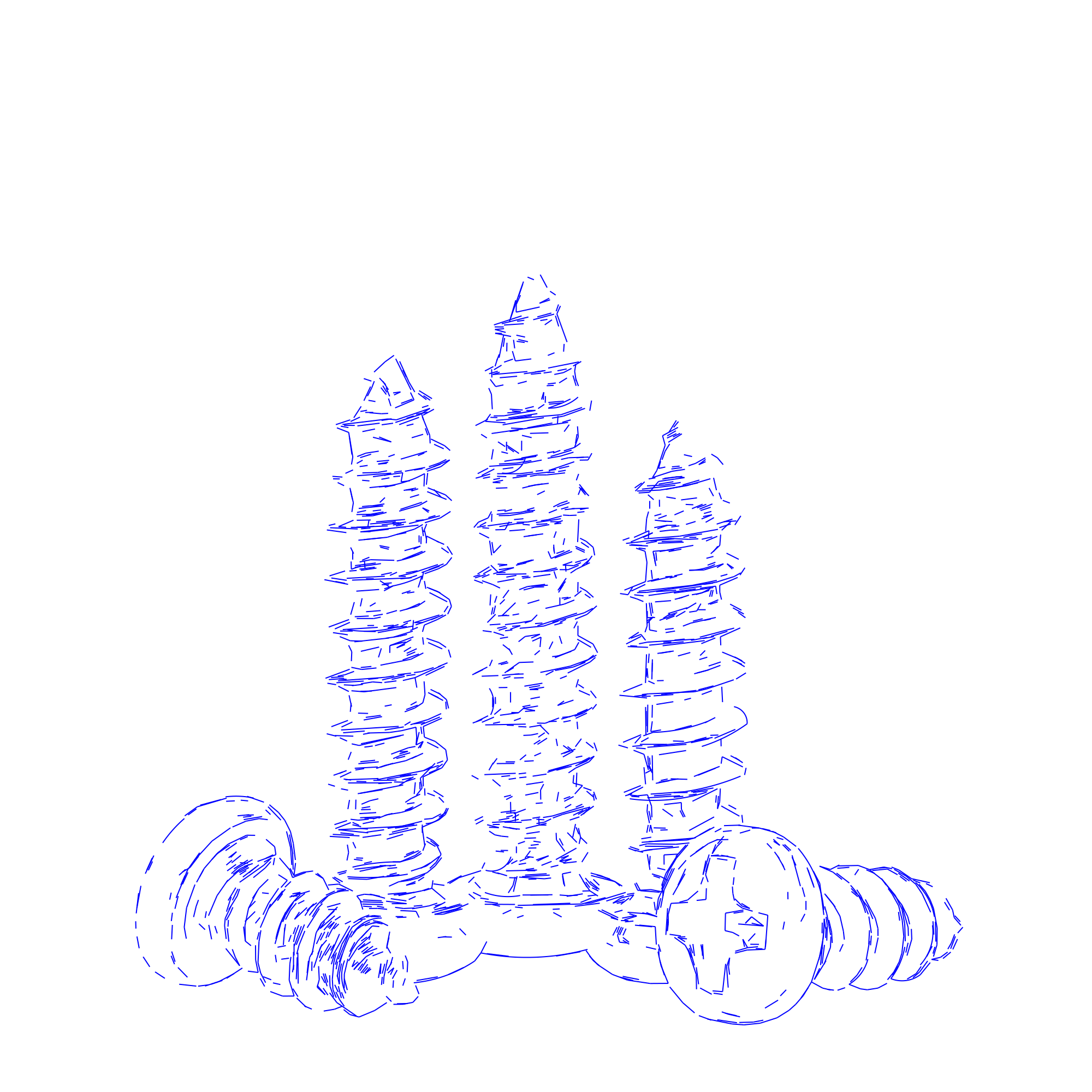
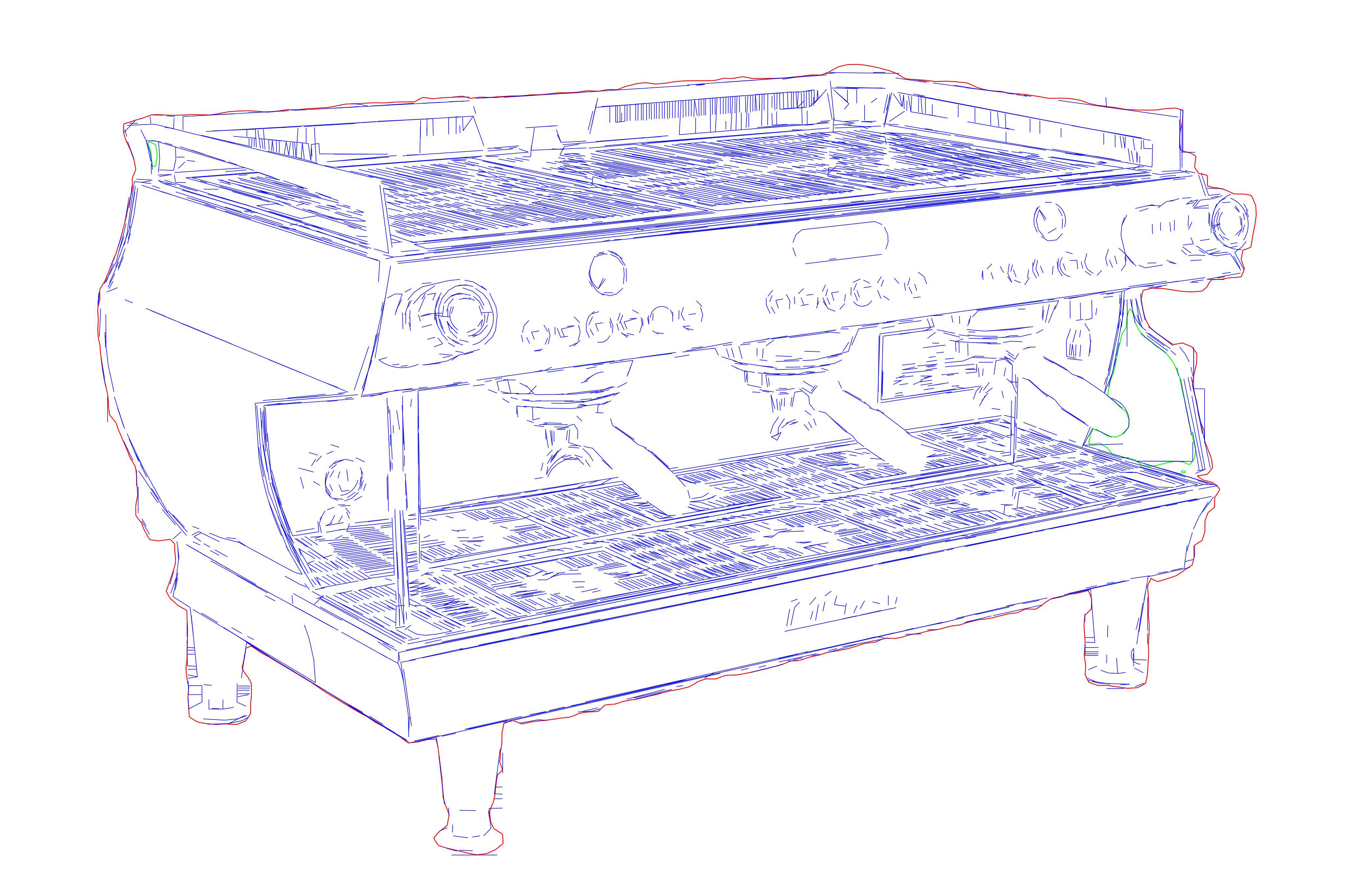
This preset is especially designed for laser engraving workflows. The output focuses on readable contours and simpler geometry that stays easier to process in engraving software and downstream fabrication use. The amount of segments is reduced to avoid stepping lasers. Ideal when laser is the main destination and you need cleaner linework for setup, personalization, signage, or production handoff.
Use this preset when laser is the main destination and you need cleaner linework for setup, personalization, signage, or production handoff. Use the broader SVG Drawing workflow when the result also needs to serve manuals, plotting, architecture visuals, or other cross-channel uses.
Input - Raster
High-contrast photos, logos, product shots, and reference graphics with readable contours.
Output - Engraving
Clean SVG drawings and optional DXF handoff for laser software and fabrication workflows.
Best for - Professionals
Engraving shops, signage teams, product-personalization workflows, and fabrication-heavy businesses.
Different from - Tracing
Generic auto-tracing and hobby sketch tools. Pixel2Lines focuses on controlled linework that imports cleanly and stays usable downstream.
Supported Formats
SVG — Laser SVG
Clean SVG output for LightBurn-oriented engraving setup, review, and production handoff.
DXF — DXF Handoff
DXF export for CAD and laser workflows where scale and geometry compatibility matter.
Examples
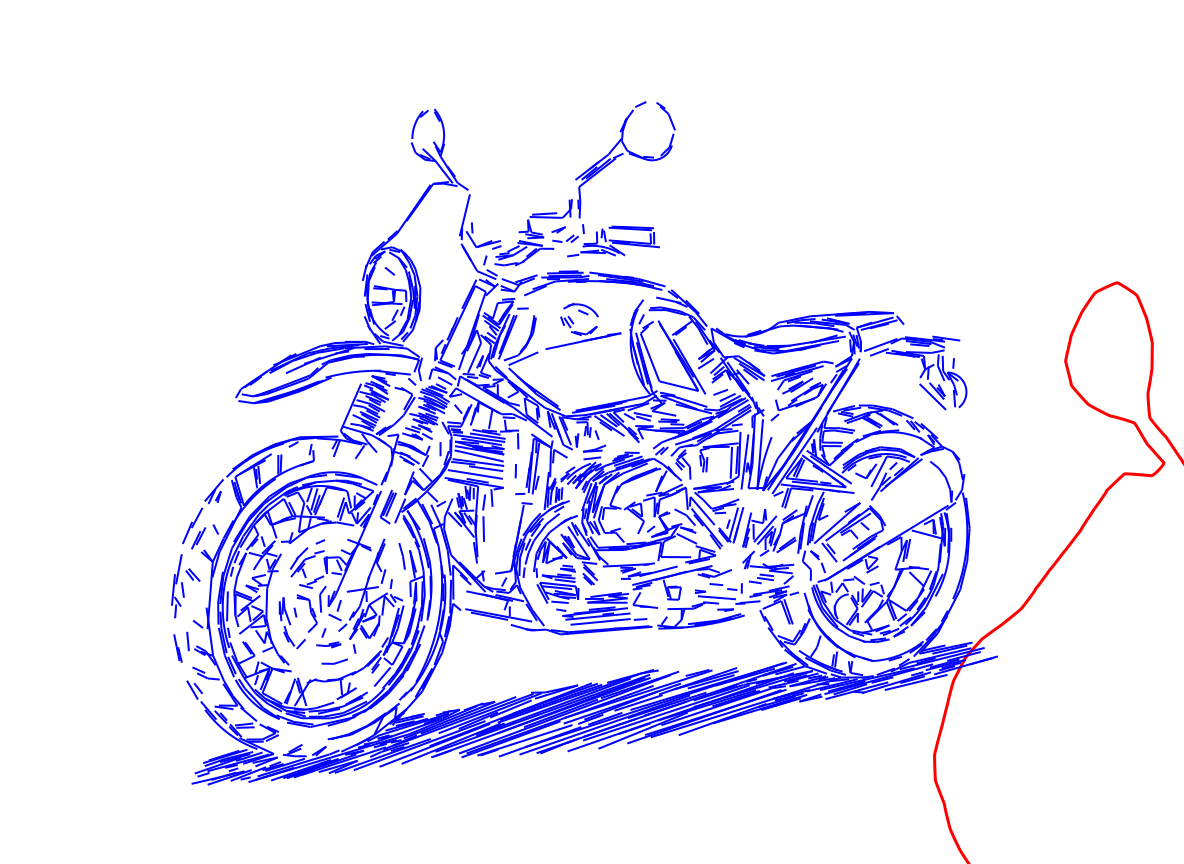
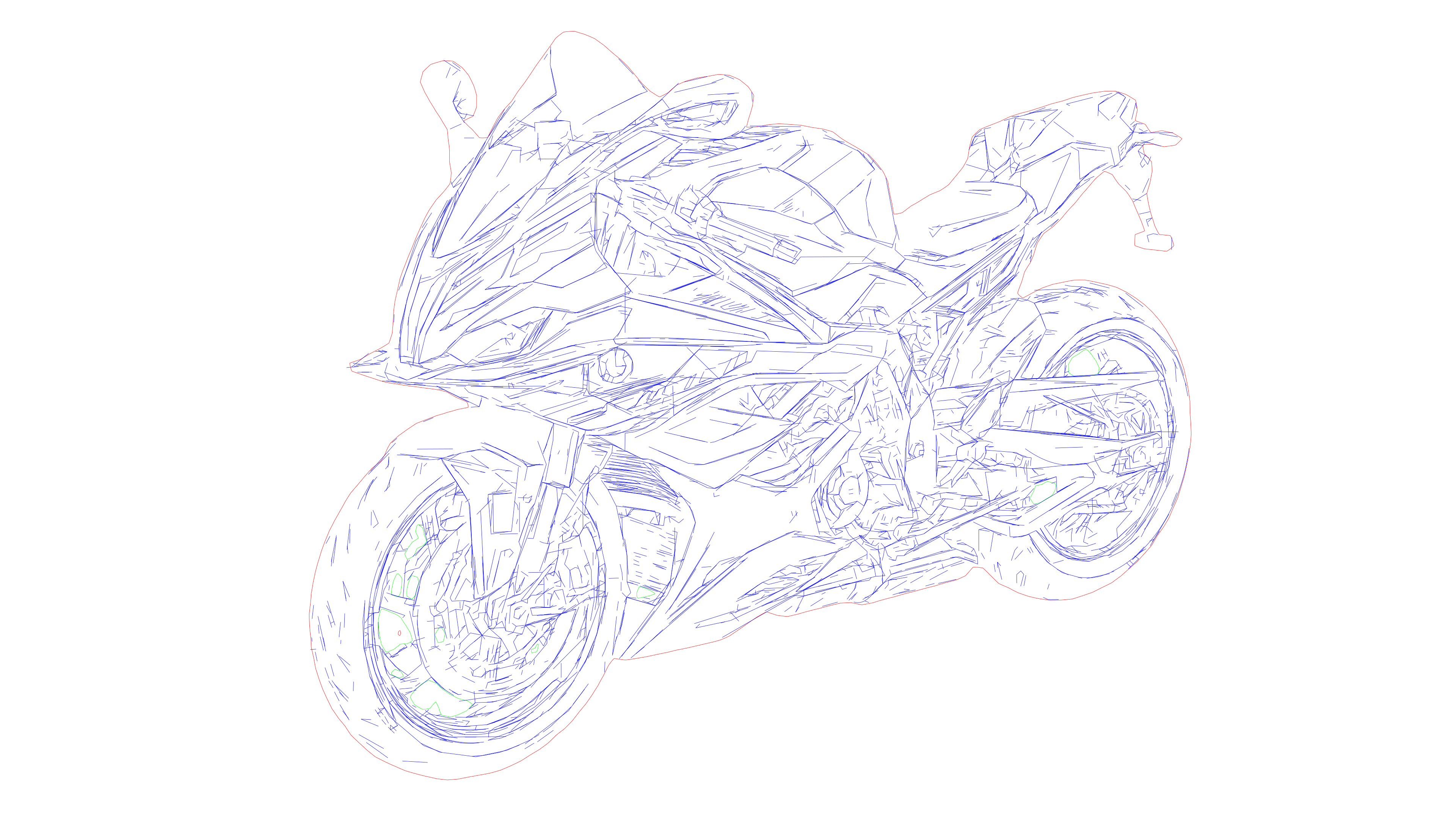
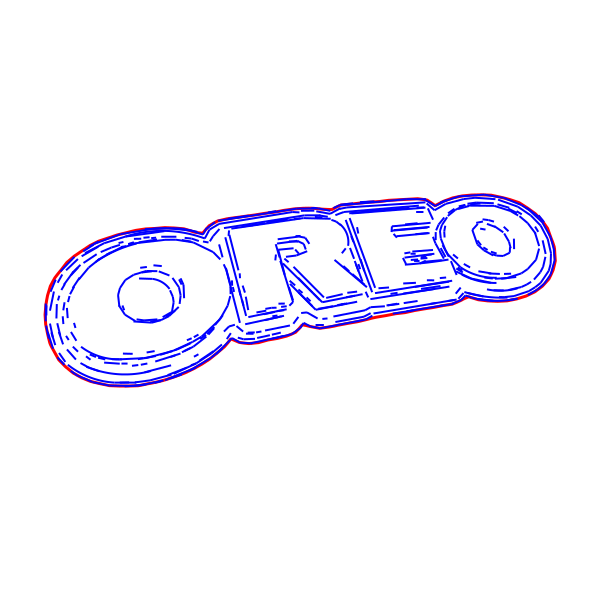
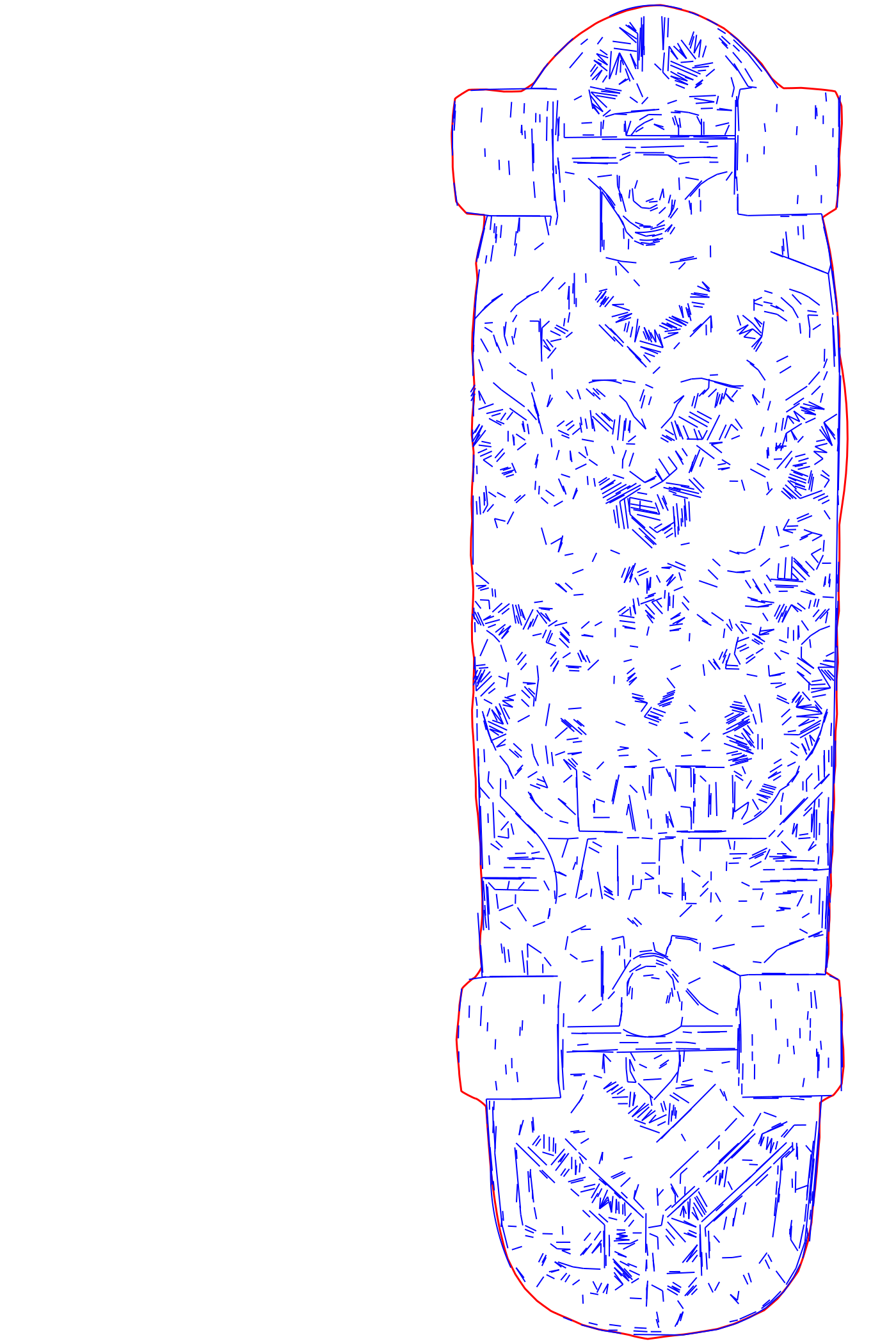
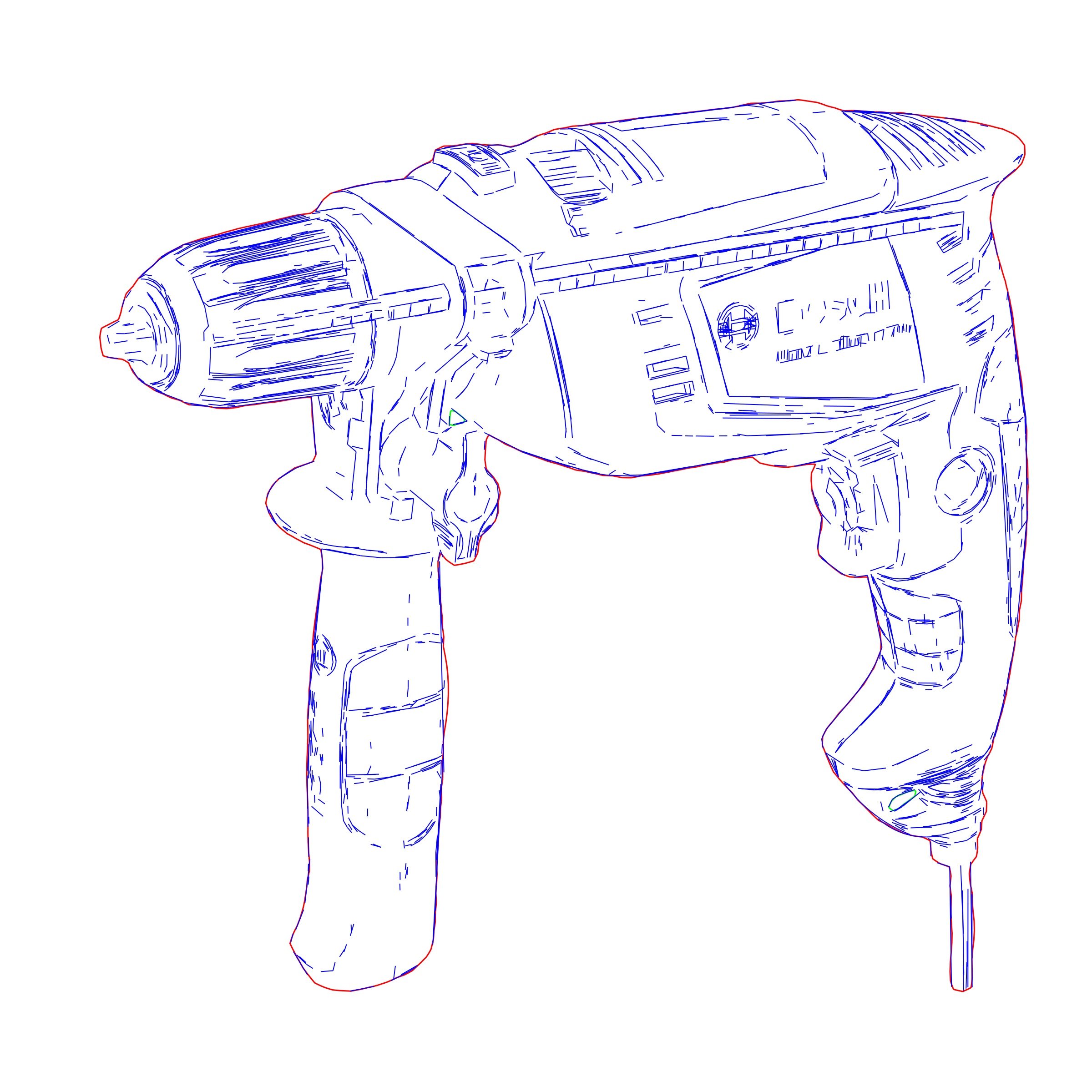
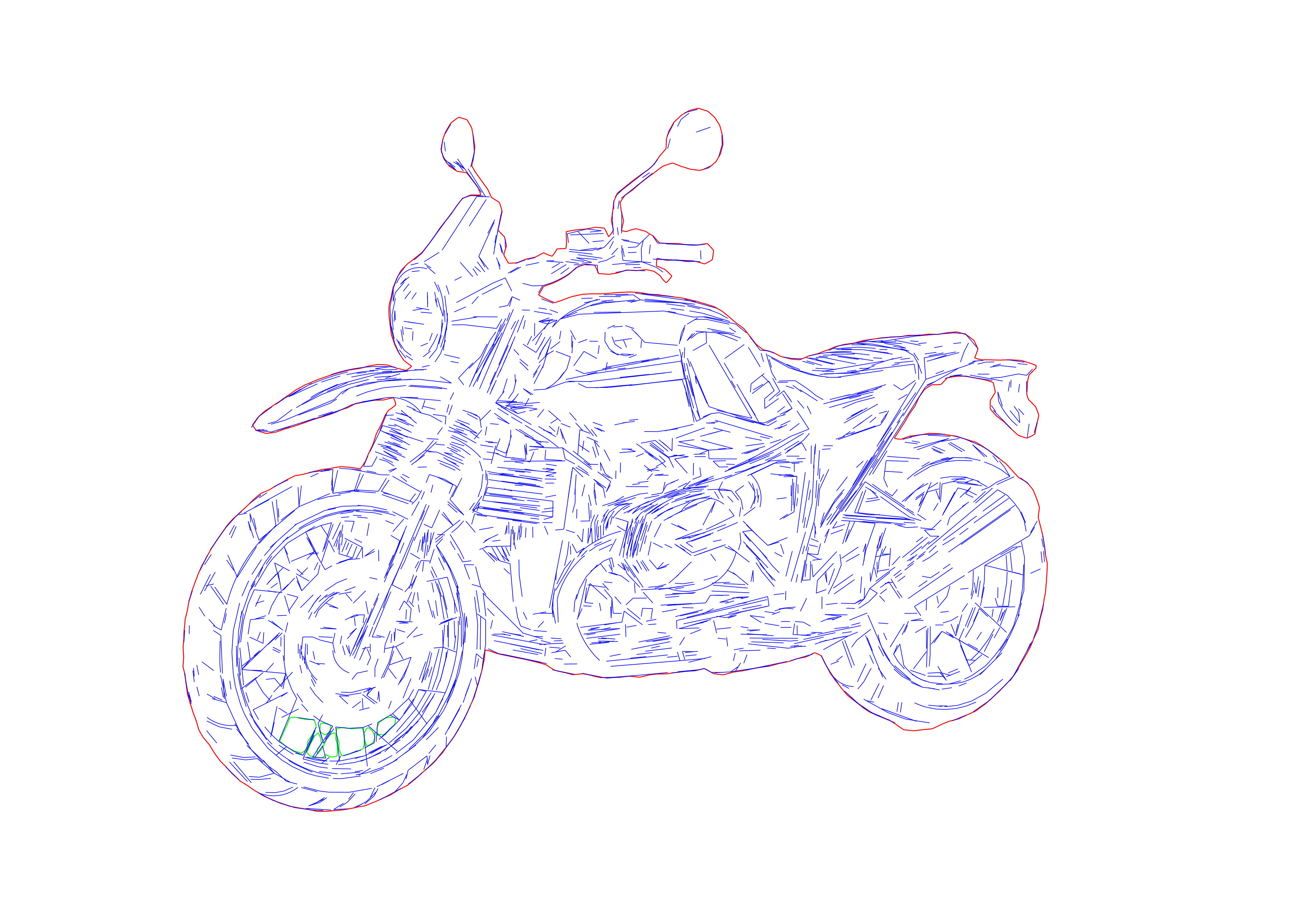
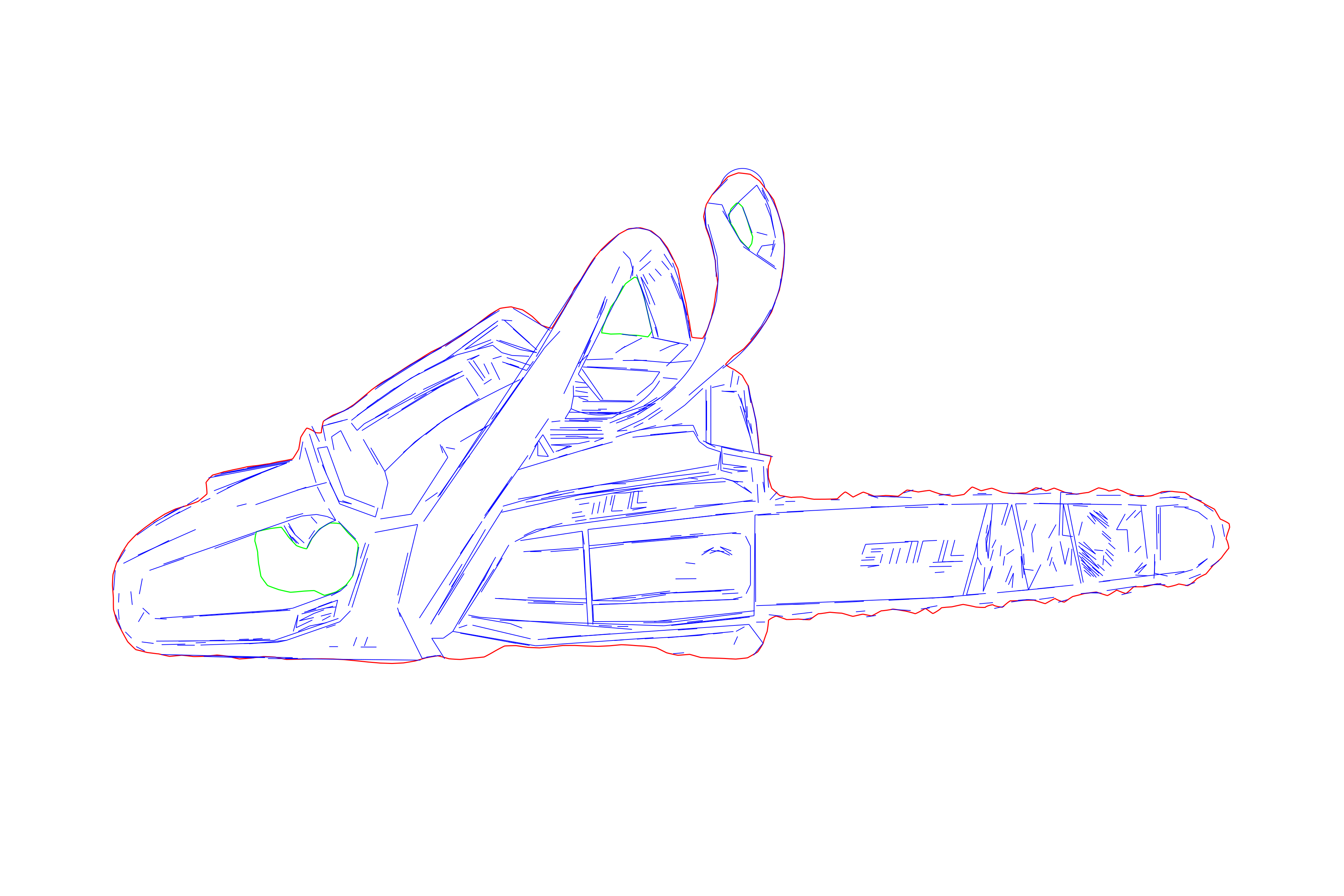
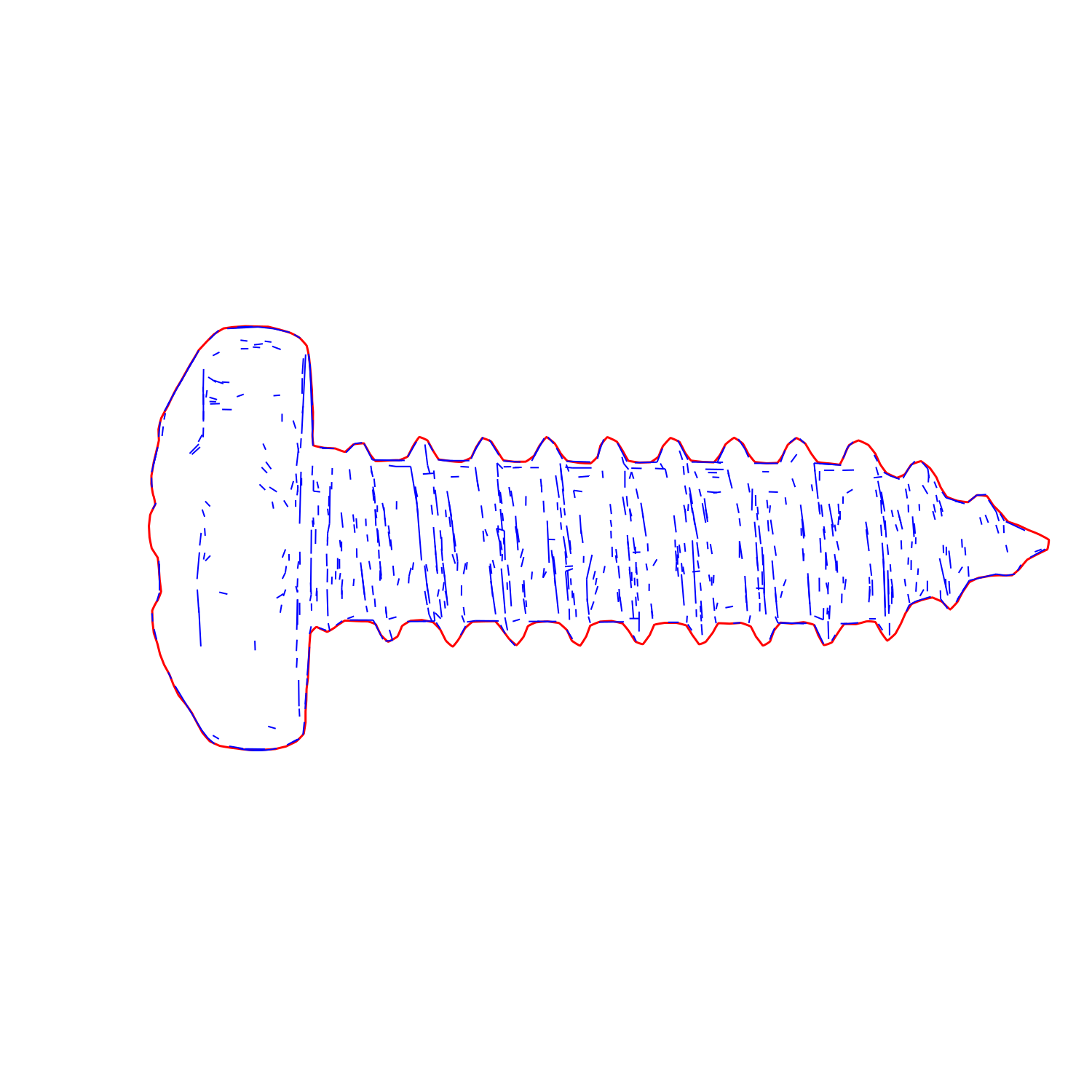
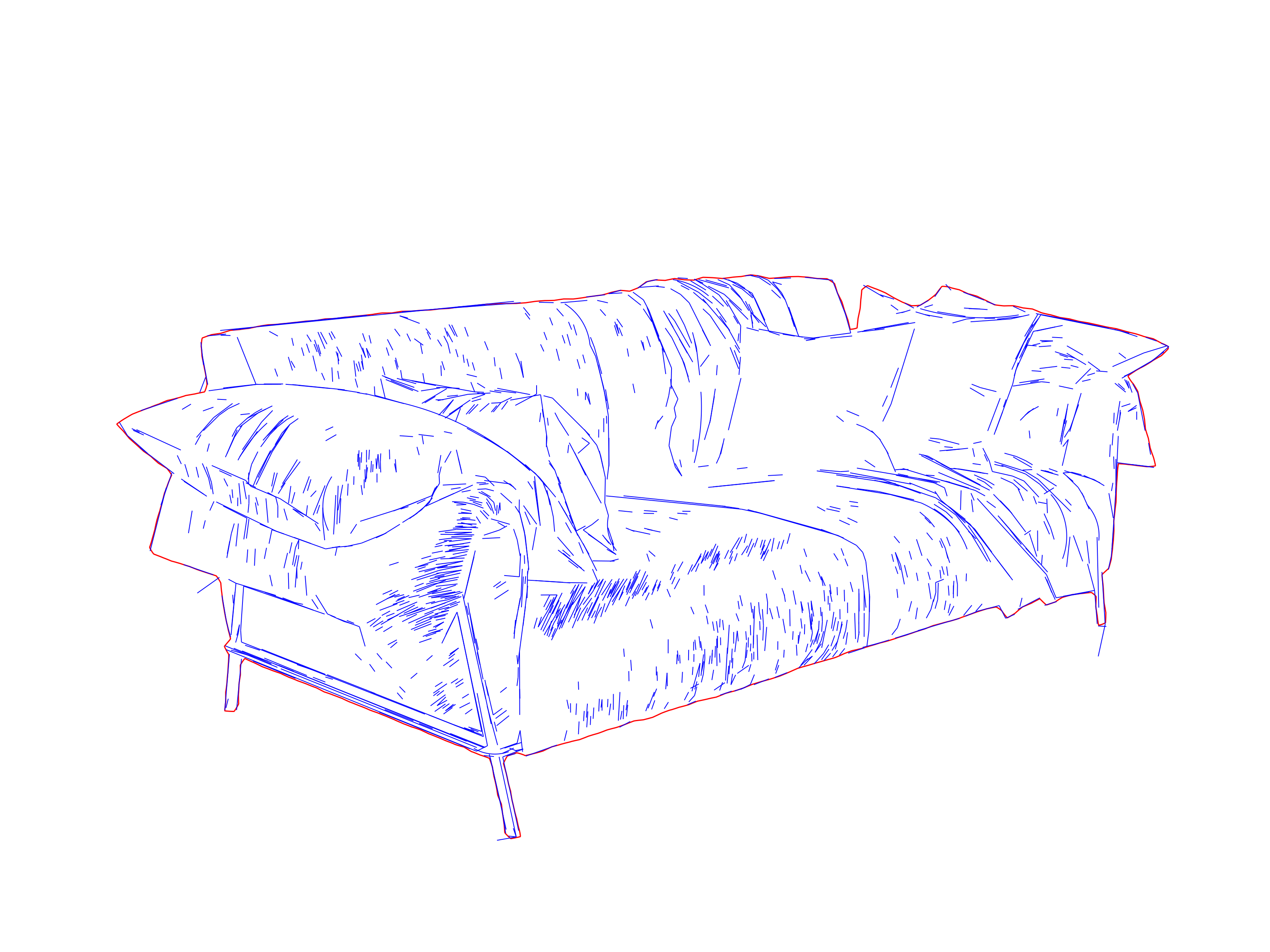
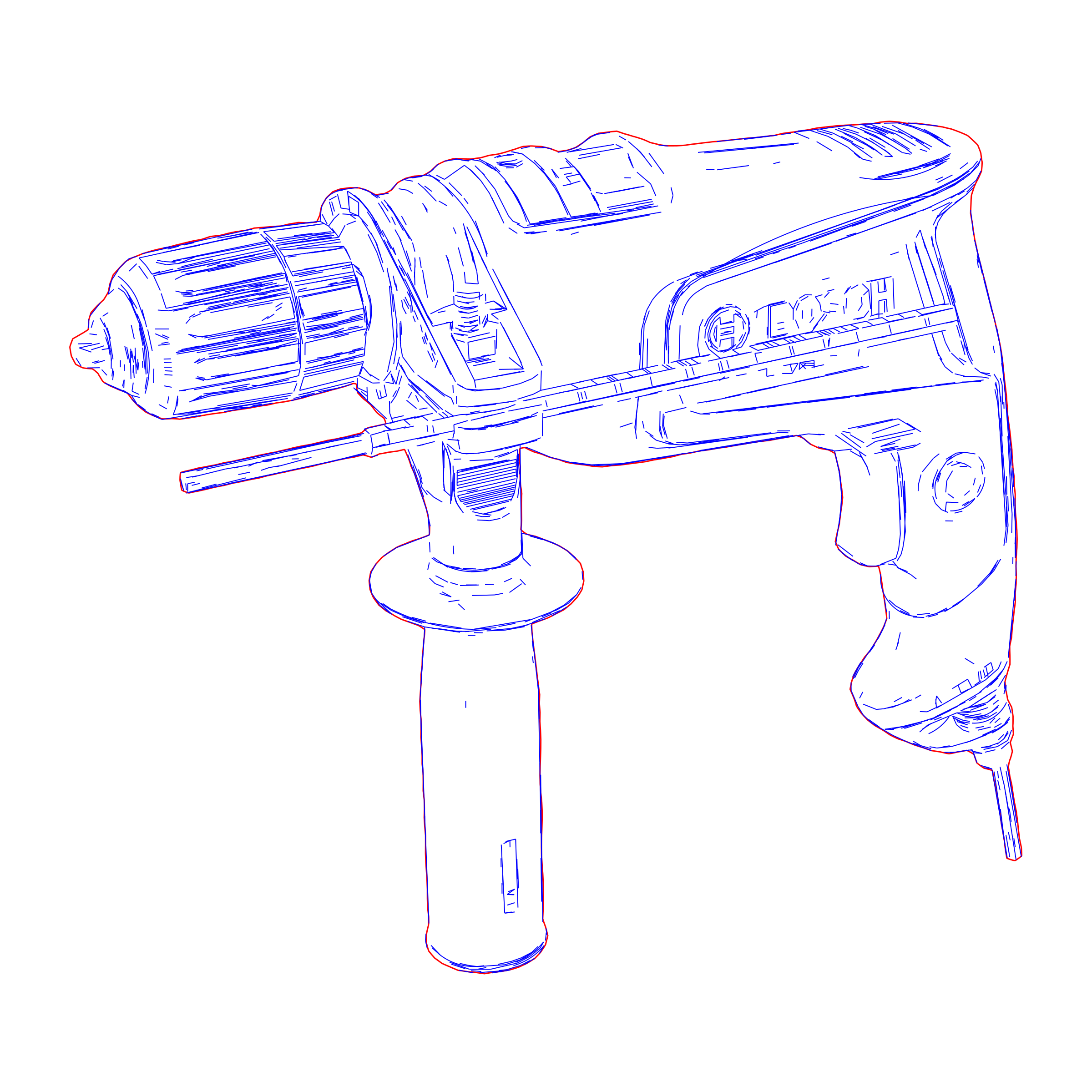
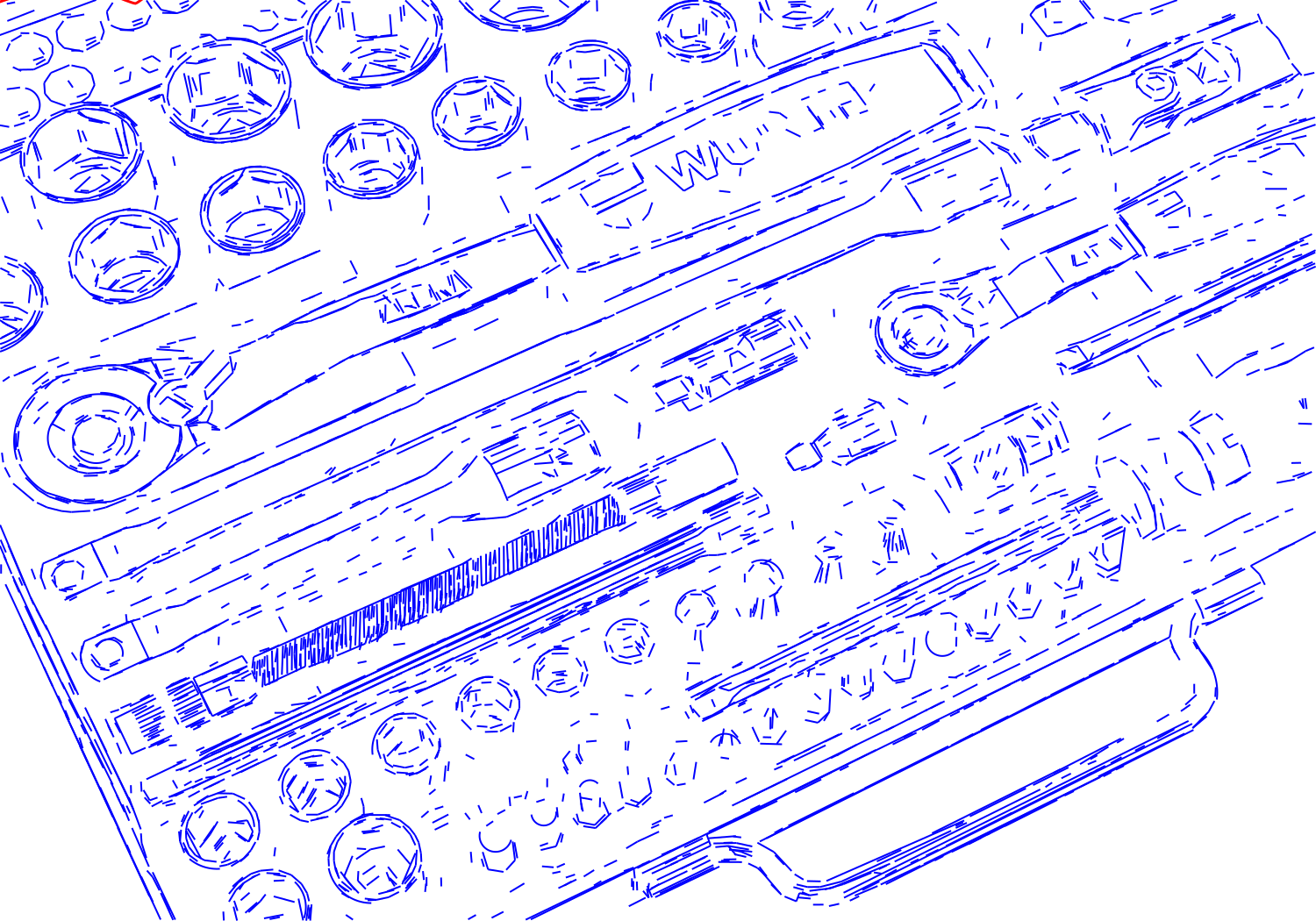
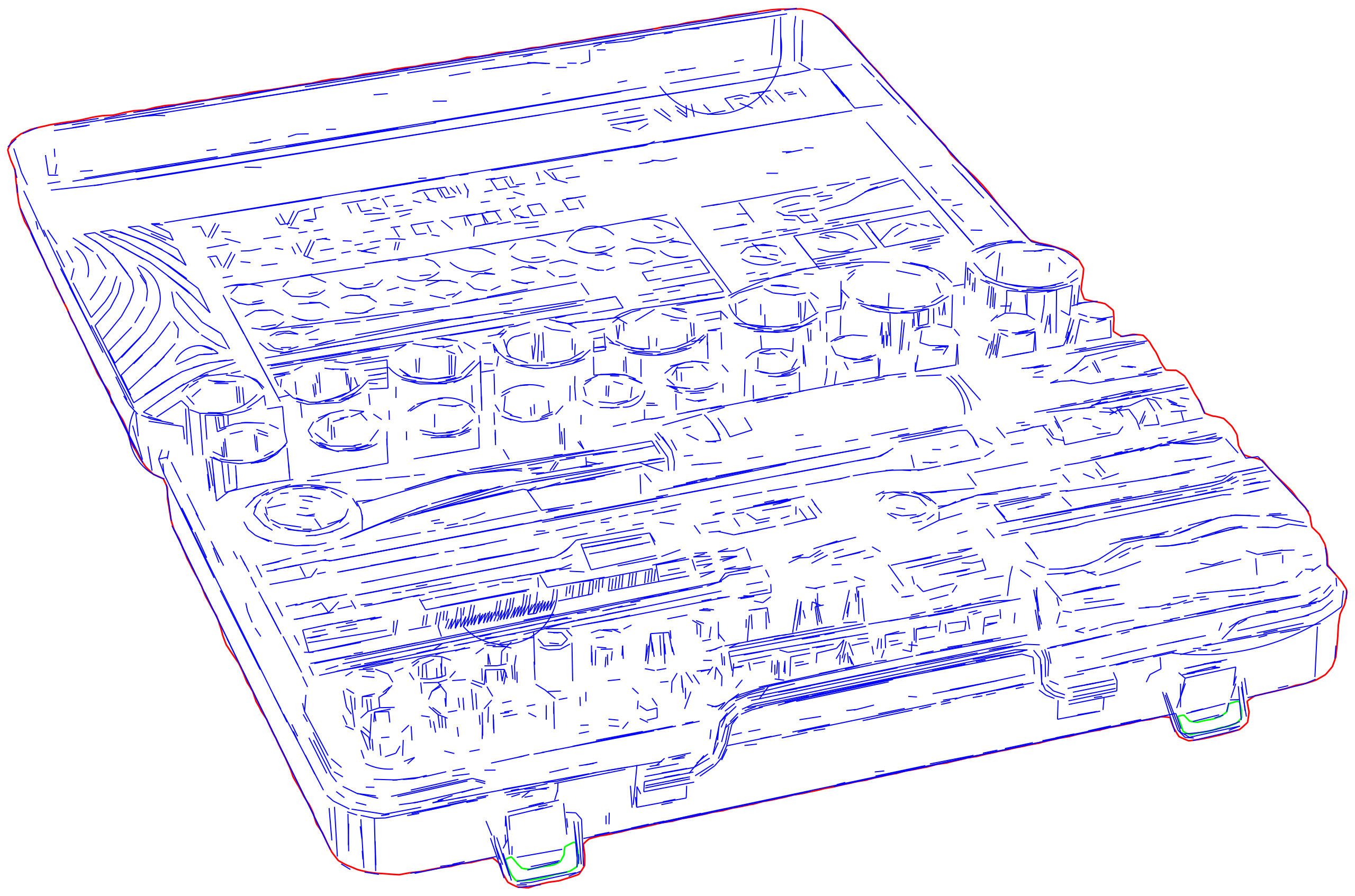
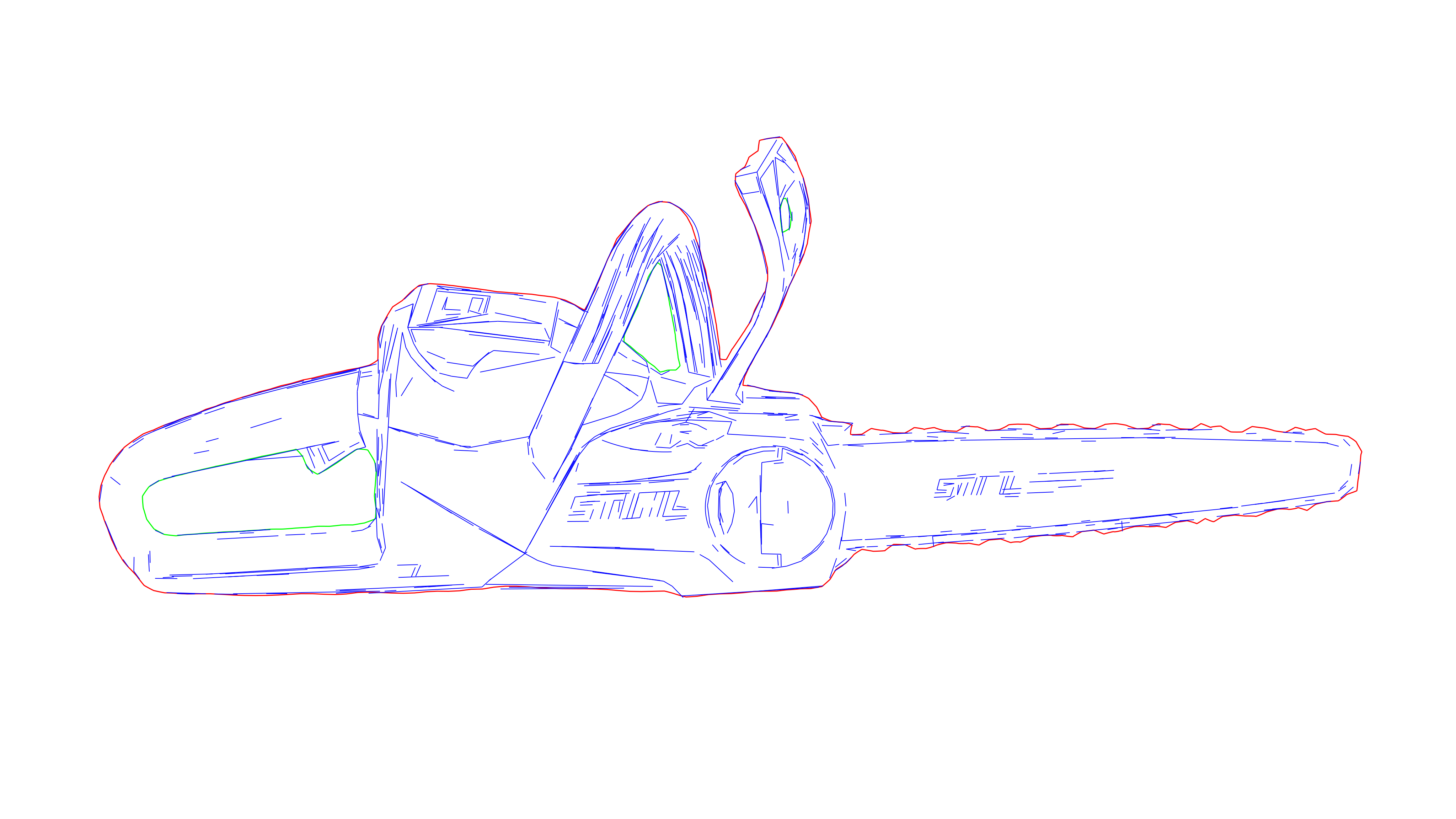
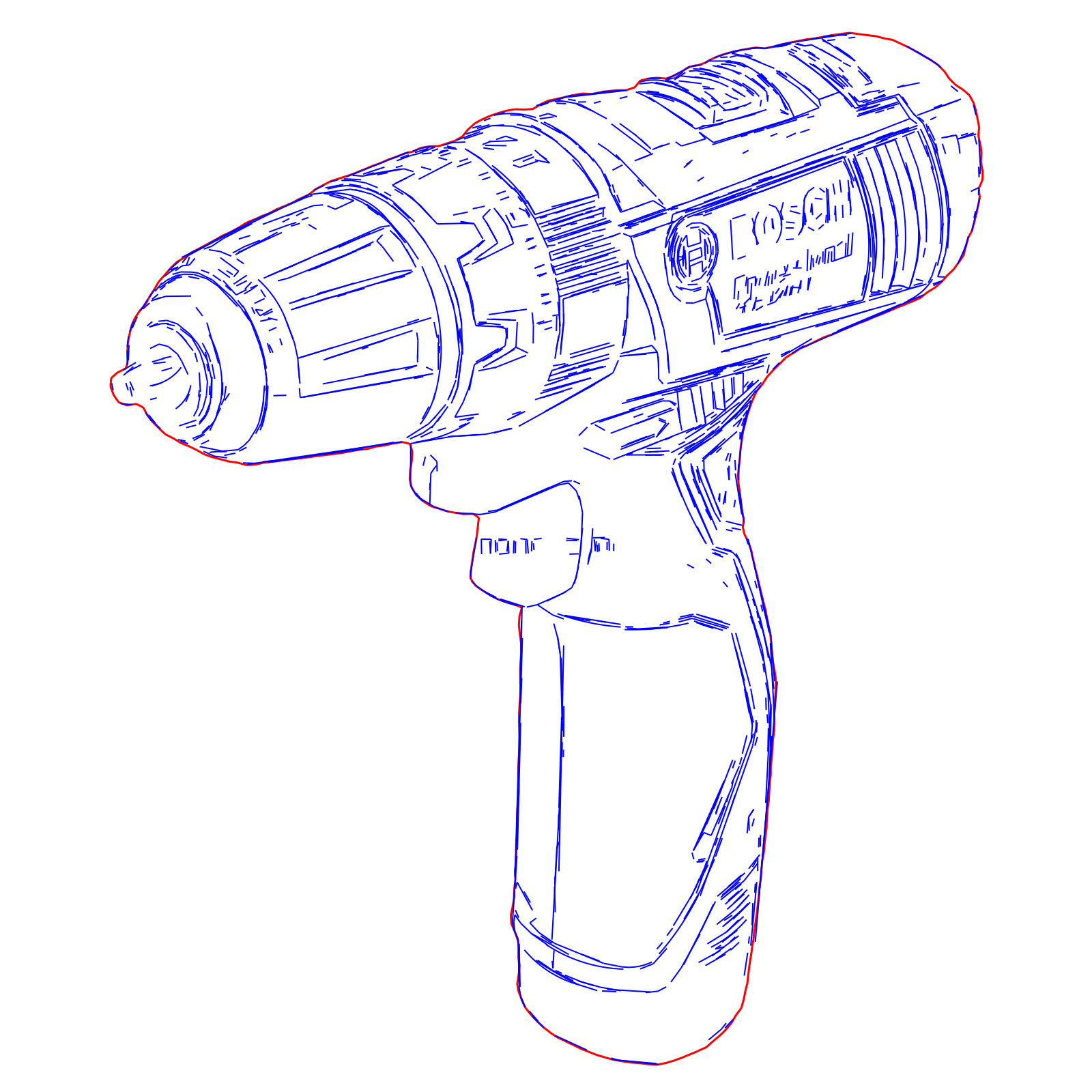
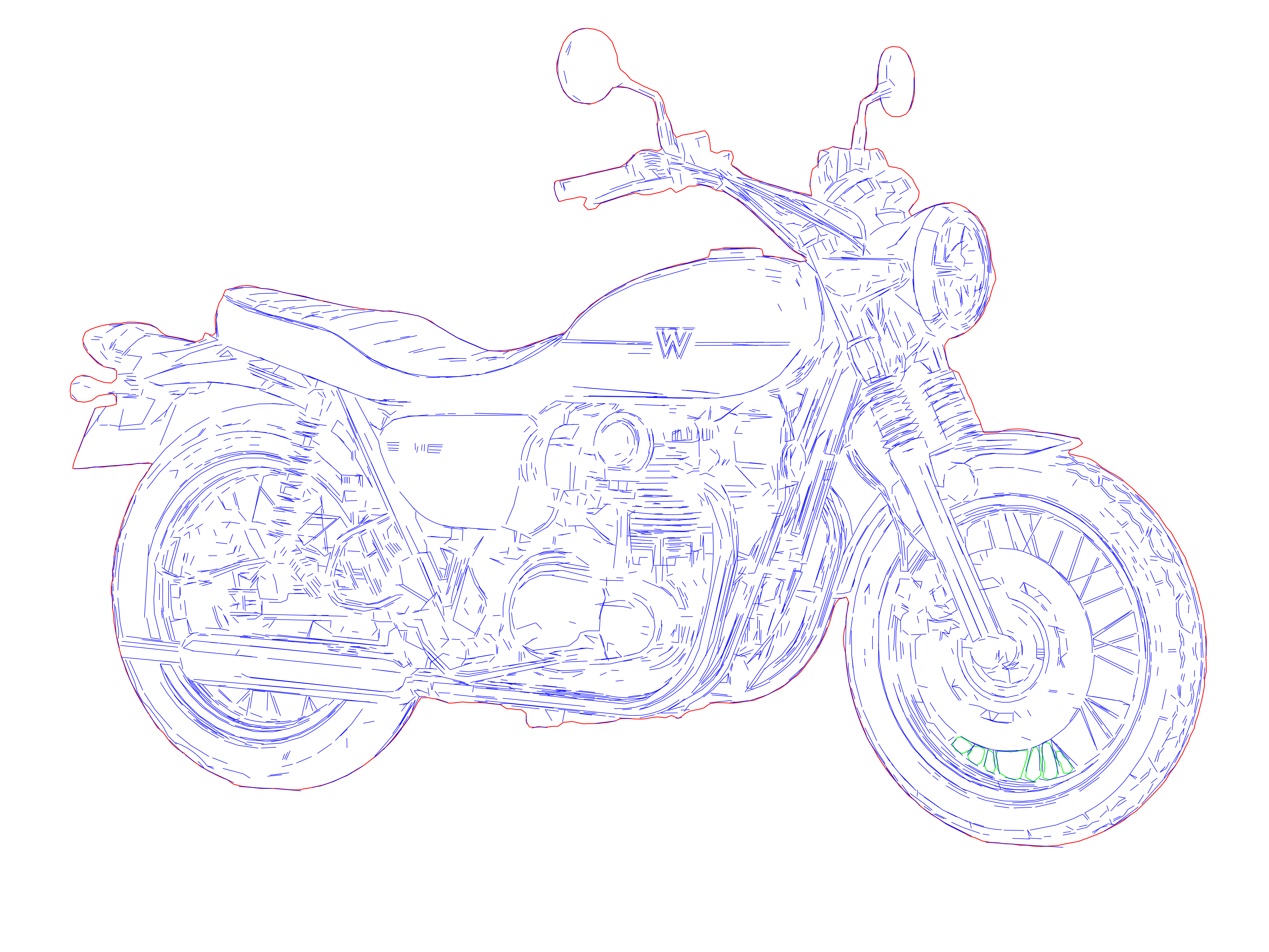
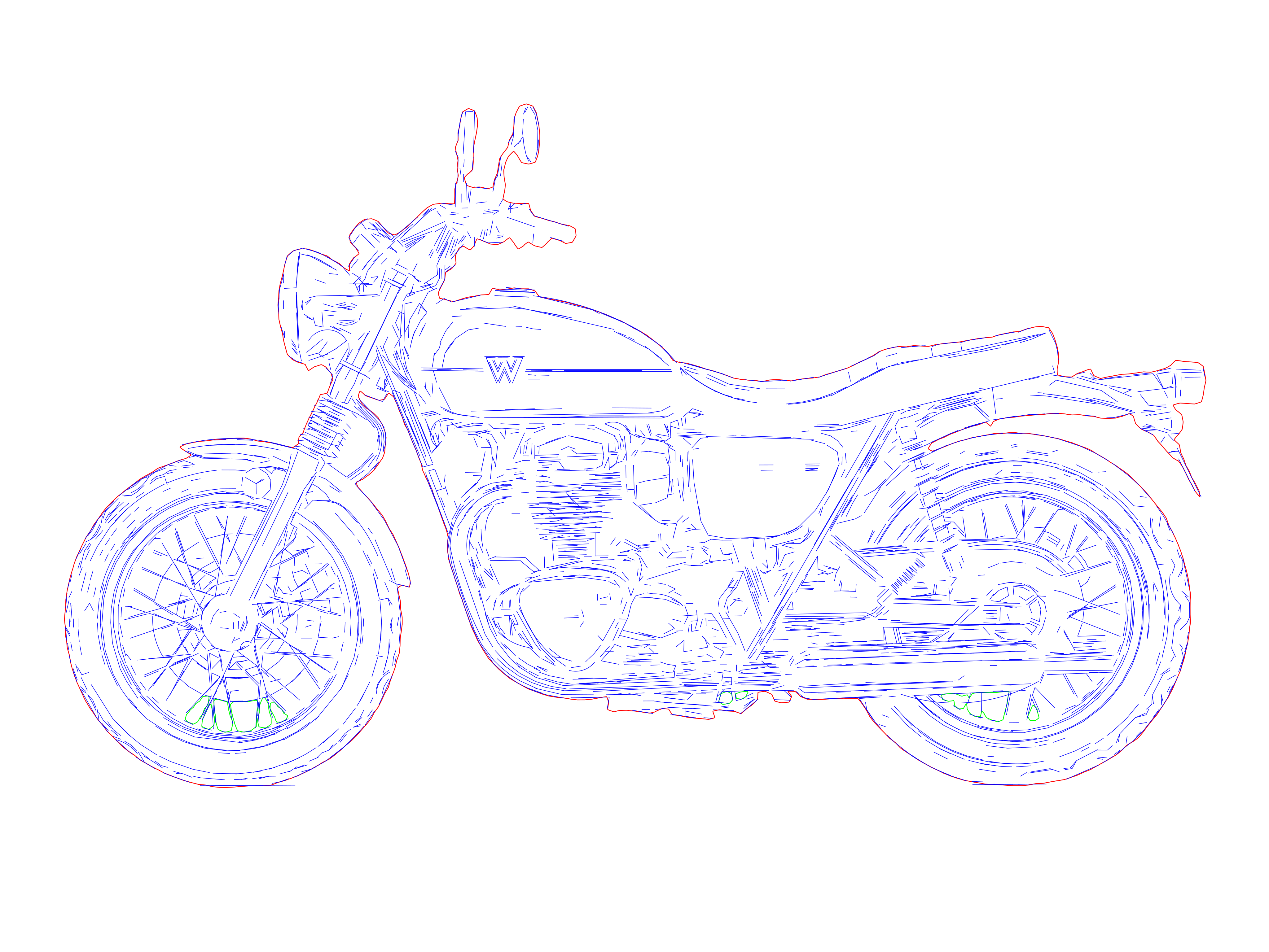
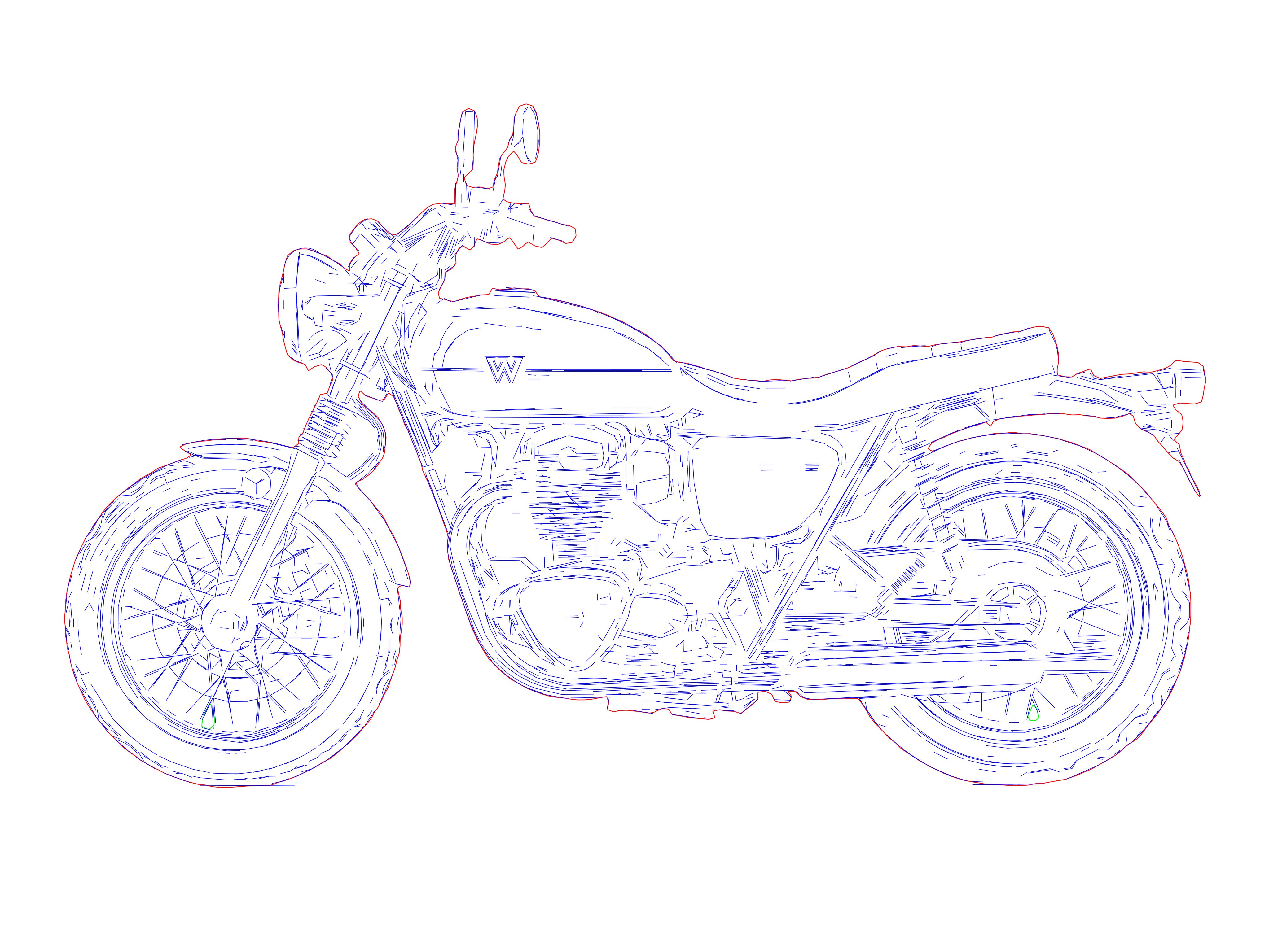
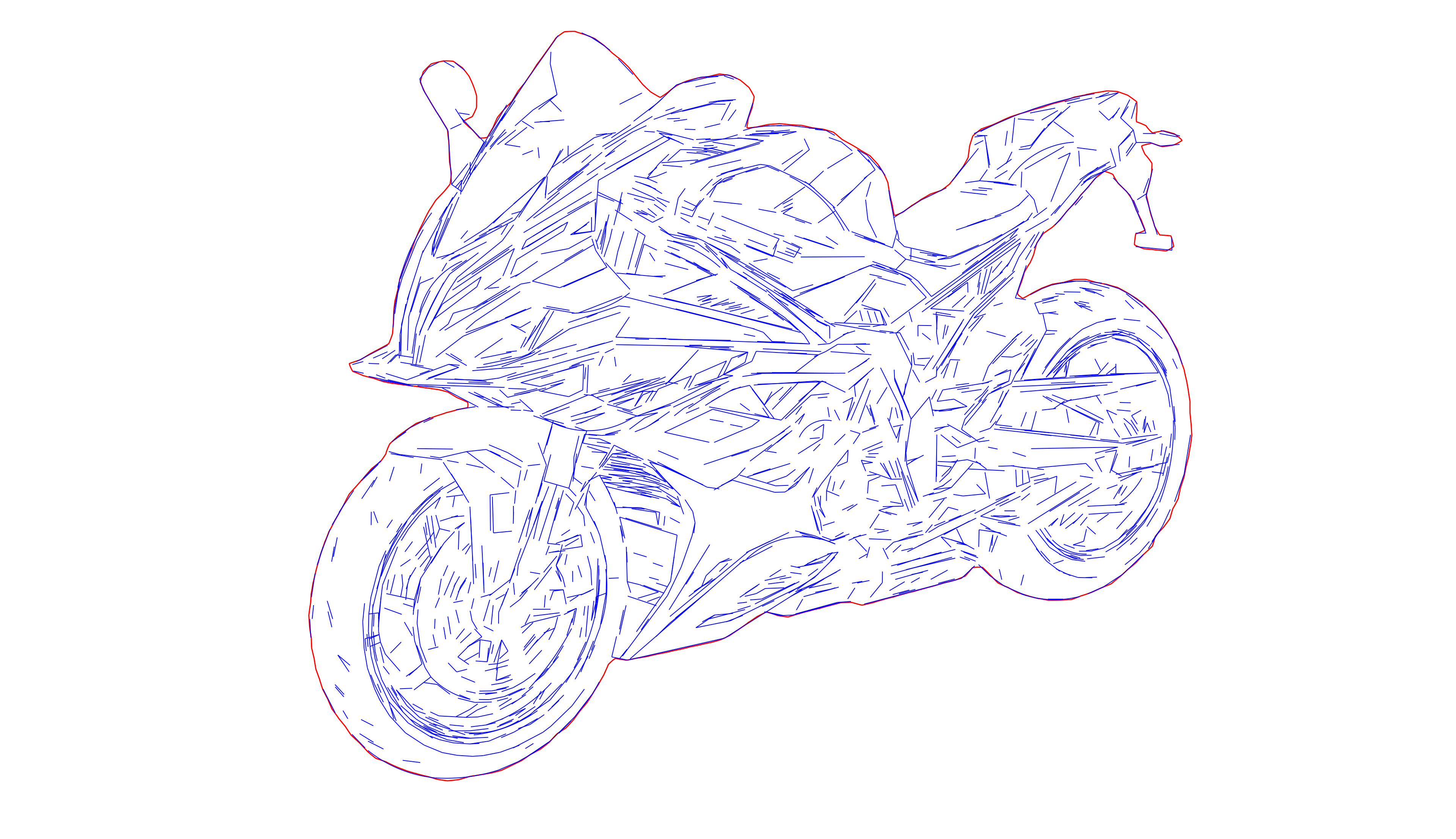
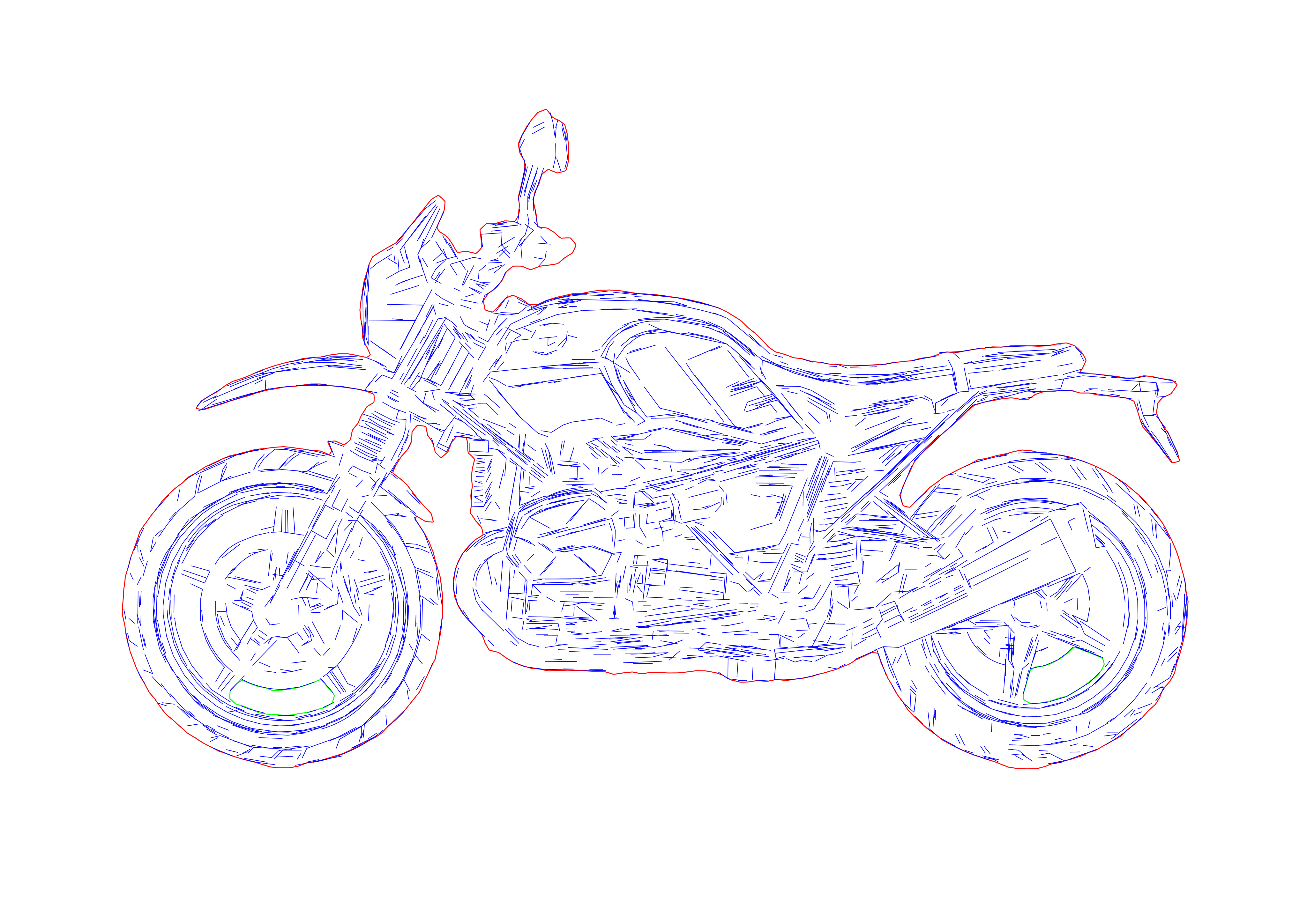


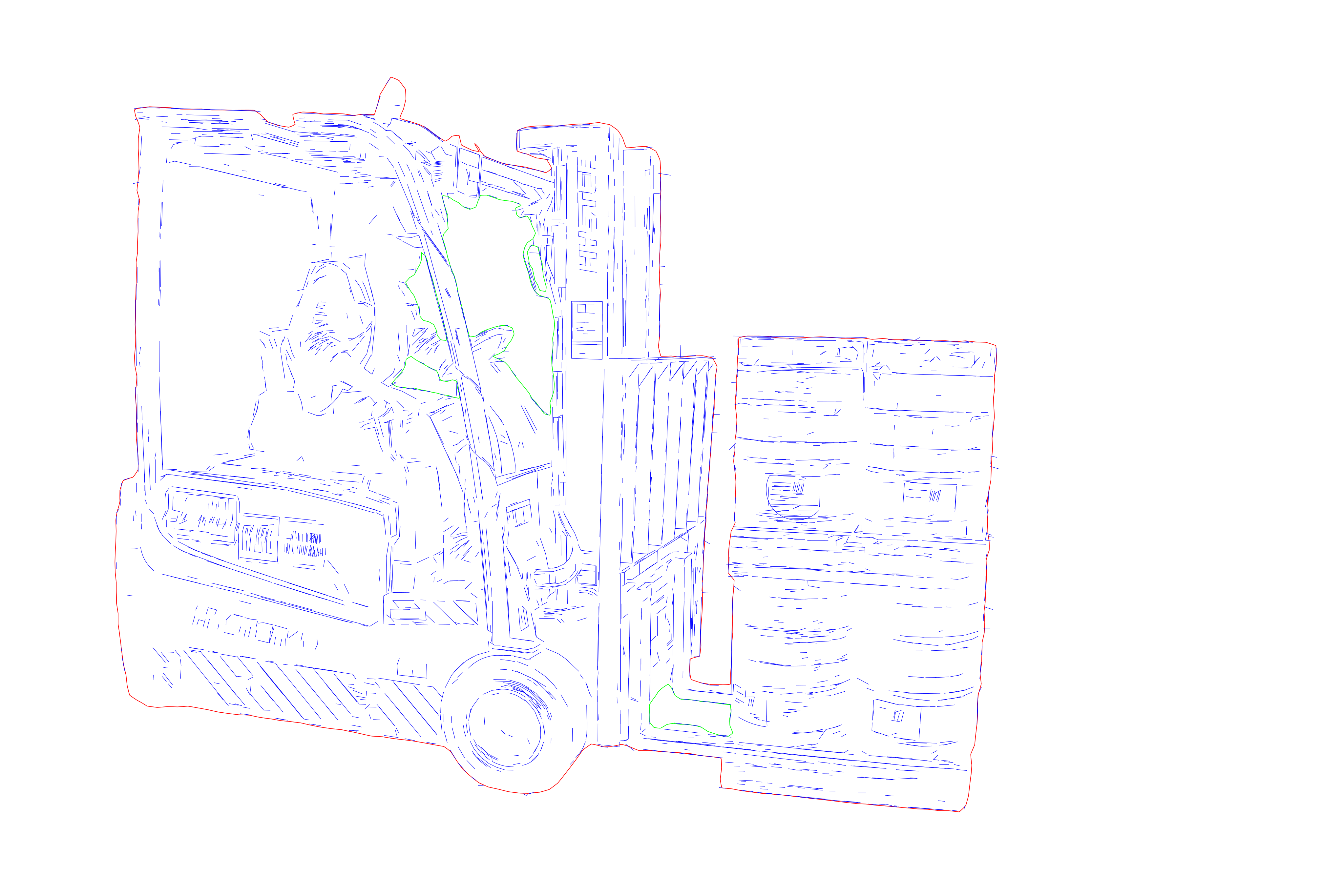
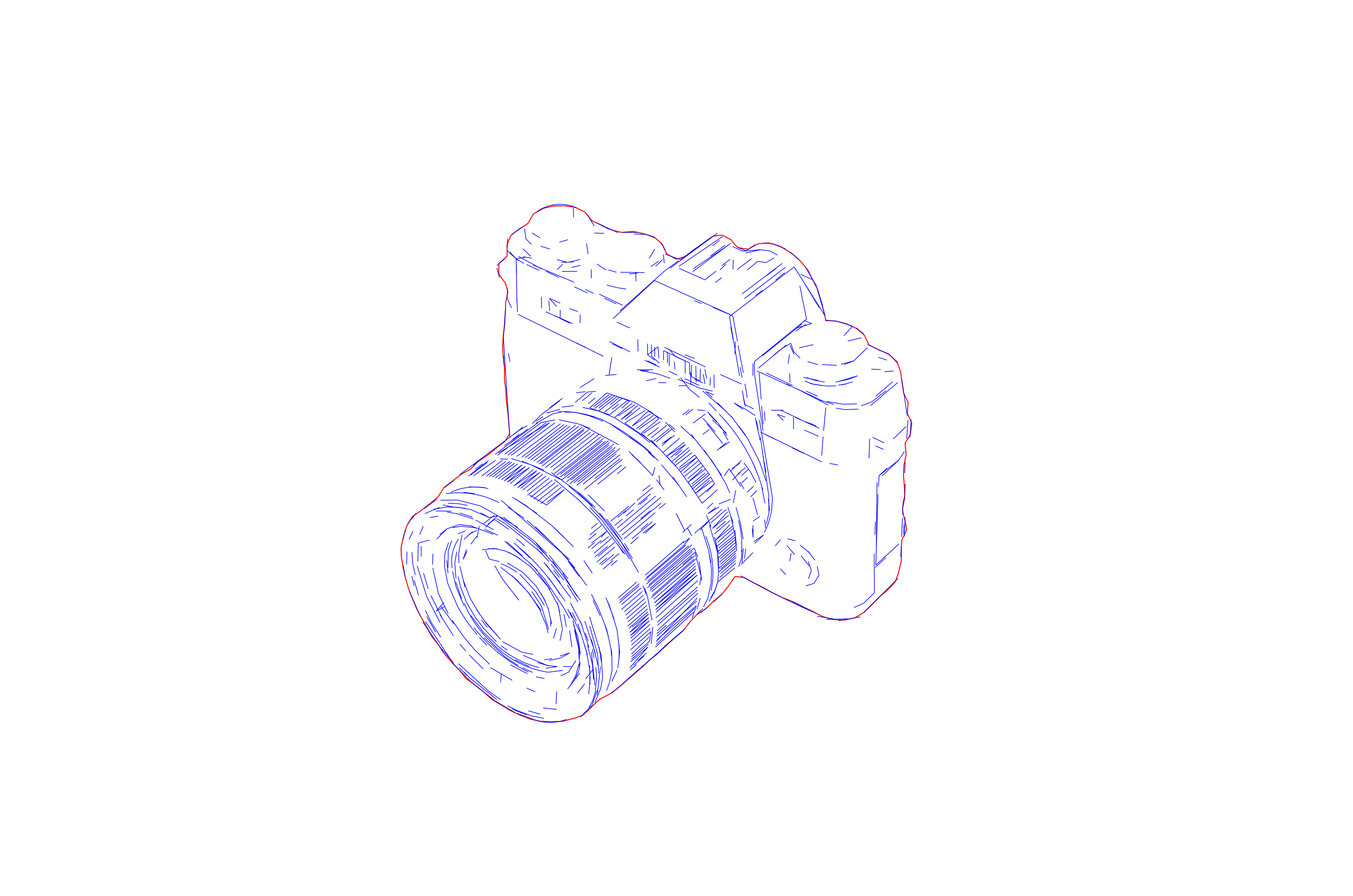
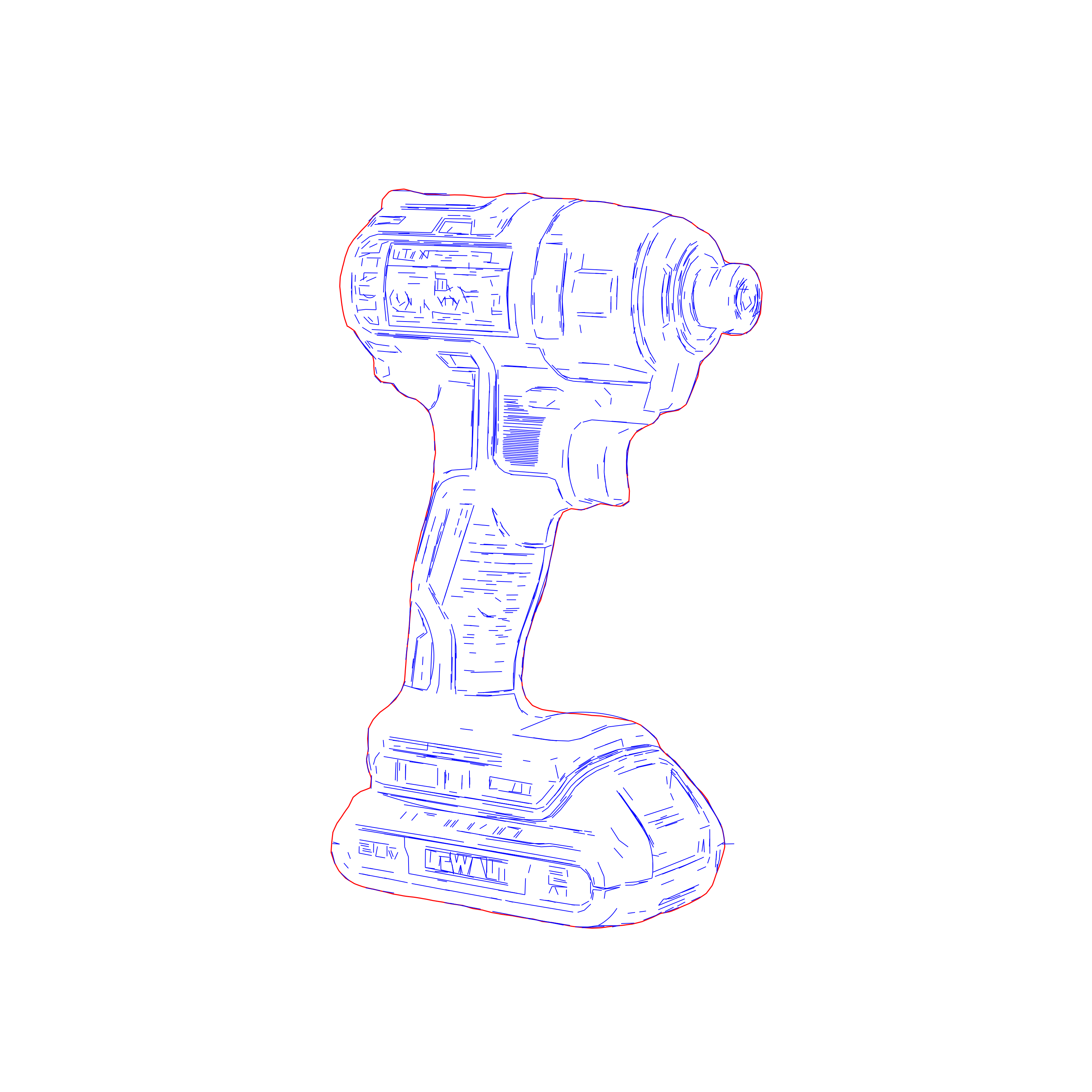
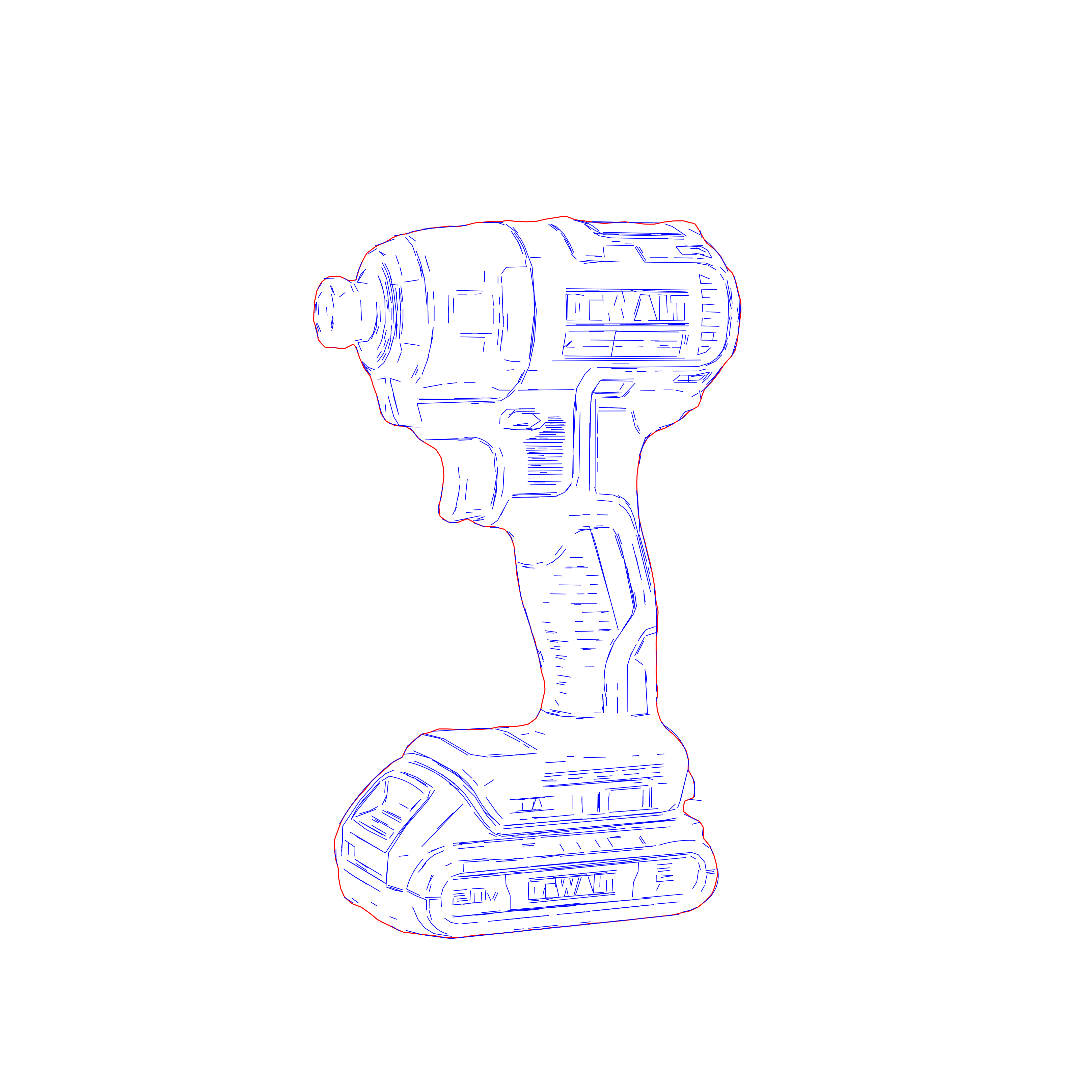
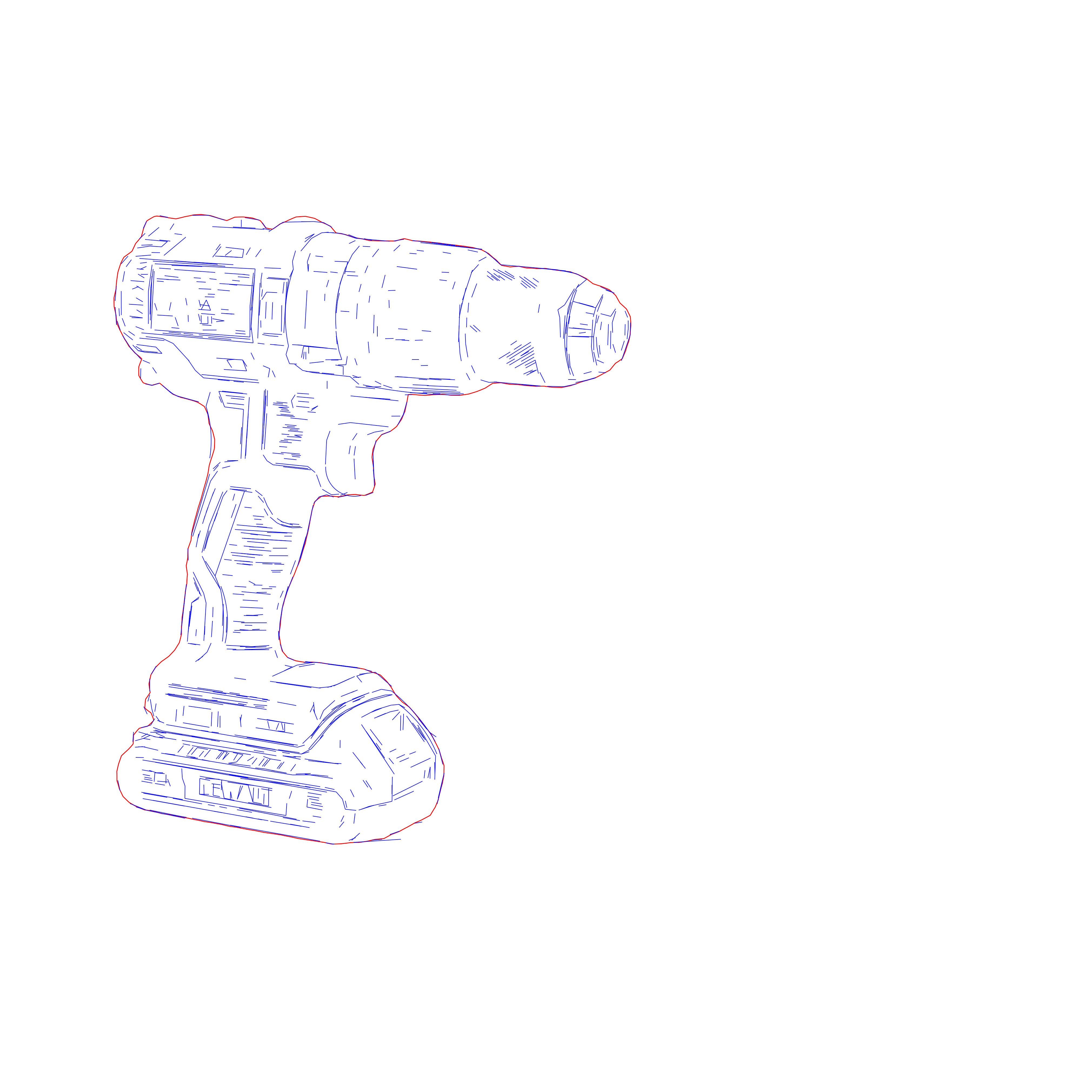

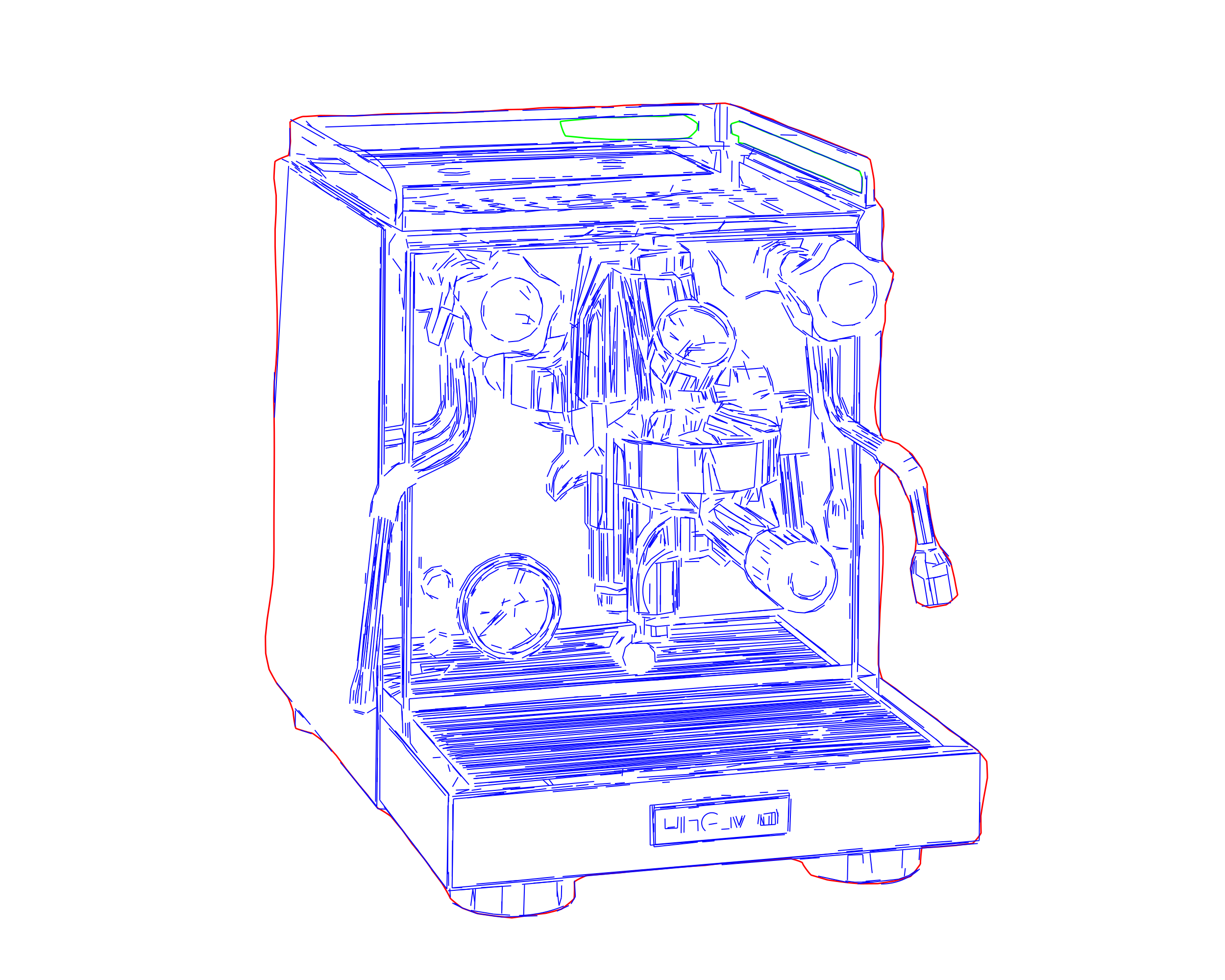
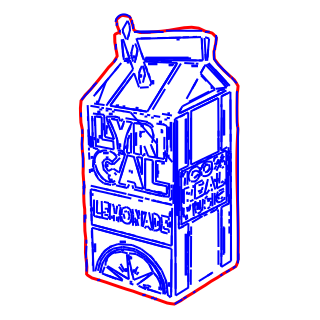
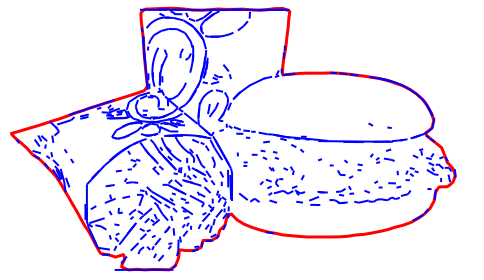
How it works
- 1
Drop your file here
Simply drop your file here and open the workspace.
- 2
Adjust settings on the workspace
Select your material and fine-tune detail and contrast. Material-aware settings keep results precise.
- 3
Export your final result
Download laser-ready SVG or DXF files compatible with LightBurn, Glowforge, and more.

Use Cases
LightBurn Setup
Prepare cleaner SVG drawings for LightBurn imports, layer setup, and more predictable engraving prep.
Material Samples
Create readable engraving drawings for sample runs across wood, acrylic, metal, and similar production materials.
Product Personalization
Turn logos, artwork, and photos into simplified engraving graphics for gifts, merchandise, and custom products.
Signage Systems
Build cleaner engraving artwork for plaques, branded plates, directional signage, and display components.
Production Runs
Prepare consistent linework for repeat engraving jobs, batch production, and fabrication handoff.
DXF Handoff
Understand when laser workflows need DXF instead of SVG for cleaner machine or CAD compatibility.
FAQ
How is this different from the main SVG Drawing workflow?
SVG Laser Engraving is the laser-first branch of the Pixel2Lines SVG Drawing workflow. It prioritizes readable contours, simpler geometry, and output that is easier to process when engraving is the final production step.
Does it work with LightBurn?
Yes. The workflow is designed with LightBurn-oriented SVG handoff in mind, so the output stays easier to import, inspect, and prepare for engraving setup.
What files do I receive?
The main output is a clean SVG drawing for laser engraving workflows. DXF handoff can also be part of the workflow when geometry compatibility matters downstream.
What source images work best?
Sharp, well-lit, high-contrast images with clear subject separation work best. Logos, product shots, and reference photos with readable contours usually produce the cleanest engraving-ready linework.
Can I control the level of detail?
Yes. The workspace parameters let you simplify or preserve more detail before export, so you can tune the result for clearer engraving geometry and cleaner setup.
Who is this workflow for?
It is built for engraving shops, signage workflows, product personalization, and other fabrication-heavy use cases that need cleaner linework than generic auto-tracing usually provides.