Buat akun dan dapatkan 100 kredit gratis! Masukkan kode PIXEL100 saat pendaftaran.

PixelLines
Layanan
Vektorisasi Grafik GarisSVG
Vektorisasi Grafik Garis
Contour VectorizationSVGDXF
Contour Vectorization
Centerline VectorizationSVGDXF
Centerline Vectorization
Foto ke vektorisasi SVGSVG
Foto ke vektorisasi SVG
Foto ke SVG Manual ProSVGPNG
Foto ke SVG Manual Pro
SVG to DXFSVG→DXFDXF
SVG to DXF
GaleriHargaAPI
Ruang kerja
  1. Beranda/
  2. Layanan/
  3. Centerline Vectorization for Single-Line Engraving
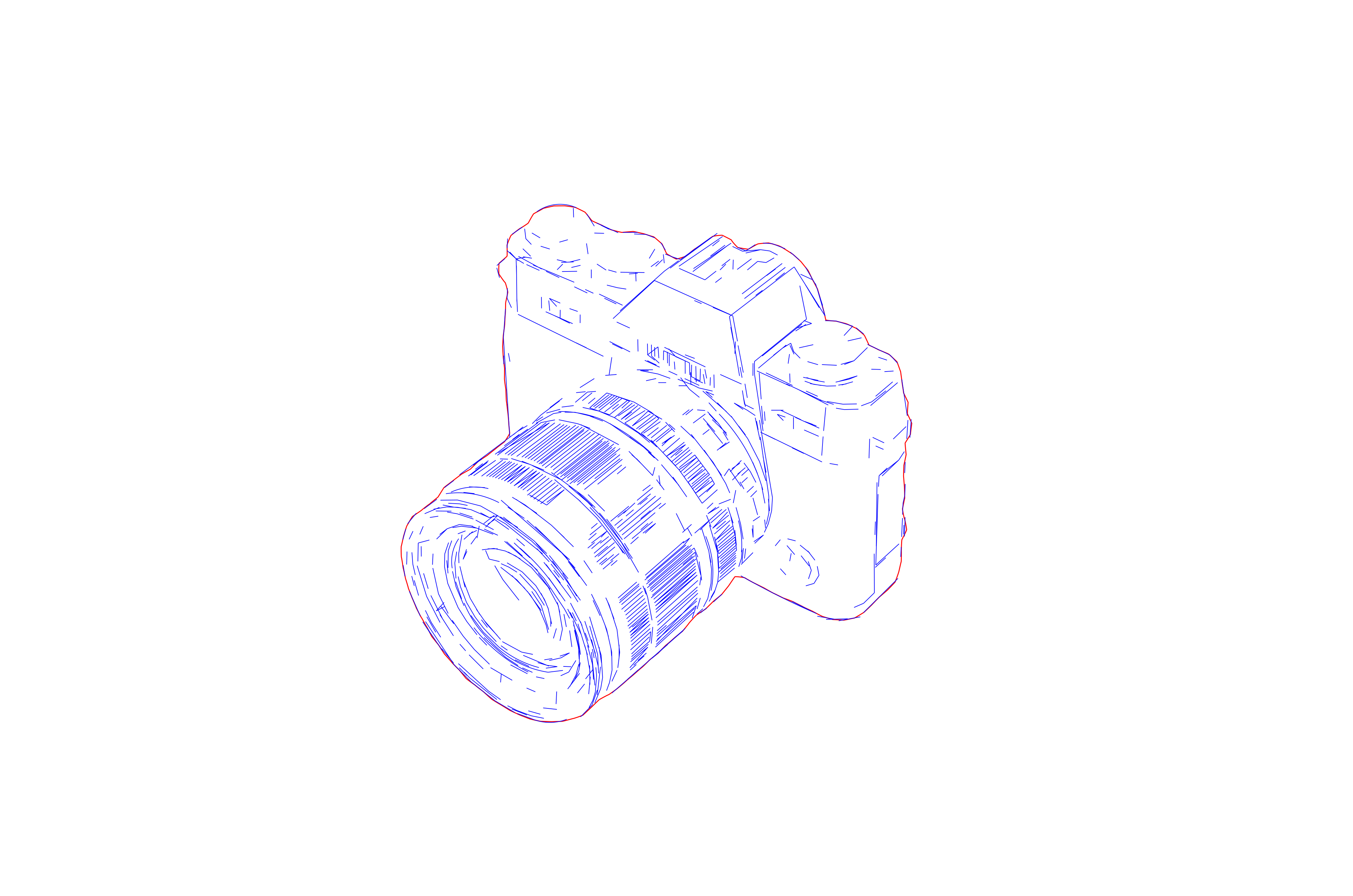
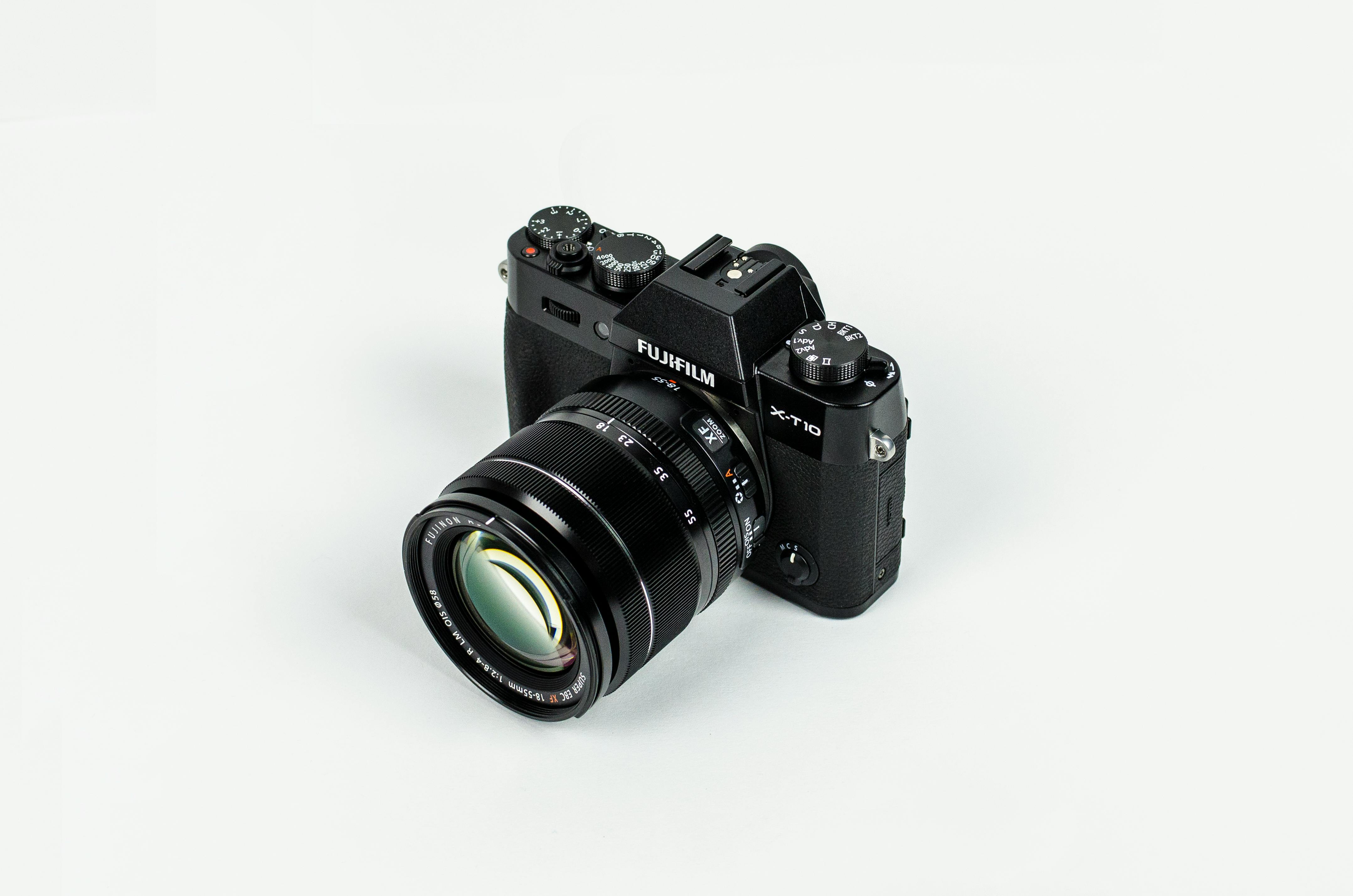
Centerline Vectorization for Single-Line Engraving
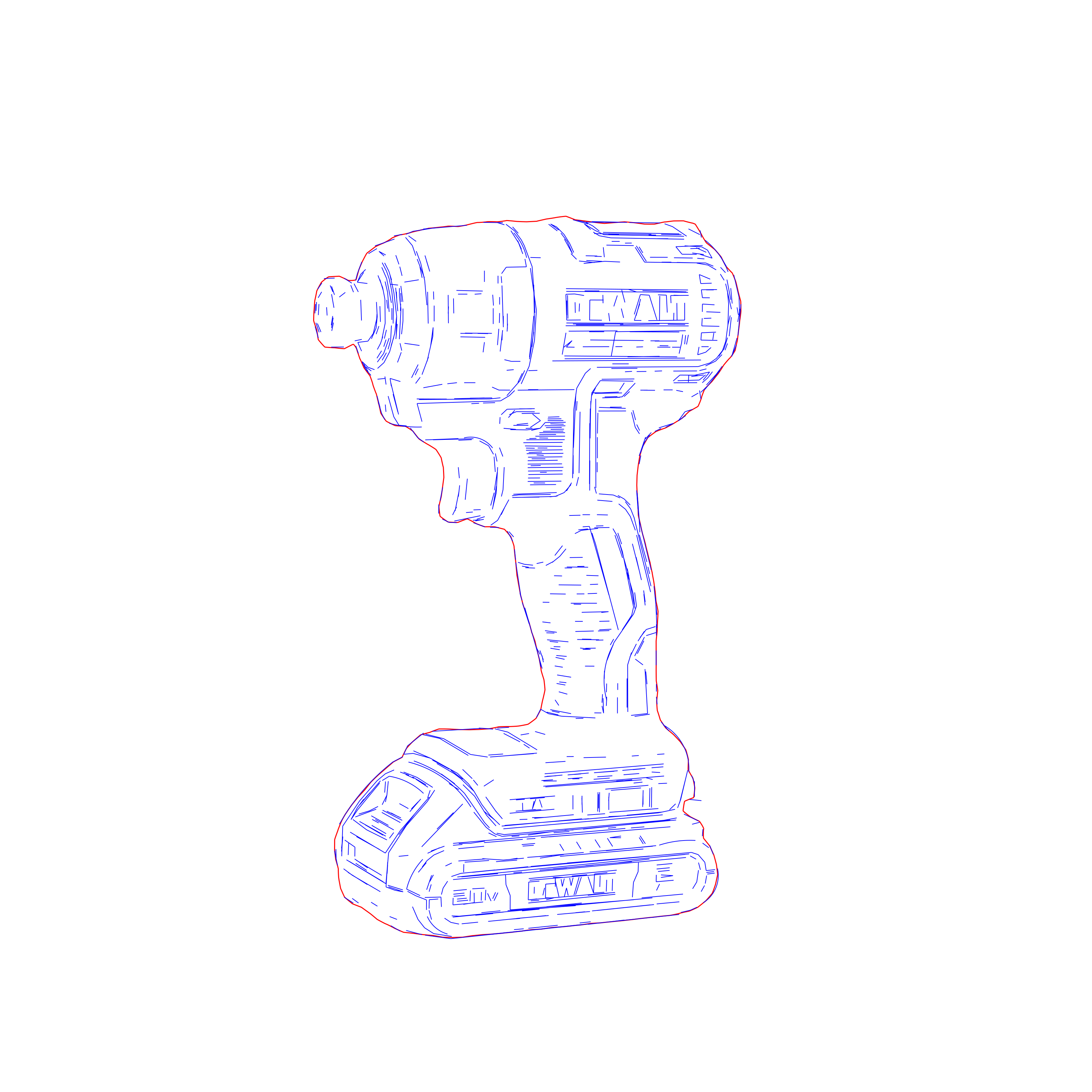
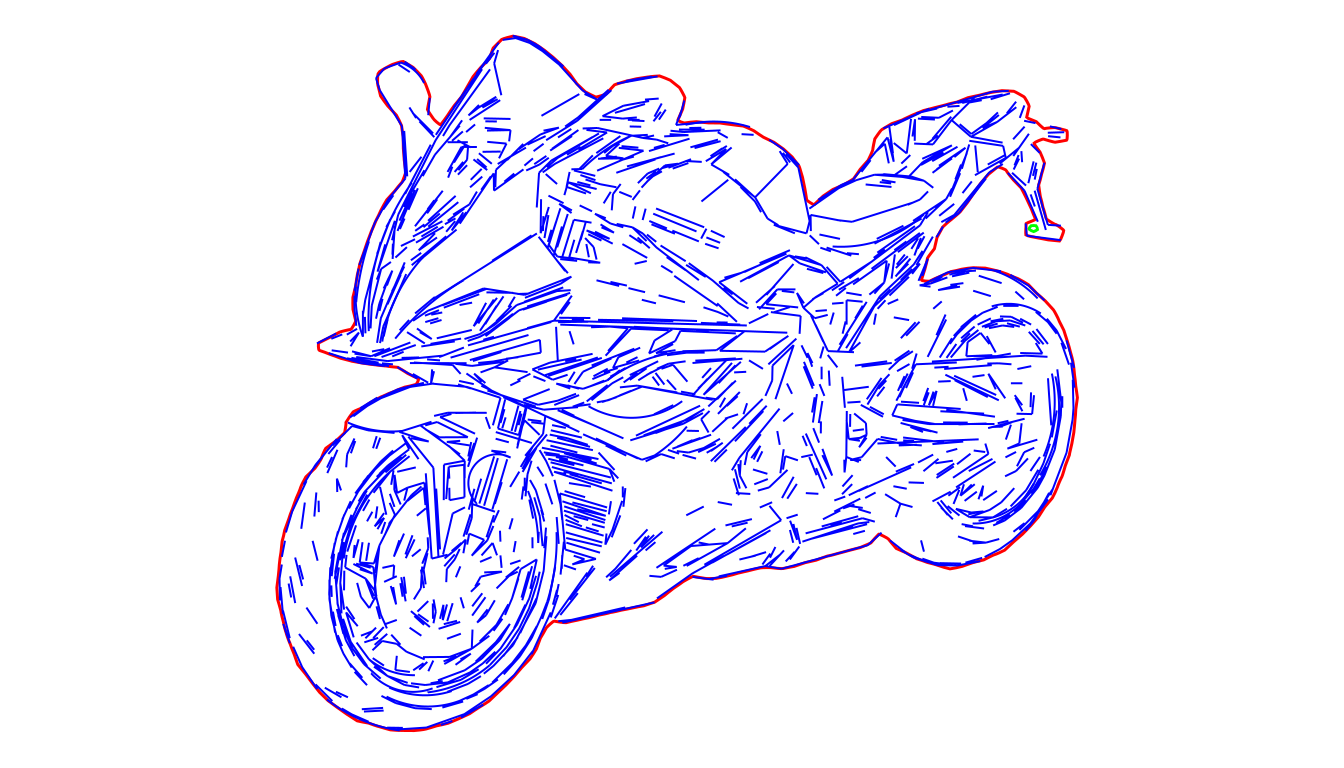
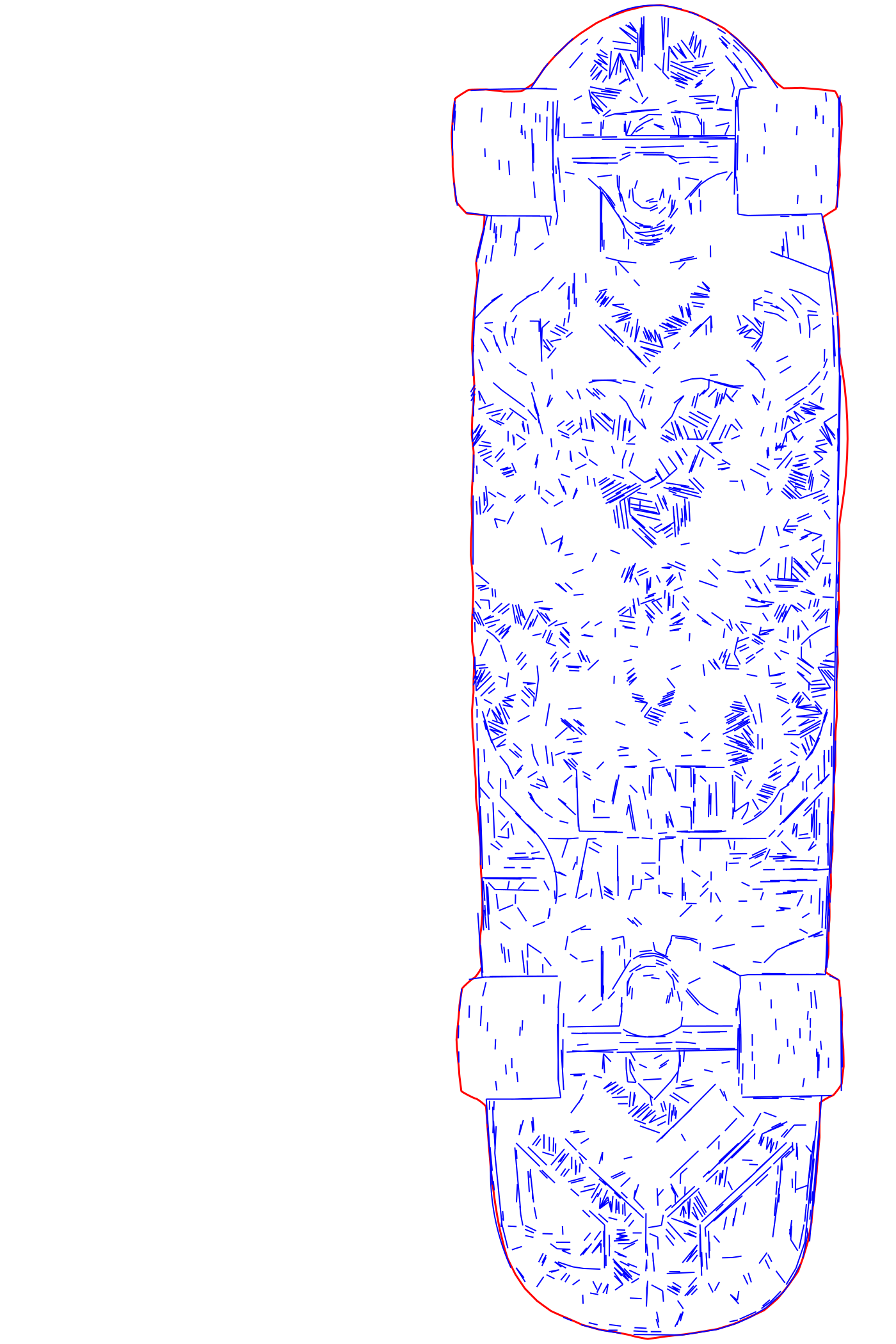
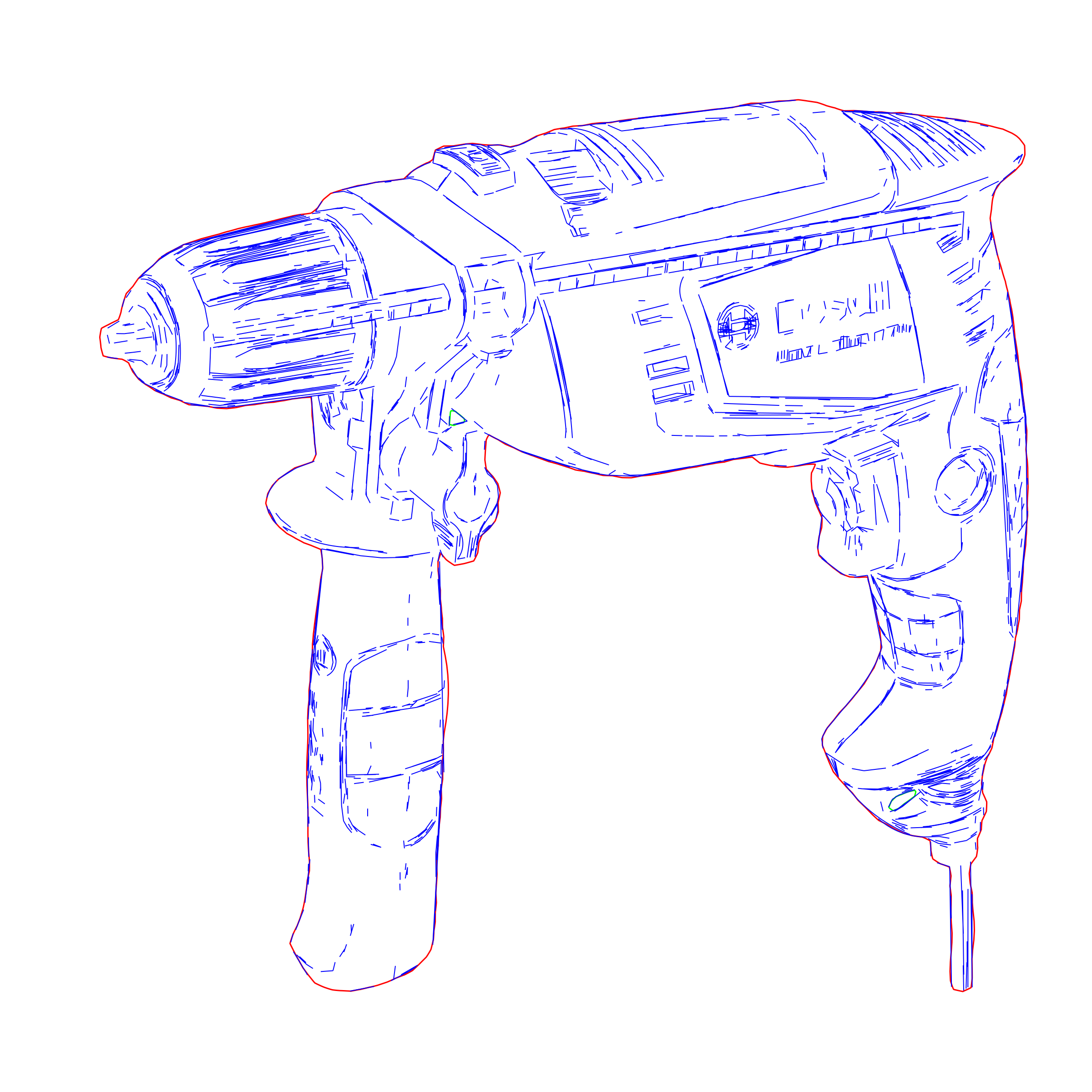
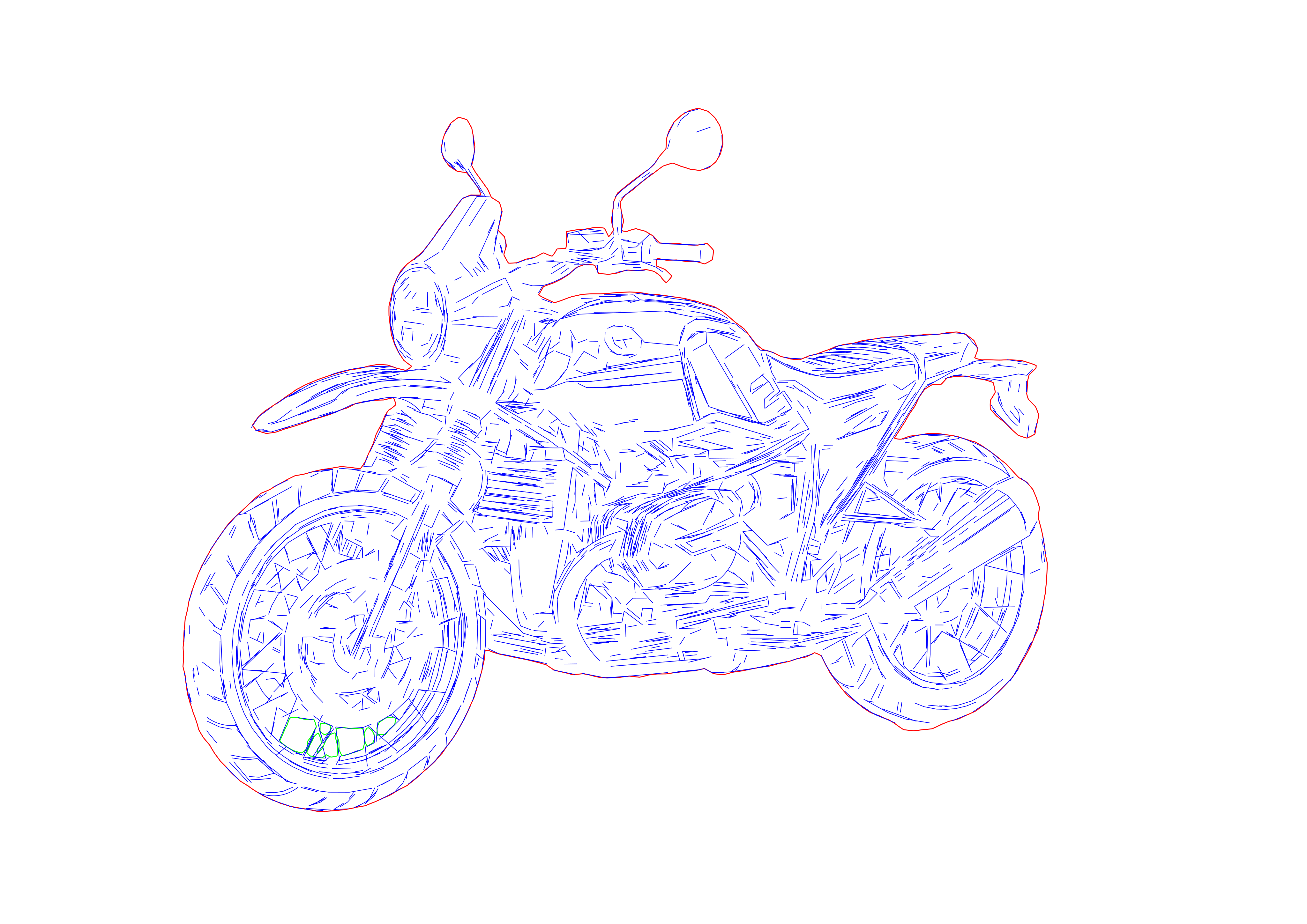
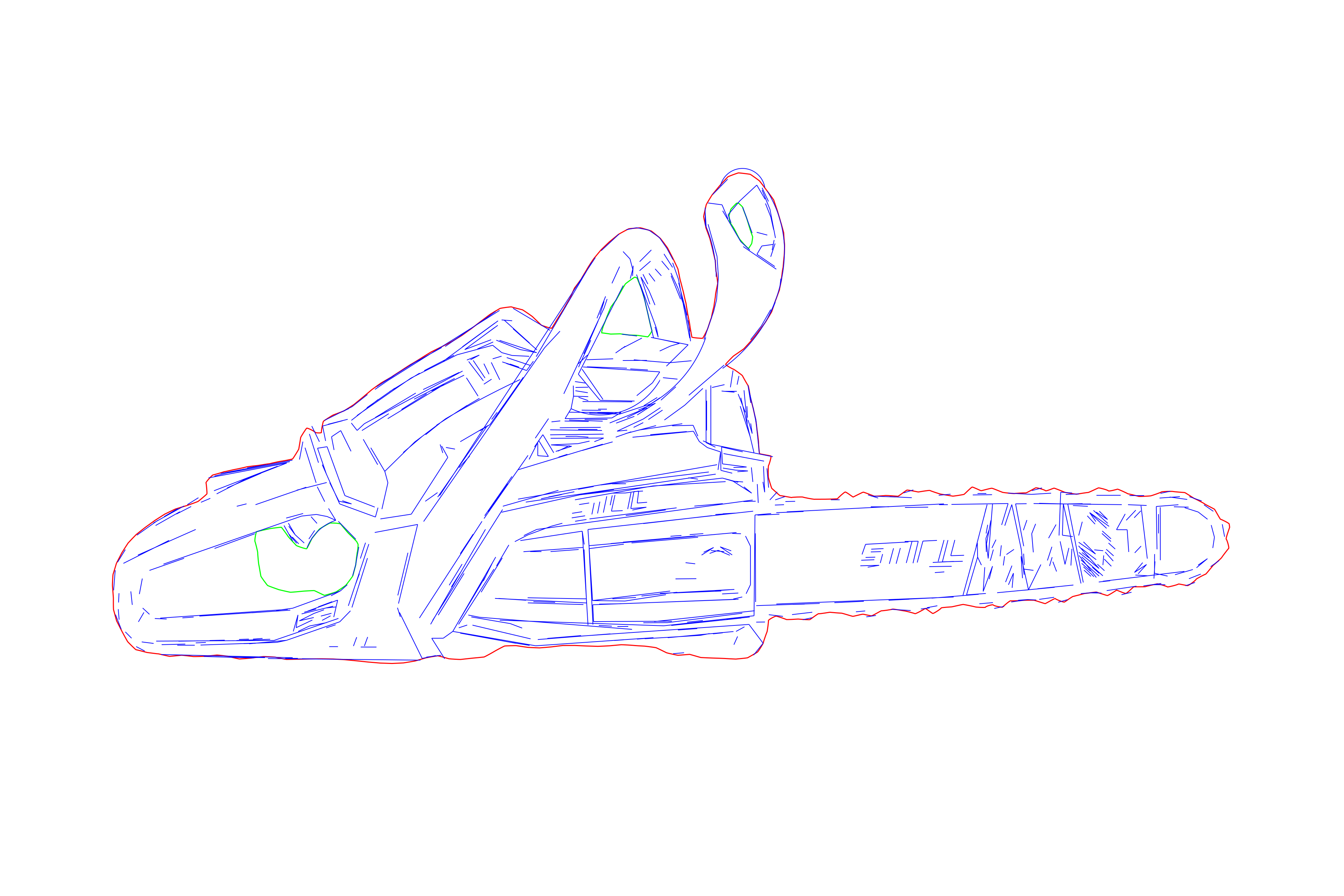
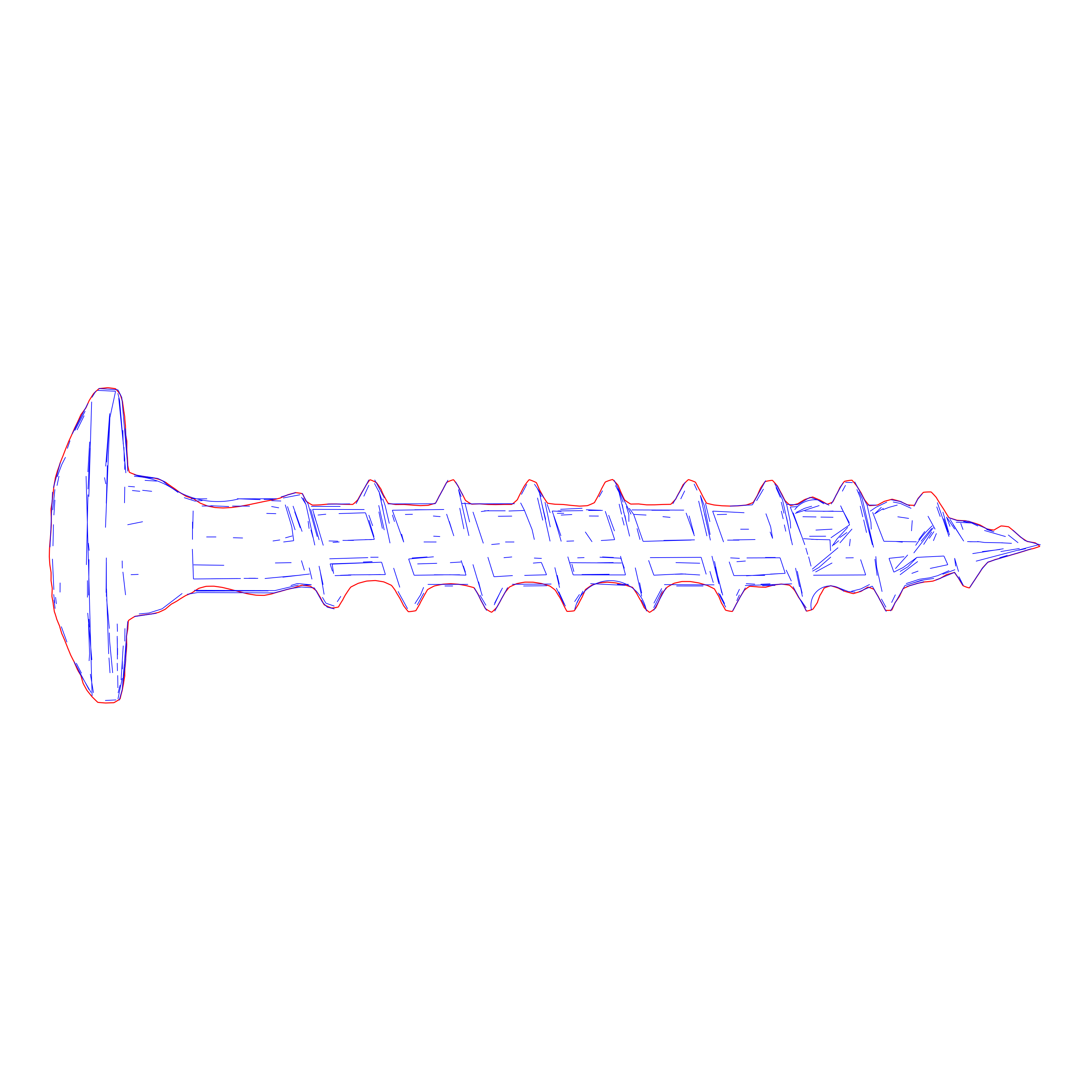
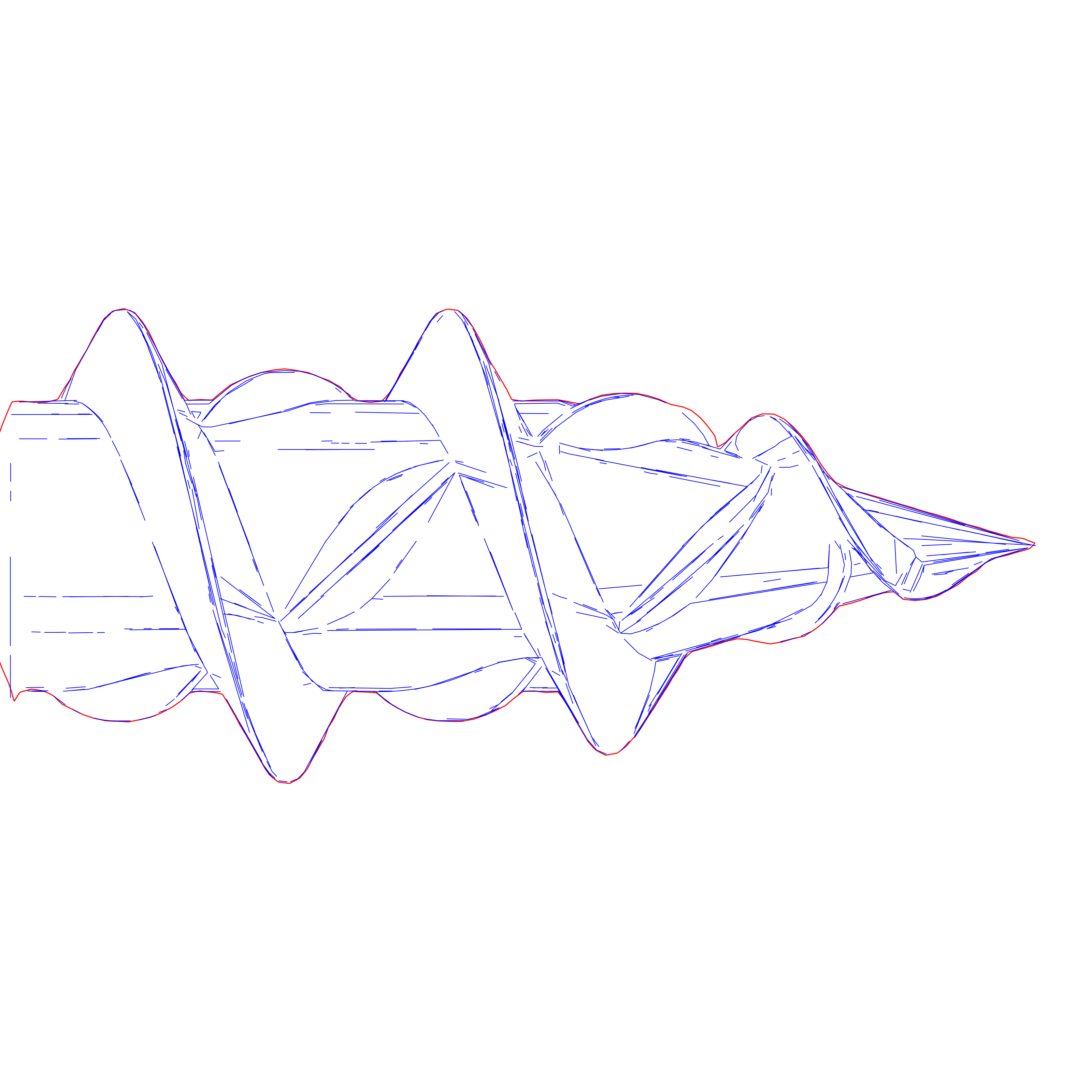
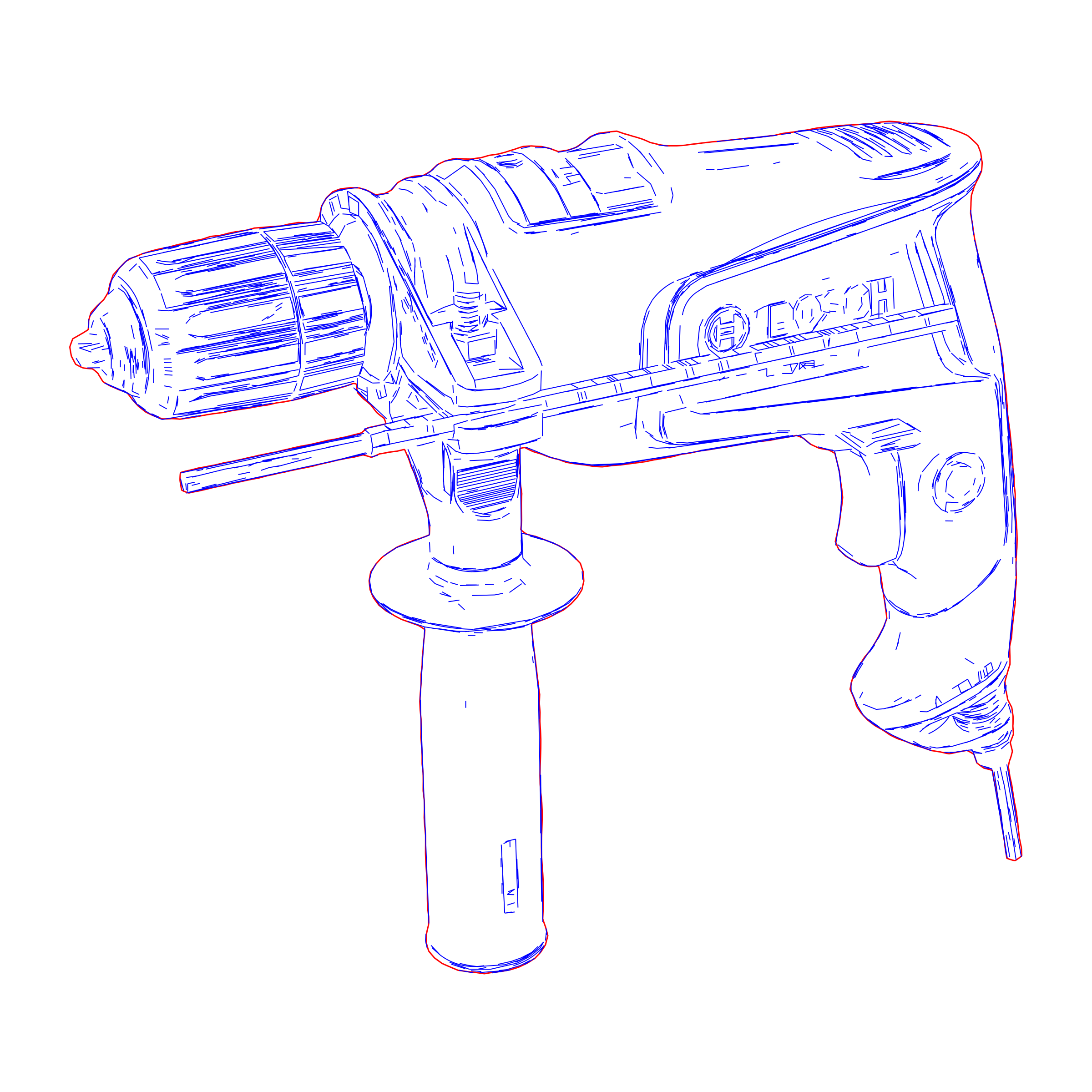
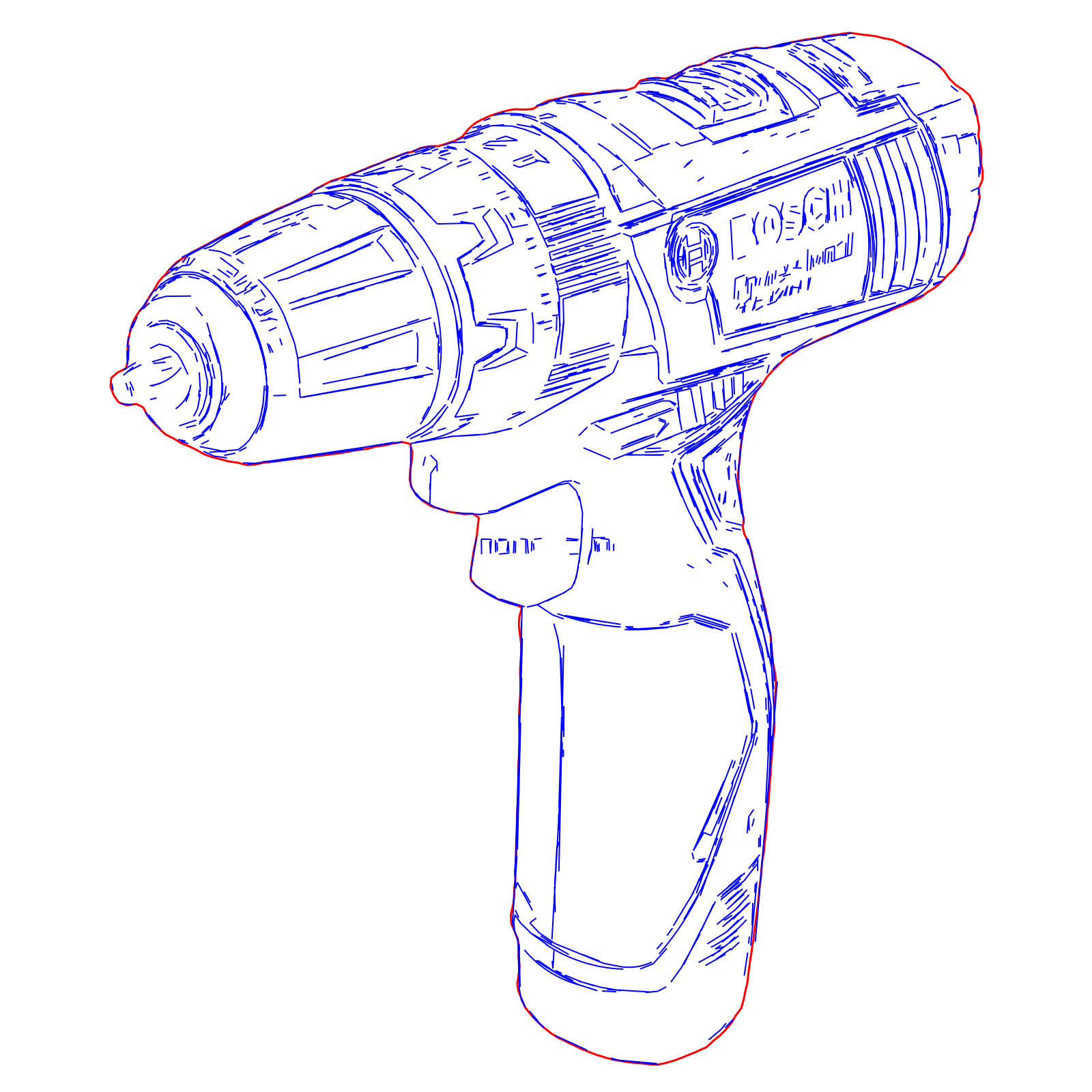
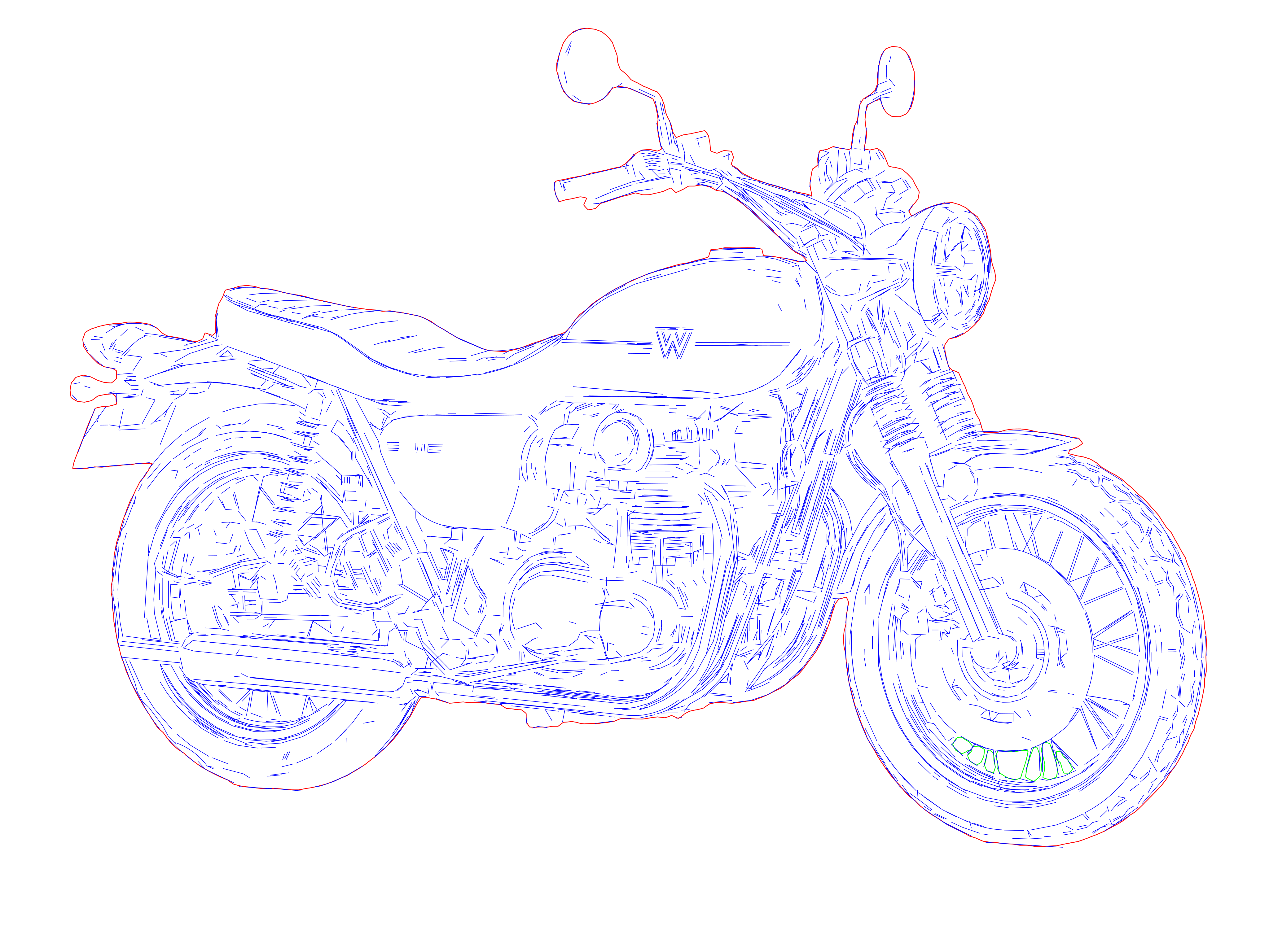
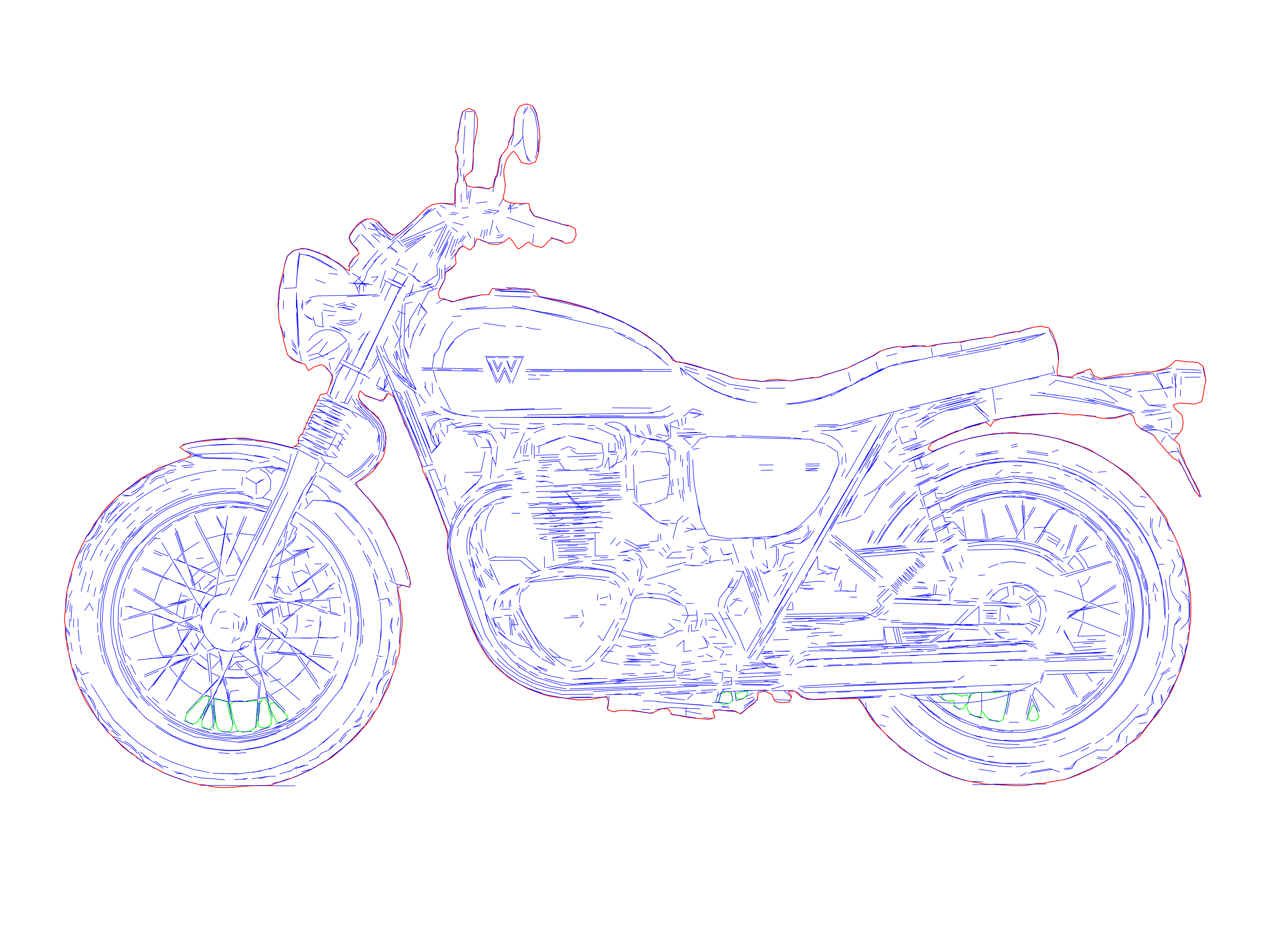
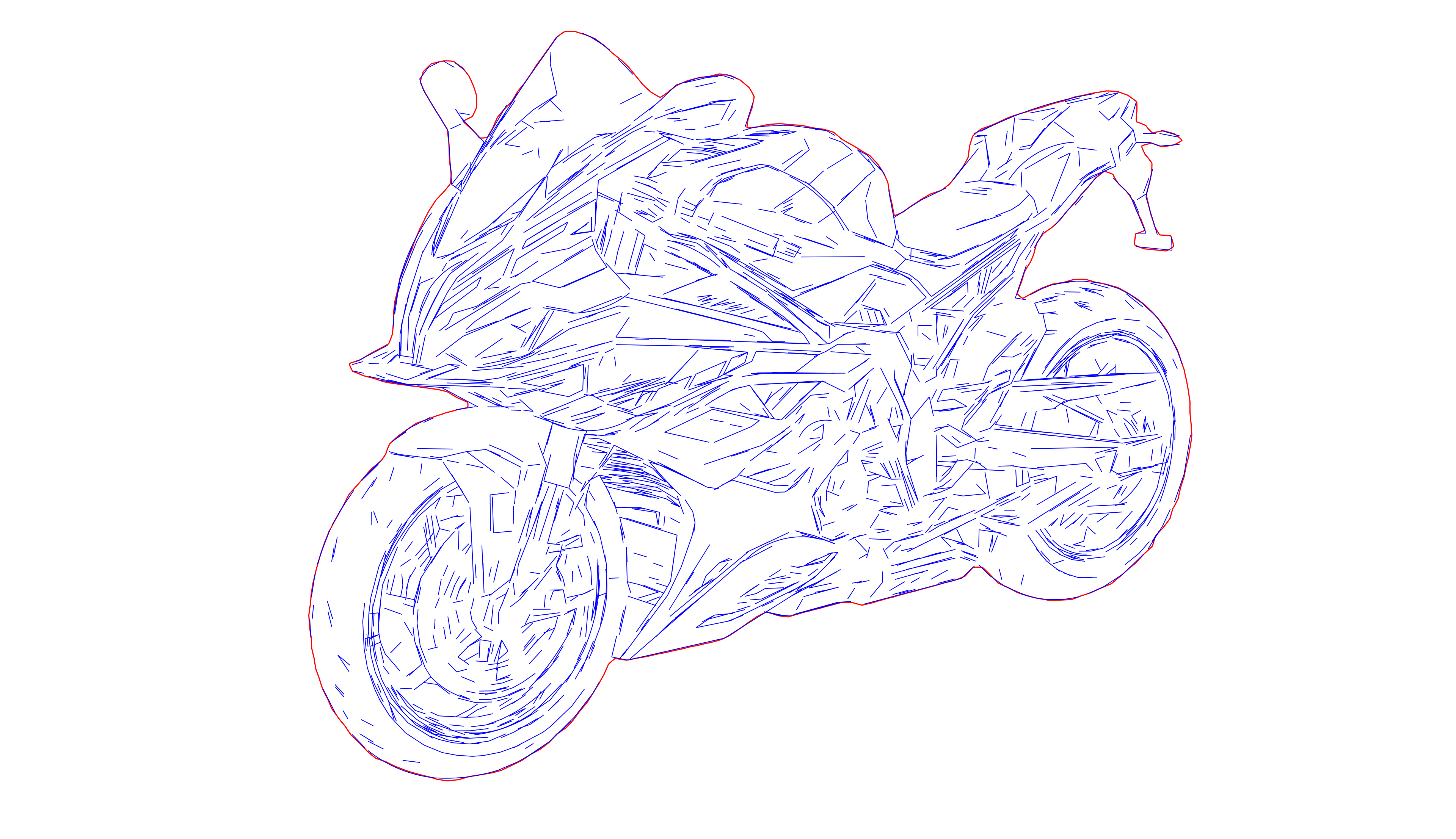
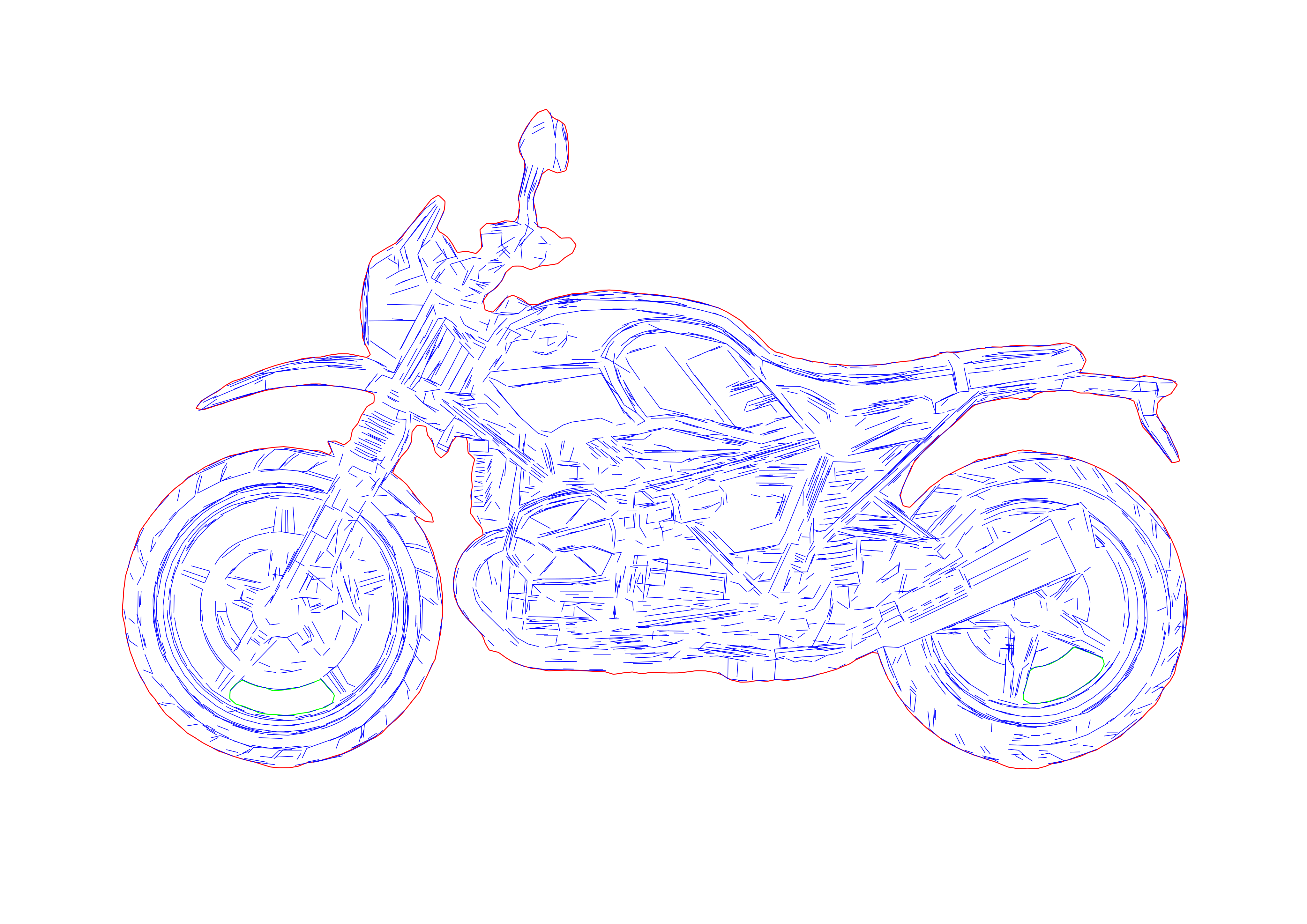
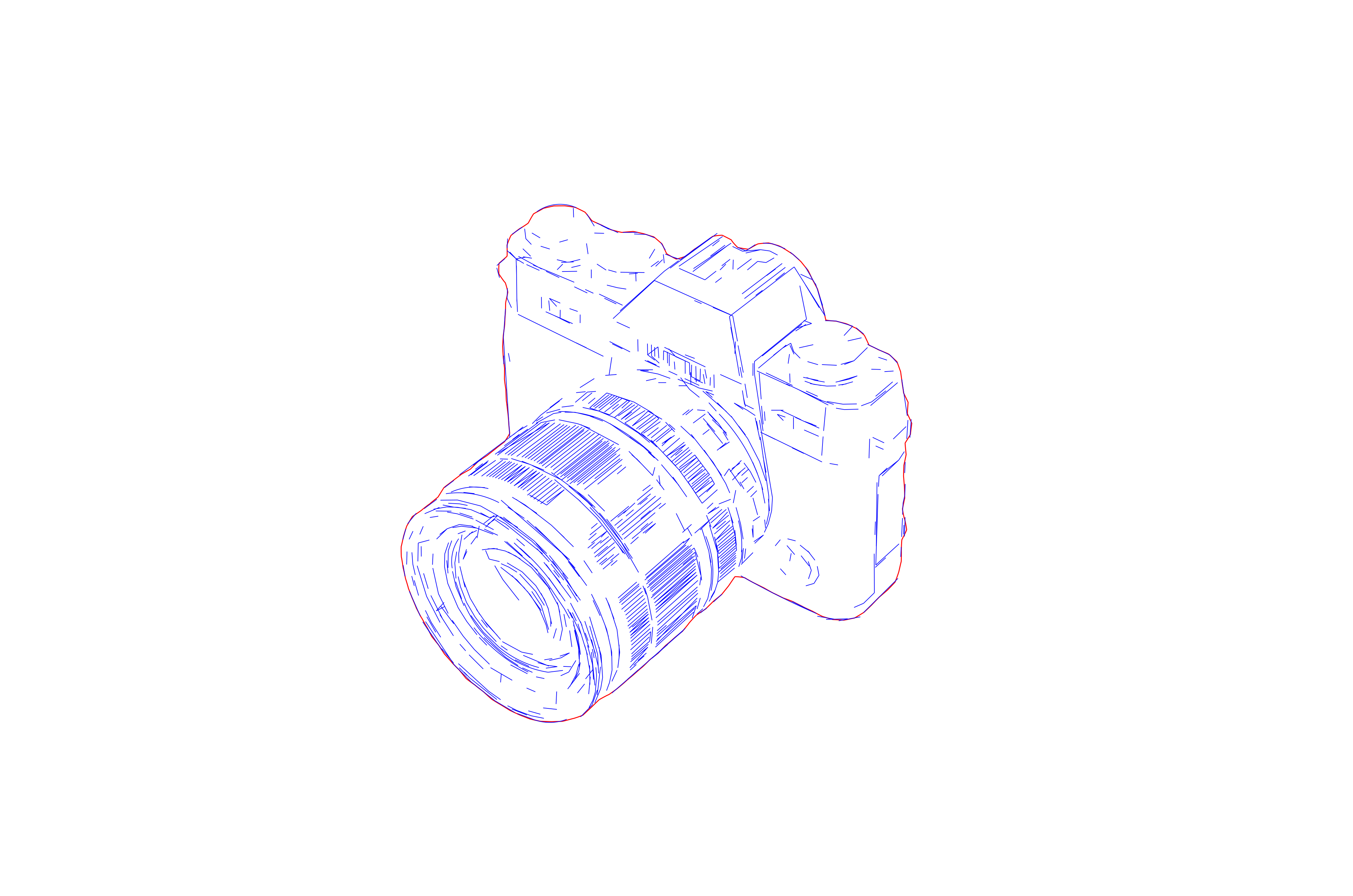
Single-line centerline vector result
Sesudah
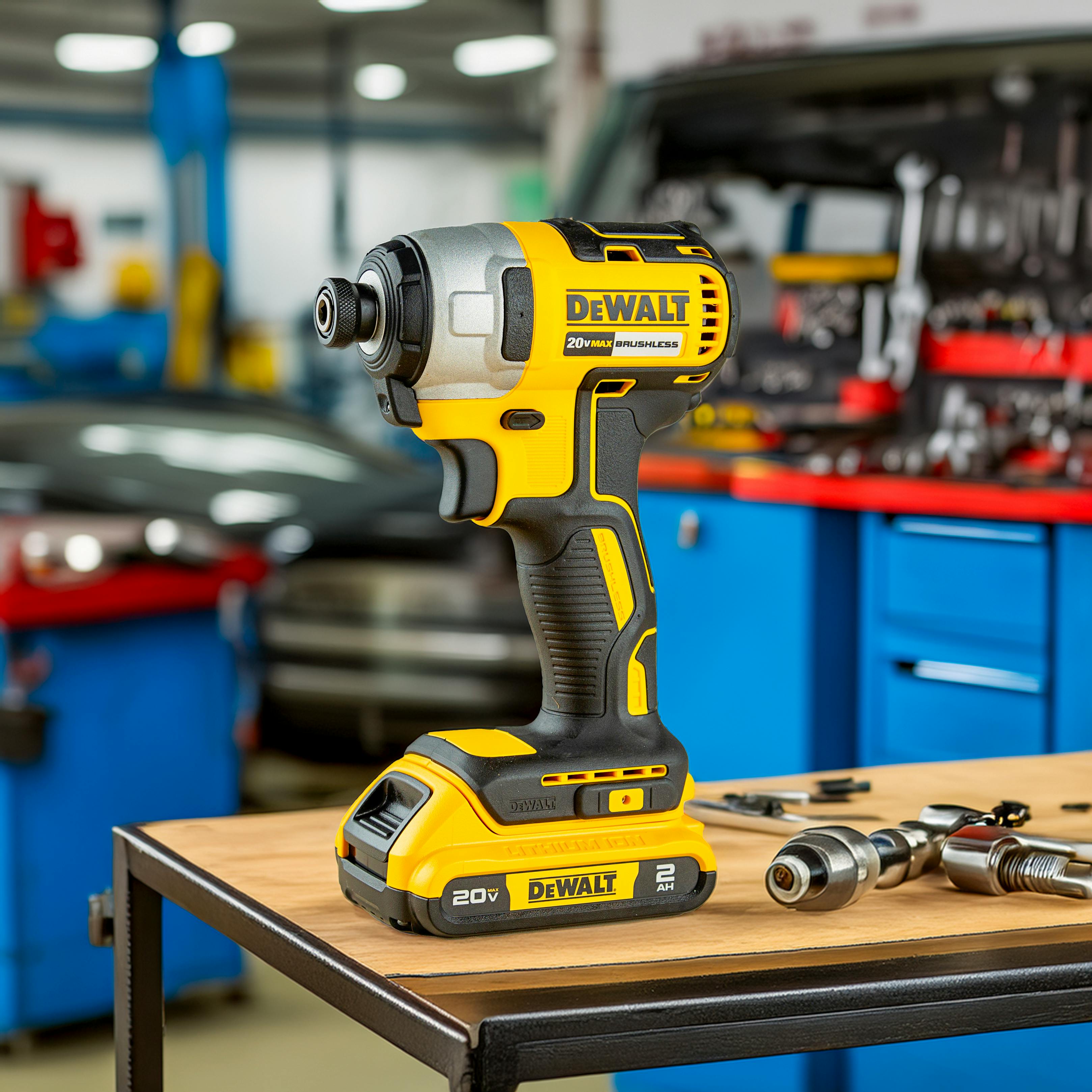
Source artwork before centerline vectorizationSebelum
OUTPUT: SVG / DXF (Single-Line)
INPUT: JPEG | PNG | WEBP | AVIF | TIFF
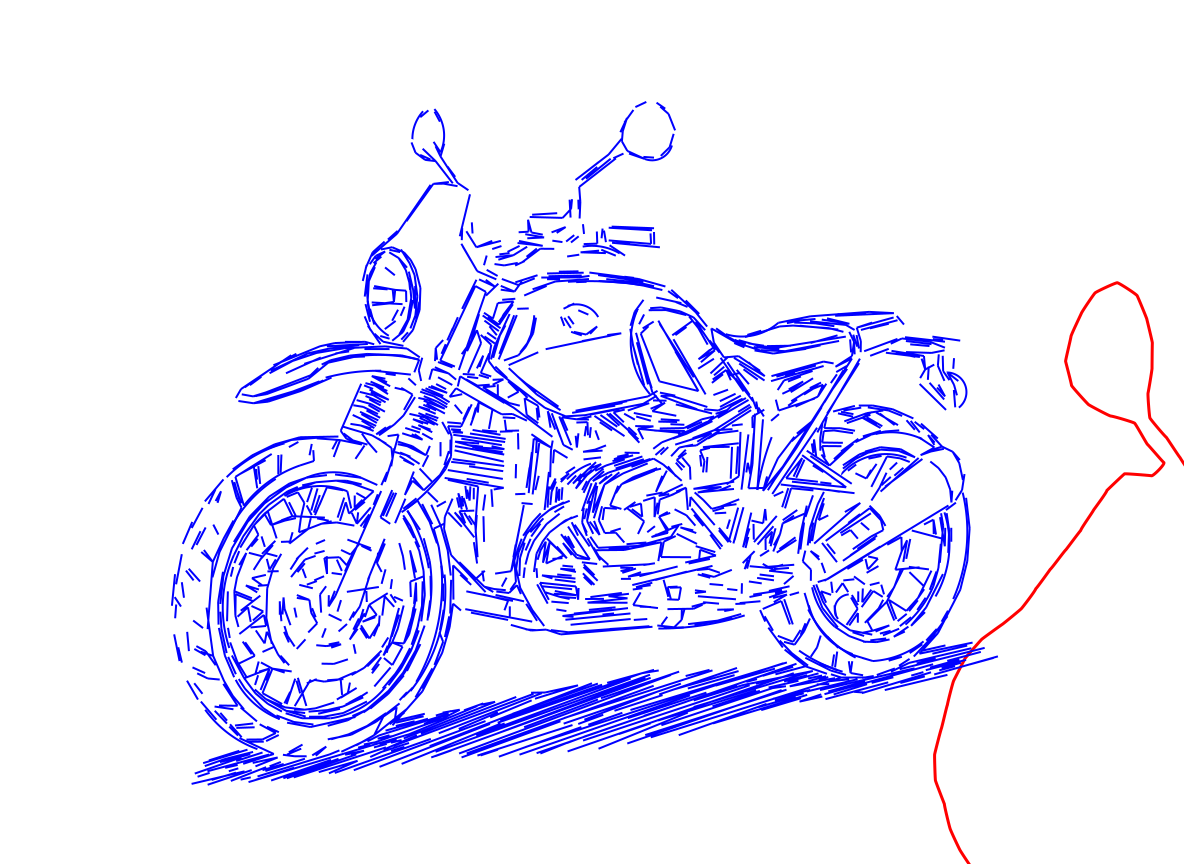
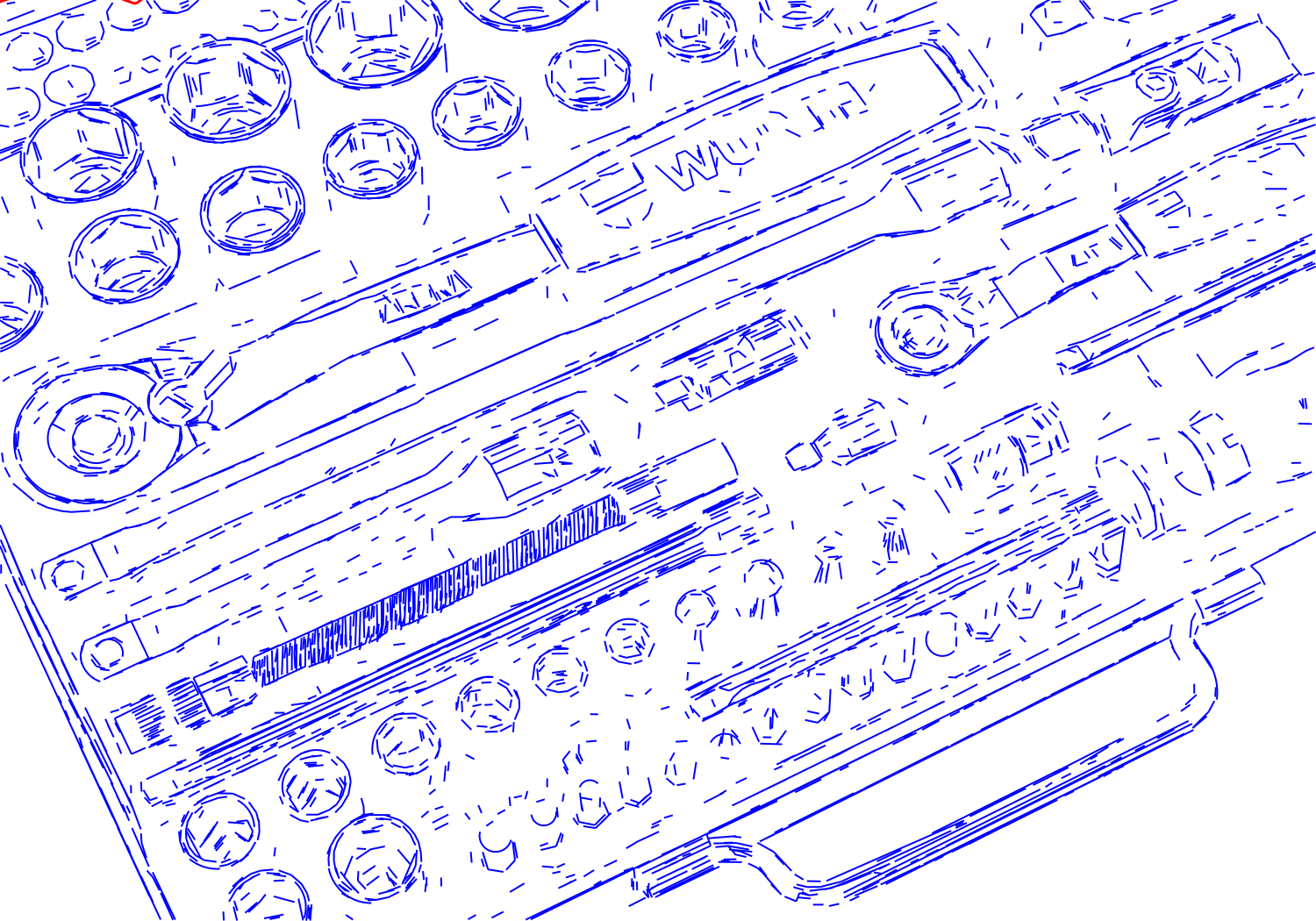
Single-line vector with one path per stroke
Sesudah
Lettering before centerline vectorizationSebelum
OUTPUT: SVG / DXF (Single-Line)
INPUT: JPEG | PNG | WEBP | AVIF | TIFF

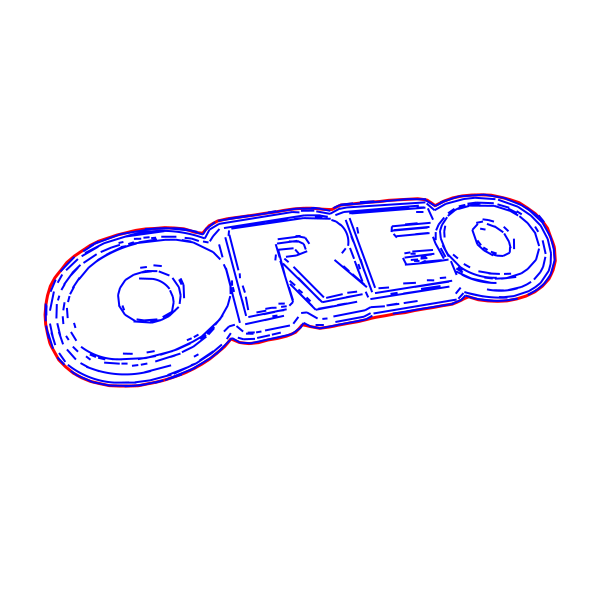
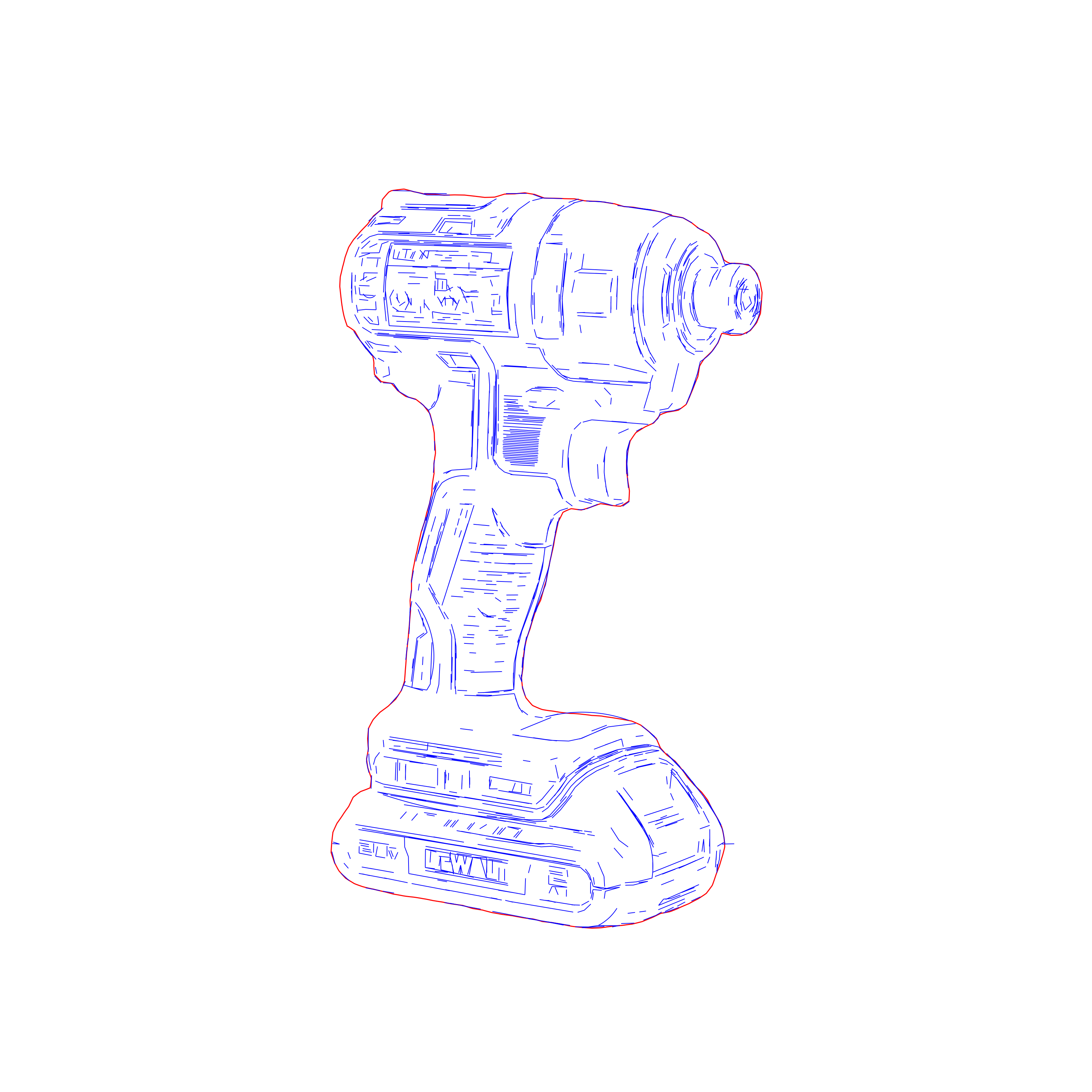
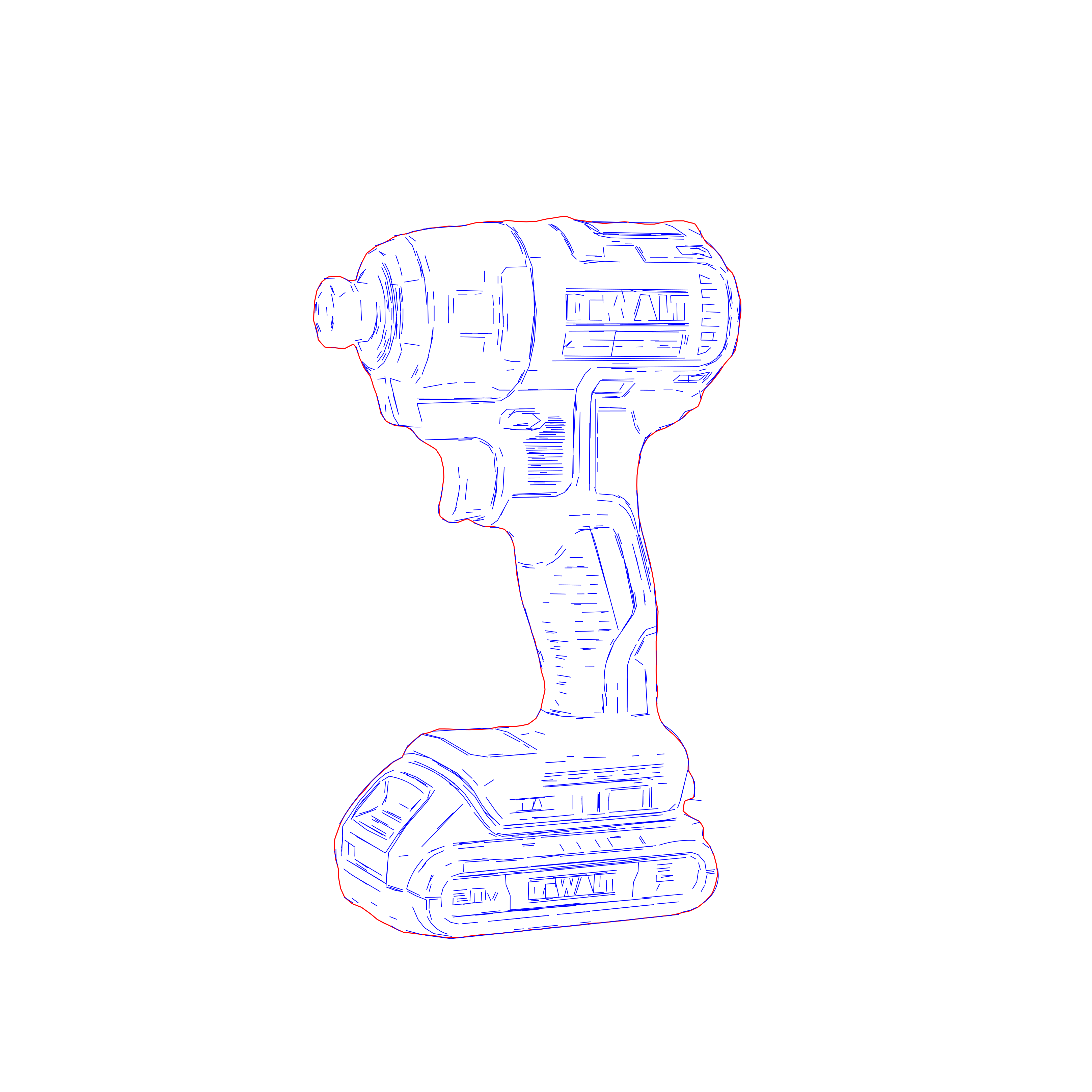
Single-line SVG and DXF with true centerline tracing

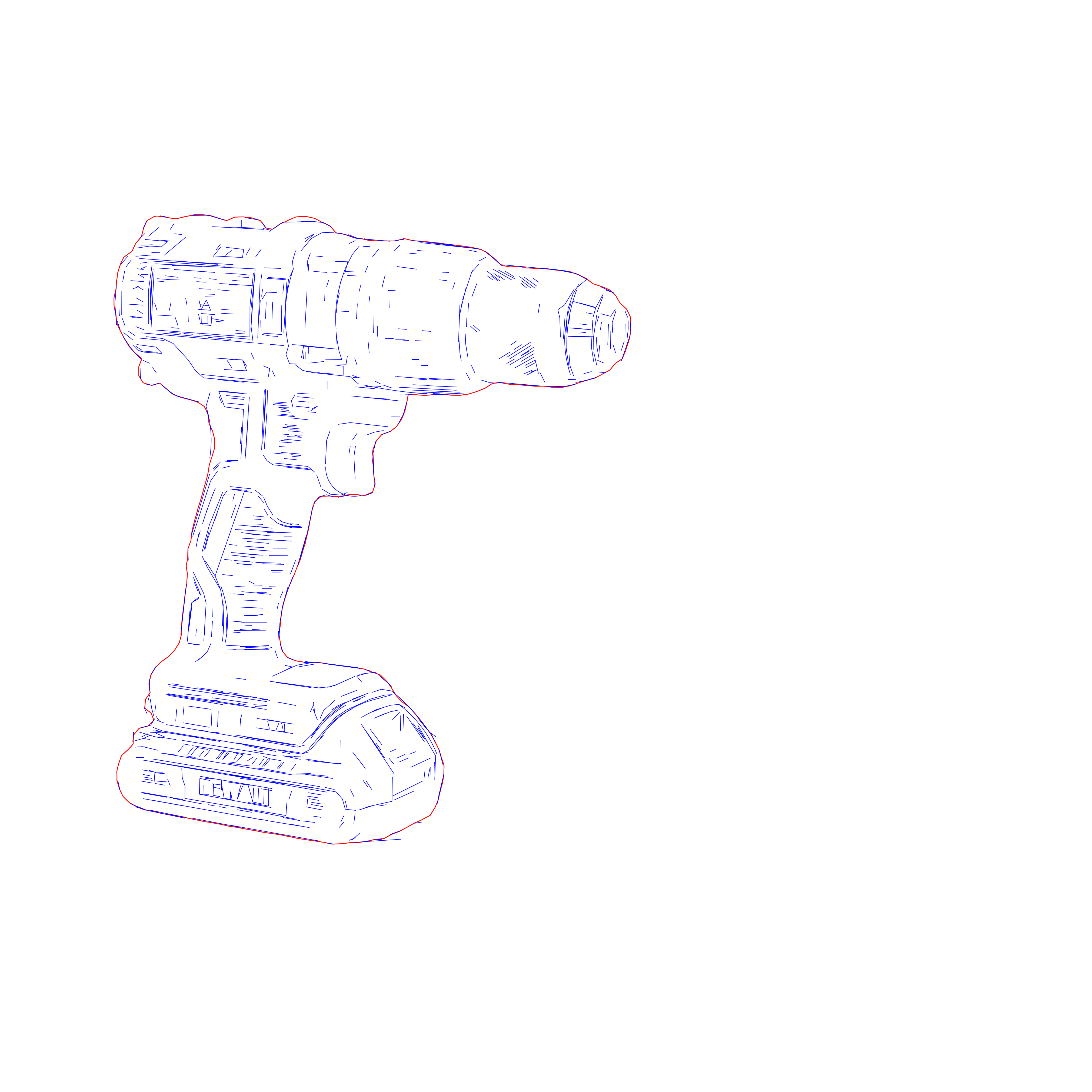
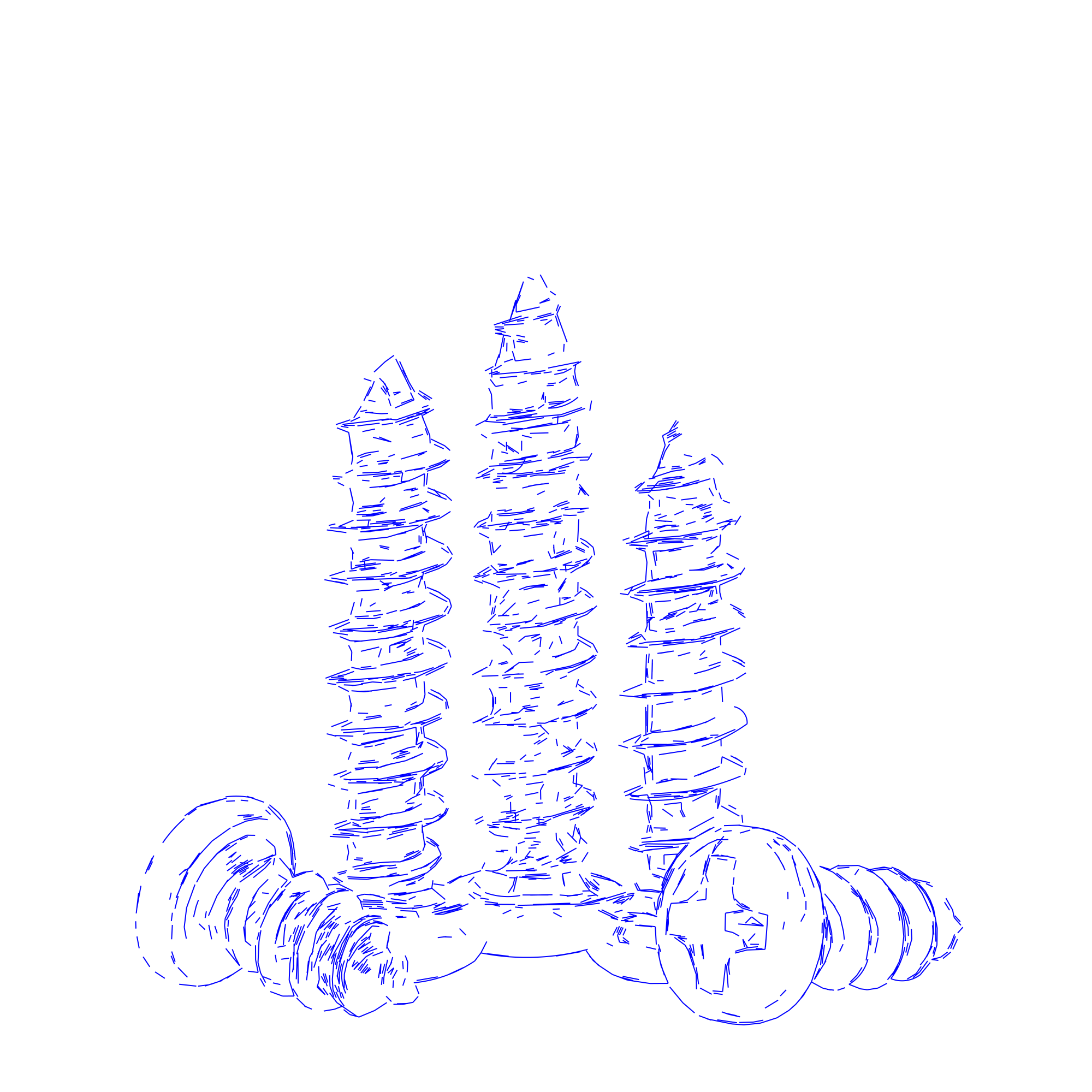
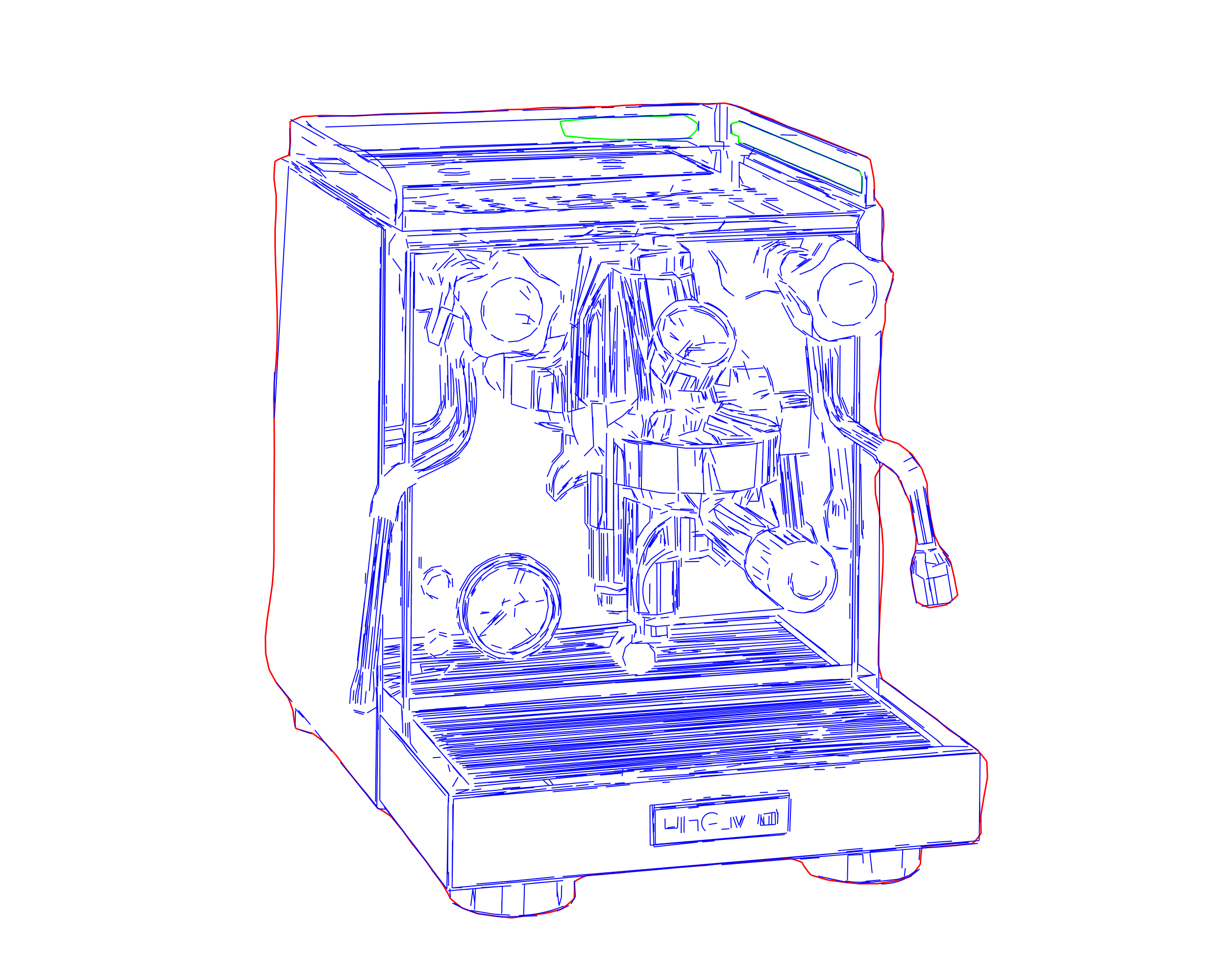
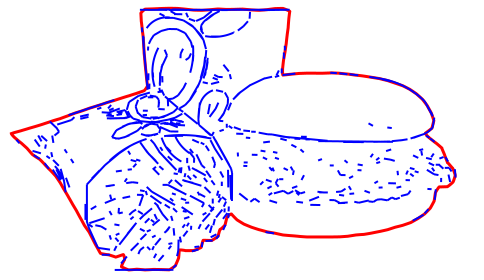
Centerline Vectorization converts logos, lettering, and stroke-based graphics into a single-line vector — one open path running along the center of each stroke. Standard tracing follows both edges of a stroke and returns two offset paths, which a laser then burns twice; thin lines and small text thicken or fill in, and run times grow. Centerline tracing reduces each stroke to its center line, so the machine follows a single pass that matches the original artwork.

The output is a single-line SVG that imports into LightBurn and xTool at true scale, plus a single-line DXF for V-carve lettering and engraving in CAM software. Because the result is an open path with no enclosed area, it is intended for engraving, scoring, and pen plotting rather than cutting. For closed, cut-ready contours use Contour Vectorization; for detailed, tonal photo engraving use Line Graphic Vectorization.
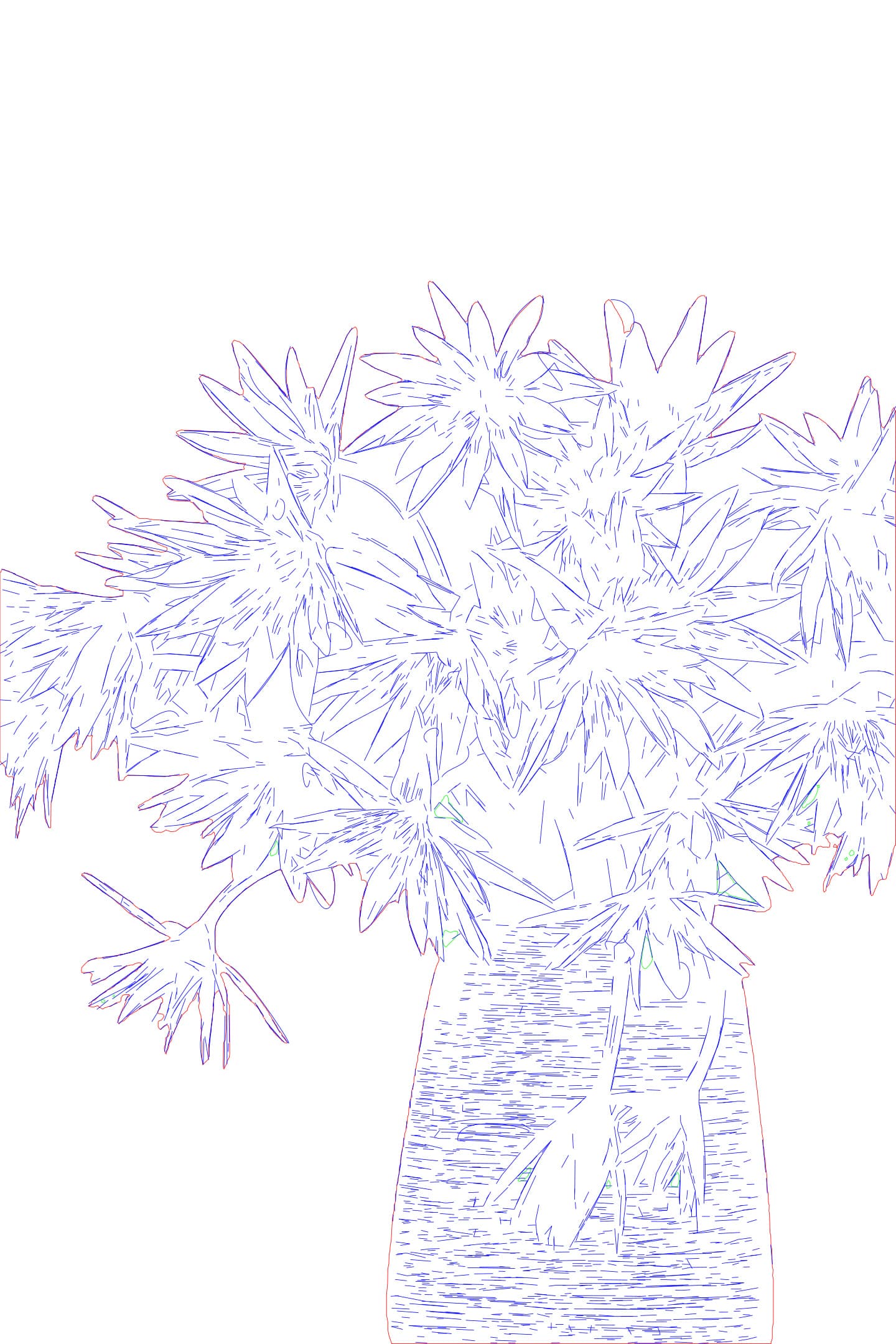
Example Centerline Vectorization — single-line trace
  • Input - Raster

    Logos, lettering, icons, and stroke-based graphics intended for single-line output.

  • Output - Single-Line

    A single-line SVG (one open path per stroke) and a single-line DXF for V-carve, at true scale.

  • Best for - Professionals

    Laser engravers producing single-pass engraving and scoring, single-line fonts, and fine lettering, plus pen-plotter and CNC V-carve users.

  • Different from - Centerline

    Outline tracing returns two offset edges per stroke; centerline tracing returns one path along the stroke's center. Use it where a single, accurate line matters more than filled shapes.

Supported Formats

  • SVG

    SVG - Single-Line SVG

    One open path per stroke, no layers — imports into LightBurn and xTool at true scale for single-pass engraving and scoring.

  • DXF

    DXF - Single-Line DXF

    For V-carve lettering and engraving in CNC and CAM software, at true scale.

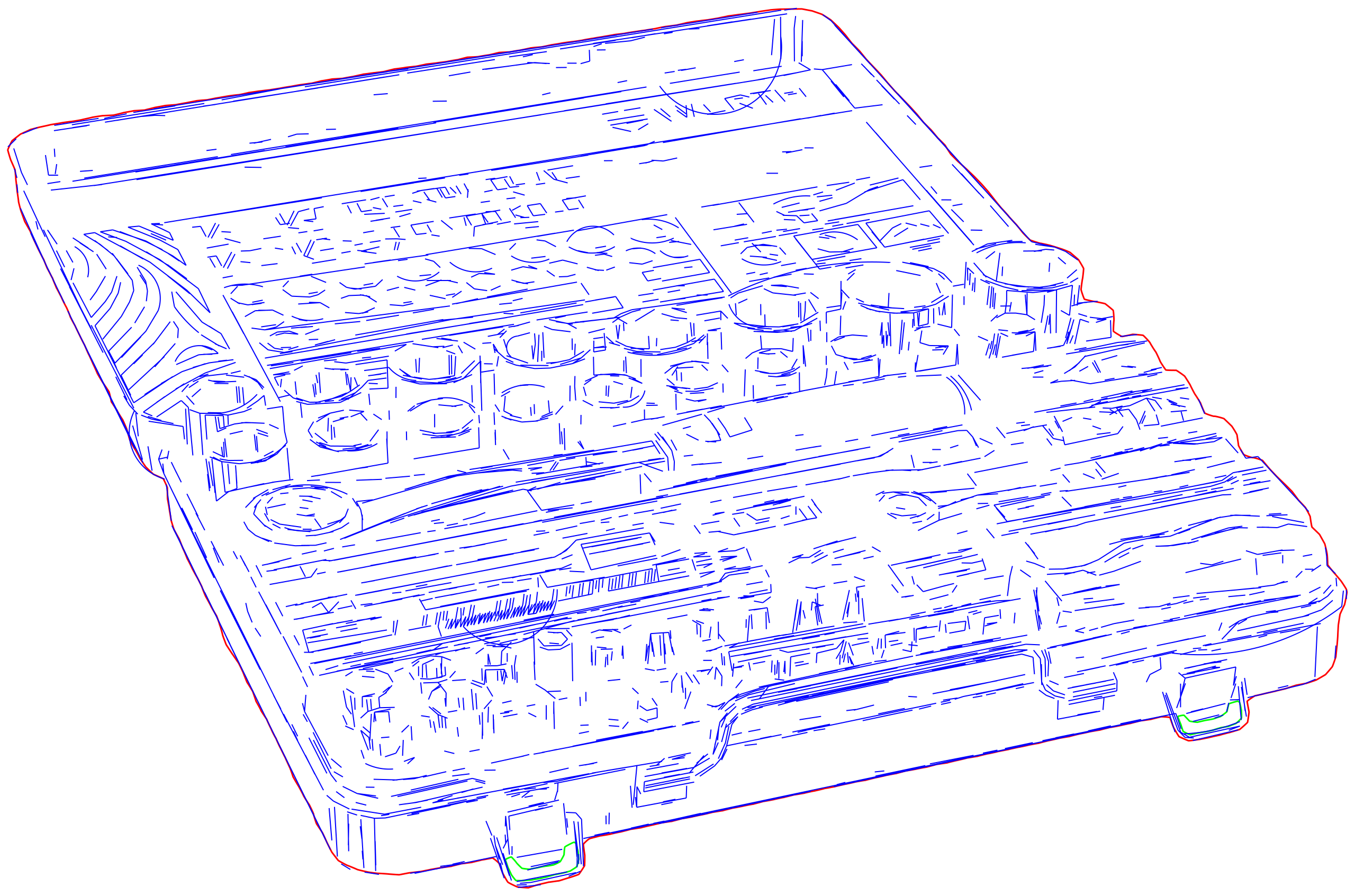
Single-line centerline vector result
Sesudah
Source artwork before centerline vectorizationSebelum
OUTPUT: SVG / DXF (Single-Line)
INPUT: JPEG | PNG | WEBP | AVIF | TIFF
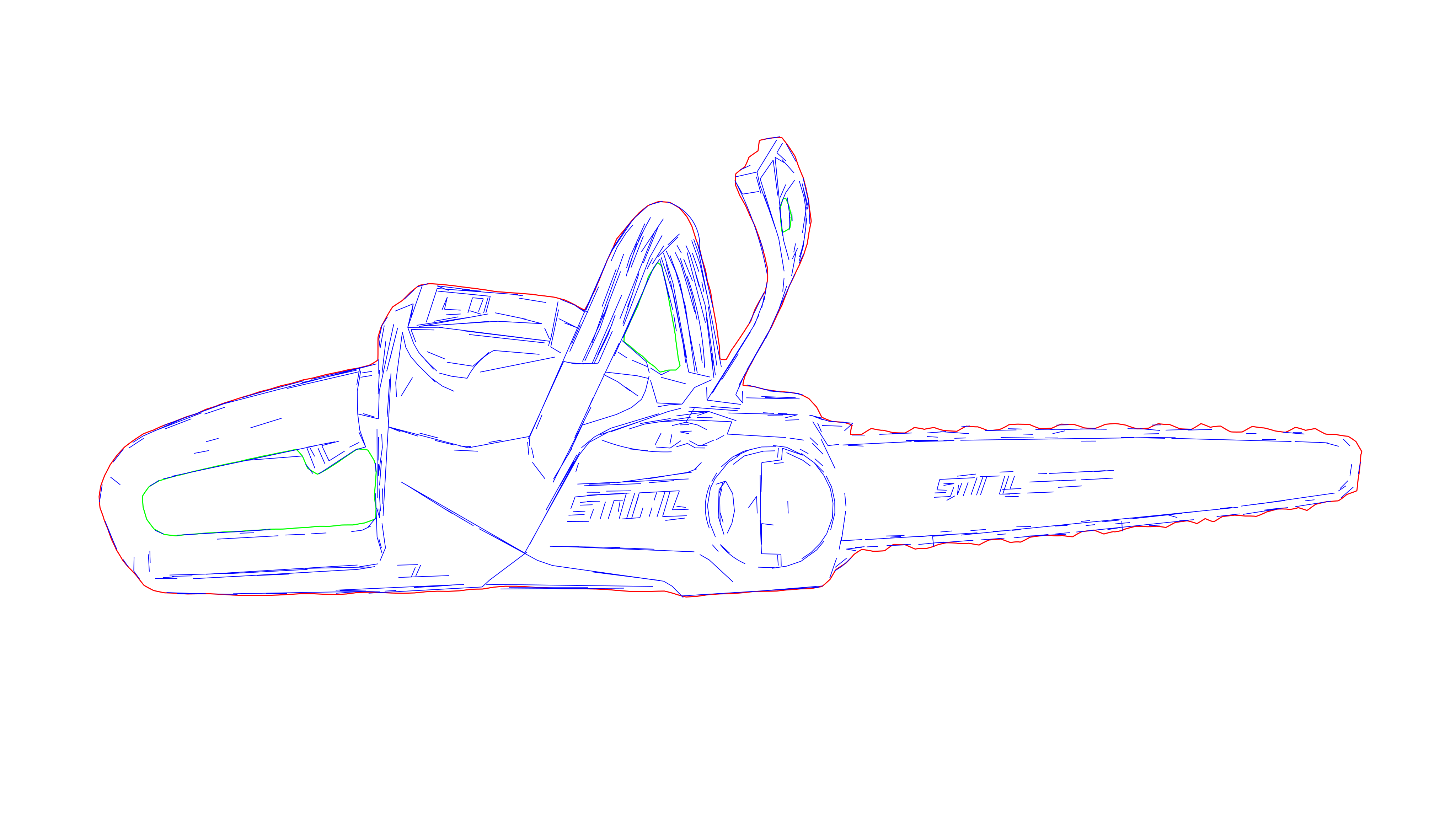
Single-line vector with one path per stroke
Sesudah
Lettering before centerline vectorizationSebelum
OUTPUT: SVG / DXF (Single-Line)
INPUT: JPEG | PNG | WEBP | AVIF | TIFF

Contoh

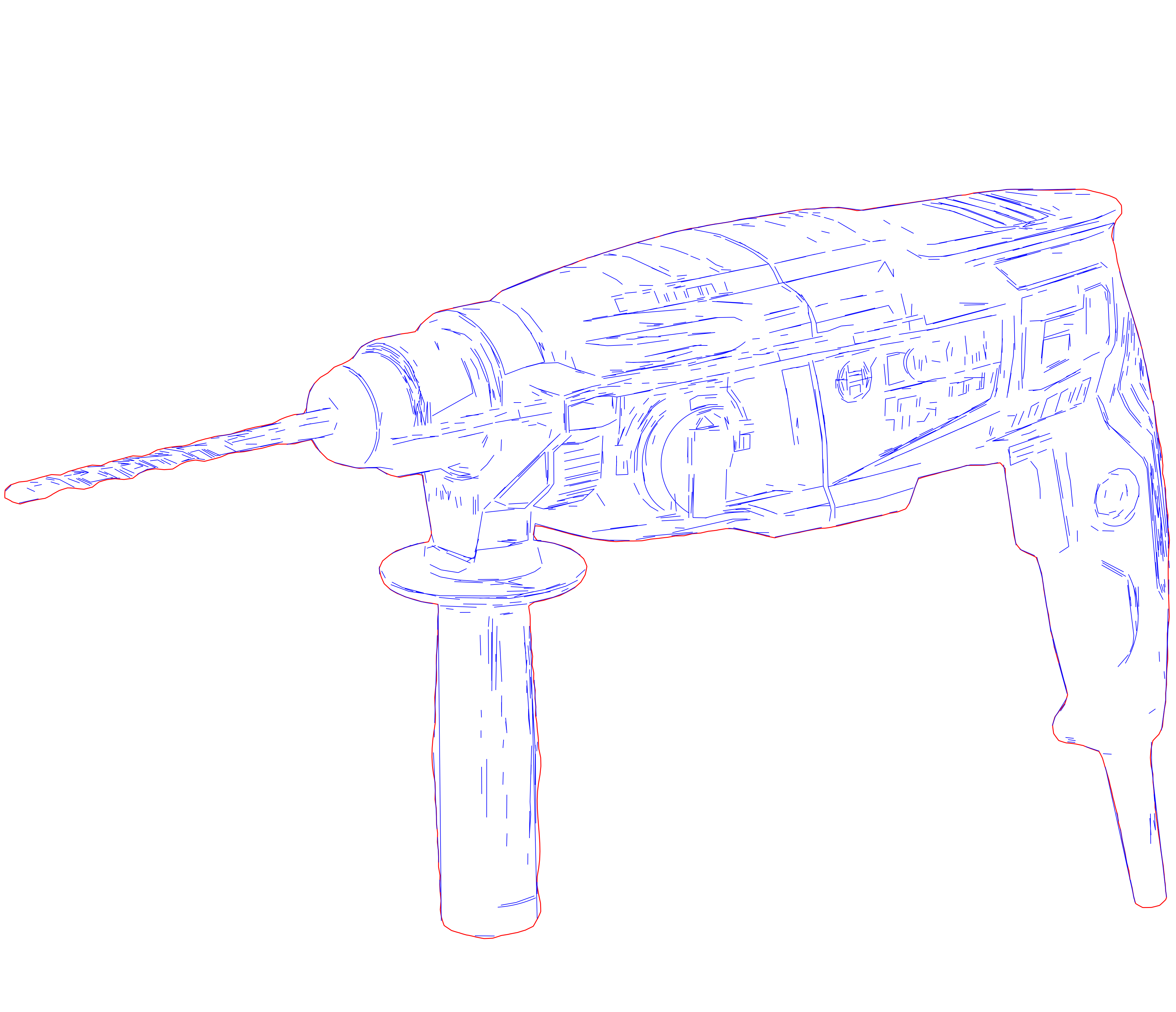
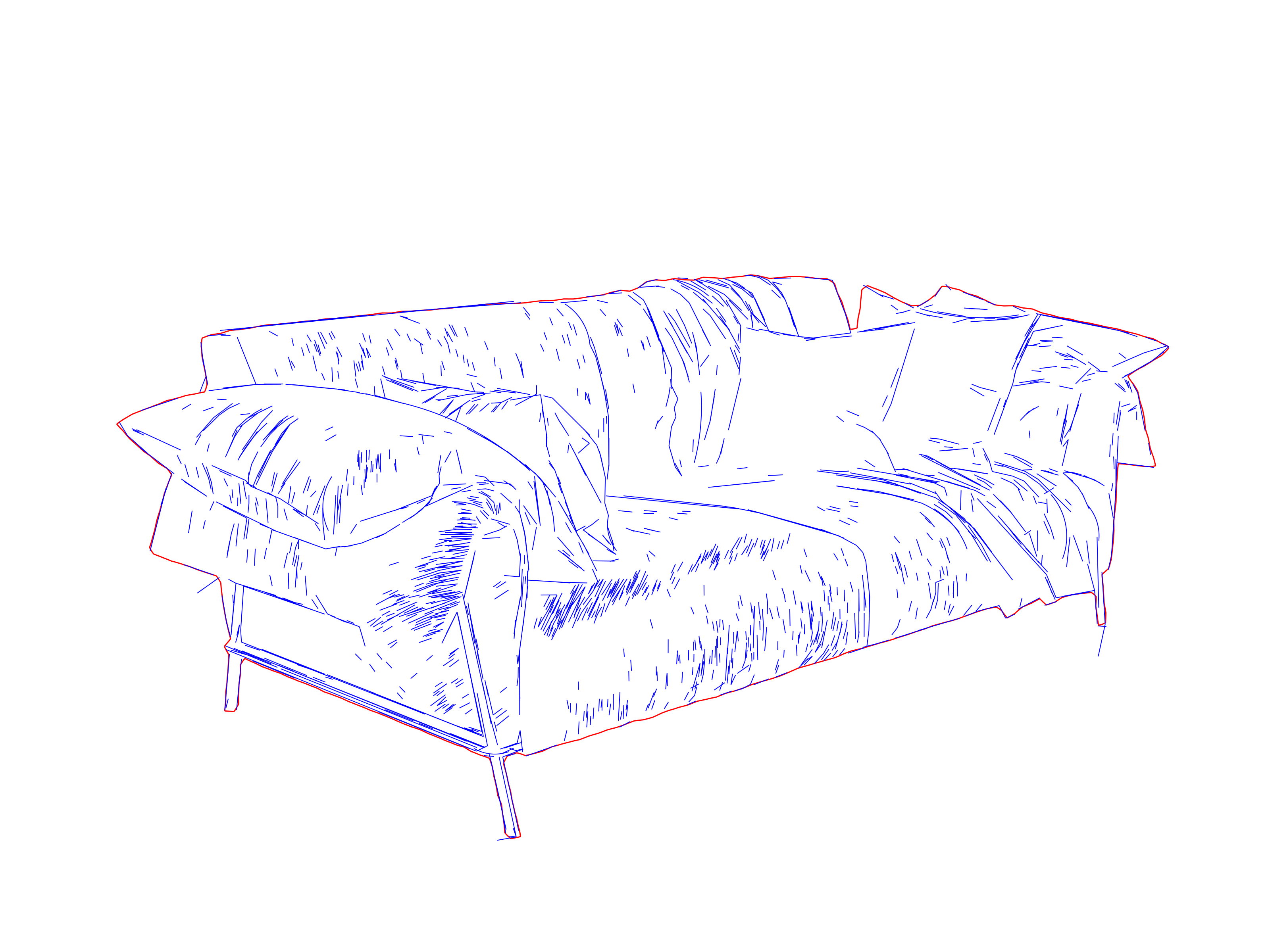
Precision laser engraving SVG optimized for LightBurn and Glowforge
Production-ready laser engraving paths with clean geometry
Laser-ready vector drawing with optimized line weights
Precision laser engraving SVG optimized for LightBurn and Glowforge
Production-ready laser engraving paths with clean geometry
High-detail laser engraving SVG for professional workflows
Laser-ready vector drawing with optimized line weights
High-detail laser engraving SVG for professional workflows
Laser-ready vector drawing with optimized line weights
Precision laser engraving SVG optimized for LightBurn and Glowforge
Production-ready laser engraving paths with clean geometry
High-detail laser engraving SVG for professional workflows
Laser-ready vector drawing with optimized line weights
Precision laser engraving SVG optimized for LightBurn and Glowforge
Production-ready laser engraving paths with clean geometry
High-detail laser engraving SVG for professional workflows
Laser-ready vector drawing with optimized line weights
Precision laser engraving SVG optimized for LightBurn and Glowforge
High-detail laser engraving SVG for professional workflows
Laser-ready vector drawing with optimized line weights
Precision laser engraving SVG optimized for LightBurn and Glowforge
Production-ready laser engraving paths with clean geometry
High-detail laser engraving SVG for professional workflows
Production-ready laser engraving paths with clean geometry
Precision laser engraving SVG optimized for LightBurn and Glowforge
High-detail laser engraving SVG for professional workflows

How it works

  1. 1

    Add your file

    Upload a logo, lettering, or stroke-based graphic to open it in the workspace.

  2. Arrow right
  3. 2

    Set the centerline

    Adjust how strokes reduce to a single center path. Each stroke becomes one open line, with no second edge and no layers.

  4. Arrow right
  5. 3

    Export

    Download single-line SVG or DXF at true scale for LightBurn, xTool, and CNC V-carve.

Dapatkan kredit sekarang dan mulai merender

Use Cases

  • Single-line fonts and lettering

    Engrave single-line and stick fonts where the machine follows one pass per stroke, keeping fine lettering legible at small sizes.

    Read guide
  • Single-pass engraving and scoring

    Produce score lines and engraved detail in a single pass, without the overlap that doubled paths create.

    Read guide
  • Pen plotting

    Output the single-line geometry that pen plotters and drawing machines require.

    Read guide
  • V-carve lettering

    Export single-line DXF for V-carve text and engraving on CNC routers.

    Read guide
  • Logos and linework

    Reduce logos and stroke-based graphics to a single accurate line for engraving and scoring.

    Read guide
  • Clean import, no rework

    Single-line paths import without the duplicate-vector cleanup that outline traces require.

    Read guide

Pertanyaan Umum

What does centerline tracing do?

It reduces each stroke to a single path along its center rather than tracing both edges. The result is one open line per stroke, which a laser or plotter follows in a single pass that matches the original artwork.

When should I use this instead of Contour or Line Graphic Vectorization?

Use Centerline for single-line output — fonts, lettering, scoring, and pen plotting. Use Contour Vectorization for closed, cut-ready contours from logos and graphics, and Line Graphic Vectorization for detailed, tonal photo engraving.

Can I cut parts with the output?

No. A single-line path has no enclosed area to separate a part, so it is intended for engraving, scoring, and plotting. For cutting, use the closed contours from Contour Vectorization.

Does it work with LightBurn, xTool, and pen plotters?

Yes. The single-line SVG imports at true scale without duplicate vectors, and the geometry is what pen plotters and drawing machines expect. A single-line DXF is available for CNC V-carve.

Does it support single-line and stick fonts?

Yes. Centerline tracing suits single-line and stick fonts, keeping fine lettering legible at small sizes where outlined text would thicken or fill in.

What source artwork works best?

Logos, lettering, icons, and other stroke-based graphics with clearly defined lines. High-contrast input with consistent stroke widths produces the most accurate single-line result.

Centerline Vectorization is launching soon

Ilustrasi Arsitektur – Pixel2Lines style preview

Ilustrasi Arsitektur

Vektorisasi Grafik Garis – Pixel2Lines style preview

Vektorisasi Grafik Garis

Ukiran Laser SVG – Pixel2Lines style preview

Ukiran Laser SVG

Centerline Vectorization – Pixel2Lines style preview

Centerline Vectorization

Digitalisasi Sulaman – Pixel2Lines style preview

Digitalisasi Sulaman

Layanan Alur Kerja


  • Vektorisasi Grafik GarisVektor
  • Foto ke Ukiran Laser SVGVektor
  • Foto ke vektorisasi SVGVektor
  • Foto ke SVG Manual ProVektor
  • Hapus Latar BelakangRaster
  • SVG to DXFVektor
  • Galeri
  • Harga
  • Hubungi Dukungan
  • Tentang Kami
  • Teknologi
  • Pengembangan Kustom

Alat Konversi


  • Konverter File
  • JPG ke PNG
  • JPG ke WebP
  • JPG ke AVIF
  • PNG ke JPG
  • PNG ke AVIF
  • PNG ke WebP
  • WebP ke JPG
  • WebP ke PNG
  • WebP ke AVIF
  • AVIF ke JPG
  • AVIF ke PNG
  • AVIF ke WebP
  • SVG ke PNG
  • SVG ke JPG
  • SVG ke WebP
  • SVG ke AVIF
  • SVG ke PDFPremium
  • SVG ke EPSPremium
  • SVG ke AIPremium
  • PDF ke PNG
  • BMP ke PNG
  • DXF ke SVGPremium

Panduan


  • Panduan Bermanfaat
PixelLines
  • Legal
  • Kebijakan Privasi
  • Ketentuan
  • Cookie