Embroidery Digitizing for Beginners
Embroidery digitizing converts artwork into machine-readable stitch instructions. Understanding the basics helps you avoid costly mistakes and achieve professional results from your first project.
What is Embroidery Digitizing?
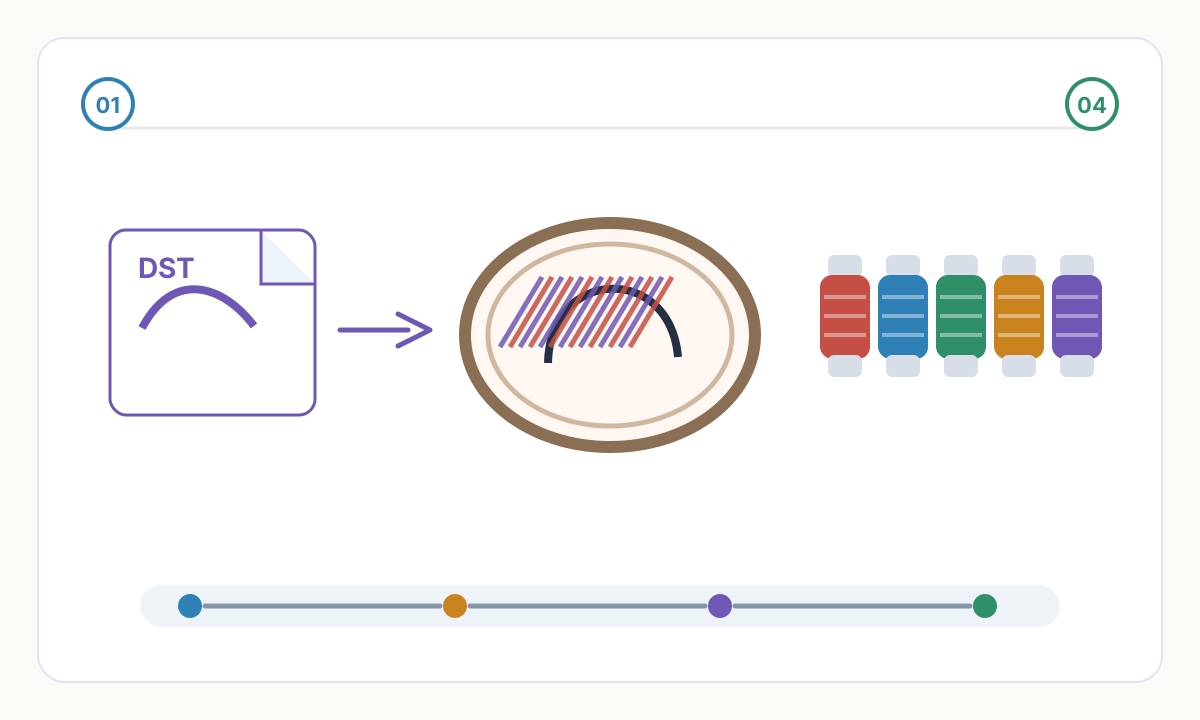
Digitizing is the process of converting artwork (logos, images, designs) into embroidery machine instructions. Unlike printing where machines reproduce colors directly, embroidery machines need explicit stitch-by-stitch directions: where to place each needle penetration, what color thread to use, and how to transition between elements.
Your embroidery machine can't read a JPG or PNG. It needs a special file format (DST, PES, JEF) that contains geometric coordinates and commands. These files tell the machine exactly how to recreate your design using thread on fabric.
The digitizing process involves: analyzing the artwork, simplifying details that won't sew well, choosing appropriate stitch types for different elements, setting proper stitch density, sequencing colors efficiently, and generating the final machine file.
Think of digitizing like translating a book into another language. The translator doesn't just swap words—they interpret meaning, adjust for cultural context, and ensure the translation reads naturally. Similarly, digitizers interpret artwork and adapt it for the physical constraints of embroidery: thread thickness, fabric stretch, and machine limitations.
The Three Main Approaches to Getting Embroidery Files
Manual Digitizing Services: Send your artwork to a professional digitizer who manually creates the file using specialized software. Costs $15-50 per design, takes 24-48 hours. Best for complex artwork, photographic images, or designs requiring artistic interpretation. Quality is highest but cost and turnaround limit it to occasional use.
Automated Digitizing Software/Services: Upload your artwork to automated systems that use algorithms to analyze, process, and generate embroidery files instantly. Costs $5-20 per design or subscription models. Works well for clean logos and graphics (70-80% of common designs). Results available in minutes instead of days. Quality varies by service—test before committing.
Learning to Digitize Yourself: Purchase embroidery software ($100 for basic SewWhat-Pro to $10,000+ for Wilcom) and learn through tutorials, practice, and trial-and-error. Initial learning curve is steep (3-6 months to basic competence), but provides unlimited control and zero per-design costs. Worth it for businesses digitizing regularly.
Getting Started: Your First Embroidery File
- 1
Choose Your Test Design Wisely
Start with simple logos or graphics: solid colors, clear boundaries, minimal small details. Avoid: photos, gradients, text smaller than 5mm, designs with 10+ colors. Success on simple designs builds confidence before tackling complex work.
- 2
Understand Your Machine's Format
Check your machine manual: Brother/Babylock uses PES, Janome uses JEF, most others read DST. Verify by testing a simple downloaded design first. Know your maximum hoop size (typically 100x100mm to 360x200mm depending on model).
- 3
Learn to Transfer Files Properly
Format USB sticks as FAT32 (not exFAT). Some machines require files in specific folders ('embroidery', 'designs'). Use simple filenames without spaces or special characters. Test the transfer process with free designs before paying for custom digitizing.
- 4
Master the Test Stitch Workflow
Always test on scrap fabric first. Check: design centers correctly, colors sequence logically, size matches expectations, no thread breaks or puckering. Adjust machine tension and stabilizer before production runs. Keep notes on successful settings for different fabrics.
- 5
Build Your Knowledge Gradually
Learn one concept at a time: stitch types, then density, then underlay, then push/pull compensation. Join embroidery forums, watch YouTube tutorials, study well-digitized designs. Practice identifies where automated digitizing works and where manual intervention helps.
Common Beginner Mistakes and How to Avoid Them
Over-detailing designs: Small features under 2mm don't embroider clearly at normal densities. They become muddy, stitches overlap, and definition is lost. Simplify artwork before digitizing—fewer, bolder elements embroider better than intricate photographic details.
Ignoring fabric type: Standard cotton settings cause puckering on stretchy knits and look too light on heavy denim. Always specify fabric type when digitizing. Use proper stabilizer (cutaway for stretchy fabrics, tearaway for stable wovens). Test on actual production fabric, not cheap scraps.
Using too many colors: Each color change adds 10-15 seconds and creates trim tails to bury. Eight-color designs take 3x longer than four-color versions. Reduce colors during digitizing—similar shades can often share one thread color without losing visual impact.
Skipping test stitches: Production runs with untested files waste time and materials when problems appear. Test stitches cost 5 minutes and a fabric scrap but save hours of rework, rejected garments, and customer complaints. Make testing non-negotiable.
Poor file organization: Random filenames, mixed formats, no version tracking leads to using outdated files or wrong sizes. Establish a naming convention: client_design_size_version.dst. Keep source artwork with embroidery files. Document successful machine settings.
Beginner's Pre-Production Checklist
- Design simplified to essential elements, small details removed or enlarged
- Color count limited to 8 or fewer for reasonable production time
- File format matches machine requirements (PES for Brother, JEF for Janome, DST universal)
- Design size appropriate for intended garment and hoop capacity
- USB stick properly formatted (FAT32) and files in correct folder structure
- Appropriate stabilizer selected for fabric type (cutaway, tearaway, or washaway)
- Scrap fabric available for test stitch matching production material
- Machine tension, speed, and needle settings adjusted for thread and fabric type
- First production piece will be inspected carefully for quality before running full batch
Do I need expensive digitizing software to start embroidering?
No. Most beginners start by purchasing pre-digitized designs ($3-15 each) or using automated digitizing services for custom logos. This lets you learn machine operation, fabric handling, and finishing techniques without the software investment. If you later decide to digitize regularly, start with affordable options like SewWhat-Pro ($70), Embrilliance Essentials ($170), or PE-Design ($1,000) before jumping to professional software ($5,000-15,000). Many successful embroidery businesses never purchase digitizing software—they outsource digitizing and focus on customer service and finishing quality.
How long does it take to learn embroidery digitizing?
Basic competence—creating usable files for simple logos—takes 40-80 hours of focused practice (3-6 months at hobby pace). Professional-level digitizing handling complex designs, specialty techniques, and problem-solving takes 1-2 years of regular practice. However, you can start producing saleable work much sooner by focusing on simple designs and using automated tools for baseline digitizing, then manually refining problem areas. Most professional embroiderers learn just enough digitizing to evaluate quality and make minor edits, outsourcing complex work to specialists.
What's the minimum equipment needed to start a small embroidery business?
Single-head home machine ($500-3,000), computer for file management, USB sticks, basic thread collection (8-12 essential colors), stabilizer variety pack, hoops in 2-3 sizes, scissors and seam ripper for finishing. Skip expensive digitizing software initially—use automated services or pre-made designs. Focus budget on a reliable machine with good support. Many successful businesses started with a single Brother PE800 or Janome MB-4S and grew from there. Quality execution matters more than equipment quantity.
Can I digitize photos for embroidery?
Photos require specialized techniques beyond basic digitizing. Photo-stitch uses density variation to create tonal shading, typically needing 20,000-100,000 stitches for a 4x4 inch portrait. Automated digitizing systems can't create quality photo-stitch—it requires manual work by experienced digitizers charging $75-200 per image. For photo-like results, consider alternatives: simplify photos into high-contrast graphics (4-8 colors), use appliqué for skin tones with embroidered details, or explore printed patches with embroidered borders. Most businesses avoid photo-stitch due to complexity and time investment.
Prepare cleaner production files with Pixel2Lines
Use Pixel2Lines when you need artwork converted into cleaner SVG, DXF, embroidery, or machine-ready outputs before production.
Start with Pixel2Lines
Comments
Loading comments...