Halftone vs Dithering for Laser Engraving
Both halftone and dithering convert grayscale images to binary patterns lasers can reproduce. Understanding algorithm differences helps select optimal method for material, viewing distance, and aesthetic goals.
Halftone Basics
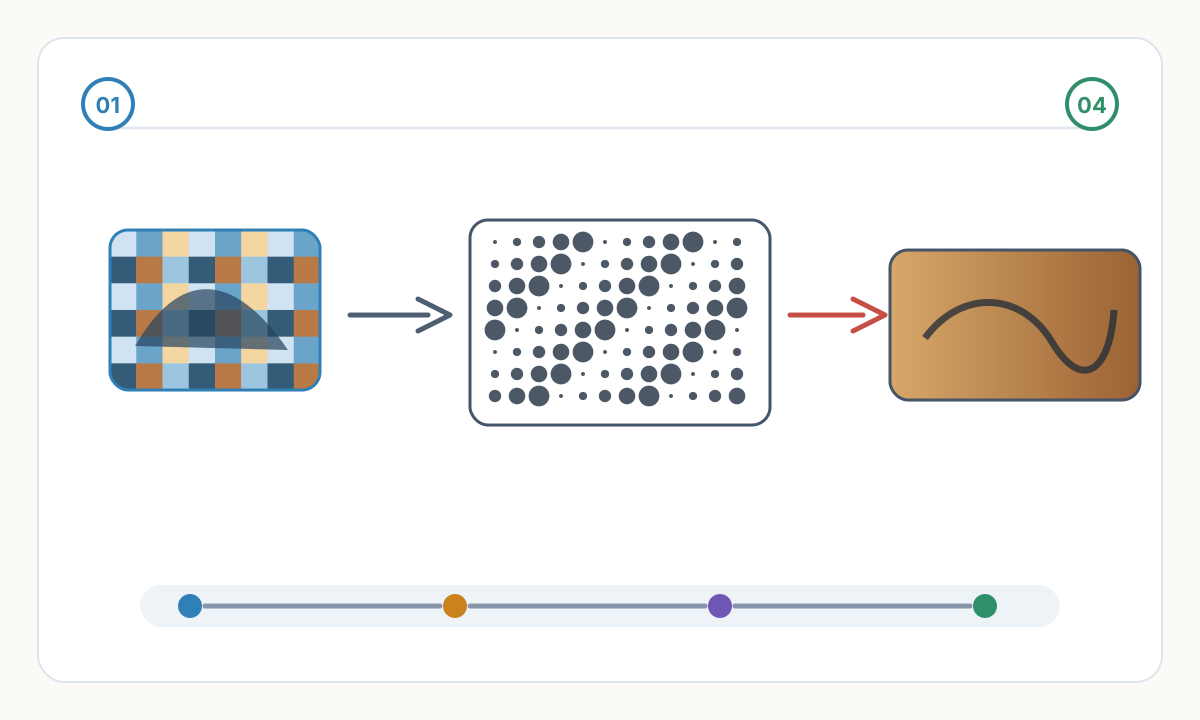
Halftone uses regular grid pattern—dots arranged in rows and columns. Dot size varies to represent tone: large dots = dark areas, small dots = light areas. Viewing from distance, eyes blend dots into continuous tones. Traditional printing (newspapers, magazines) uses halftone. Predictable, regular appearance.
Common halftone patterns: round dots (classic newspaper look), square dots (technical/modern), line screens (parallel lines varying thickness). Screen frequency measured in LPI (lines per inch) or DPI. Higher frequency = finer dots, smoother appearance, but more processing time. 150-300 LPI typical for laser engraving.
Angle matters: halftone screens set at specific angles (typically 45°) to minimize moiré patterns and create pleasing diamond patterns when viewed. 0° or 90° creates visible horizontal/vertical lines. 45° creates diagonal pattern less visible to eye—perceptually smoother.
Advantages: predictable outcome, easy to adjust density by changing screen frequency, creates consistent pattern across image, wood grain and halftone pattern don't interfere. Disadvantages: more visible pattern than dithering at equal resolution, less organic appearance, moiré risk if angle not optimal.

Dithering Fundamentals
Dithering uses irregular pattern—error diffusion spreads quantization error to neighboring pixels creating organic, random-appearing dot distribution. Floyd-Steinberg, Stucki, Jarvis-Judice-Ninke are error diffusion algorithms. Dots appear scattered, not gridded. More natural, less 'digital' appearance.
Error diffusion process: Algorithm processes pixels left-to-right, top-to-bottom. Each pixel becomes black or white. Difference between actual gray value and assigned black/white (error) distributed to nearby unprocessed pixels. This spreads tone representation across area rather than regular grid.
Pattern characteristics: dithering creates smaller, more numerous dots than halftone at equivalent resolution. Dot distribution irregular—appears more like random stippling or organic texture. Better preserves fine detail and subtle tonal gradations. Grain direction and dither pattern interact less obviously than with halftone grids.
Advantages: more photographic appearance, subtle gradations render smoothly, fine detail preservation better, more forgiving of focus variations. Disadvantages: computationally intensive, less predictable than halftone, harder to adjust after processing, can create artifacts in large solid-tone areas.
Choosing the Right Algorithm
- 1
Consider Viewing Distance
Close viewing (under 12 inches)—portraits, small gifts, detailed photos: dithering superior. Irregular pattern appears more natural at close range. Distant viewing (3+ feet)—signs, wall art, large format: halftone acceptable. Regular pattern blends smoothly from distance. Very large format (6+ feet): halftone at lower frequency (fewer, larger dots) may actually be faster to produce.
- 2
Evaluate Material Characteristics
Fine-grain materials (maple, birch, acrylic): dithering reveals full detail capability. Coarse-grain materials (oak, pine, stone): halftone's regular pattern less affected by material texture—grain and halftone don't compete visually. Leather: dithering complements natural grain texture. Metal: halftone's regular pattern contrasts nicely with uniform substrate.
- 3
Match to Content Type
Portraits and people: dithering almost always better—captures skin tone subtleties, preserves facial details. Landscapes and architecture: either works, halftone slightly faster. Graphic content (logos with photos): halftone easier to control density for consistent brand appearance. Technical/vintage aesthetic: halftone creates period-appropriate look.
- 4
Production Considerations
Speed: halftone marginally faster to process and engrave (fewer dots in same area). Quality priority: dithering. Volume production: halftone's predictability valuable—every piece identical. Custom one-offs: dithering's superior quality worth extra processing time. File size: dithered images slightly larger files.
Advanced Techniques
Hybrid approach: Use halftone for backgrounds and large tonal areas where speed matters. Use dithering for critical areas (faces, important details). Combine in same image for best of both—fast production, quality where visible. Requires manual masking and selective processing.
Stochastic screening: Advanced halftone variant using randomized dot placement within grid structure. Combines halftone predictability with dither-like organic appearance. Reduces moiré, smoother gradations than traditional halftone. Available in advanced image processing software (Photoshop: 'Diffusion Dither' filter).
Material-compensated dithering: Adjust algorithm parameters for material characteristics. Increase error diffusion radius for coarse materials (spreads pattern wider). Reduce for fine materials (concentrates detail). Software like RDWorks or LightBurn may offer material-specific presets incorporating these adjustments.
Multi-level dithering: Instead of pure black/white, use 3-4 levels of gray through power/speed variation. Creates smoother tones than binary halftone/dithering. Requires advanced laser control—variable power along raster path. Not supported by all machines but produces photographic quality approaching continuous-tone printing.
Can I convert halftone back to grayscale or vice versa?
Theoretically yes but practically difficult. Once converted to binary (halftone or dithered), grayscale information is gone—only black/white remains. 'Converting back' really means: blur the pattern until it appears gray again, but original gray values unrecoverable. Better practice: keep original grayscale file, process as needed for each application. Never discard original—always work from grayscale source, export halftone/dithered versions as needed.
Why do some laser engravings have visible dot patterns while others look smooth?
Viewing distance and pattern algorithm determine pattern visibility. Halftone at low frequency (large dots) shows pattern prominently—intentional aesthetic choice for some applications. Dithering at high DPI (400+) appears smooth from normal viewing distance (2-3 feet). To minimize pattern visibility: use dithering instead of halftone, increase DPI (more smaller dots), ensure viewing distance appropriate for resolution (rule of thumb: viewing distance in feet × 60 = acceptable LPI).
Does halftone or dithering engrave faster on the laser?
Practically no difference—both are binary raster images scanned at same DPI. Laser spends same time scanning area regardless of pattern type. Minor difference: halftone may have slightly fewer individual dots (larger regular dots vs many small irregular dots) meaning fractionally less laser firing, but difference under 5%—negligible in real production. Choose algorithm for quality, not speed. If speed critical, reduce DPI for both algorithms—that significantly reduces time.
Verification checklist before production
- Confirm final size, units, and orientation in the destination software
- Inspect the file for hidden, duplicate, or irrelevant geometry
- Run a small material or sew-out test before full production
- Save the approved settings, source file, and exported production file together
Prepare cleaner production files with Pixel2Lines
Use Pixel2Lines when you need artwork converted into cleaner SVG, DXF, embroidery, or machine-ready outputs before production.
Start with Pixel2Lines
Comments
Loading comments...