Thread Color Matching in Embroidery Digitizing
Automated color matching converts RGB design colors into actual thread colors from manufacturer catalogs using perceptual color distance algorithms and brand-specific palettes.
Why Thread Color Matching Matters
Your design uses RGB colors (red-green-blue screen values), but embroidery machines use physical thread from specific manufacturers. A design with hex color #FF5733 (orange-red) needs conversion to an actual thread: Brother 'Orange Red' (123), Madeira 'Burnt Orange' (1184), or Isacord 'Spanish Tile' (1600). This conversion is color matching.
Thread catalogs vary by brand. Brother has 300+ polyester colors. Madeira offers 400+ rayon and polyester shades. Isacord features 350+ options. Not every catalog contains every color—some brands excel at earth tones, others at bright primaries. Choosing the right catalog ensures better design matches.
Automated matching calculates perceptual color distance in CIE LAB color space (how humans perceive color differences) rather than simple RGB distance. This finds thread colors that look closest to original design colors under normal lighting, even when numeric RGB values differ significantly.
Poor color matching causes customer disappointment: logo blue appears purple, corporate green looks lime, skin tones turn orange. Proper matching maintains brand identity and meets customer expectations. Test stitching confirms matches meet requirements before production runs.
Major Thread Brands and Their Catalogs
Brother Embroidery Thread: 300+ colors in polyester, widely available, affordable ($3-4 per spool), good color range with strong primaries and pastels. Standard choice for home embroiderers. Polyester is durable, colorfast, and works across fabric types. Brother machines display color names when using PES files with Brother thread references.
Madeira Rayon and Polyneon: Premium thread line with 400+ colors, excellent sheen and color saturation. Rayon provides superior gloss for decorative work. Polyneon (polyester) offers commercial durability. Popular in custom embroidery businesses. Higher cost ($5-7) justified by quality and color matching accuracy. Wide selection of earth tones, metallics, and variegated options.
Isacord Polyester: 350+ colors, industry standard for commercial embroidery. Trilobal polyester provides high sheen and smooth flow through machines. Consistent quality across production runs. Large spools (5,000-yard) reduce thread changes in multi-item production. Standard choice for apparel decoration businesses. Strong color stability through multiple washes.
Robison-Anton: 500+ colors including unique specialty shades. Rayon and polyester lines. Popular in Western US. Good for customers needing exact color matches from extensive palette. Higher price point but unmatched selection for difficult color requirements.
Sulky and Gutermann: European thread lines with different color approaches—Sulky excels at variegated and metallic effects, Gutermann emphasizes traditional color harmony and balanced palettes. Used more in quilting than commercial embroidery but relevant for specialty applications.
How Automated Color Matching Works
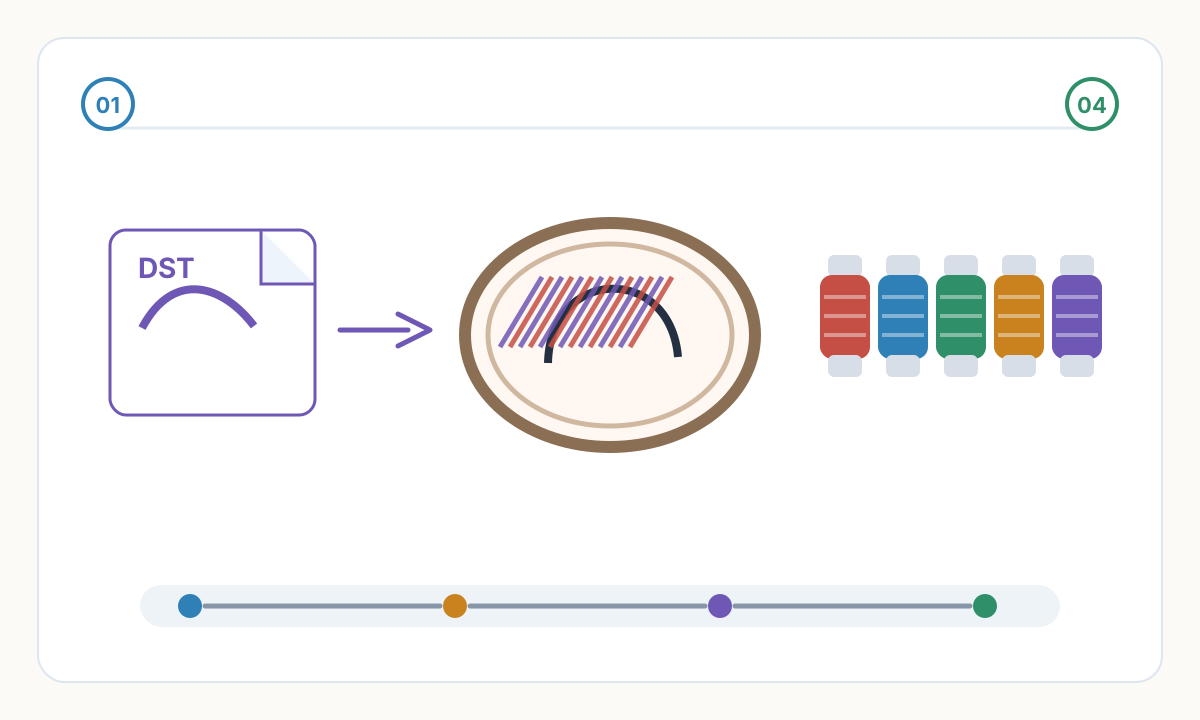
- 1
Color Analysis and Quantization
The system analyzes your design image to identify distinct colors. Complex gradients are simplified into discrete color blocks (typically 4-8 colors) because embroidery can't reproduce smooth gradients. Similar shades are grouped to reduce thread changes. Background colors are identified and optionally removed.
- 2
Thread Catalog Selection
You specify which thread brand you have available: Brother, Madeira, Isacord, or Universal (293-thread combined catalog). The system loads color data including RGB values, color names, and manufacturer codes for that brand's entire catalog.
- 3
Perceptual Distance Calculation
For each design color, the system calculates LAB color space distance to every thread in the catalog. LAB distance matches human color perception better than RGB difference—colors that look similar have low LAB distance even if RGB values differ. The closest match becomes the assigned thread.
- 4
Visual Verification and Adjustment
The DST/PES file includes matched thread color codes. Review these in your machine software or color charts. If a match seems incorrect (common with unusual colors like olive, terracotta, or coral), manually override to a different thread code. Most digitizing services allow color adjustment before final file generation.
Common Color Matching Challenges and Solutions
Neon and fluorescent colors don't exist in standard thread catalogs. Closest matches appear dull compared to screen colors. Solution: explain limitation to customers upfront, show thread chart samples, or source specialty neon threads (Madeira FS series) if critical to design. Adjust customer expectations before production.
Metallic and specialty effects (gold, silver, holographic) require separate metallic thread lines not included in standard catalogs. Metallic threads sew differently—slower speeds, specialized needles, looser tension. Communicate metallic thread use, upcharge for materials and slower production, and test on scrap fabric first.
Gray tones and neutral beiges often match incorrectly due to subtle warm/cool differences. LAB distance may select cool gray when warm gray was intended. Solution: review gray-scale matches carefully, override with color chart in hand, and maintain notes on preferred gray threads for consistent results across orders.
Corporate brand colors with specific Pantone requirements need manual verification. Automated matching finds closest thread but may not satisfy exact brand guidelines. Provide customers with thread color samples for approval before production. Document approved thread codes in customer records for repeat orders.
Skin tone matching for portraits requires specialized knowledge beyond automated systems. Human faces use 3-5 subtle tone variations. Wrong thread selection creates zombie, Simpsons, or alien appearances. This application requires manual color selection by experienced digitizers familiar with flesh-tone thread options.
Pre-Production Color Checklist
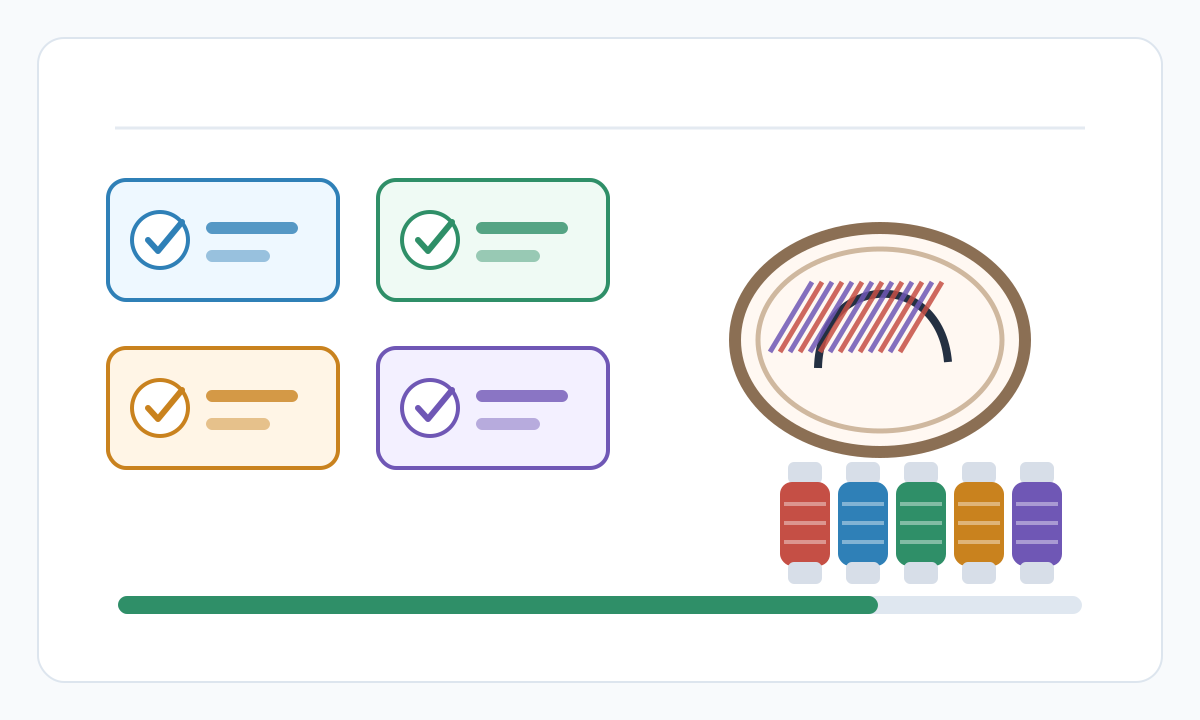
- Thread brand specified and catalog confirmed available: have actual physical spools or verified supplier stock
- Color count reasonable for design: 4-8 colors typical, over 10 causes excessive changes and production time
- Matched thread colors verified against color chart: preview matches before ordering custom threads
- Customer-provided Pantone or brand colors manually verified: automated matches confirmed against brand standards
- Specialty threads (metallic, neon, variegated) identified and priced: machine settings adjusted for specialty thread behavior
- Sufficient thread quantity available: estimate 1,000 stitches = 10 yards thread, ensure adequate supply
- Thread color names and codes documented: record for repeat orders and customer reference
- Test stitch reviewed for color accuracy: final confirmation on actual fabric under normal lighting
Can I use any thread brand if the file specifies Brother colors?
Yes, but you'll need to manually match colors. DST files only specify stitch positions and color change commands, not actual thread brands. PES files reference Brother codes, but you can substitute. Use thread color charts or apps like Thread Match or ColorFinder to cross-reference colors between brands. For example, Brother 'Red' (500) might match Isacord 'Candy Apple' (1704). Document your conversions for repeat orders. Some embroidery software includes thread brand conversion features.
Why do colors look different on screen vs embroidered?
Multiple factors: (1) Monitor calibration—screens show RGB colors, thread is physical pigment reflecting light. (2) Thread sheen—polyester thread reflects light differently than matte screen pixels. (3) Fabric color bleeding through—light fabrics show through stitches, affecting color appearance. (4) Lighting conditions—thread looks different under daylight, fluorescent, or LED. Always judge embroidered colors under the lighting where the garment will be worn. Use test stitches for color approval, never screen previews alone.
Should I use Universal thread matching or brand-specific?
Use brand-specific if you know which threads you have available—better matches because the system only considers threads you can actually use. Universal (293-thread catalog combining Brother/Janome/Husqvarna/Singer) works when you have mixed thread inventory or need maximum compatibility. Universal matching may select threads you don't have, requiring manual substitution. For best results: inventory your actual thread collection by brand/color code, then use that specific catalog for digitizing. Maintain a thread library spreadsheet tracking what's in stock.
How do I match variegated or multicolor thread?
Variegated thread (multiple colors in one spool) can't be digitized automatically—the system sees individual solid colors, not color transitions. Variegated thread is chosen during sewing, not digitizing. Design the embroidery with solid color regions where variegated thread will be used. The color transitions happen automatically as thread feeds. Variegated works best for fills (color changes across the area), less well for text or satin borders (transitions mid-letter look random). Test variegated threads to understand their color repeat distance and plan designs accordingly.
Prepare cleaner production files with Pixel2Lines
Use Pixel2Lines when you need artwork converted into cleaner SVG, DXF, embroidery, or machine-ready outputs before production.
Start with Pixel2Lines
Comments
Loading comments...