AI Embroidery Digitizing: What Automation Can and Cannot Do
AI can speed up artwork cleanup, color reduction, and first-pass stitch planning, but embroidery is still a physical manufacturing process. Every automated result needs review against fabric, thread, size, and machine constraints.
What AI-assisted digitizing actually does
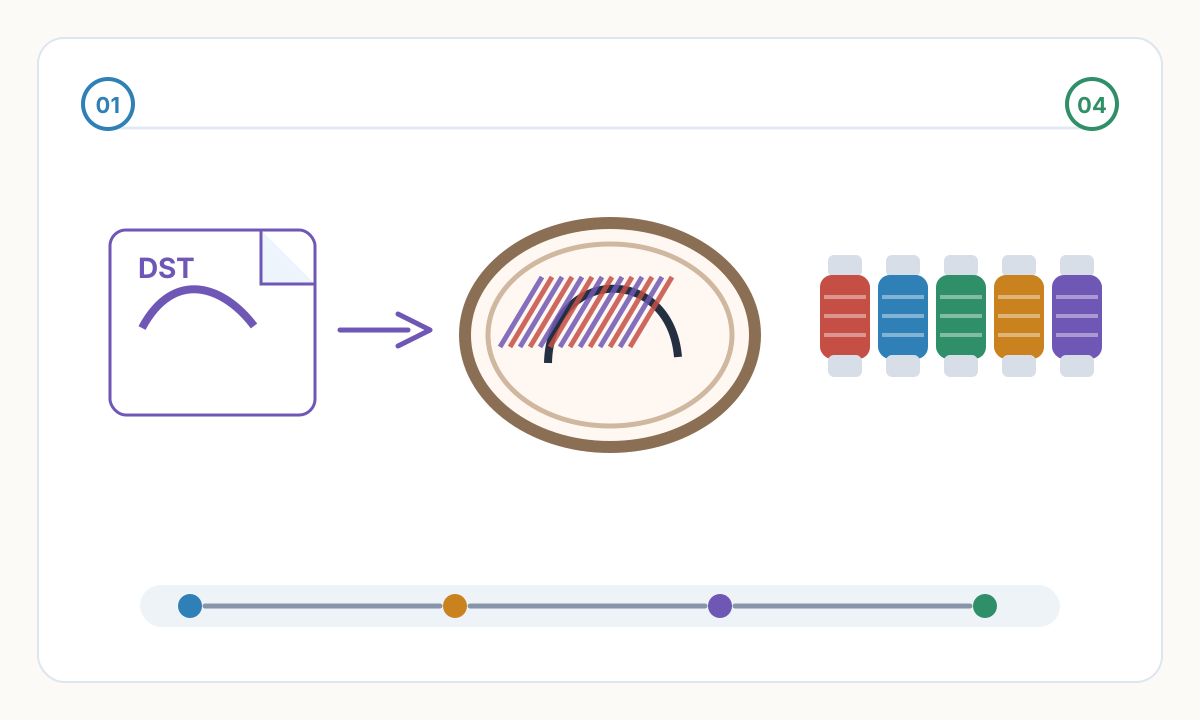
Modern digitizing tools can analyze artwork, identify color regions, remove simple backgrounds, reduce colors, suggest stitch types, and generate an initial stitch sequence. This is useful because it turns a blank digitizing canvas into a structured first draft quickly.
The important limitation is that an image model does not know how your exact fabric will react under needle tension. It can suggest density, underlay, and compensation, but a production file still needs validation by someone who understands embroidery behavior.
Where automation saves real time
AI-assisted workflows are strongest on clean logos, flat-color icons, team marks, patches, and simple text layouts. They can remove obvious background areas, separate shapes, map colors to a thread catalog, and build a reasonable starting sequence faster than manual setup.
Automation is weaker when the source image includes tiny text, gradients, shadows, distressed texture, overlapping objects, photographic shading, or decorative script lettering. These elements need production decisions, not only image recognition.
- Good fit: clean logos, badges, simple illustrations, bold text, and flat-color graphics.
- Needs review: small lettering, narrow outlines, complex overlaps, textured artwork, and high stitch-count fills.
- Usually needs expert work: photorealistic embroidery, 3D puff, specialty threads, appliqué, and high-value brand approvals.
Safe AI-assisted digitizing workflow
- 1
Clean the artwork first
Start with the highest-quality logo or image available. Remove background noise and decide which details must be simplified before stitch planning.
- 2
Generate a first-pass stitch plan
Use automation to suggest regions, stitch types, color order, and basic density, but treat this as a draft rather than final production output.
- 3
Review physical constraints
Check small text, density, pull compensation, underlay, jump stitches, trim points, hoop size, and fabric type before exporting.
- 4
Test sew the design
Run a sew-out on matching material. Adjust density, underlay, color order, and compensation based on the stitched result.
AI digitizing review checklist
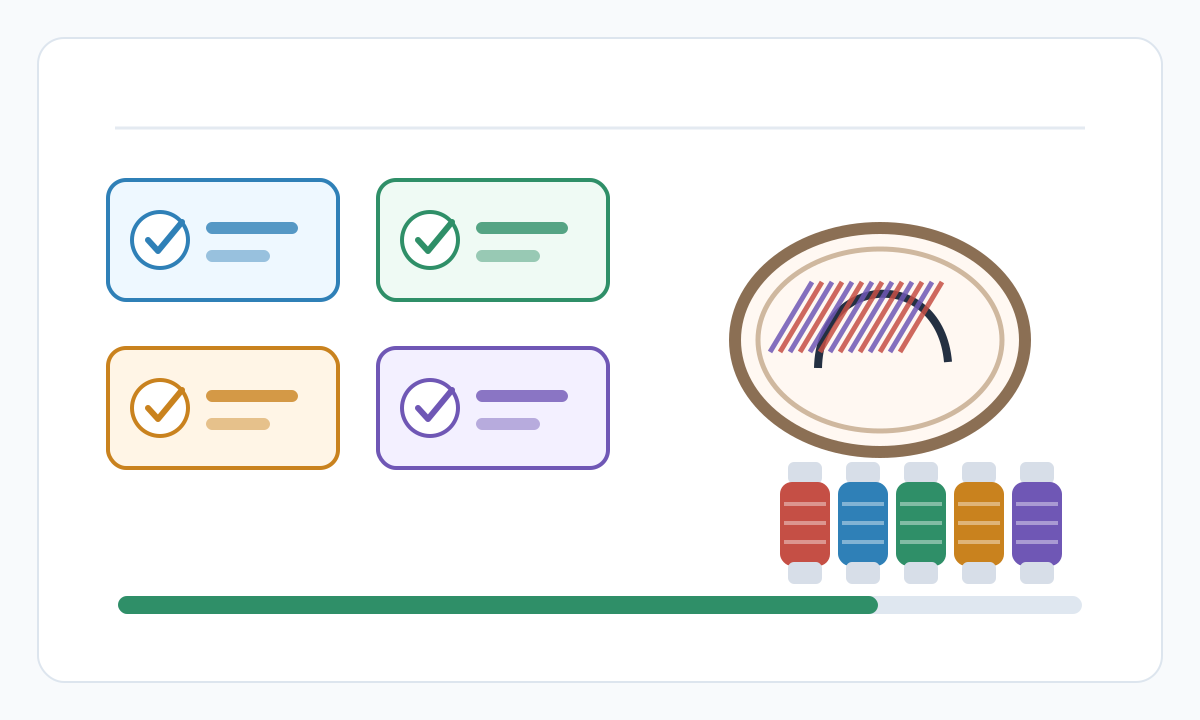
- Small text remains readable at final stitched size
- Density is appropriate for fabric weight and design size
- Underlay supports fills and satin columns without excess bulk
- Thread color matches use a real manufacturer catalog
- Jump stitches and trims are acceptable for the machine and operator
- A sew-out has been reviewed before customer delivery or bulk production
Can AI replace a professional embroidery digitizer?
For simple files, AI can reduce manual setup time. For complex, high-value, or fabric-sensitive work, a skilled reviewer is still important because embroidery quality depends on physical stitch behavior.
Is AI digitizing good enough for commercial jobs?
It can be, especially for simple logos, but only after inspection and sew-out testing. Commercial quality is proven by the stitched result, not by the preview alone.
Can AI digitize photographs?
It can simplify a photograph into stitch regions, but photorealistic embroidery is a specialty workflow. Expect posterized color areas rather than a photographic print effect.
Prepare cleaner production files with Pixel2Lines
Use Pixel2Lines when you need artwork converted into cleaner SVG, DXF, embroidery, or machine-ready outputs before production.
Start with Pixel2Lines
Comments
Loading comments...