How to Digitize Company Logos for Embroidered Uniforms
Uniform embroidery is less about copying a logo exactly and more about translating a brand mark into stitches that remain readable, durable, and consistent across shirts, jackets, caps, and production batches.
Start with the production context, not only the artwork
A company logo that looks perfect on a website can fail on a uniform because thread, fabric, hooping, and garment movement impose different limits than print or screen design. Before digitizing, confirm the garment type, logo placement, final size, fabric weight, stretch, backing, thread brand, and quantity. These details determine how much detail can survive and which stitch types are practical.
For left-chest placement, many business uniforms use a logo width around 3.5-4 inches (90-100mm). Caps often need a smaller, simplified version because the front panel is curved and the stitching area is limited. Jacket backs can support larger marks, but long satin columns and dense fills still need careful underlay and sequencing.
Simplify the logo before converting it to stitches
Embroidery cannot reproduce every feature from a print logo. Thin outlines, tiny trademark symbols, gradients, drop shadows, distressed textures, and small reversed text usually need to be removed, enlarged, or converted into a cleaner production version. This should be presented as a production adaptation, not as a design mistake.
Keep the customer approval process explicit: send a simplified proof that shows what will actually be stitched. For brand-critical colors, match thread by catalog and approve a physical sew-out instead of relying only on screen color.
- Minimum small text height is usually around 5-6mm for readable block letters; script and serif fonts often need more room.
- Narrow strokes should usually become satin columns only when they are wide enough to sew cleanly without tunneling or puckering.
- Large solid areas need fill stitches with underlay, sensible stitch angle, and density adjusted to the garment fabric.
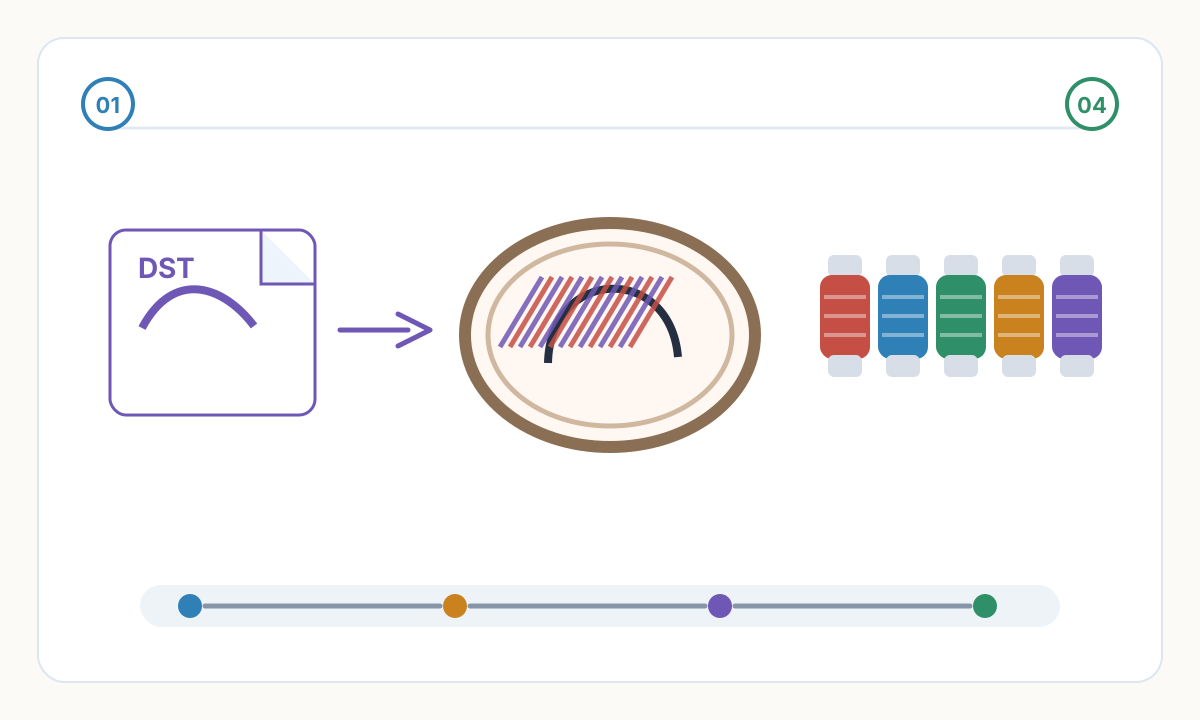
Uniform logo digitizing workflow
- 1
Collect the best source artwork
Ask for SVG, AI, EPS, PDF, or a large clean PNG. If the only source is a screenshot or low-resolution image, rebuild or clean the artwork before digitizing.
- 2
Define placement and size
Set separate versions for left chest, sleeve, cap, and jacket back instead of scaling one stitch file up and down without review.
- 3
Digitize for the fabric
Choose stitch types, density, underlay, pull compensation, and sequencing based on pique polo, twill, fleece, cap front, or other real material.
- 4
Run a sew-out on matching material
A test on generic scrap is not enough for bulk uniforms. Test on the same or very similar fabric with the intended backing and thread.
- 5
Approve before bulk production
Confirm size, color, placement, thread trims, readability, and garment alignment before the full order starts.
Corporate uniform approval checklist
- Final logo width and placement confirmed for each garment type
- Thread brand and color numbers documented
- Small text and fine lines verified at real stitched size
- Backing and topping chosen for the actual fabric
- Sew-out approved before bulk production
- Production notes include file format, hoop size, stitch count, and trim expectations
Can one embroidery file be used for shirts, jackets, and caps?
Sometimes, but it should not be assumed. Caps usually need a simplified file with different sequencing, and jackets may need adjusted density or underlay. Each size and garment type should be reviewed as its own production target.
Why does my company logo need simplification for embroidery?
Thread has physical thickness. Details that work in print can close up, pucker, or disappear in stitches. Simplification protects brand readability on real fabric.
Should I approve a digital preview or a sew-out?
Use the preview for layout approval, but approve a sew-out for final production. The sew-out reveals tension, density, fabric distortion, and real thread color.
Prepare cleaner production files with Pixel2Lines
Use Pixel2Lines when you need artwork converted into cleaner SVG, DXF, embroidery, or machine-ready outputs before production.
Start with Pixel2Lines
Comments
Loading comments...