Vectorize Logos & Graphics for Laser Cutting
...Creditsper rendering
Cut-ready SVG and DXF contours for laser and CNC
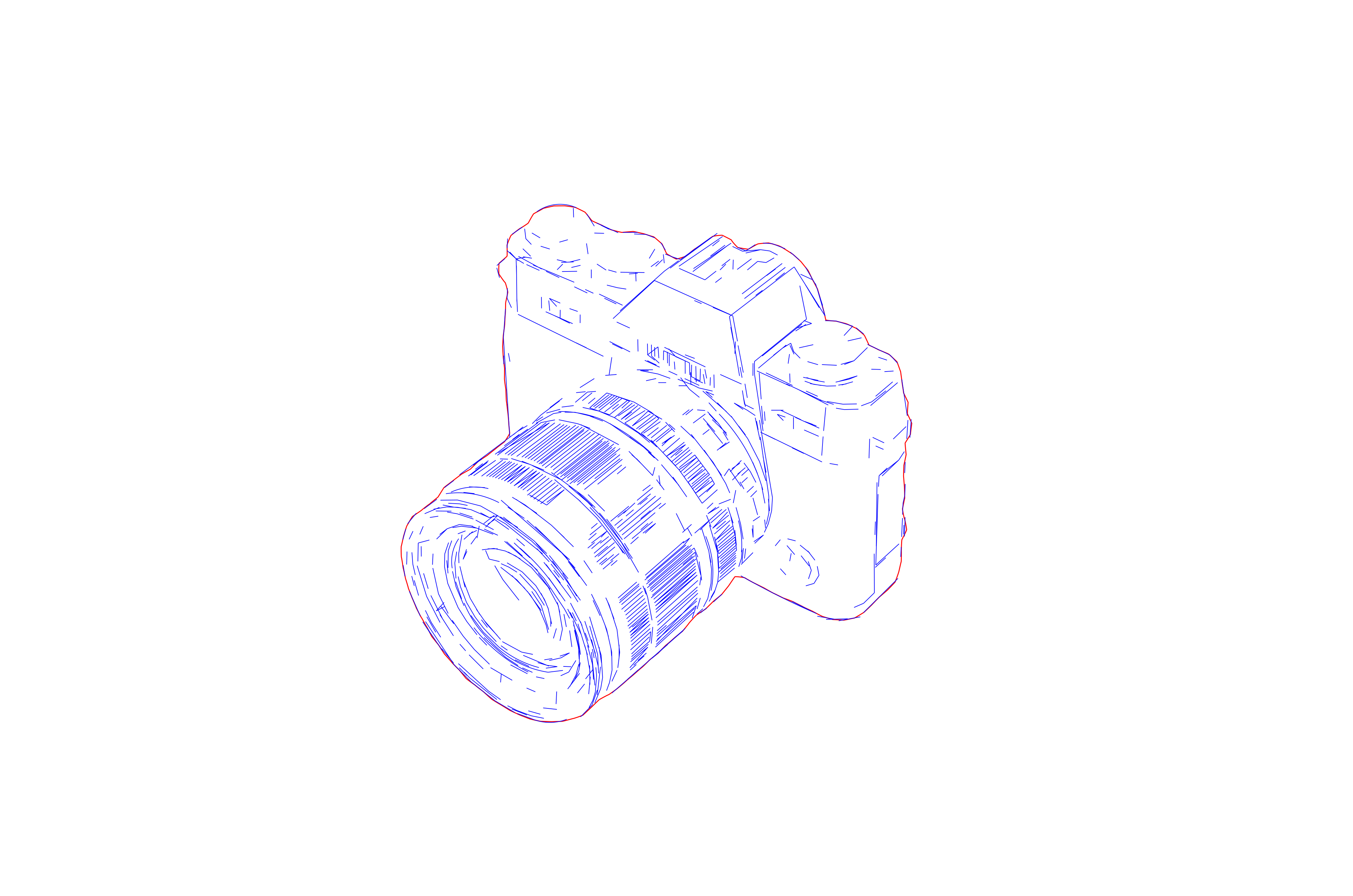
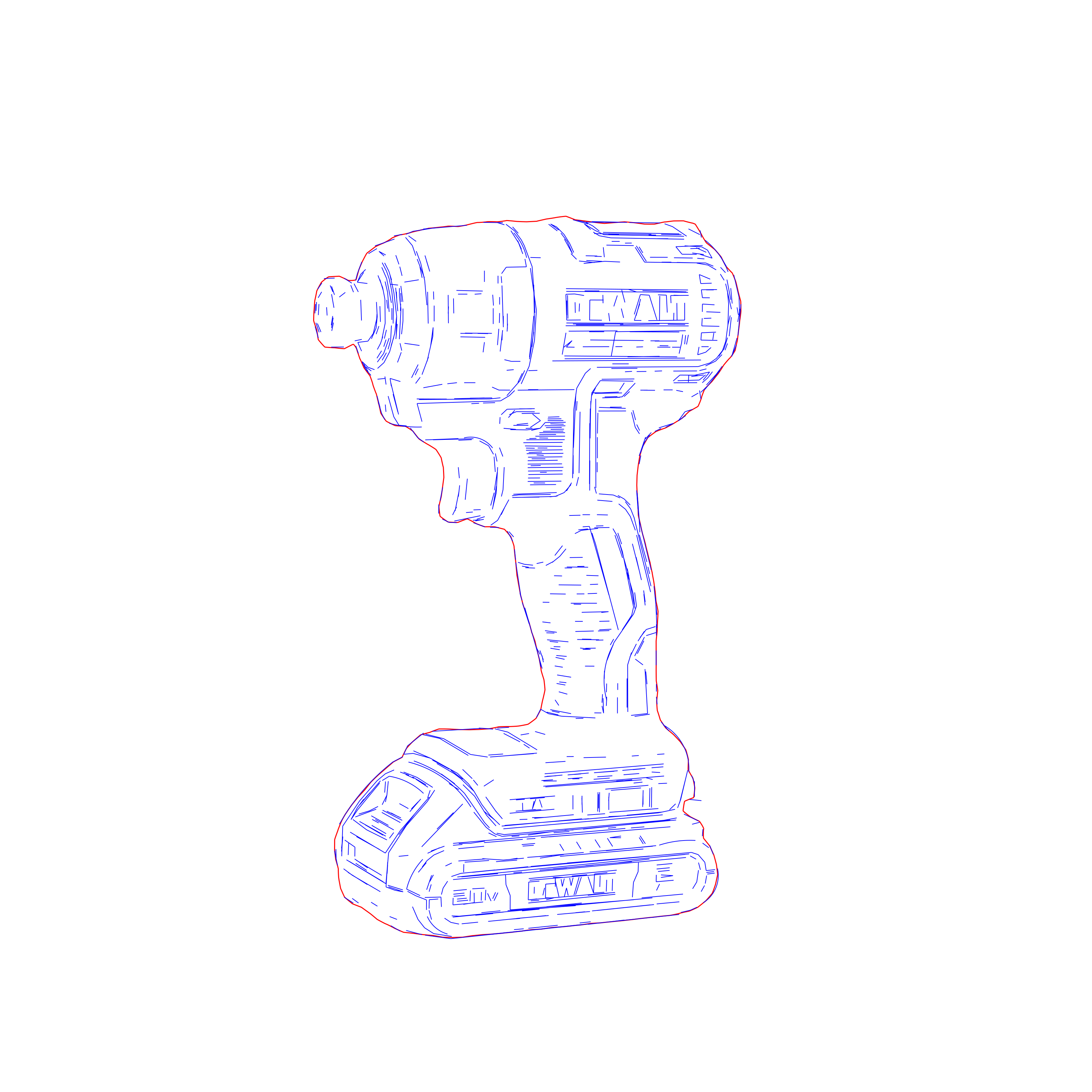
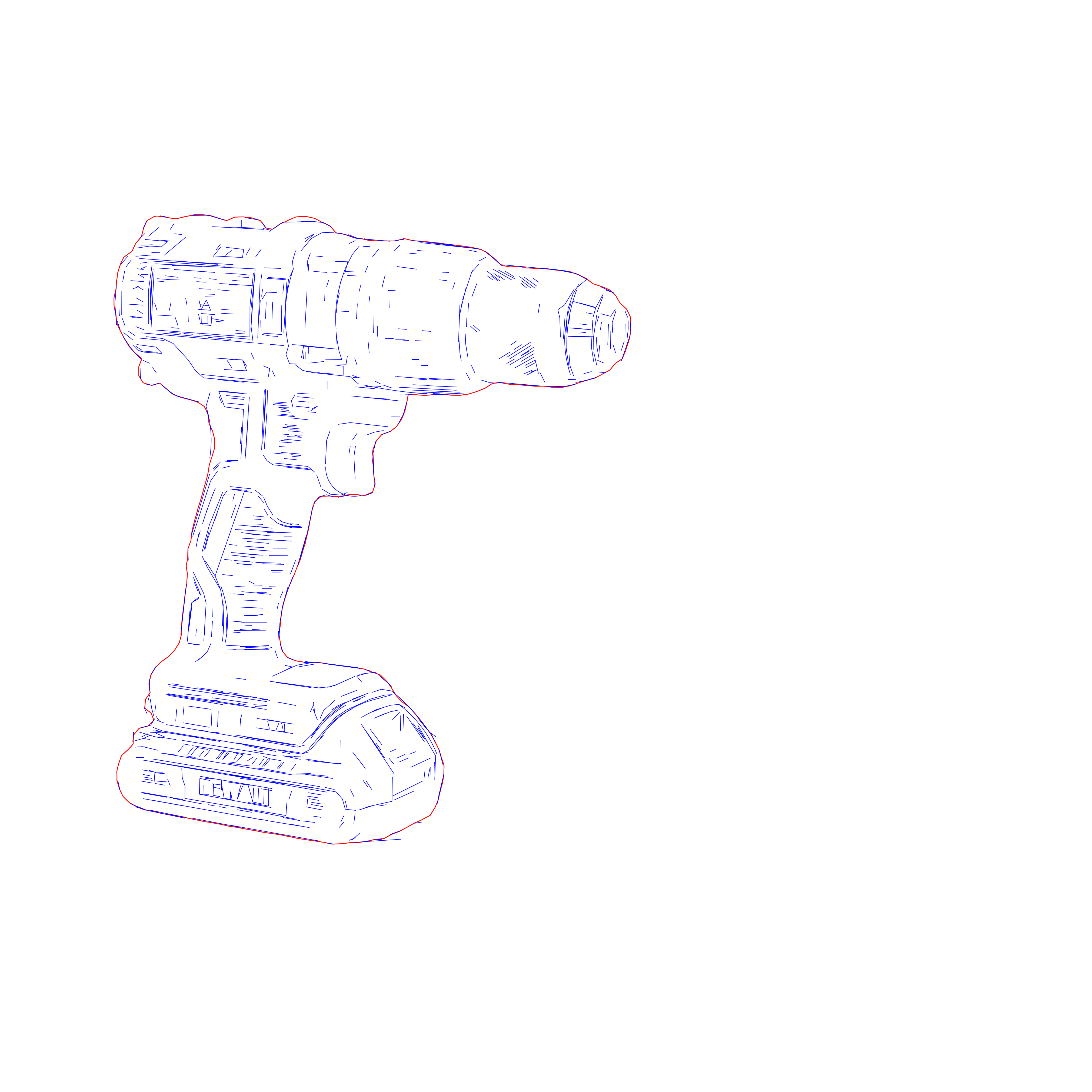
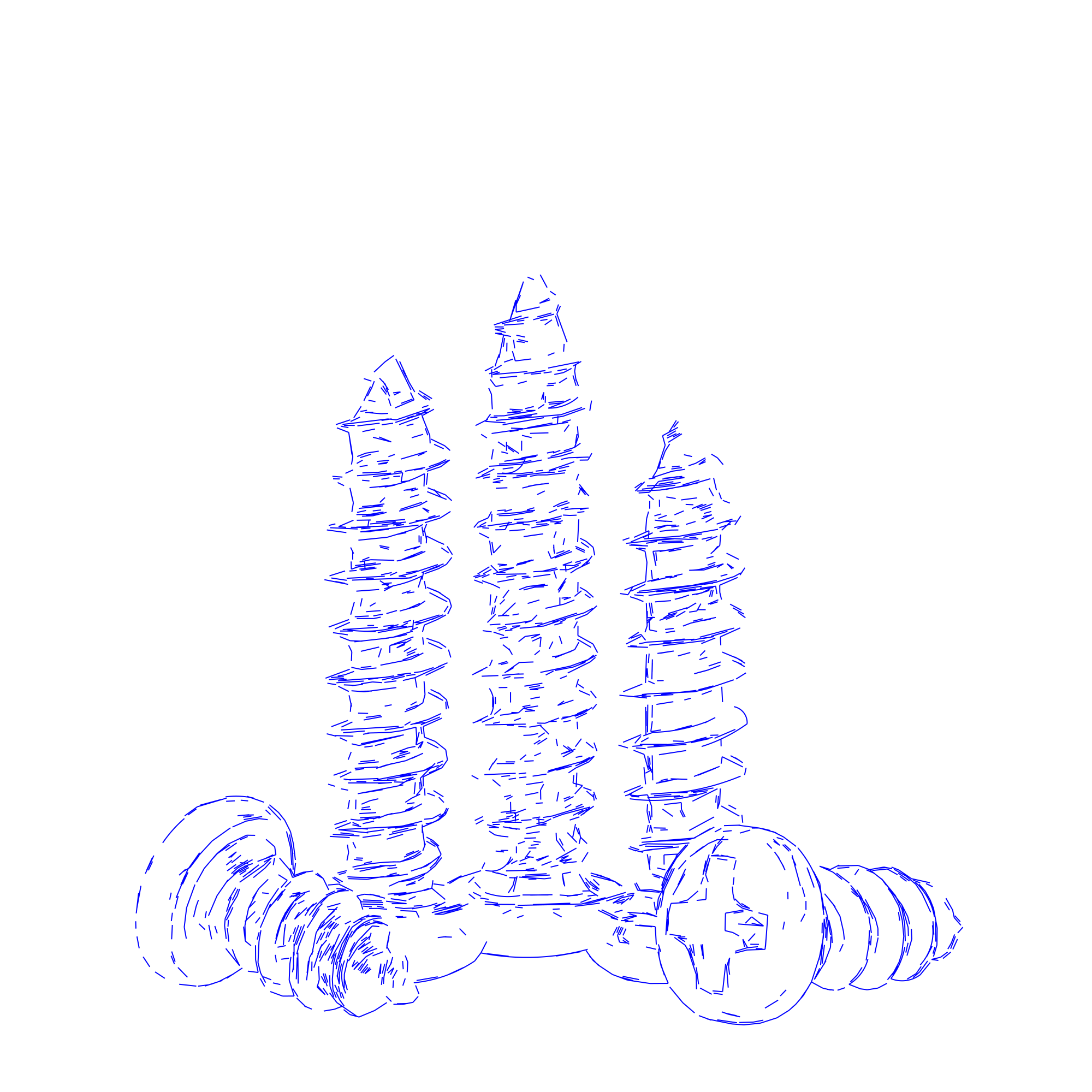
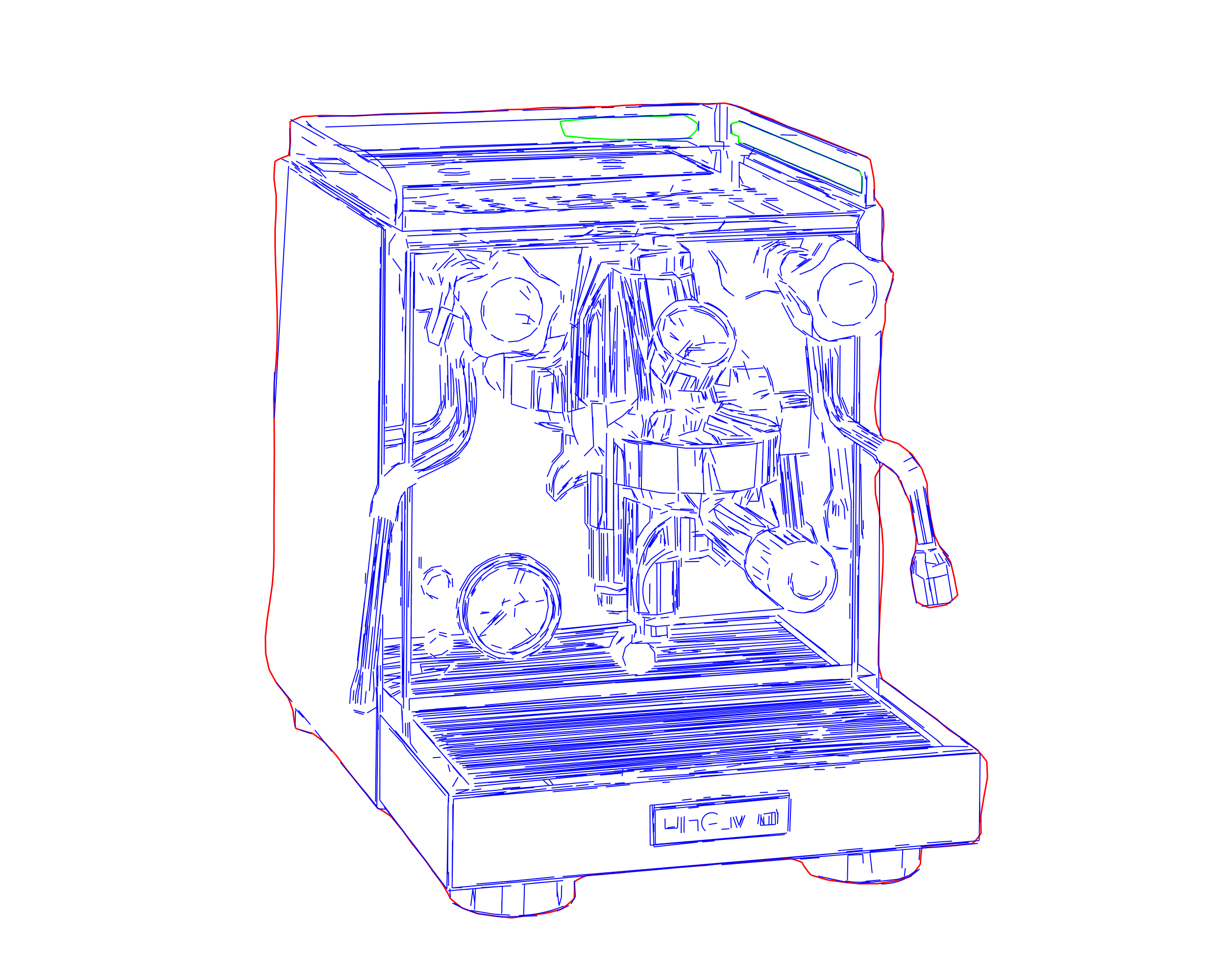
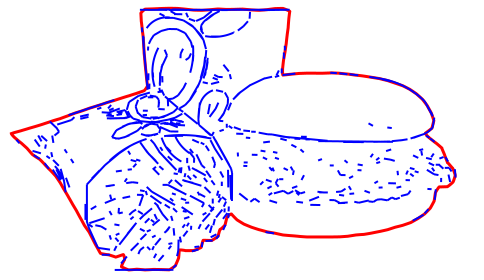
Contour Vectorization traces every boundary of your artwork — the outer edge, the inner detail, and the holes — as clean closed contours, then merges segments to minimize node count for smoother machine motion, smaller files, and no duplicate vectors that trigger double-burns or "duplicate vector" warnings in LightBurn. The output is auto-split into machine-ready cut layers — CUT_OUTLINES, CUT_DETAILS, and CUT_HOLES — with the correct cut order baked in, so holes and inner detail are cut before the outer perimeter and parts don't drop or shift mid-job.
Because closed contours separate a part cleanly, one file handles both jobs: assign cut power and speed to one layer and engrave or score settings to another — no separate cutting file needed. Export SVG for laser, or DXF for CNC routing and sign-cutting, both at true scale in real-world millimeters. Starting from a photo or realistic image instead? Use the Line Graphic Vectorization workflow for detailed, tonal engraving.
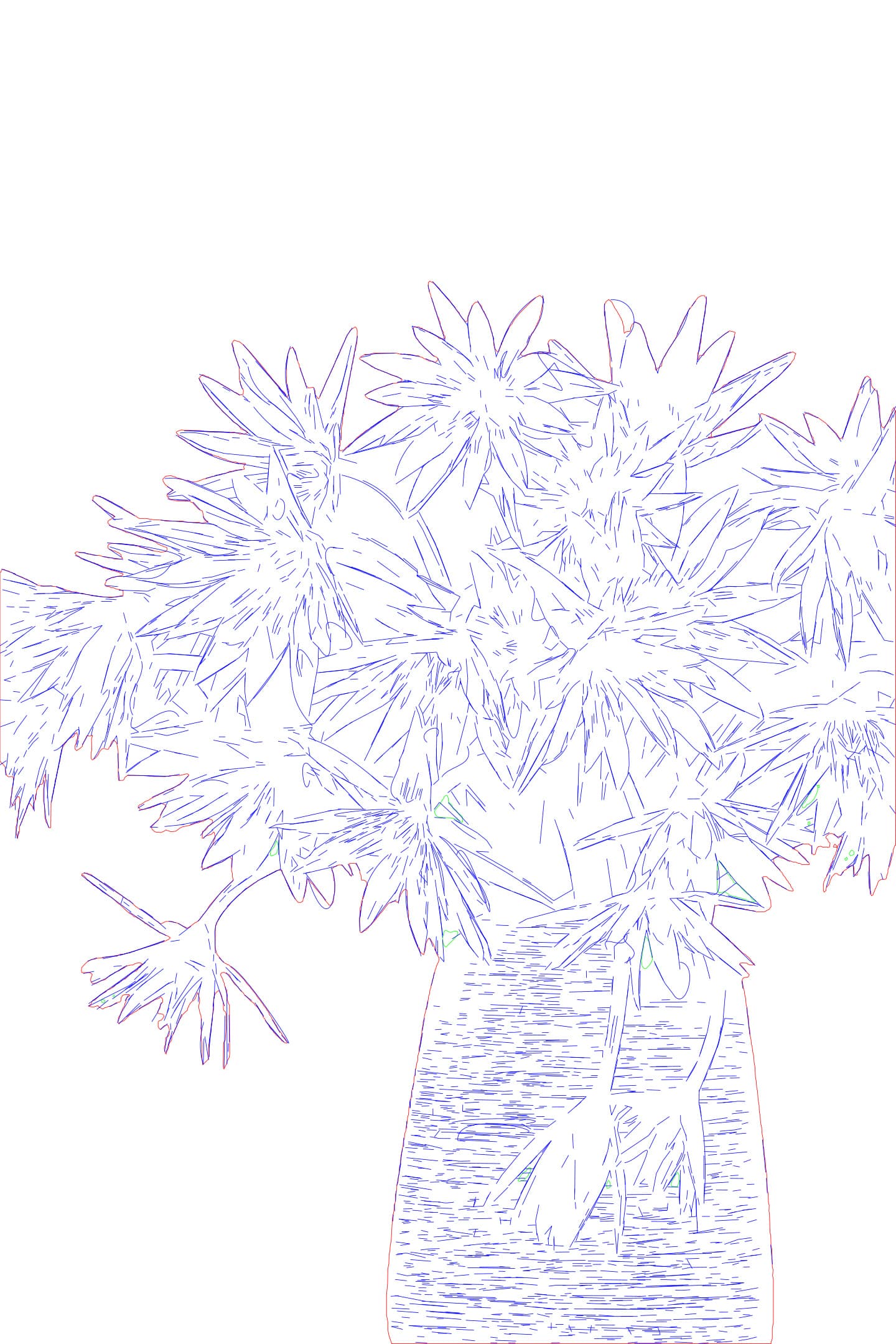
Input - Raster
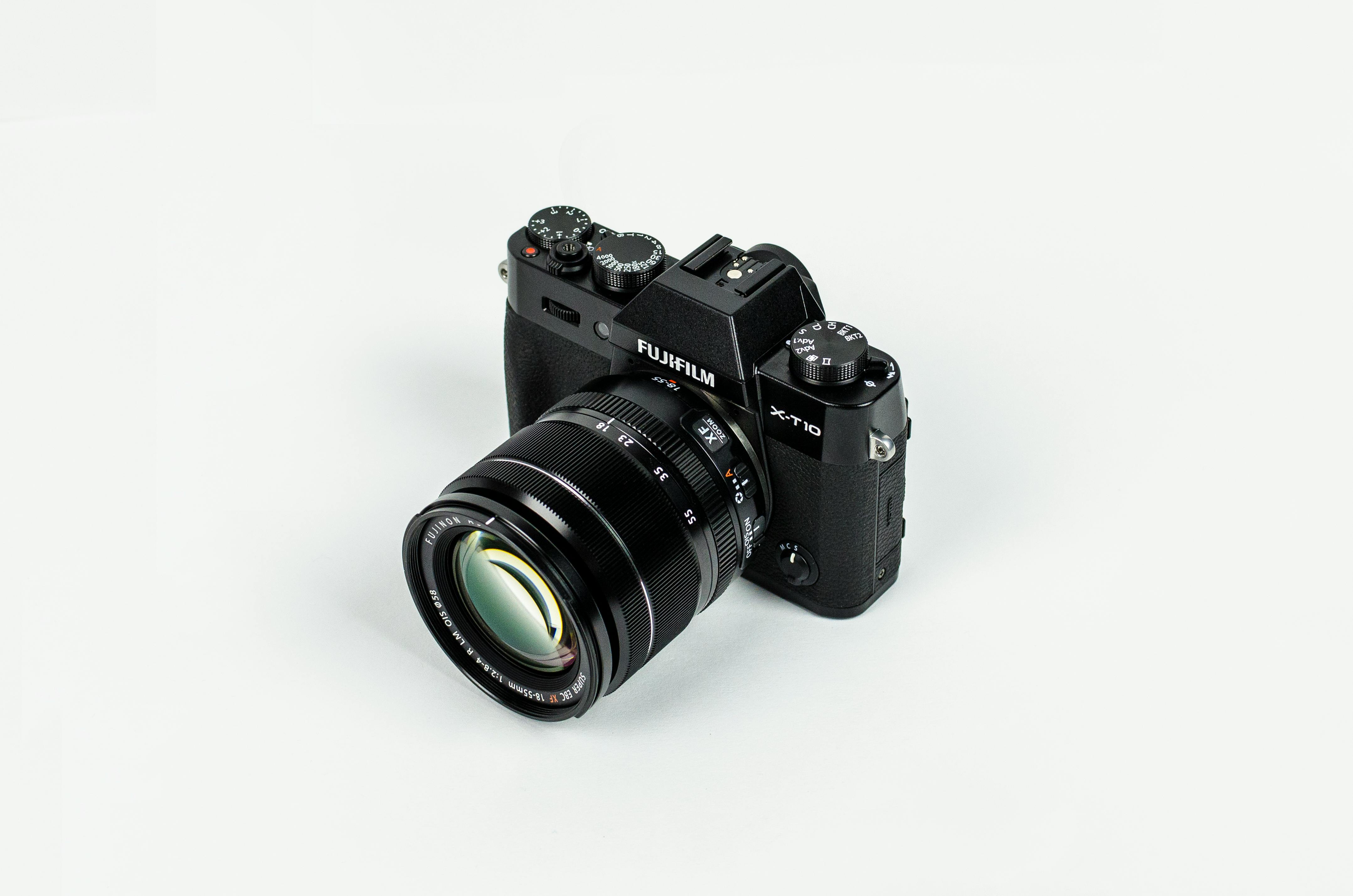
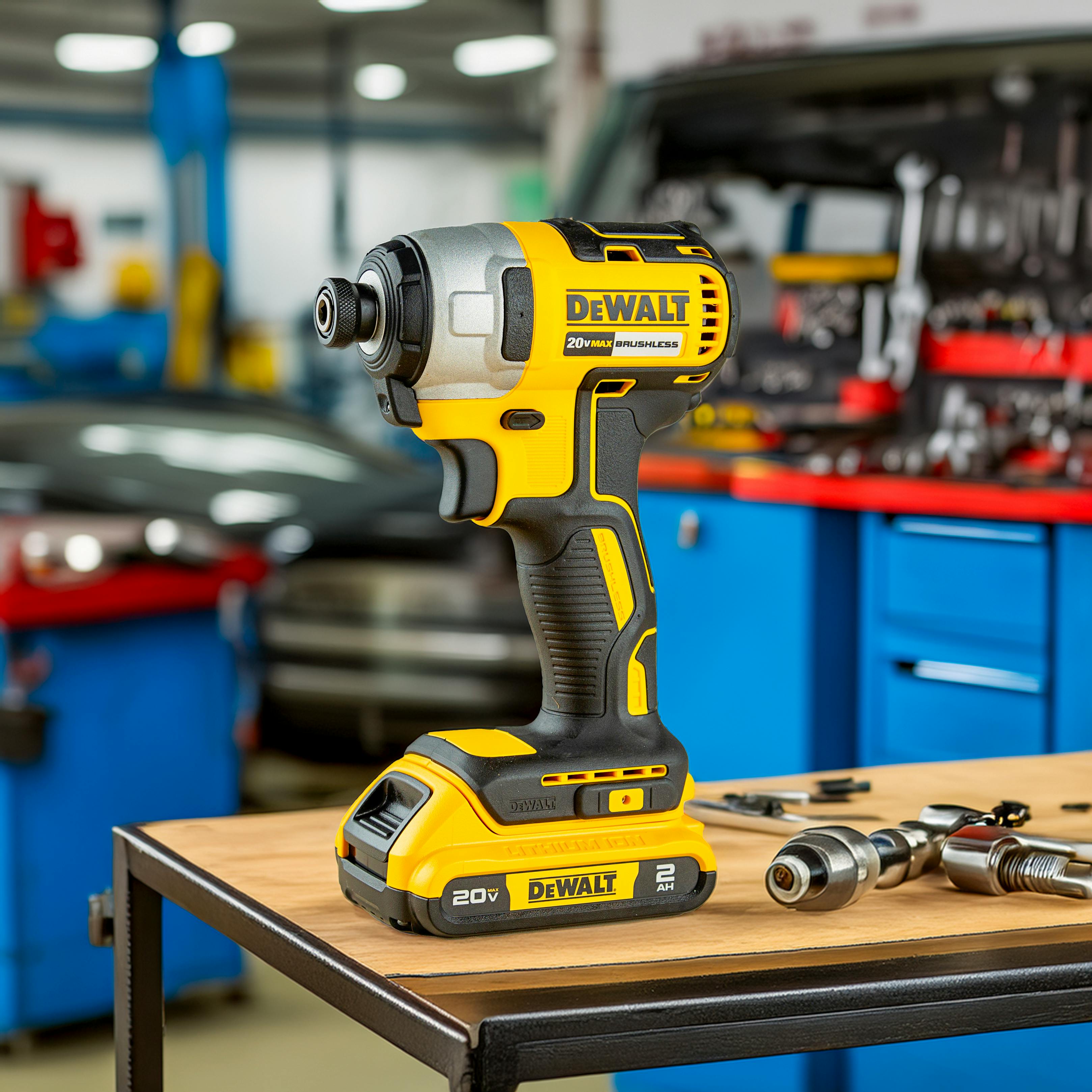
High-contrast photos, logos, product shots, and reference graphics with readable contours.
Output - Cut-Ready
Cut-ready SVG and DXF with closed contours, minimal nodes, and machine-ready cut layers (CUT_OUTLINES / CUT_DETAILS / CUT_HOLES) at true scale.
Best for - Professionals
Engraving shops, signage teams, product-personalization workflows, and fabrication-heavy businesses.
Different from - Contour
Generic auto-tracers that output messy double-line traces. Contour Vectorization produces clean closed contours with minimal nodes that import cleanly and stay usable downstream for cutting, engraving, and CNC.
Supported Formats
SVG - Cut-Ready SVG
Clean closed-contour SVG with minimal nodes and machine-ready cut layers (CUT_OUTLINES / CUT_DETAILS / CUT_HOLES) — imports at true scale in LightBurn and xTool with no duplicate vectors.
DXF - DXF for CNC
DXF export with closed contours, the same cut-layer split, and real-world millimeter dimensions for CNC routing, sign-cutting, and CAM tools.
Examples
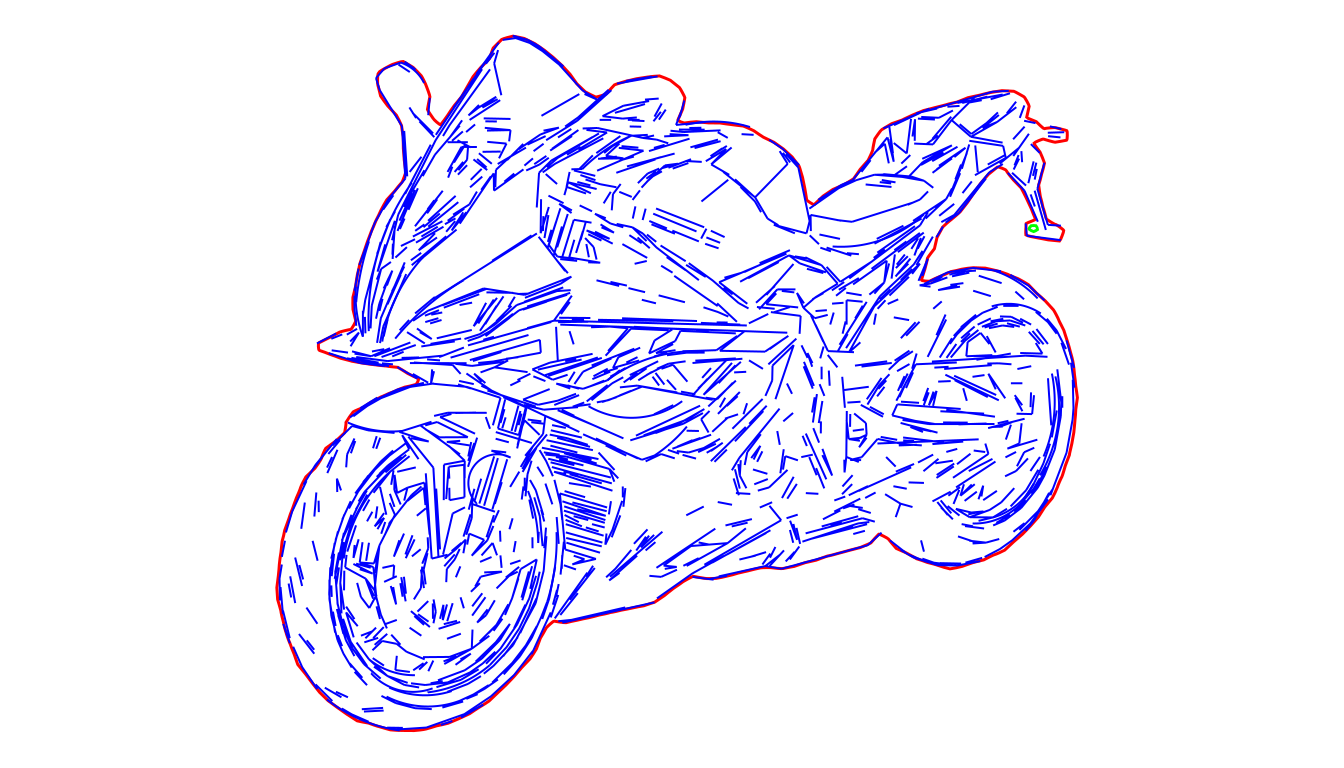
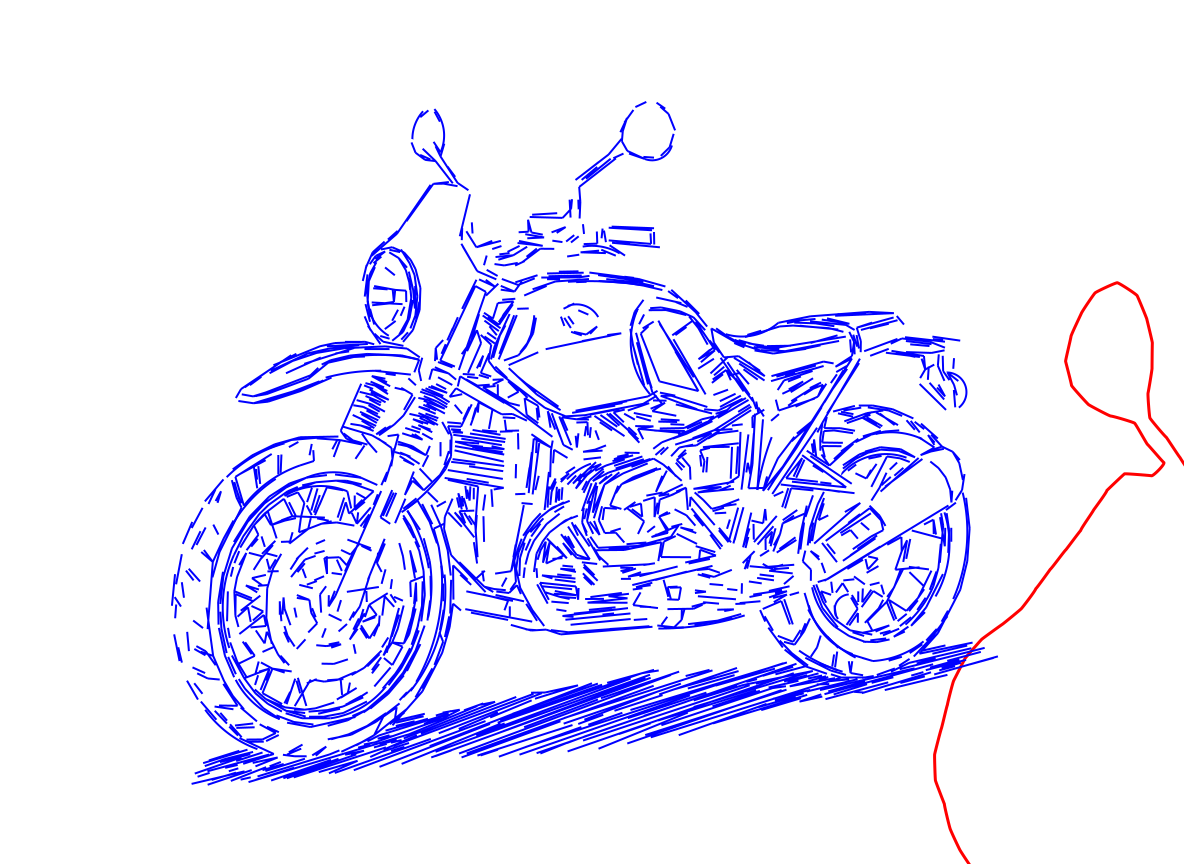
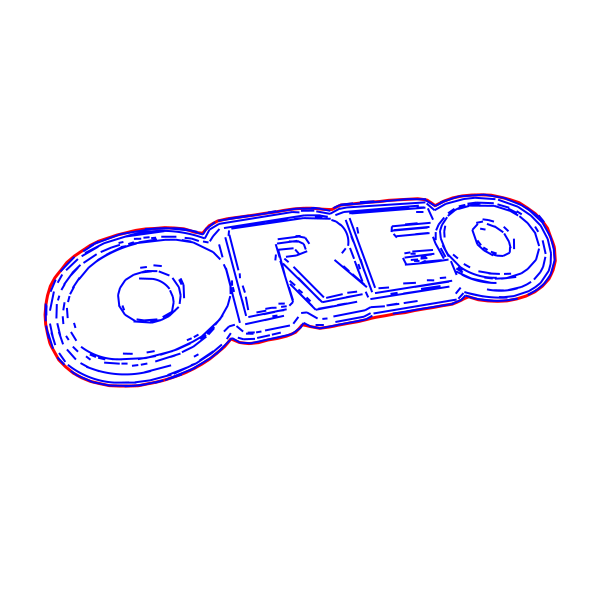
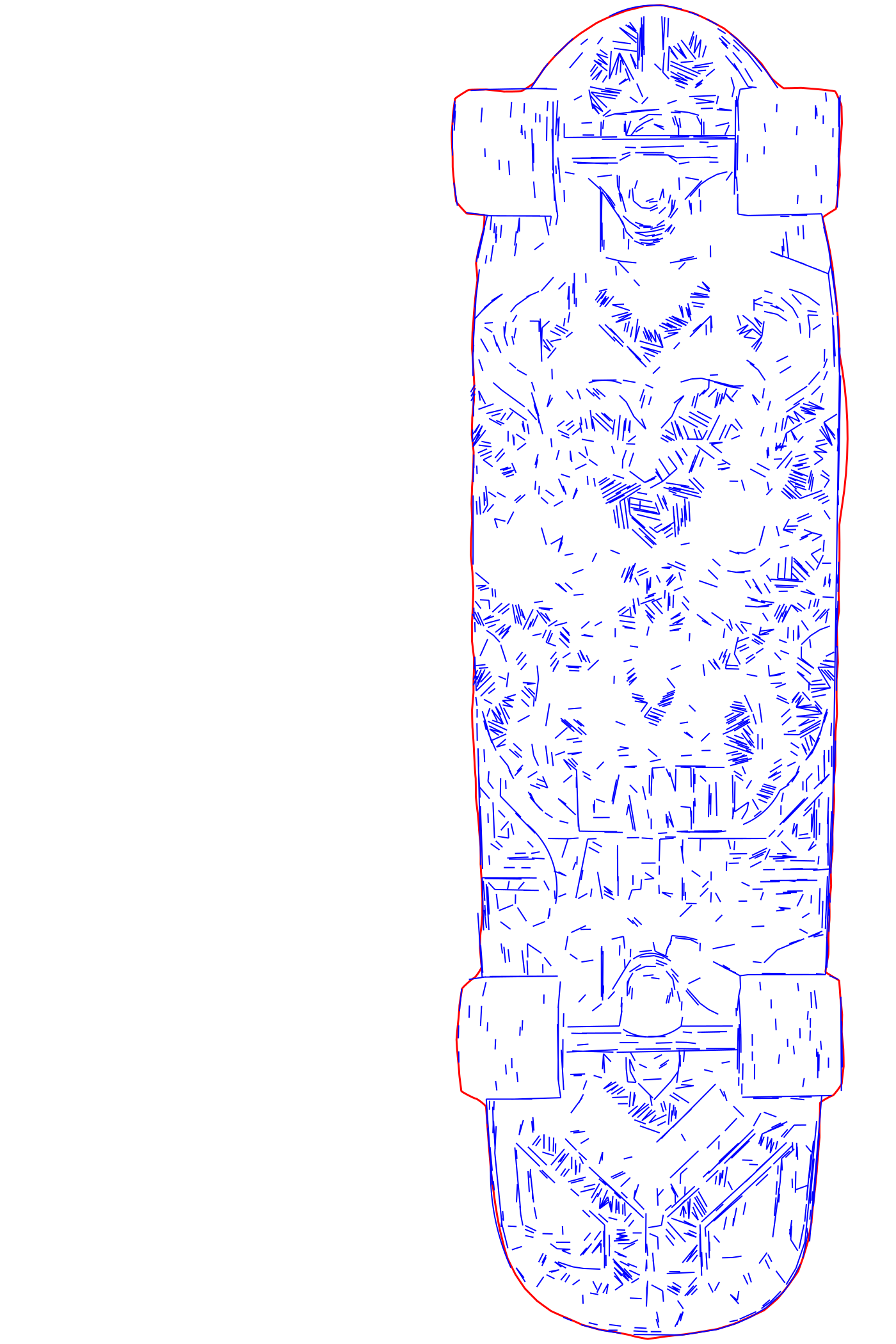
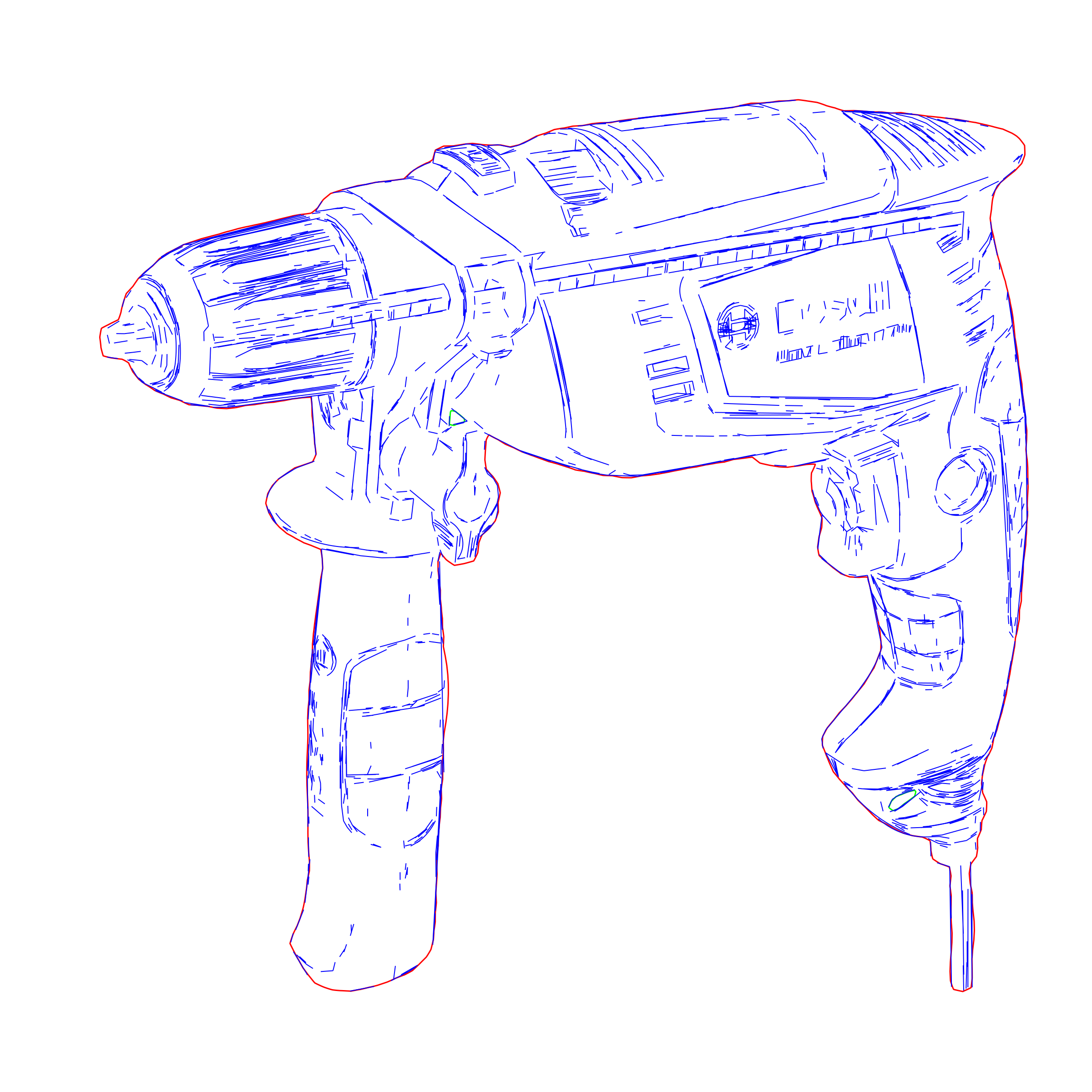
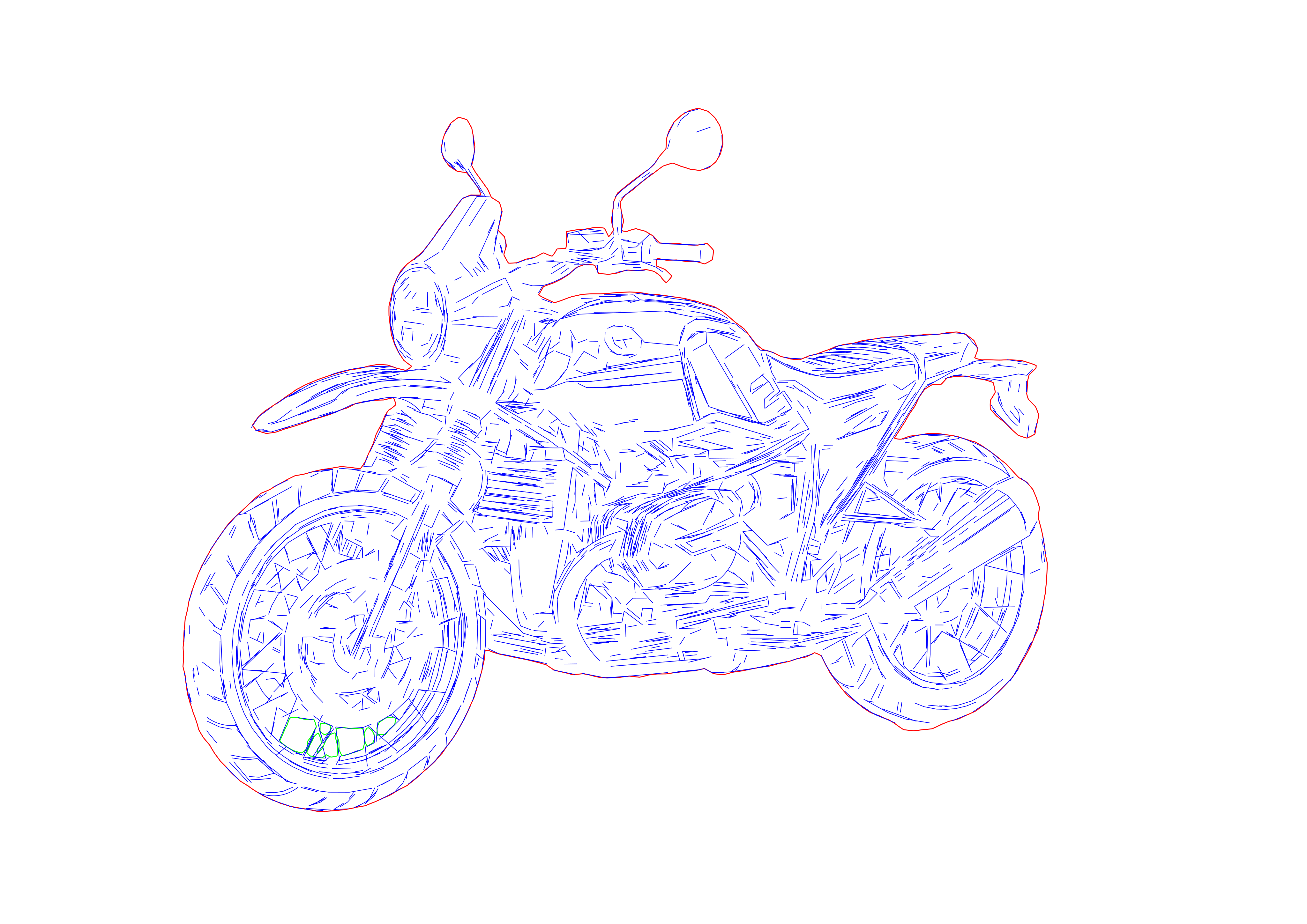
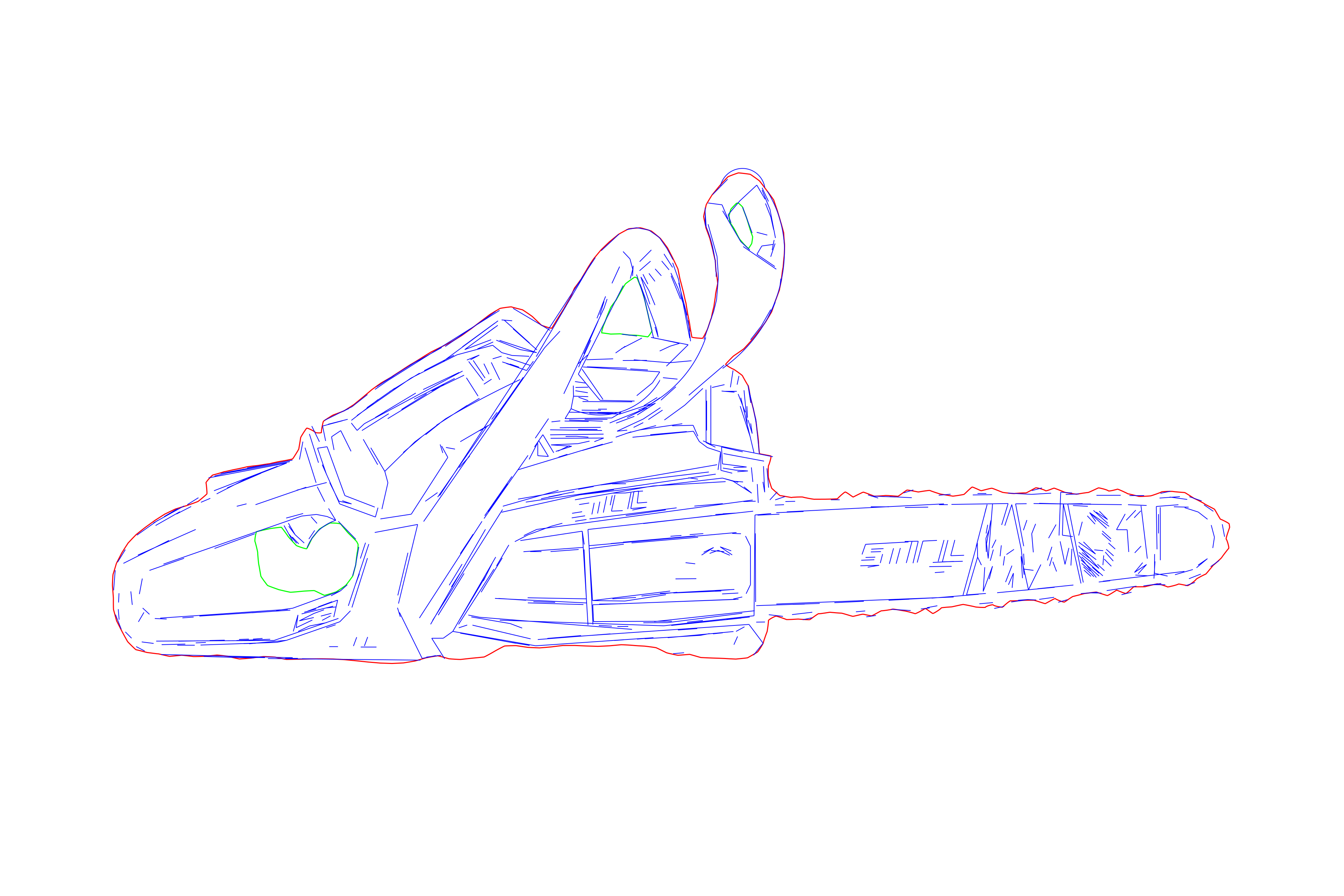
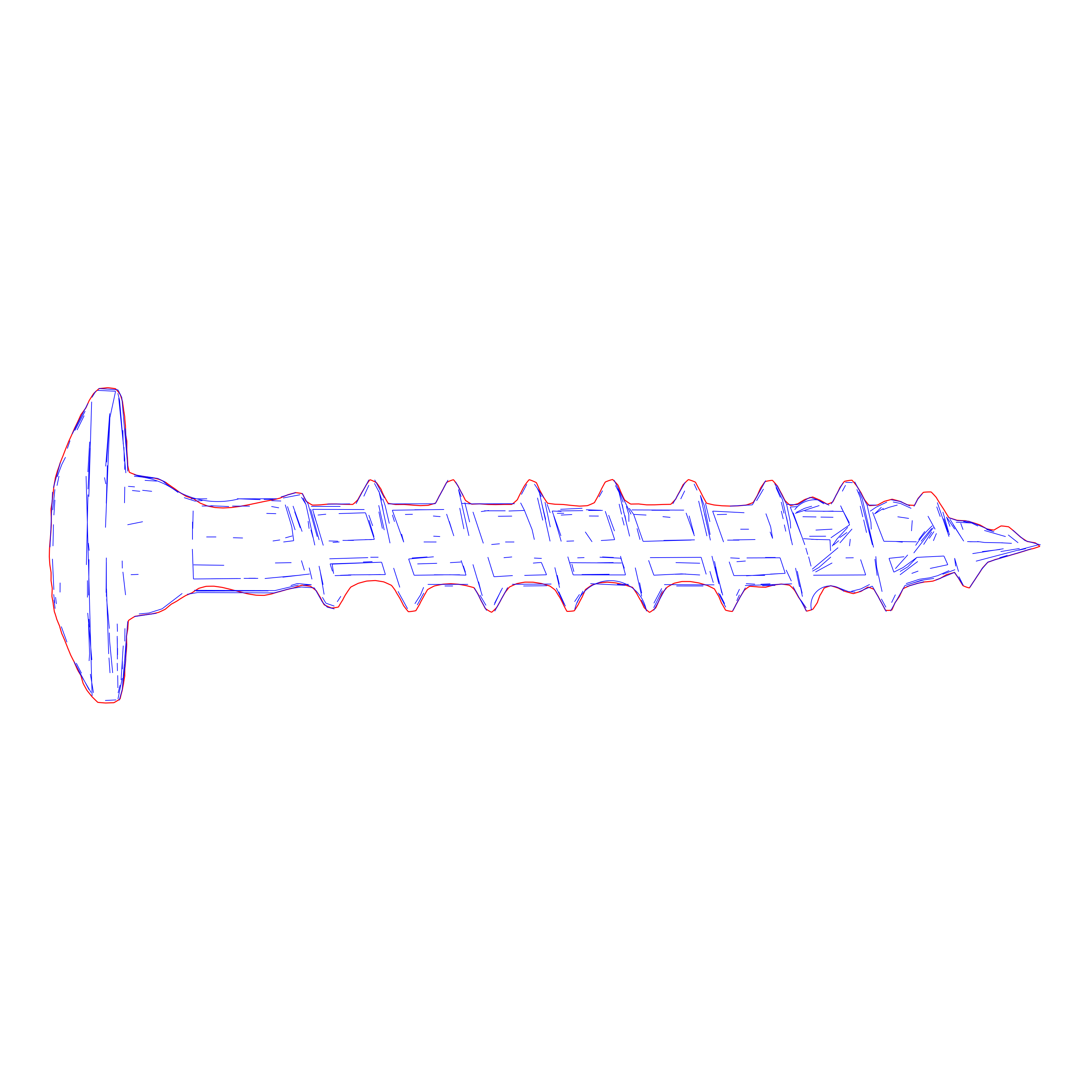
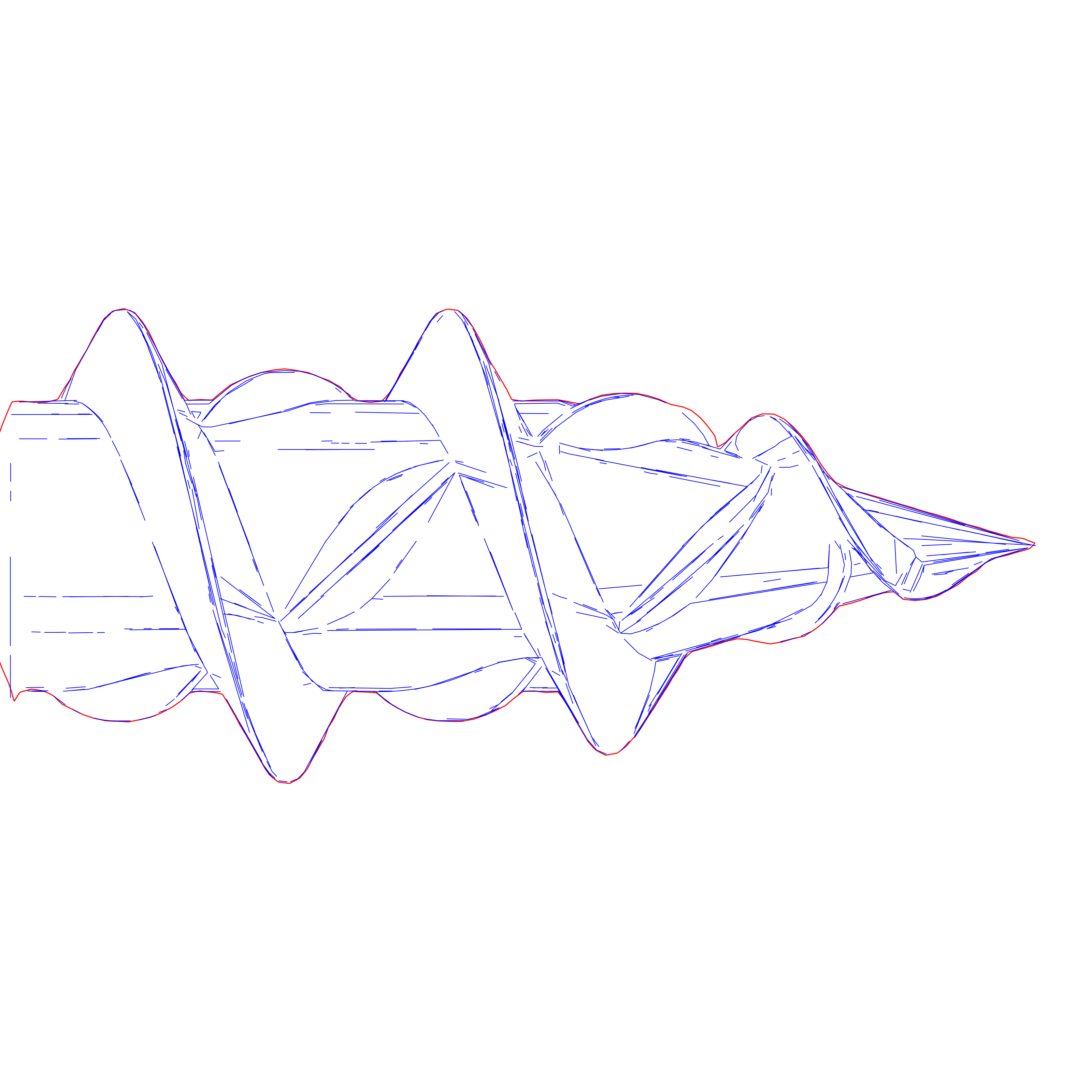
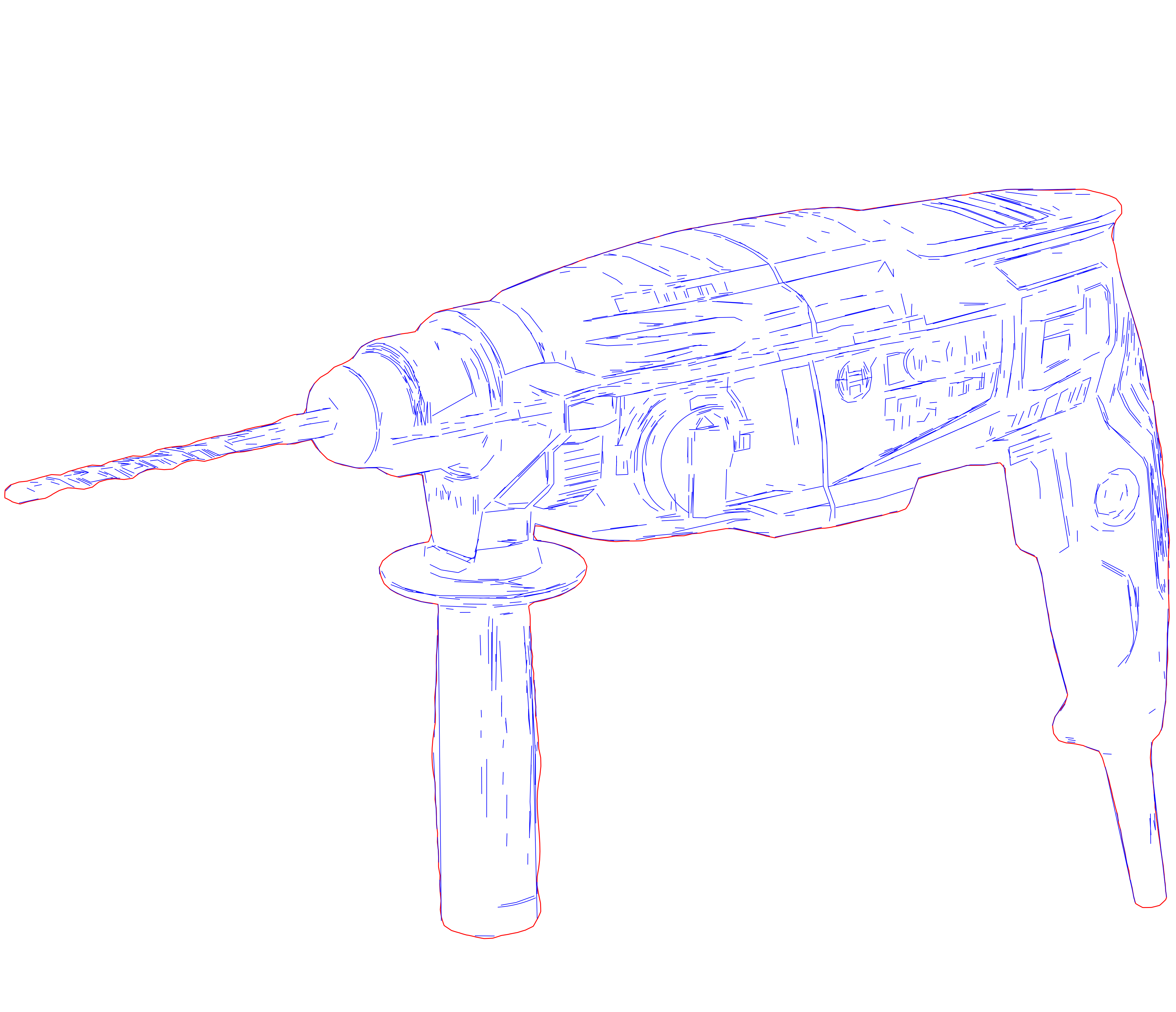
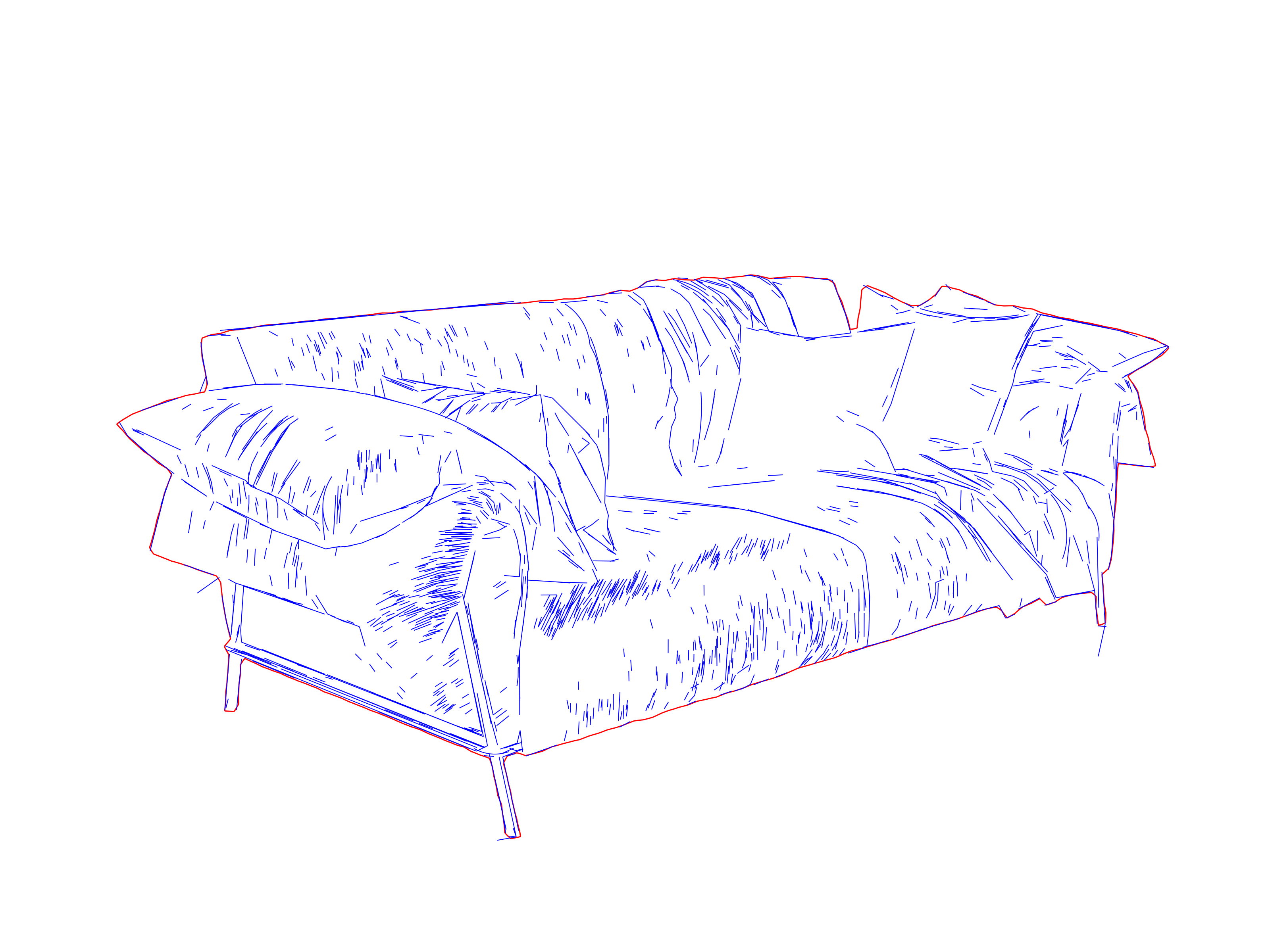
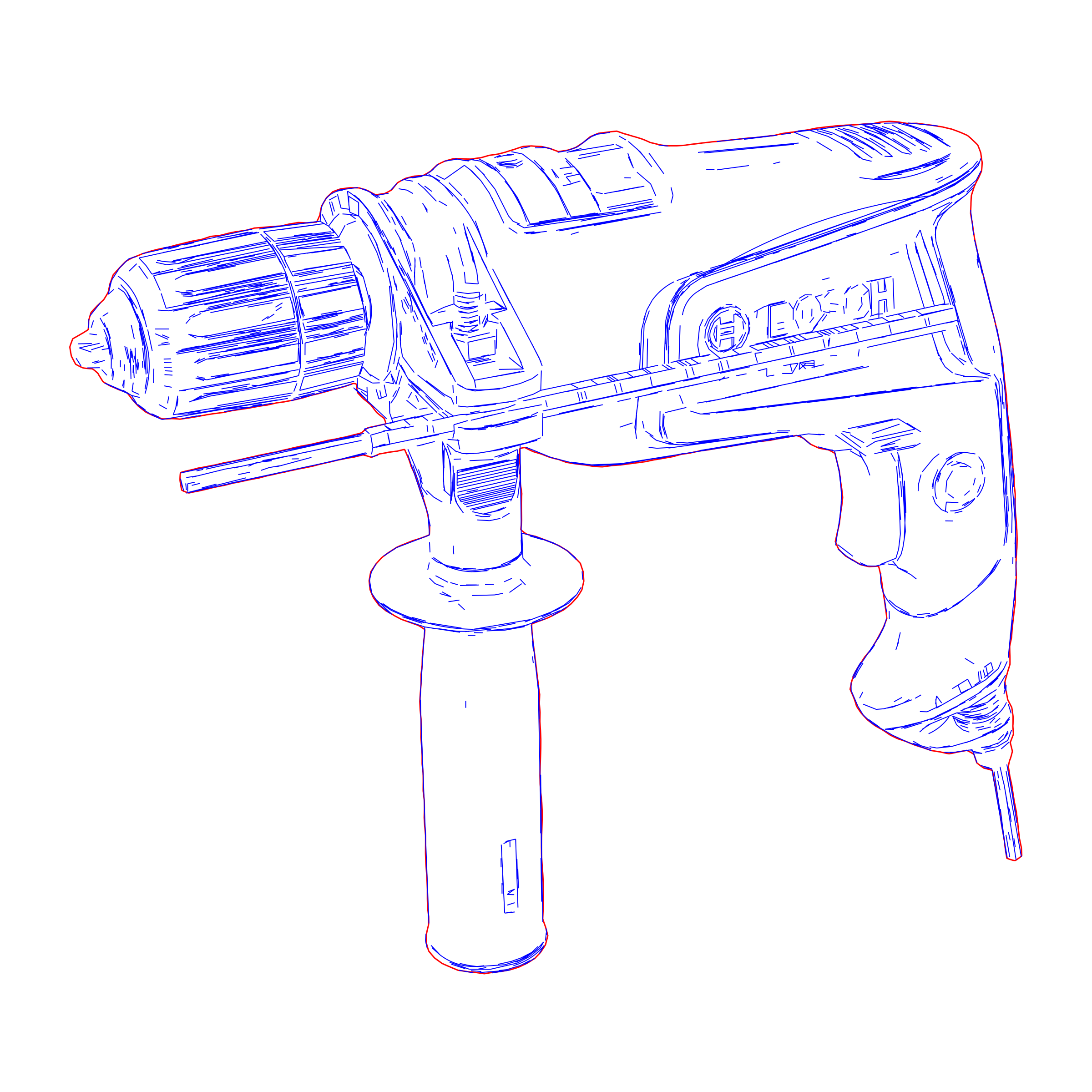
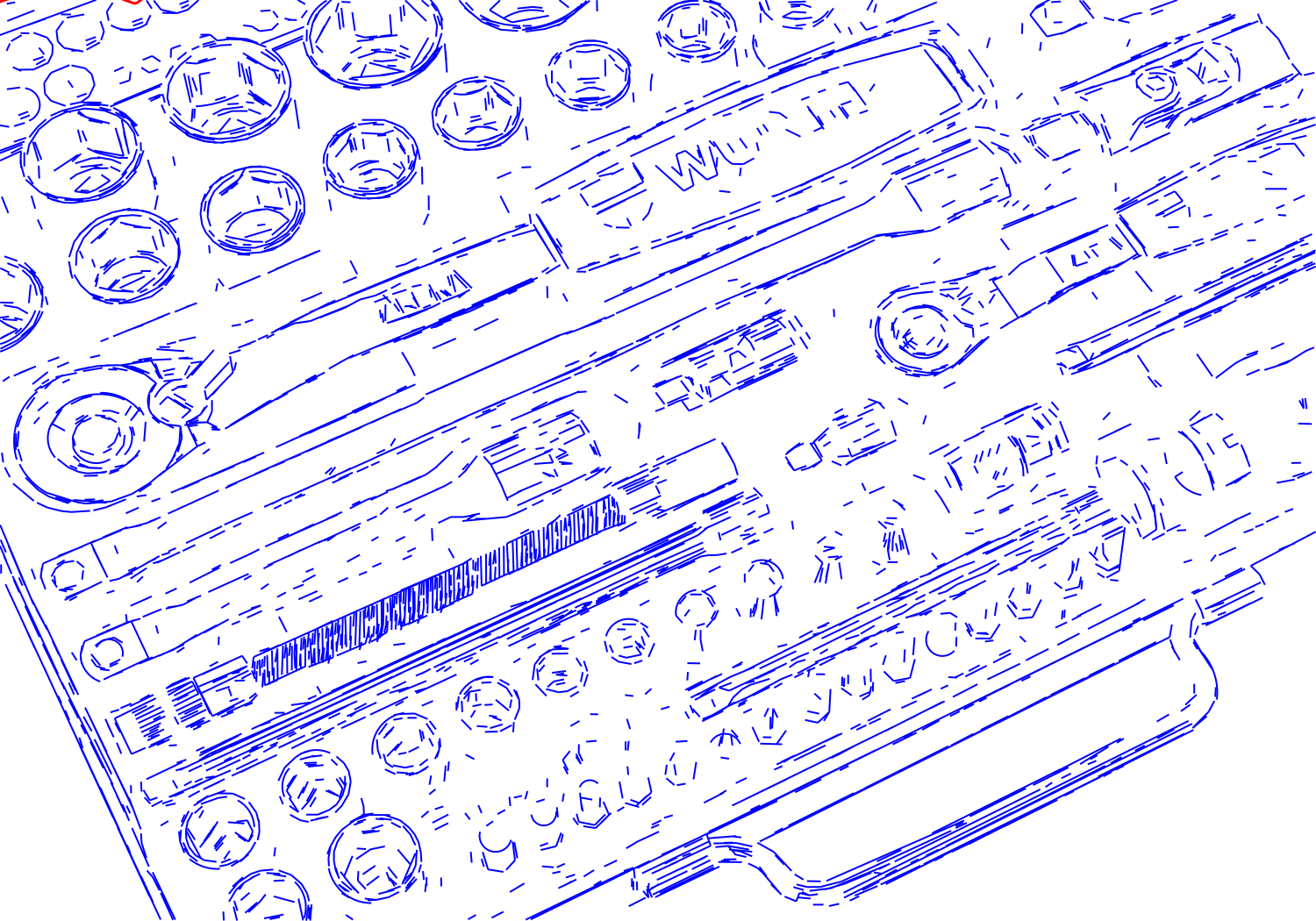
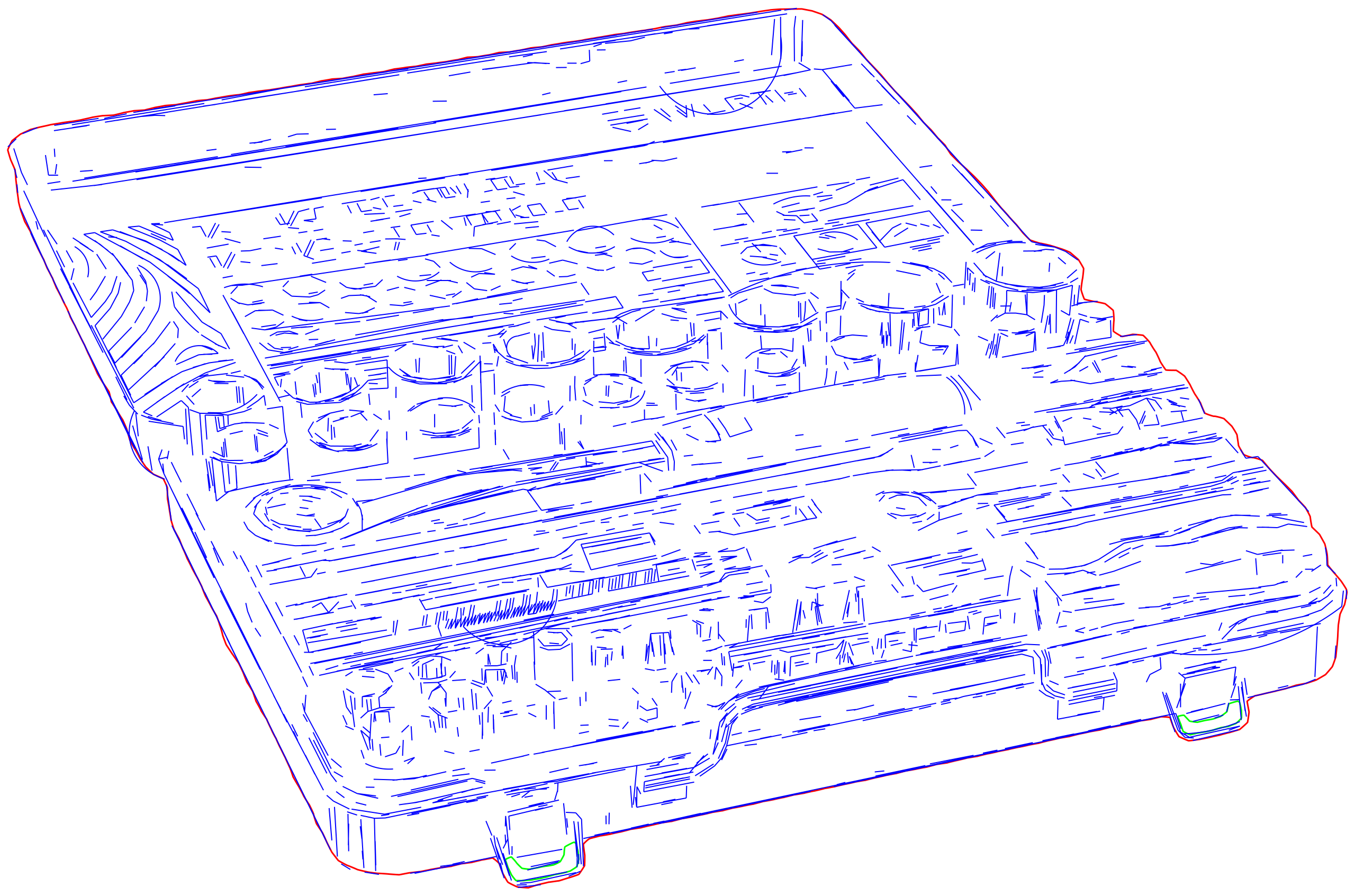
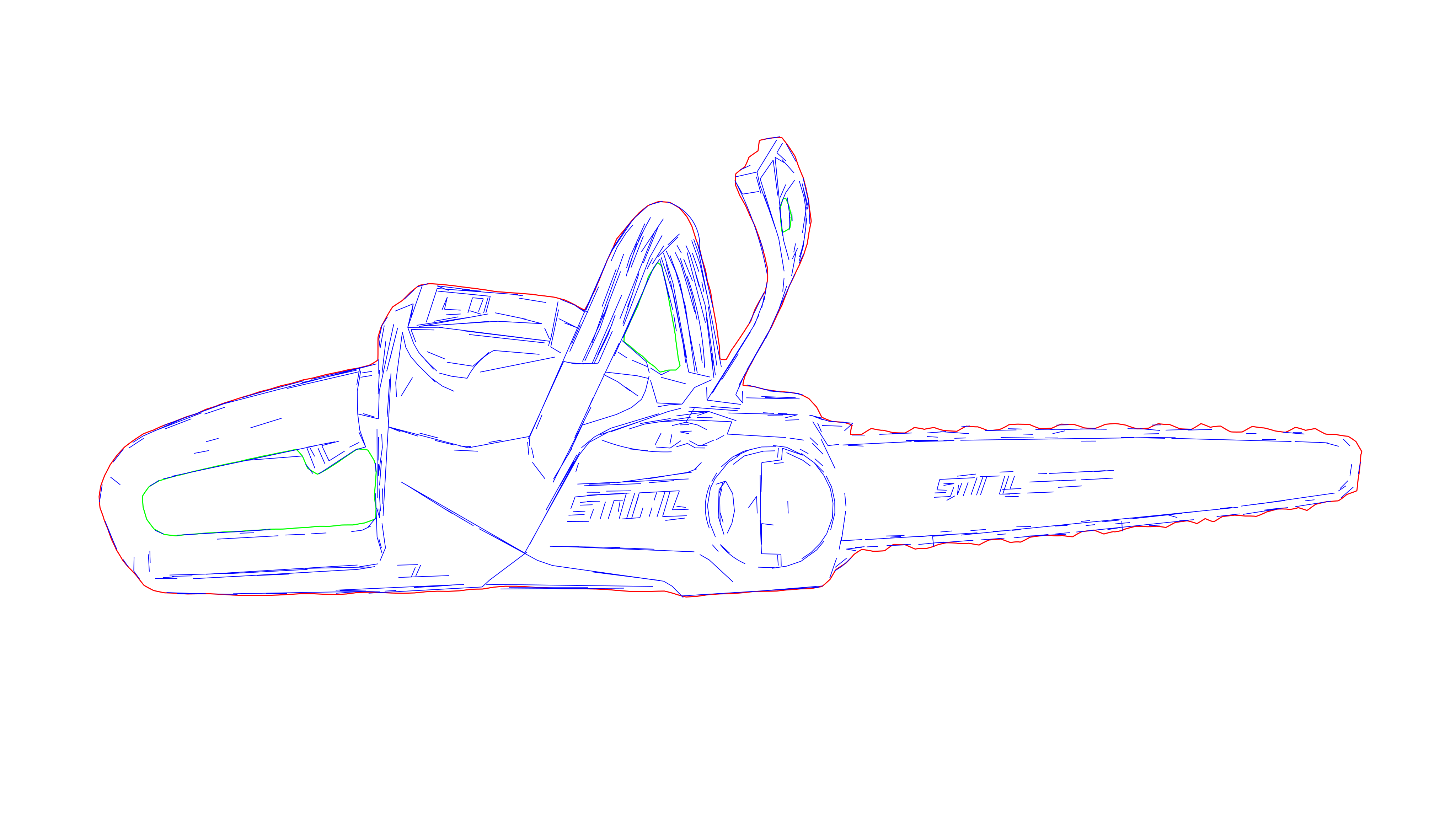
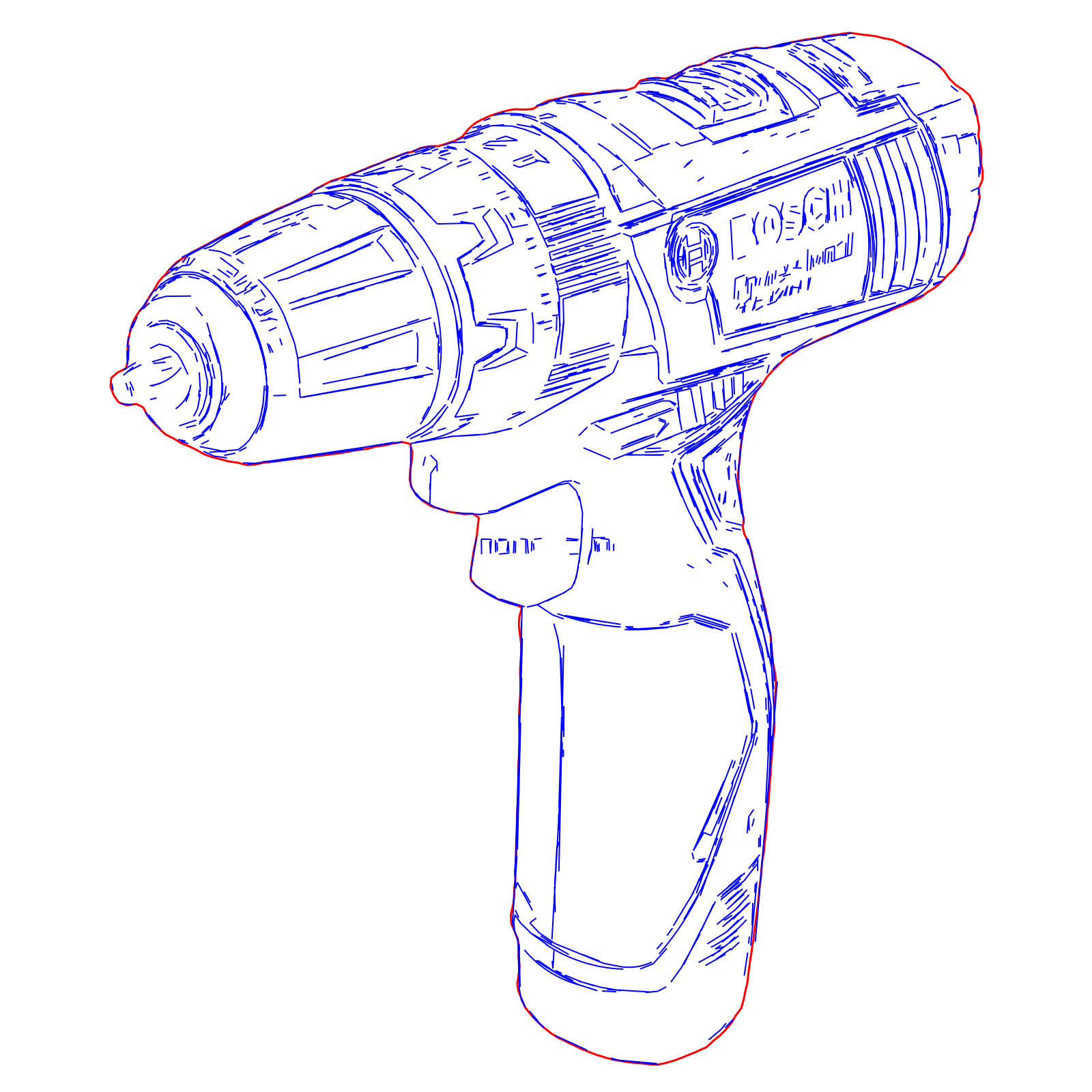
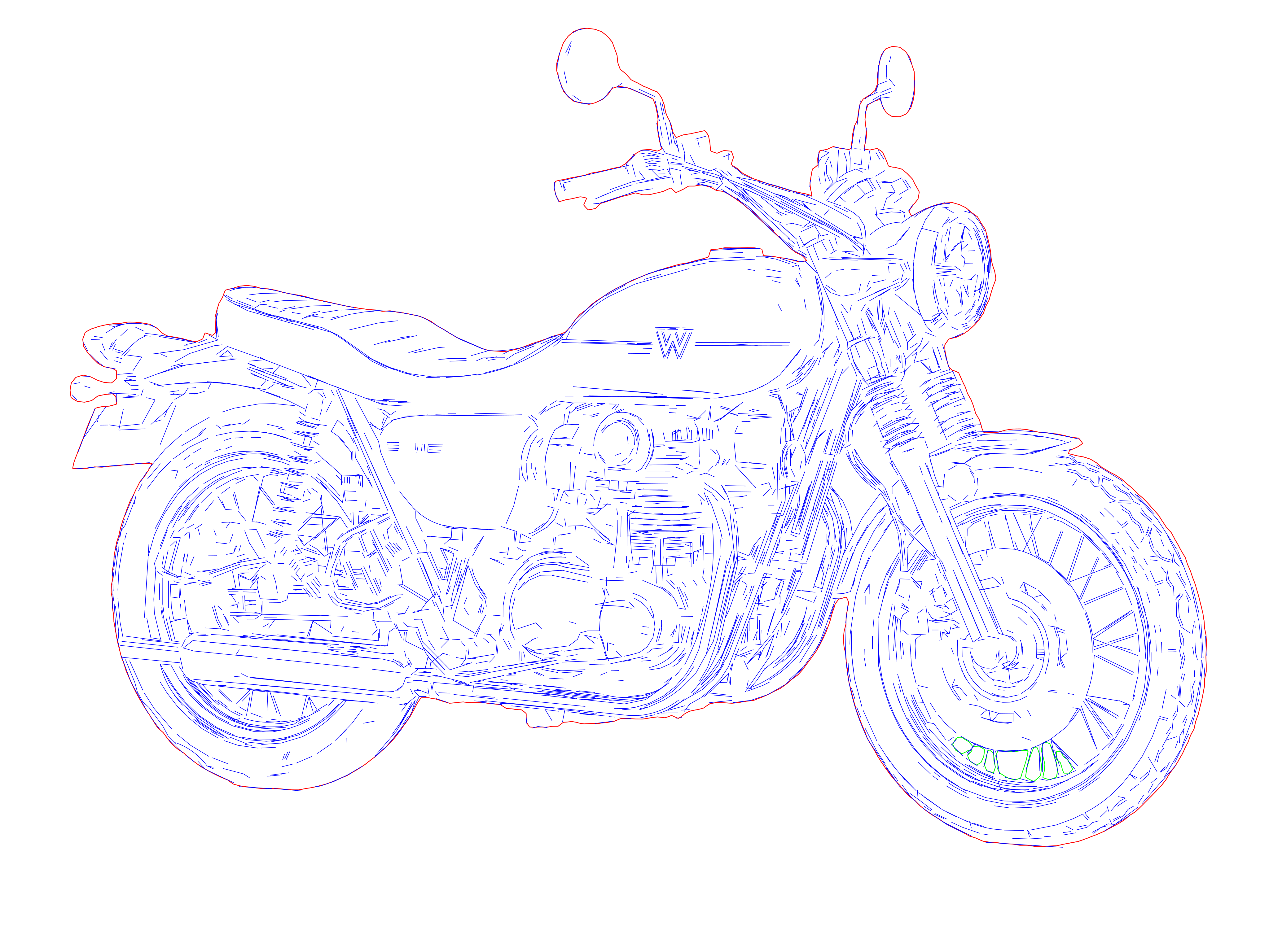
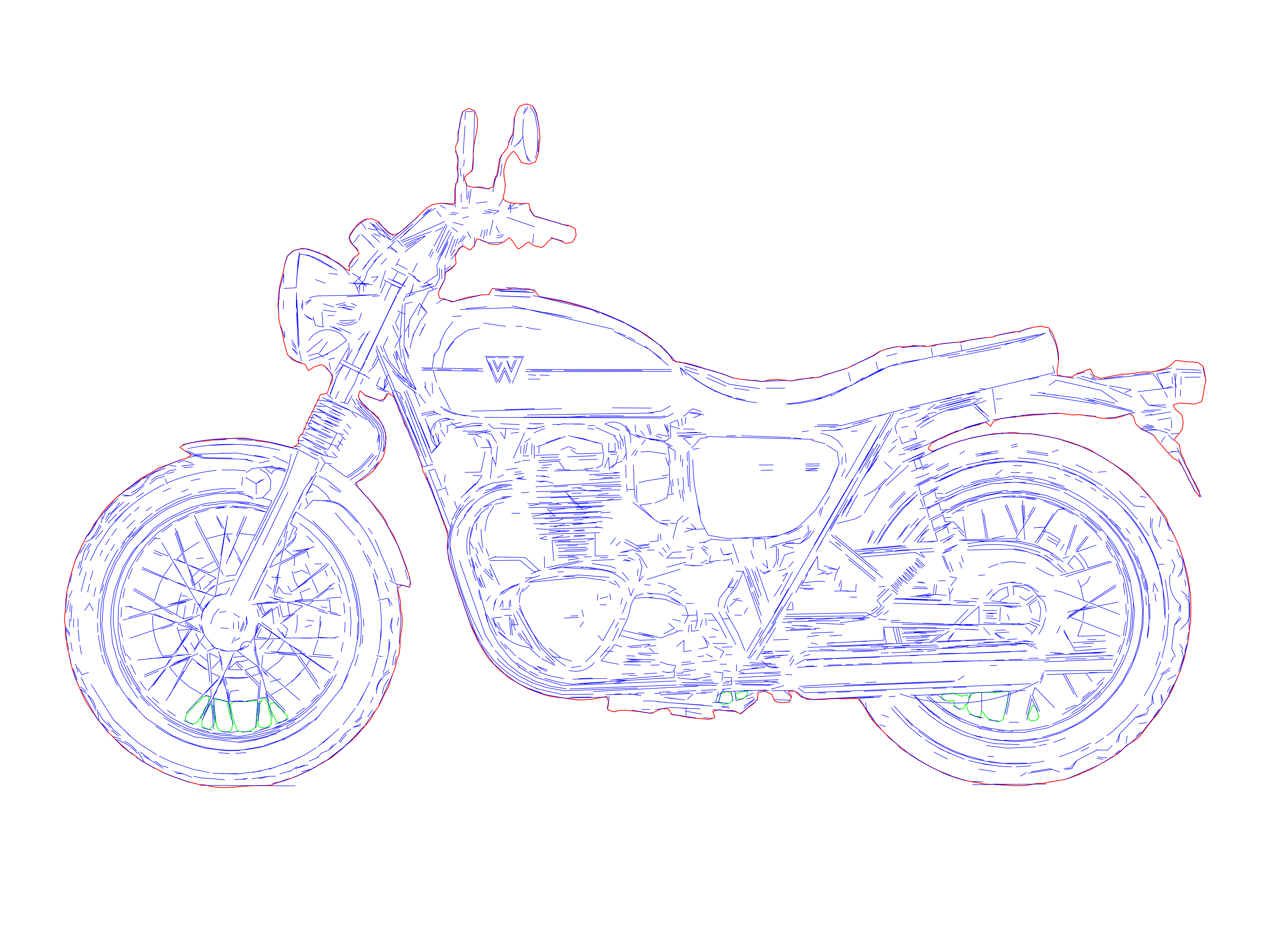
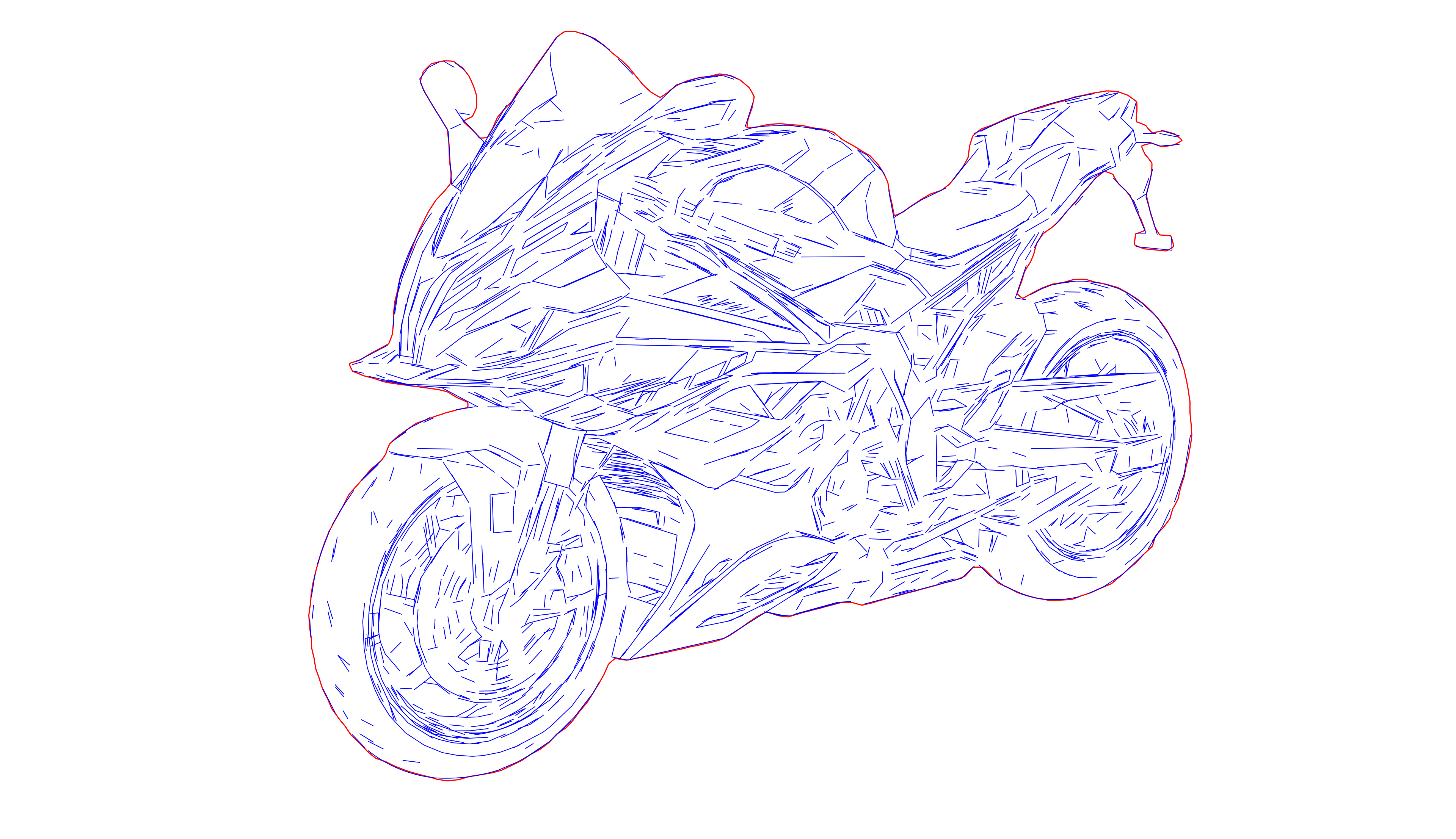
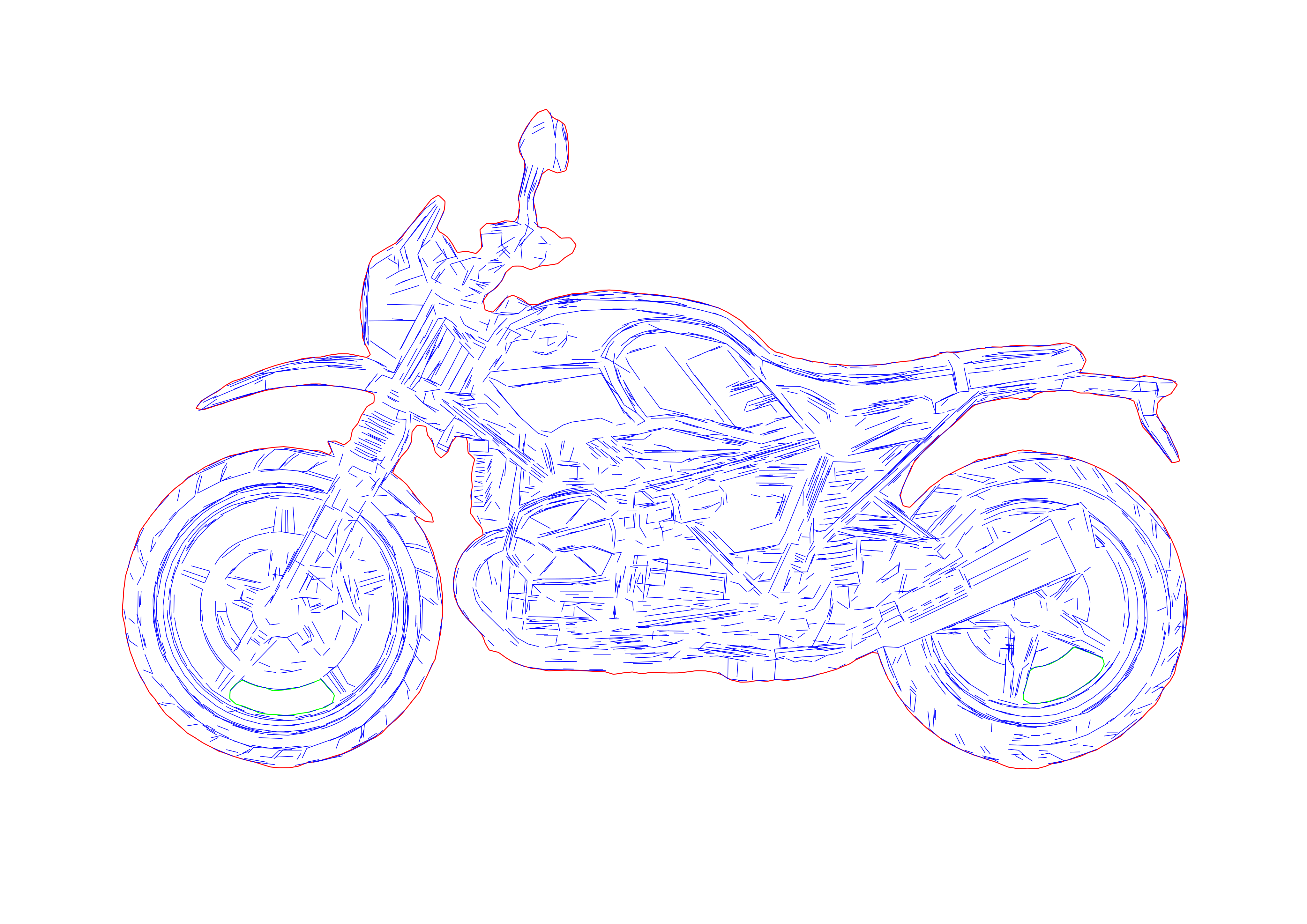
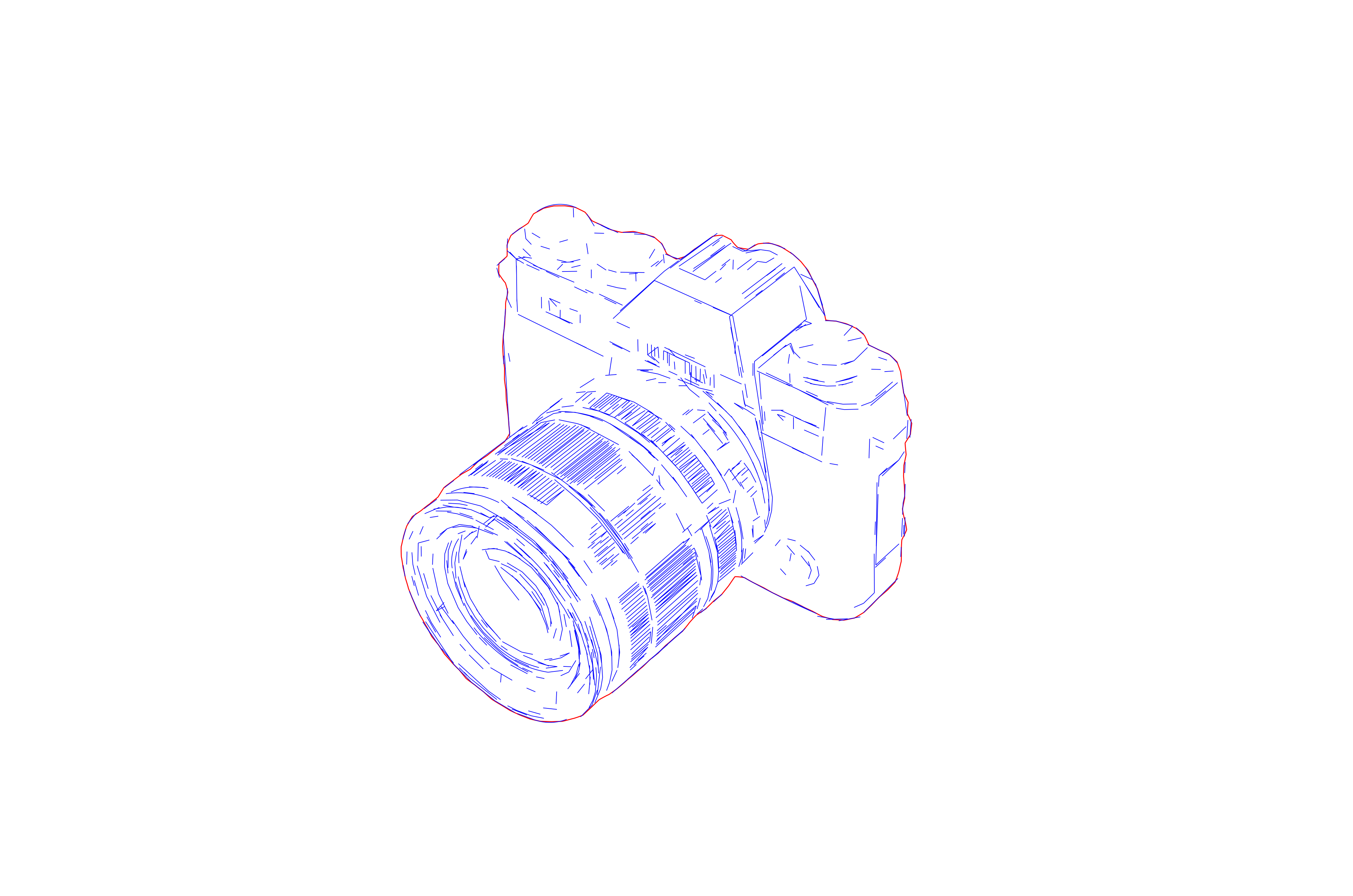
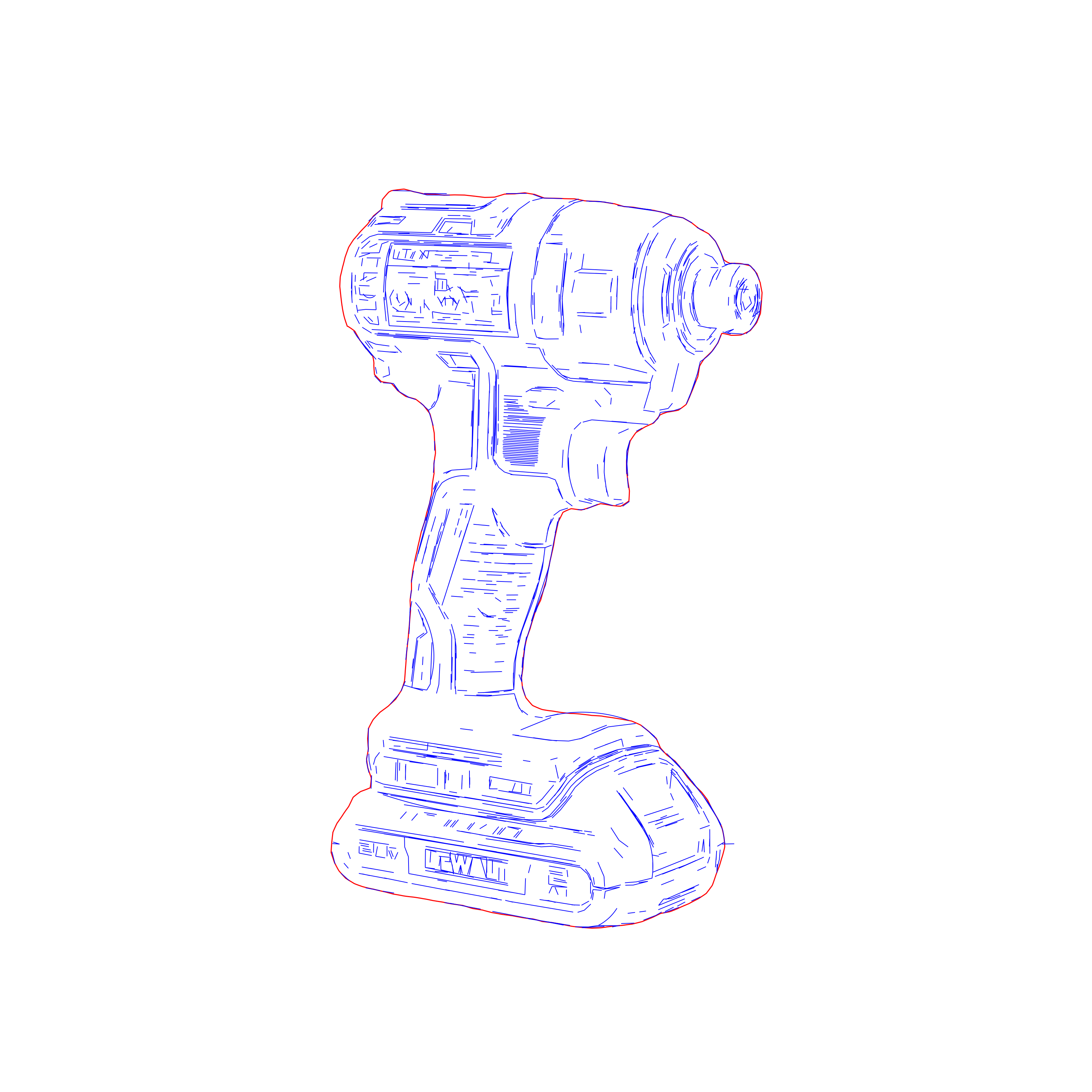
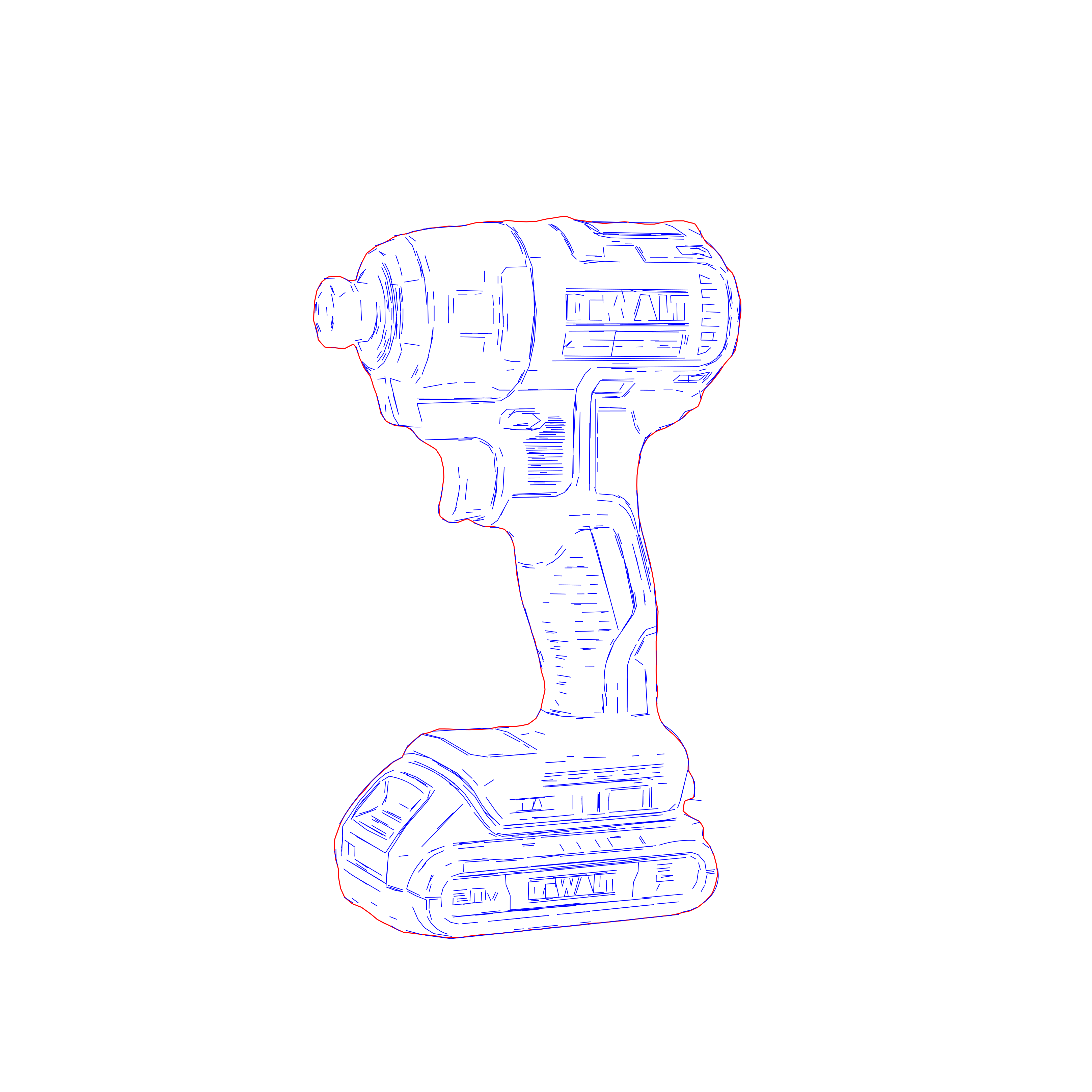
How it works
- 1
Drop your file here
Simply drop your logo or graphic here and open the workspace.
- 2
Tune the contour on the workspace
Adjust contour detail and node simplification. The artwork is traced as clean closed contours and auto-split into cut layers.
- 3
Export your final result
Download cut-ready SVG or DXF — closed contours, correct cut order, true scale — compatible with LightBurn, xTool, and CNC.

Use Cases
Logo & Badge Tracing
Trace logos, badges, and icons into clean closed contours that import into LightBurn at true scale — no duplicate-vector warnings, no double-burns.
Cut + Engrave in One File
The cut-layer split lets you assign cut power and speed to one layer and engrave or score settings to another — one file, no separate cutting file needed.
Product Personalization
Turn logos and artwork into crisp cut-ready contours for personalized gifts, merchandise, and custom products.
Signage & Plaques
Produce clean cut-out contours for plaques, branded plates, directional signage, and display components with the correct cut order baked in.
Production Cut Runs
Prepare consistent, minimal-node contours for repeat cutting jobs and batch production that run predictably on the machine.
DXF → CNC Handoff
Hand off the same closed-contour geometry as DXF for CNC routing, plasma, and sign-cutting at true scale.
FAQ
How is this different from Line Graphic Vectorization and Centerline Vectorization?
Contour Vectorization traces every boundary — outer edge, inner detail, and holes — as clean closed contours, so a part separates cleanly on a cut. Line Graphic Vectorization is for detailed, tonal photo engraving; Centerline Vectorization collapses each stroke to a single line for single-pass engraving and fine text. Choose Contour for logos, badges, and graphics you cut or cleanly engrave.
What are the cut layers (CUT_OUTLINES / CUT_DETAILS / CUT_HOLES)?
The output is auto-split into three machine-ready layers with the correct cut order baked in — holes and inner detail are cut before the outer perimeter, so parts don't drop or shift mid-job. You can also assign cut settings to one layer and engrave or score settings to another, all from one file.
Does it work with LightBurn, and do I get DXF too?
Yes. The SVG imports into LightBurn and xTool at true scale with no duplicate vectors that trigger double-burns or "duplicate vector" warnings. The same closed-contour geometry also exports as DXF for CNC routing, plasma, and sign-cutting.
What source artwork works best?
Logos, badges, icons, decals, and high-contrast graphics with clear, readable boundaries trace cleanest. The engine merges segments to minimize node count for smoother machine motion and smaller files.
Can I control the level of detail?
Yes. The workspace parameters let you tune contour detail and node simplification before export, so you can balance fidelity against the cleanest possible cut geometry.
Who is this workflow for?
Engraving shops, signage and fabrication teams, product-personalization workflows, and CNC operators who need clean, cut-ready contours rather than the messy double-line traces generic auto-tracers produce.