Convert a Photo to SVG for Laser Engraving
...Creditsper rendering
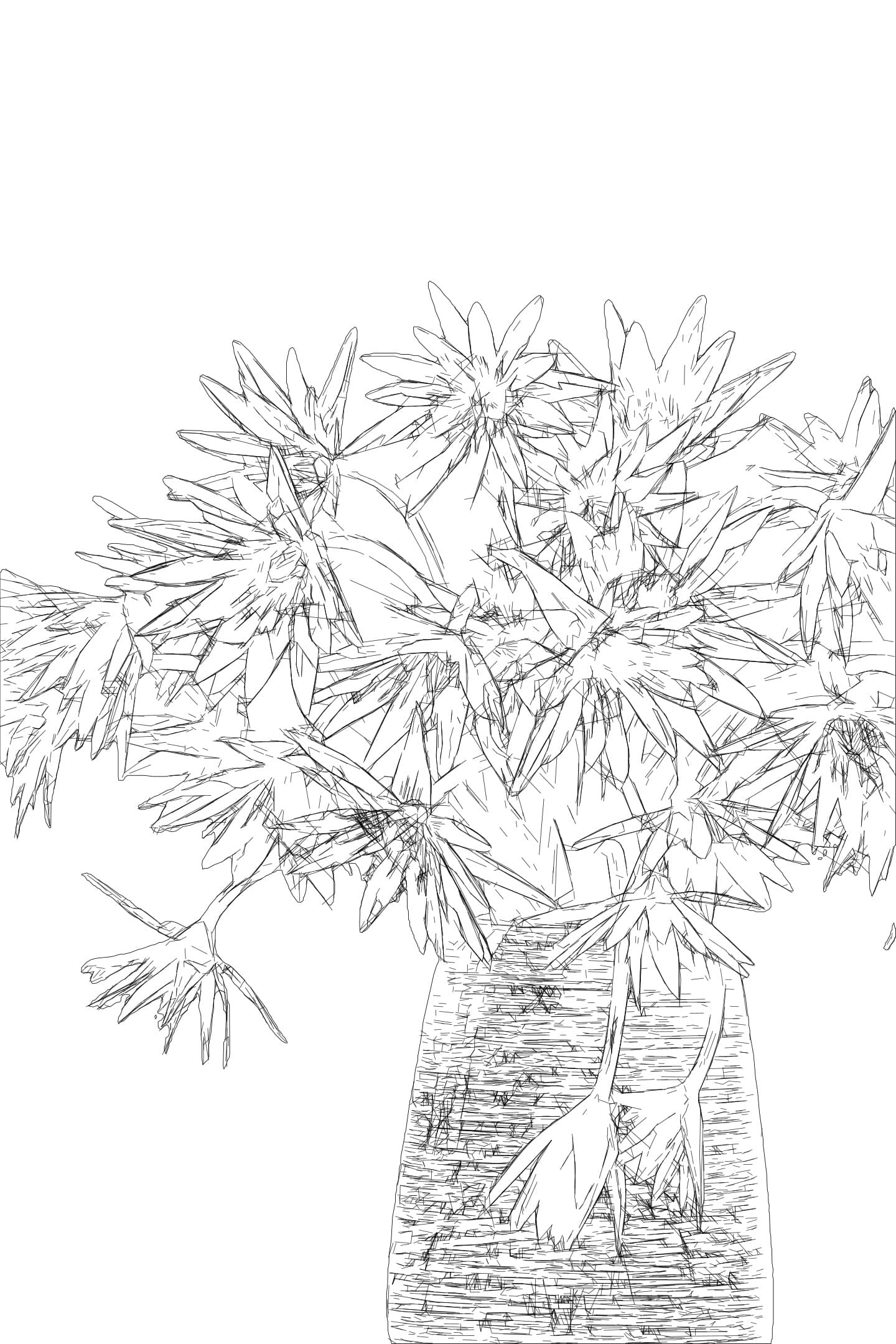
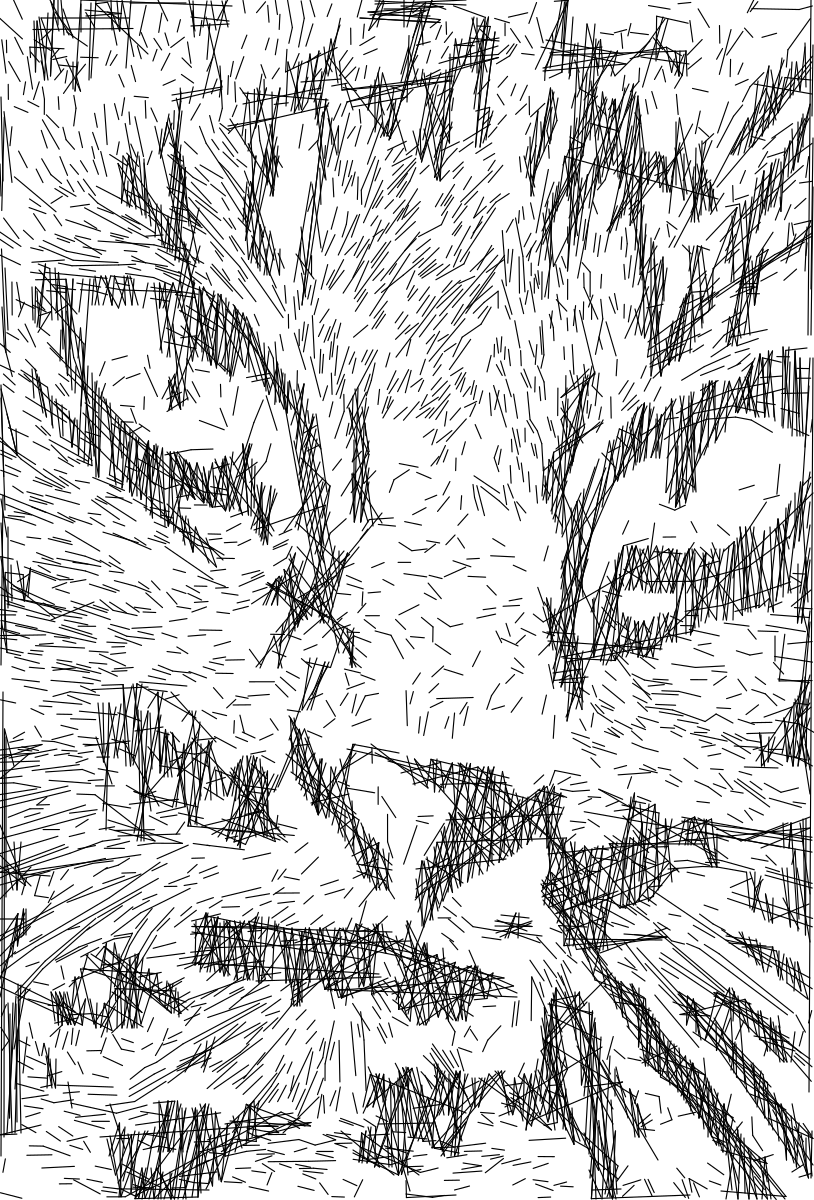
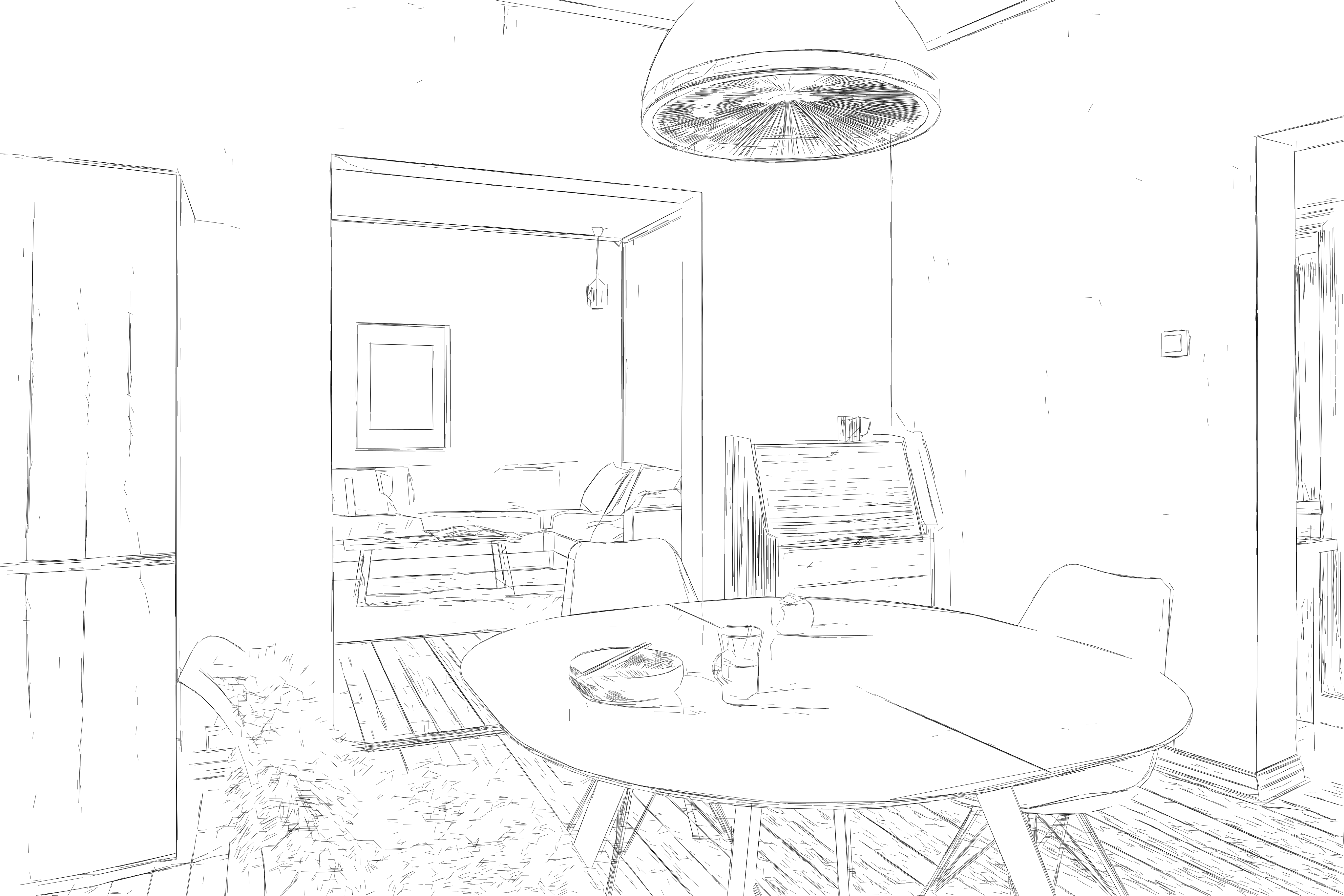
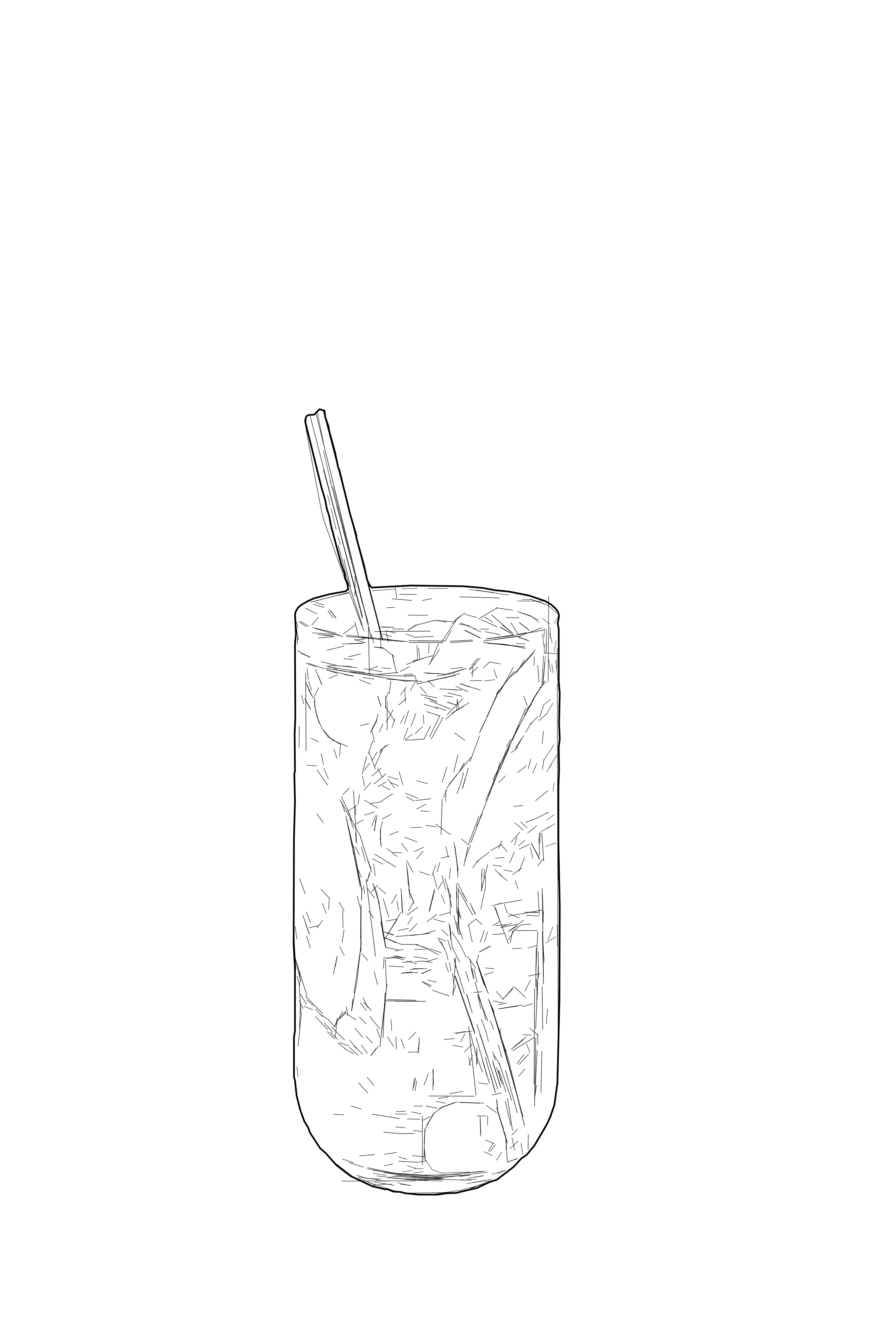
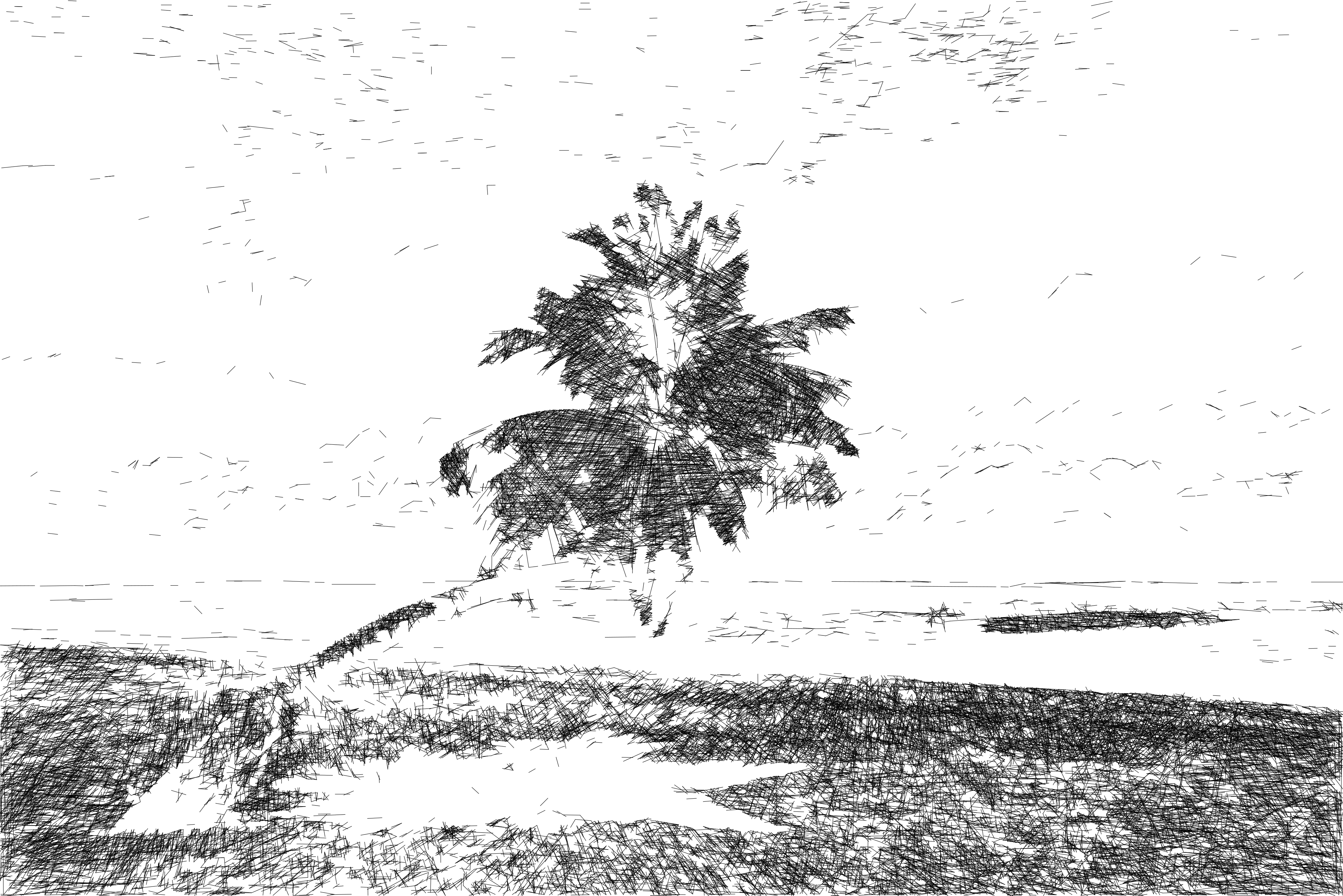
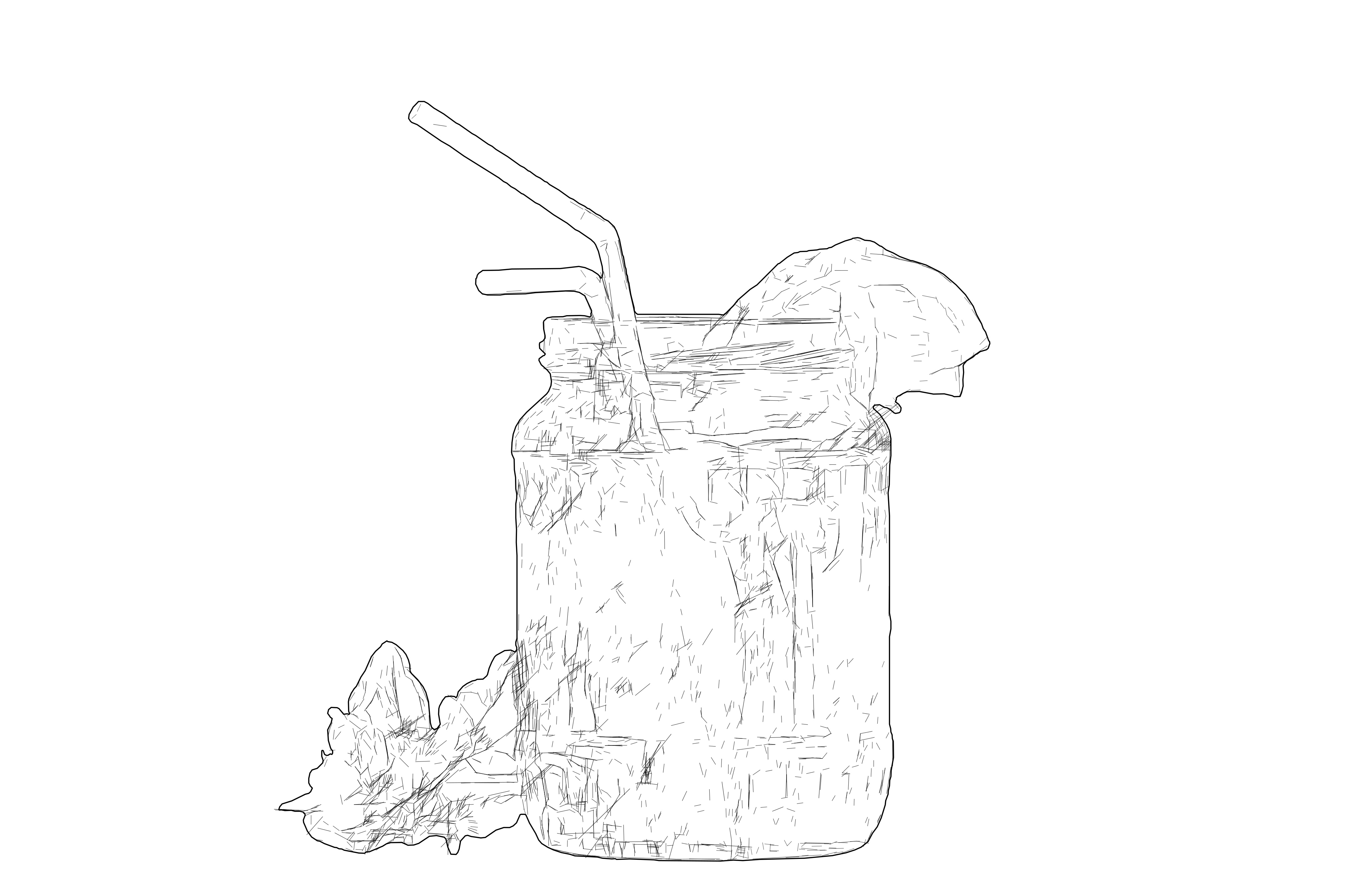
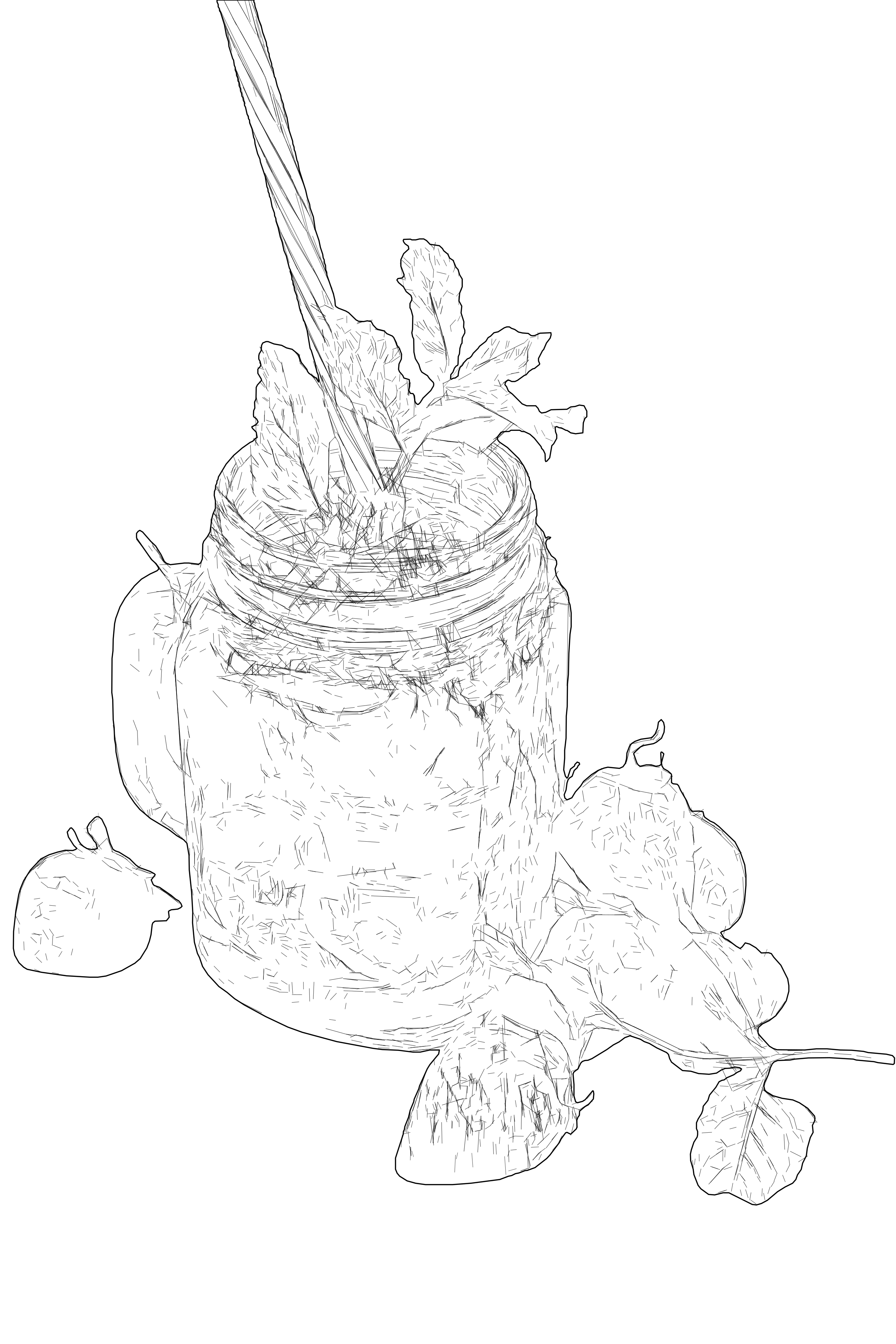
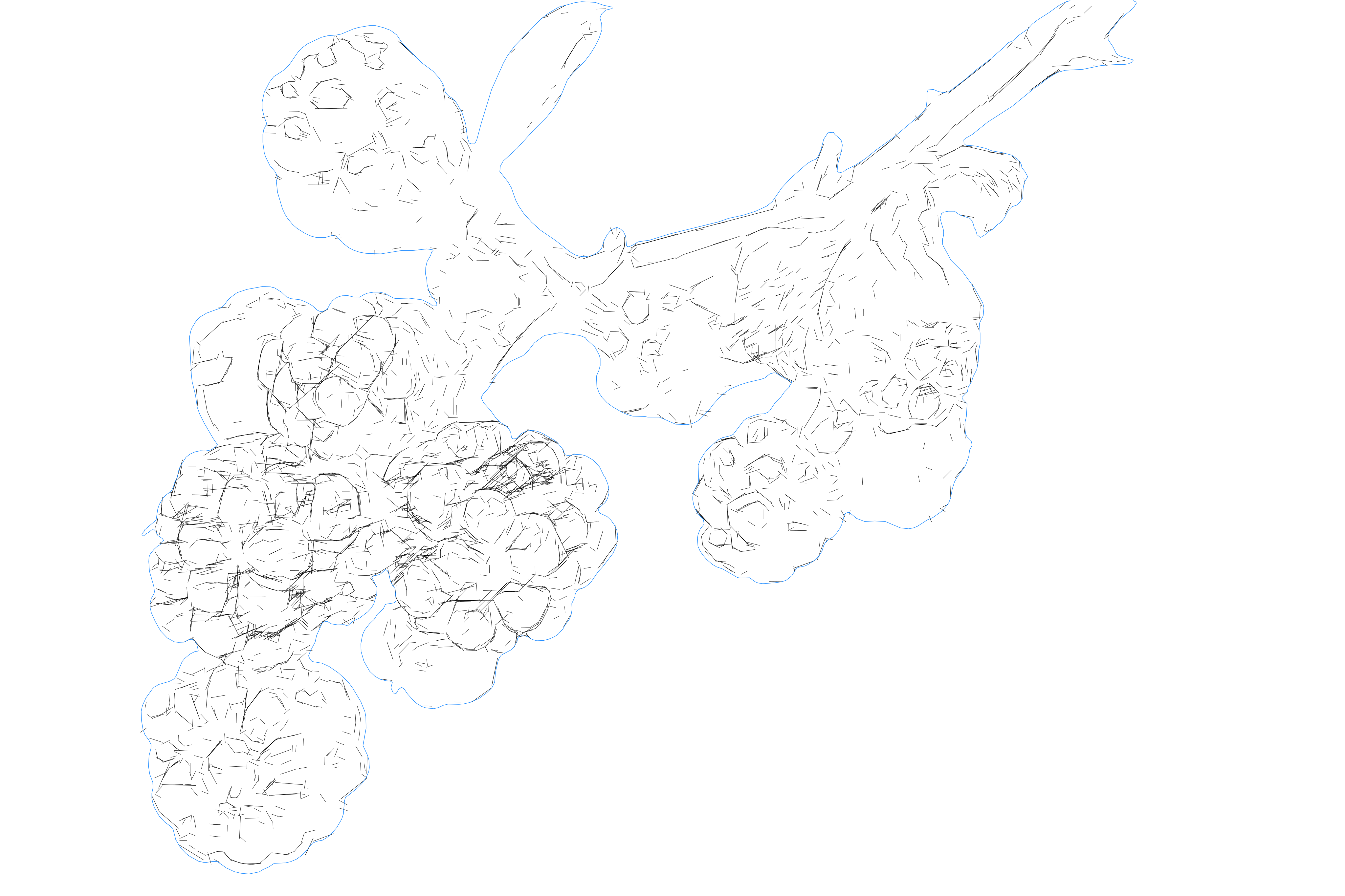
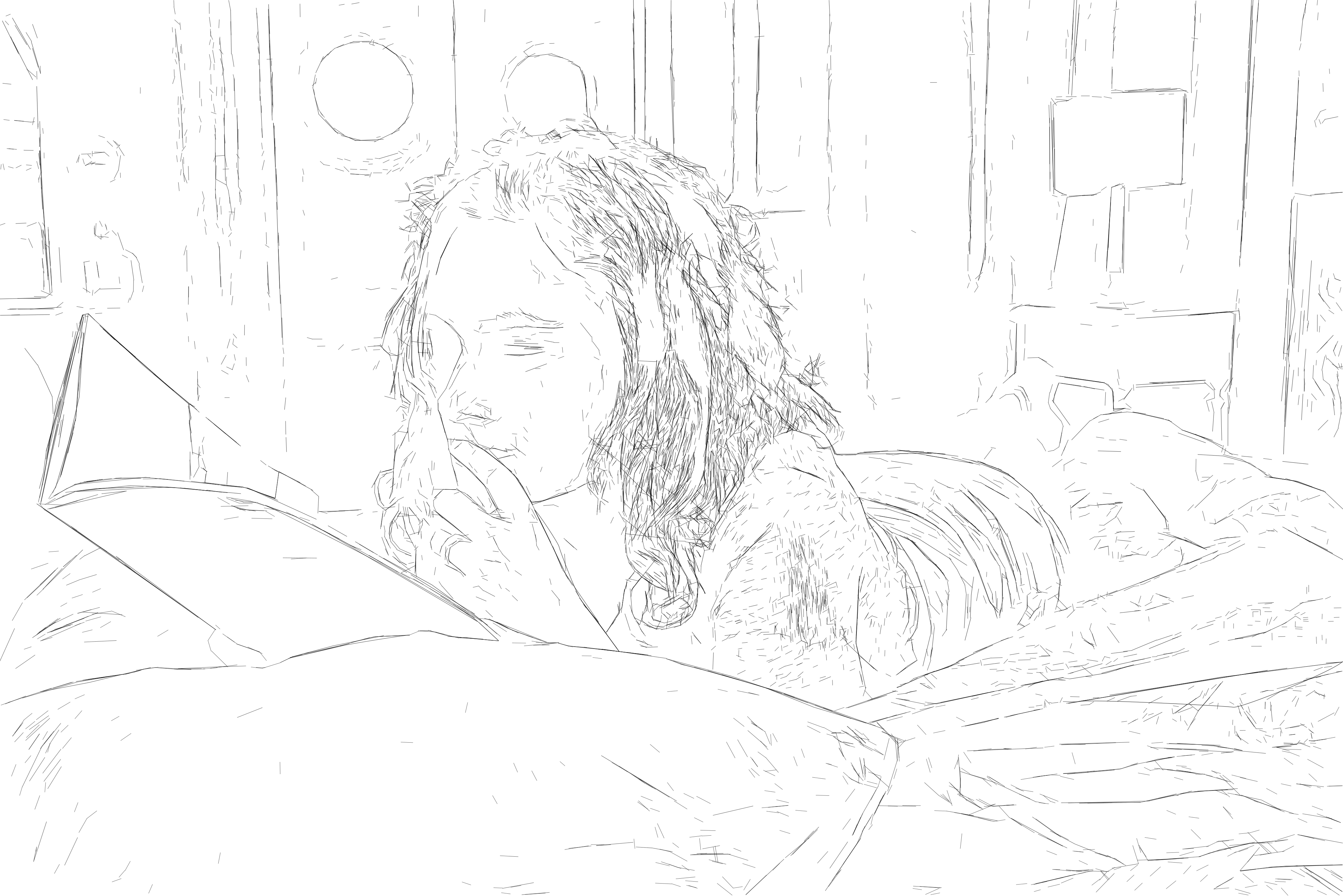
Detailed SVG line vectors for laser engraving
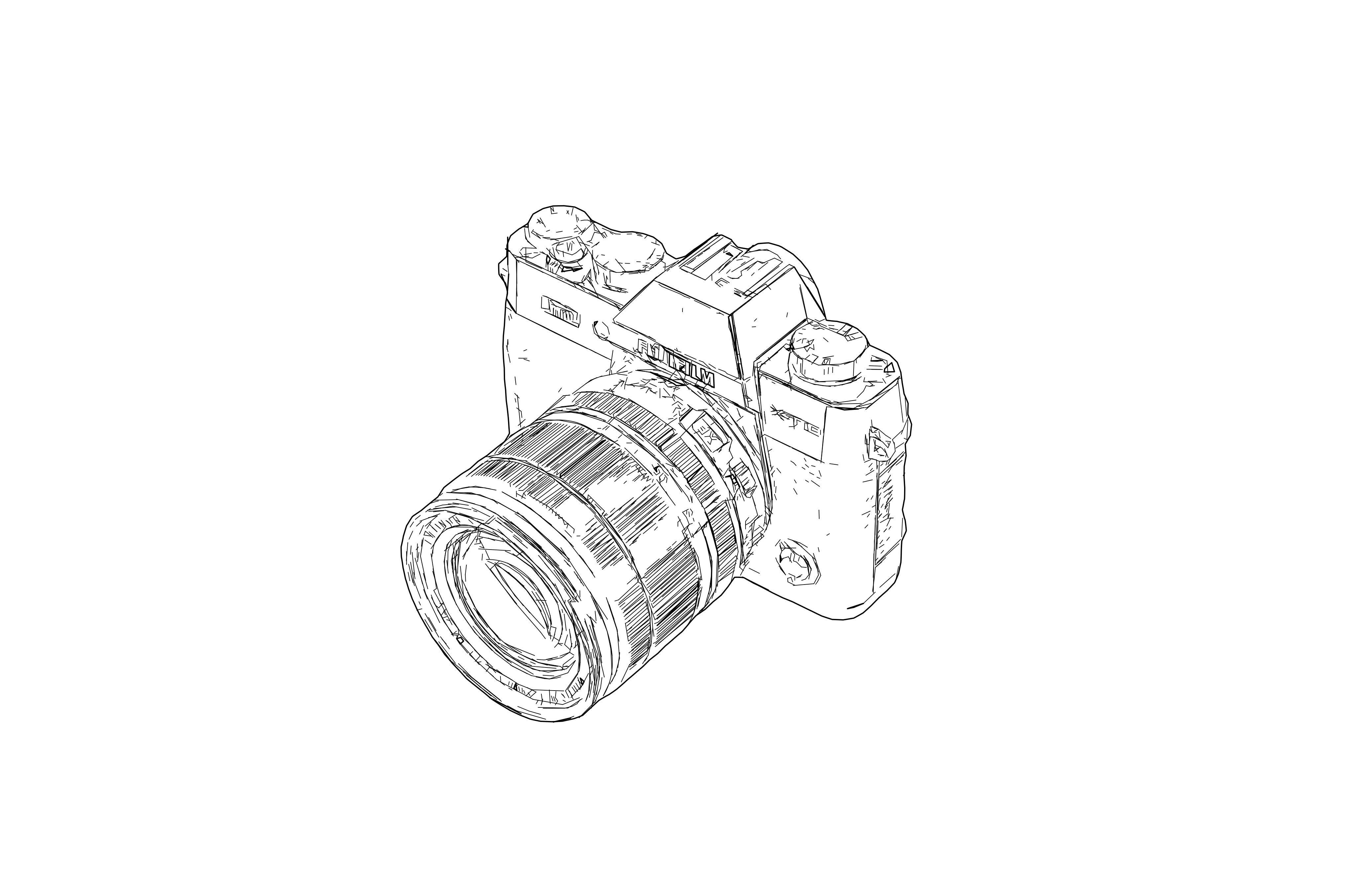
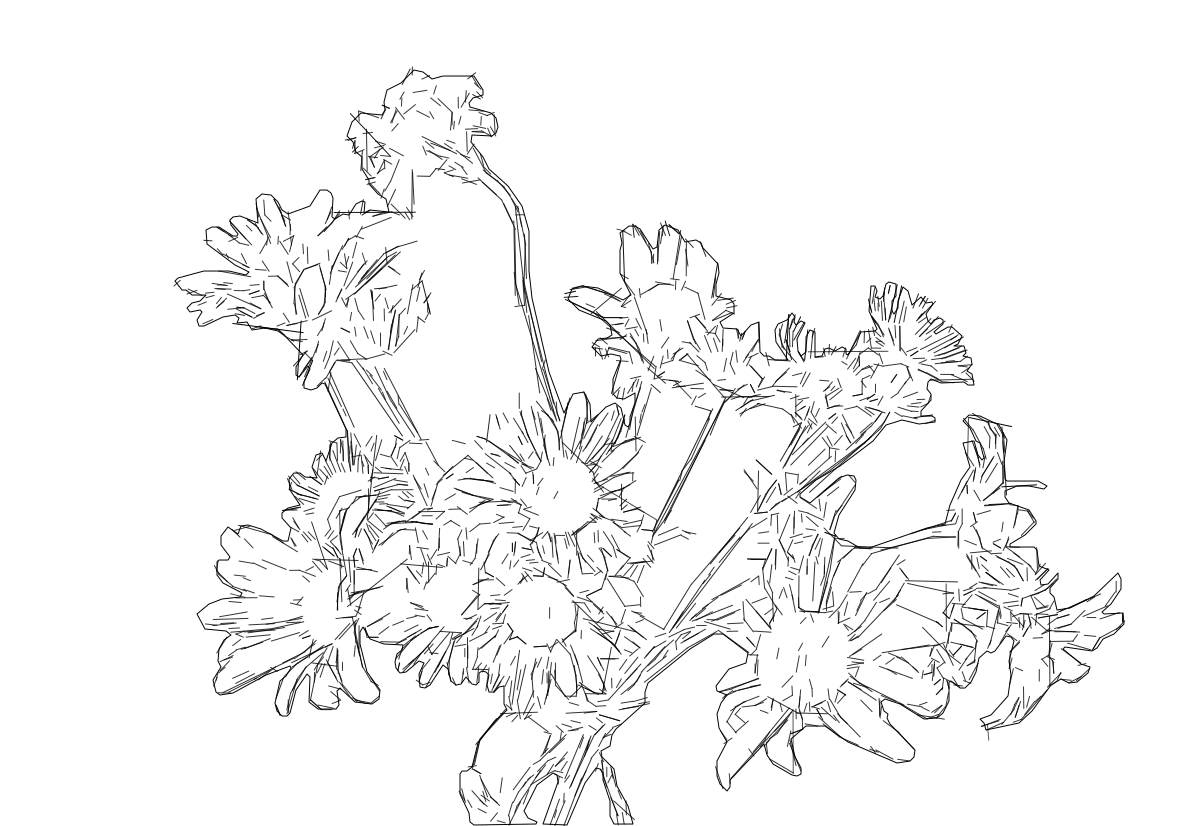
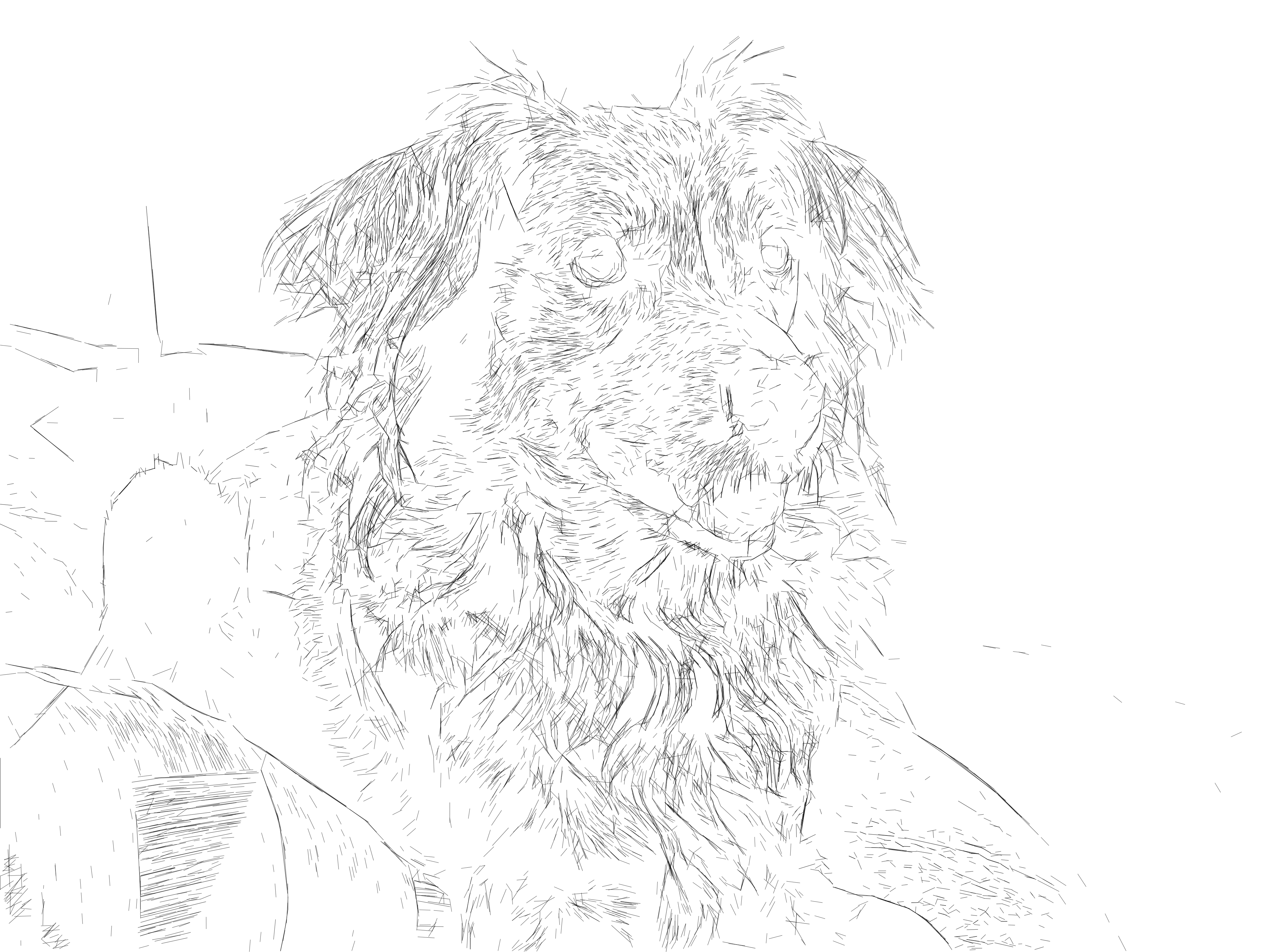
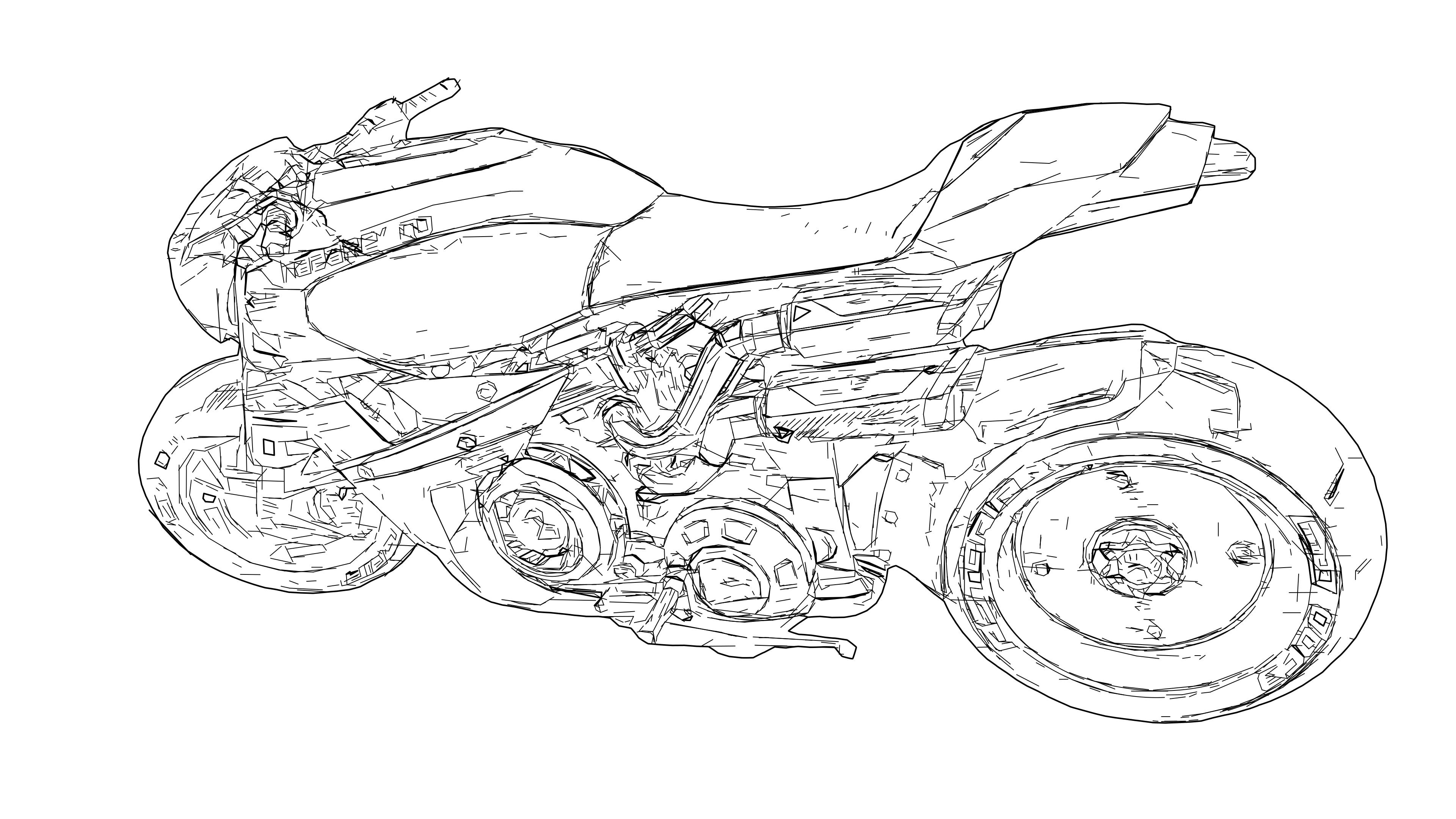
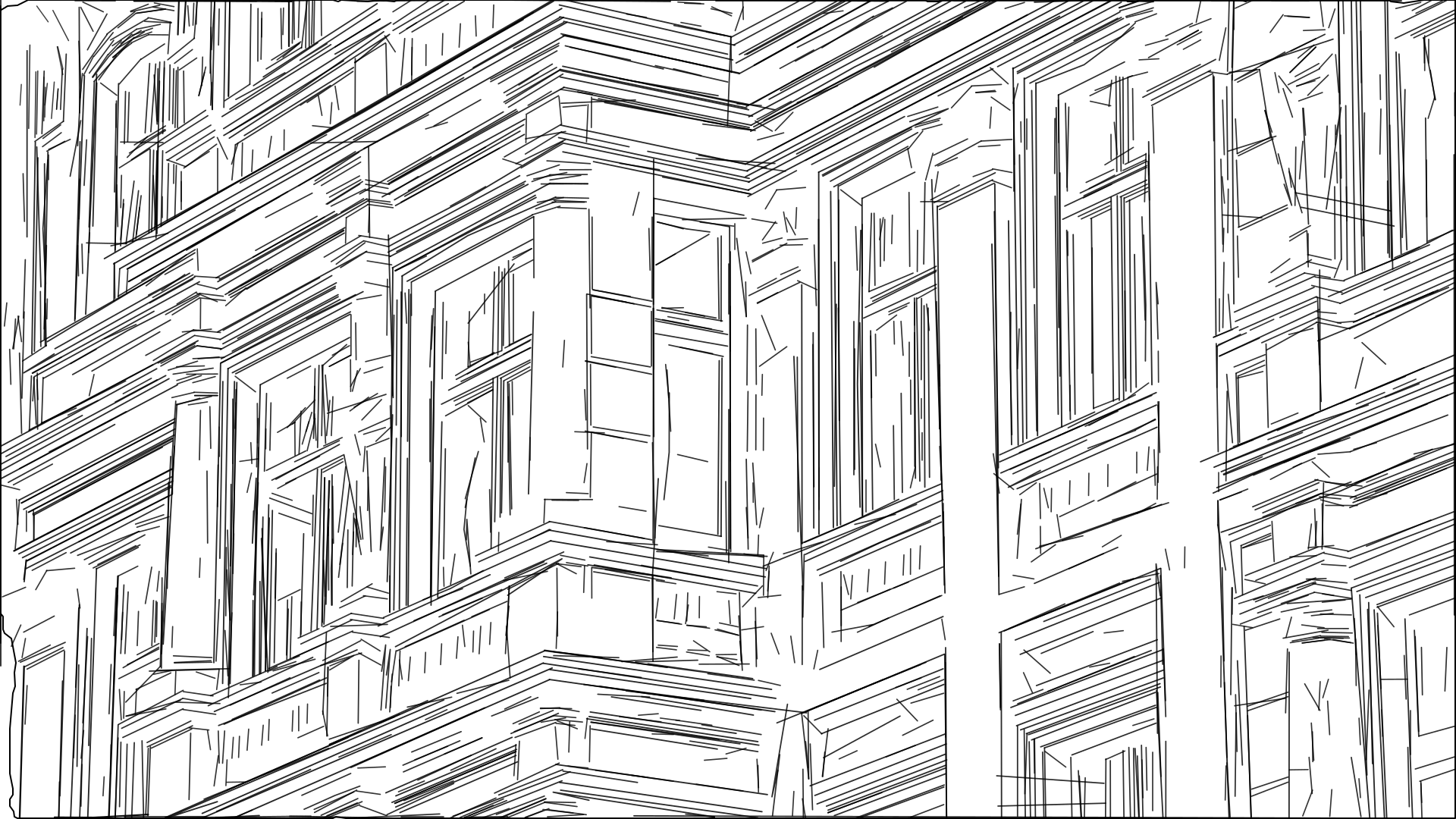
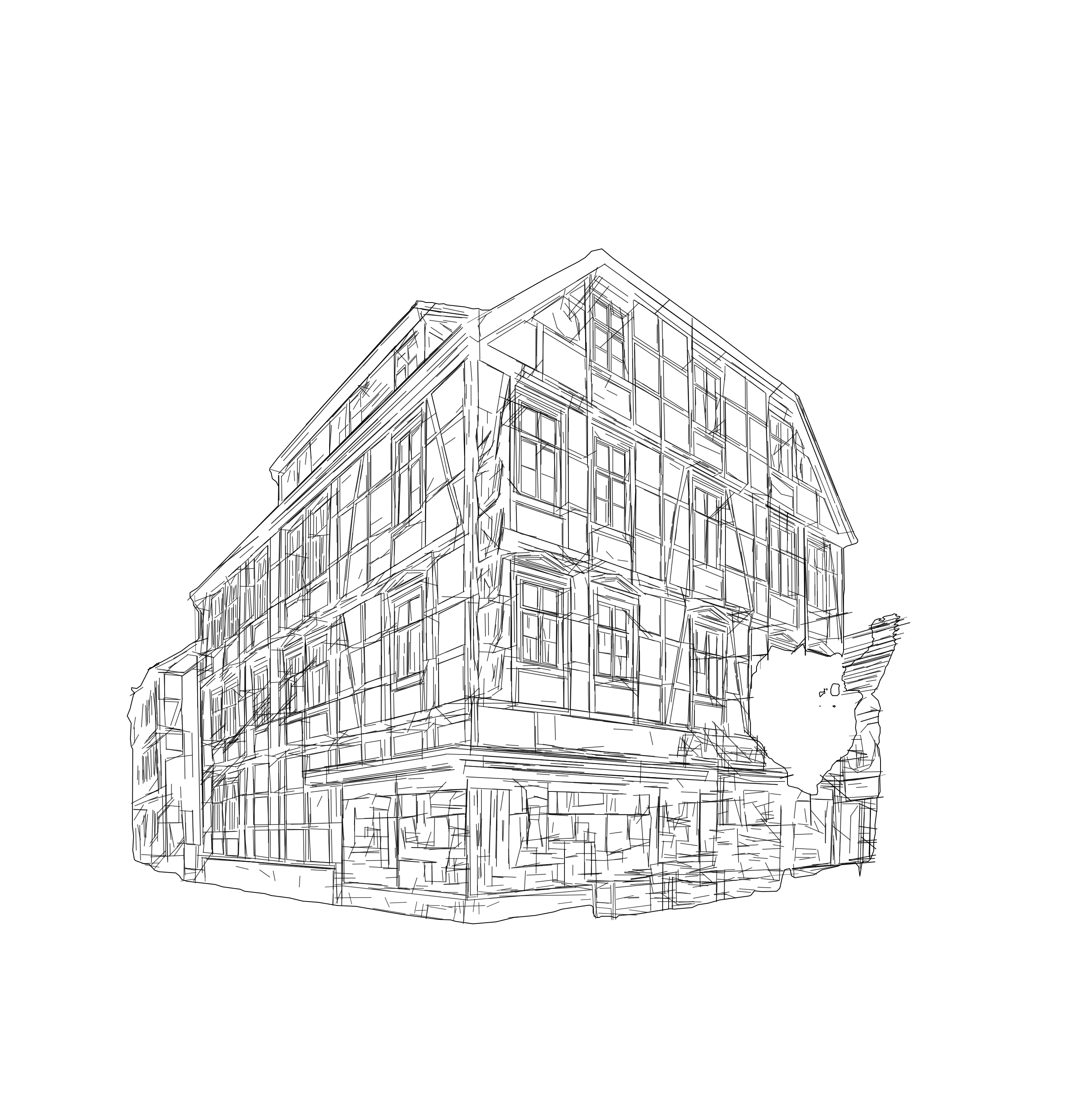
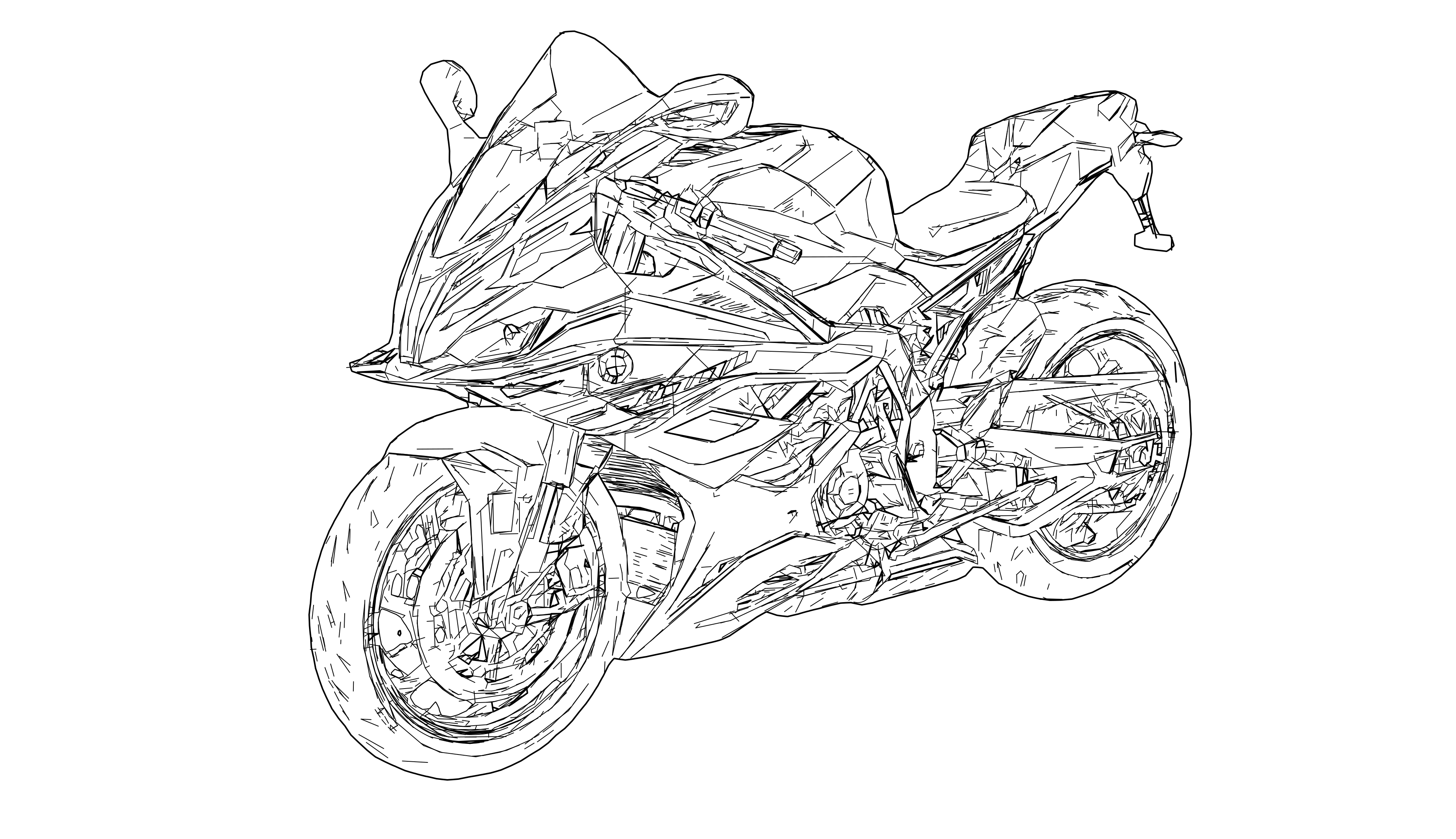
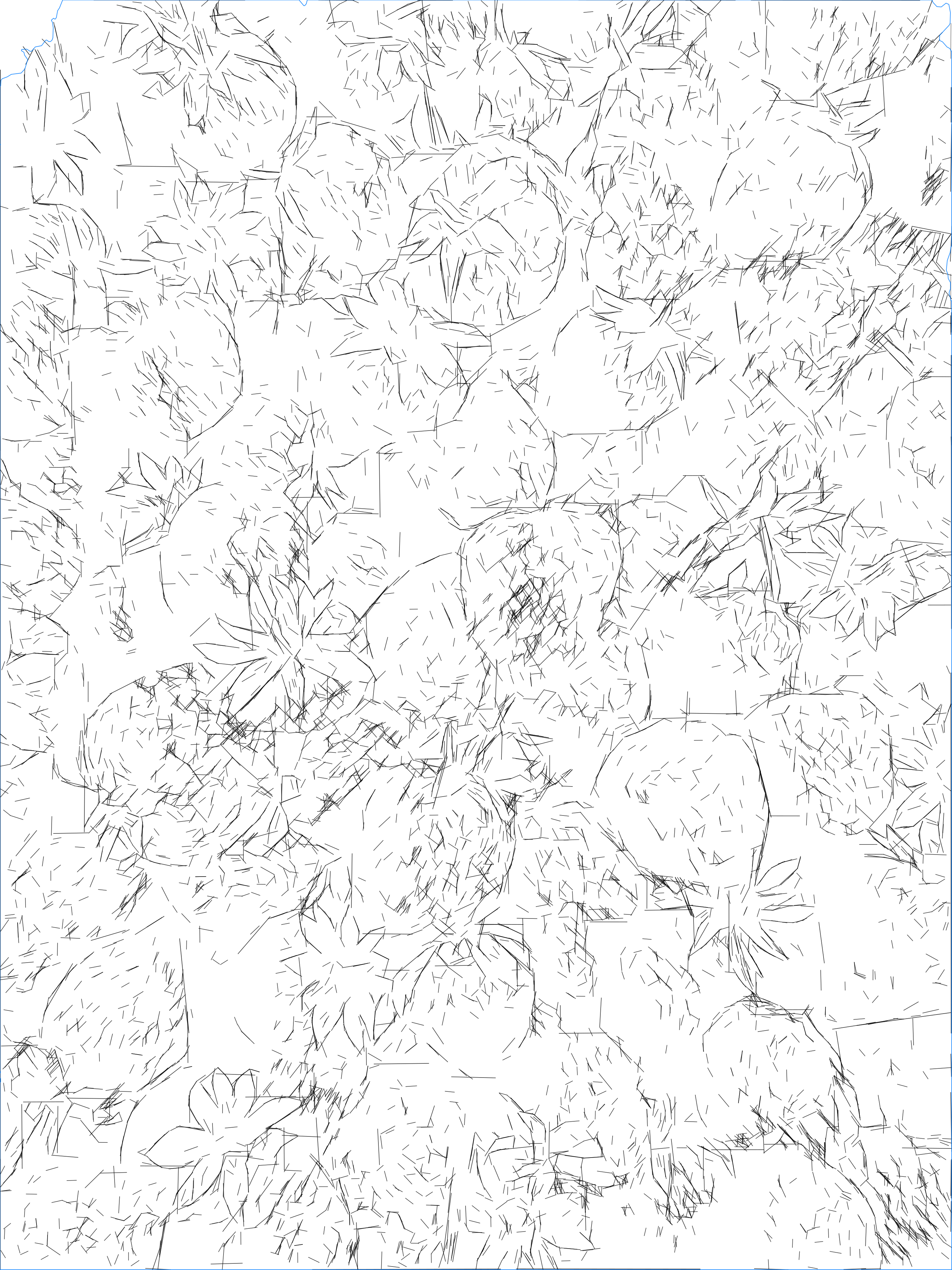
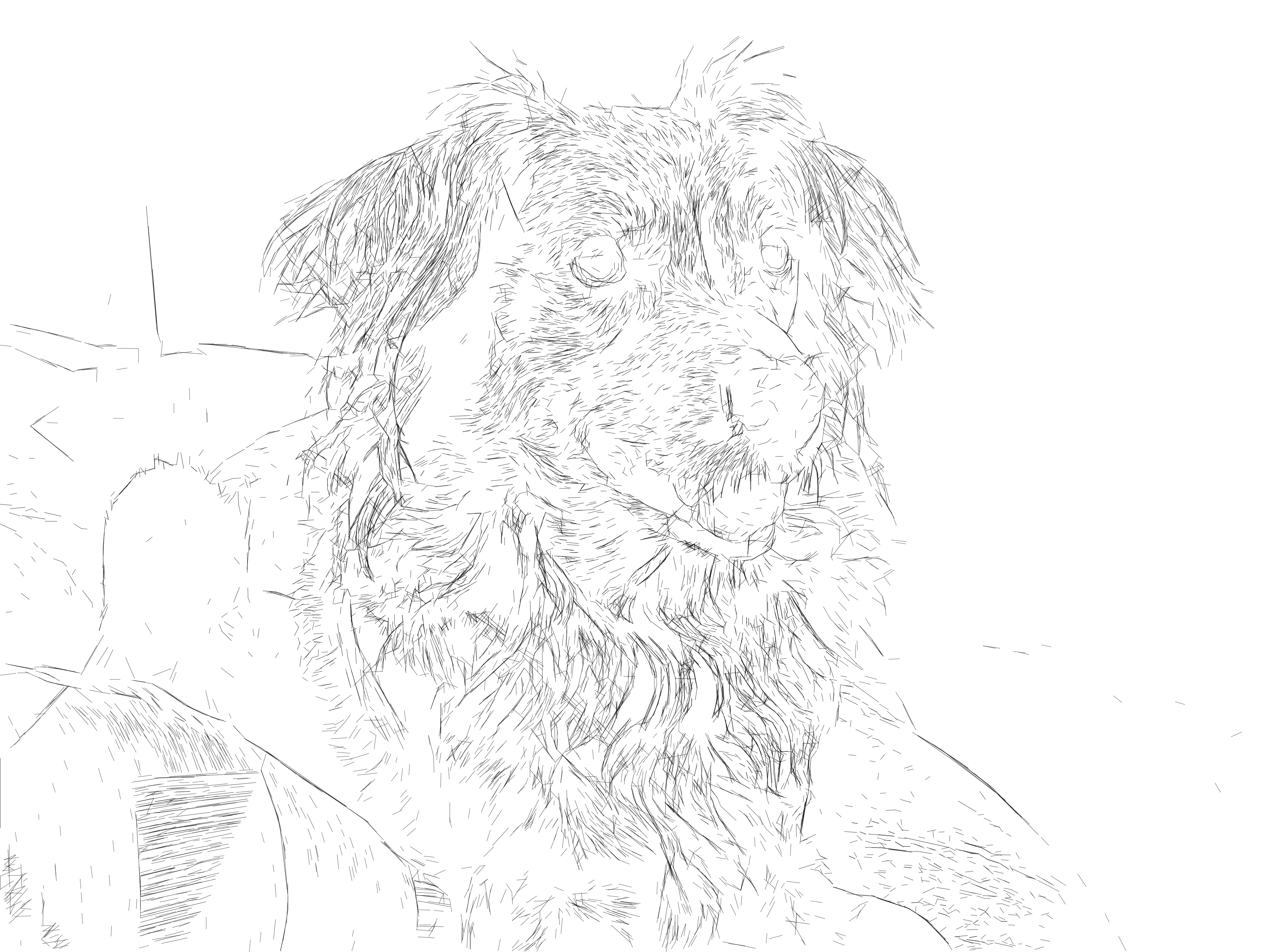
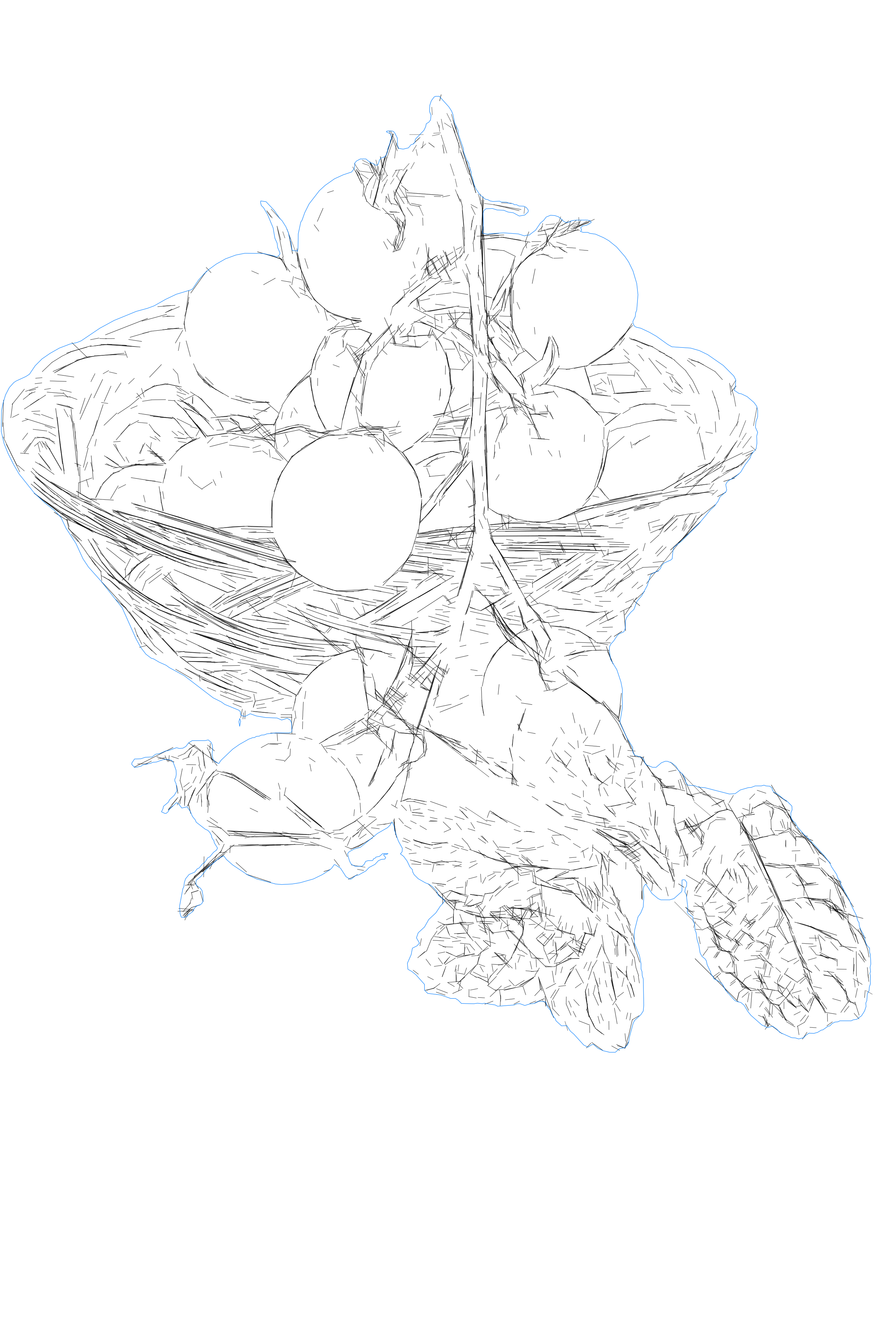
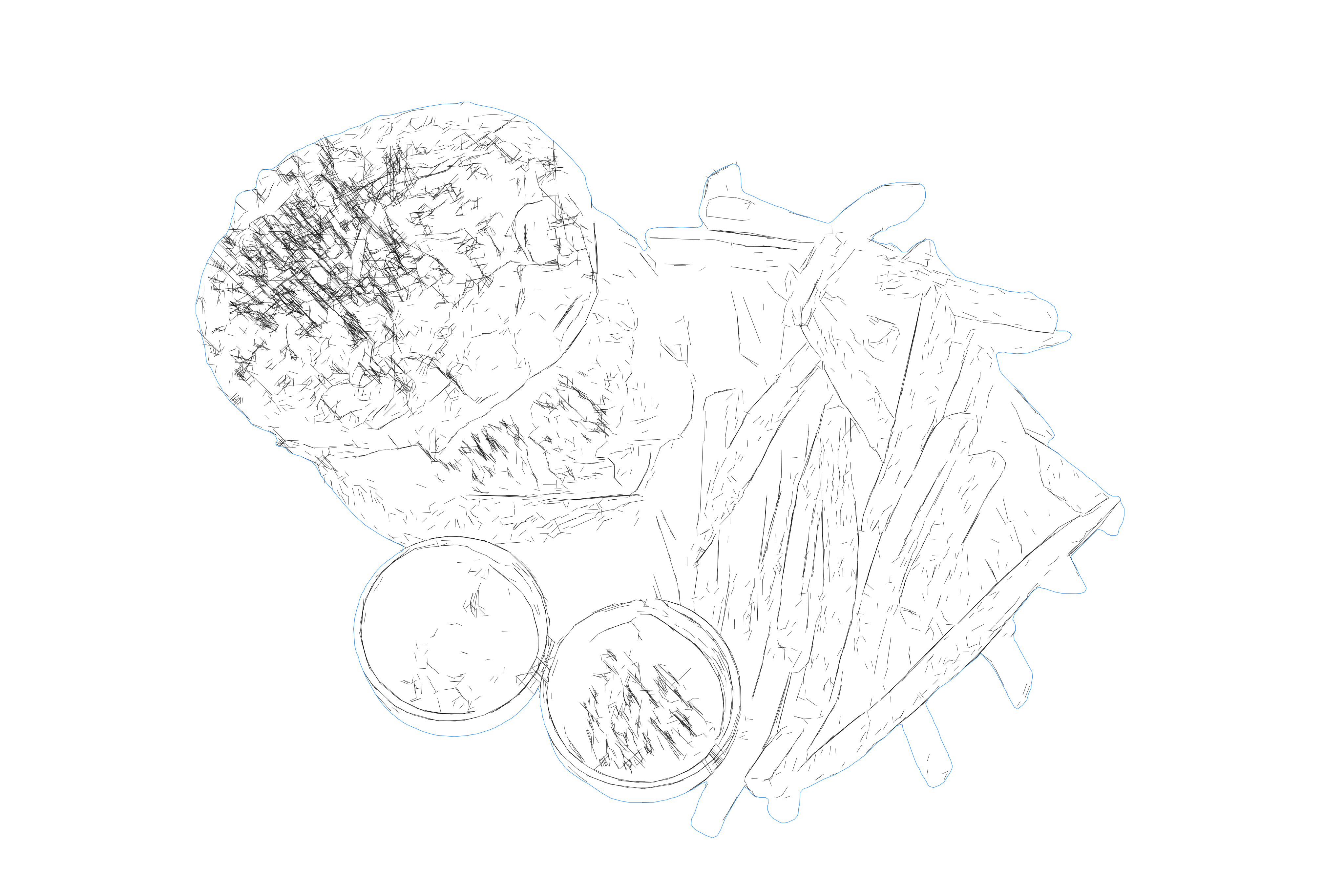
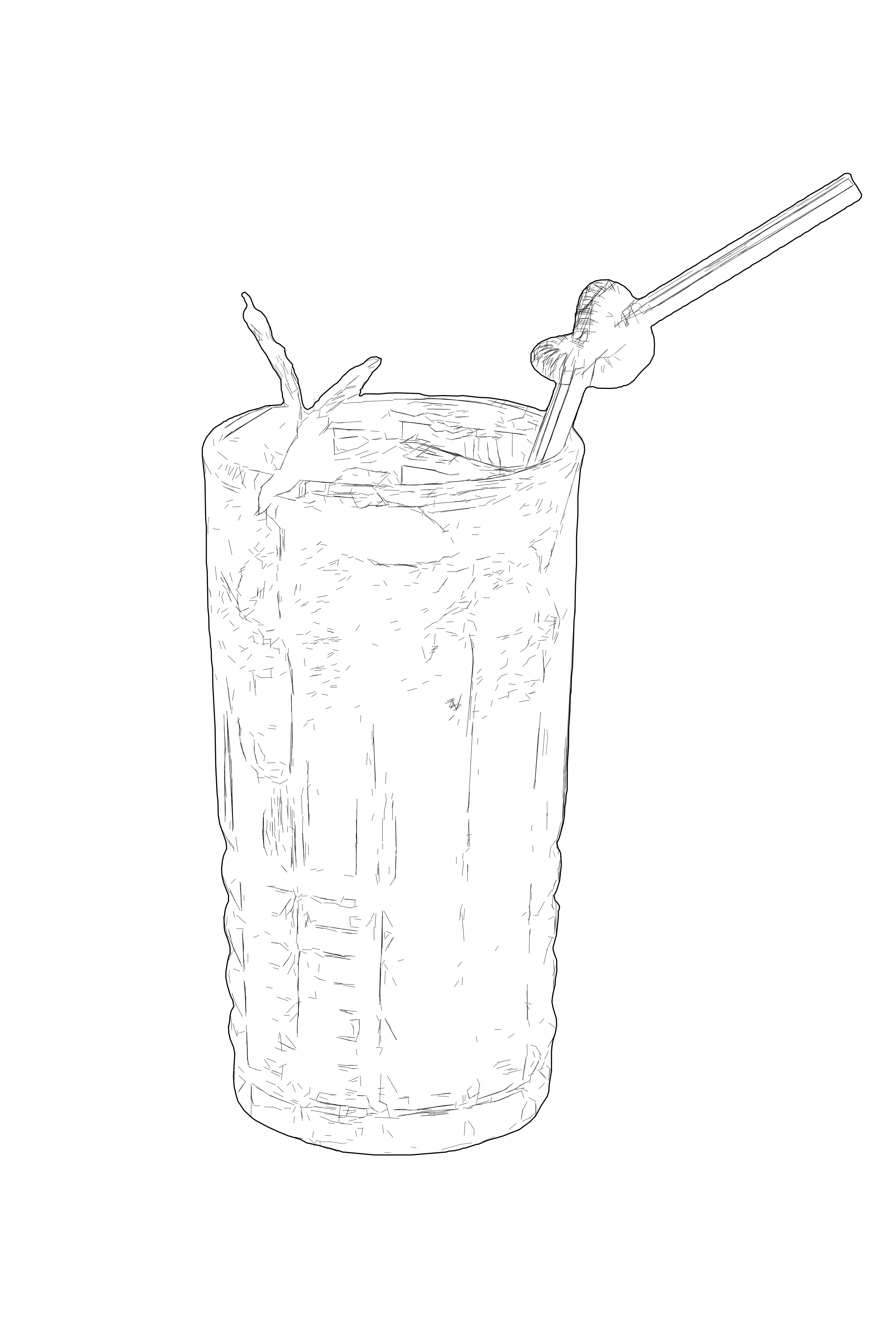
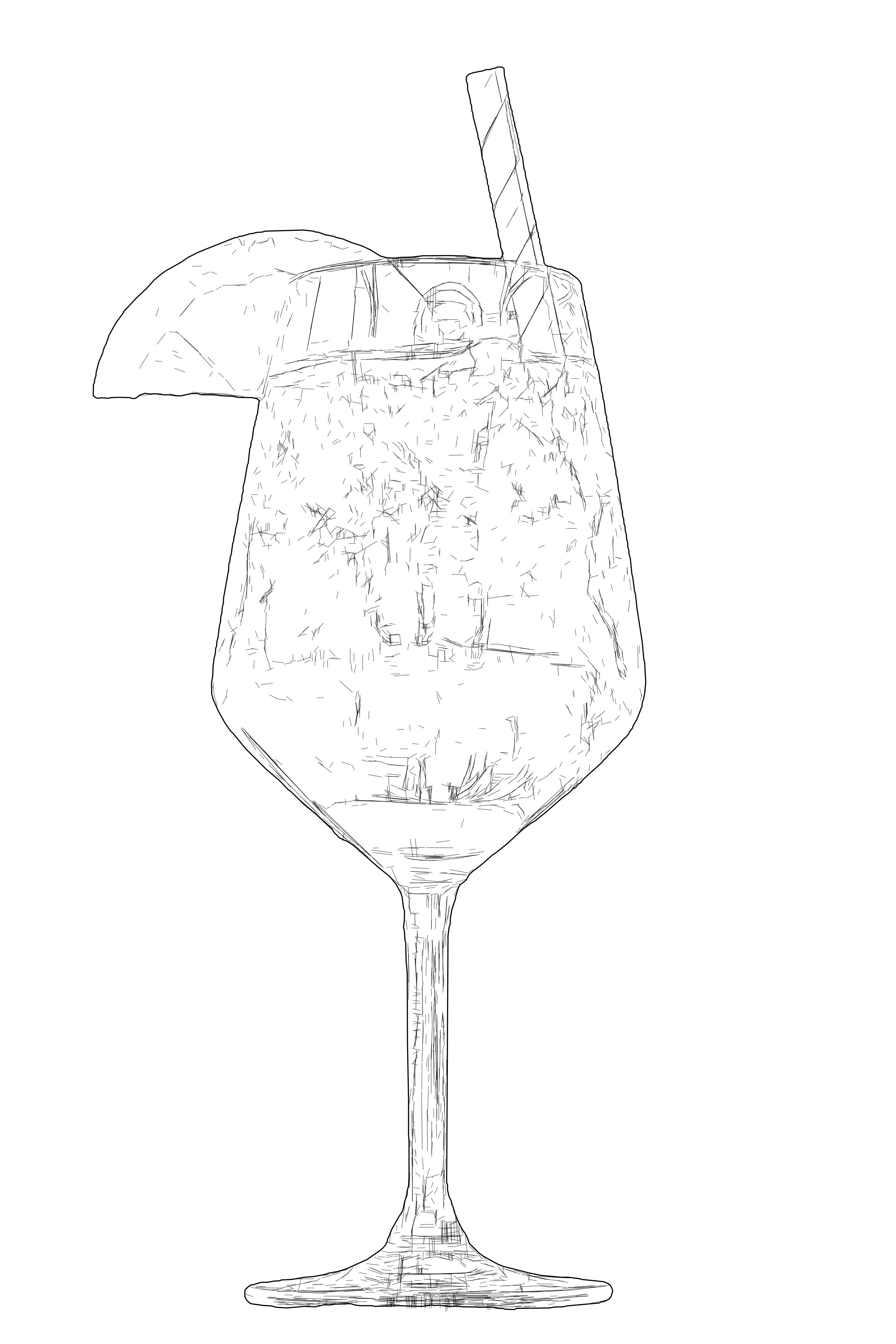
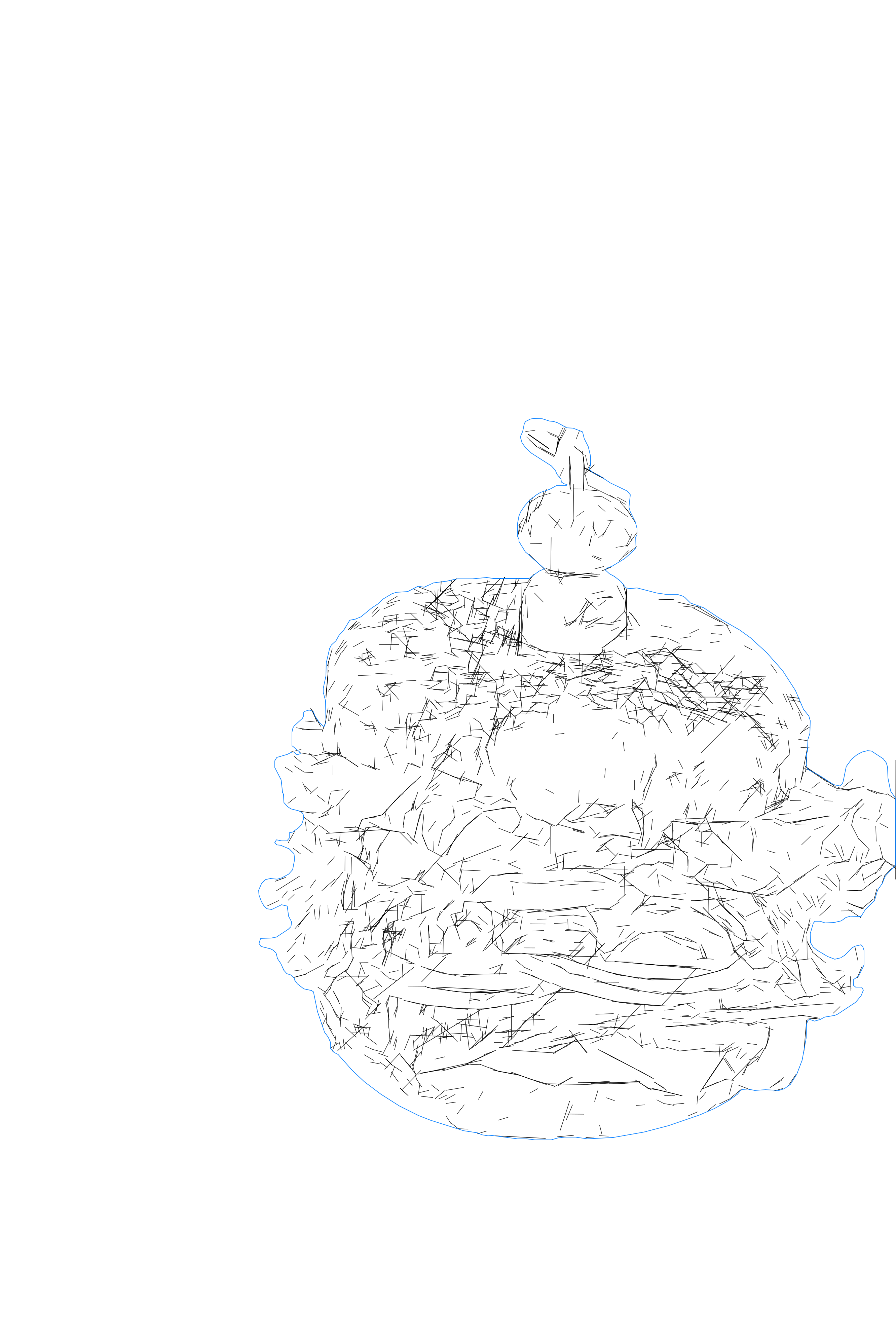
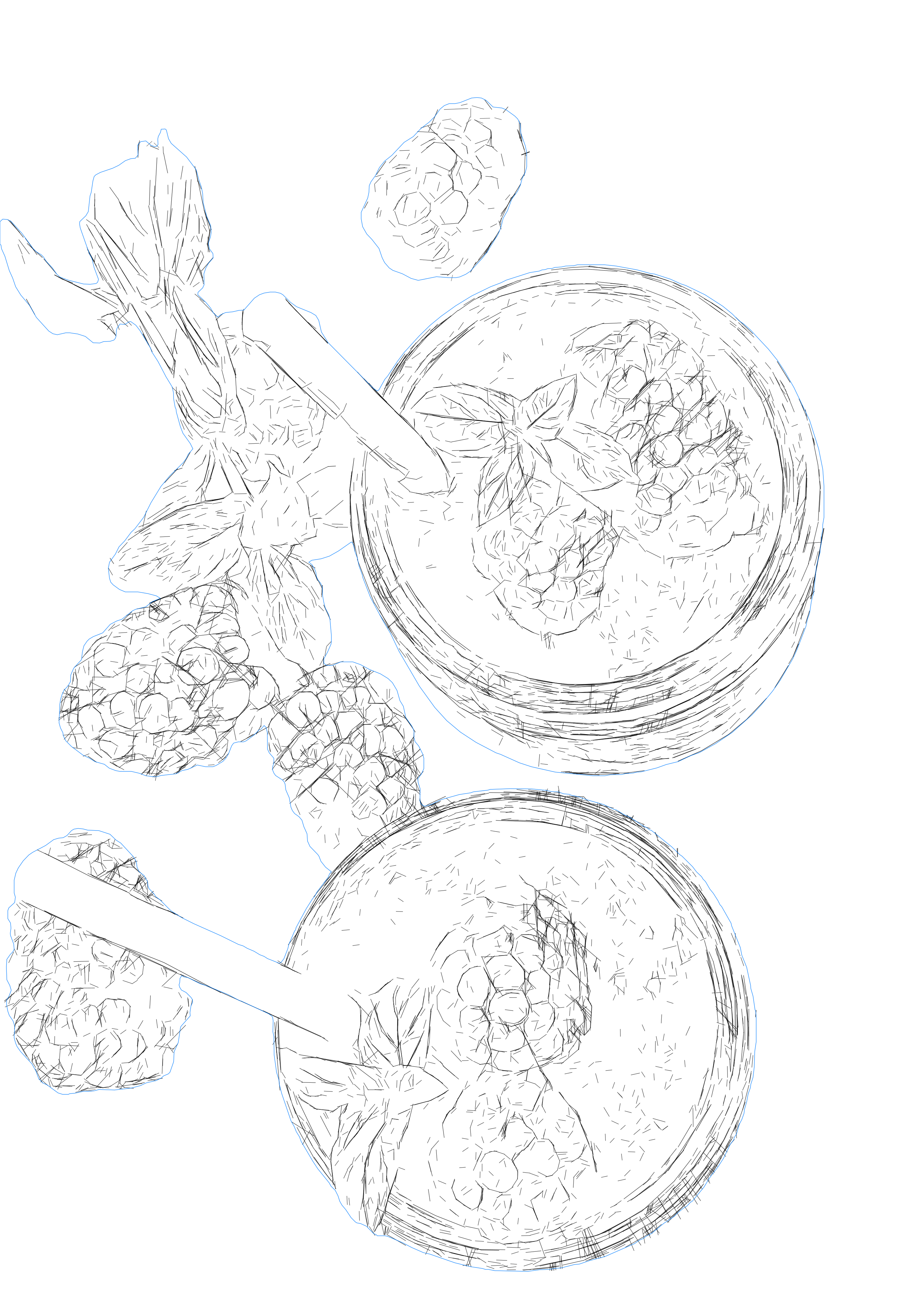
Convert photos and raster images into detailed SVG line vectors for laser engraving — dense, structured, multi-line geometry that captures portraits, architecture, cityscapes, and other intricate subjects. It does in seconds what would take hours to trace by hand, and resolves fine detail far more accurately than generic image-tracing tools. Unlike a single-line centerline trace, it preserves the fine contours and depth of the original, so the engraved result reads as a finished, detailed design rather than a flat outline.
When the laser is your destination, switch on "Optimize for Laser Engraving". It restructures the very same design into an efficient toolpath: duplicate vectors are removed (no double-burns, no "duplicate vector" warnings), the paths are reordered along the shortest engraving route, and explicit dimensions are written so the file imports at true scale in LightBurn and other CAM software. The design looks exactly the same — it just engraves in a fraction of the time. For maximum detail, use input images larger than ~2000px on the shorter side; smaller inputs render lighter line detail, and you control the detail level before export. Need clean, cut-ready closed contours for logos and graphics, or single, non-doubled lines for fine text and scoring? Use the Contour Vectorization or Centerline Vectorization workflows.
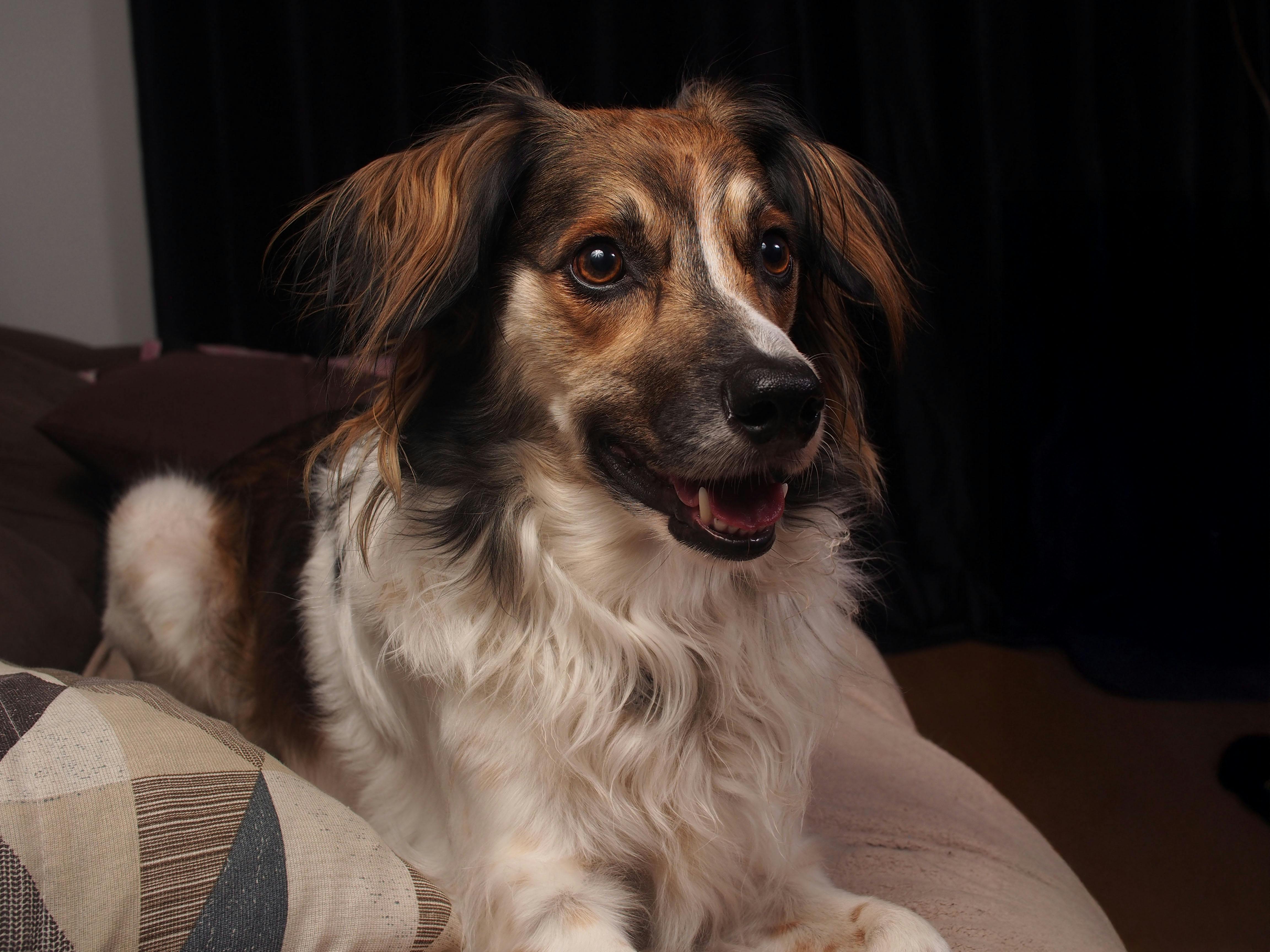
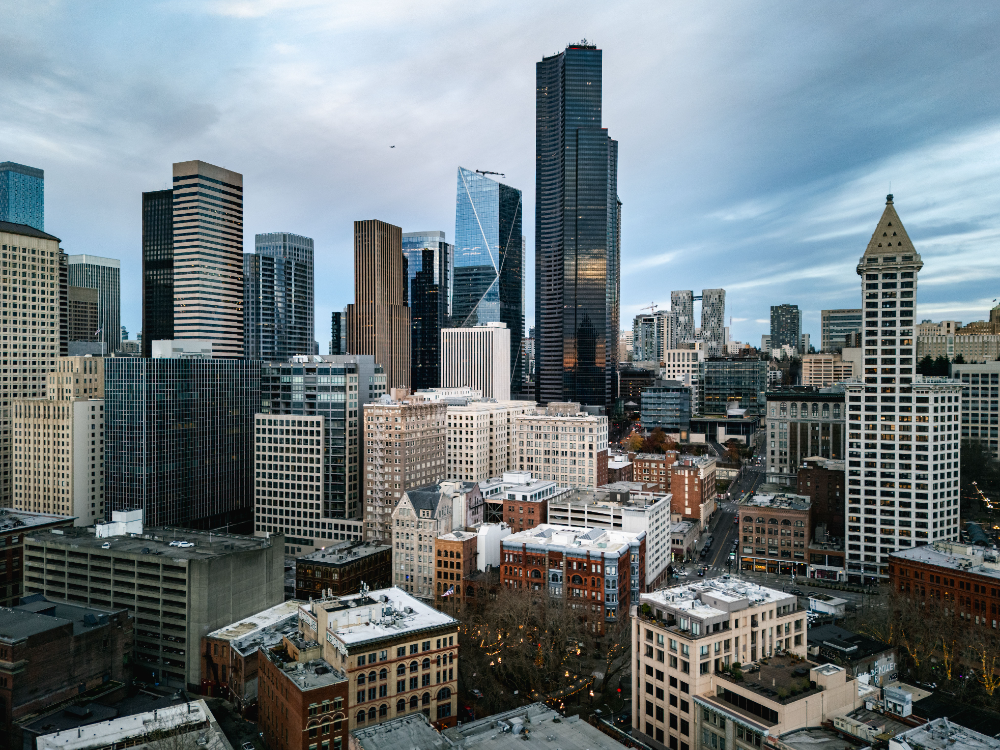
Input - Raster
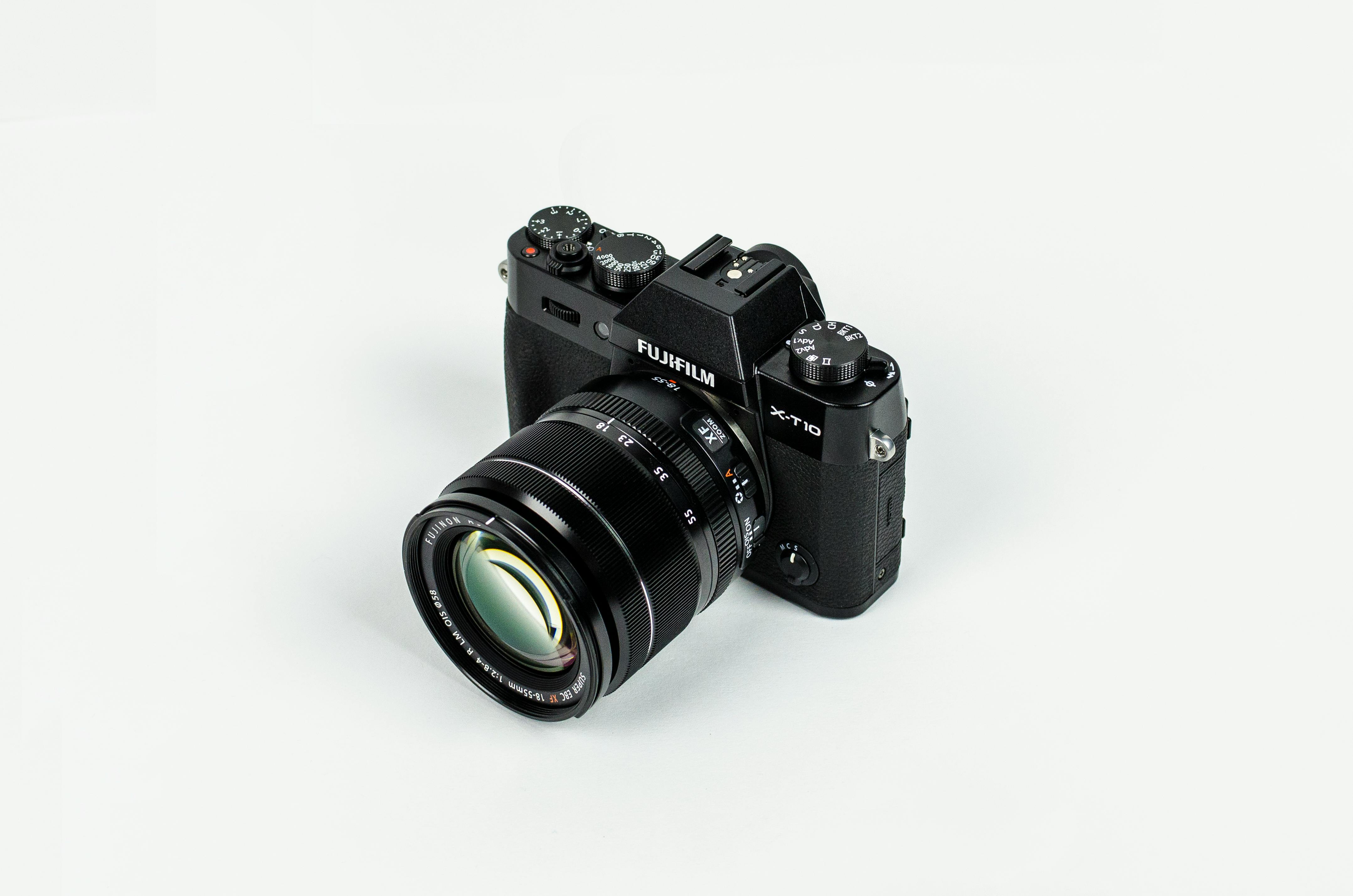
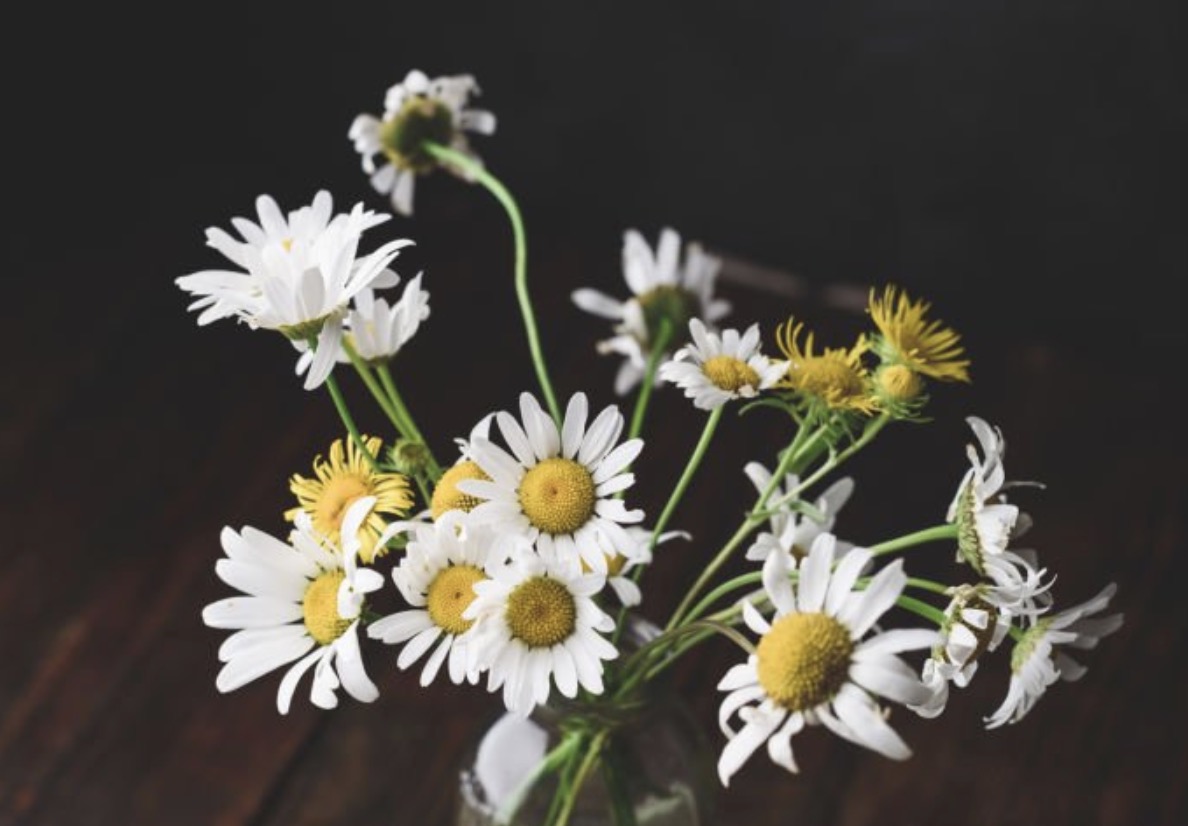
Photos, portraits, product shots, architecture, and other detailed subjects with readable contours and depth.
Output - Detailed Vector
Highly detailed line-graphic SVG with structured, layered geometry — optionally optimized into an efficient laser-engraving toolpath.
Best for - Laser Engravers
Laser engravers and makers producing detailed photo, portrait, and scenery engravings — plus product designers and pen-plotter users who need rich, controlled vector linework.
Different from - Centerline Tracing
Single-line centerline tracing and generic auto-tracing. This preset keeps dense, detailed linework; for clean, cut-ready closed contours use Contour Vectorization, and for single, non-doubled lines use Centerline Vectorization.
Supported Formats
SVG - Detailed Line-Graphic SVG
Highly detailed, structured SVG linework — optionally laser-optimized for clean toolpaths and fast, error-free engraving in LightBurn and other CAM software.

Examples
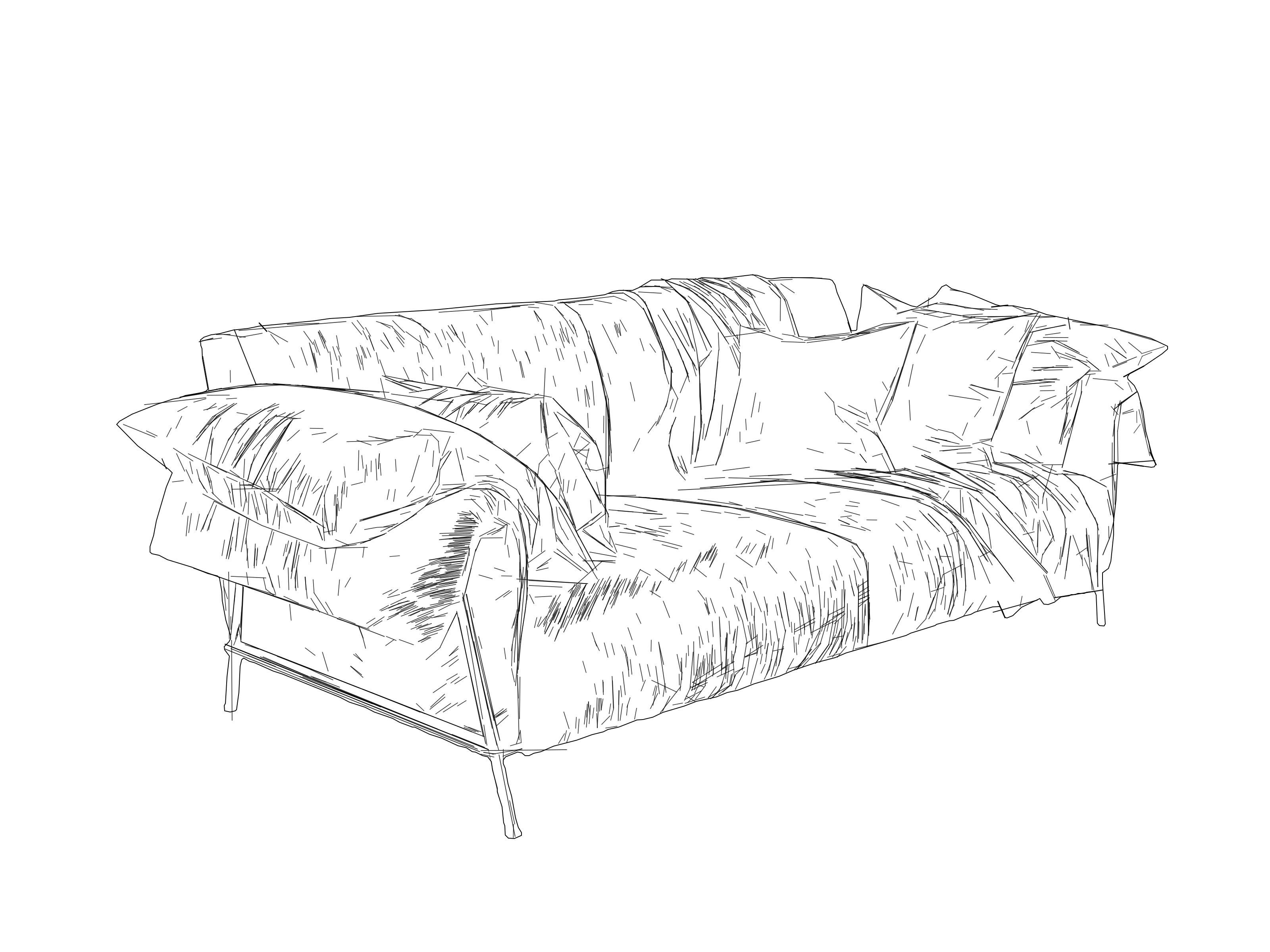
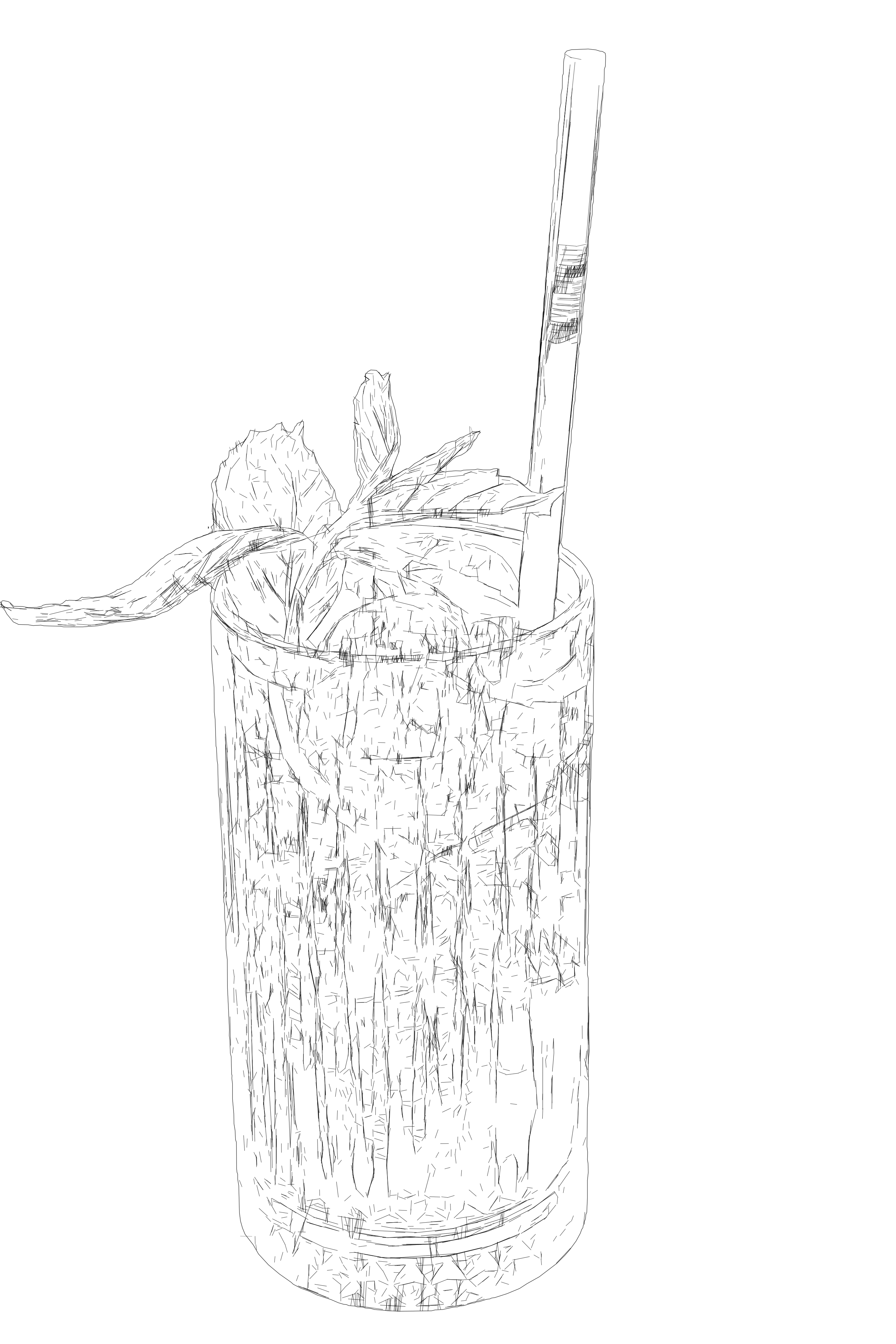
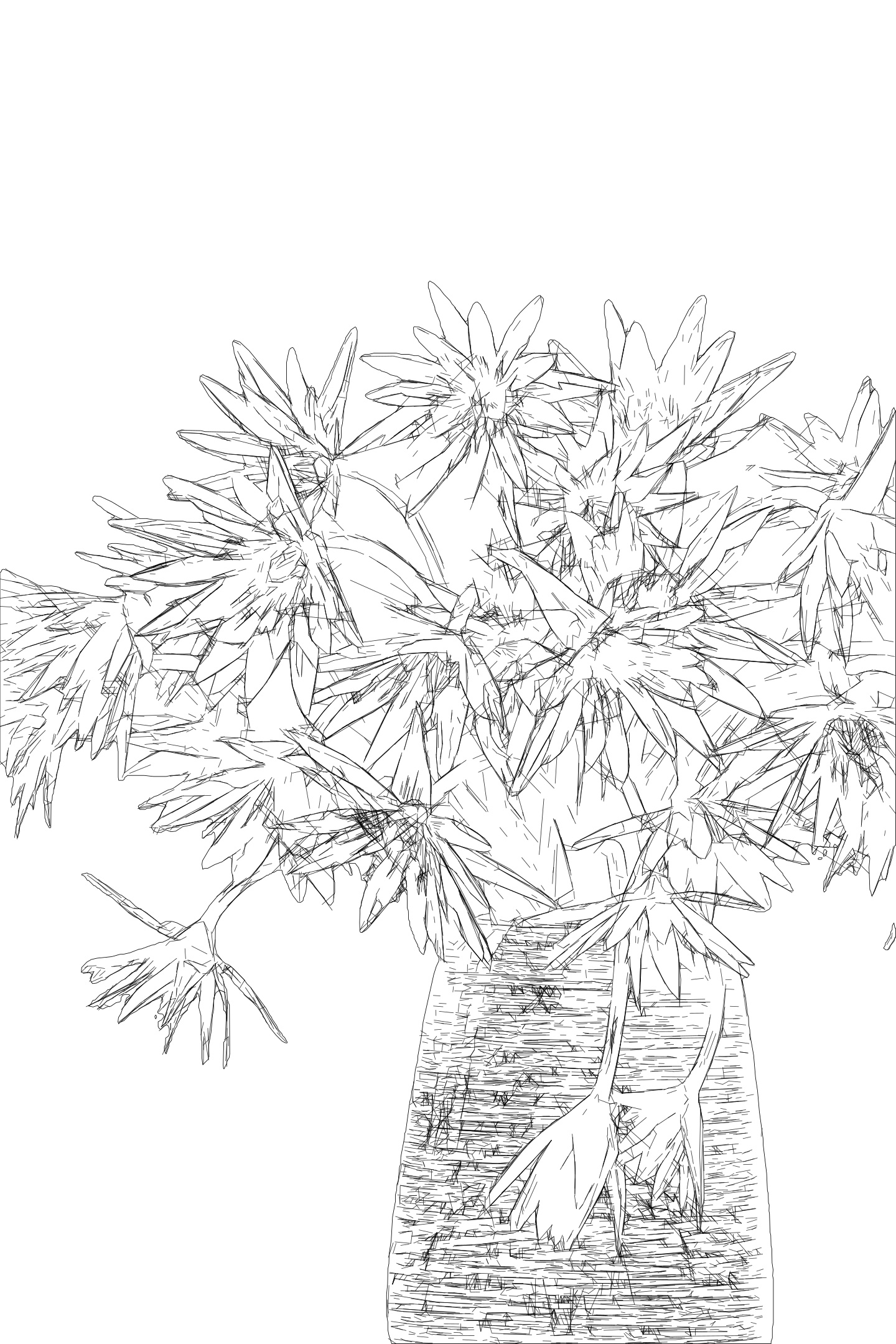
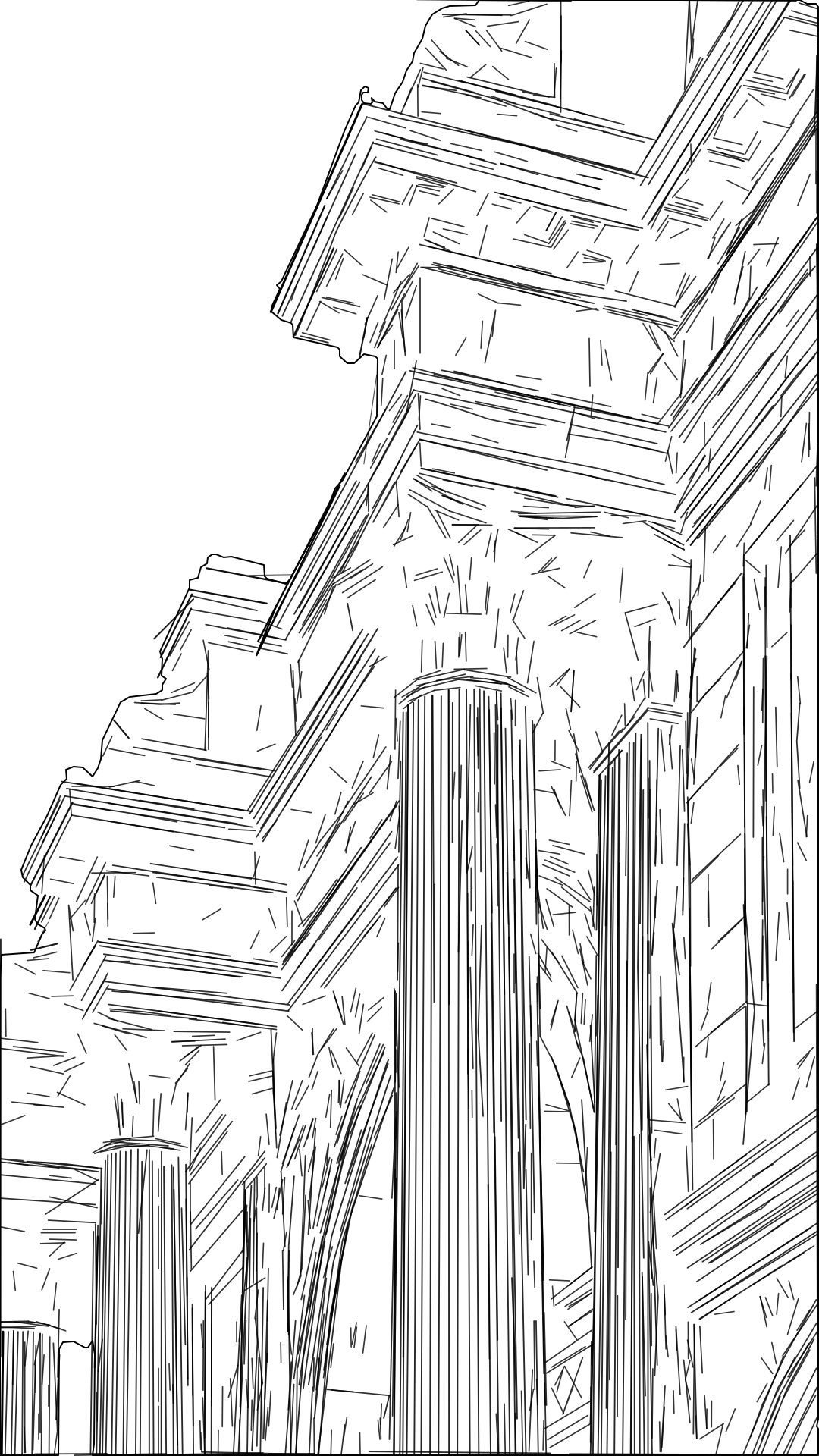
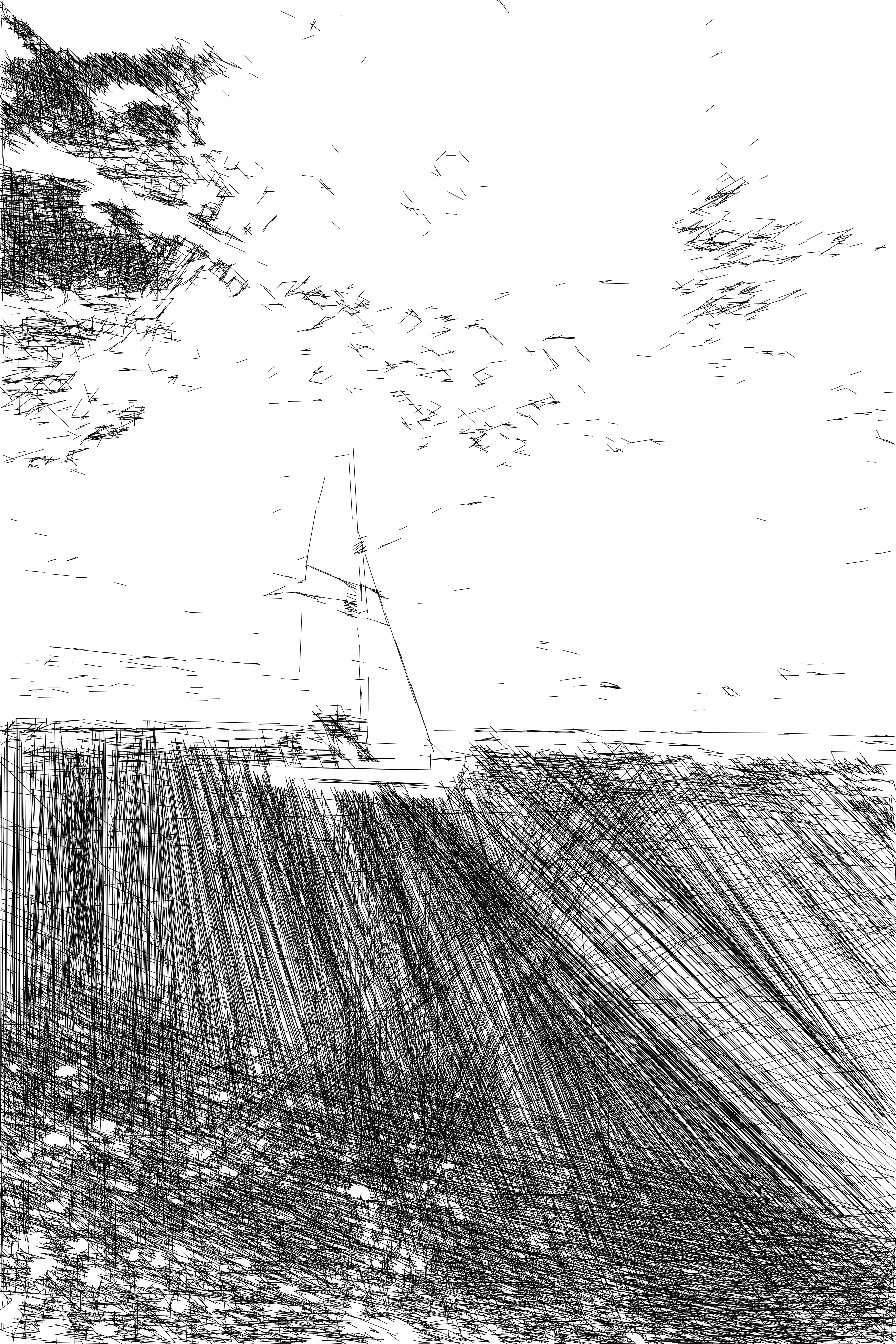
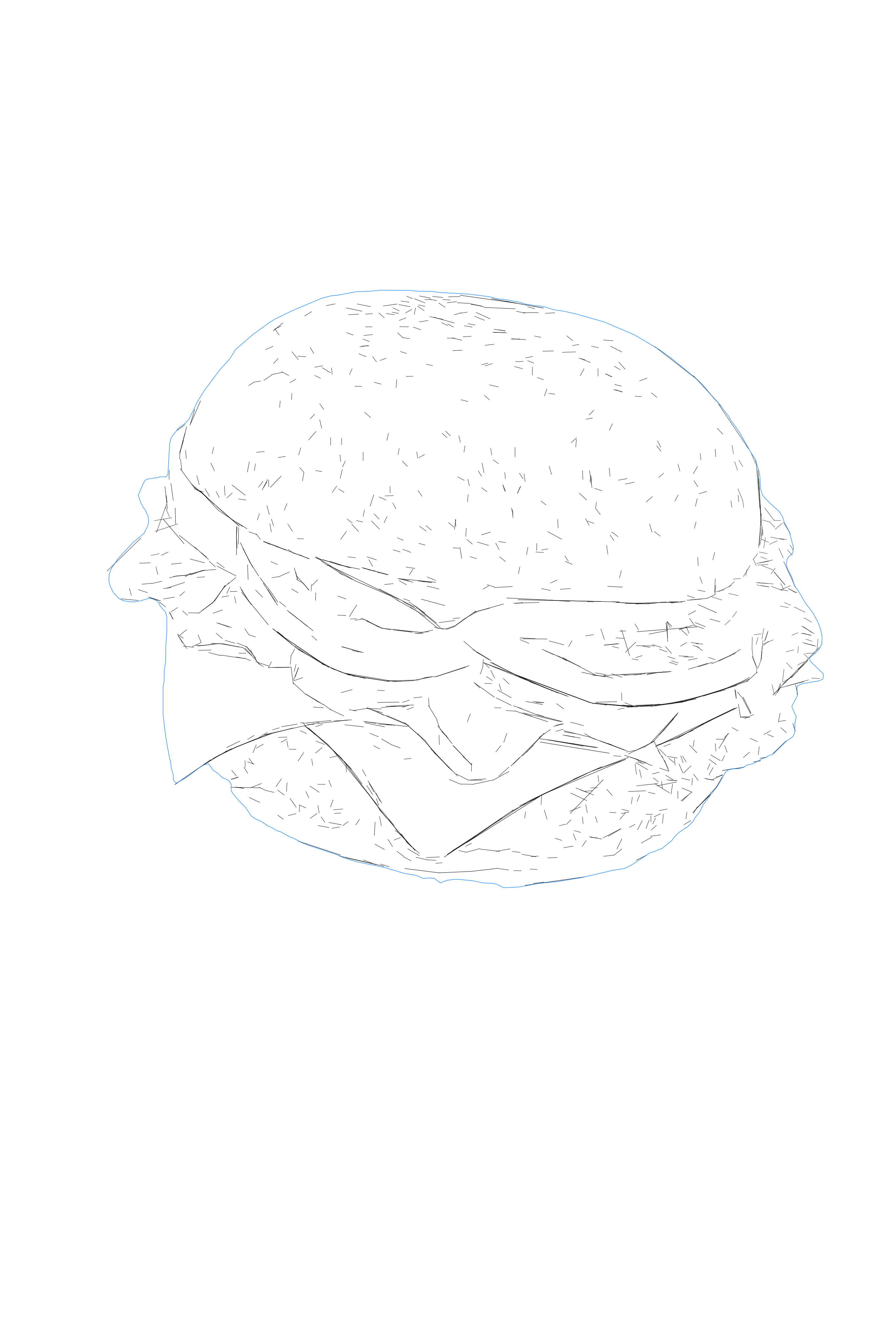
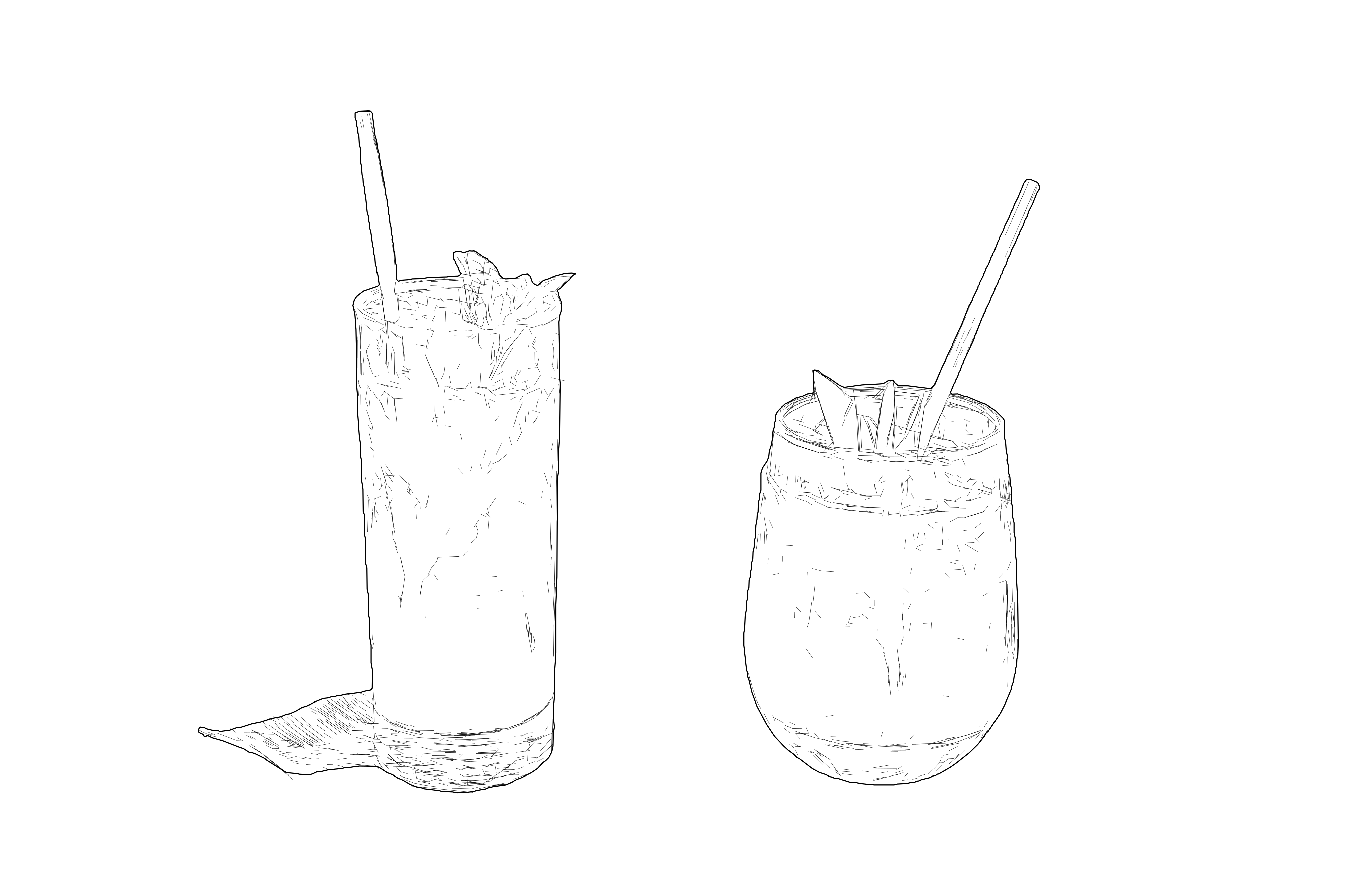
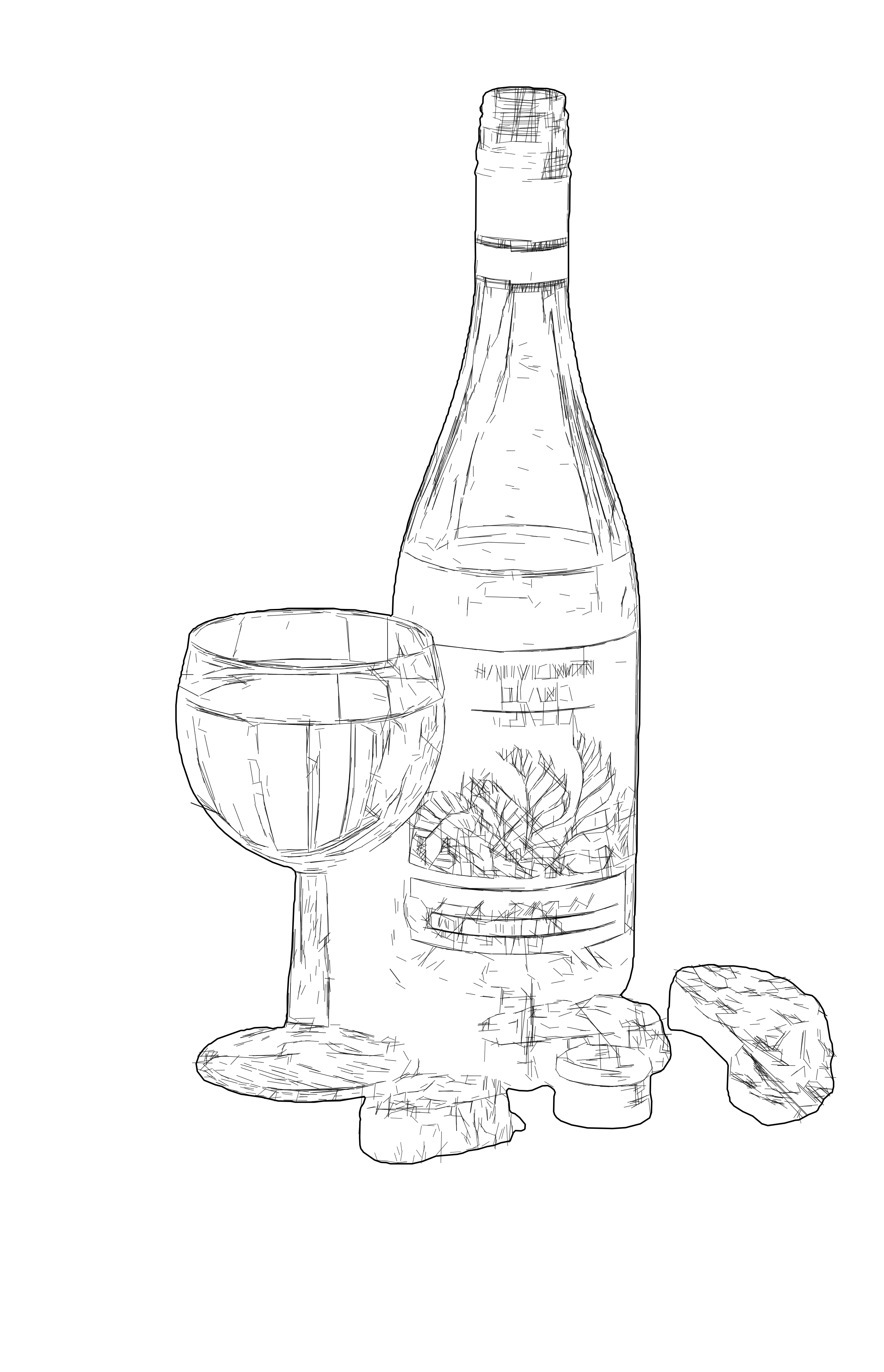
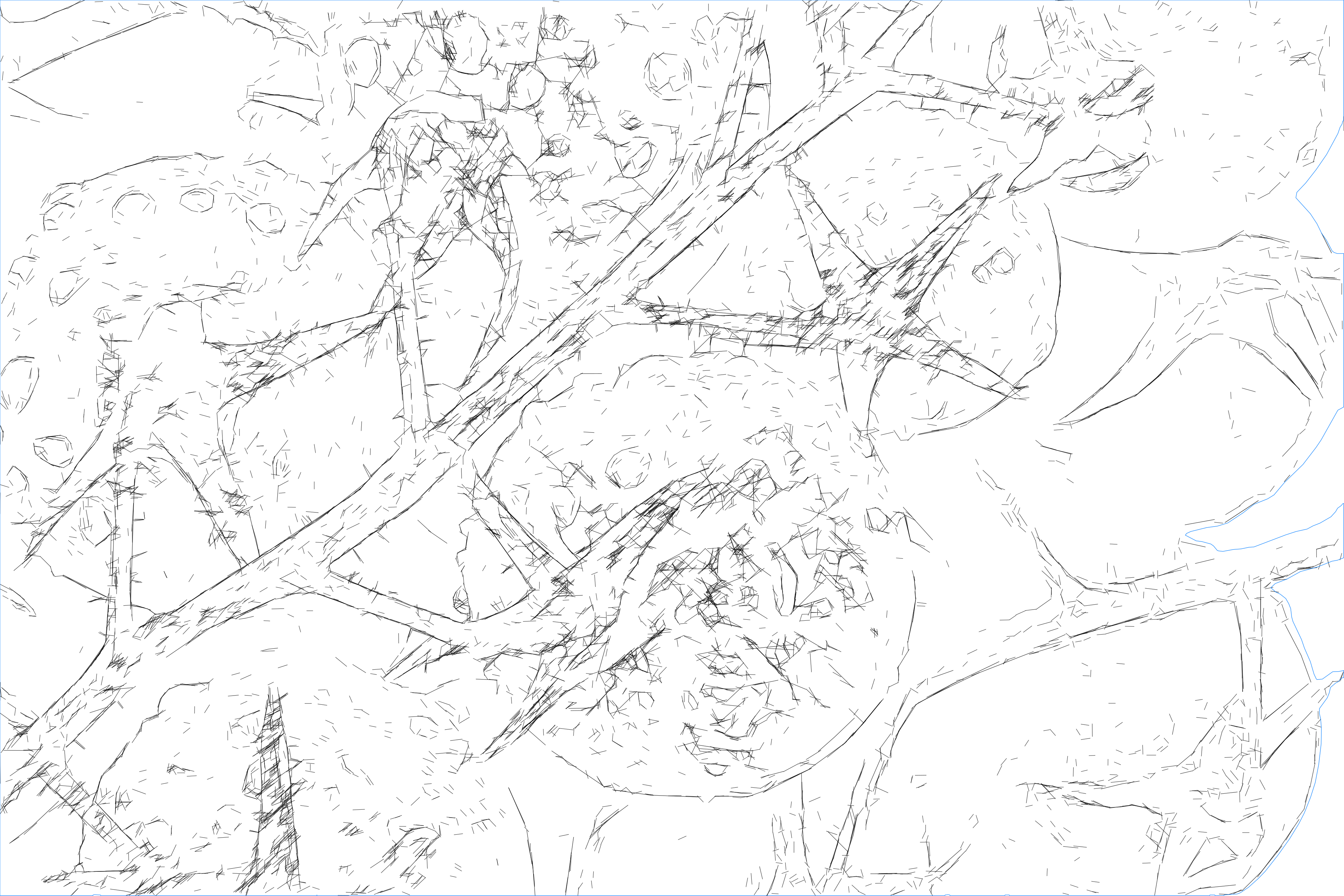
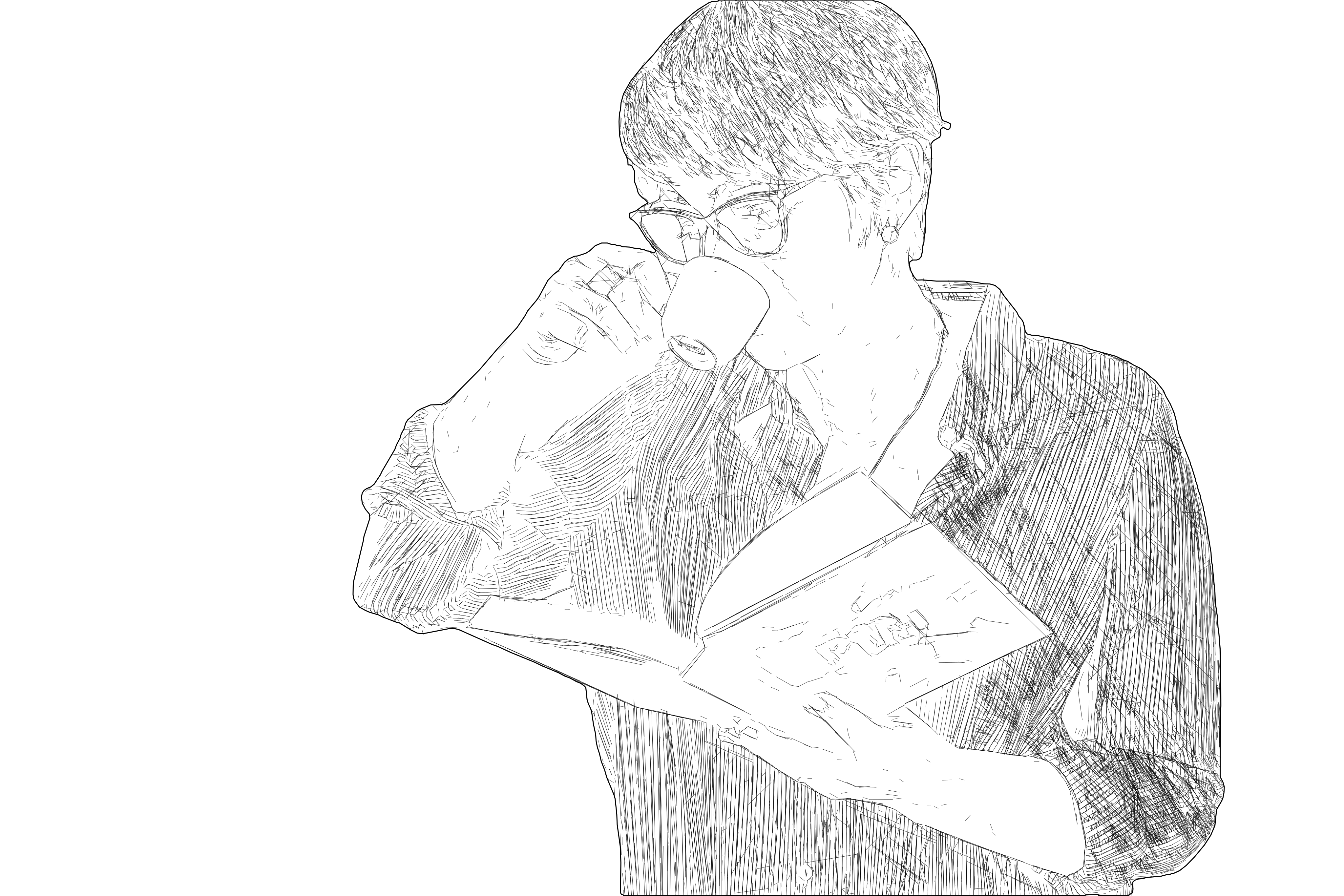
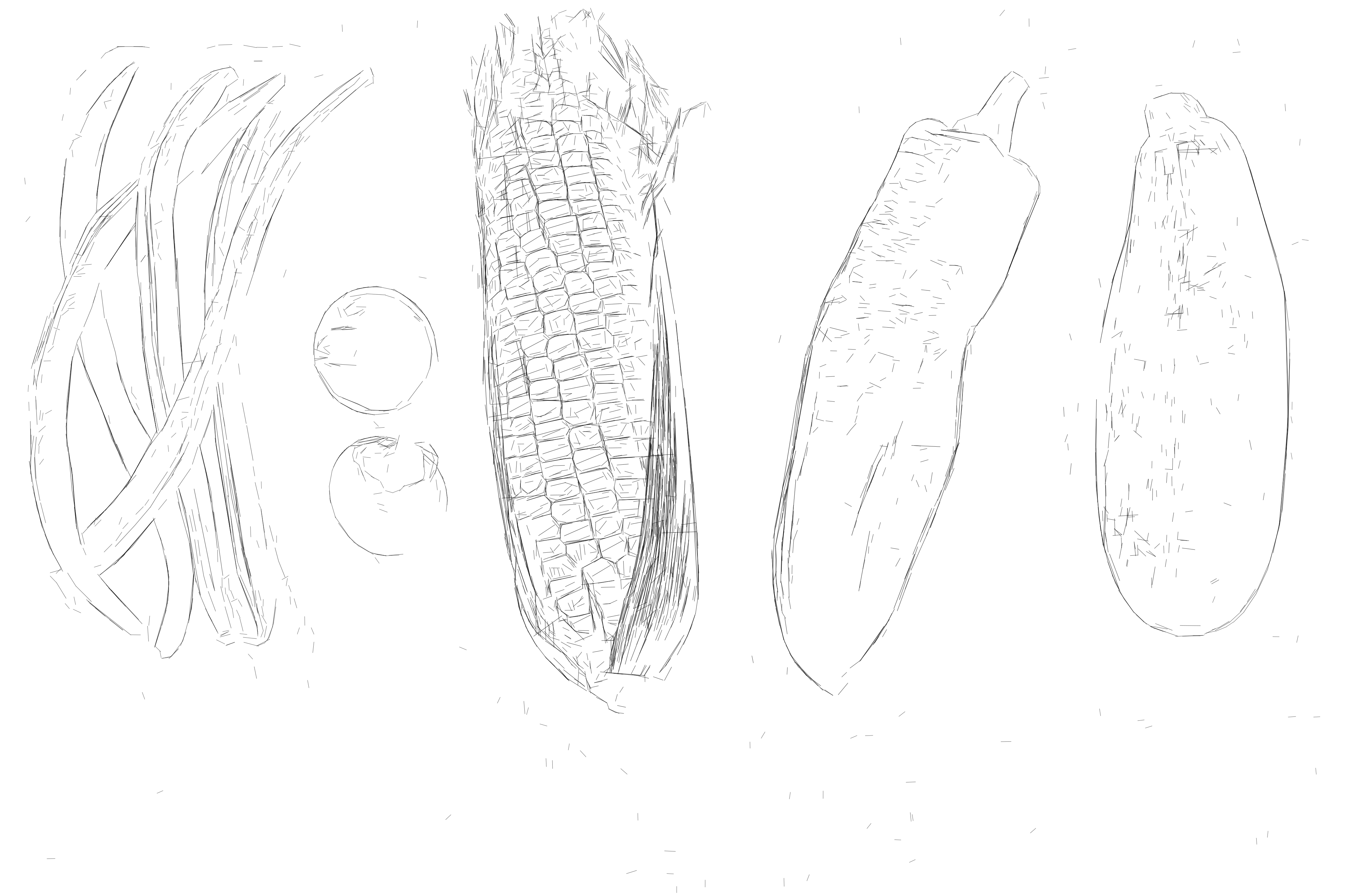
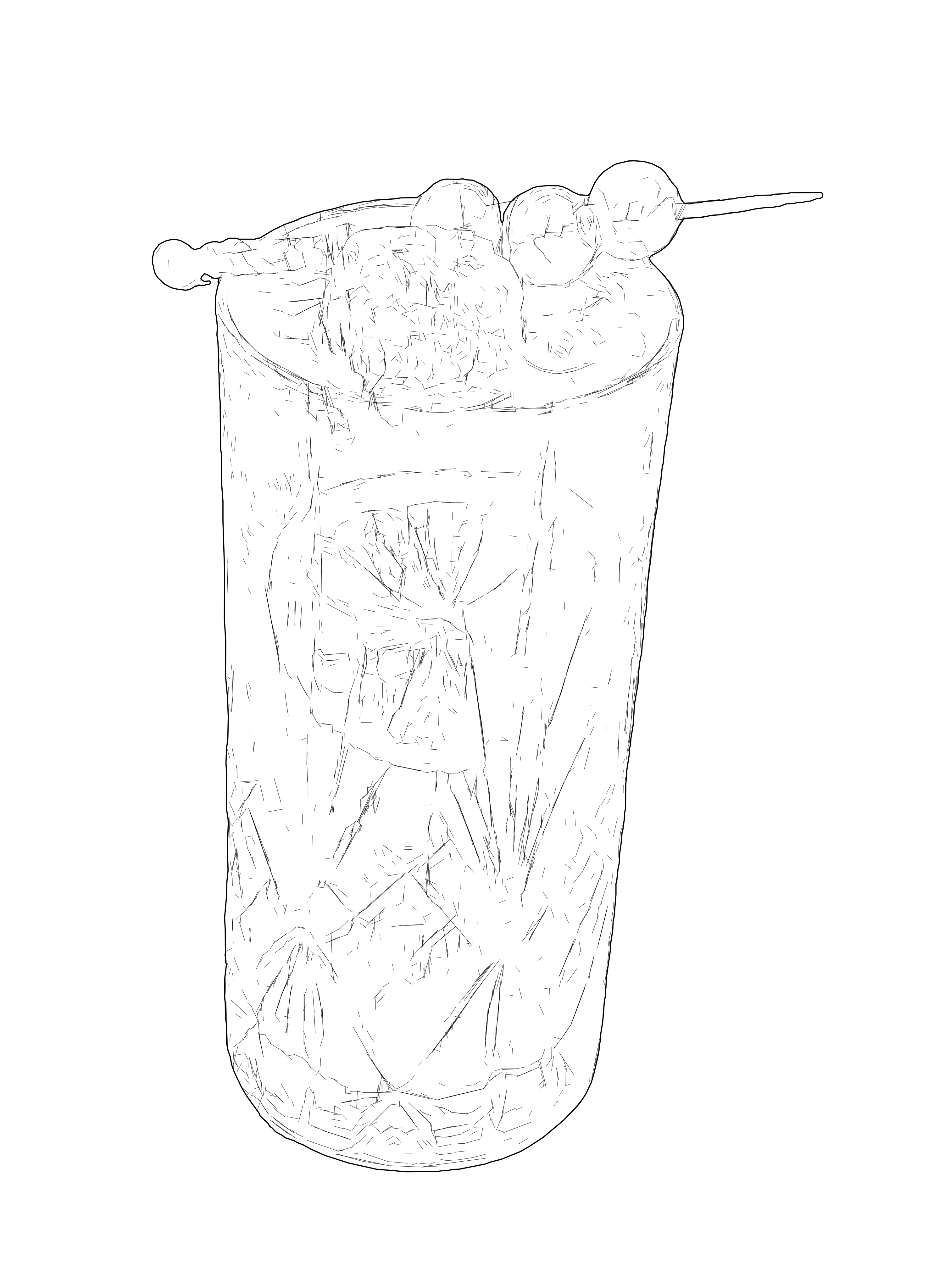
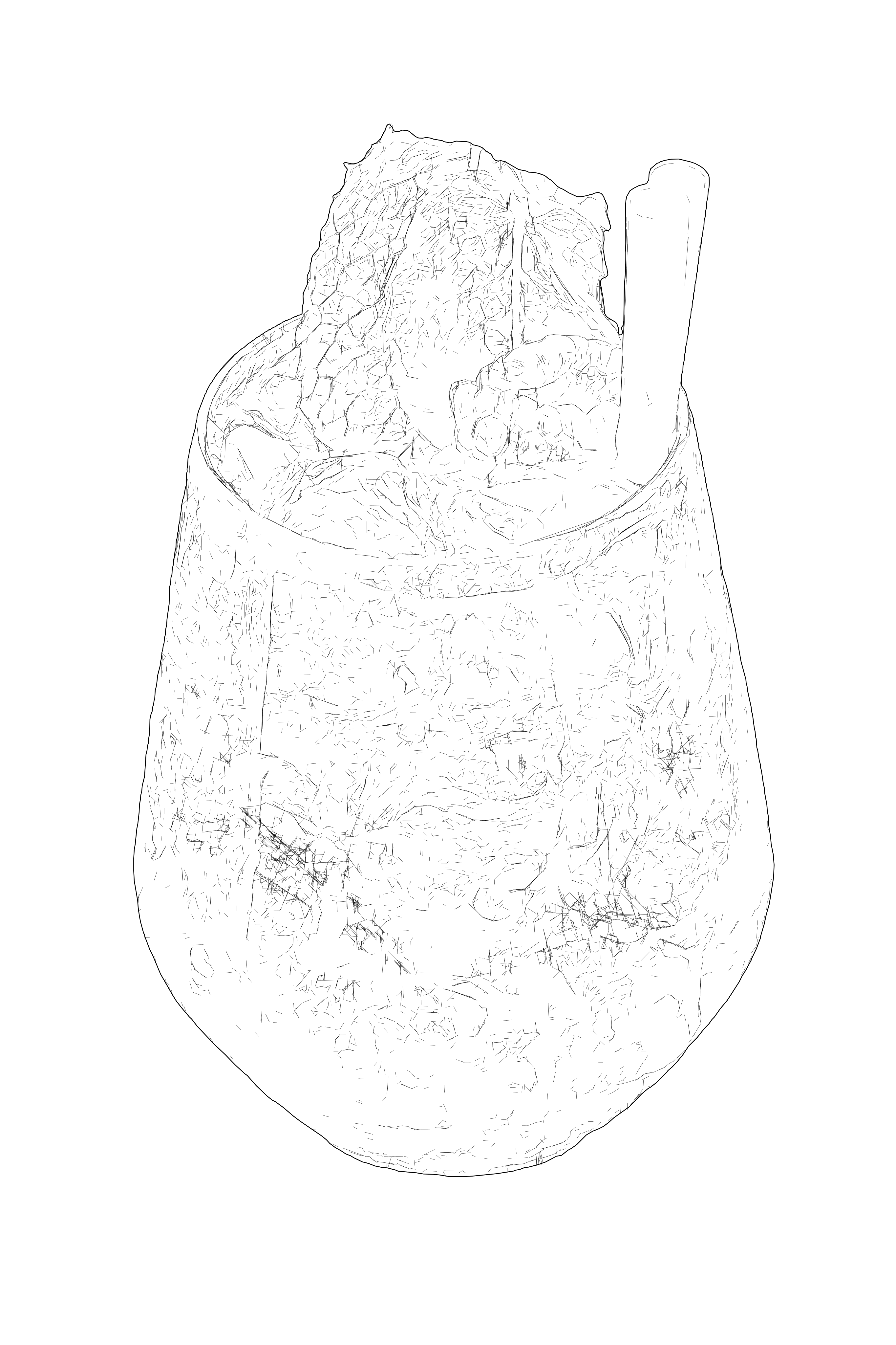
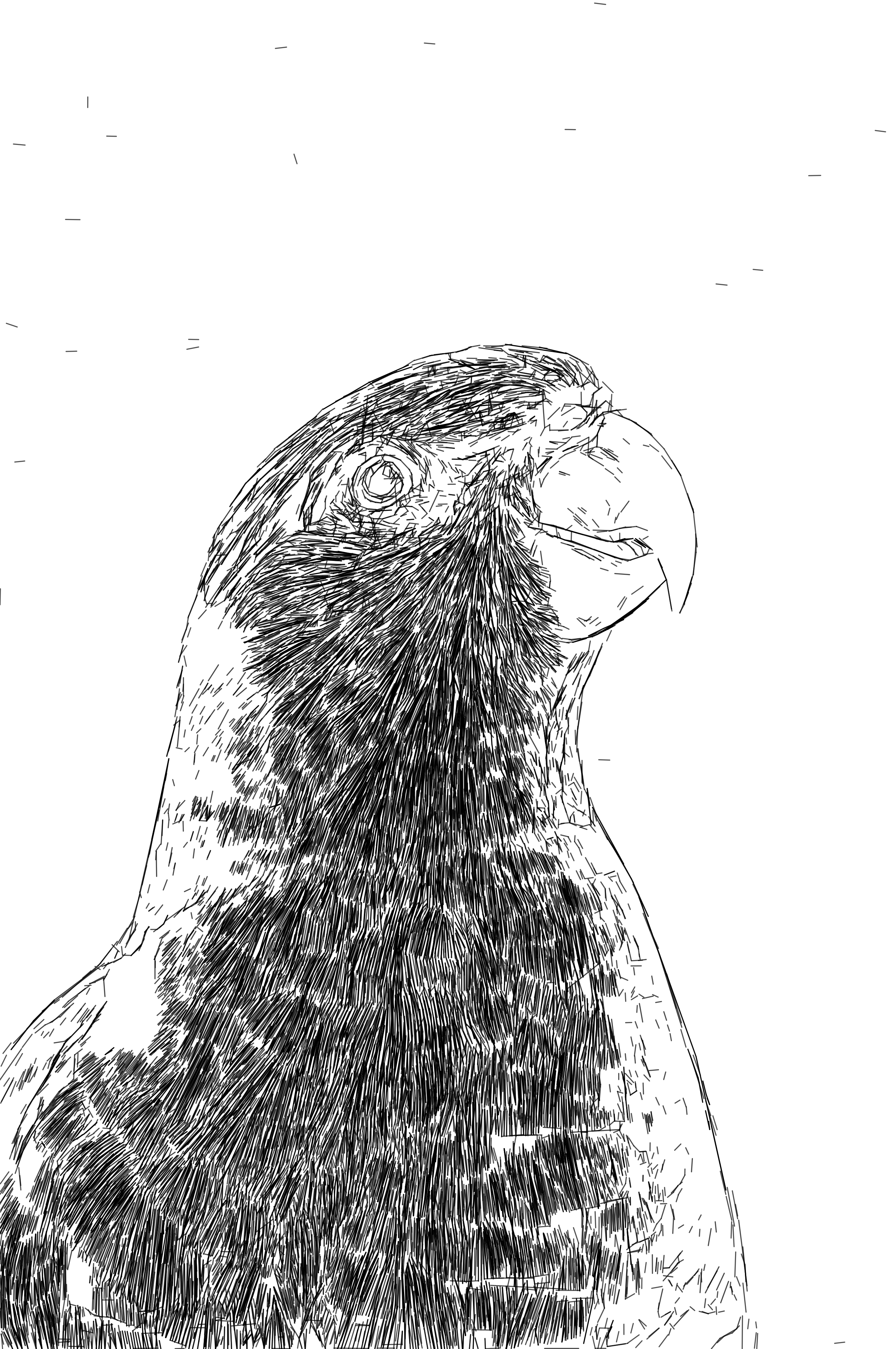
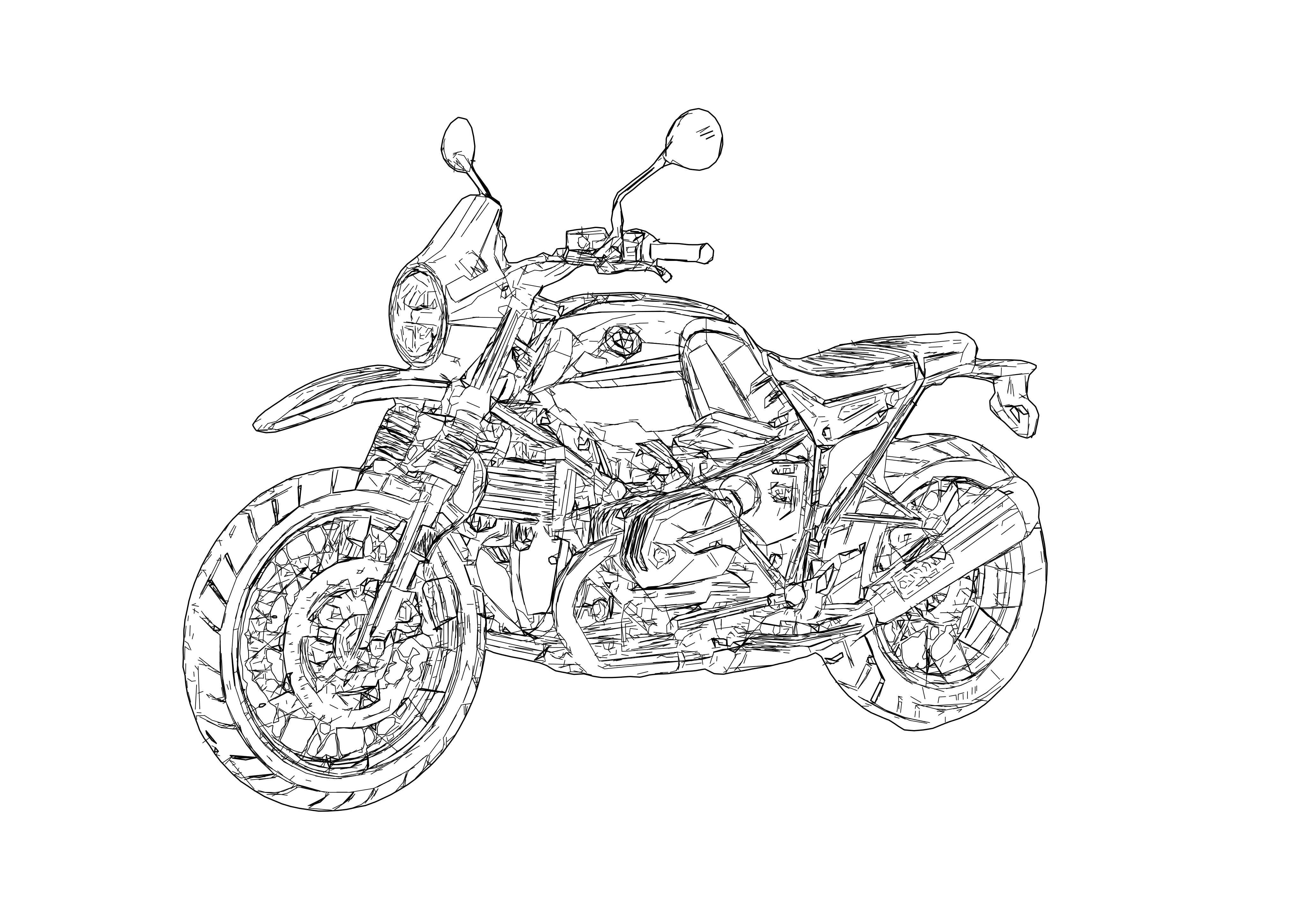
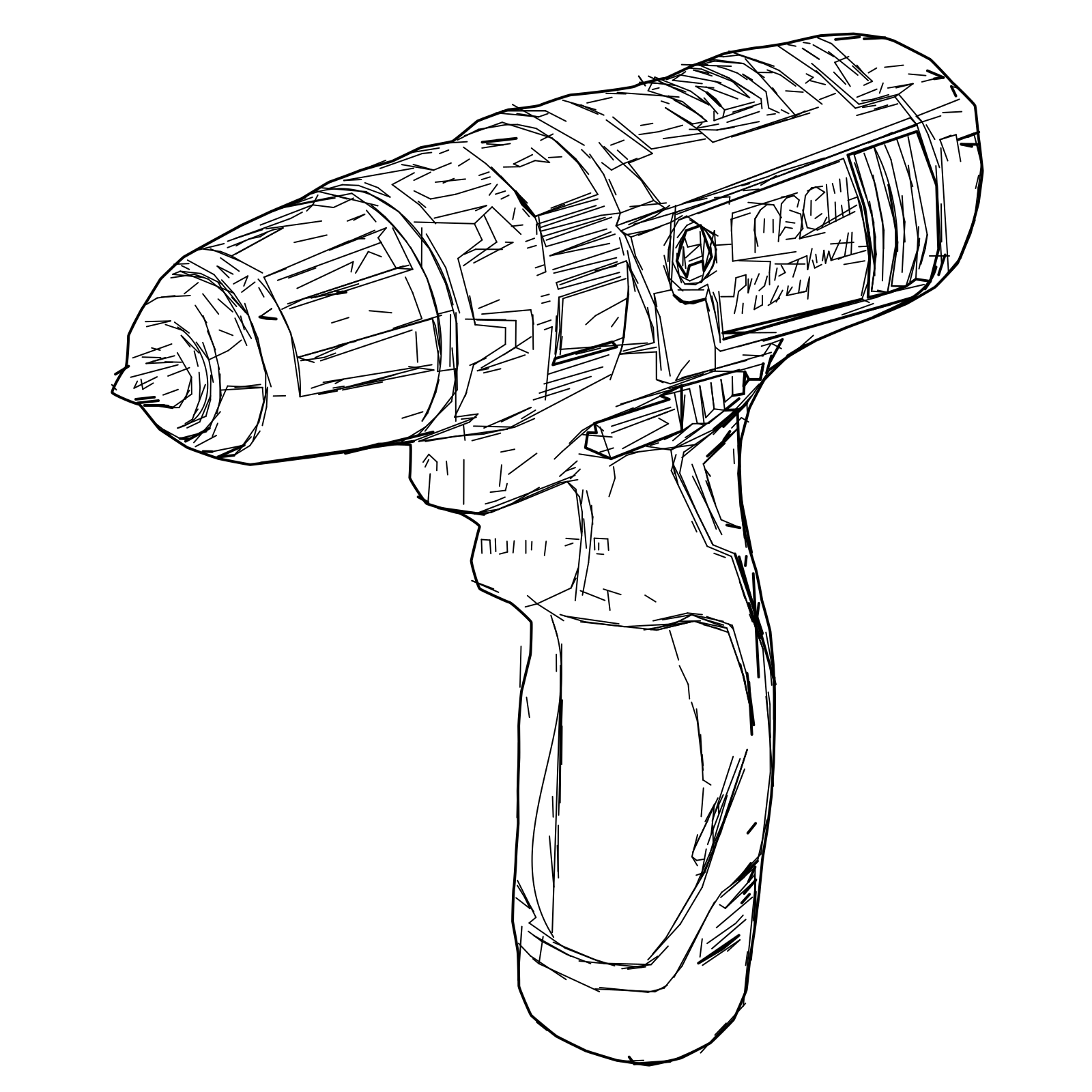
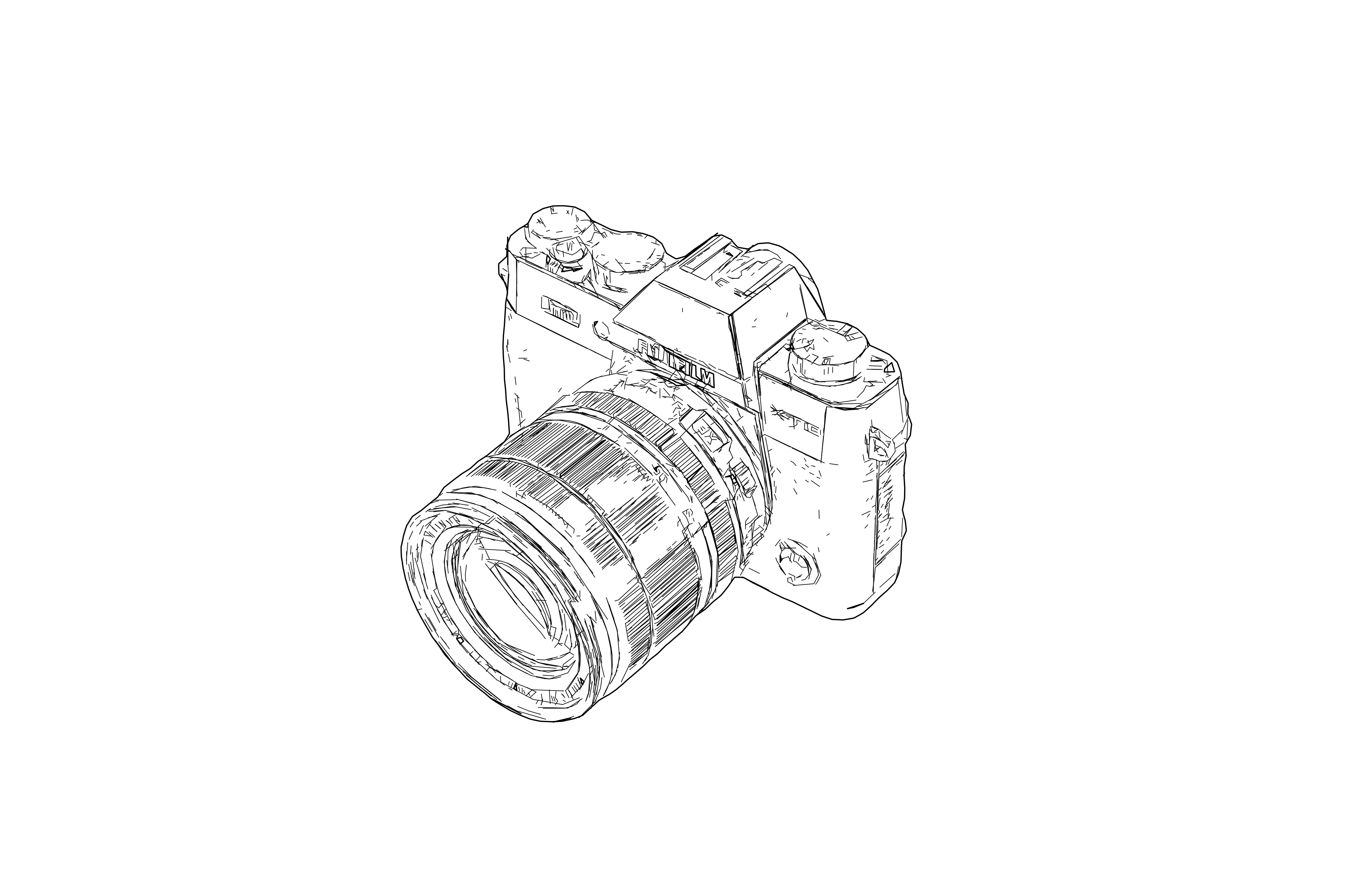
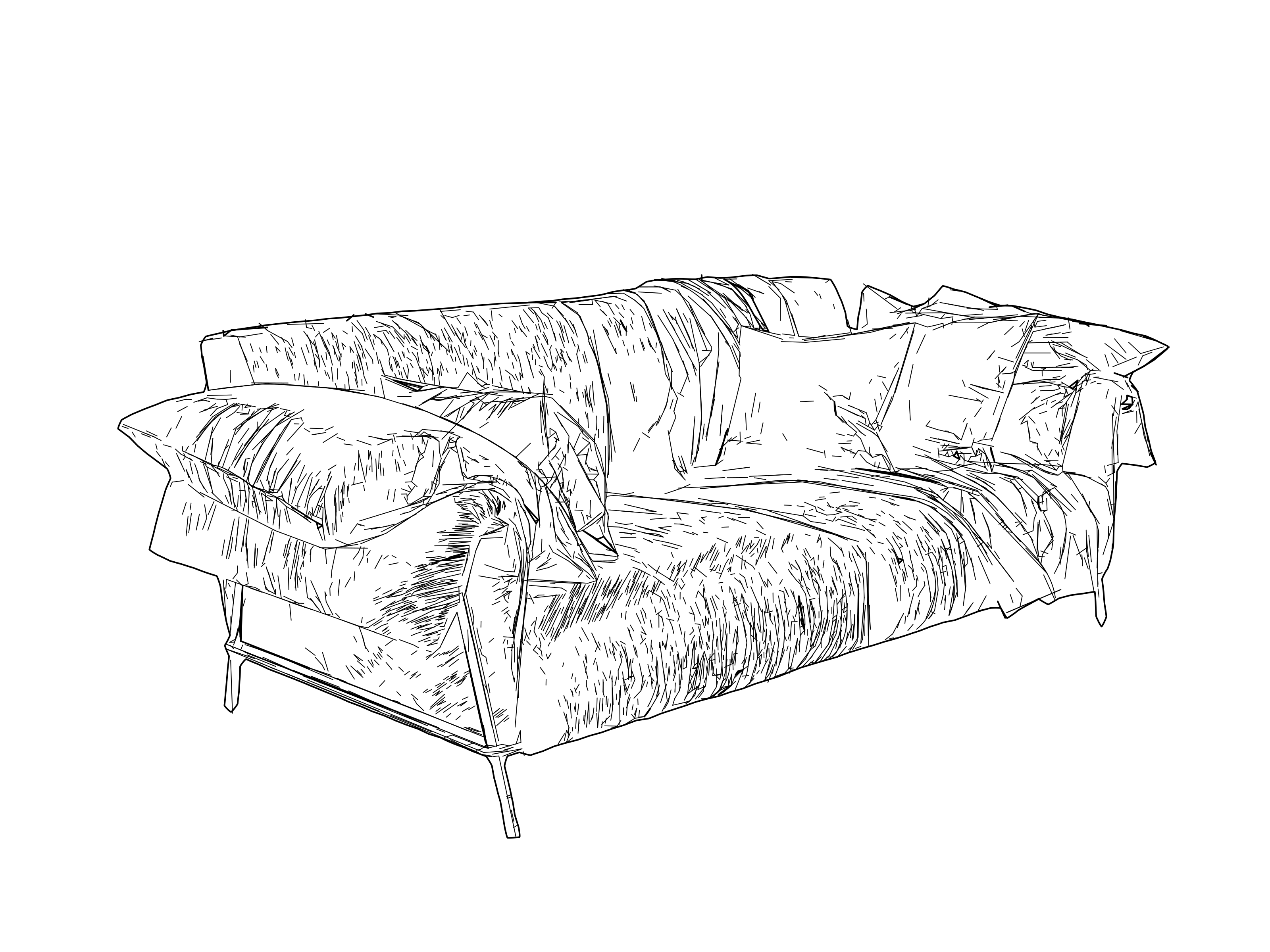
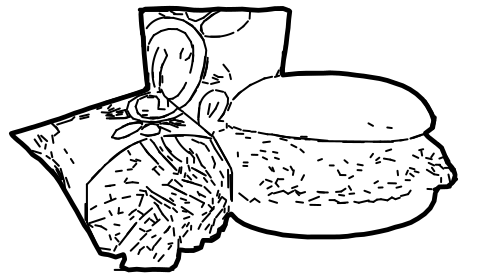
How it works
- 1
Drop your image
Upload a photo or raster image and open it in the workspace.
- 2
Vectorize and optimize
Choose Line Graphic Vectorization, tune the level of detail, and switch on "Optimize for Laser Engraving" when the laser is your destination.
- 3
Export laser-ready SVG
Download a clean, detailed SVG that imports at true scale and engraves fast — no duplicate vectors, no tangled toolpaths.

Use Cases
Photo & Portrait Engraving
Engrave detailed portraits and photographs as rich vector linework on wood, acrylic, and more.
Detailed Vector Linework
Turn complex images into intricate, engravable vector linework with full control over detail.
Cut-Ready? Use Contour
Need clean, cut-ready closed contours for logos and graphics? Switch to the Contour Vectorization workflow.
Architecture & Cityscapes
Convert buildings, skylines, and facades into detailed line-design panels for engraving and display.
Pen Plotting
Generate detailed, clean vector linework that plots reliably on pen plotters and single-line output devices.
Vector Engraving
Engrave the design as crisp vector paths — clean line engraving on wood, acrylic, leather, and more, not a rasterized halftone.
FAQ
How is this different from Contour Vectorization and Centerline Vectorization?
Line Graphic Vectorization produces highly detailed, multi-line vectors that preserve the depth and contours of the original photo — ideal for portraits, photos, and intricate scenes. For logos and graphics you cut or cleanly engrave, use Contour Vectorization (clean closed contours, cut-ready); for single, non-doubled lines and fine text, use Centerline Vectorization. Choose this one for detailed photo engraving.
Will the files engrave well in LightBurn?
Yes. With "Optimize for Laser Engraving" enabled, the SVG is restructured for the machine: duplicate vectors are removed, paths are ordered along the shortest route, and true dimensions are embedded — so it imports at the correct scale and engraves far faster, without the duplicate-vector warnings dense designs usually trigger.
What input images work best?
Sharp, well-lit images with clear contours. For maximum detail, use inputs larger than ~2000px on the shorter side; smaller images produce simpler, lighter line detail. You stay in control of the detail level before export.